
Gerador de bonecos de ação 3D
Transforme qualquer foto em uma impressionante figura de ação 3D colecionável
Crie designs de bonecos de ação 3D personalizados a partir de suas fotos. Perfeito para brinquedos personalizados, itens colecionáveis, personagens de jogos e conceitos de estatuetas. Nossa IA transforma imagens comuns em renderizações detalhadas de figuras de ação.
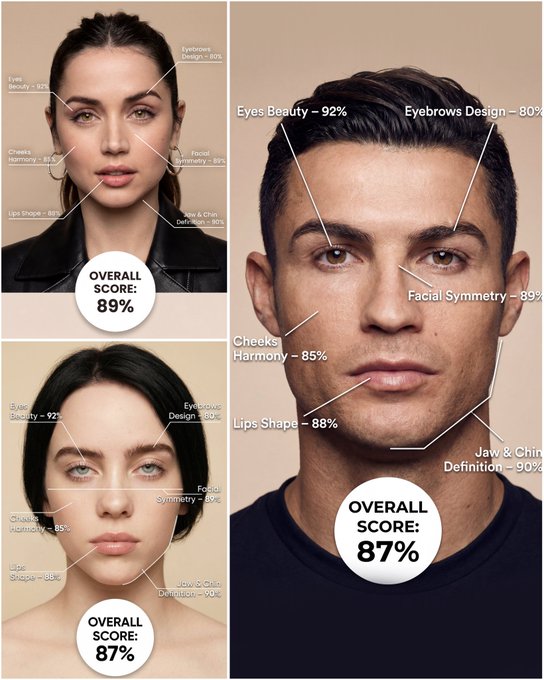
Use the provided portrait photo <YOUR PHOTO> as the base. Do NOT change the person’s face, expression, age, skin tone or gender. Just overlay a clean, minimal infographic on top. Create a high-resolution vertical “FACIAL AESTHETIC REPORT” poster, studio lighting, soft beige background, premium beauty clinic style. The subject can be MALE or FEMALE – keep them exactly as in the original photo. Add thin white lines and labels pointing to each area of the REAL face, with percentage scores based on global aesthetic ratios, symmetry and proportions (not changing the face): 1. Eyes: Label near the eyes with a line pointing to them: “Eyes Beauty – 0–100%” Example: “Eyes Beauty – 92%” 2. Cheeks: Label near the cheekbones: “Cheeks Harmony – 0–100%” Example: “Cheeks Harmony – 85%” 3. Lips: Label close to the mouth: “Lips Shape – 0–100%” Example: “Lips Shape – 88%” 4. Eyebrows: Label above or beside the brows: “Eyebrows Design – 0–100%” Example: “Eyebrows Design – 80%” 5. Jaw & Chin: Label near the jawline and chin: “Jaw & Chin Definition – 0–100%” Example: “Jaw & Chin Definition – 90%” 6. Overall Facial Symmetry: Label near the center of the face: “Facial Symmetry – 0–100%” Example: “Facial Symmetry – 89%” At the bottom center of the poster, add a BIG, bold number inside a circle or rectangle: “OVERALL SCORE: XX%” This is the total facial aesthetic score from 1–100%. Design style: – clean, medical-grade, aesthetic-clinic infographic – modern thin sans-serif typography – white text and lines, subtle drop shadows – no logos, no extra graphics, no text other than the labels and scores above.
Exemplos
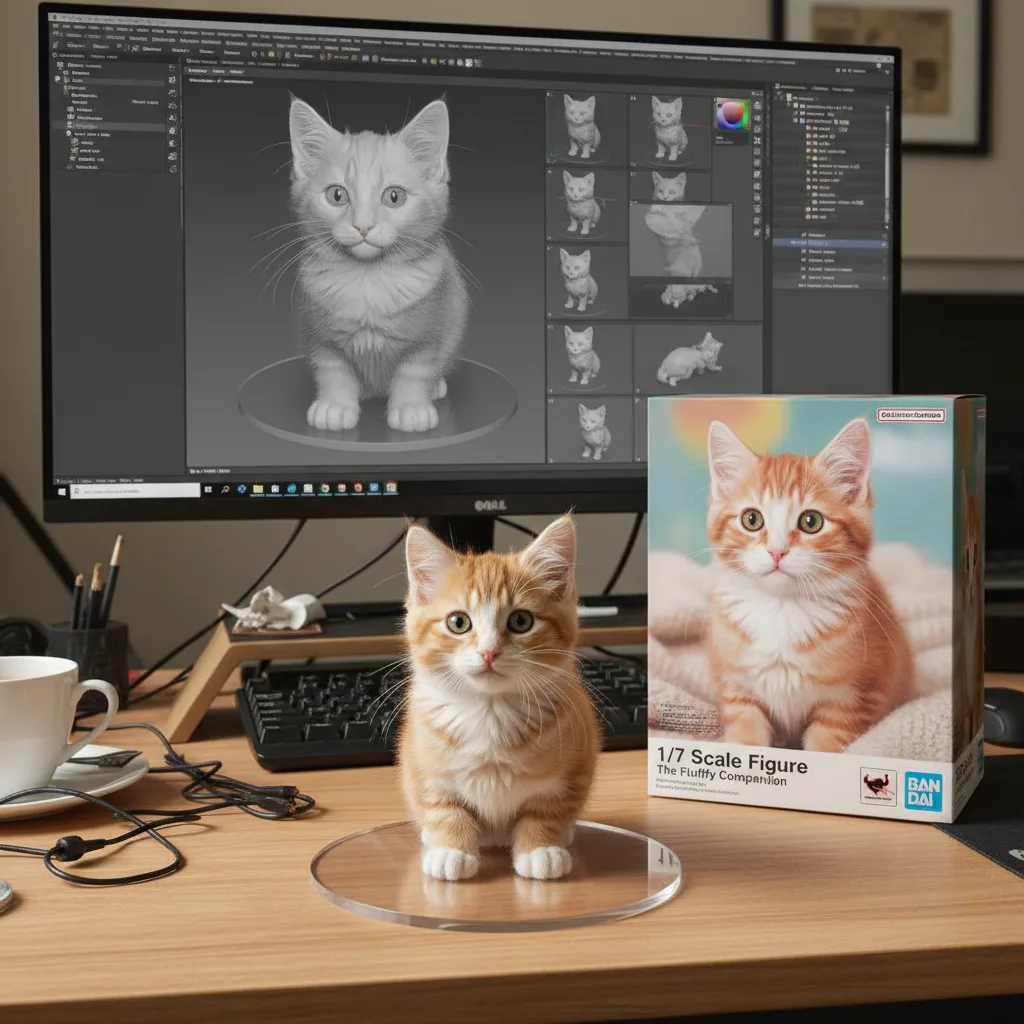
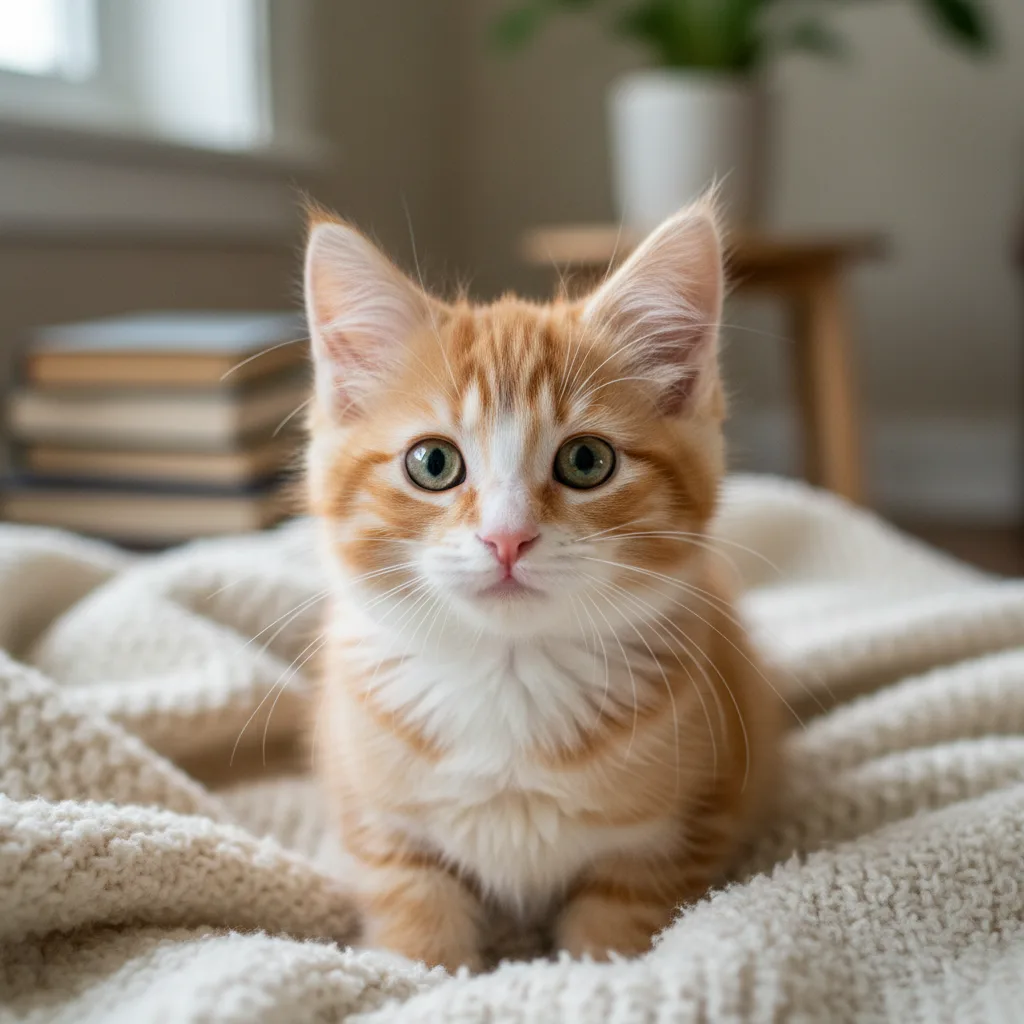
Prompt: create a 1/7 scale commercialized figure of thecharacter in the illustration, in a realistic styie and environment.Place the figure on a computer desk, using a circular transparent acrylic base without any text.On the computer screen, display the ZBrush modeling process of the figure.Next to the computer screen, place a BANDAl-style toy packaging box printedwith the original artwork.
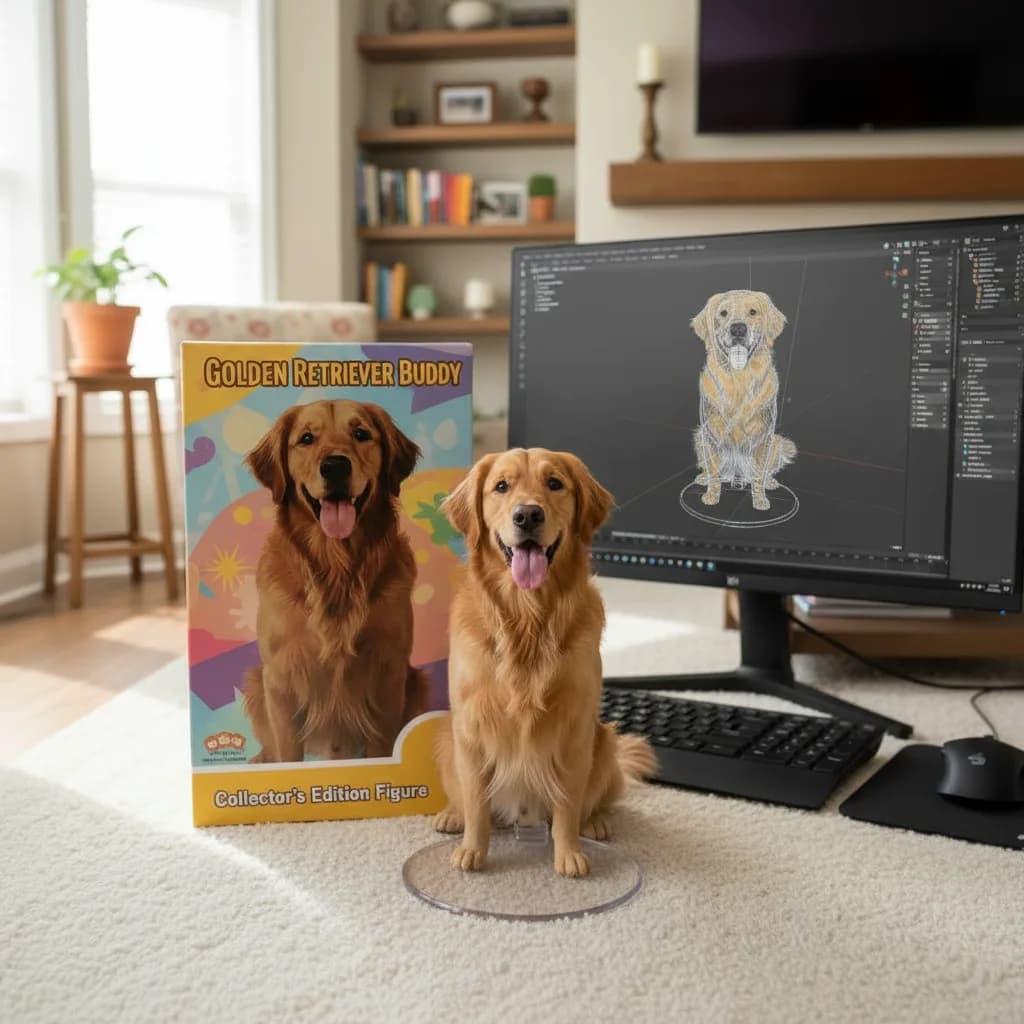
Prompt: Please turn this photo into a character figure. Behind it, place a box with the character's image printed on it .Next to it, add a computer with its screen showing the Blender modeling process. In front of the box, add a round plastic base for the figure and have it stand on it. The PVC material of the base should have a crystal-clear, translucent texture, and set the entire scene indoors.
Como obter melhores resultados
Melhores dicas imediatas
- Define the character style, pose, and prop details before adding cinematic effects.
- Use one or two visual references such as toy, chibi, game poster, or mascot instead of many.
- If identity matters, focus on the face, hair, and signature accessories in the prompt.
Melhor para
- fan-art-inspired transformations and collectible concepts
- avatars, mascots, posters, and stylized identity work
- turning a subject into a more playful or cinematic persona
Quando usar texto versus modo de edição
Use text mode when you want to generate the full scene from scratch or when the idea matters more than preserving a reference image. Keep the prompt focused on one clear visual outcome instead of stacking unrelated ideas.
Quais fotos funcionam melhor
If you later adapt this to edit mode, use a simple reference with one obvious subject and enough detail to anchor shape, texture, or silhouette before the styling prompt takes over.
Características
Casos de uso relacionados
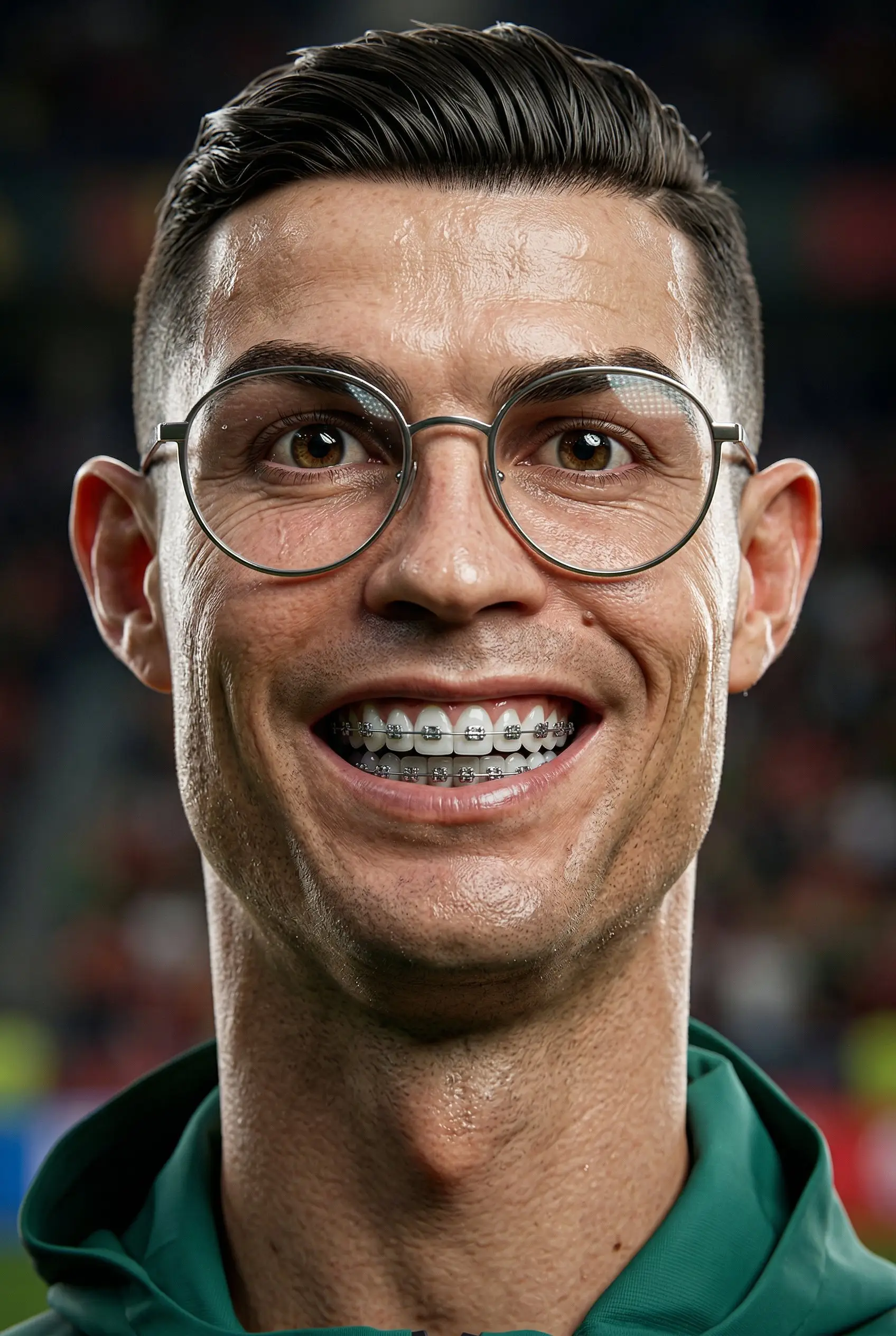
Caricatura 3D
Transforme retratos em caricaturas 3D estilizadas com personalidade lúdica e exagerada.
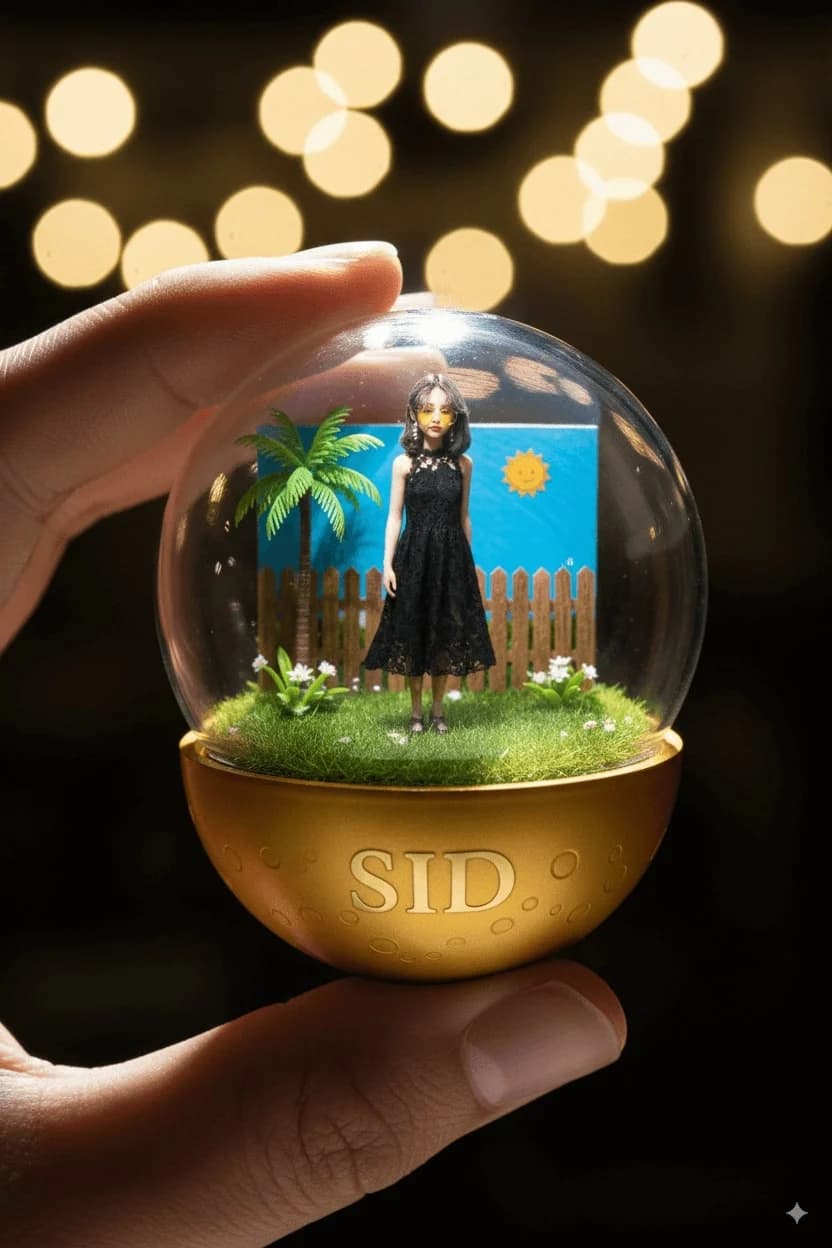
Cápsulas de Personagens
Crie cápsulas colecionáveis de personagens adoráveis no estilo gashapon.
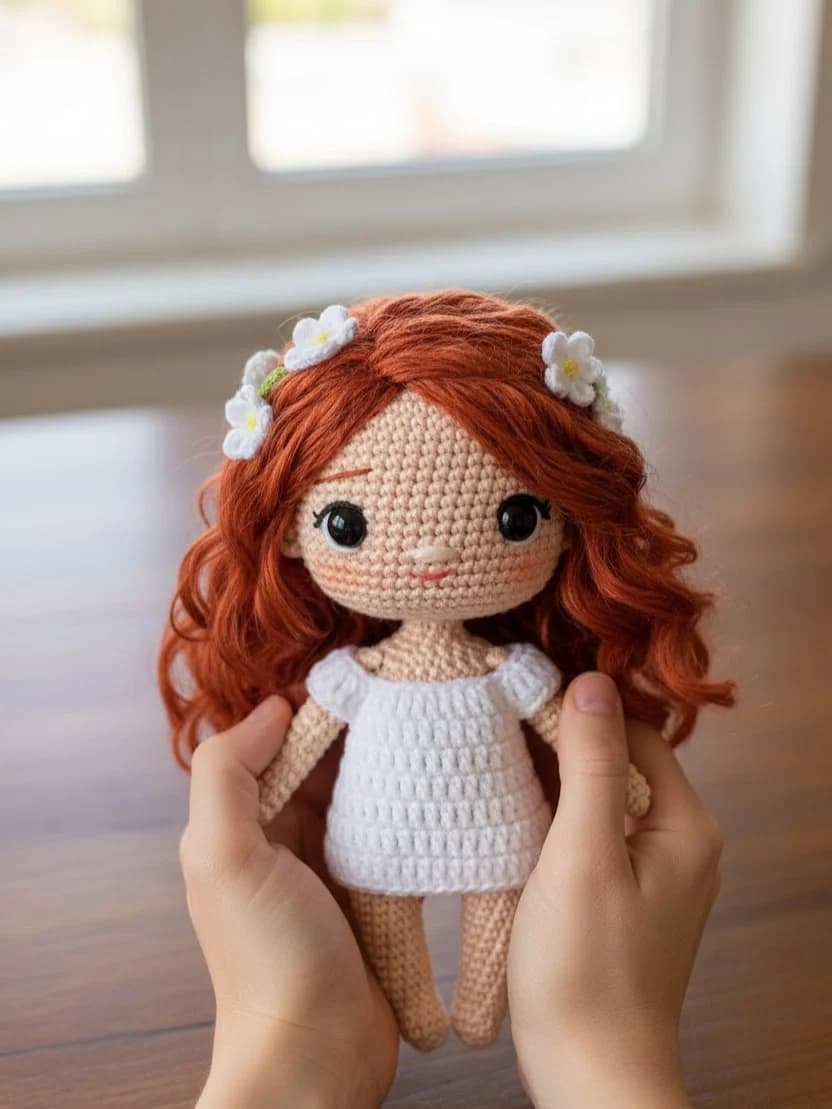
Boneca de malha Chibi
Transforme fotos em adoráveis versões de bonecas de malha feitas à mão.
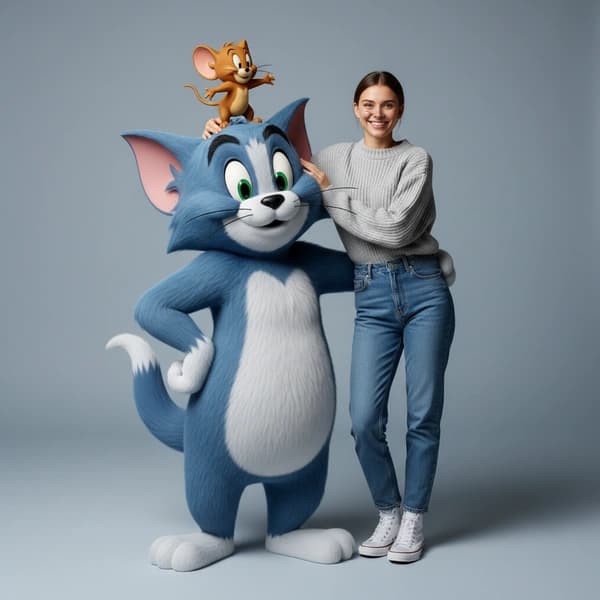
Sessão de moda hiper-realista de Tom e Jerry
Crie retratos divertidos de alta costura com estilo 3D hiper-realista de Tom e Jerry.
Perguntas frequentes
Pronto para criar o seu próprio?
Comece a gerar imagens incríveis a partir de suas fotos hoje.