
Gerador de anúncios de produtos de argila 3D
Transforme um produto de marca em uma escultura 3D suave em estilo cartoon com design de anúncio isométrico em tons pastéis.
Gere uma escultura suave em estilo cartoon 3D de um produto de marca com texturas semelhantes a argila, cores pastel, encenação isométrica minimalista e composição de anúncio voltada para a marca. Este caso de uso funciona bem para lançamentos de produtos, criativos sociais, landing pages de startups e campanhas divertidas de marca.
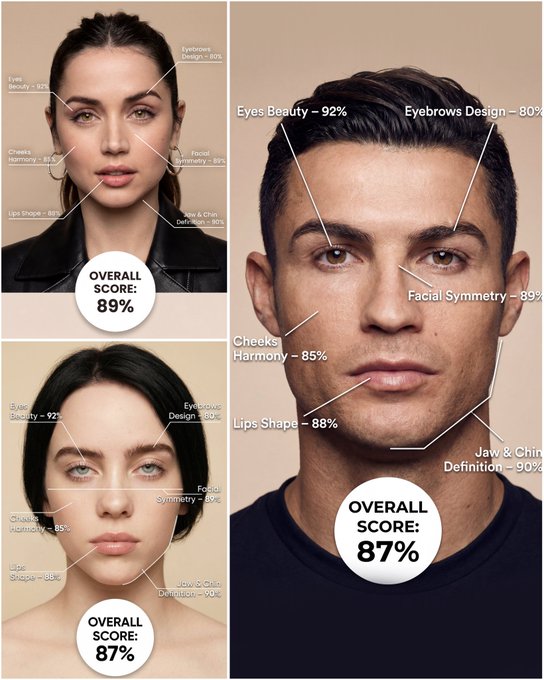
Use the provided portrait photo <YOUR PHOTO> as the base. Do NOT change the person’s face, expression, age, skin tone or gender. Just overlay a clean, minimal infographic on top. Create a high-resolution vertical “FACIAL AESTHETIC REPORT” poster, studio lighting, soft beige background, premium beauty clinic style. The subject can be MALE or FEMALE – keep them exactly as in the original photo. Add thin white lines and labels pointing to each area of the REAL face, with percentage scores based on global aesthetic ratios, symmetry and proportions (not changing the face): 1. Eyes: Label near the eyes with a line pointing to them: “Eyes Beauty – 0–100%” Example: “Eyes Beauty – 92%” 2. Cheeks: Label near the cheekbones: “Cheeks Harmony – 0–100%” Example: “Cheeks Harmony – 85%” 3. Lips: Label close to the mouth: “Lips Shape – 0–100%” Example: “Lips Shape – 88%” 4. Eyebrows: Label above or beside the brows: “Eyebrows Design – 0–100%” Example: “Eyebrows Design – 80%” 5. Jaw & Chin: Label near the jawline and chin: “Jaw & Chin Definition – 0–100%” Example: “Jaw & Chin Definition – 90%” 6. Overall Facial Symmetry: Label near the center of the face: “Facial Symmetry – 0–100%” Example: “Facial Symmetry – 89%” At the bottom center of the poster, add a BIG, bold number inside a circle or rectangle: “OVERALL SCORE: XX%” This is the total facial aesthetic score from 1–100%. Design style: – clean, medical-grade, aesthetic-clinic infographic – modern thin sans-serif typography – white text and lines, subtle drop shadows – no logos, no extra graphics, no text other than the labels and scores above.
Exemplos
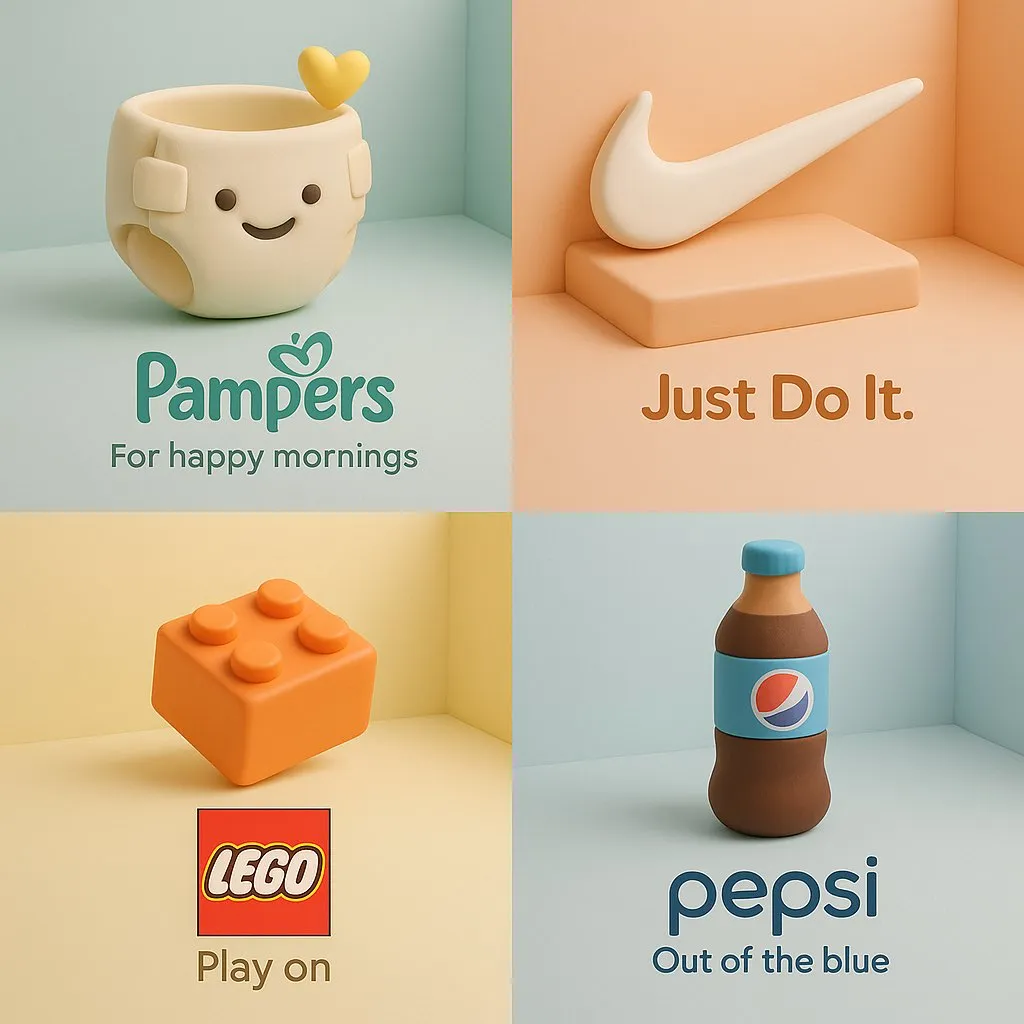
Prompt: a soft 3D cartoon-style sculpture of [brand product], made of smooth clay-like textures and vibrant pastel colors, placed in a minimalist isometric scene that complements the product’s nature, clean composition, gentle lighting, subtle shadows, with the product’s logo and a 3-word slogan displayed clearly below
Como obter melhores resultados
Melhores dicas imediatas
- Describe the product material, surface finish, and exact hero angle before styling the scene.
- Keep the background minimal and intentional so the product stays the focal point.
- Mention branding elements like logo placement, packaging, or slogan only if they matter.
Melhor para
- ad mockups, PDP hero images, and launch visuals
- brand concepting before booking a real product shoot
- testing styling directions for ecommerce or social ads
Quando usar texto versus modo de edição
Use text mode when you want to generate the full scene from scratch or when the idea matters more than preserving a reference image. Keep the prompt focused on one clear visual outcome instead of stacking unrelated ideas.
Quais fotos funcionam melhor
If you later adapt this to edit mode, use a simple reference with one obvious subject and enough detail to anchor shape, texture, or silhouette before the styling prompt takes over.
Características
Casos de uso relacionados
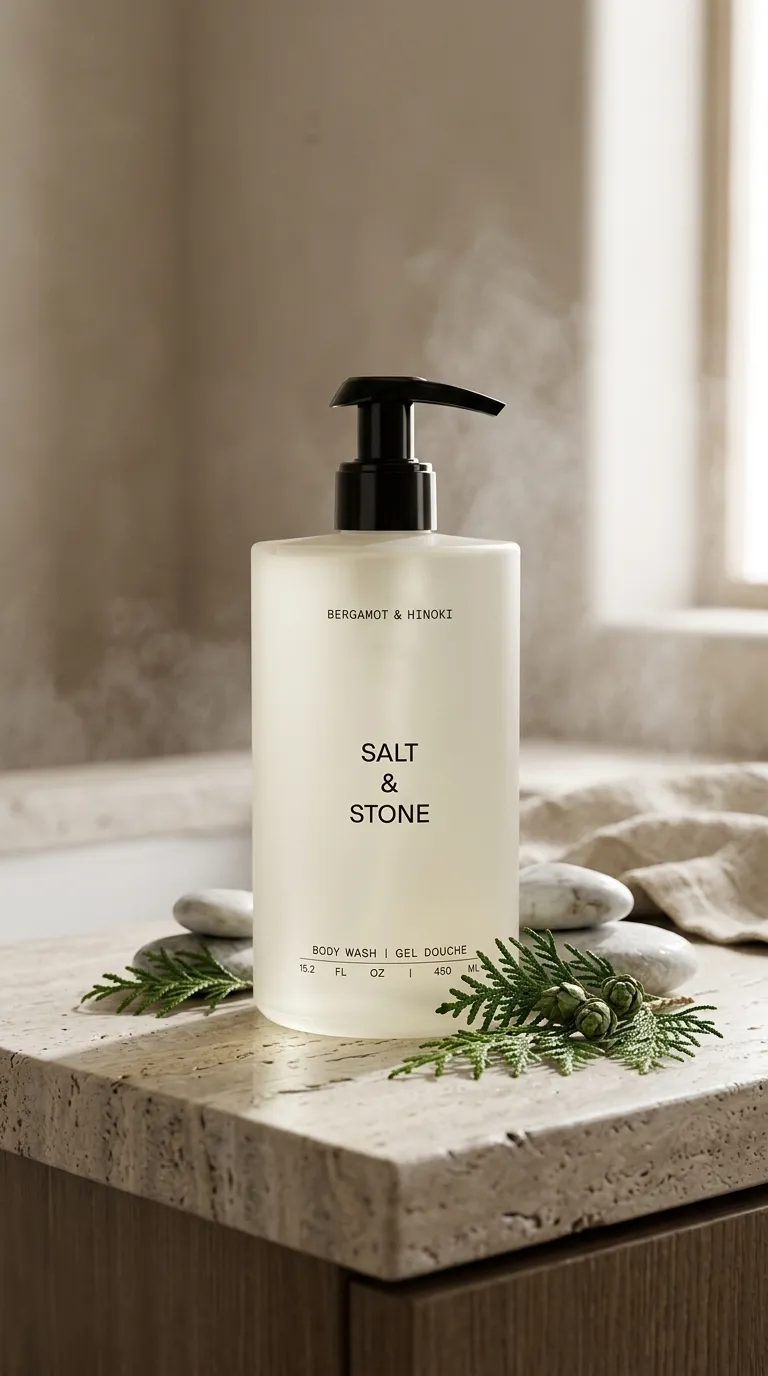
Fotografia contextual de produto
Transforme fotos simples de produtos em cenas envolventes de estilo de vida.
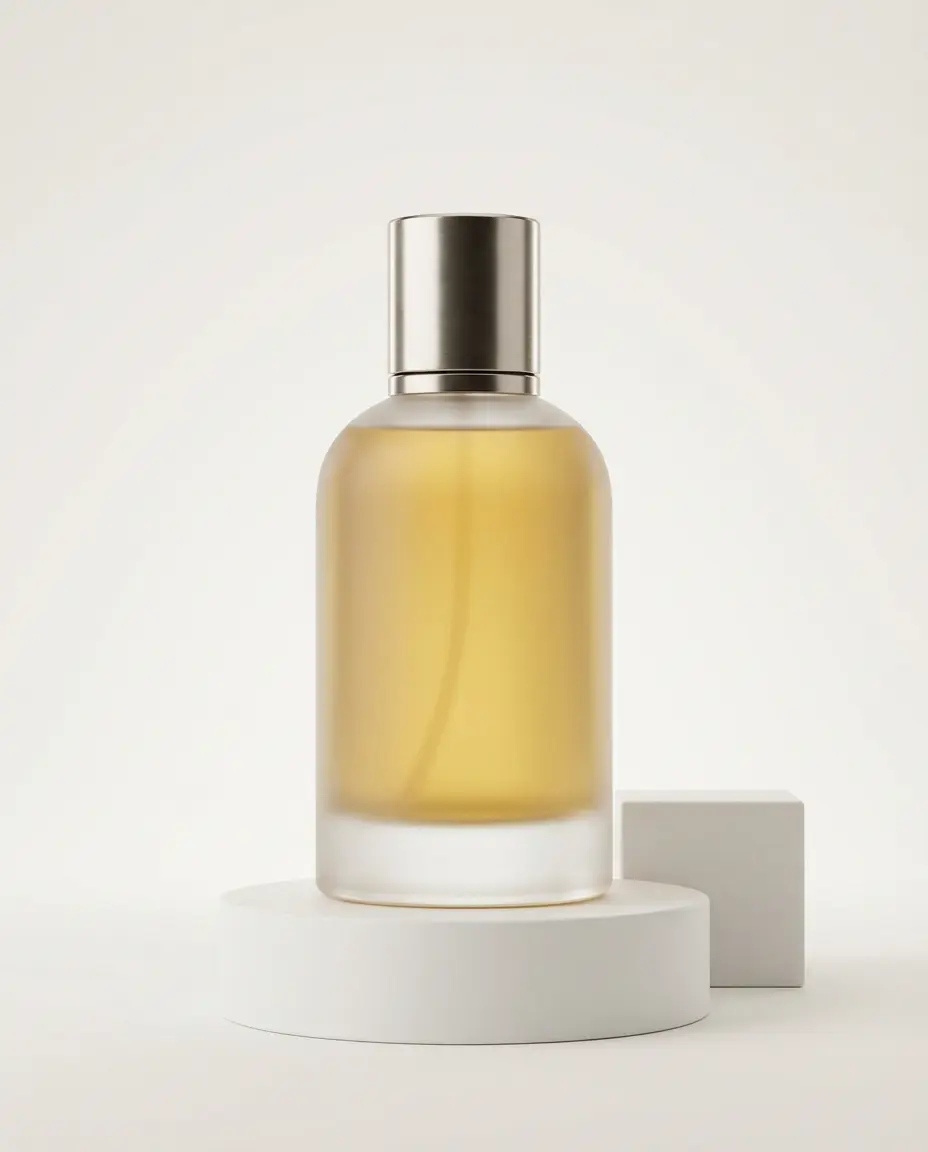
Produto minimalista de última geração
Crie fotos de produtos sofisticadas com qualidade de galeria e com uma estética limpa.
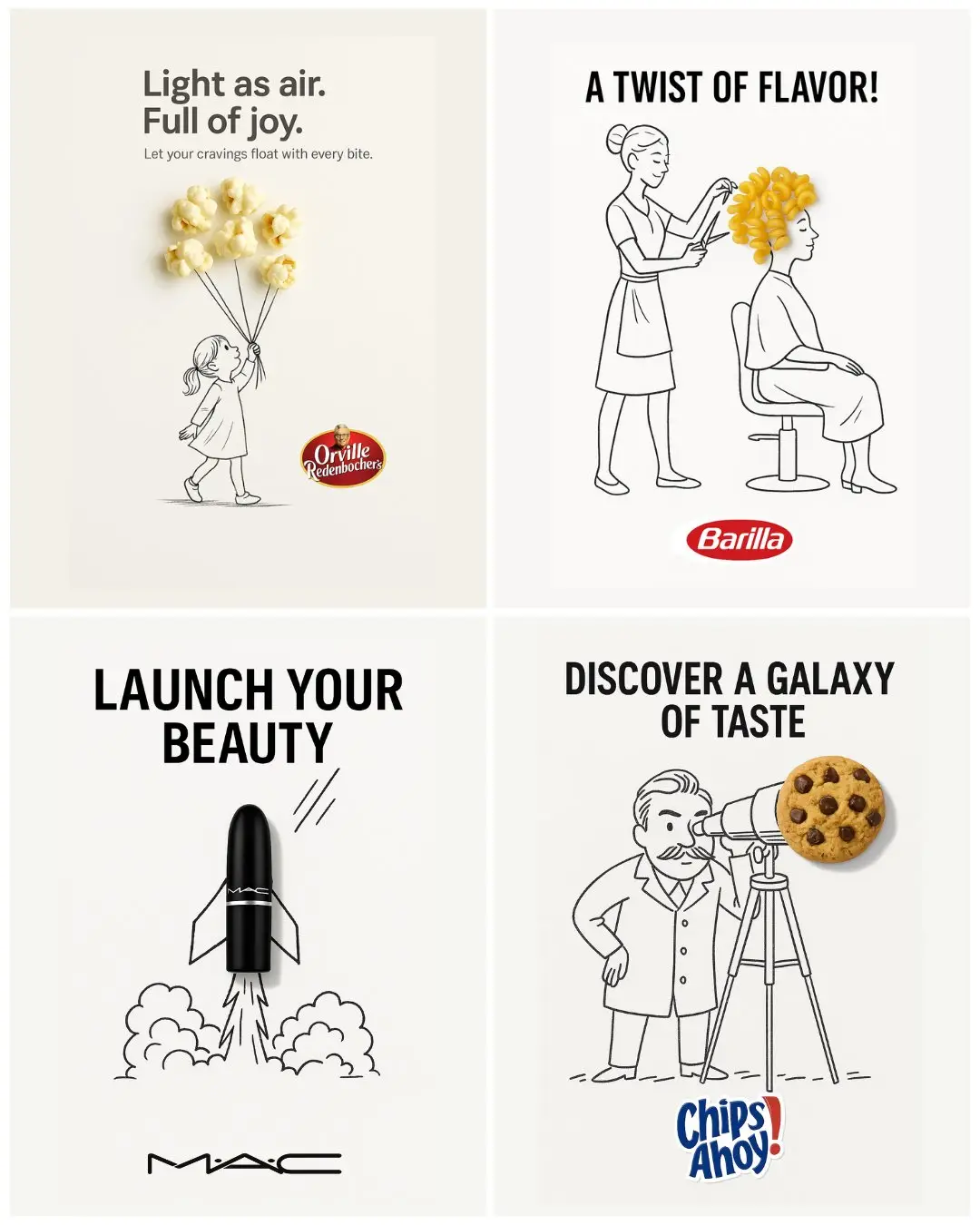
Doodle de mídia mista
Crie anúncios de produtos vibrantes e aprimorados com doodle.
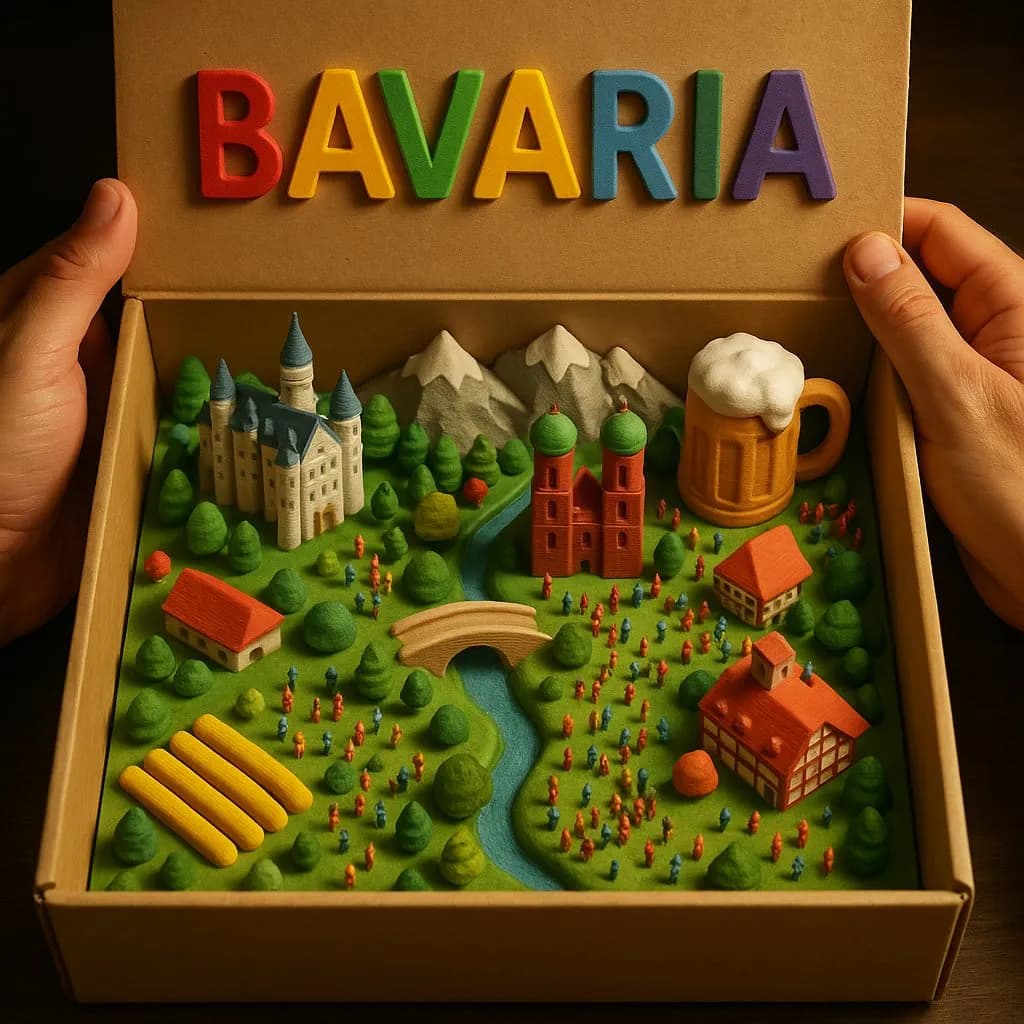
Diorama de caixa country Modelo 3D
Crie paisagens rurais mágicas em miniatura dentro de uma caixa de papelão aberta com detalhes táteis impressos em 3D.
Perguntas frequentes
Pronto para criar o seu próprio?
Comece a gerar imagens incríveis a partir de suas fotos hoje.