
High-End Minimalist Product Photography
Create sophisticated, gallery-quality product shots with clean aesthetics
Transform your product images into sleek, high-end minimalist photography. Perfect for luxury brands, premium e-commerce, and sophisticated marketing materials. Our AI places your product in pristine, architecturally inspired settings with soft, diffused lighting.
Click to upload or drag and drop
PNG, JPG, WEBP up to 10MB
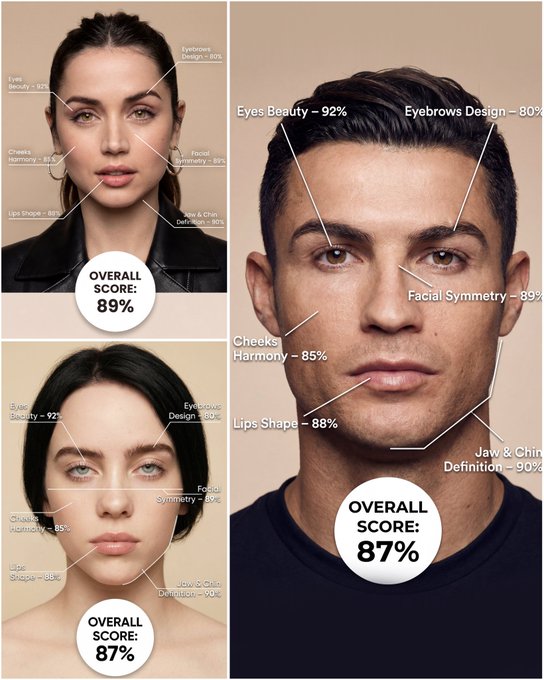
Use the provided portrait photo <YOUR PHOTO> as the base. Do NOT change the person’s face, expression, age, skin tone or gender. Just overlay a clean, minimal infographic on top. Create a high-resolution vertical “FACIAL AESTHETIC REPORT” poster, studio lighting, soft beige background, premium beauty clinic style. The subject can be MALE or FEMALE – keep them exactly as in the original photo. Add thin white lines and labels pointing to each area of the REAL face, with percentage scores based on global aesthetic ratios, symmetry and proportions (not changing the face): 1. Eyes: Label near the eyes with a line pointing to them: “Eyes Beauty – 0–100%” Example: “Eyes Beauty – 92%” 2. Cheeks: Label near the cheekbones: “Cheeks Harmony – 0–100%” Example: “Cheeks Harmony – 85%” 3. Lips: Label close to the mouth: “Lips Shape – 0–100%” Example: “Lips Shape – 88%” 4. Eyebrows: Label above or beside the brows: “Eyebrows Design – 0–100%” Example: “Eyebrows Design – 80%” 5. Jaw & Chin: Label near the jawline and chin: “Jaw & Chin Definition – 0–100%” Example: “Jaw & Chin Definition – 90%” 6. Overall Facial Symmetry: Label near the center of the face: “Facial Symmetry – 0–100%” Example: “Facial Symmetry – 89%” At the bottom center of the poster, add a BIG, bold number inside a circle or rectangle: “OVERALL SCORE: XX%” This is the total facial aesthetic score from 1–100%. Design style: – clean, medical-grade, aesthetic-clinic infographic – modern thin sans-serif typography – white text and lines, subtle drop shadows – no logos, no extra graphics, no text other than the labels and scores above.
Examples
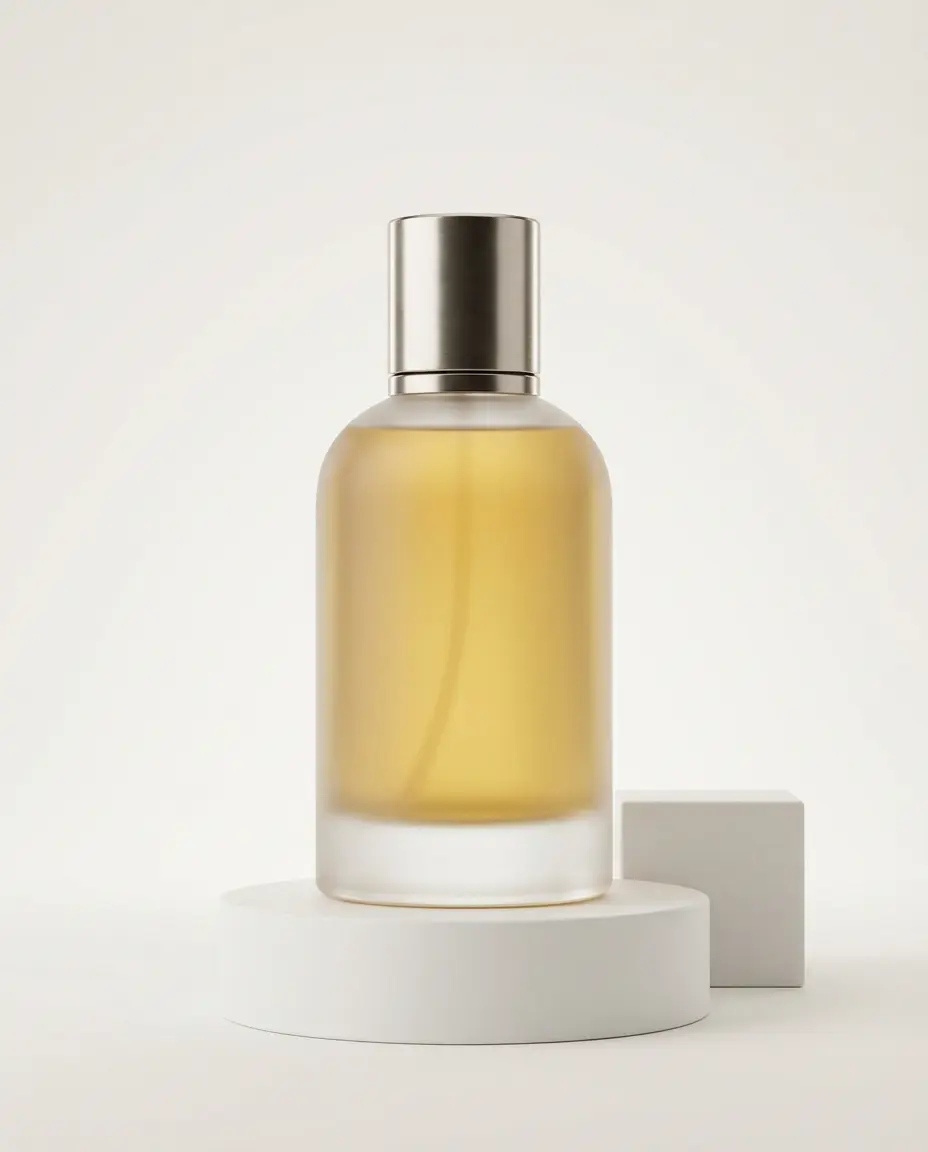
Prompt: Using my uploaded reference image as the base, generate a minimalist, high-quality commercial still life photograph with the aesthetic of a luxury brand advertisement. Preserve the general shape, proportions, and main color scheme of the core product in the reference so that it is instantly recognizable as the same product, but upgrade the overall texture and atmosphere of the image, making it look like an ad for a top-tier international fragrance, skincare item, or high-end electronic product. Use a vertical 4:5 composition. The background should be a large area of clean, neutral negative space, such as soft off-white, cool gray, or light beige, creating a quiet, restrained, and expensive studio environment. Apart from the core product and a minimal number of necessary supports, do not add any extra decorations. No clutter, no elaborate scene setup—only keep very simple geometric supports (such as a plain white cube, a cylinder, or a thin transparent panel). The supports must be simple and low-profile, existing only to hold and accentuate the product. Strongly emphasize the material details of the product, and let the lighting fully serve those materials: Show frosted glass with a fine, soft matte texture, ceramics with a matte or slightly glazed feel, and polished metal with clean, sharp specular highlights. Liquids should have clearly visible viscosity and volume. Avoid any cheap plastic feel, complex patterns, or gaudy stickers; the overall material quality must feel cool, restrained, and luxurious. Use professional studio lighting: mainly soft, diffused light from softboxes, plus precise rim light outlining the product’s shape. The contours should be crisp and layered, and the shadows should be soft and clean, with no noise or dirty shadow patches. You may use a near-macro viewpoint, moving in closer to the product to highlight materials and details, while preserving ample negative space around the frame so the product can "speak for itself" in the emptiness. Keep the overall color scheme neutral and calm. The product’s own color can be slightly more saturated, making it the single visual focal point in the scene. Do not use exaggerated gradient backgrounds, flashy colored lighting, or e-commerce promo aesthetics. No large-price text, labels, or cartoon graphics. The final result must be a high-resolution commercial key visual that looks ready for a magazine back cover or a high-end brand announcement poster: minimalist, quiet, high-end, with the core product confidently centered, surrounded by clean negative space and precisely controlled lighting.
How To Get Better Results
Best Prompt Tips
- Describe the product material, surface finish, and exact hero angle before styling the scene.
- Keep the background minimal and intentional so the product stays the focal point.
- Mention branding elements like logo placement, packaging, or slogan only if they matter.
Best For
- ad mockups, PDP hero images, and launch visuals
- brand concepting before booking a real product shoot
- testing styling directions for ecommerce or social ads
When To Use Text vs Edit Mode
Use edit mode when identity, product shape, or a source asset needs to survive the transformation. Start from a clean reference image, then let the prompt control styling, environment, and composition.
What Photos Work Best
Upload a clean source image with the main subject fully visible, minimal motion blur, and simple lighting. Straight-on product photos, flat logos, or uncluttered portraits give the model the best anchor to transform from.
Features
Related Use Cases
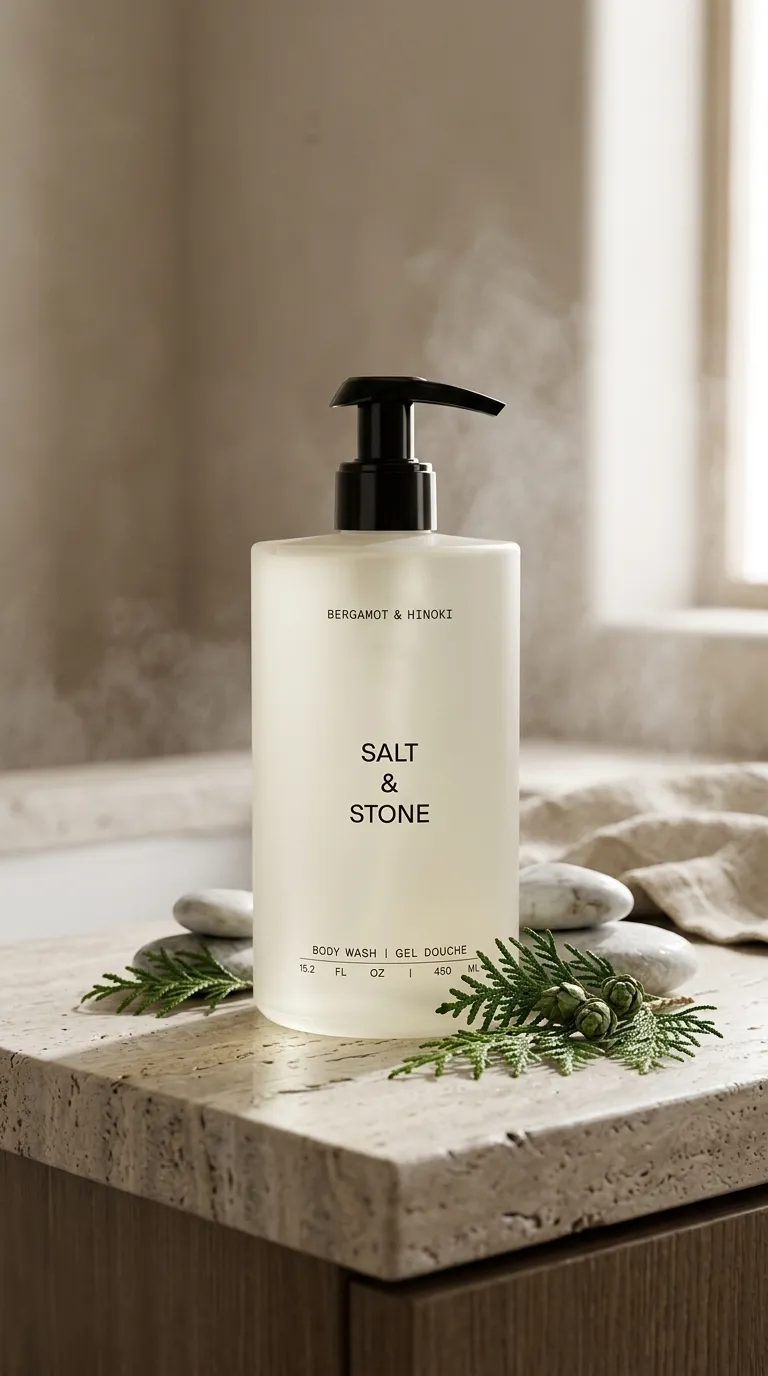
Contextual Product Photography
Transform simple product photos into immersive lifestyle scenes.
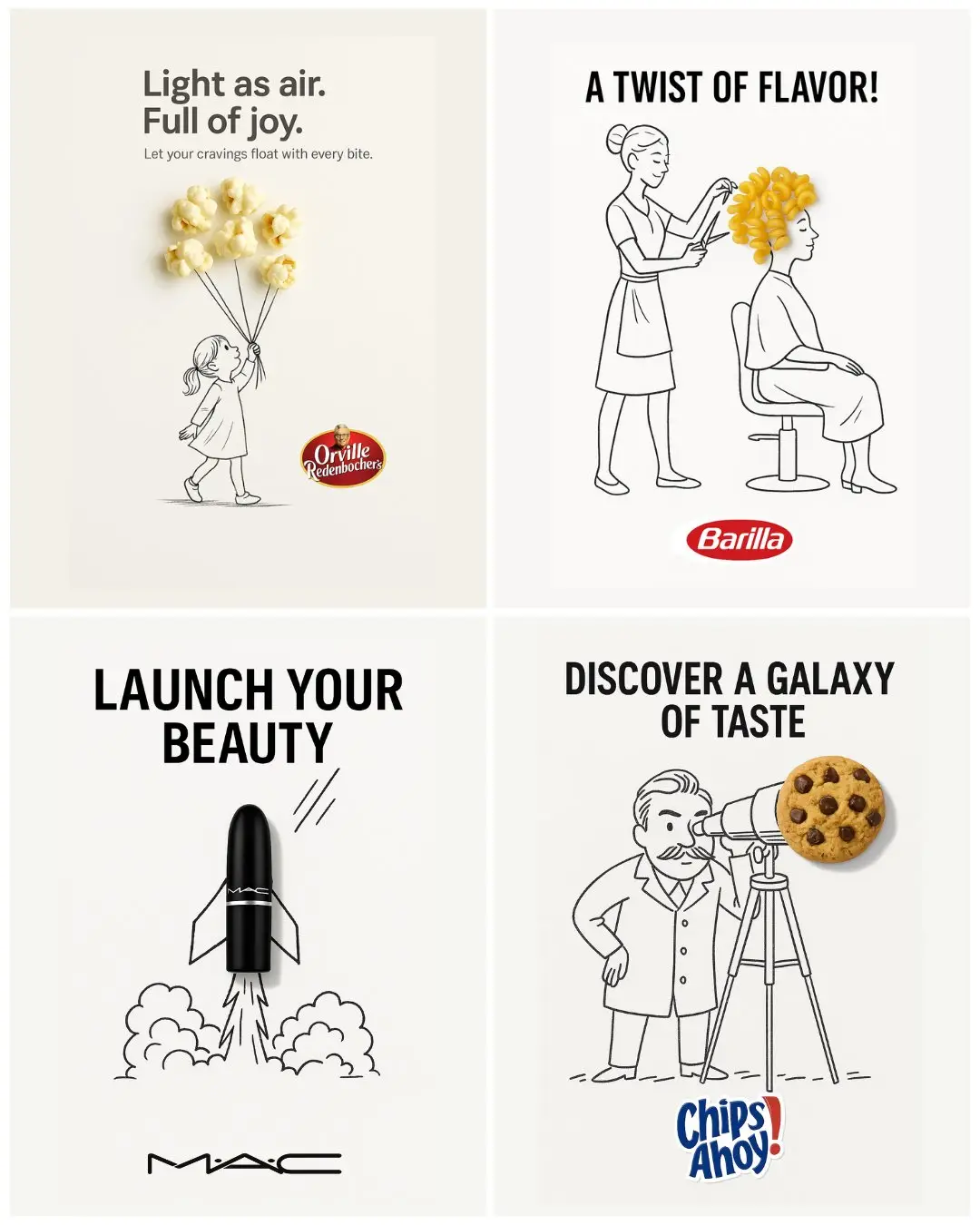
Mixed Media Doodle
Create vibrant doodle-enhanced product advertisements.
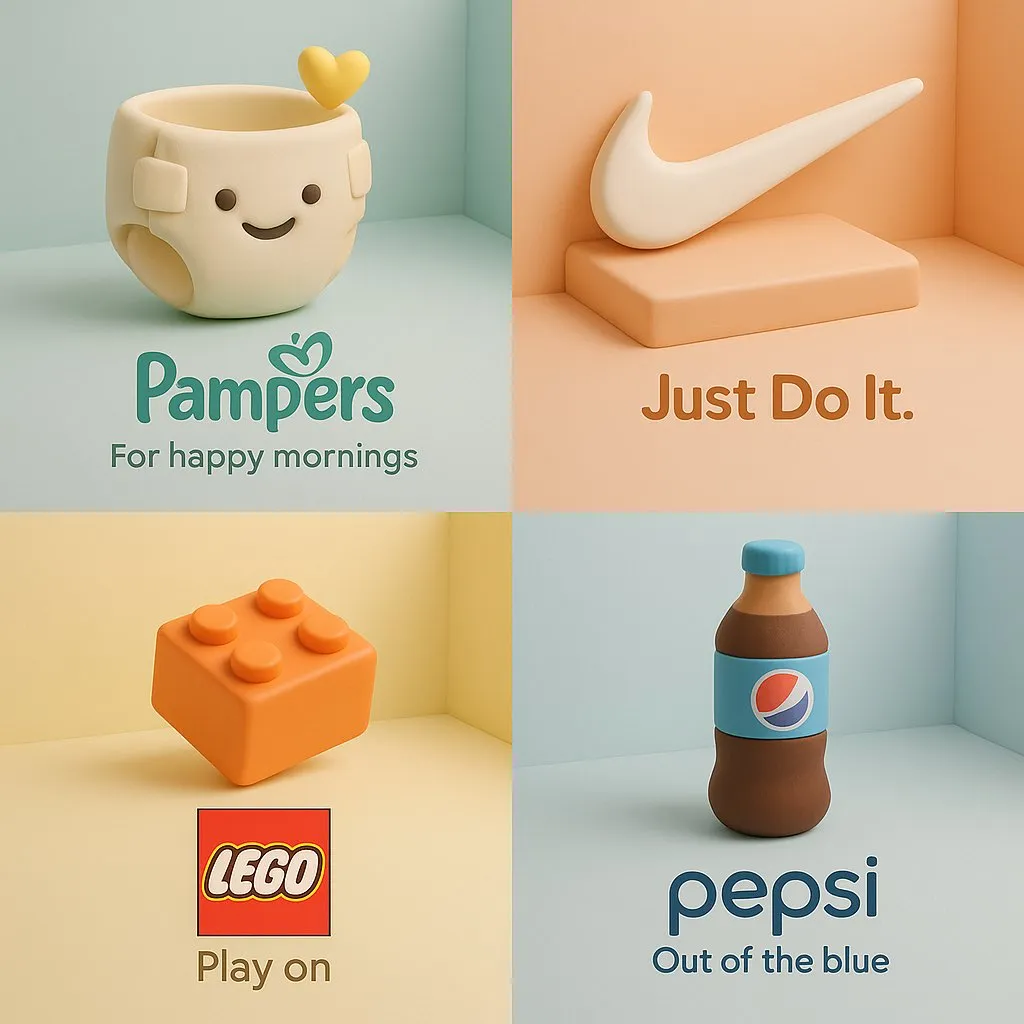
3D Clay Product Ad
Turn a brand product into a soft clay-style cartoon sculpture with pastel isometric ad composition.
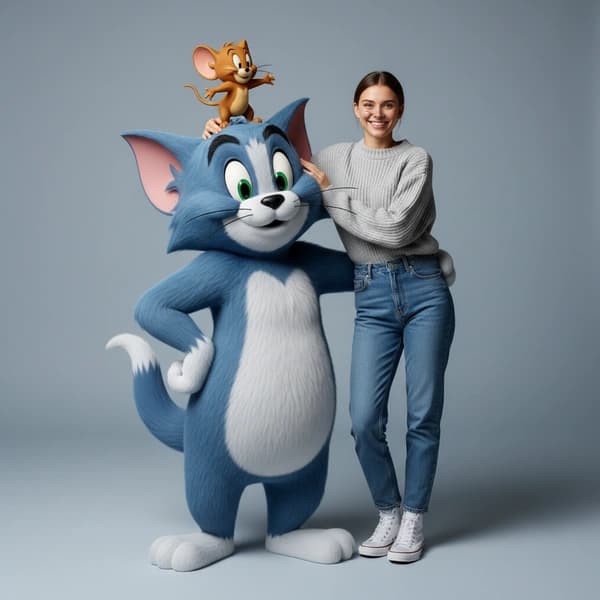
Hyper-realistic Tom & Jerry Fashion Shoot
Create playful high-fashion portraits with hyper-realistic Tom & Jerry 3D styling.