
Generador de retratos cinematográficos para acuarios
Crea retratos submarinos de ensueño frente a un acuario resplandeciente
Transforme sus fotografías en retratos cinematográficos atmosféricos ambientados en un fascinante entorno de acuario. Perfecto para contenido de redes sociales de mal humor, emocional y visualmente impresionante. Nuestra IA crea una escena cautivadora con medusas brillantes y tonos azules profundos.
Ejemplos
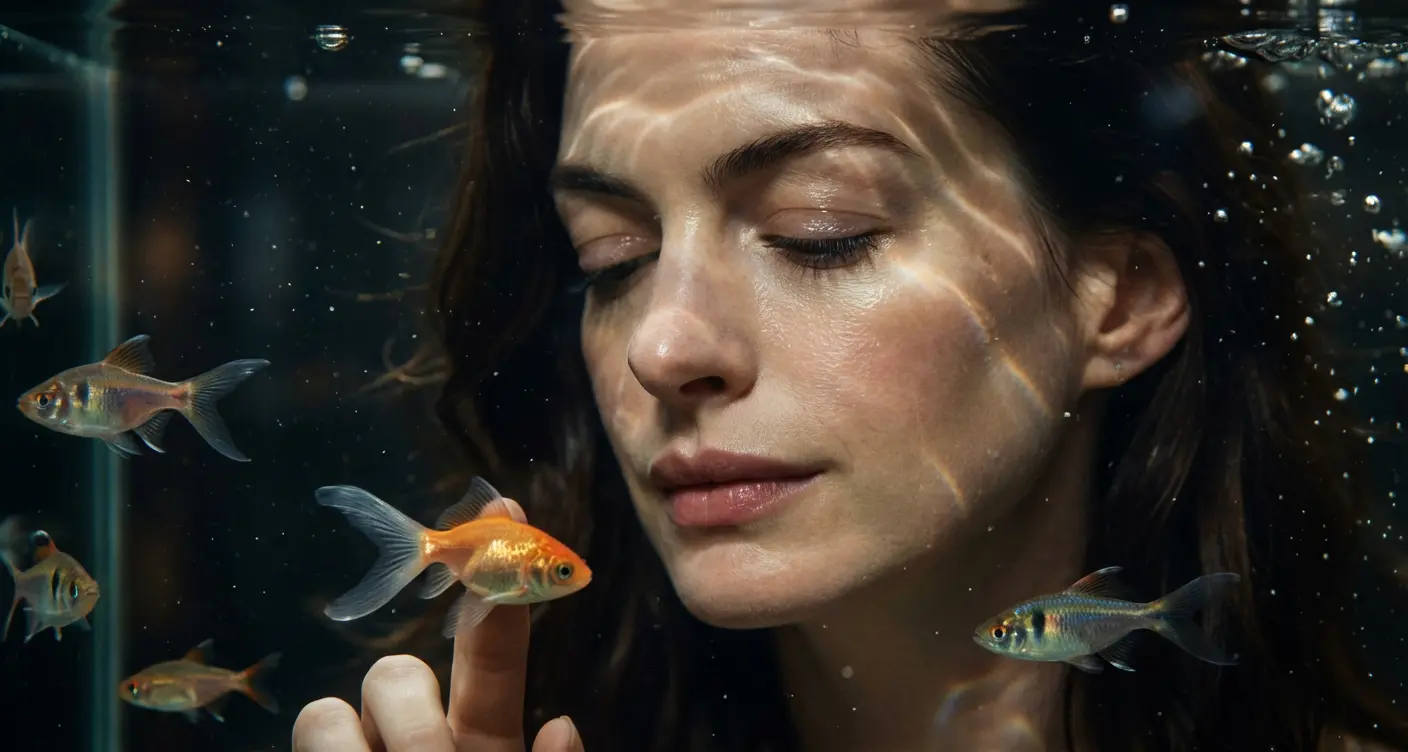
Prompt: Keep the subject’s facial features unchanged. Generate one fashion portrait with a gentle downward tilt of the head, either front-facing or in a soft side profile. Composition may be an extreme facial close-up or an ultra-close shot. The subject shows natural, relaxed expressions, with eyes either making direct eye contact with the camera, softly following a swimming fish, or gently closed. Clear, watery makeup look with translucent skin, finely defined eyelashes, and a smooth, luminous complexion. Subtle highlights drift across the face. One or several miniature tropical fish or goldfish slowly swim in the foreground of the aquarium, with transparent, lively tail fins. Optional finger interaction with the fish through the glass. Water surface refraction creates moving light patterns, with shimmering light fragments dancing across the face. Floating underwater particles surround the subject, with clear, reflective water textures. Overall mood is dreamy, quiet, and atmospheric. Dark brown and black color palette, strong sense of luxury. Floating defocus, subtle motion blur, and delicate film grain interwoven. Painterly, cinematic light and shadow. Shot behind aquarium glass, interacting with small fish.
Cómo obtener mejores resultados
Los mejores consejos rápidos
- Name the lighting, lens feel, and facial mood before adding style adjectives.
- Keep the subject count to one unless the composition truly depends on another character.
- Use one dominant setting so the portrait still feels coherent at first glance.
La mejor para
- editorial-style portraits and social profile refreshes
- creator branding visuals with strong subject focus
- mood-driven beauty and fashion experiments
Cuándo usar el modo Texto versus el modo Edición
Use text mode when you want to generate the full scene from scratch or when the idea matters more than preserving a reference image. Keep the prompt focused on one clear visual outcome instead of stacking unrelated ideas.
¿Qué fotos funcionan mejor?
If you later switch this idea to edit mode, use a clear portrait or selfie with stable lighting and visible facial details. Neutral backgrounds usually make it easier to preserve identity while changing the mood.
Características
Casos de uso relacionados
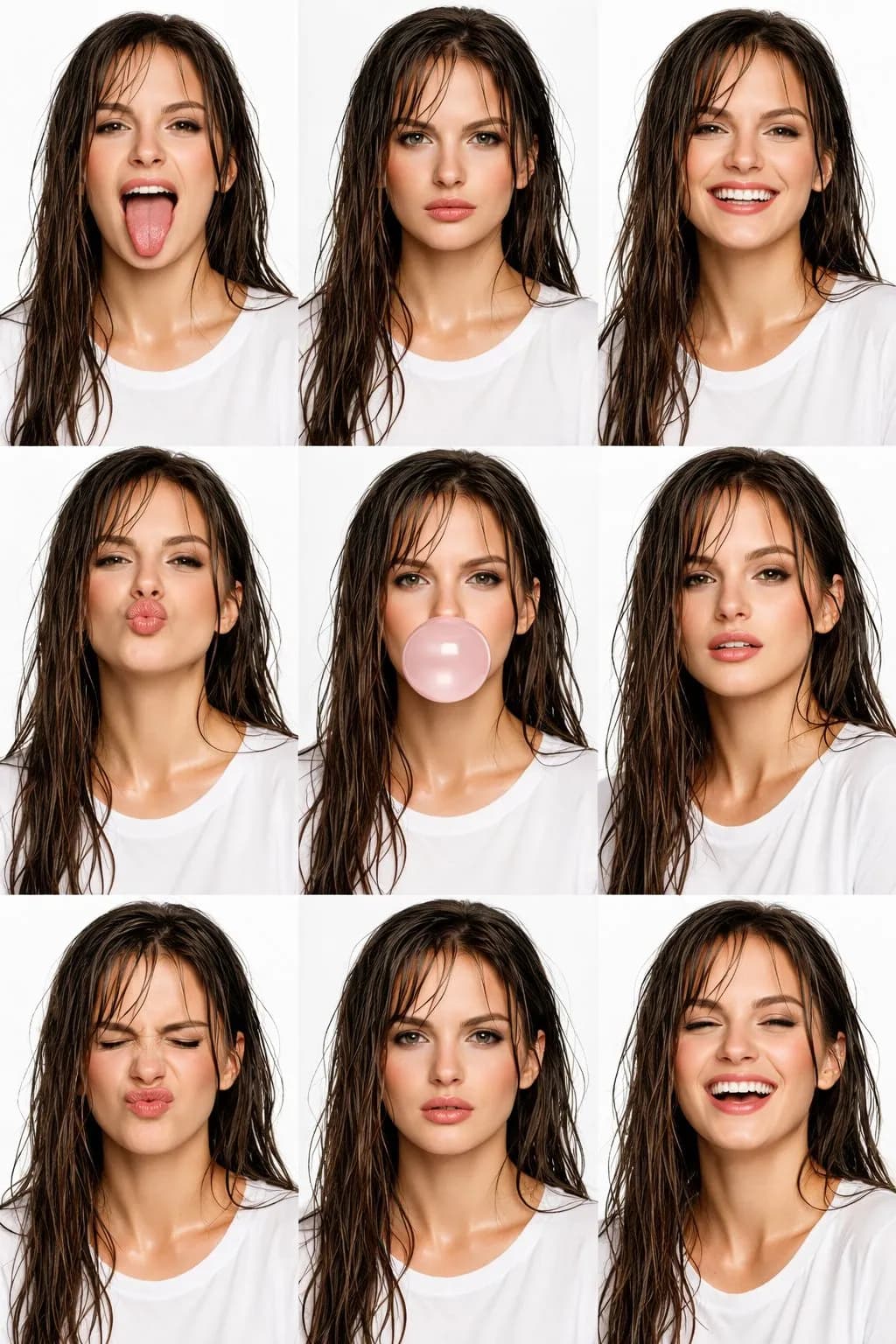
Collage de belleza editorial de alta costura
Crea increíbles collages de belleza editorial de alta costura 3x3 con IA.
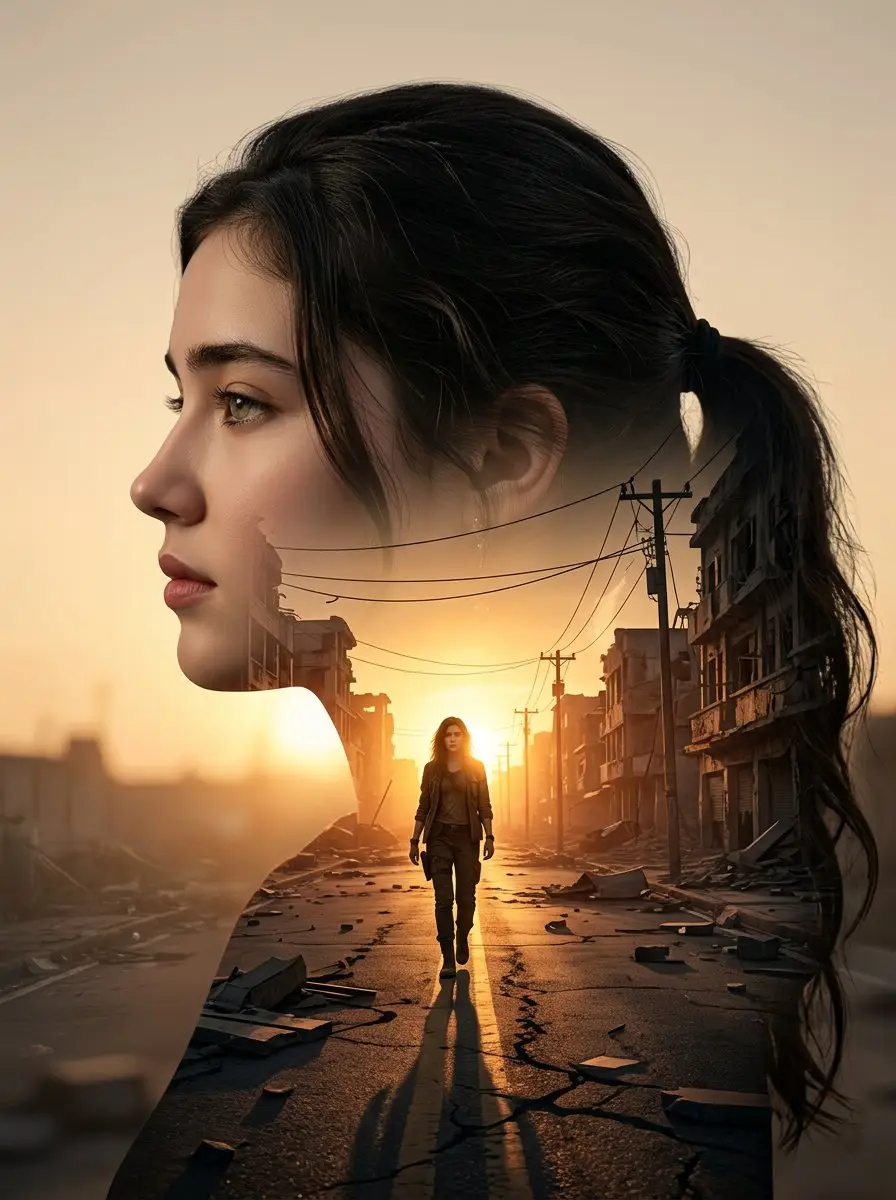
Verdadero estilo detective
Crea retratos cinematográficos de cine negro con una atmósfera de drama criminal de mal humor.
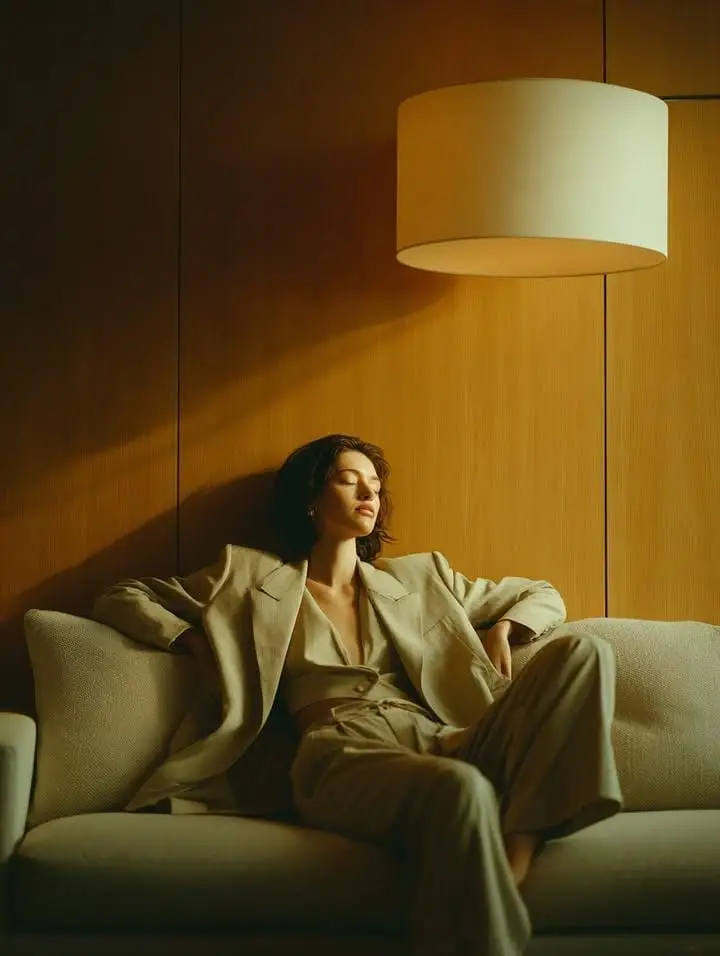
Traje de lujo tranquilo y reflejo de cristal
Cree editoriales reflectantes, tranquilas y de lujo con prendas de sastrería en color beige, superposiciones de vidrio y una suave luz natural.
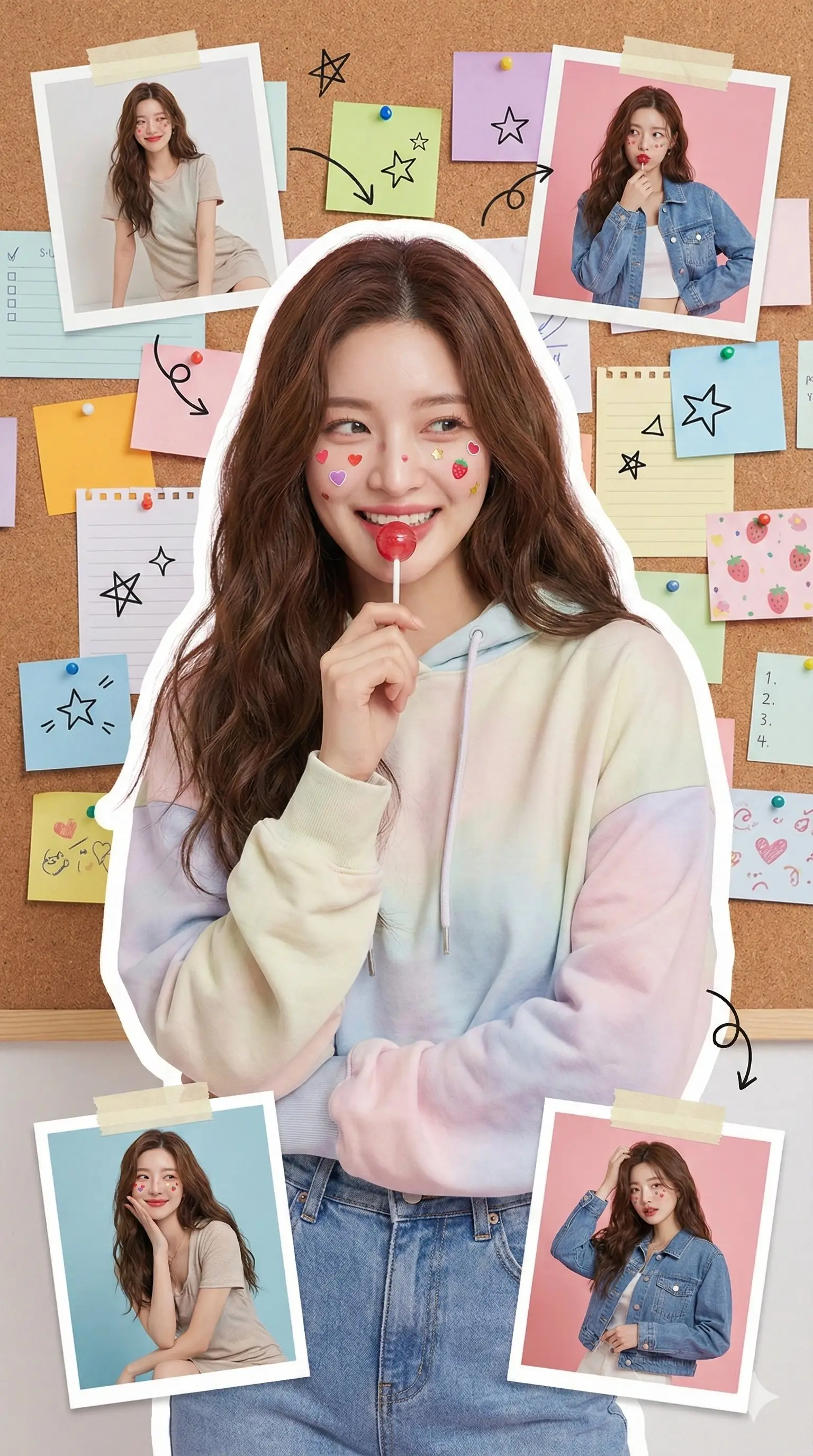
Collage de retratos con estilo
Transforme fotografías en impresionantes collages artísticos de varios paneles para las redes sociales.
Preguntas frecuentes
¿Listo para crear el tuyo propio?
Comience a generar imágenes asombrosas a partir de sus fotografías hoy.