
Stylish Portrait Collage Generator
Transform your photos into stunning multi-panel artistic collages
Create eye-catching portrait collages with multiple artistic panels and layouts. Perfect for social media posts, profile pictures, and creative self-expression. Our AI transforms your photos into professional magazine-style collages with various artistic effects.
Click to upload or drag and drop
PNG, JPG, WEBP up to 10MB
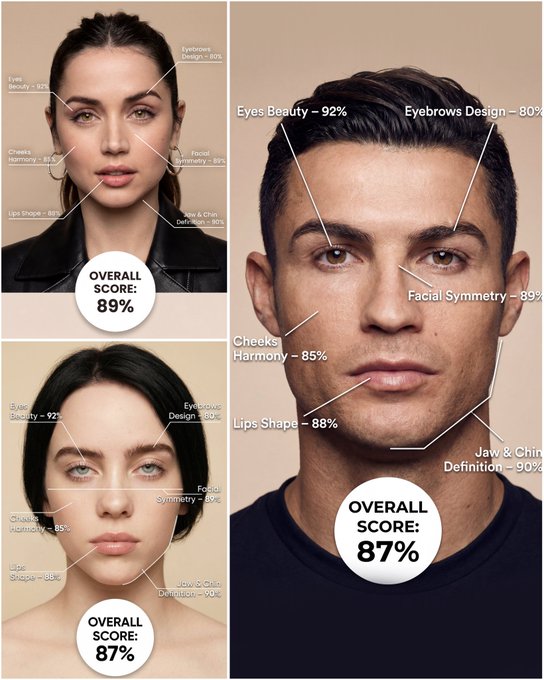
Use the provided portrait photo <YOUR PHOTO> as the base. Do NOT change the person’s face, expression, age, skin tone or gender. Just overlay a clean, minimal infographic on top. Create a high-resolution vertical “FACIAL AESTHETIC REPORT” poster, studio lighting, soft beige background, premium beauty clinic style. The subject can be MALE or FEMALE – keep them exactly as in the original photo. Add thin white lines and labels pointing to each area of the REAL face, with percentage scores based on global aesthetic ratios, symmetry and proportions (not changing the face): 1. Eyes: Label near the eyes with a line pointing to them: “Eyes Beauty – 0–100%” Example: “Eyes Beauty – 92%” 2. Cheeks: Label near the cheekbones: “Cheeks Harmony – 0–100%” Example: “Cheeks Harmony – 85%” 3. Lips: Label close to the mouth: “Lips Shape – 0–100%” Example: “Lips Shape – 88%” 4. Eyebrows: Label above or beside the brows: “Eyebrows Design – 0–100%” Example: “Eyebrows Design – 80%” 5. Jaw & Chin: Label near the jawline and chin: “Jaw & Chin Definition – 0–100%” Example: “Jaw & Chin Definition – 90%” 6. Overall Facial Symmetry: Label near the center of the face: “Facial Symmetry – 0–100%” Example: “Facial Symmetry – 89%” At the bottom center of the poster, add a BIG, bold number inside a circle or rectangle: “OVERALL SCORE: XX%” This is the total facial aesthetic score from 1–100%. Design style: – clean, medical-grade, aesthetic-clinic infographic – modern thin sans-serif typography – white text and lines, subtle drop shadows – no logos, no extra graphics, no text other than the labels and scores above.
Examples
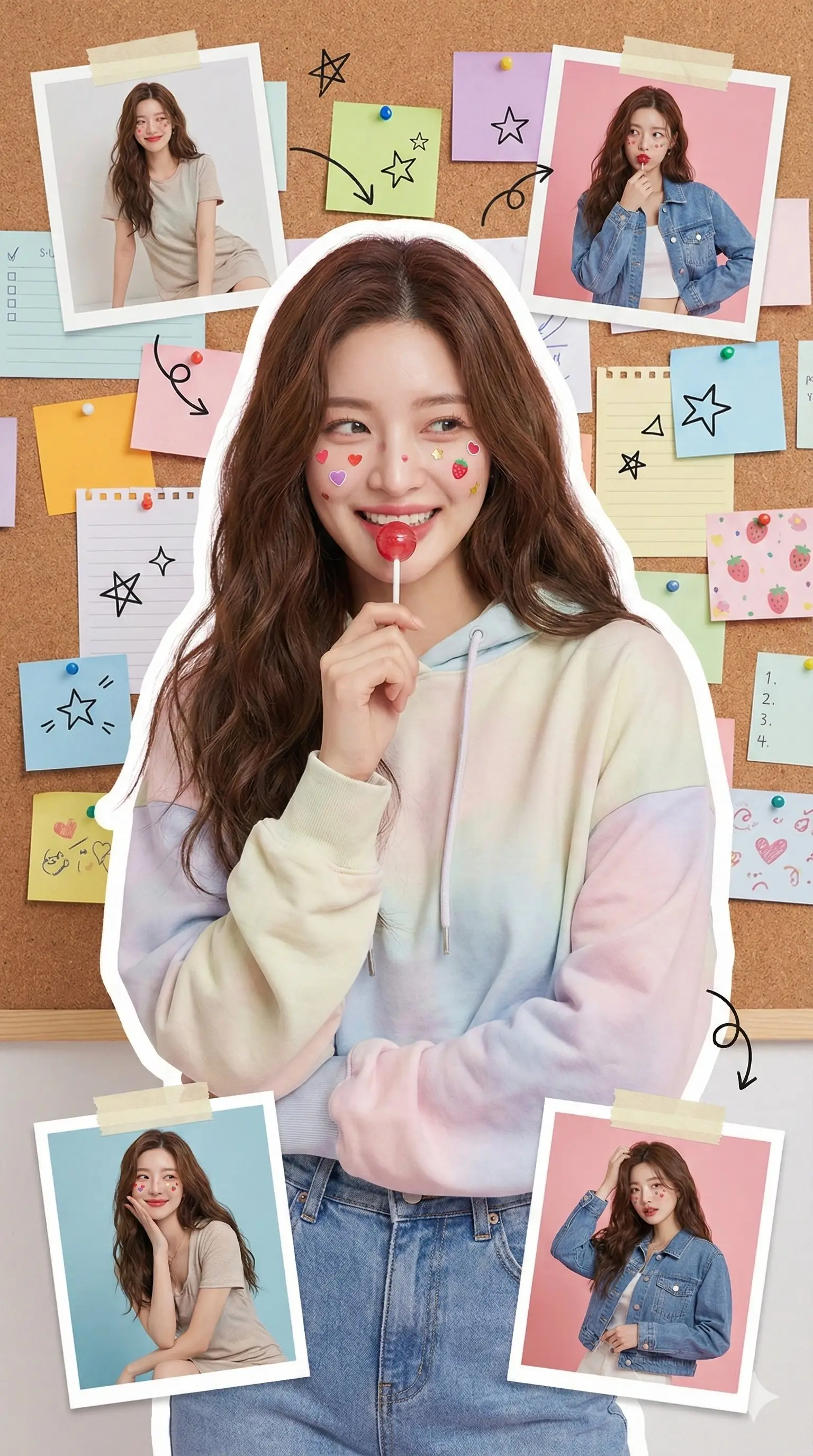
Prompt: CUse this prompt to generate a playful, stylish portrait collage that accurately replicates a person's features from your uploaded photo, capturing a fresh, youthful aesthetic with scrapbook-inspired decorations and cute, magazine-style details.--- prompt ----Recreate the character's appearance from the uploaded photo, accurately preserving hairstyle, facial details, and expression. Present it as a bright, fresh, and youthful fashion portrait in a vertical collage format.She wears trendy youthful clothing, holding a red lollipop near her lips. Her face is playfully decorated with cute colorful stickers shaped like hearts, strawberries, and stars, creating a lively, stylish atmosphere. Her eyes are expressive, makeup is soft and natural, and her face shows a dreamy expression.The background features a corkboard covered with colorful sticky notes and memo papers, creating a campus and journaling vibe. Hand-drawn doodles of stars, arrows, and similar elements add to the cute, magazine-style aesthetic. Surrounding the main subject are ~4 scrapbook-style photo frames in various shapes, showcasing different outfits and poses of the same person.Overall, the image should utilize soft studio lighting, high-definition details, a clean-cut scrapbook aesthetic, Korean fashion-magazine style, and vibrant colors.
How To Get Better Results
Best Prompt Tips
- Name the lighting, lens feel, and facial mood before adding style adjectives.
- Keep the subject count to one unless the composition truly depends on another character.
- Use one dominant setting so the portrait still feels coherent at first glance.
Best For
- editorial-style portraits and social profile refreshes
- creator branding visuals with strong subject focus
- mood-driven beauty and fashion experiments
When To Use Text vs Edit Mode
Use edit mode when identity, product shape, or a source asset needs to survive the transformation. Start from a clean reference image, then let the prompt control styling, environment, and composition.
What Photos Work Best
Upload a sharp, well-lit photo where the face or main subject is clearly visible and not heavily filtered. Avoid crowded backgrounds, extreme blur, and heavy occlusions if you want the result to stay recognizable.
Features
Related Use Cases
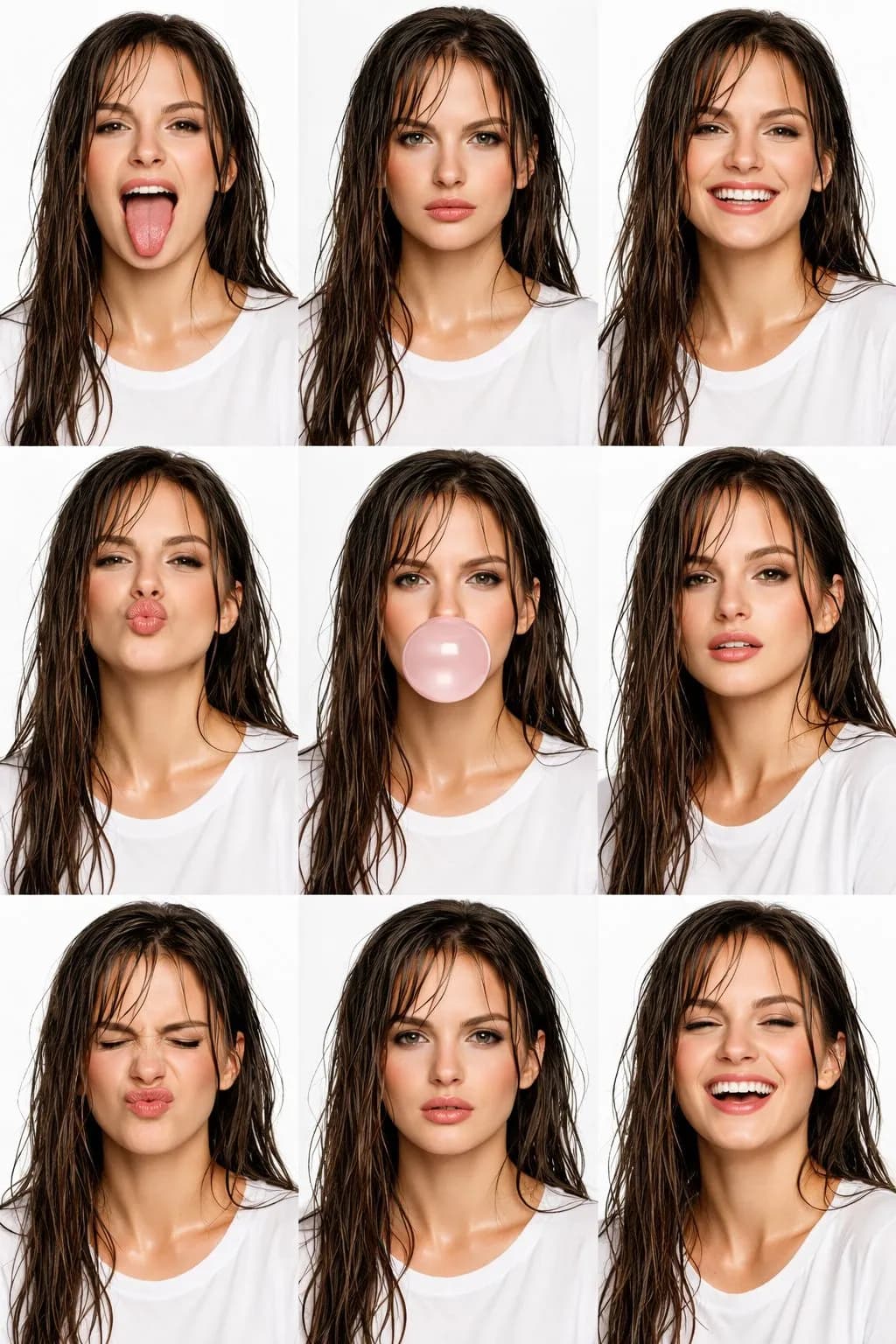
High-Fashion Editorial Beauty Collage
Create amazing 3x3 high-fashion editorial beauty collages with AI.
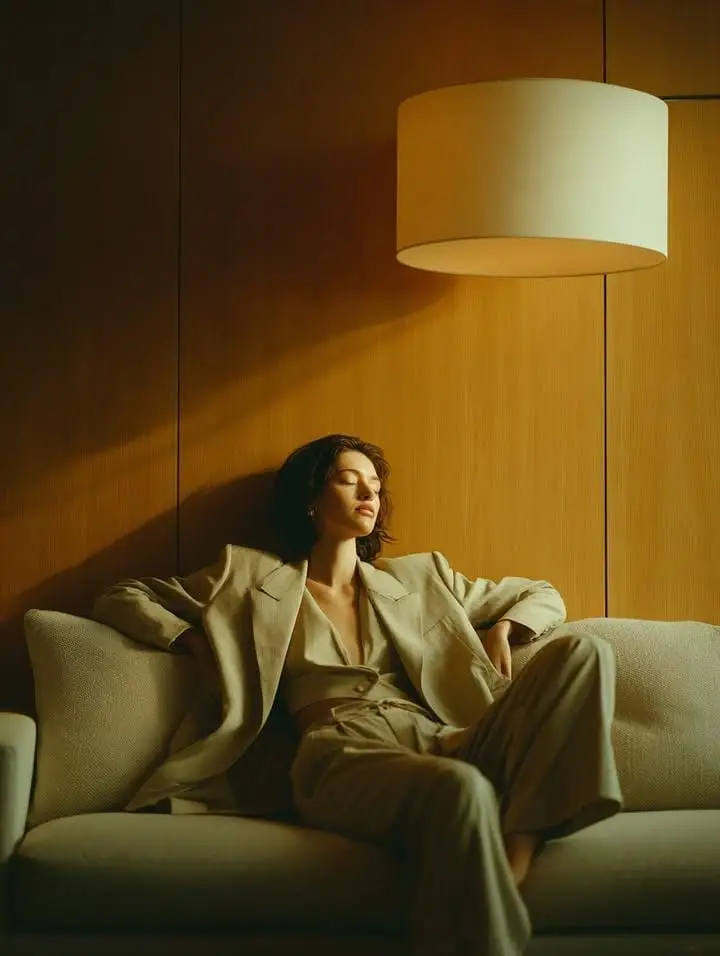
Quiet Luxury Suit & Glass Reflection
Create reflective quiet-luxury editorials with beige tailoring, glass overlays, and soft daylight.
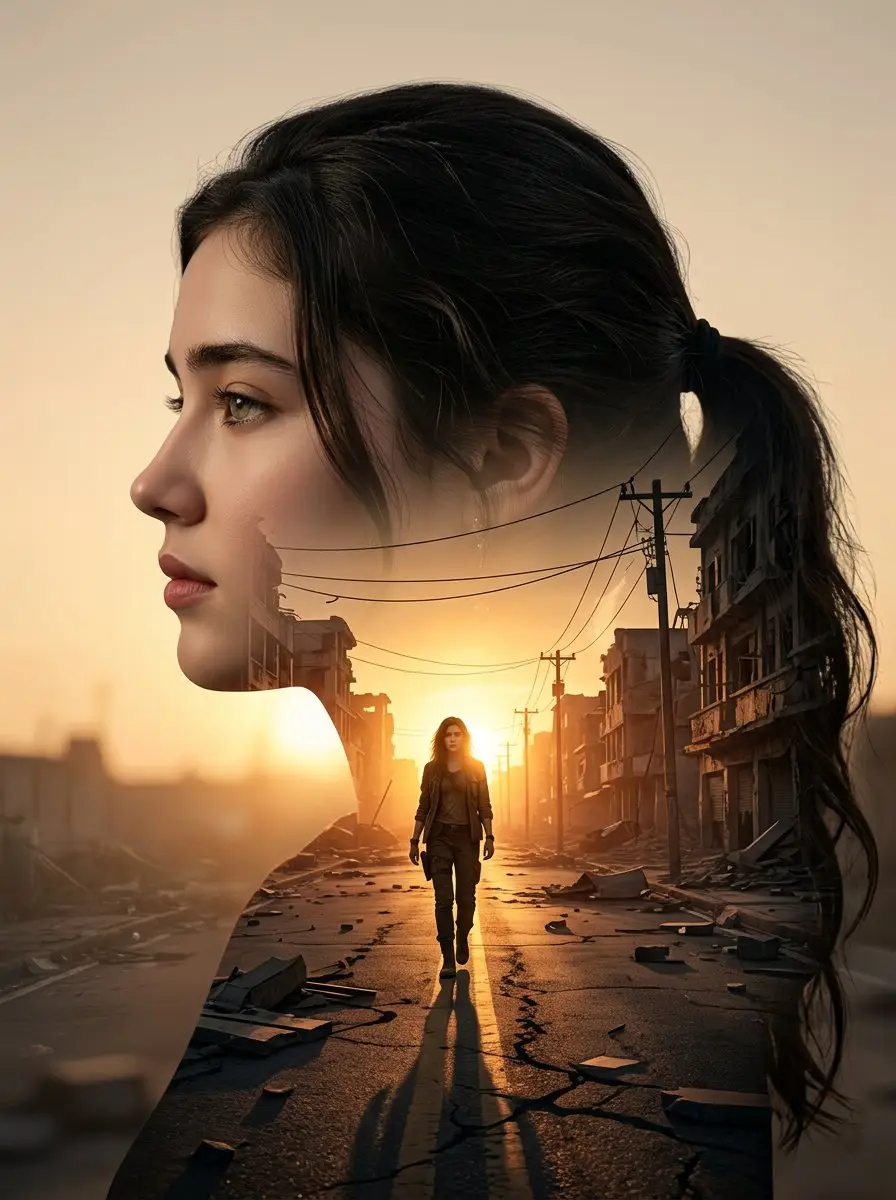
True Detective Style
Create gritty, cinematic noir portraits with moody crime-drama atmosphere.
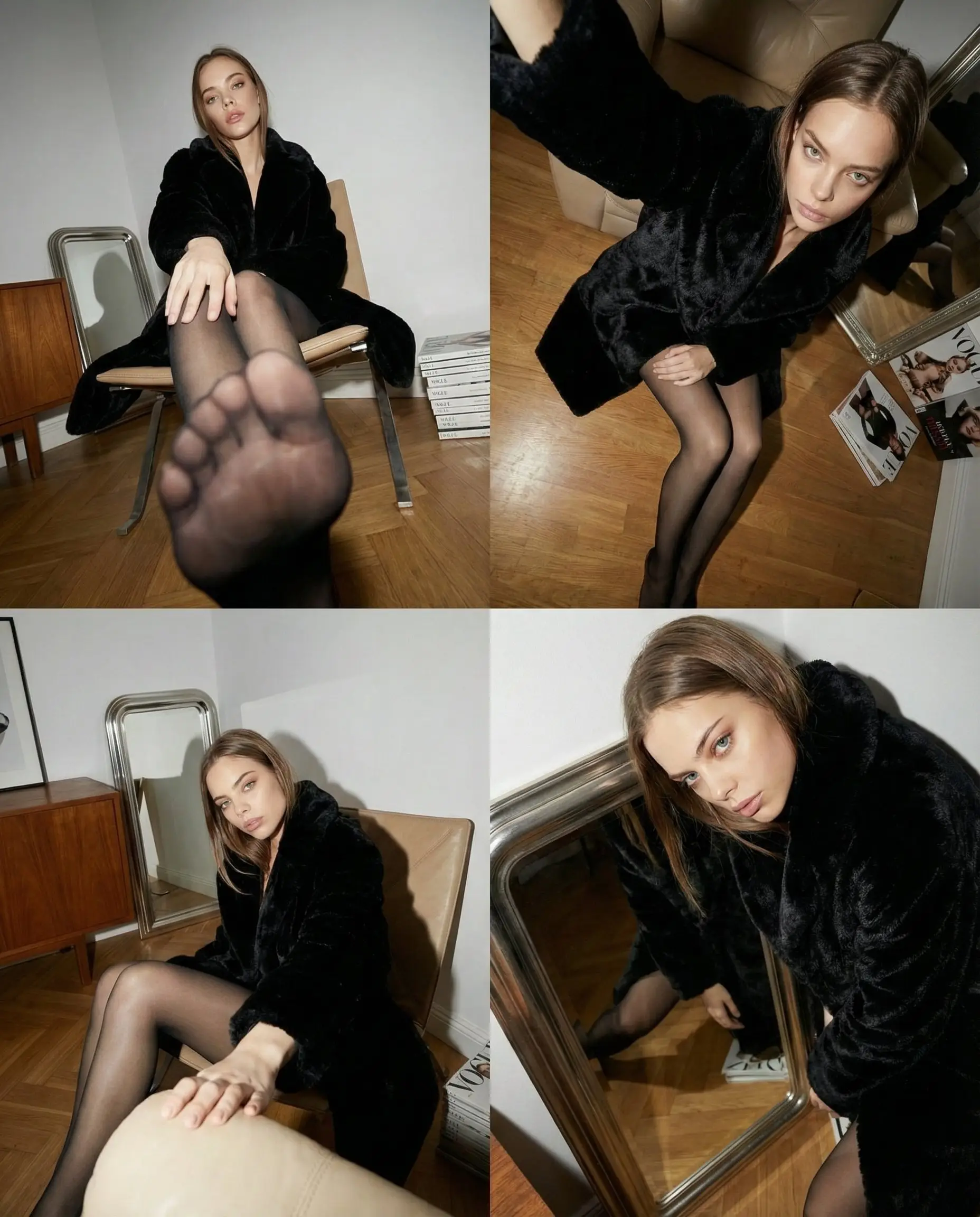
Wide-Angle Editorial
Create cinematic widescreen editorial portraits with magazine-quality aesthetics.