
Pokemon GameBoy Scene Generator
Create nostalgic pixel-art Pokemon battle scenes in classic handheld style
Generate retro Pokemon-inspired Game Boy visuals with chunky pixels, limited palettes, and authentic handheld screen framing. Great for fan concepts, social posts, and nostalgic creative experiments.
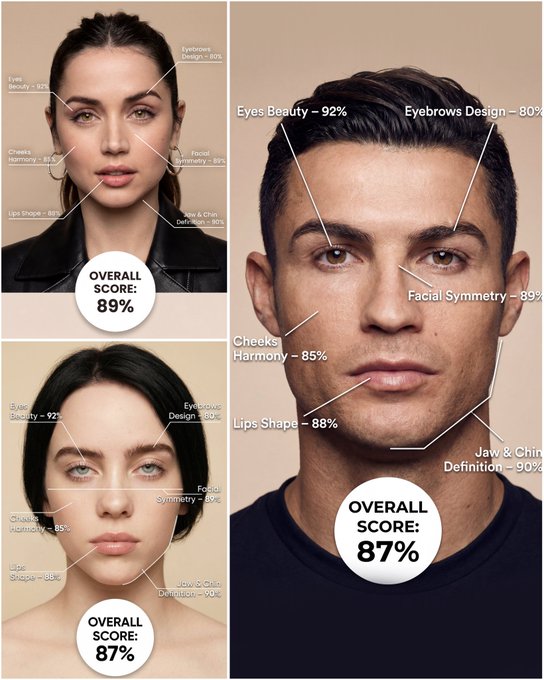
Use the provided portrait photo <YOUR PHOTO> as the base. Do NOT change the person’s face, expression, age, skin tone or gender. Just overlay a clean, minimal infographic on top. Create a high-resolution vertical “FACIAL AESTHETIC REPORT” poster, studio lighting, soft beige background, premium beauty clinic style. The subject can be MALE or FEMALE – keep them exactly as in the original photo. Add thin white lines and labels pointing to each area of the REAL face, with percentage scores based on global aesthetic ratios, symmetry and proportions (not changing the face): 1. Eyes: Label near the eyes with a line pointing to them: “Eyes Beauty – 0–100%” Example: “Eyes Beauty – 92%” 2. Cheeks: Label near the cheekbones: “Cheeks Harmony – 0–100%” Example: “Cheeks Harmony – 85%” 3. Lips: Label close to the mouth: “Lips Shape – 0–100%” Example: “Lips Shape – 88%” 4. Eyebrows: Label above or beside the brows: “Eyebrows Design – 0–100%” Example: “Eyebrows Design – 80%” 5. Jaw & Chin: Label near the jawline and chin: “Jaw & Chin Definition – 0–100%” Example: “Jaw & Chin Definition – 90%” 6. Overall Facial Symmetry: Label near the center of the face: “Facial Symmetry – 0–100%” Example: “Facial Symmetry – 89%” At the bottom center of the poster, add a BIG, bold number inside a circle or rectangle: “OVERALL SCORE: XX%” This is the total facial aesthetic score from 1–100%. Design style: – clean, medical-grade, aesthetic-clinic infographic – modern thin sans-serif typography – white text and lines, subtle drop shadows – no logos, no extra graphics, no text other than the labels and scores above.
Examples
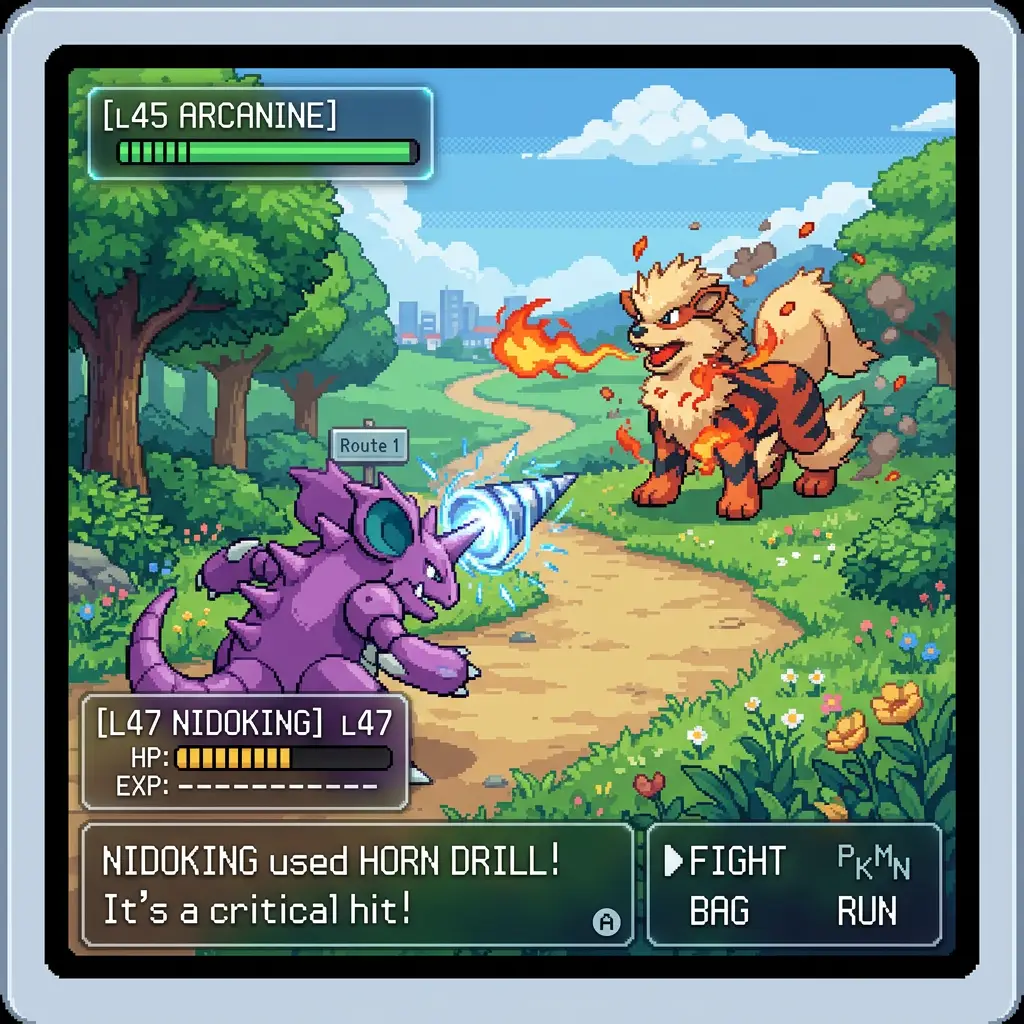
Prompt: inspired by a classic pokemon gameboy screenshot but it's highly detailed beautiful pixel art, include cool effects from moves used, modern minimal ui.prompt: change it to a new location and the battle is two new random kanto pokemon
How To Get Better Results
Best Prompt Tips
- Lead with the medium or visual format, then describe the subject and era-specific cues.
- Keep the palette tight so the concept feels intentional instead of random.
- Mention texture artifacts like CRT glow, pixel edges, grain, or brushwork when relevant.
Best For
- stylized experiments where format and mood matter most
- retro, abstract, or medium-specific visual explorations
- creative references for campaigns, posters, and content ideas
When To Use Text vs Edit Mode
Use text mode when you want to generate the full scene from scratch or when the idea matters more than preserving a reference image. Keep the prompt focused on one clear visual outcome instead of stacking unrelated ideas.
What Photos Work Best
If you later adapt this to edit mode, use a simple reference with one obvious subject and enough detail to anchor shape, texture, or silhouette before the styling prompt takes over.
Features
Related Use Cases
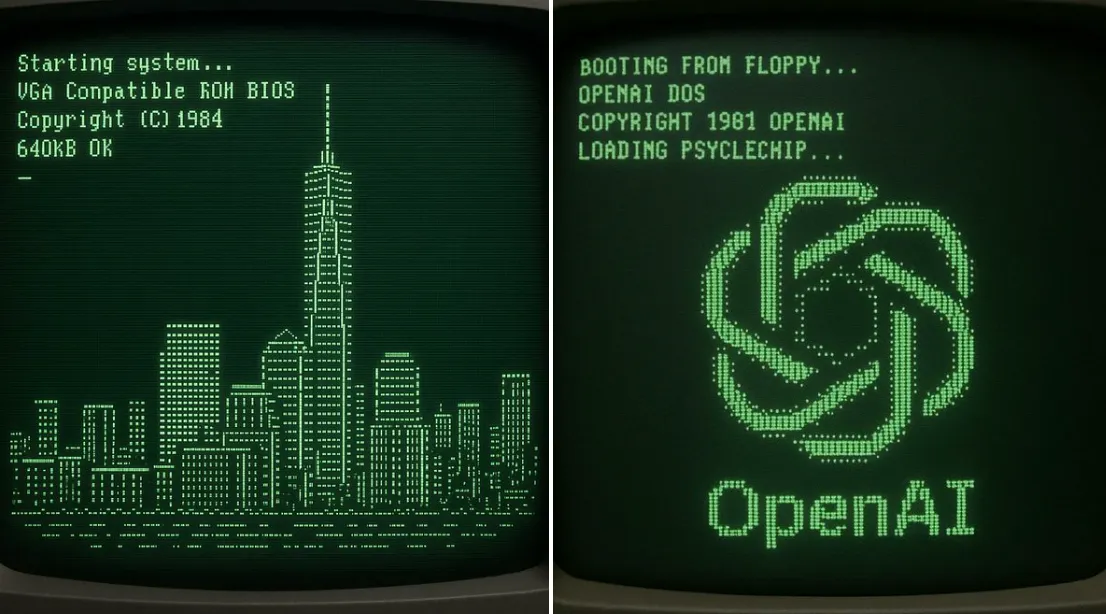
Retro ASCII NYC Boot Screen
Create a nostalgic CRT startup screen that resolves into ASCII art of NYC's tallest building.
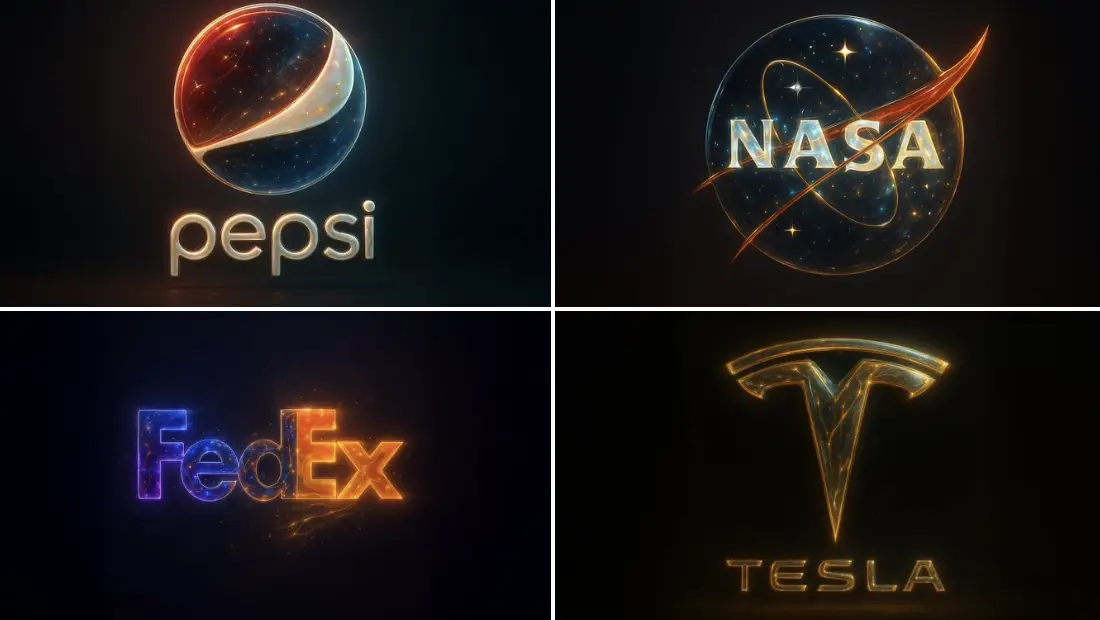
Cosmic-Golden Abstract
Create stunning abstract art fusing cosmic nebulas with golden textures.
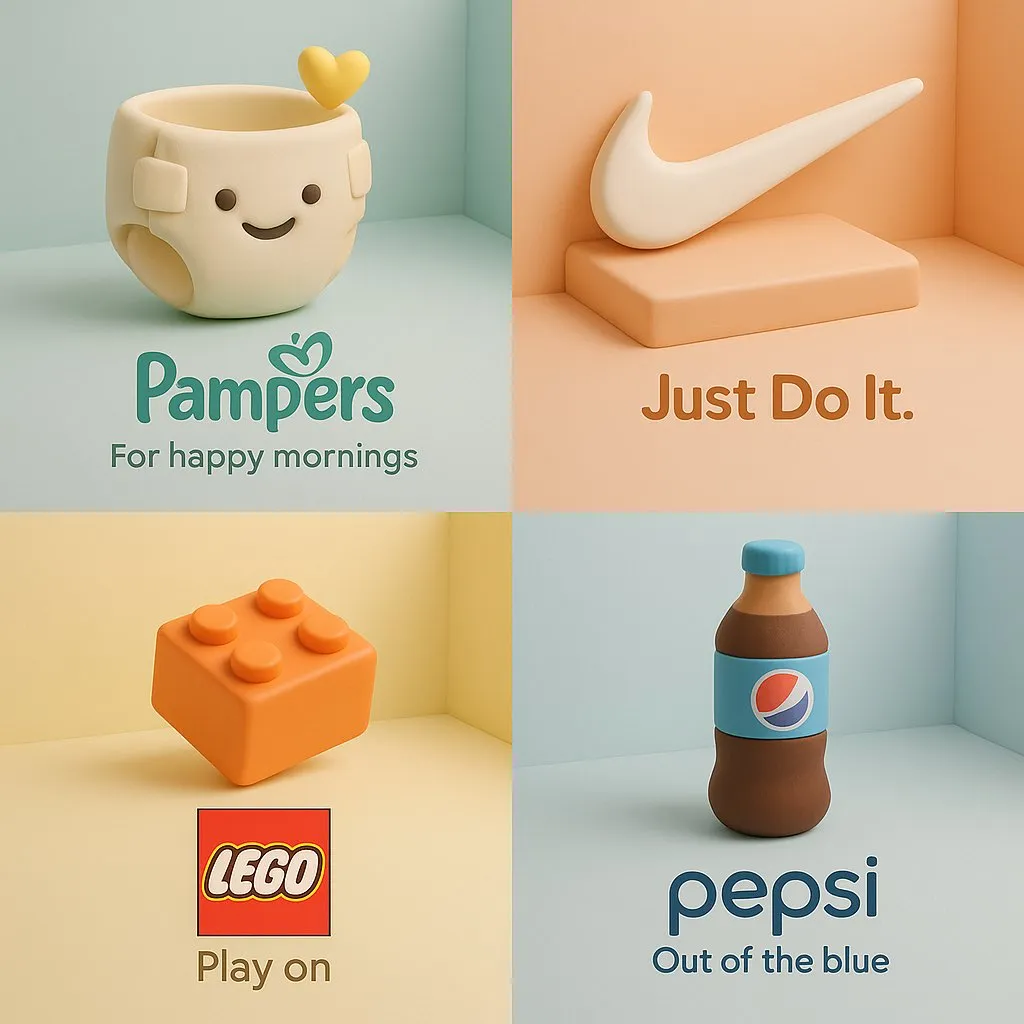
3D Clay Product Ad
Turn a brand product into a soft clay-style cartoon sculpture with pastel isometric ad composition.
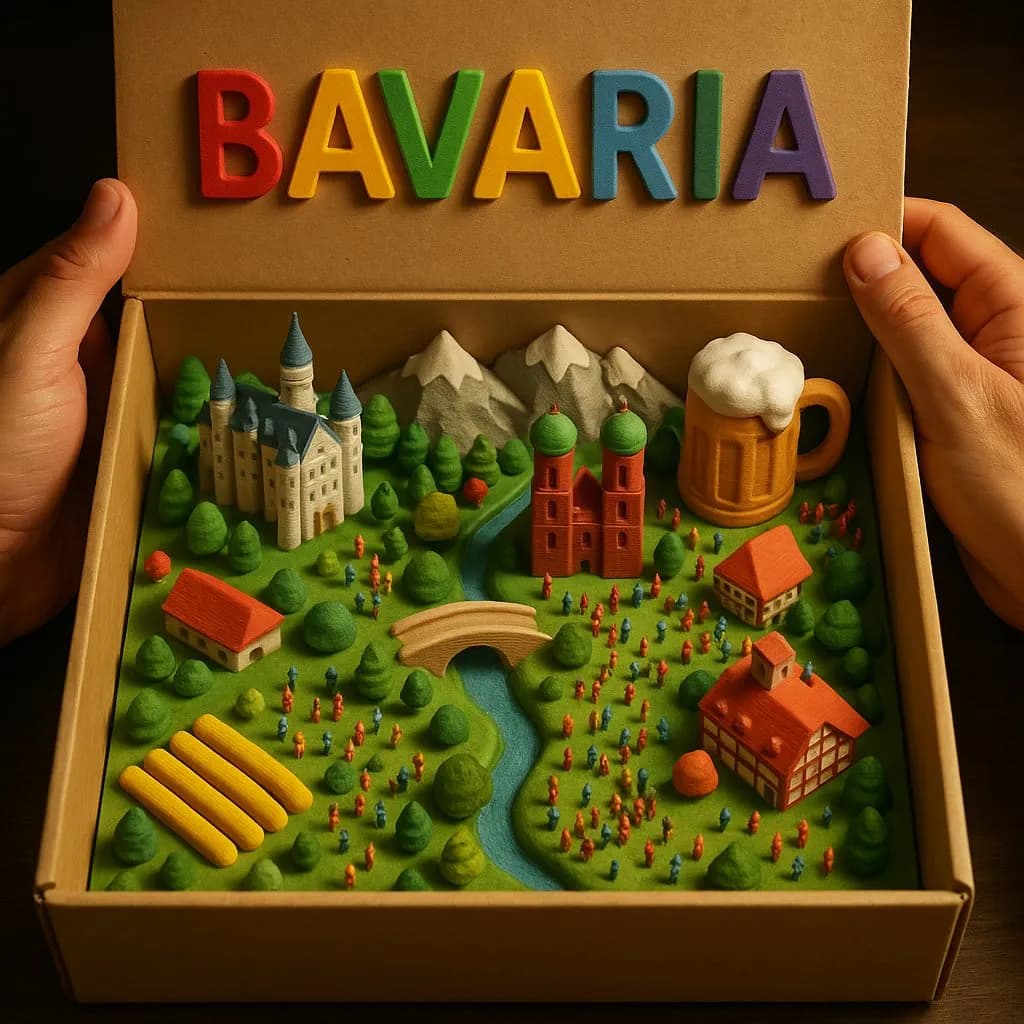
3D Country Box Diorama
Create magical miniature country landscapes inside an opened cardboard box with tactile 3D-printed detail.