
Gerador de Síntese Abstrata Cósmico-Dourada
Crie arte abstrata impressionante fundindo nebulosas cósmicas com texturas douradas
Gere arte abstrata de tirar o fôlego que combina elementos cósmicos do espaço profundo com luxuosas texturas de ouro líquido. Perfeito para papéis de parede, capas de álbuns, marcas sofisticadas e coleções de arte digital moderna.
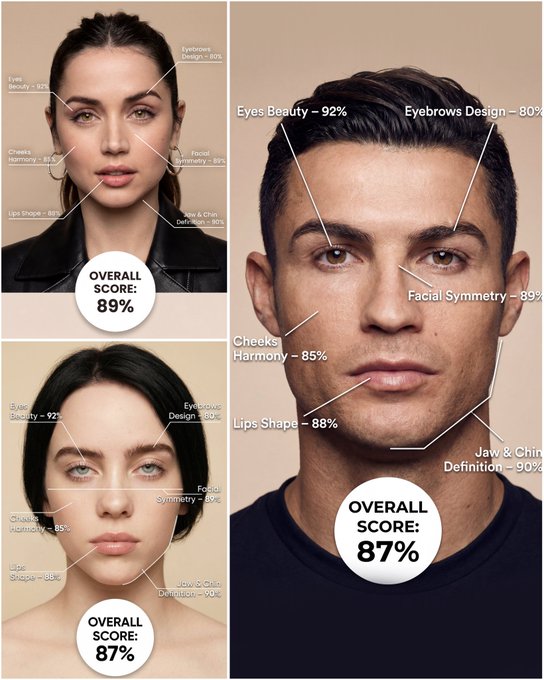
Use the provided portrait photo <YOUR PHOTO> as the base. Do NOT change the person’s face, expression, age, skin tone or gender. Just overlay a clean, minimal infographic on top. Create a high-resolution vertical “FACIAL AESTHETIC REPORT” poster, studio lighting, soft beige background, premium beauty clinic style. The subject can be MALE or FEMALE – keep them exactly as in the original photo. Add thin white lines and labels pointing to each area of the REAL face, with percentage scores based on global aesthetic ratios, symmetry and proportions (not changing the face): 1. Eyes: Label near the eyes with a line pointing to them: “Eyes Beauty – 0–100%” Example: “Eyes Beauty – 92%” 2. Cheeks: Label near the cheekbones: “Cheeks Harmony – 0–100%” Example: “Cheeks Harmony – 85%” 3. Lips: Label close to the mouth: “Lips Shape – 0–100%” Example: “Lips Shape – 88%” 4. Eyebrows: Label above or beside the brows: “Eyebrows Design – 0–100%” Example: “Eyebrows Design – 80%” 5. Jaw & Chin: Label near the jawline and chin: “Jaw & Chin Definition – 0–100%” Example: “Jaw & Chin Definition – 90%” 6. Overall Facial Symmetry: Label near the center of the face: “Facial Symmetry – 0–100%” Example: “Facial Symmetry – 89%” At the bottom center of the poster, add a BIG, bold number inside a circle or rectangle: “OVERALL SCORE: XX%” This is the total facial aesthetic score from 1–100%. Design style: – clean, medical-grade, aesthetic-clinic infographic – modern thin sans-serif typography – white text and lines, subtle drop shadows – no logos, no extra graphics, no text other than the labels and scores above.
Exemplos
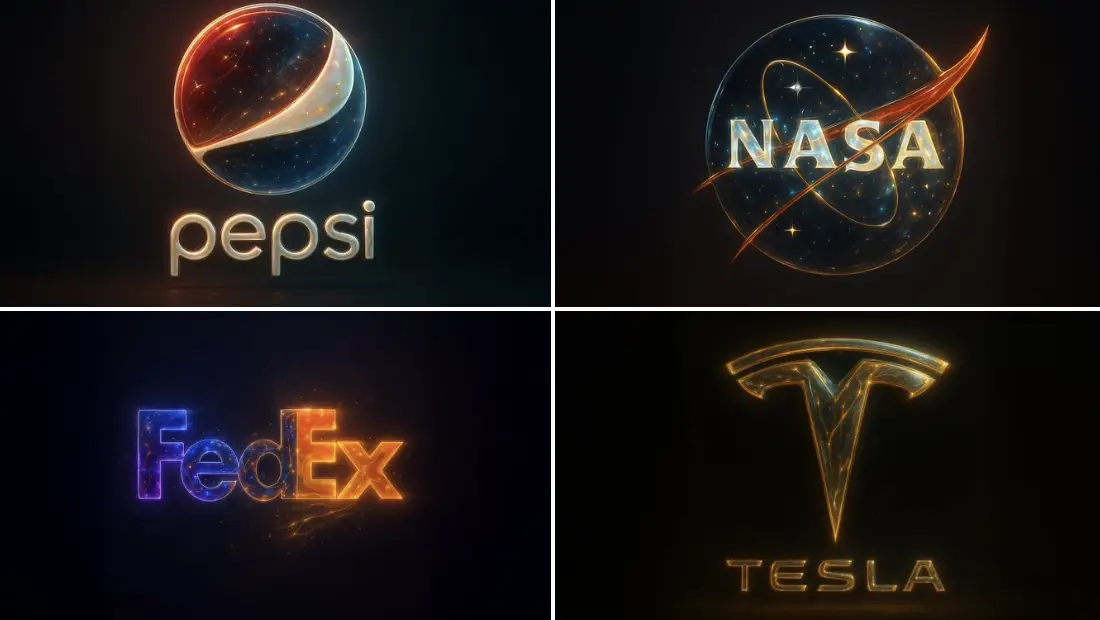
Prompt: "base_image": uploaded image "style_transfer": { "visual_characteristics": { "head_and_face": { "material": "translucent resin with embedded starlight and glowing neural circuits", "surface_effect": "mirror-gloss with gold filament veins and galaxy-like reflections", "lighting": "dynamic cinematic rim lights with volumetric glow" }, "body_structure": { "texture": "high-polish white ceramic with embedded gold wiring", "design": "futuristic like organic plating", "highlight_elements": "subtle internal light flows mimicking synaptic energy" }, "motion_effect": { "visual_glitch": "subtle horizontal motion blur on head edges", "energy_flow": "faint pulsing particle lights across body" }, "background": { "type": "neutral gradient or dark void", "focus": "emphasize figure's luminous contrast" } }, "application_target": "Replace surface and material style of uploaded image with the characteristics described above, while preserving the original pose, structure, and composition of the target image." } }
Como obter melhores resultados
Melhores dicas imediatas
- Lead with the medium or visual format, then describe the subject and era-specific cues.
- Keep the palette tight so the concept feels intentional instead of random.
- Mention texture artifacts like CRT glow, pixel edges, grain, or brushwork when relevant.
Melhor para
- stylized experiments where format and mood matter most
- retro, abstract, or medium-specific visual explorations
- creative references for campaigns, posters, and content ideas
Quando usar texto versus modo de edição
Use text mode when you want to generate the full scene from scratch or when the idea matters more than preserving a reference image. Keep the prompt focused on one clear visual outcome instead of stacking unrelated ideas.
Quais fotos funcionam melhor
If you later adapt this to edit mode, use a simple reference with one obvious subject and enough detail to anchor shape, texture, or silhouette before the styling prompt takes over.
Características
Casos de uso relacionados
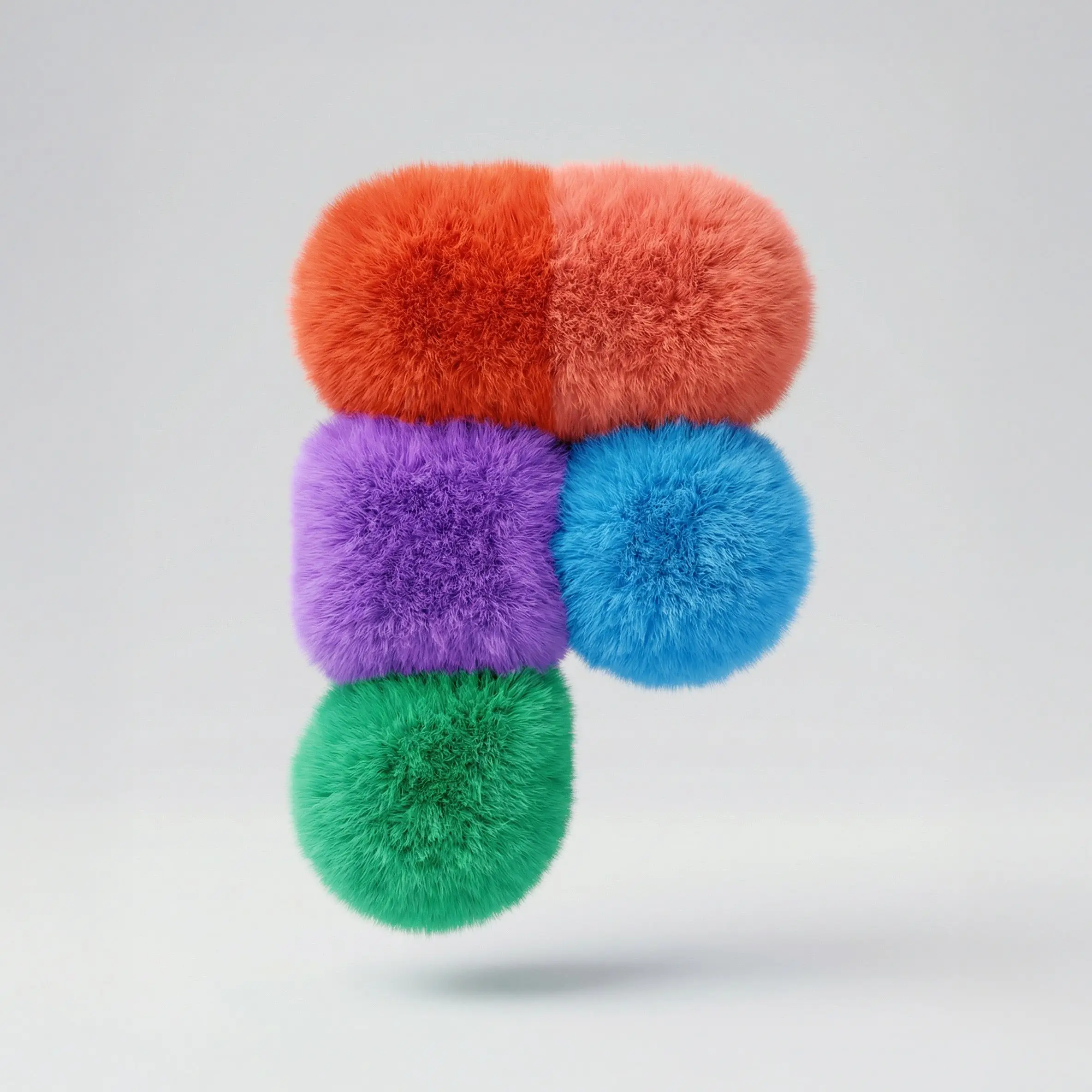
Logotipo fofo
Crie logotipos 3D fofos e fofos com textura de pelo macio e estilo de marca ousado.
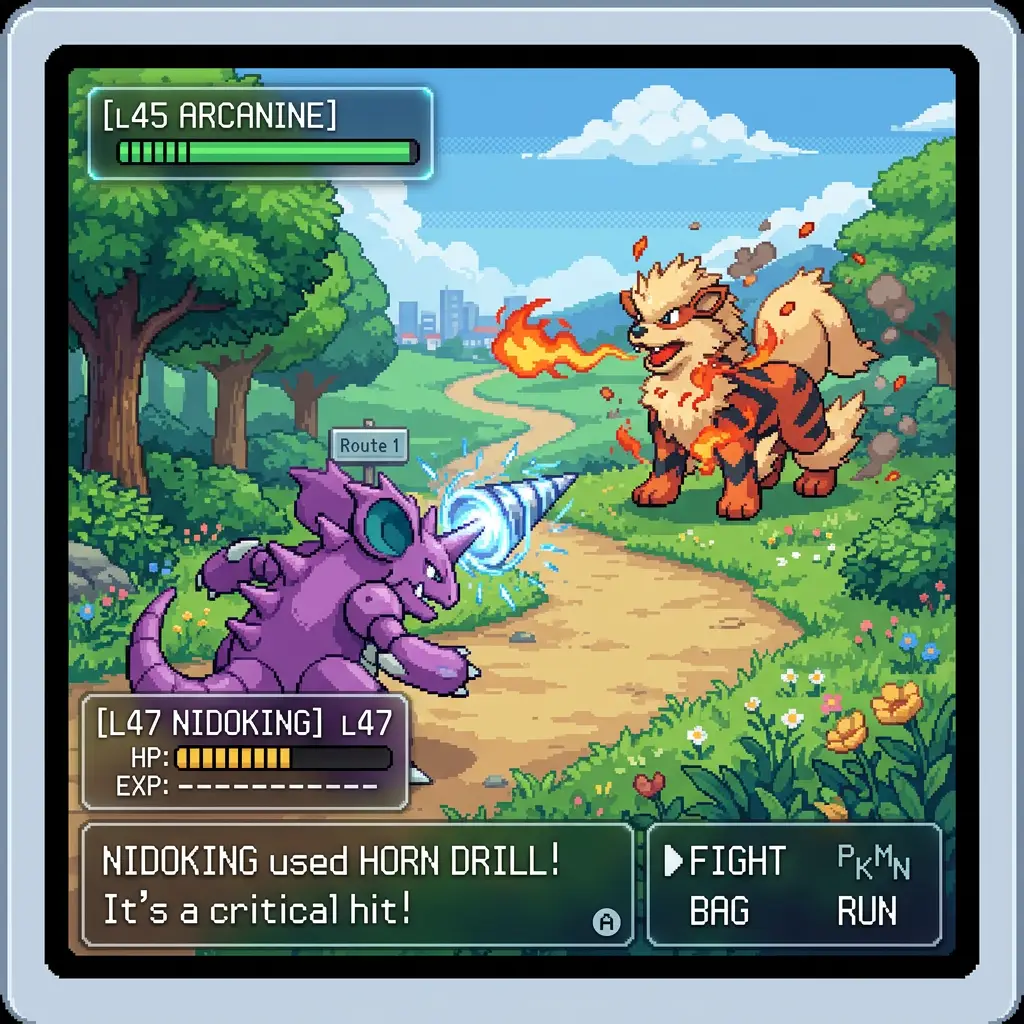
Pokémon GameBoy
Crie cenas nostálgicas de Pokémon no clássico estilo pixel art do Game Boy.
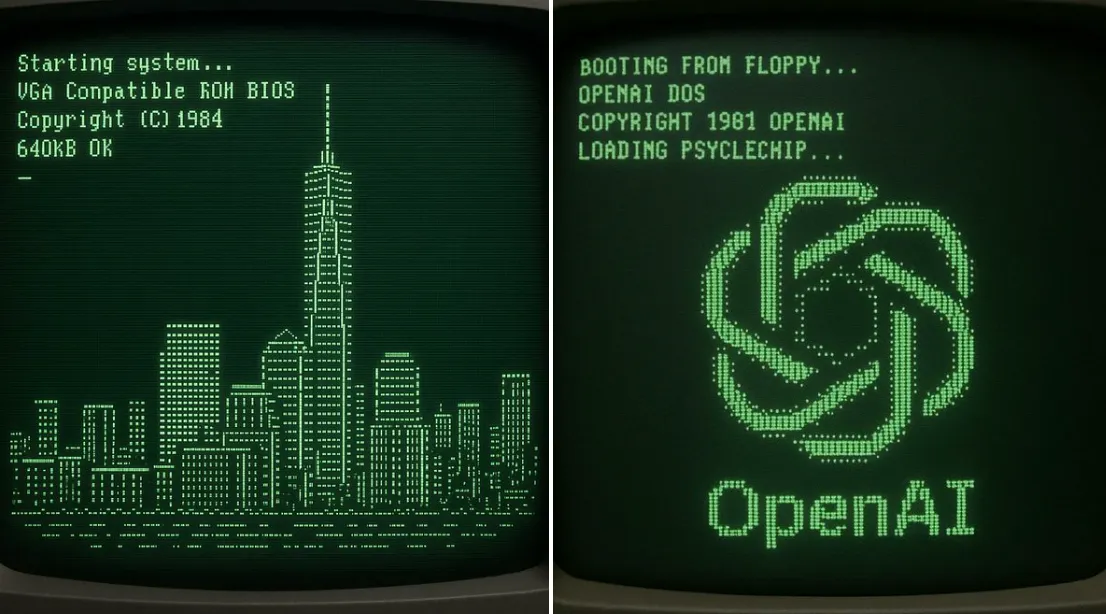
Tela de inicialização retrô ASCII NYC
Crie uma tela inicial CRT nostálgica que se transforma em arte ASCII do edifício mais alto de Nova York.
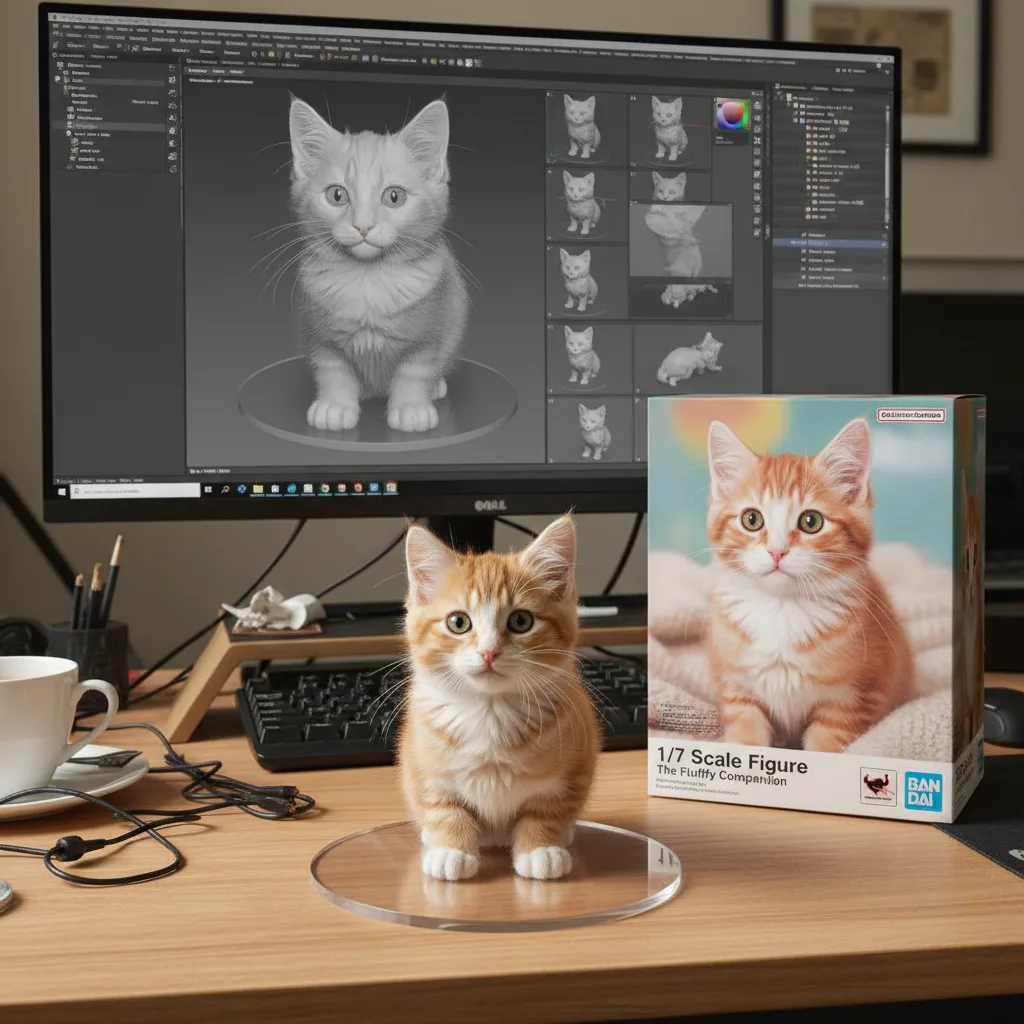
Figura de ação 3D
Transforme fotos em impressionantes figuras de ação 3D colecionáveis e designs de brinquedos.
Perguntas frequentes
Pronto para criar o seu próprio?
Comece a gerar imagens incríveis a partir de suas fotos hoje.