
Selfie malhada animada em Paris
Transforme suas fotos de gatos em adoráveis selfies de viagem em Paris
Leve seu gato malhado para férias virtuais! Transforme as fotos do seu gato em selfies emocionantes em frente a marcos icônicos de Paris, como a Torre Eiffel. Perfeito para postagens divertidas nas redes sociais e lembranças fofas.
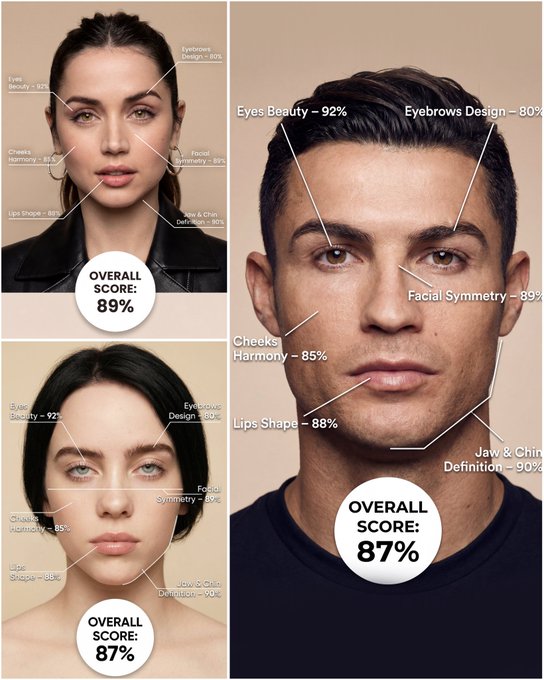
Use the provided portrait photo <YOUR PHOTO> as the base. Do NOT change the person’s face, expression, age, skin tone or gender. Just overlay a clean, minimal infographic on top. Create a high-resolution vertical “FACIAL AESTHETIC REPORT” poster, studio lighting, soft beige background, premium beauty clinic style. The subject can be MALE or FEMALE – keep them exactly as in the original photo. Add thin white lines and labels pointing to each area of the REAL face, with percentage scores based on global aesthetic ratios, symmetry and proportions (not changing the face): 1. Eyes: Label near the eyes with a line pointing to them: “Eyes Beauty – 0–100%” Example: “Eyes Beauty – 92%” 2. Cheeks: Label near the cheekbones: “Cheeks Harmony – 0–100%” Example: “Cheeks Harmony – 85%” 3. Lips: Label close to the mouth: “Lips Shape – 0–100%” Example: “Lips Shape – 88%” 4. Eyebrows: Label above or beside the brows: “Eyebrows Design – 0–100%” Example: “Eyebrows Design – 80%” 5. Jaw & Chin: Label near the jawline and chin: “Jaw & Chin Definition – 0–100%” Example: “Jaw & Chin Definition – 90%” 6. Overall Facial Symmetry: Label near the center of the face: “Facial Symmetry – 0–100%” Example: “Facial Symmetry – 89%” At the bottom center of the poster, add a BIG, bold number inside a circle or rectangle: “OVERALL SCORE: XX%” This is the total facial aesthetic score from 1–100%. Design style: – clean, medical-grade, aesthetic-clinic infographic – modern thin sans-serif typography – white text and lines, subtle drop shadows – no logos, no extra graphics, no text other than the labels and scores above.
Exemplos
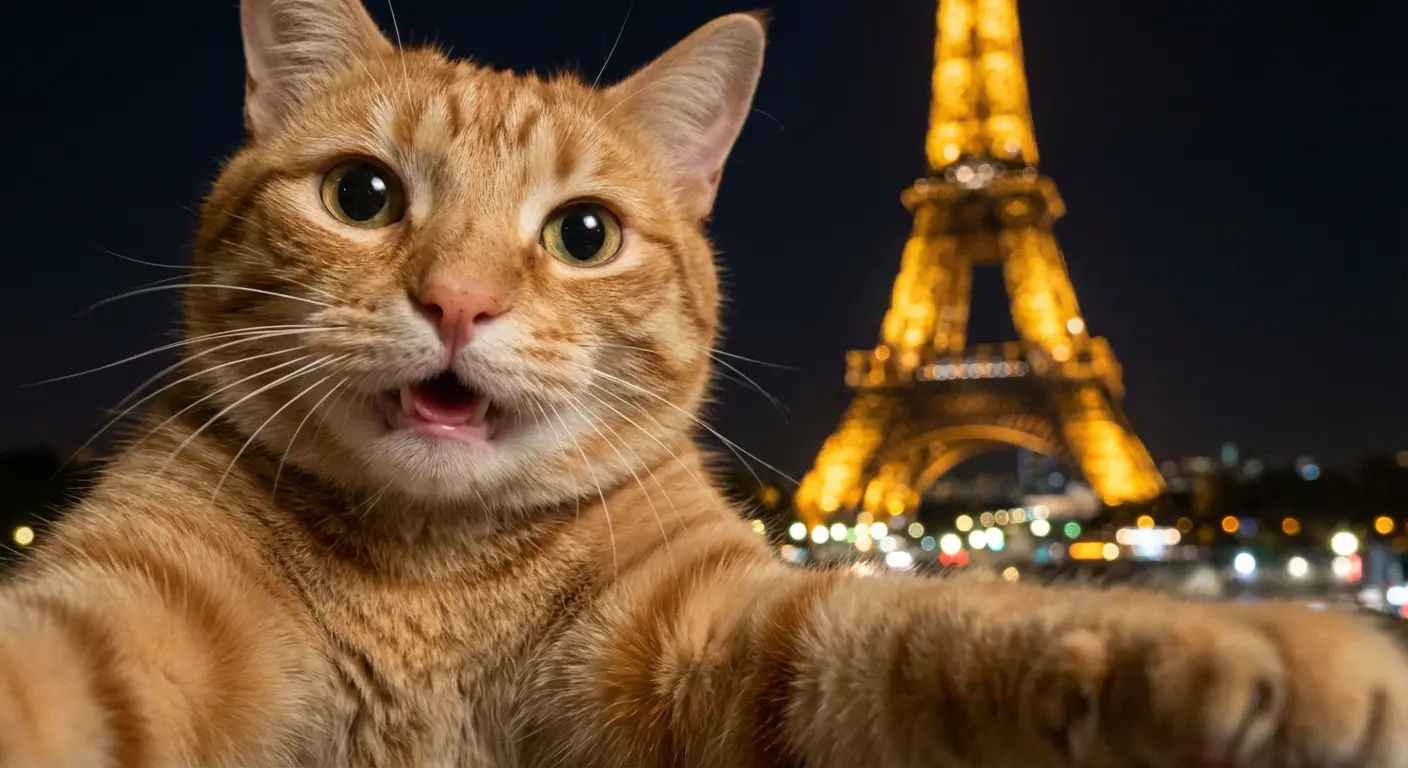
Prompt: A photorealistic selfie-like image implied to be taken by a cat itself, with a strong handheld feel, subtle camera sway, and slight rotational blur.An orange tabby cat's face is very close to the camera on the left side of the frame, filling much of the shot. One front arm of the cat is partially visible, extended forward toward the bottom edge of the frame, creating a clear sense of the cat itself gripping and holding the invisible camera device to take the selfie. No phone or camera is visible.The cat has a genuinely happy and excited expression, captured mid-reaction. Its eyes are bright, wide, and alert with joy. Its mouth is only slightly open in a soft, happy pant, with no teeth visible, just a dark depth or perhaps a tiny hint of a pink tongue.Slight micro motion blur and uneven, dynamic framing are consistent with a candid, handheld selfie taken by an animal.In the background, the Eiffel Tower appears at night, illuminated with warm golden lights on the right side of the frame, slightly out of focus due to shallow depth of field. The background shows bokeh lights from the city. The image has realistic nighttime lighting with natural grain and imperfections.No humans, no human hands or arms are present in the shot.
Como obter melhores resultados
Melhores dicas imediatas
- Define the character style, pose, and prop details before adding cinematic effects.
- Use one or two visual references such as toy, chibi, game poster, or mascot instead of many.
- If identity matters, focus on the face, hair, and signature accessories in the prompt.
Melhor para
- fan-art-inspired transformations and collectible concepts
- avatars, mascots, posters, and stylized identity work
- turning a subject into a more playful or cinematic persona
Quando usar texto versus modo de edição
Use text mode when you want to generate the full scene from scratch or when the idea matters more than preserving a reference image. Keep the prompt focused on one clear visual outcome instead of stacking unrelated ideas.
Quais fotos funcionam melhor
If you later adapt this to edit mode, use a simple reference with one obvious subject and enough detail to anchor shape, texture, or silhouette before the styling prompt takes over.
Características
Casos de uso relacionados
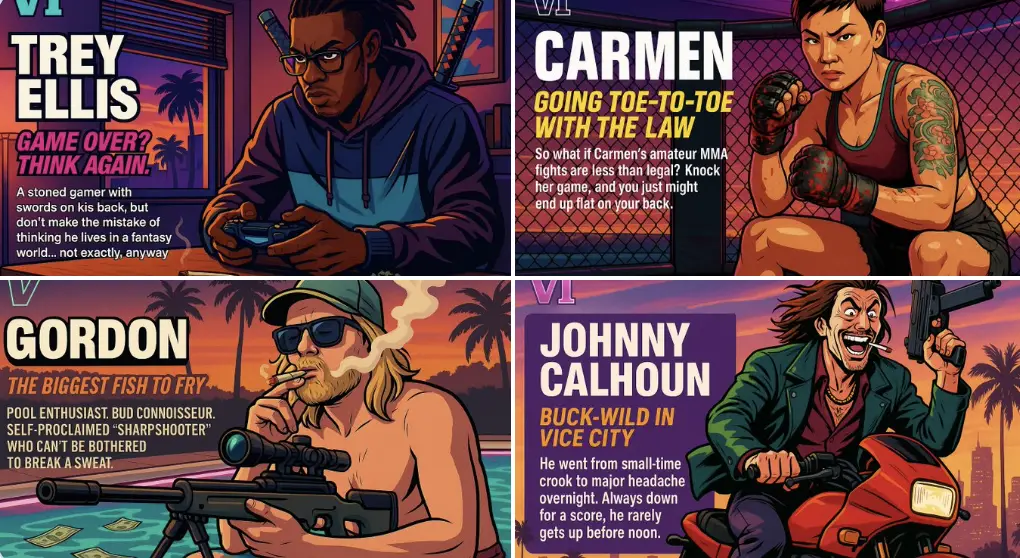
Personagem GTA
Crie sua própria arte de personagem no estilo Grand Theft Auto.
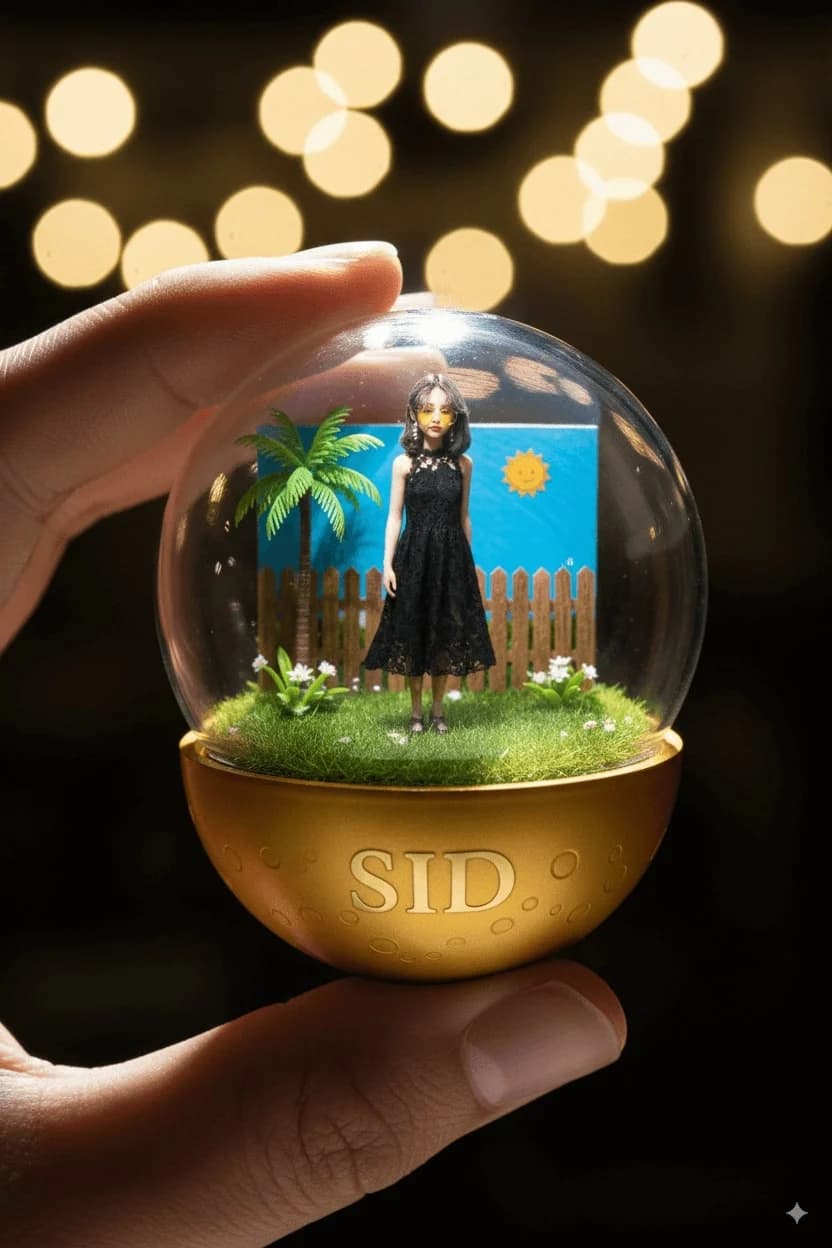
Cápsulas de Personagens
Crie cápsulas colecionáveis de personagens adoráveis no estilo gashapon.
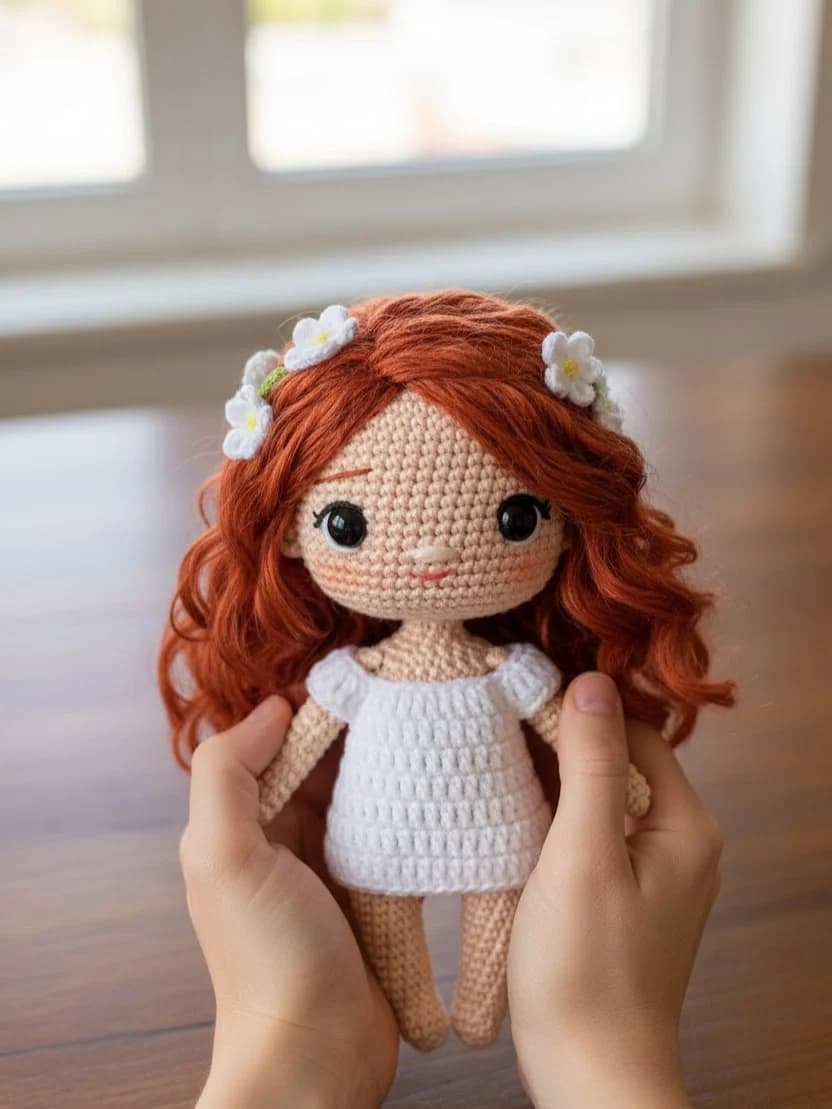
Boneca de malha Chibi
Transforme fotos em adoráveis versões de bonecas de malha feitas à mão.
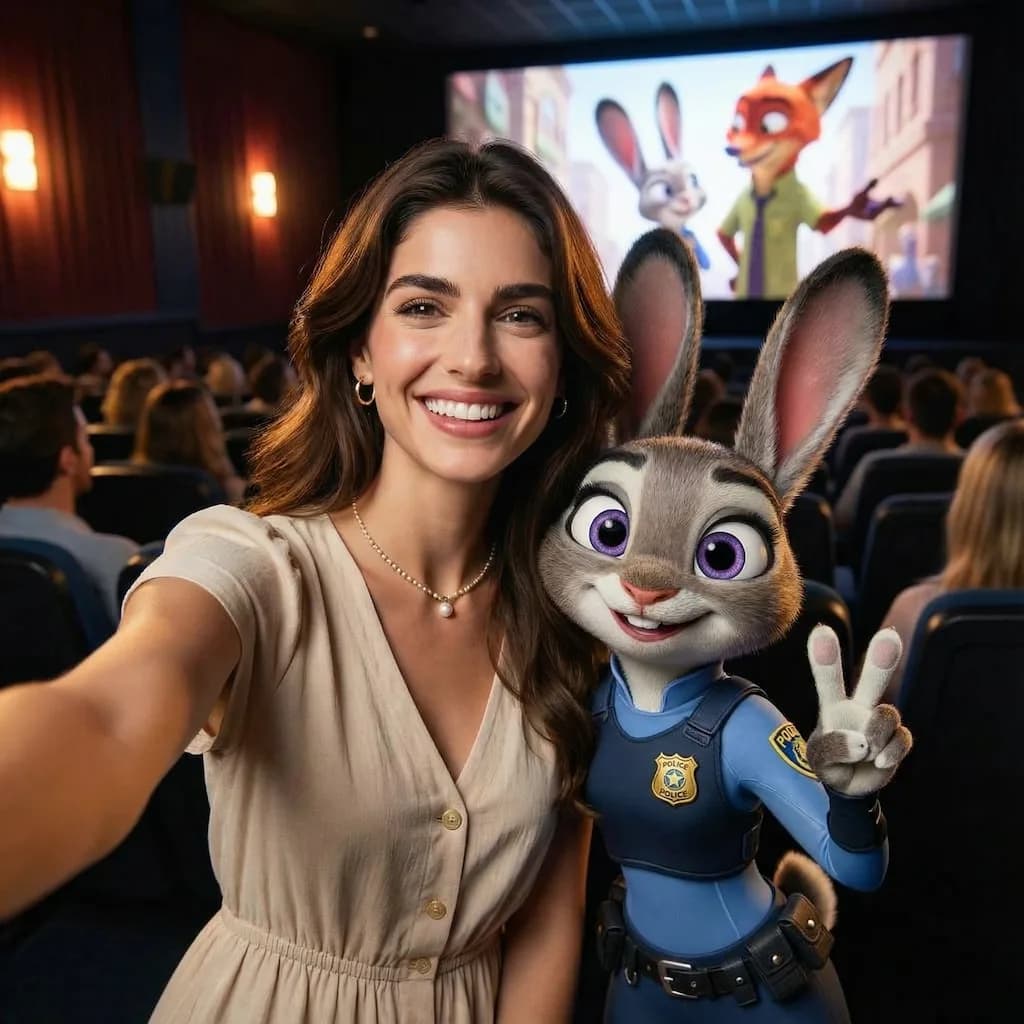
Selfie de zootopia
Transforme suas fotos em adoráveis personagens animais no estilo Zootopia.
Perguntas frequentes
Pronto para criar o seu próprio?
Comece a gerar imagens incríveis a partir de suas fotos hoje.