
Excited Tabby Selfie in Paris
Transform your cat photos into adorable travel selfies in Paris
Take your tabby on a virtual vacation! Transform your cat photos into excited selfies in front of iconic Parisian landmarks like the Eiffel Tower. Perfect for fun social media posts and cute keepsakes.
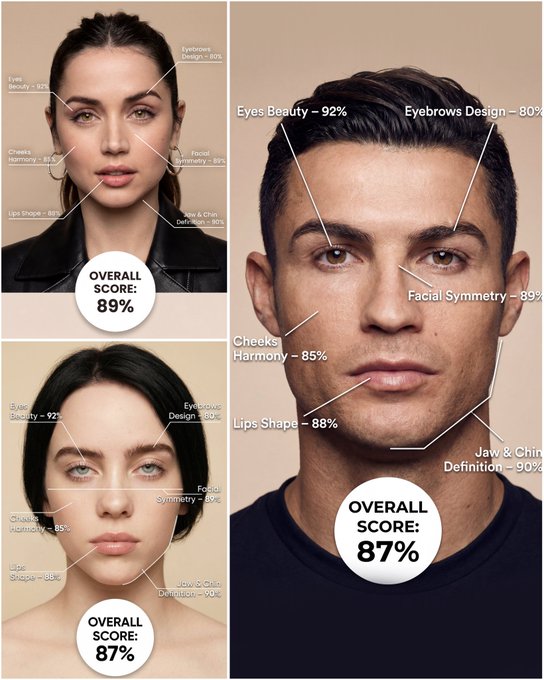
Use the provided portrait photo <YOUR PHOTO> as the base. Do NOT change the person’s face, expression, age, skin tone or gender. Just overlay a clean, minimal infographic on top. Create a high-resolution vertical “FACIAL AESTHETIC REPORT” poster, studio lighting, soft beige background, premium beauty clinic style. The subject can be MALE or FEMALE – keep them exactly as in the original photo. Add thin white lines and labels pointing to each area of the REAL face, with percentage scores based on global aesthetic ratios, symmetry and proportions (not changing the face): 1. Eyes: Label near the eyes with a line pointing to them: “Eyes Beauty – 0–100%” Example: “Eyes Beauty – 92%” 2. Cheeks: Label near the cheekbones: “Cheeks Harmony – 0–100%” Example: “Cheeks Harmony – 85%” 3. Lips: Label close to the mouth: “Lips Shape – 0–100%” Example: “Lips Shape – 88%” 4. Eyebrows: Label above or beside the brows: “Eyebrows Design – 0–100%” Example: “Eyebrows Design – 80%” 5. Jaw & Chin: Label near the jawline and chin: “Jaw & Chin Definition – 0–100%” Example: “Jaw & Chin Definition – 90%” 6. Overall Facial Symmetry: Label near the center of the face: “Facial Symmetry – 0–100%” Example: “Facial Symmetry – 89%” At the bottom center of the poster, add a BIG, bold number inside a circle or rectangle: “OVERALL SCORE: XX%” This is the total facial aesthetic score from 1–100%. Design style: – clean, medical-grade, aesthetic-clinic infographic – modern thin sans-serif typography – white text and lines, subtle drop shadows – no logos, no extra graphics, no text other than the labels and scores above.
Examples
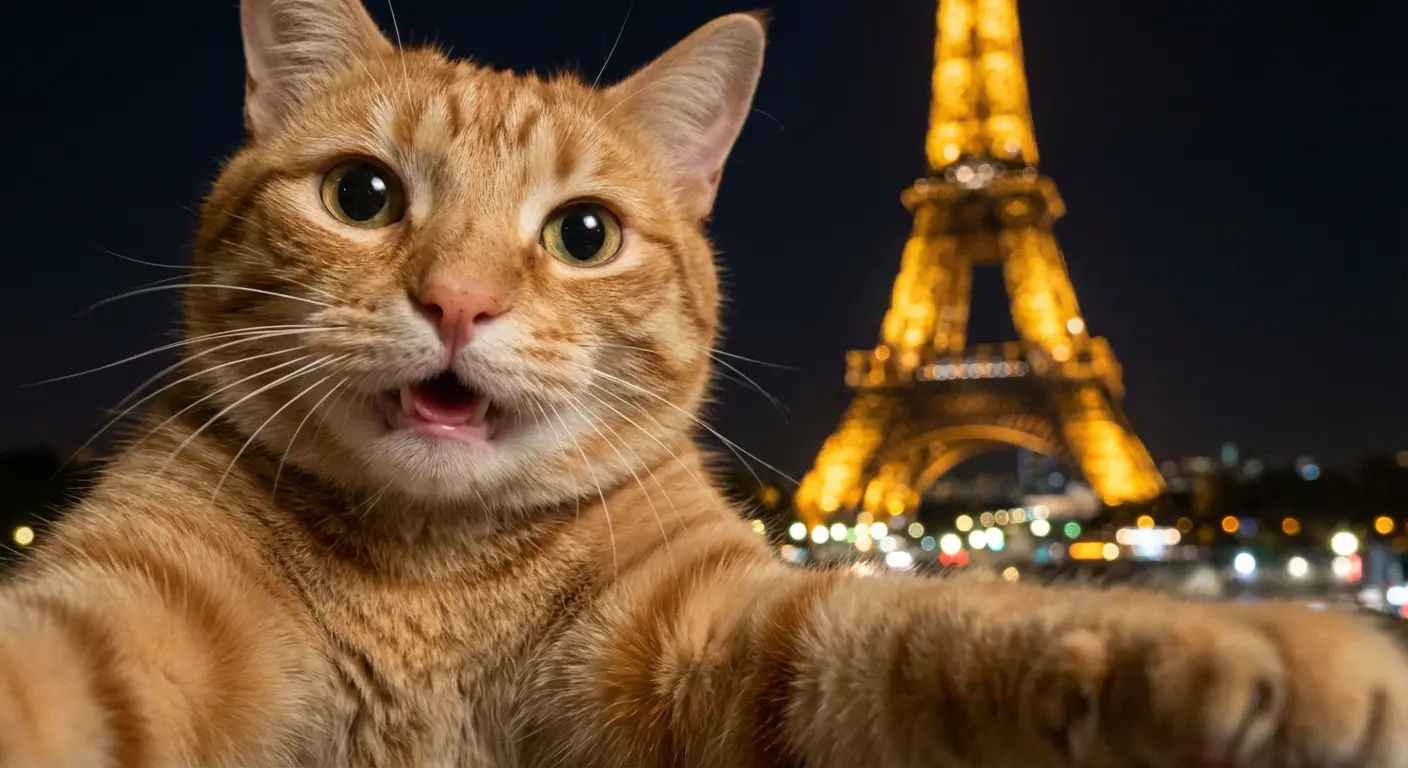
Prompt: A photorealistic selfie-like image implied to be taken by a cat itself, with a strong handheld feel, subtle camera sway, and slight rotational blur.An orange tabby cat's face is very close to the camera on the left side of the frame, filling much of the shot. One front arm of the cat is partially visible, extended forward toward the bottom edge of the frame, creating a clear sense of the cat itself gripping and holding the invisible camera device to take the selfie. No phone or camera is visible.The cat has a genuinely happy and excited expression, captured mid-reaction. Its eyes are bright, wide, and alert with joy. Its mouth is only slightly open in a soft, happy pant, with no teeth visible, just a dark depth or perhaps a tiny hint of a pink tongue.Slight micro motion blur and uneven, dynamic framing are consistent with a candid, handheld selfie taken by an animal.In the background, the Eiffel Tower appears at night, illuminated with warm golden lights on the right side of the frame, slightly out of focus due to shallow depth of field. The background shows bokeh lights from the city. The image has realistic nighttime lighting with natural grain and imperfections.No humans, no human hands or arms are present in the shot.
How To Get Better Results
Best Prompt Tips
- Define the character style, pose, and prop details before adding cinematic effects.
- Use one or two visual references such as toy, chibi, game poster, or mascot instead of many.
- If identity matters, focus on the face, hair, and signature accessories in the prompt.
Best For
- fan-art-inspired transformations and collectible concepts
- avatars, mascots, posters, and stylized identity work
- turning a subject into a more playful or cinematic persona
When To Use Text vs Edit Mode
Use text mode when you want to generate the full scene from scratch or when the idea matters more than preserving a reference image. Keep the prompt focused on one clear visual outcome instead of stacking unrelated ideas.
What Photos Work Best
If you later adapt this to edit mode, use a simple reference with one obvious subject and enough detail to anchor shape, texture, or silhouette before the styling prompt takes over.
Features
Related Use Cases
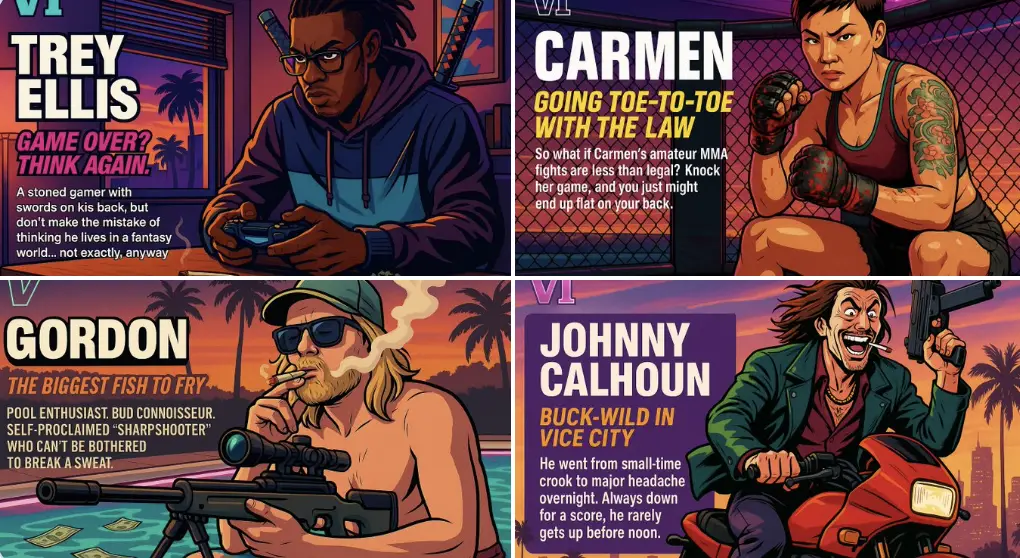
GTA Character
Create your own Grand Theft Auto style character artwork.
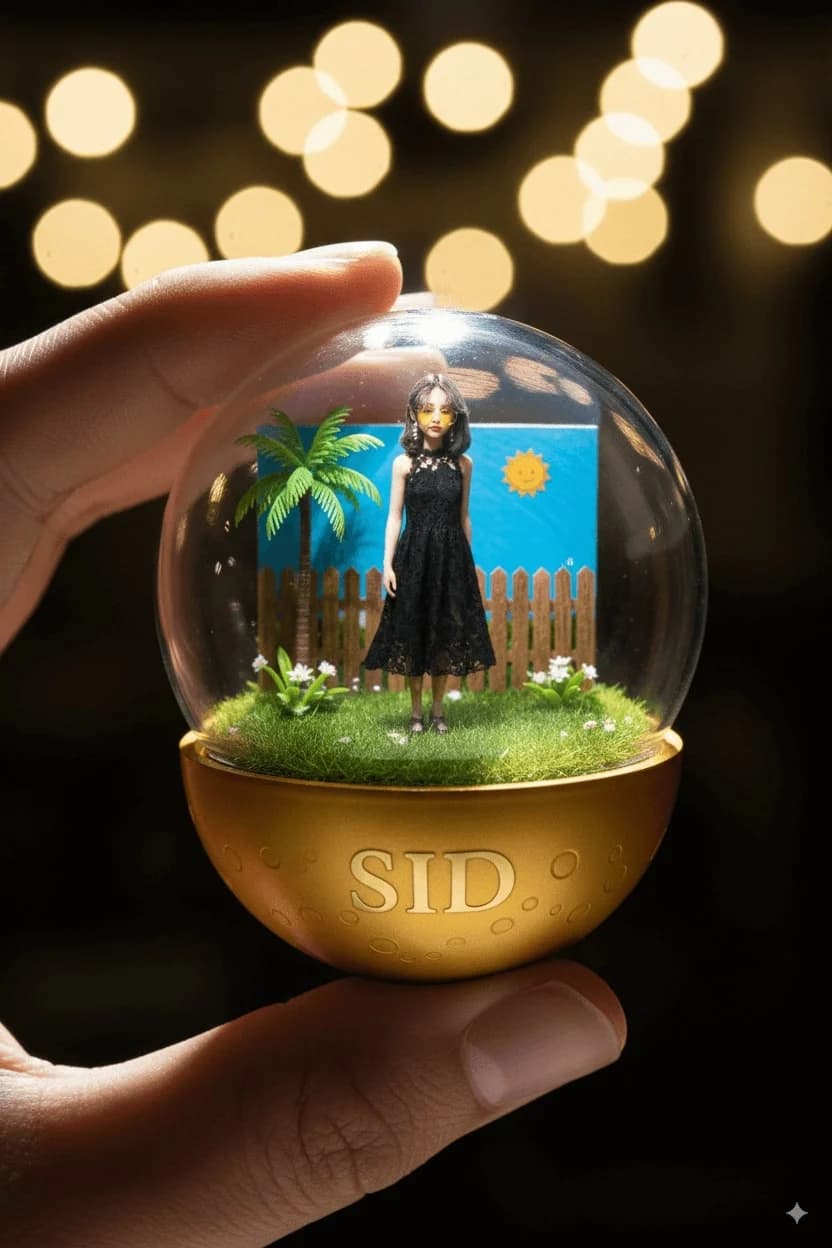
Character Capsules
Create adorable gashapon-style character capsule collectibles.
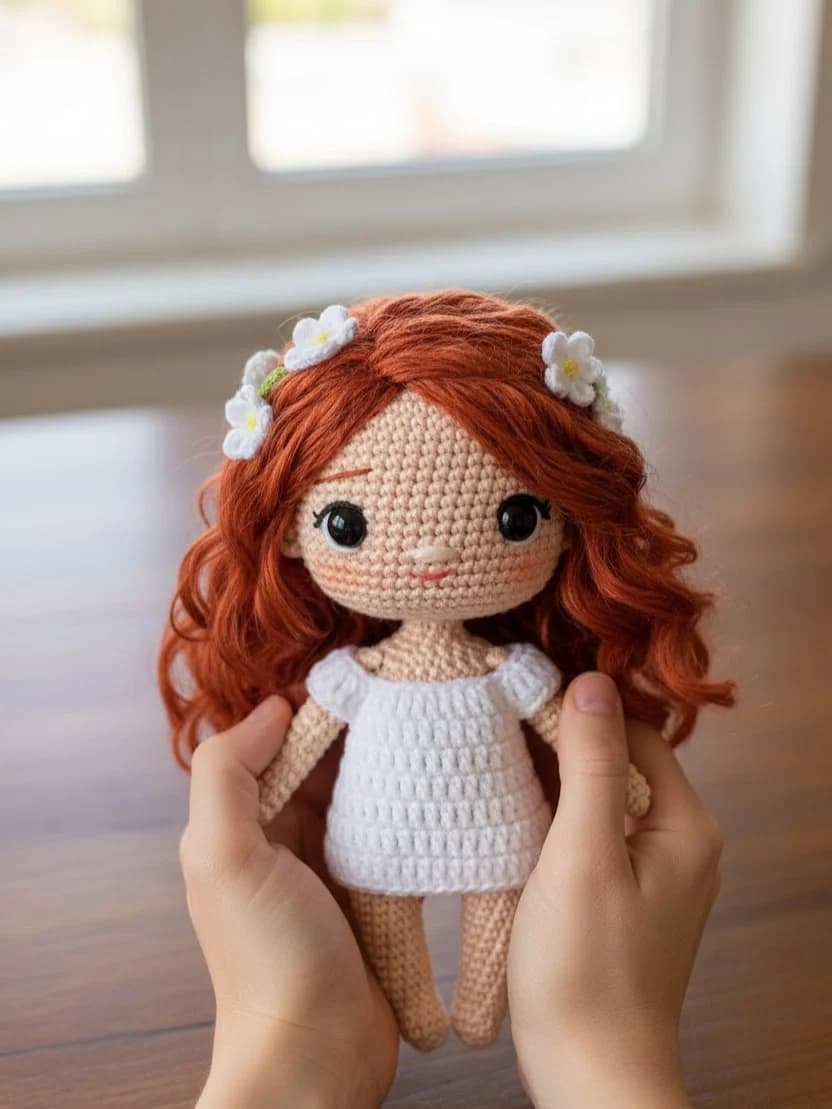
Chibi Knitted Doll
Transform photos into adorable handcrafted knitted doll versions.
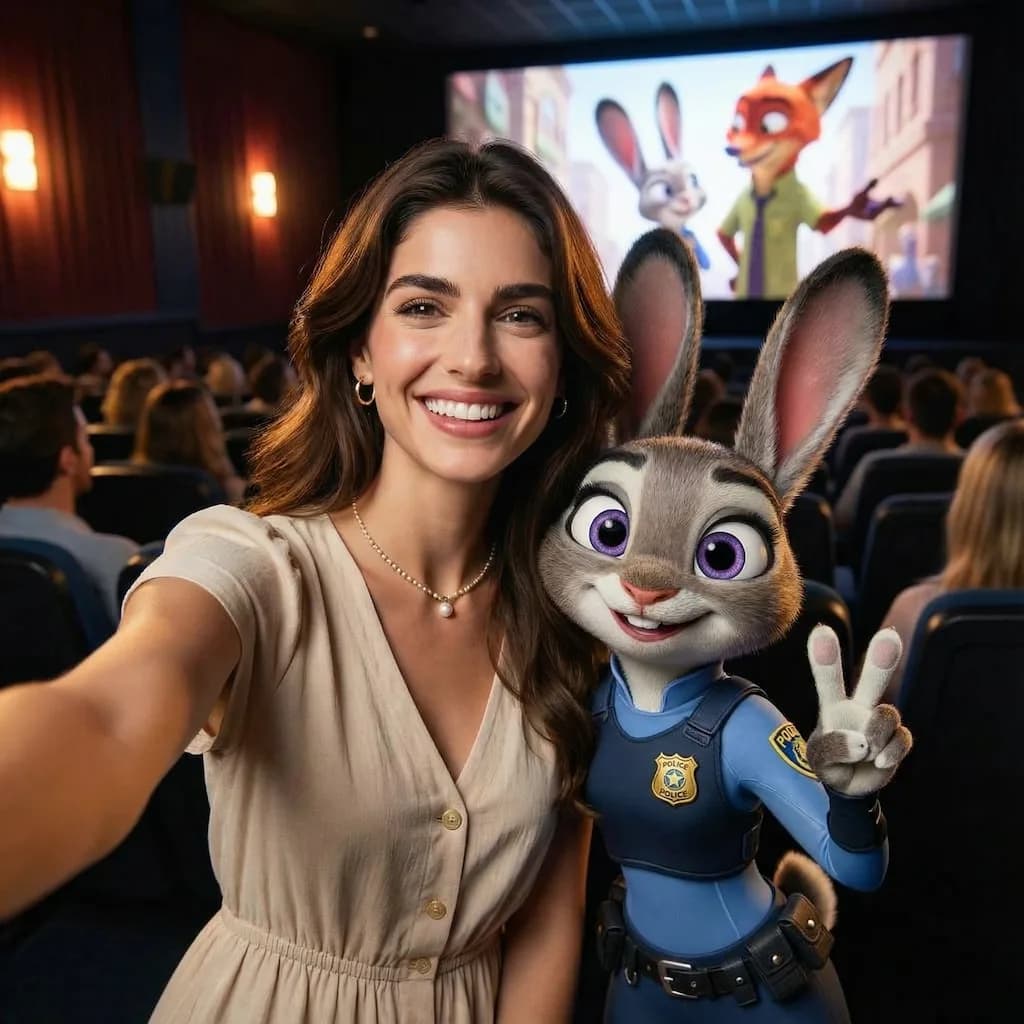
Zootopia Selfie
Transform your photos into adorable Zootopia-style animal characters.