
Retrato íntimo fotorrealista do FaceTime
Crie um retrato sonolento do FaceTime em close-up do iPhone com textura de pele preservada, luz suave do quarto e intimidade em chamadas noturnas privadas.
Gere um retrato íntimo fotorrealista no estilo FaceTime com enquadramento de close-up extremo, textura natural da câmera frontal do iPhone e um clima suave de quarto privado. Esta predefinição de texto Nano Banana 2 enfatiza detalhes realistas da pele, iluminação ambiente suave, pose de travesseiro sonolento e sobreposições sutis de chamadas no estilo iOS, sem retoques excessivos.
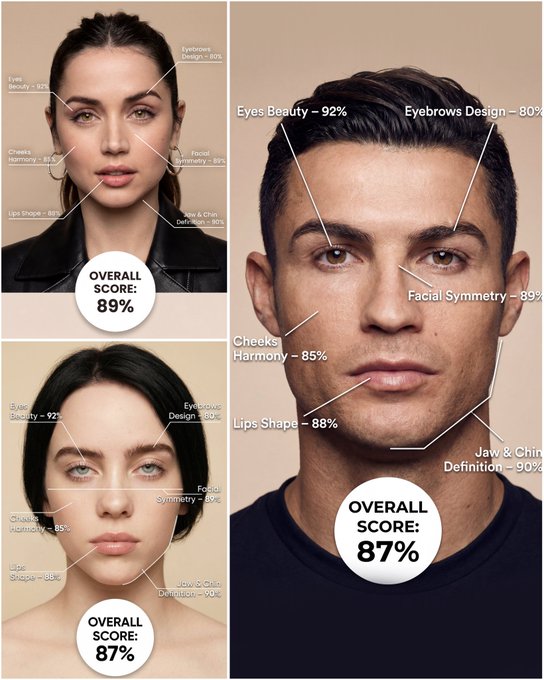
Use the provided portrait photo <YOUR PHOTO> as the base. Do NOT change the person’s face, expression, age, skin tone or gender. Just overlay a clean, minimal infographic on top. Create a high-resolution vertical “FACIAL AESTHETIC REPORT” poster, studio lighting, soft beige background, premium beauty clinic style. The subject can be MALE or FEMALE – keep them exactly as in the original photo. Add thin white lines and labels pointing to each area of the REAL face, with percentage scores based on global aesthetic ratios, symmetry and proportions (not changing the face): 1. Eyes: Label near the eyes with a line pointing to them: “Eyes Beauty – 0–100%” Example: “Eyes Beauty – 92%” 2. Cheeks: Label near the cheekbones: “Cheeks Harmony – 0–100%” Example: “Cheeks Harmony – 85%” 3. Lips: Label close to the mouth: “Lips Shape – 0–100%” Example: “Lips Shape – 88%” 4. Eyebrows: Label above or beside the brows: “Eyebrows Design – 0–100%” Example: “Eyebrows Design – 80%” 5. Jaw & Chin: Label near the jawline and chin: “Jaw & Chin Definition – 0–100%” Example: “Jaw & Chin Definition – 90%” 6. Overall Facial Symmetry: Label near the center of the face: “Facial Symmetry – 0–100%” Example: “Facial Symmetry – 89%” At the bottom center of the poster, add a BIG, bold number inside a circle or rectangle: “OVERALL SCORE: XX%” This is the total facial aesthetic score from 1–100%. Design style: – clean, medical-grade, aesthetic-clinic infographic – modern thin sans-serif typography – white text and lines, subtle drop shadows – no logos, no extra graphics, no text other than the labels and scores above.
Exemplos
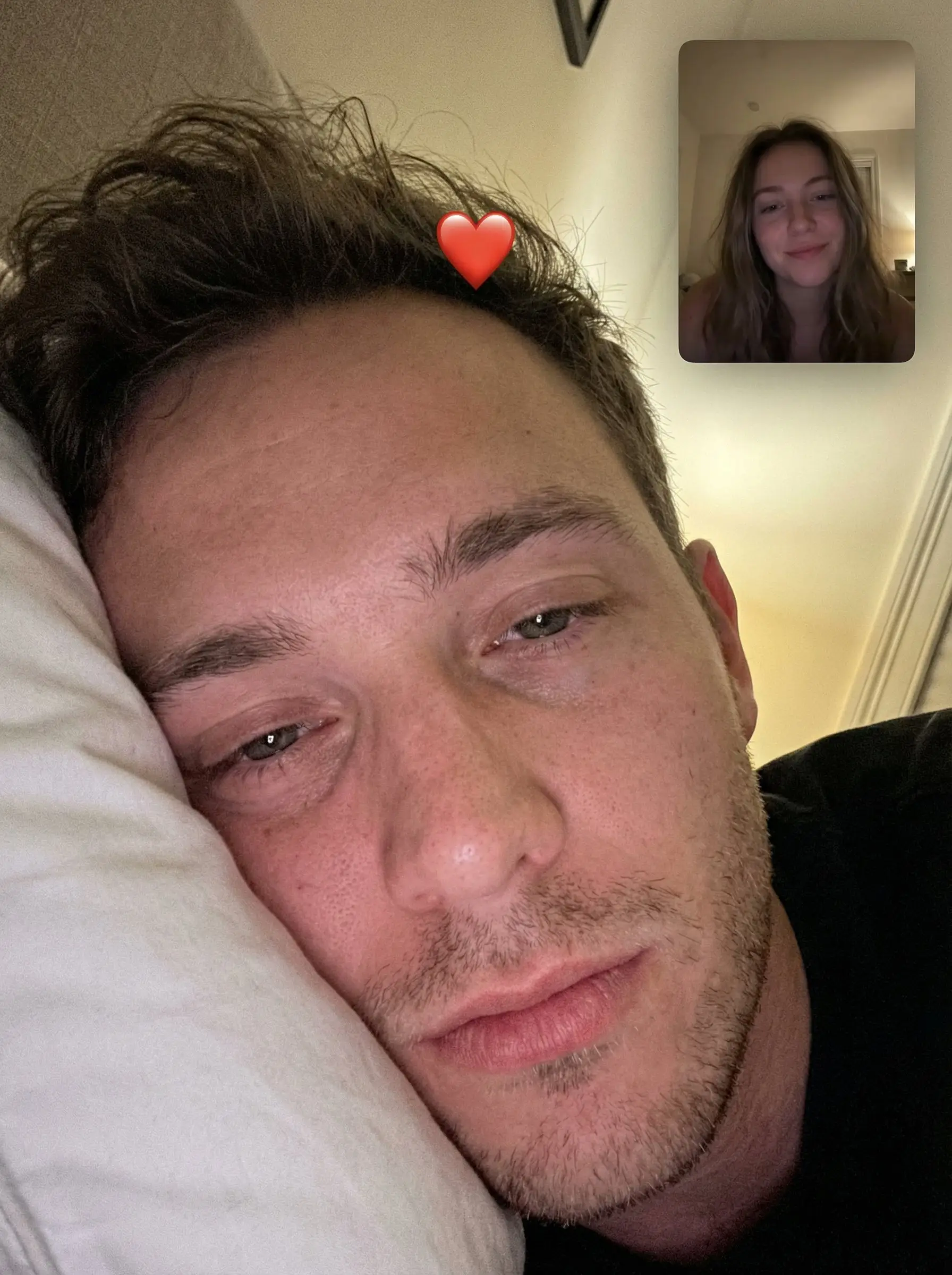
Prompt: { "task": "intimate_photorealistic_facetime_portrait", "output": { "type": "single_image", "resolution": "ultra_high_resolution", "realism": "natural_iphone_photography", "quality": "front_camera_selfie", "retouching": "none_skin_texture_preserved" }, "scene": { "location": "bedroom", "setting": "quiet_private_moment", "environment": { "surface": "white_pillow", "background": "soft_blurred_neutral", "lighting": "ambient_natural_light" } }, "composition": { "shot_type": "extreme_close_up", "camera_angle": "top_down_resting_angle", "framing": "eyes_and_forehead_dominant", "crop": "vertical", "moment": "sleepy_facetime_capture" }, "subject": { "role": "primary_subject", "gender": "male", "age_range": "young_adult", "pose": { "head": "resting_on_pillow", "eyes": "half_open_relaxed" }, "appearance": { "skin": "natural_texture_visible", "hair": "slightly_messy_bed_hair", "facial_hair": "optional_light_stubble", "makeup": "none" }, "expression": "soft_intimate" }, "interaction": { "context": "facetime_video_call", "overlay": { "picture_in_picture": { "position": "top_right", "subject": { "role": "girlfriend", "gender": "female", "age_range": "young_adult", "expression": "gentle_smile", "appearance": { "skin": "natural", "makeup": "minimal", "hair": "natural_loose" } }, "style": "ios_facetime_thumbnail" }, "emoji": { "type": "red_heart", "placement": "center_forehead_of_main_subject", "style": "iphone_emoji_overlay" } } }, "camera": { "device": "iPhone", "lens": "front_camera", "focal_length_equivalent": "26mm", "focus": "eyes_and_skin", "depth_of_field": "very_shallow_natural" }, "lighting": { "type": "soft_diffused", "source": "ambient_room_light", "contrast": "low", "shadows": "gentle" }, "color_grading": { "tone": "warm_neutral", "contrast": "soft", "saturation": "natural" }, "negative_prompt": [ "beauty_filters", "over_smoothing", "plastic_skin", "studio_lighting", "harsh_contrast", "distorted_face", "ai_artifacts", "cartoon_style" ] }
Como obter melhores resultados
Melhores dicas imediatas
- Name the lighting, lens feel, and facial mood before adding style adjectives.
- Keep the subject count to one unless the composition truly depends on another character.
- Use one dominant setting so the portrait still feels coherent at first glance.
Melhor para
- editorial-style portraits and social profile refreshes
- creator branding visuals with strong subject focus
- mood-driven beauty and fashion experiments
Quando usar texto versus modo de edição
Use text mode when you want to generate the full scene from scratch or when the idea matters more than preserving a reference image. Keep the prompt focused on one clear visual outcome instead of stacking unrelated ideas.
Quais fotos funcionam melhor
If you later switch this idea to edit mode, use a clear portrait or selfie with stable lighting and visible facial details. Neutral backgrounds usually make it easier to preserve identity while changing the mood.
Características
Casos de uso relacionados
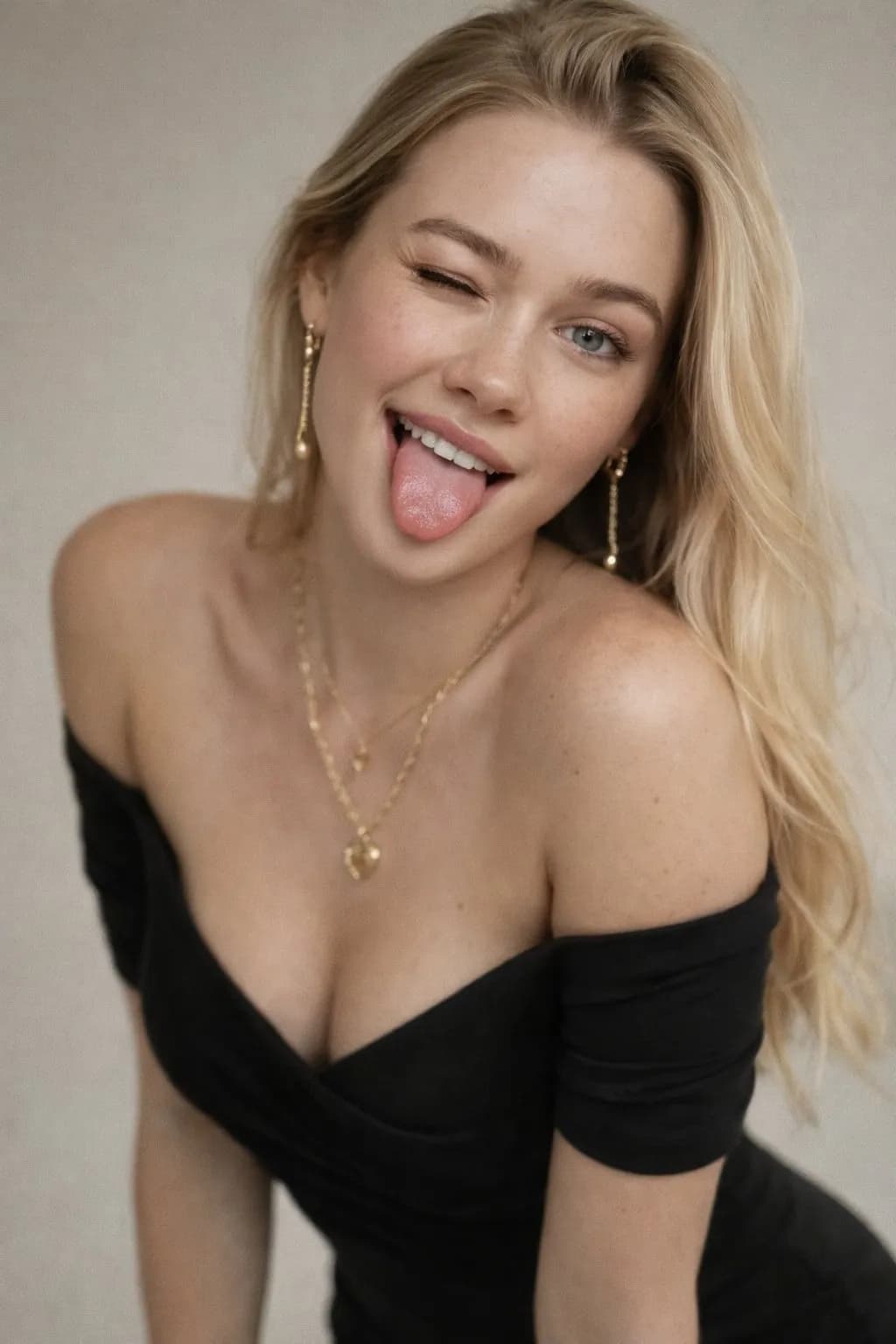
Retrato brincalhão de piscadelas e sardas
Crie divertidos retratos de estúdio de 50 mm com sardas naturais e textura de pele fotorreal.
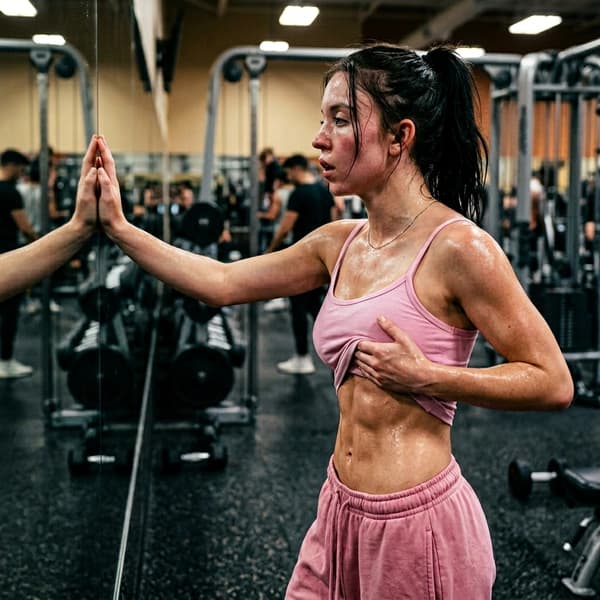
Retrato de verificação corporal suado na academia
Crie retratos pós-treino intensos com suor cinematográfico, iluminação de academia e estética corporal.
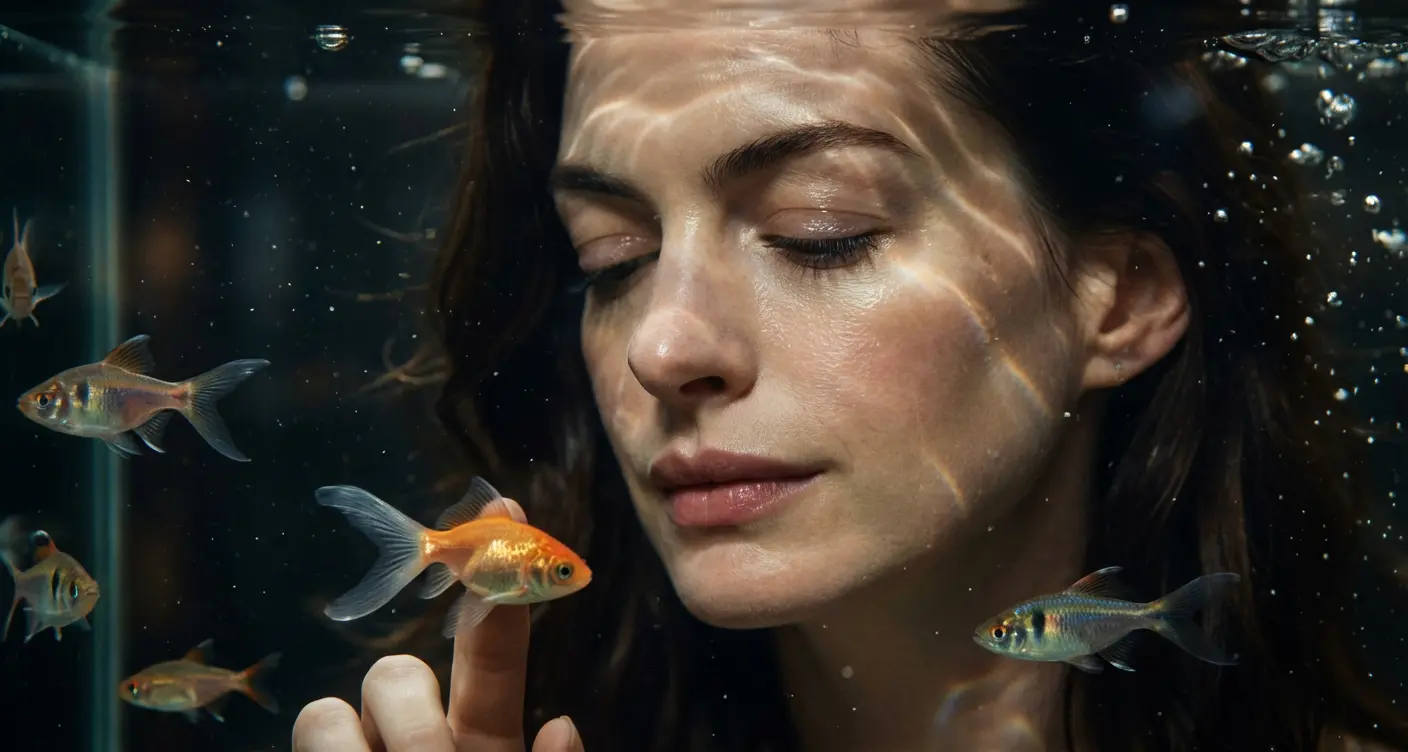
Retrato cinematográfico de aquário
Crie retratos subaquáticos de sonho em frente a um aquário brilhante.
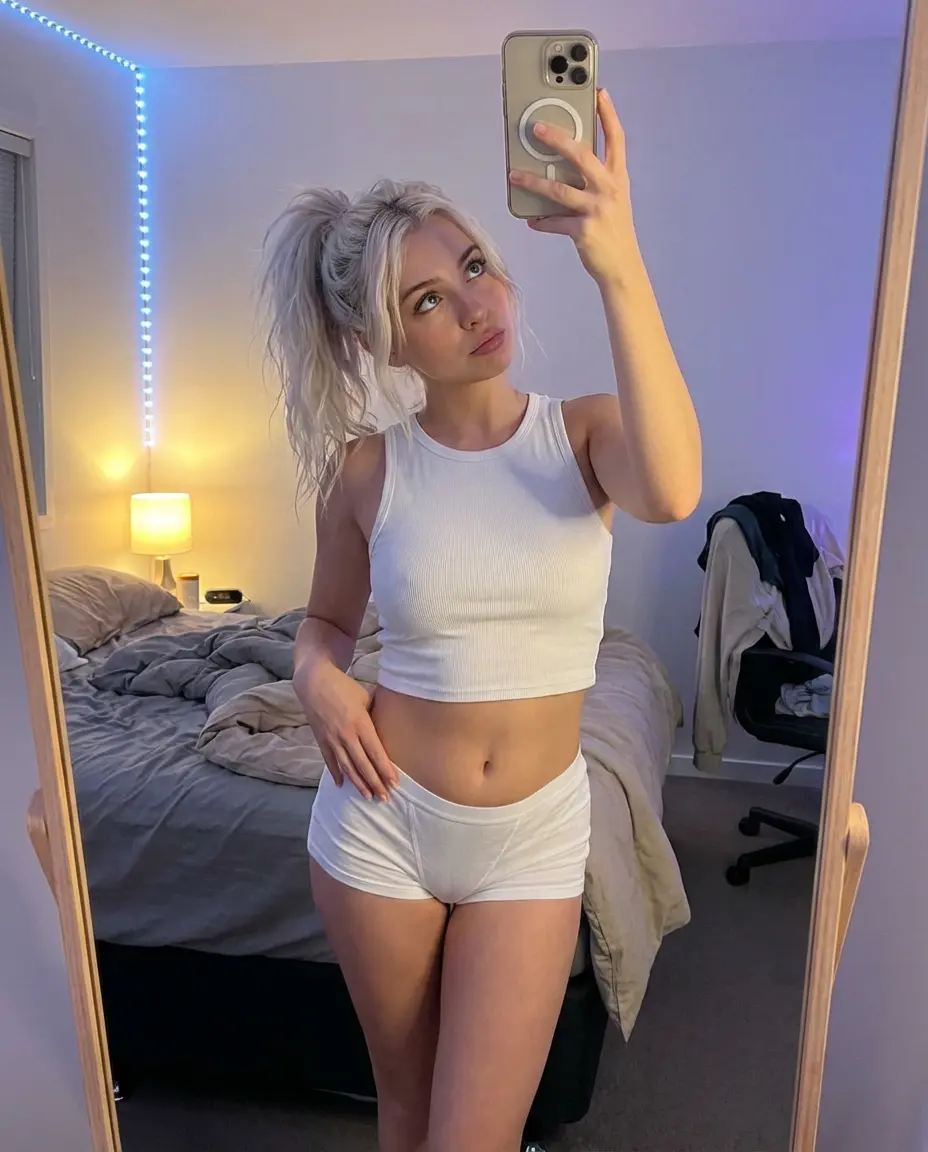
Selfie de espelho de quarto de alto ângulo
Crie selfies naturais, aconchegantes e elegantes no espelho do quarto.
Perguntas frequentes
Pronto para criar o seu próprio?
Comece a gerar imagens incríveis a partir de suas fotos hoje.