
Intimate Photorealistic FaceTime Portrait
Create a sleepy iPhone-close-up FaceTime portrait with preserved skin texture, soft bedroom light, and private late-night call intimacy.
Generate an intimate photorealistic FaceTime-style portrait with extreme close-up framing, natural iPhone front-camera texture, and a soft private-bedroom mood. This Nano Banana 2 text preset emphasizes realistic skin detail, gentle ambient lighting, a sleepy pillow pose, and subtle iOS-style call overlays without over-retouching.
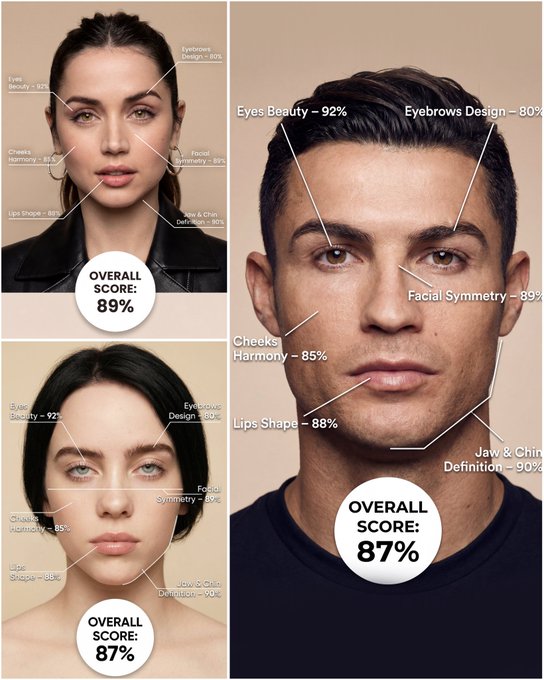
Use the provided portrait photo <YOUR PHOTO> as the base. Do NOT change the person’s face, expression, age, skin tone or gender. Just overlay a clean, minimal infographic on top. Create a high-resolution vertical “FACIAL AESTHETIC REPORT” poster, studio lighting, soft beige background, premium beauty clinic style. The subject can be MALE or FEMALE – keep them exactly as in the original photo. Add thin white lines and labels pointing to each area of the REAL face, with percentage scores based on global aesthetic ratios, symmetry and proportions (not changing the face): 1. Eyes: Label near the eyes with a line pointing to them: “Eyes Beauty – 0–100%” Example: “Eyes Beauty – 92%” 2. Cheeks: Label near the cheekbones: “Cheeks Harmony – 0–100%” Example: “Cheeks Harmony – 85%” 3. Lips: Label close to the mouth: “Lips Shape – 0–100%” Example: “Lips Shape – 88%” 4. Eyebrows: Label above or beside the brows: “Eyebrows Design – 0–100%” Example: “Eyebrows Design – 80%” 5. Jaw & Chin: Label near the jawline and chin: “Jaw & Chin Definition – 0–100%” Example: “Jaw & Chin Definition – 90%” 6. Overall Facial Symmetry: Label near the center of the face: “Facial Symmetry – 0–100%” Example: “Facial Symmetry – 89%” At the bottom center of the poster, add a BIG, bold number inside a circle or rectangle: “OVERALL SCORE: XX%” This is the total facial aesthetic score from 1–100%. Design style: – clean, medical-grade, aesthetic-clinic infographic – modern thin sans-serif typography – white text and lines, subtle drop shadows – no logos, no extra graphics, no text other than the labels and scores above.
Examples
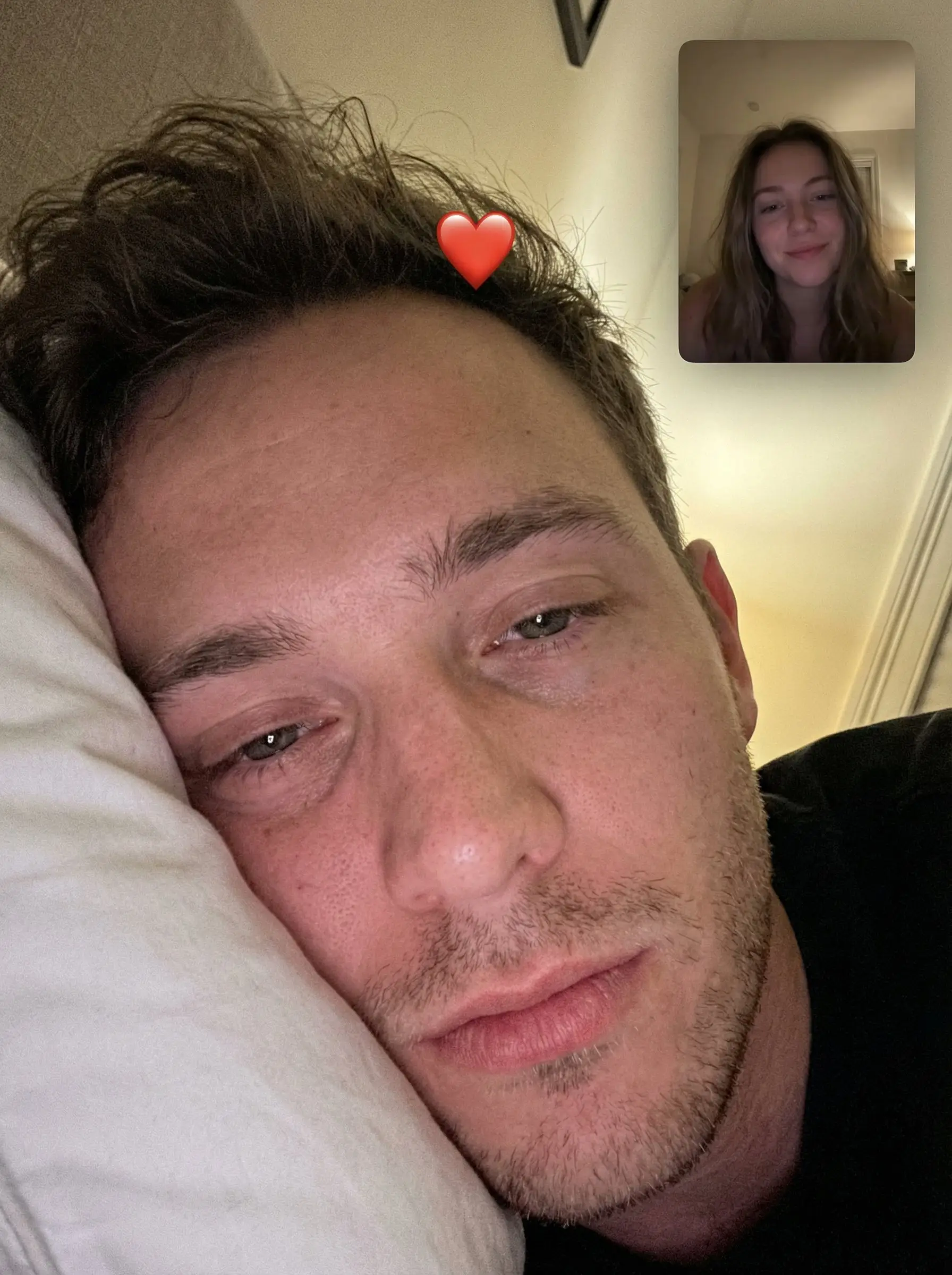
Prompt: { "task": "intimate_photorealistic_facetime_portrait", "output": { "type": "single_image", "resolution": "ultra_high_resolution", "realism": "natural_iphone_photography", "quality": "front_camera_selfie", "retouching": "none_skin_texture_preserved" }, "scene": { "location": "bedroom", "setting": "quiet_private_moment", "environment": { "surface": "white_pillow", "background": "soft_blurred_neutral", "lighting": "ambient_natural_light" } }, "composition": { "shot_type": "extreme_close_up", "camera_angle": "top_down_resting_angle", "framing": "eyes_and_forehead_dominant", "crop": "vertical", "moment": "sleepy_facetime_capture" }, "subject": { "role": "primary_subject", "gender": "male", "age_range": "young_adult", "pose": { "head": "resting_on_pillow", "eyes": "half_open_relaxed" }, "appearance": { "skin": "natural_texture_visible", "hair": "slightly_messy_bed_hair", "facial_hair": "optional_light_stubble", "makeup": "none" }, "expression": "soft_intimate" }, "interaction": { "context": "facetime_video_call", "overlay": { "picture_in_picture": { "position": "top_right", "subject": { "role": "girlfriend", "gender": "female", "age_range": "young_adult", "expression": "gentle_smile", "appearance": { "skin": "natural", "makeup": "minimal", "hair": "natural_loose" } }, "style": "ios_facetime_thumbnail" }, "emoji": { "type": "red_heart", "placement": "center_forehead_of_main_subject", "style": "iphone_emoji_overlay" } } }, "camera": { "device": "iPhone", "lens": "front_camera", "focal_length_equivalent": "26mm", "focus": "eyes_and_skin", "depth_of_field": "very_shallow_natural" }, "lighting": { "type": "soft_diffused", "source": "ambient_room_light", "contrast": "low", "shadows": "gentle" }, "color_grading": { "tone": "warm_neutral", "contrast": "soft", "saturation": "natural" }, "negative_prompt": [ "beauty_filters", "over_smoothing", "plastic_skin", "studio_lighting", "harsh_contrast", "distorted_face", "ai_artifacts", "cartoon_style" ] }
How To Get Better Results
Best Prompt Tips
- Name the lighting, lens feel, and facial mood before adding style adjectives.
- Keep the subject count to one unless the composition truly depends on another character.
- Use one dominant setting so the portrait still feels coherent at first glance.
Best For
- editorial-style portraits and social profile refreshes
- creator branding visuals with strong subject focus
- mood-driven beauty and fashion experiments
When To Use Text vs Edit Mode
Use text mode when you want to generate the full scene from scratch or when the idea matters more than preserving a reference image. Keep the prompt focused on one clear visual outcome instead of stacking unrelated ideas.
What Photos Work Best
If you later switch this idea to edit mode, use a clear portrait or selfie with stable lighting and visible facial details. Neutral backgrounds usually make it easier to preserve identity while changing the mood.
Features
Related Use Cases
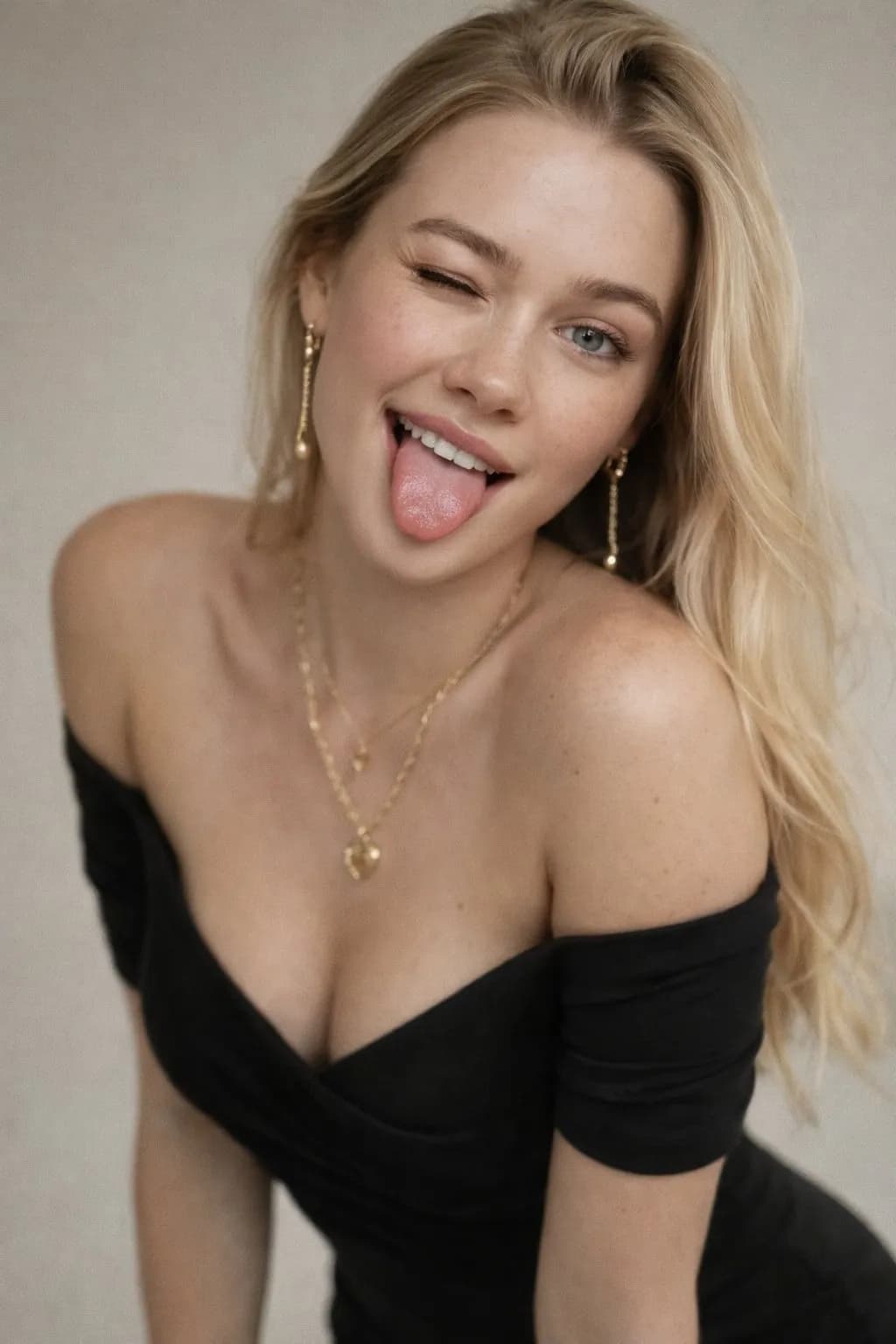
Playful Wink & Freckles Portrait
Create playful 50mm studio portraits with natural freckles and photoreal skin texture.
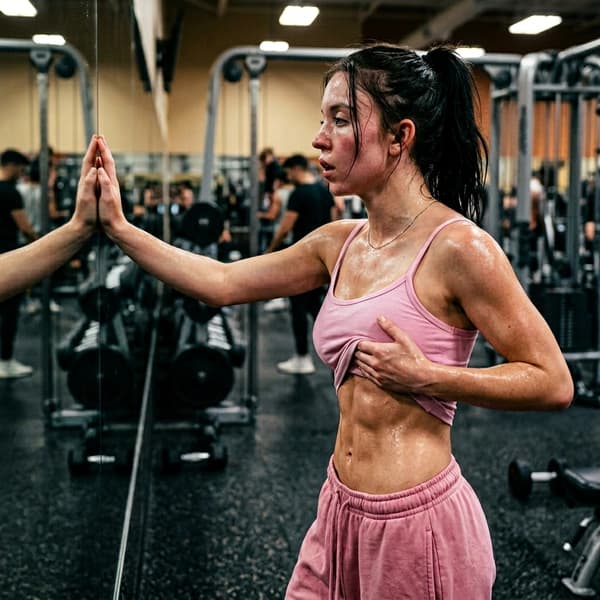
Sweaty Gym Body Check Portrait
Create intense post-workout portraits with cinematic sweat, gym lighting, and body-check aesthetics.
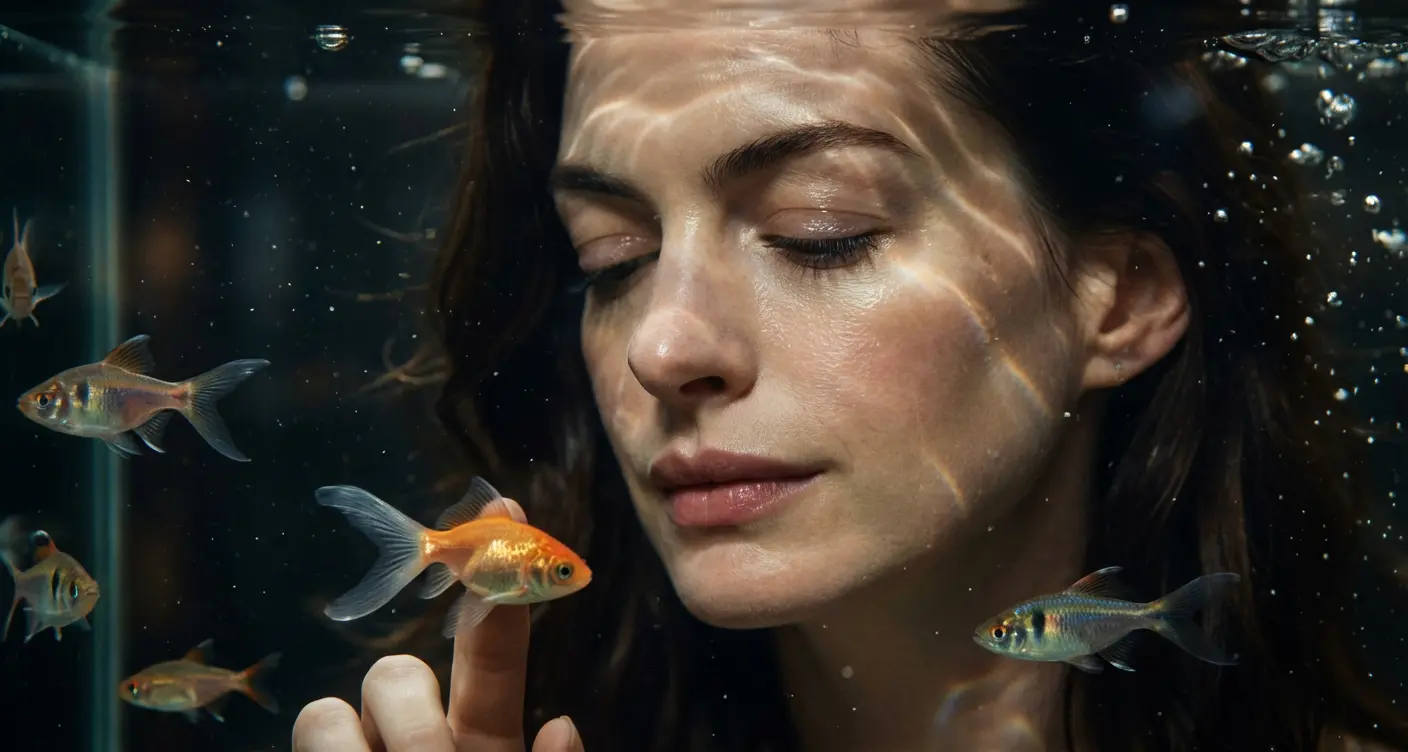
Cinematic Aquarium Portrait
Create dreamy underwater portraits in front of a glowing aquarium.
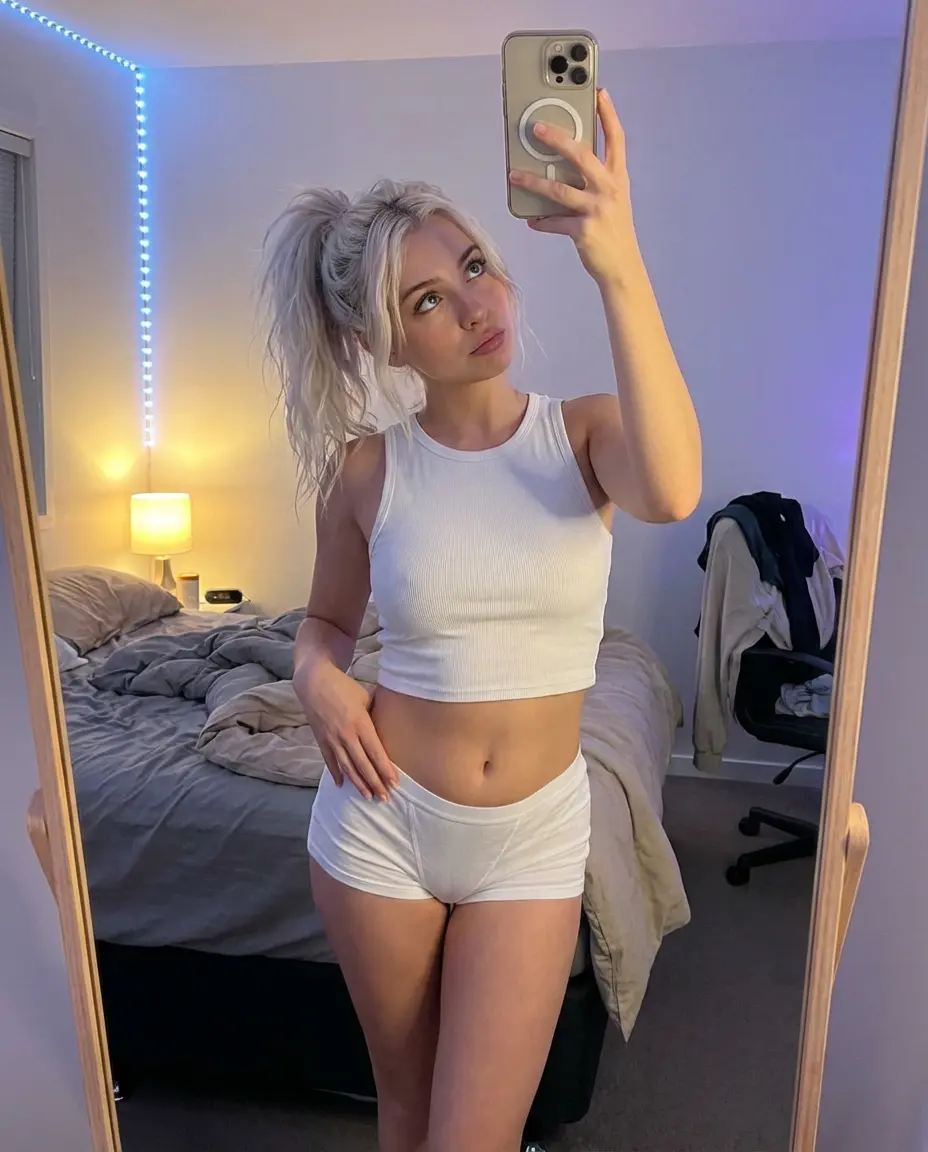
High-Angle Bedroom Mirror Selfie
Create natural, cozy, and stylish bedroom mirror selfies.