
Dim Bathroom Flash Aesthetic: POV Portrait
Create a dim bathroom flash portrait with POV energy, soft glam makeup, and an identity-preserving mirror-side gaze.
Generate a moody bathroom flash portrait in Nano Banana 2 edit mode using your face as the reference. This preset focuses on direct-flash realism, a slightly dark bathroom setting, oversized tee styling, thigh-high socks, and a candid POV setup where another person is visibly taking the photo.
Click to upload or drag and drop
PNG, JPG, WEBP up to 10MB
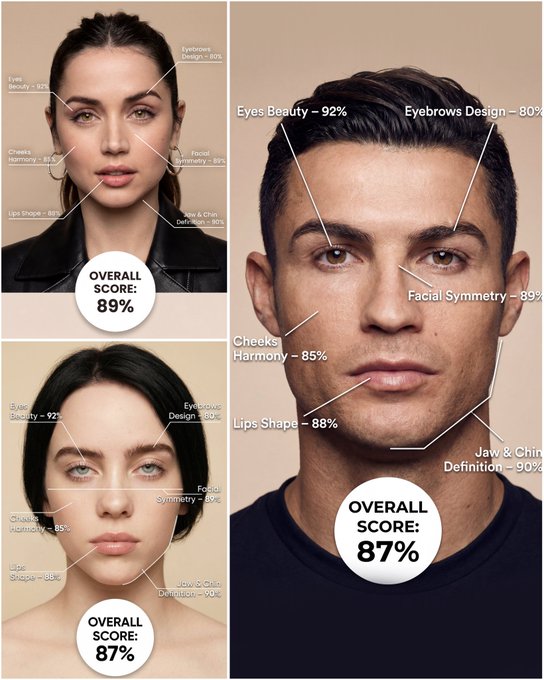
Use the provided portrait photo <YOUR PHOTO> as the base. Do NOT change the person’s face, expression, age, skin tone or gender. Just overlay a clean, minimal infographic on top. Create a high-resolution vertical “FACIAL AESTHETIC REPORT” poster, studio lighting, soft beige background, premium beauty clinic style. The subject can be MALE or FEMALE – keep them exactly as in the original photo. Add thin white lines and labels pointing to each area of the REAL face, with percentage scores based on global aesthetic ratios, symmetry and proportions (not changing the face): 1. Eyes: Label near the eyes with a line pointing to them: “Eyes Beauty – 0–100%” Example: “Eyes Beauty – 92%” 2. Cheeks: Label near the cheekbones: “Cheeks Harmony – 0–100%” Example: “Cheeks Harmony – 85%” 3. Lips: Label close to the mouth: “Lips Shape – 0–100%” Example: “Lips Shape – 88%” 4. Eyebrows: Label above or beside the brows: “Eyebrows Design – 0–100%” Example: “Eyebrows Design – 80%” 5. Jaw & Chin: Label near the jawline and chin: “Jaw & Chin Definition – 0–100%” Example: “Jaw & Chin Definition – 90%” 6. Overall Facial Symmetry: Label near the center of the face: “Facial Symmetry – 0–100%” Example: “Facial Symmetry – 89%” At the bottom center of the poster, add a BIG, bold number inside a circle or rectangle: “OVERALL SCORE: XX%” This is the total facial aesthetic score from 1–100%. Design style: – clean, medical-grade, aesthetic-clinic infographic – modern thin sans-serif typography – white text and lines, subtle drop shadows – no logos, no extra graphics, no text other than the labels and scores above.
Examples

Prompt: { "prompt": { "face_reference": "Use my face to create the image, keeping facial features accurate.", "background": "A slightly dark bathroom.", "outfit": { "top": "Oversized black short-sleeve T-shirt", "bottom": "Short white skirt", "socks": "Thigh-high socks" }, "pose": { "body_position": "Standing slightly leaning forward", "gaze": "Looking at the mirror with eyes slightly directed to the right" }, "lighting": "Direct flash photography", "photographer": { "description": "Another person taking the photo", "visible_elements": "Hand and smartphone visible with flash firing" }, "makeup": { "style": "Soft makeup", "eyelashes": "Curled eyelashes", "cheeks": "Soft pink blush", "lips": "Beautifully colored lips" }, "hair": { "right_side": "Let down naturally", "left_side": "Resting loosely on the shoulder", "details": "Some messy strands falling on the face" } } }
How To Get Better Results
Best Prompt Tips
- Be explicit about camera angle, mirror setup, and the room you want around the subject.
- Lock in one outfit direction so the result does not drift into mixed styling.
- Use social-photo language like flash, phone camera, candid, or bedroom daylight when needed.
Best For
- social-first mirror selfies and phone-photo aesthetics
- identity-led lifestyle concepts with a clear room setup
- trend-driven prompts that need relatable framing
When To Use Text vs Edit Mode
Use edit mode when identity, product shape, or a source asset needs to survive the transformation. Start from a clean reference image, then let the prompt control styling, environment, and composition.
What Photos Work Best
Upload a sharp, well-lit photo where the face or main subject is clearly visible and not heavily filtered. Avoid crowded backgrounds, extreme blur, and heavy occlusions if you want the result to stay recognizable.
Features
Related Use Cases
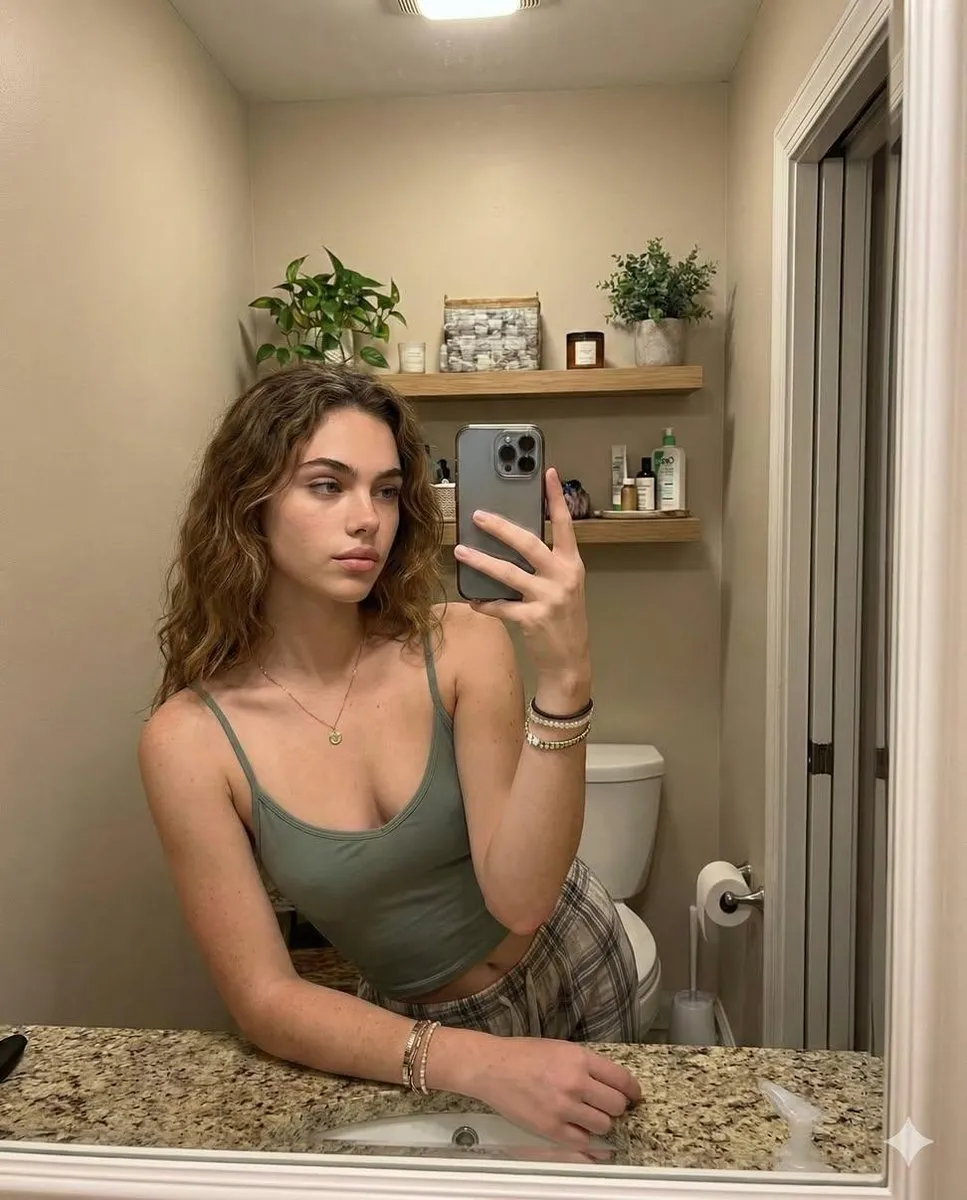
Cozy Casual Bathroom Mirror Selfie
Generate a natural lifestyle bathroom mirror selfie while preserving your exact identity.
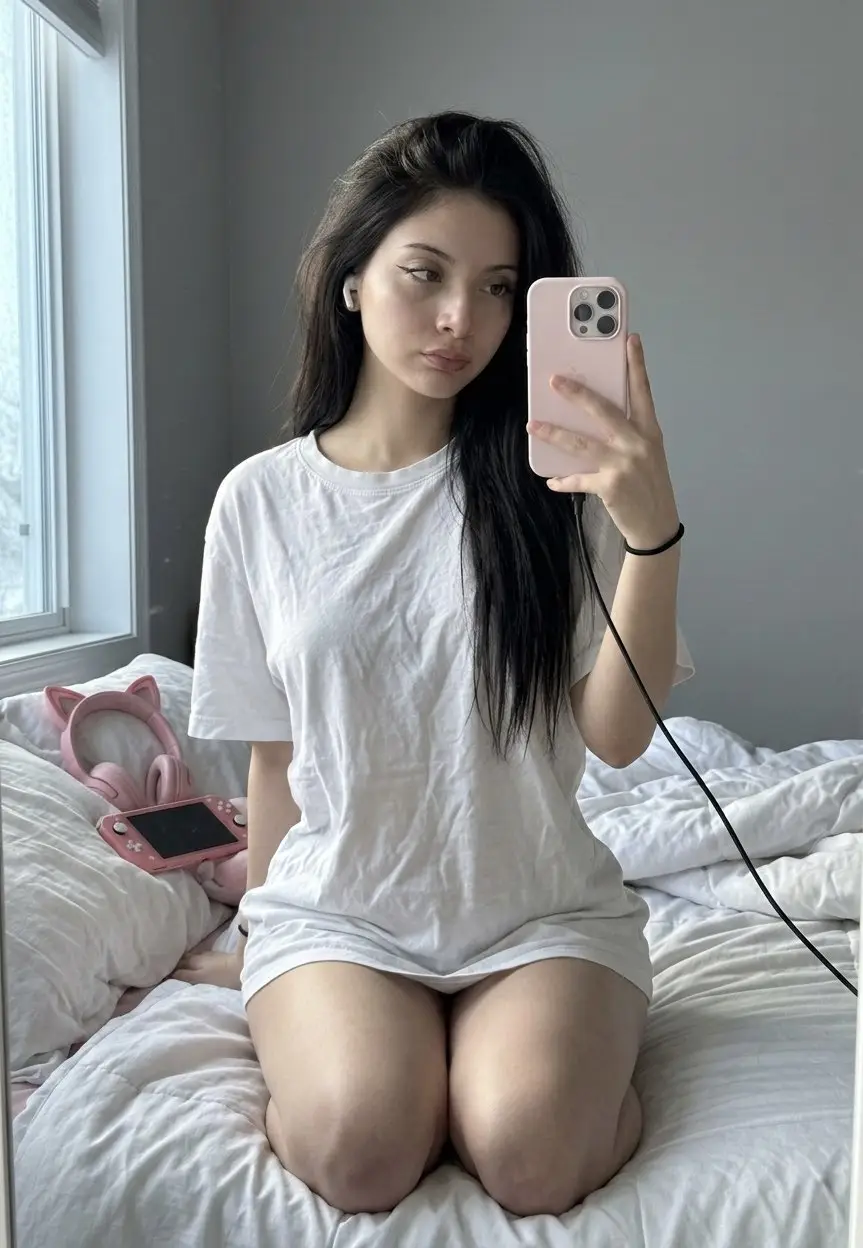
Cozy Girl Mirror Selfie & Oversized Tee
Create dreamy bedroom mirror selfies with an oversized white tee and soft morning light.
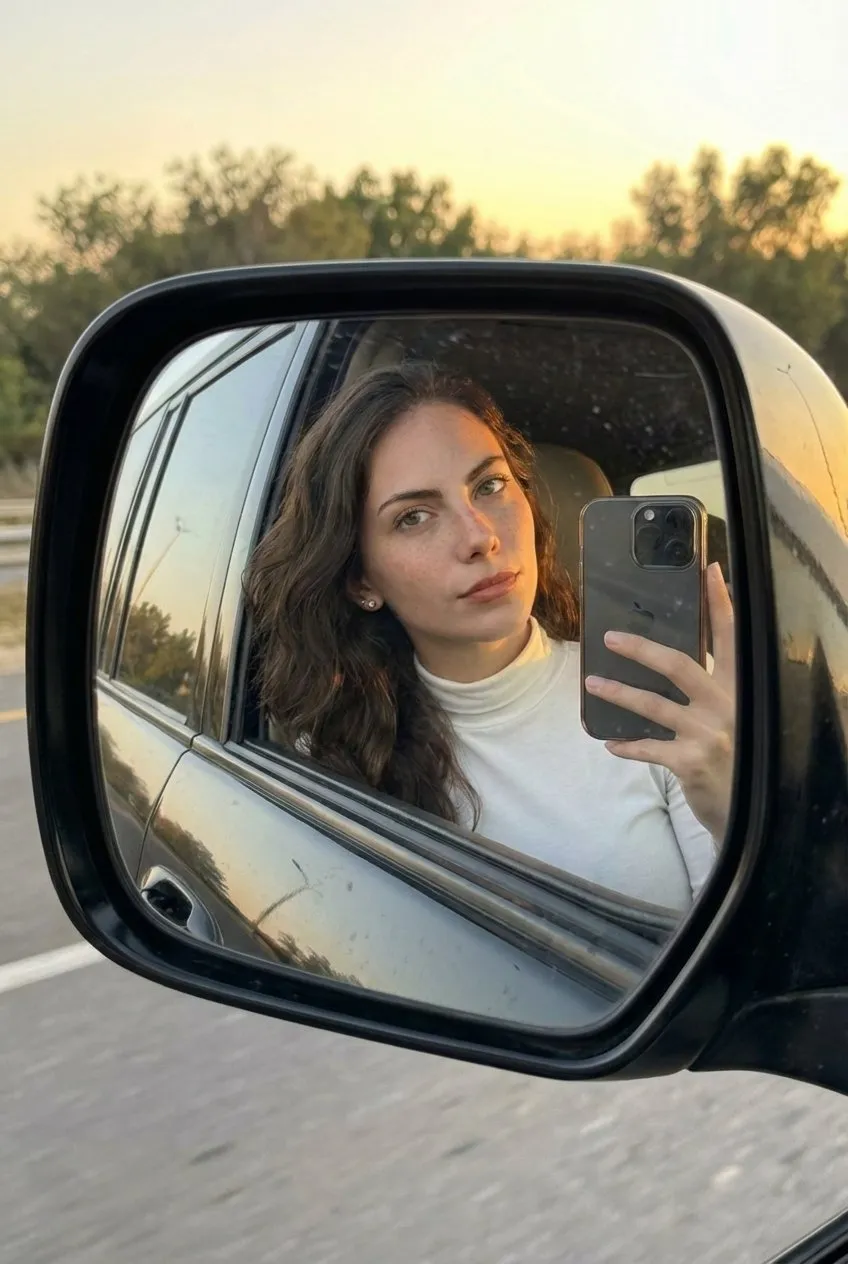
Golden Hour Land Cruiser Mirror Selfie
Create realistic golden-hour side-mirror selfies with accurate reflection physics and a clean car-lifestyle aesthetic.
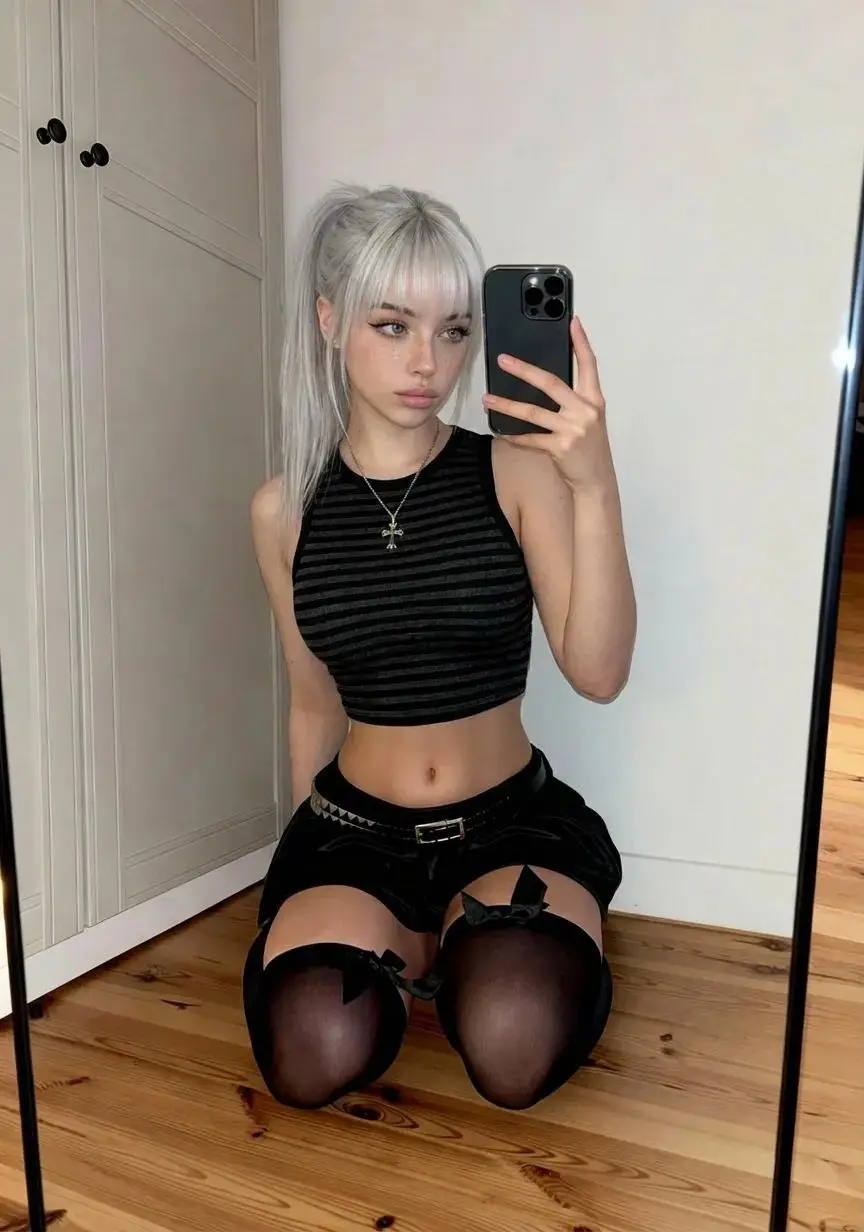
K-Pop Idol Vibe & Thigh-Highs Mirror Selfie
Create identity-preserving K-pop idol mirror selfies with platinum hair and thigh-high styling.