
Generador de vallas publicitarias 3D a simple vista
Cree impresionantes anuncios publicitarios anamórficos en 3D que salgan de la pantalla
Genere llamativos diseños de vallas publicitarias en 3D a simple vista con increíbles ilusiones ópticas. Perfecto para conceptos de publicidad exterior, presentaciones de marketing y proyectos visuales creativos. Nuestra IA crea efectos realistas de perspectiva forzada que hacen que los productos parezcan atravesar la pantalla.
Ejemplos
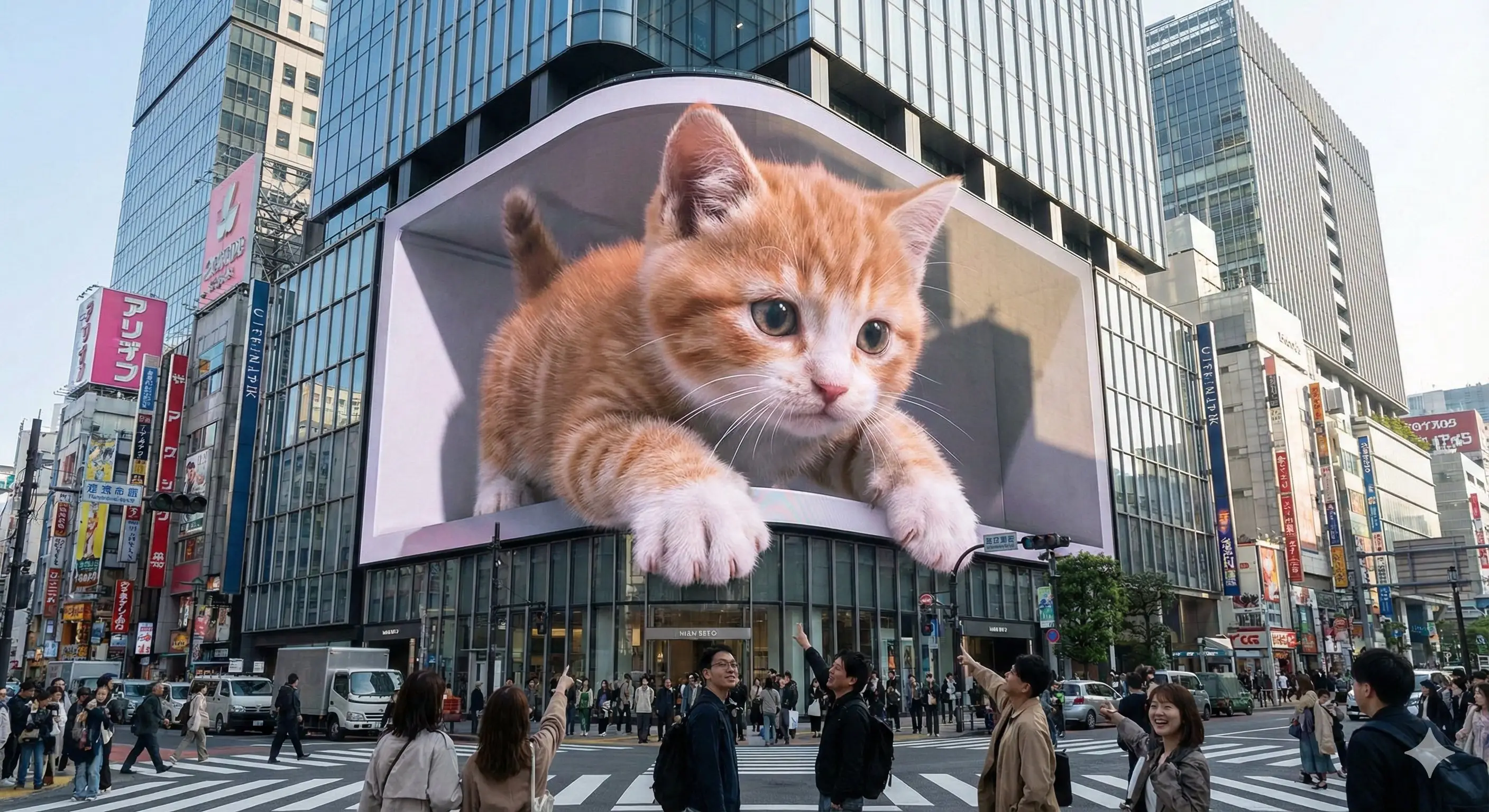
Prompt: Experience stunning glasses-free 3D visuals on an iconic urban LED display—where fantasy and reality merge seamlessly at the heart of the city.--- Prompt ---An enormous L-shaped glasses-free 3D LED screen situated prominently at a bustling urban intersection, designed in an iconic architectural style reminiscent of Shinjuku in Tokyo or Taikoo Li in Chengdu. The screen displays a captivating glasses-free 3D animation featuring [scene description]. The characters and objects possess striking depth and appear to break through the screen’s boundaries, extending outward or floating vividly in mid-air. Under realistic daylight conditions, these elements cast lifelike shadows onto the screen’s surface and surrounding buildings. Rich in intricate detail and vibrant colors, the animation seamlessly integrates with the urban setting and the bright sky overhead.----scene description: [An adorable giant kitten playfully paws at passing pedestrians, its fluffy paws and curious face extending realistically into the space around the screen.]
Cómo obtener mejores resultados
Los mejores consejos rápidos
- Describe scale, camera angle, and focal subject first so the scene reads instantly.
- Anchor the environment with one location and one lighting setup before layering effects.
- Use concrete landmark or object details to make the world feel specific, not generic.
La mejor para
- large-scale visual ideas that need environment storytelling
- campaign concepts where the setting is as important as the subject
- travel, AR, miniature, or spectacle-driven compositions
Cuándo usar el modo Texto versus el modo Edición
Use text mode when you want to generate the full scene from scratch or when the idea matters more than preserving a reference image. Keep the prompt focused on one clear visual outcome instead of stacking unrelated ideas.
¿Qué fotos funcionan mejor?
If you later adapt this to edit mode, use a simple reference with one obvious subject and enough detail to anchor shape, texture, or silhouette before the styling prompt takes over.
Características
Casos de uso relacionados
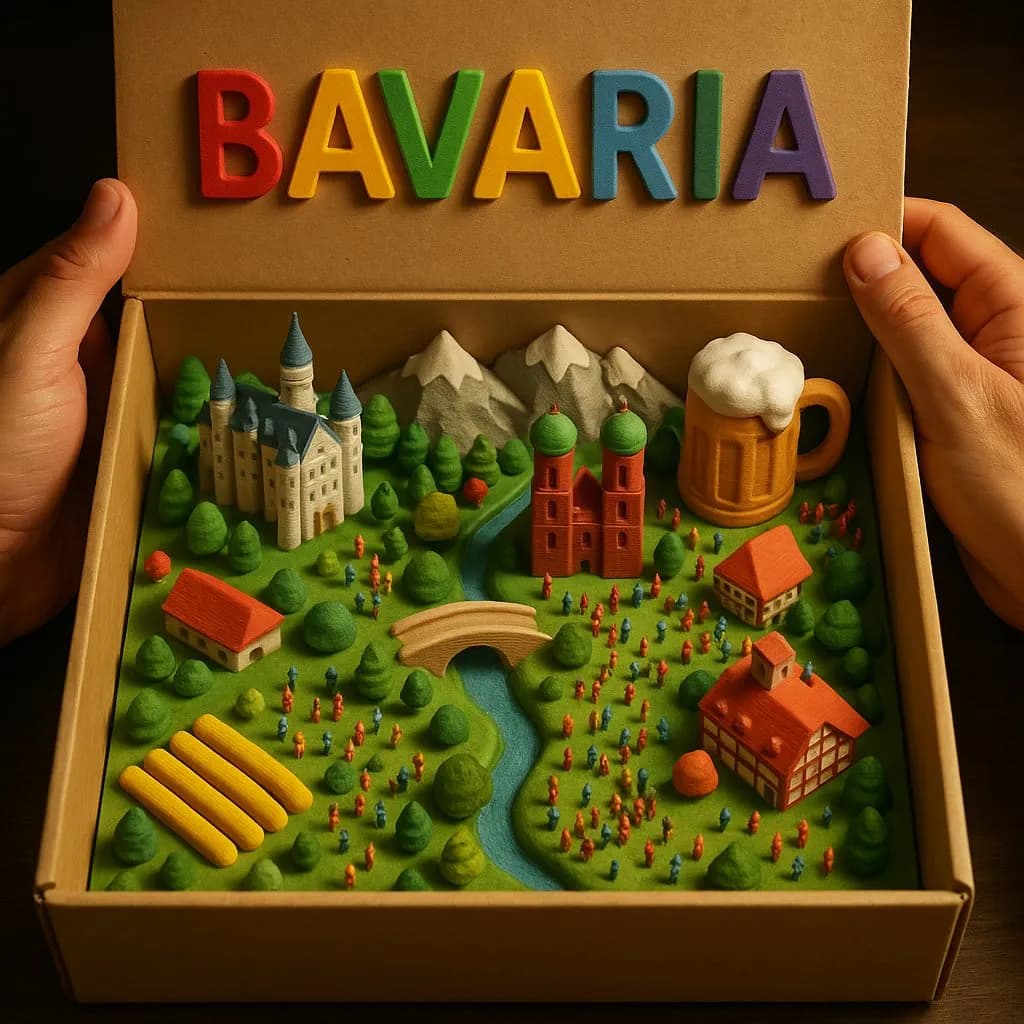
Diorama de caja de campo 3D
Crea mágicos paisajes rurales en miniatura dentro de una caja de cartón abierta con detalles táctiles impresos en 3D.
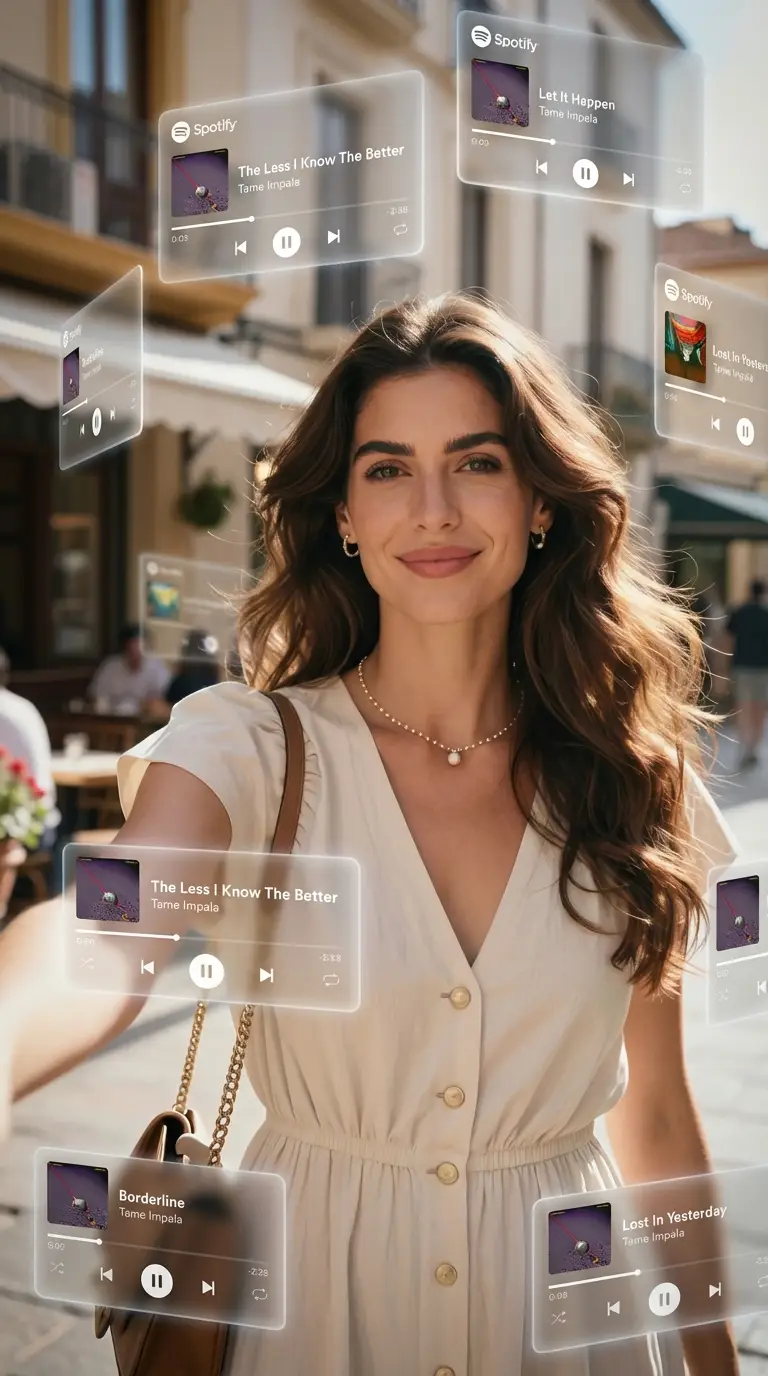
Órbita de música AR
Crea retratos con elementos musicales flotantes que orbitan a tu alrededor.
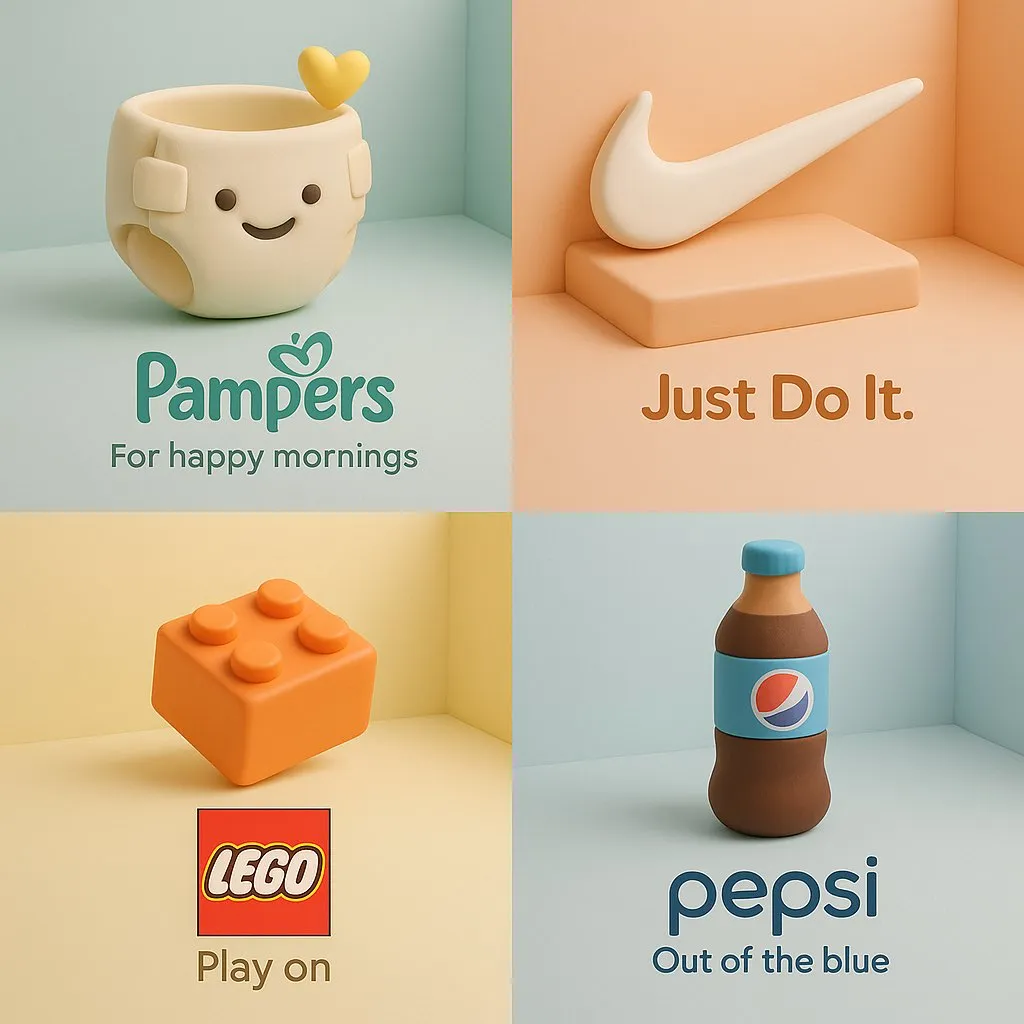
Anuncio de producto de arcilla 3D
Convierta un producto de marca en una escultura de dibujos animados de estilo arcilla suave con una composición publicitaria isométrica en colores pastel.
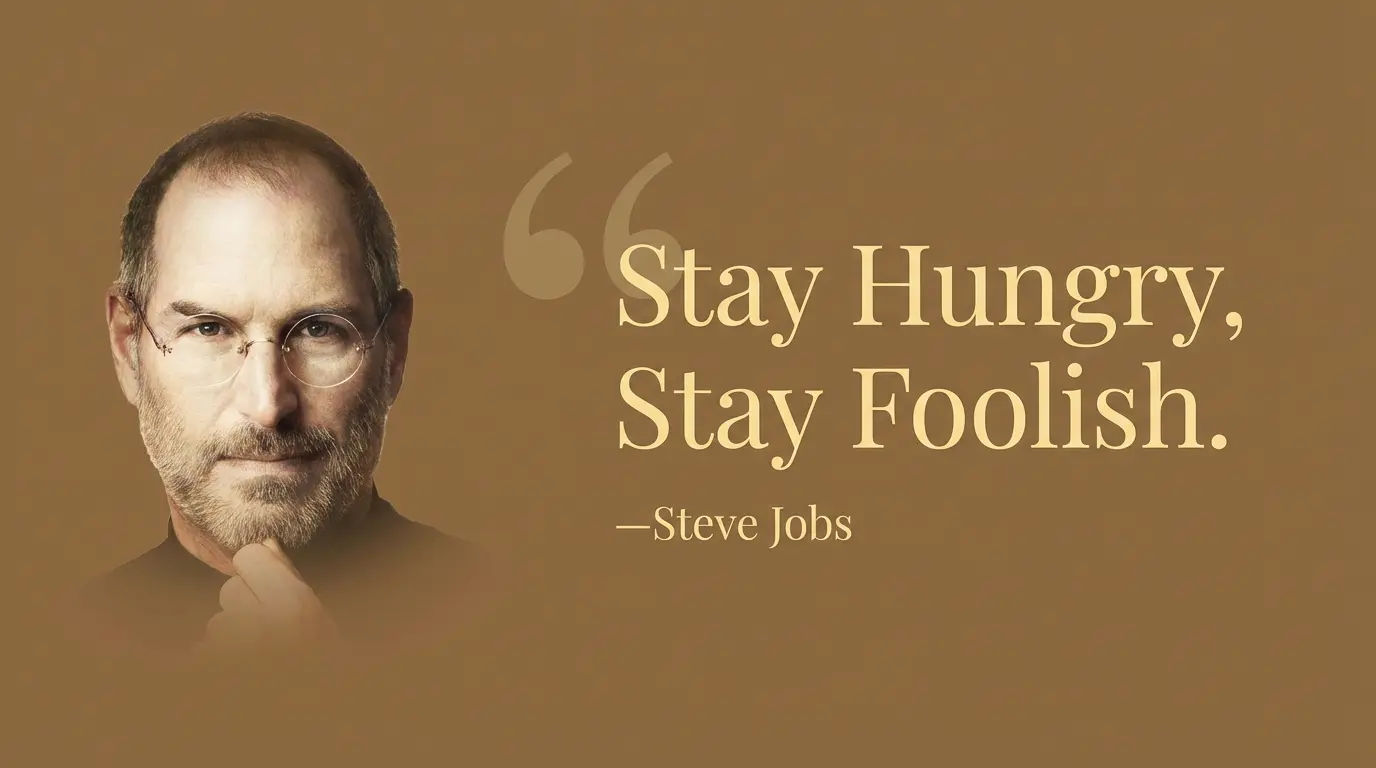
Tarjeta de cotización clásica
Crea tarjetas de citas atemporales en blanco y negro con tipografía clásica.
Preguntas frecuentes
¿Listo para crear el tuyo propio?
Comience a generar imágenes asombrosas a partir de sus fotografías hoy.