
Naked-eye 3D Billboard Generator
Create stunning anamorphic 3D billboard advertisements that pop out of the screen
Generate eye-catching naked-eye 3D billboard designs with incredible optical illusions. Perfect for outdoor advertising concepts, marketing presentations, and creative visual projects. Our AI creates realistic forced perspective effects that make products appear to break through the display.
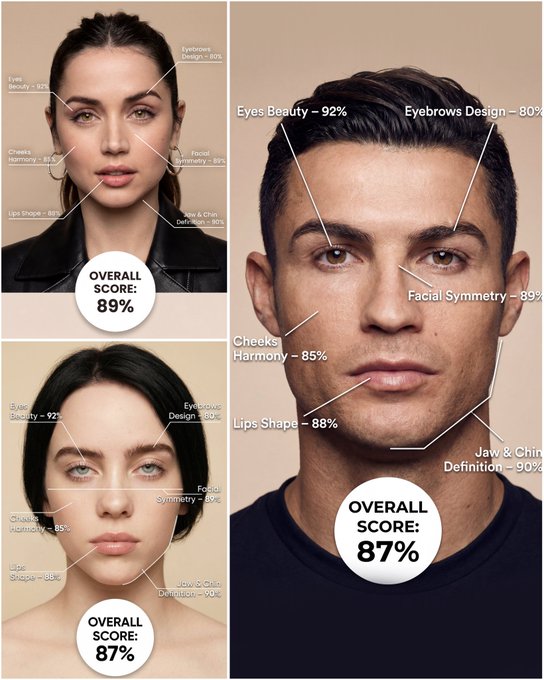
Use the provided portrait photo <YOUR PHOTO> as the base. Do NOT change the person’s face, expression, age, skin tone or gender. Just overlay a clean, minimal infographic on top. Create a high-resolution vertical “FACIAL AESTHETIC REPORT” poster, studio lighting, soft beige background, premium beauty clinic style. The subject can be MALE or FEMALE – keep them exactly as in the original photo. Add thin white lines and labels pointing to each area of the REAL face, with percentage scores based on global aesthetic ratios, symmetry and proportions (not changing the face): 1. Eyes: Label near the eyes with a line pointing to them: “Eyes Beauty – 0–100%” Example: “Eyes Beauty – 92%” 2. Cheeks: Label near the cheekbones: “Cheeks Harmony – 0–100%” Example: “Cheeks Harmony – 85%” 3. Lips: Label close to the mouth: “Lips Shape – 0–100%” Example: “Lips Shape – 88%” 4. Eyebrows: Label above or beside the brows: “Eyebrows Design – 0–100%” Example: “Eyebrows Design – 80%” 5. Jaw & Chin: Label near the jawline and chin: “Jaw & Chin Definition – 0–100%” Example: “Jaw & Chin Definition – 90%” 6. Overall Facial Symmetry: Label near the center of the face: “Facial Symmetry – 0–100%” Example: “Facial Symmetry – 89%” At the bottom center of the poster, add a BIG, bold number inside a circle or rectangle: “OVERALL SCORE: XX%” This is the total facial aesthetic score from 1–100%. Design style: – clean, medical-grade, aesthetic-clinic infographic – modern thin sans-serif typography – white text and lines, subtle drop shadows – no logos, no extra graphics, no text other than the labels and scores above.
Examples
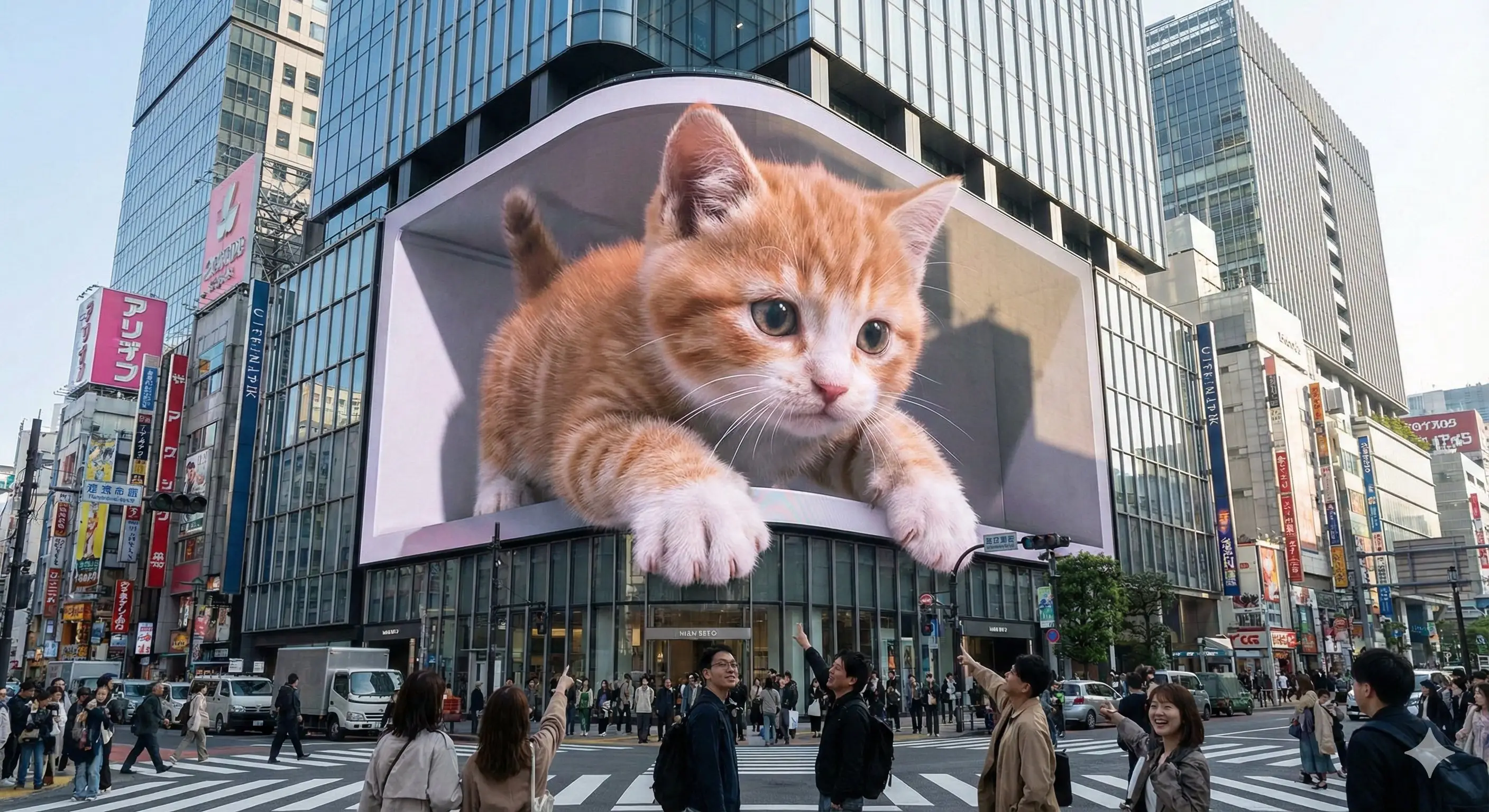
Prompt: Experience stunning glasses-free 3D visuals on an iconic urban LED display—where fantasy and reality merge seamlessly at the heart of the city.--- Prompt ---An enormous L-shaped glasses-free 3D LED screen situated prominently at a bustling urban intersection, designed in an iconic architectural style reminiscent of Shinjuku in Tokyo or Taikoo Li in Chengdu. The screen displays a captivating glasses-free 3D animation featuring [scene description]. The characters and objects possess striking depth and appear to break through the screen’s boundaries, extending outward or floating vividly in mid-air. Under realistic daylight conditions, these elements cast lifelike shadows onto the screen’s surface and surrounding buildings. Rich in intricate detail and vibrant colors, the animation seamlessly integrates with the urban setting and the bright sky overhead.----scene description: [An adorable giant kitten playfully paws at passing pedestrians, its fluffy paws and curious face extending realistically into the space around the screen.]
How To Get Better Results
Best Prompt Tips
- Describe scale, camera angle, and focal subject first so the scene reads instantly.
- Anchor the environment with one location and one lighting setup before layering effects.
- Use concrete landmark or object details to make the world feel specific, not generic.
Best For
- large-scale visual ideas that need environment storytelling
- campaign concepts where the setting is as important as the subject
- travel, AR, miniature, or spectacle-driven compositions
When To Use Text vs Edit Mode
Use text mode when you want to generate the full scene from scratch or when the idea matters more than preserving a reference image. Keep the prompt focused on one clear visual outcome instead of stacking unrelated ideas.
What Photos Work Best
If you later adapt this to edit mode, use a simple reference with one obvious subject and enough detail to anchor shape, texture, or silhouette before the styling prompt takes over.
Features
Related Use Cases
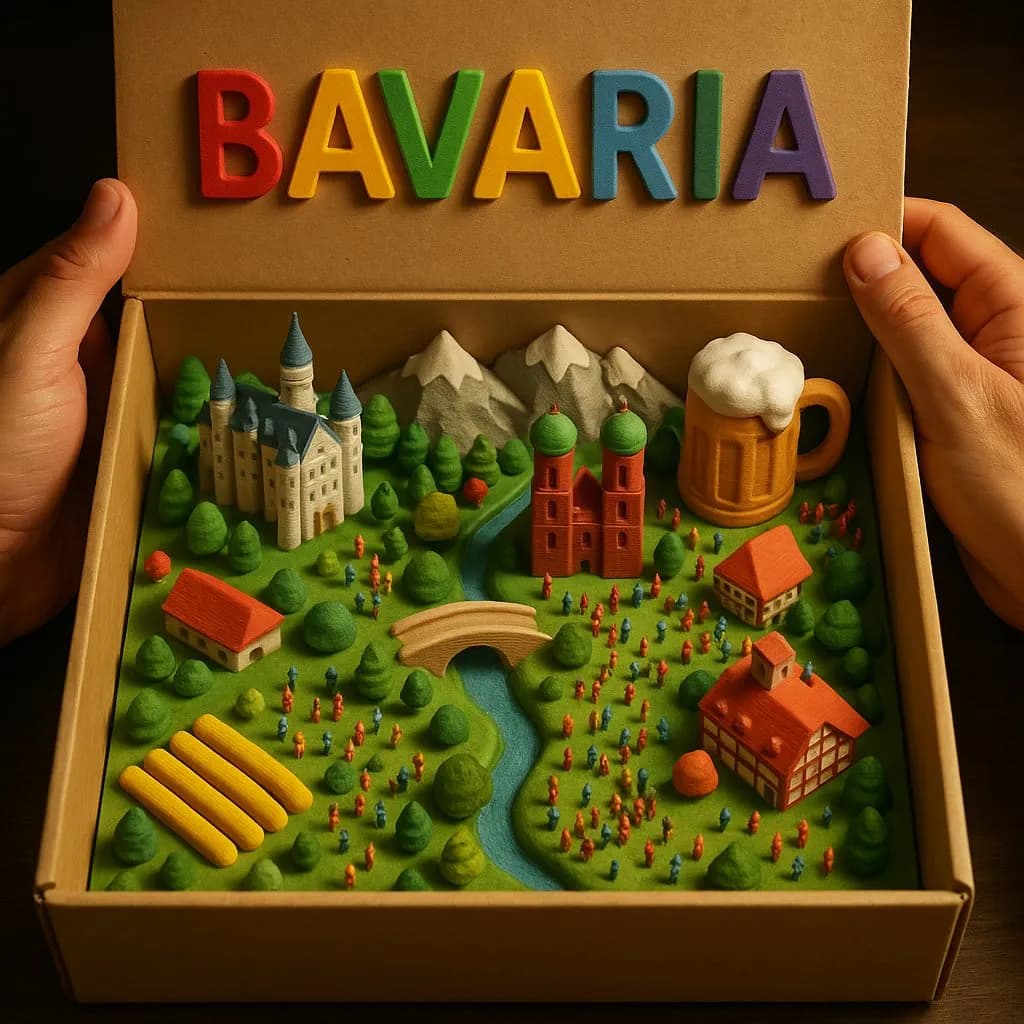
3D Country Box Diorama
Create magical miniature country landscapes inside an opened cardboard box with tactile 3D-printed detail.
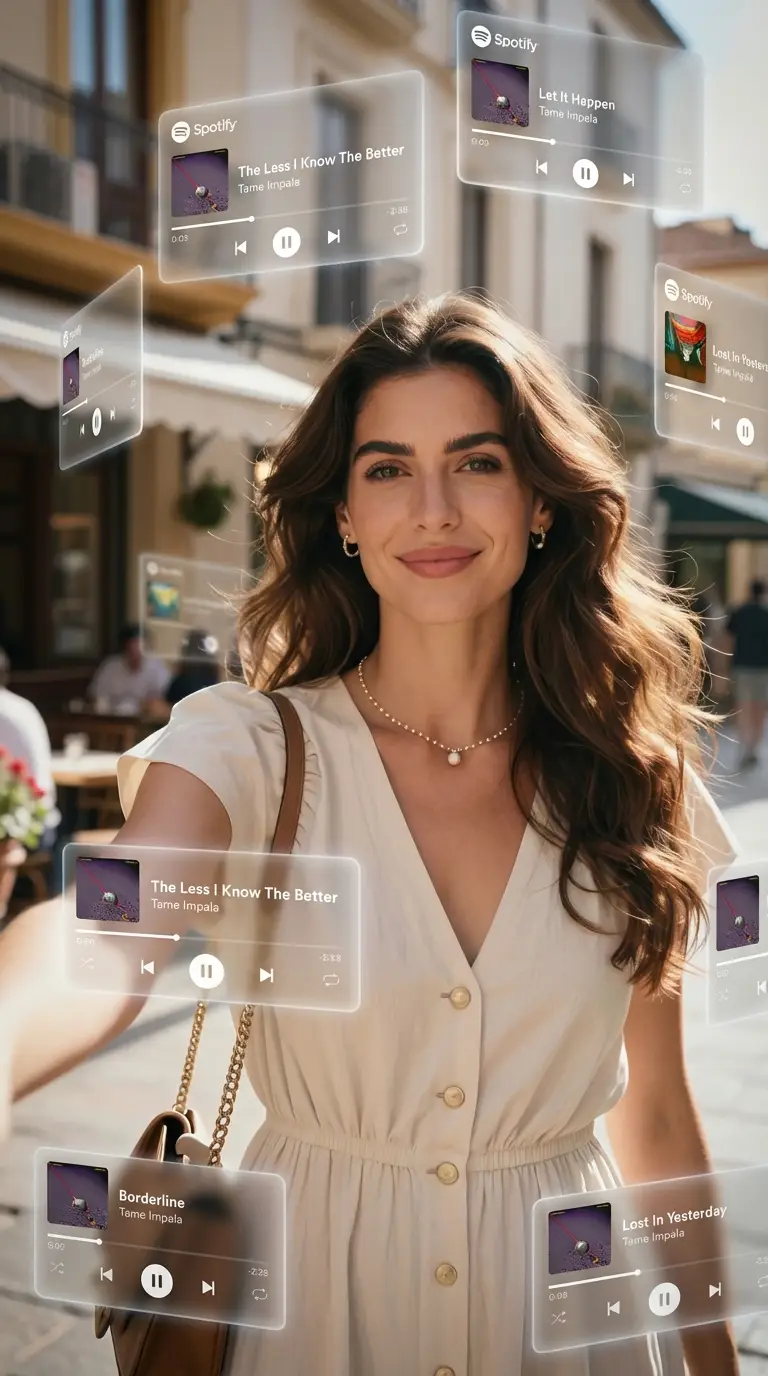
AR Music Orbit
Create portraits with floating music elements orbiting around you.
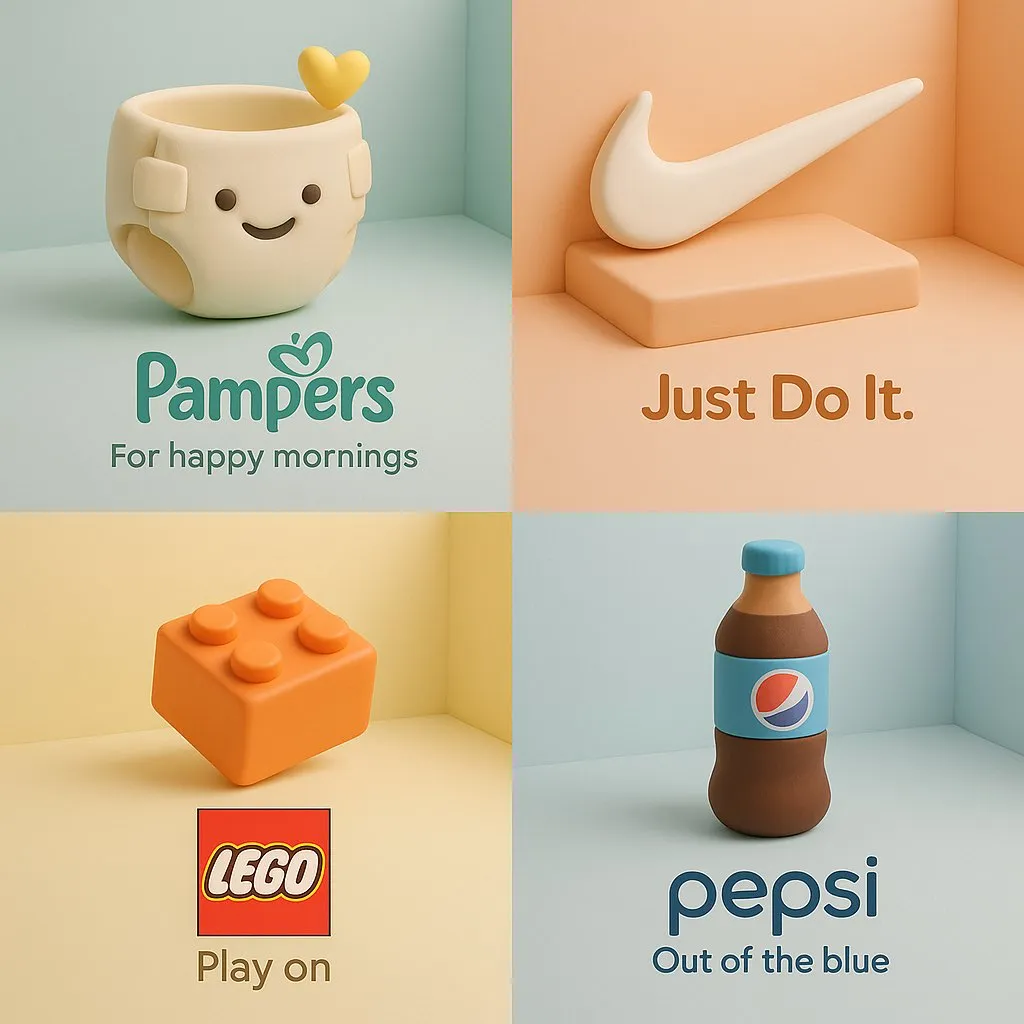
3D Clay Product Ad
Turn a brand product into a soft clay-style cartoon sculpture with pastel isometric ad composition.
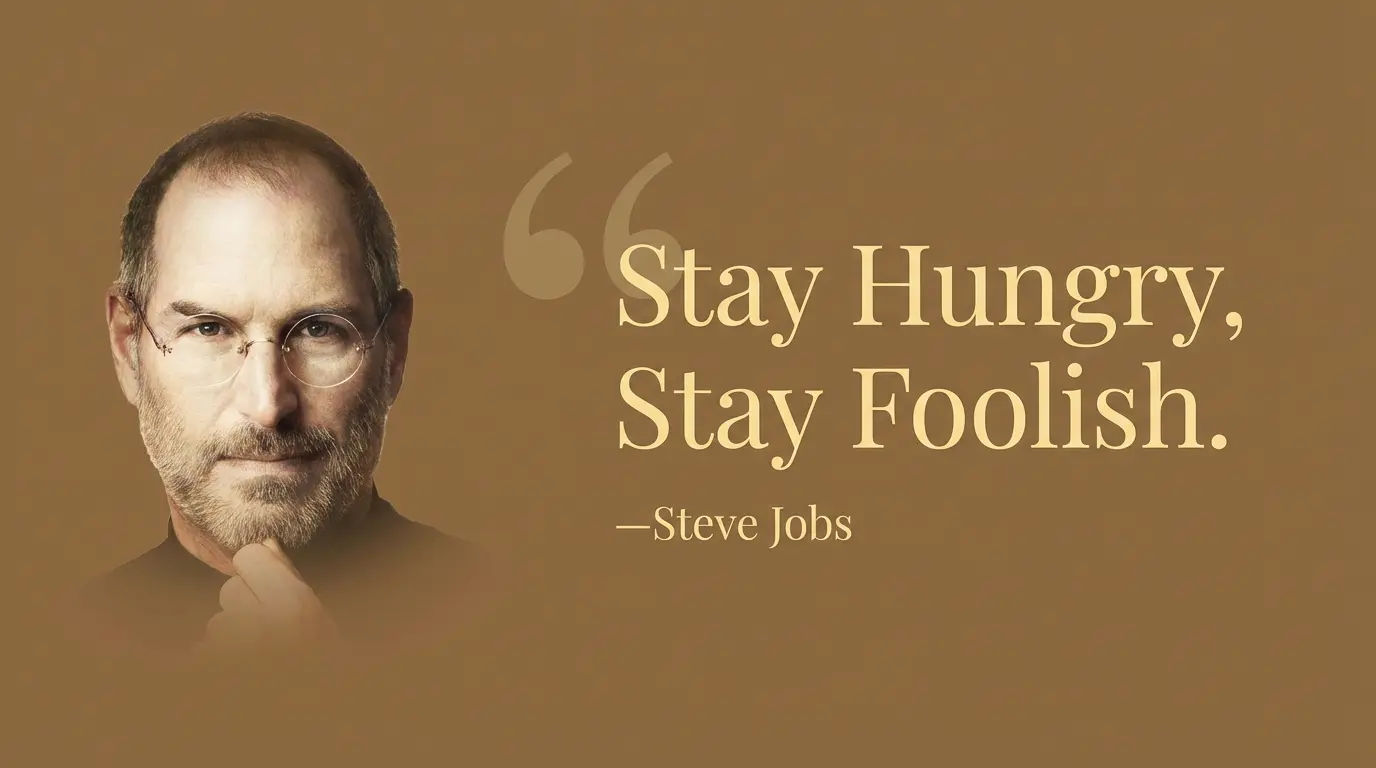
Classic Quote Card
Create timeless black and white quote cards with classic typography.