
AR Music Orbit Portrait Generator
Create stunning portraits with floating music elements orbiting around you
Transform your photos into mesmerizing AR-style portraits with vinyl records, music notes, headphones, and audio visualizers orbiting around you. Perfect for musicians, DJs, music lovers, and creative social media content.
Click to upload or drag and drop
PNG, JPG, WEBP up to 10MB
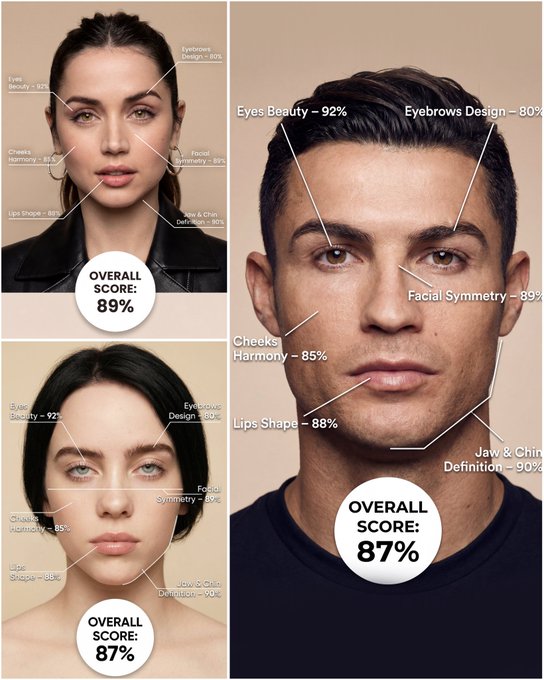
Use the provided portrait photo <YOUR PHOTO> as the base. Do NOT change the person’s face, expression, age, skin tone or gender. Just overlay a clean, minimal infographic on top. Create a high-resolution vertical “FACIAL AESTHETIC REPORT” poster, studio lighting, soft beige background, premium beauty clinic style. The subject can be MALE or FEMALE – keep them exactly as in the original photo. Add thin white lines and labels pointing to each area of the REAL face, with percentage scores based on global aesthetic ratios, symmetry and proportions (not changing the face): 1. Eyes: Label near the eyes with a line pointing to them: “Eyes Beauty – 0–100%” Example: “Eyes Beauty – 92%” 2. Cheeks: Label near the cheekbones: “Cheeks Harmony – 0–100%” Example: “Cheeks Harmony – 85%” 3. Lips: Label close to the mouth: “Lips Shape – 0–100%” Example: “Lips Shape – 88%” 4. Eyebrows: Label above or beside the brows: “Eyebrows Design – 0–100%” Example: “Eyebrows Design – 80%” 5. Jaw & Chin: Label near the jawline and chin: “Jaw & Chin Definition – 0–100%” Example: “Jaw & Chin Definition – 90%” 6. Overall Facial Symmetry: Label near the center of the face: “Facial Symmetry – 0–100%” Example: “Facial Symmetry – 89%” At the bottom center of the poster, add a BIG, bold number inside a circle or rectangle: “OVERALL SCORE: XX%” This is the total facial aesthetic score from 1–100%. Design style: – clean, medical-grade, aesthetic-clinic infographic – modern thin sans-serif typography – white text and lines, subtle drop shadows – no logos, no extra graphics, no text other than the labels and scores above.
Examples
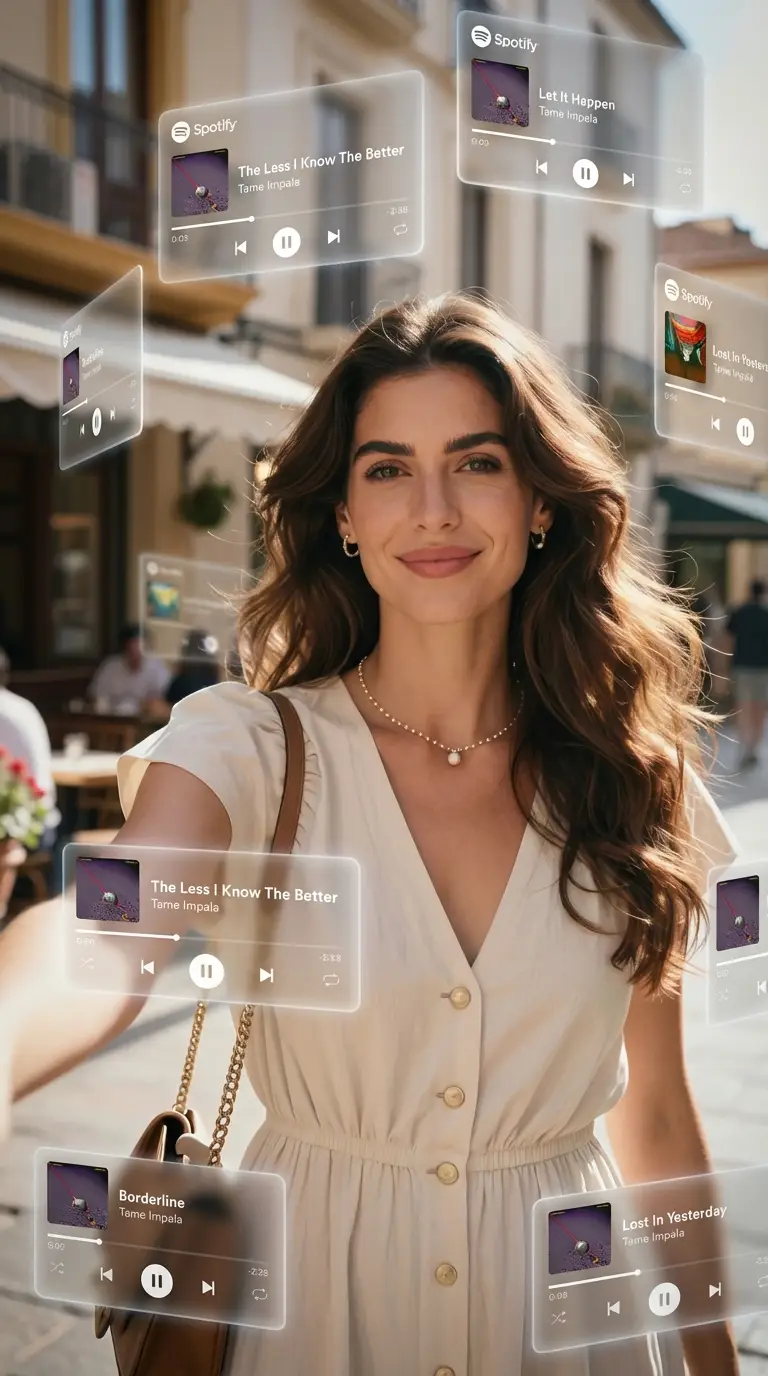
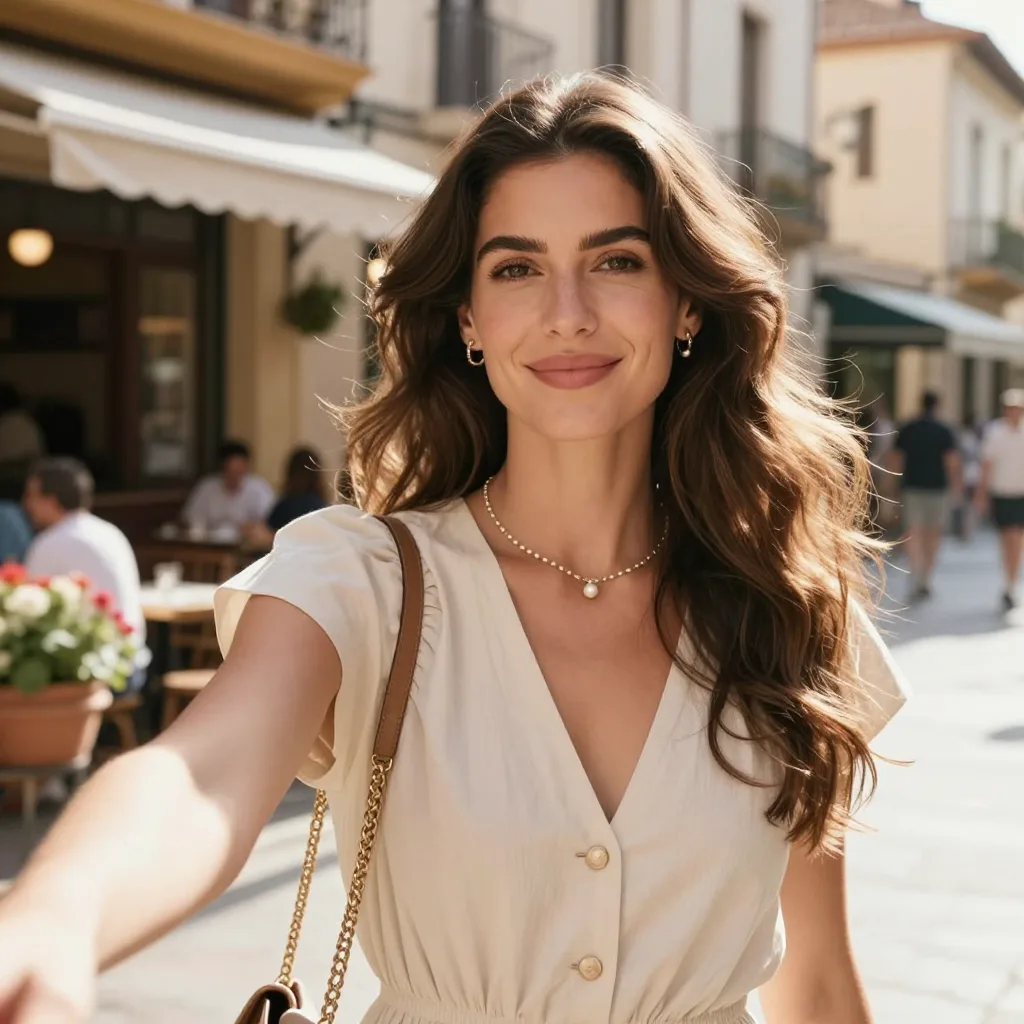
Prompt: A dreamlike, movie-quality augmented reality visual where numerous hovering Spotify player interface cards orbit the central figure (the person shown) in a complete 3D spatial composition, with each music player card strategically placed at varying distances, some prominently positioned in front and partially covering the subject, while others float behind and alongside them, utilizing the authentic Apple Music UI/Spotify UI elements playback progress indicators and featuring songs by [Artist Name]; all cards display smooth rounded edges with subtle angular perspective shifts, presenting a translucent, frosted-glass aesthetic that radiates a gentle diffused border luminescence with measured cinematic light bloom interacting organically with the ambient lighting of the scene; the composition showcases a cool-to-neutral color palette with rich yet preserved shadow detail, strategic bursts of color from album artwork, medium-high contrast levels with gradual highlight transitions, delicate focal depth variation where nearer cards maintain crisp detail while farther ones receive gentle blur treatment, and understated motion-enhancing accents, all while keeping the subject photorealistic, centrally positioned, and authentically integrated into their physical surroundings.
How To Get Better Results
Best Prompt Tips
- Describe scale, camera angle, and focal subject first so the scene reads instantly.
- Anchor the environment with one location and one lighting setup before layering effects.
- Use concrete landmark or object details to make the world feel specific, not generic.
Best For
- large-scale visual ideas that need environment storytelling
- campaign concepts where the setting is as important as the subject
- travel, AR, miniature, or spectacle-driven compositions
When To Use Text vs Edit Mode
Use edit mode when identity, product shape, or a source asset needs to survive the transformation. Start from a clean reference image, then let the prompt control styling, environment, and composition.
What Photos Work Best
Upload a sharp, well-lit photo where the face or main subject is clearly visible and not heavily filtered. Avoid crowded backgrounds, extreme blur, and heavy occlusions if you want the result to stay recognizable.
Features
Related Use Cases
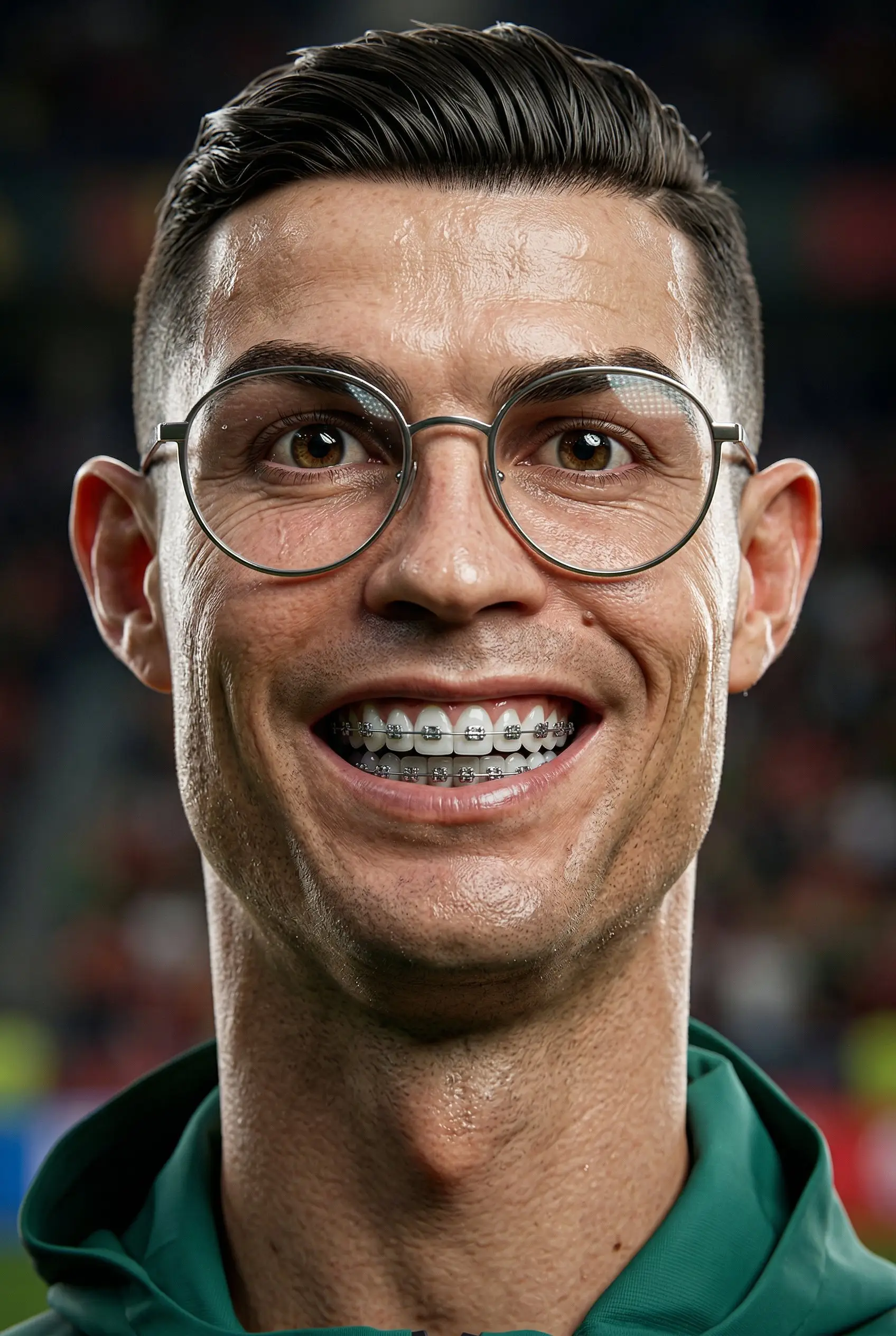
3D Caricature
Turn portraits into stylized 3D caricatures with playful, exaggerated personality.
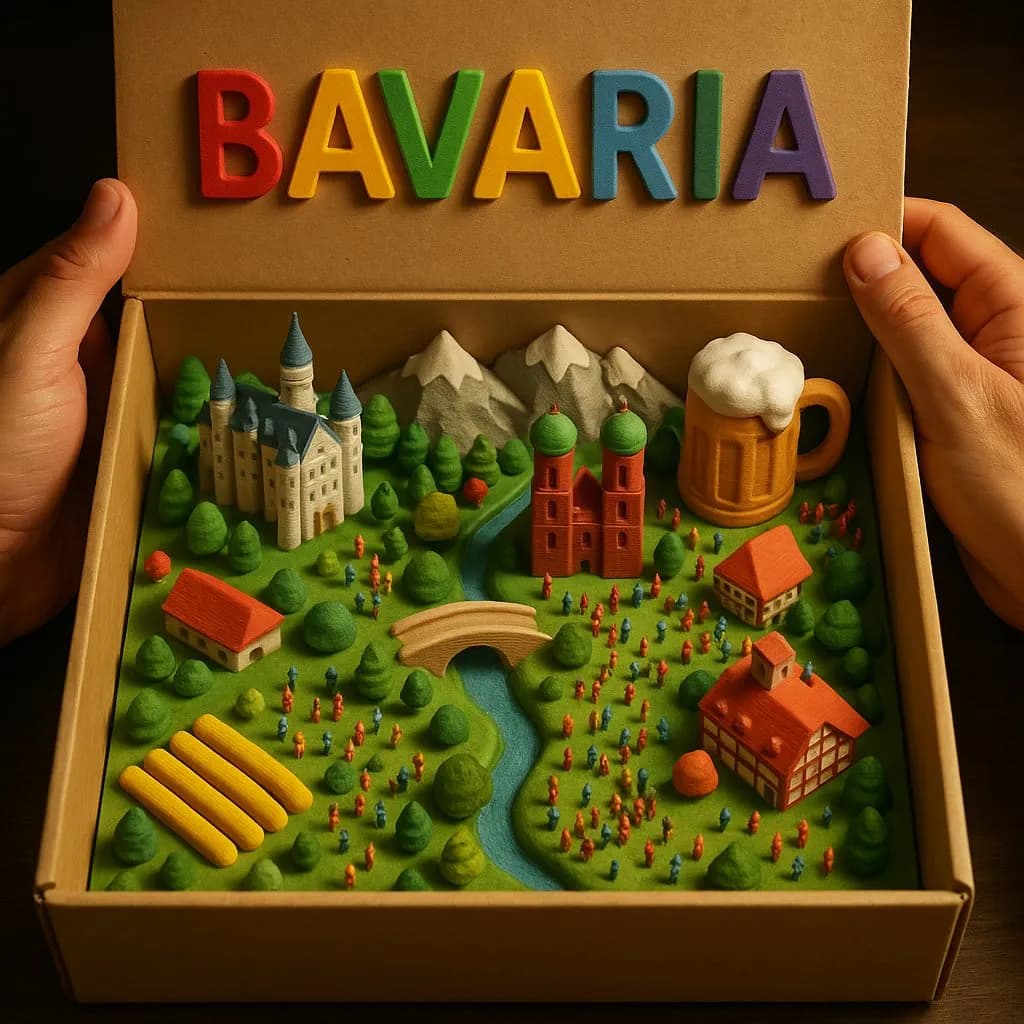
3D Country Box Diorama
Create magical miniature country landscapes inside an opened cardboard box with tactile 3D-printed detail.
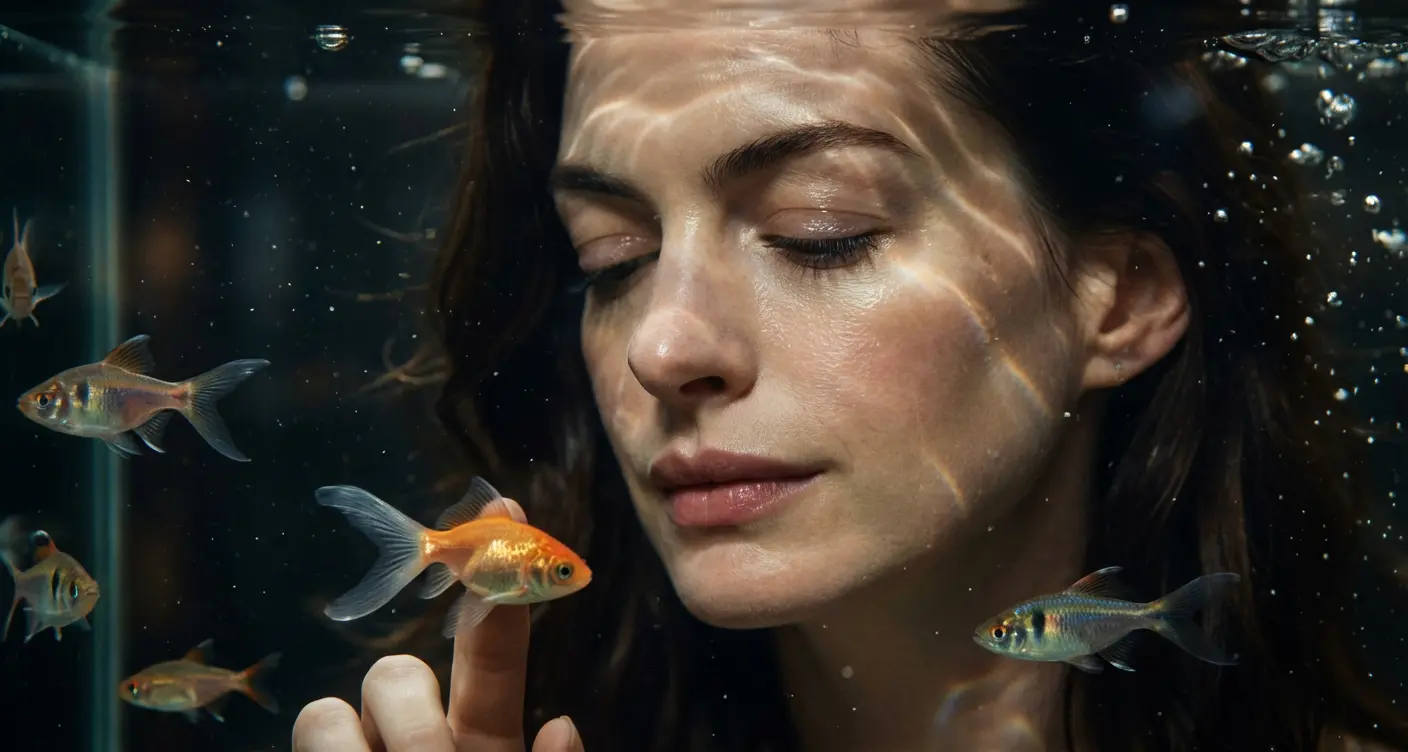
Cinematic Aquarium Portrait
Create dreamy underwater portraits in front of a glowing aquarium.
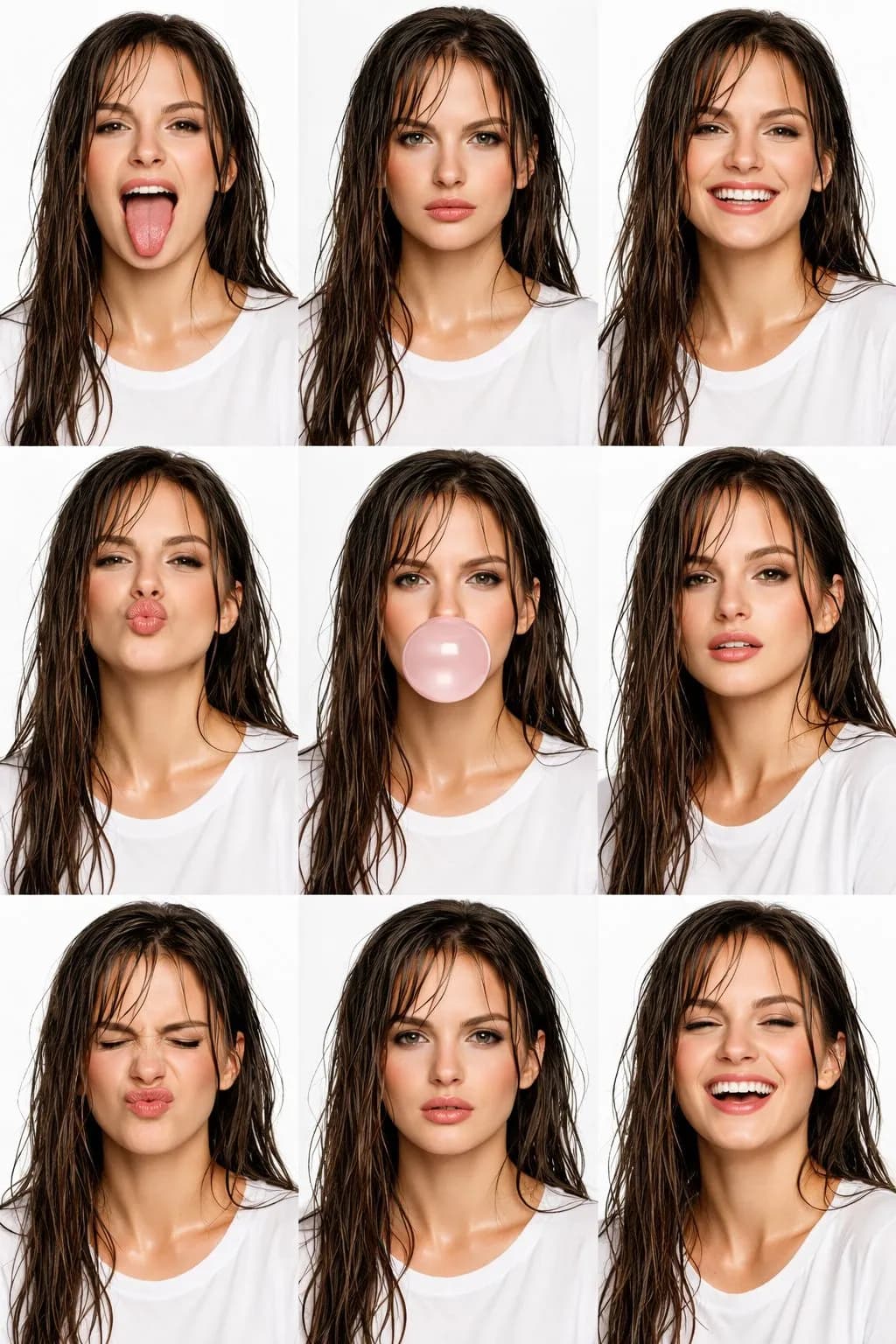
High-Fashion Editorial Beauty Collage
Create amazing 3x3 high-fashion editorial beauty collages with AI.