
Gerador de retrato de órbita musical AR
Crie retratos impressionantes com elementos musicais flutuantes orbitando ao seu redor
Transforme suas fotos em retratos hipnotizantes em estilo AR com discos de vinil, notas musicais, fones de ouvido e visualizadores de áudio orbitando ao seu redor. Perfeito para músicos, DJs, amantes da música e conteúdo criativo de mídia social.
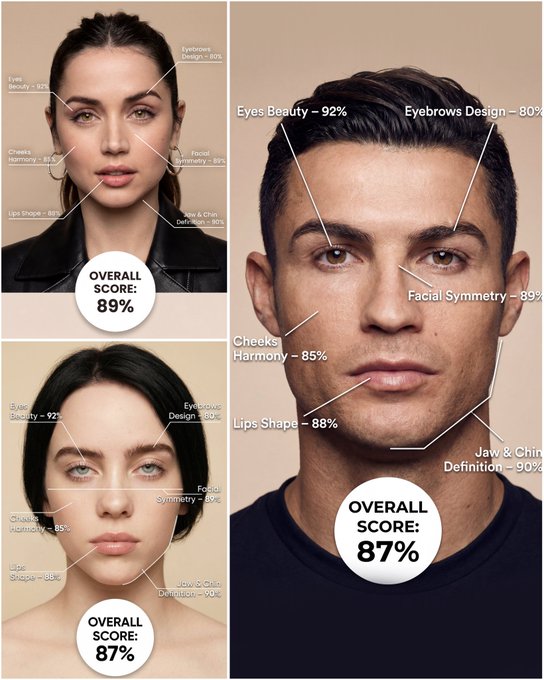
Use the provided portrait photo <YOUR PHOTO> as the base. Do NOT change the person’s face, expression, age, skin tone or gender. Just overlay a clean, minimal infographic on top. Create a high-resolution vertical “FACIAL AESTHETIC REPORT” poster, studio lighting, soft beige background, premium beauty clinic style. The subject can be MALE or FEMALE – keep them exactly as in the original photo. Add thin white lines and labels pointing to each area of the REAL face, with percentage scores based on global aesthetic ratios, symmetry and proportions (not changing the face): 1. Eyes: Label near the eyes with a line pointing to them: “Eyes Beauty – 0–100%” Example: “Eyes Beauty – 92%” 2. Cheeks: Label near the cheekbones: “Cheeks Harmony – 0–100%” Example: “Cheeks Harmony – 85%” 3. Lips: Label close to the mouth: “Lips Shape – 0–100%” Example: “Lips Shape – 88%” 4. Eyebrows: Label above or beside the brows: “Eyebrows Design – 0–100%” Example: “Eyebrows Design – 80%” 5. Jaw & Chin: Label near the jawline and chin: “Jaw & Chin Definition – 0–100%” Example: “Jaw & Chin Definition – 90%” 6. Overall Facial Symmetry: Label near the center of the face: “Facial Symmetry – 0–100%” Example: “Facial Symmetry – 89%” At the bottom center of the poster, add a BIG, bold number inside a circle or rectangle: “OVERALL SCORE: XX%” This is the total facial aesthetic score from 1–100%. Design style: – clean, medical-grade, aesthetic-clinic infographic – modern thin sans-serif typography – white text and lines, subtle drop shadows – no logos, no extra graphics, no text other than the labels and scores above.
Exemplos
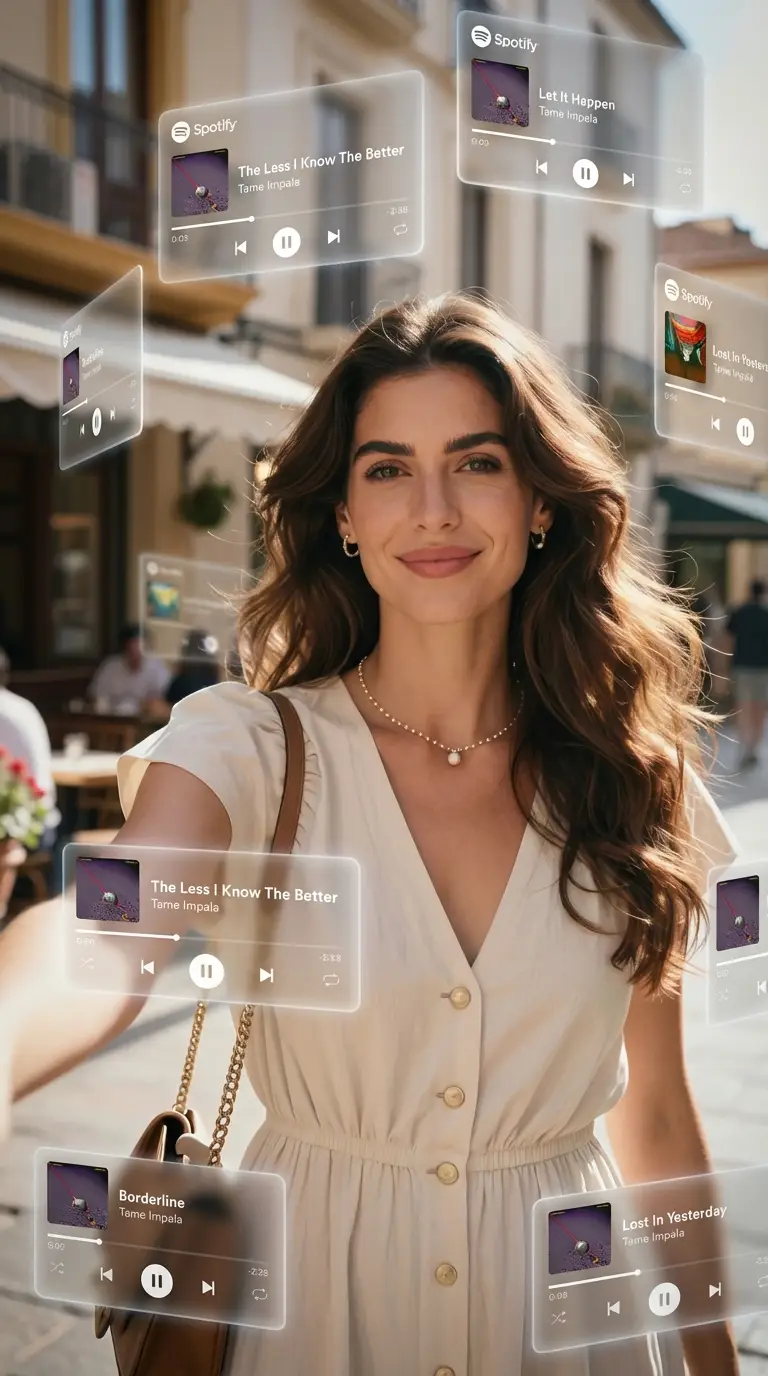
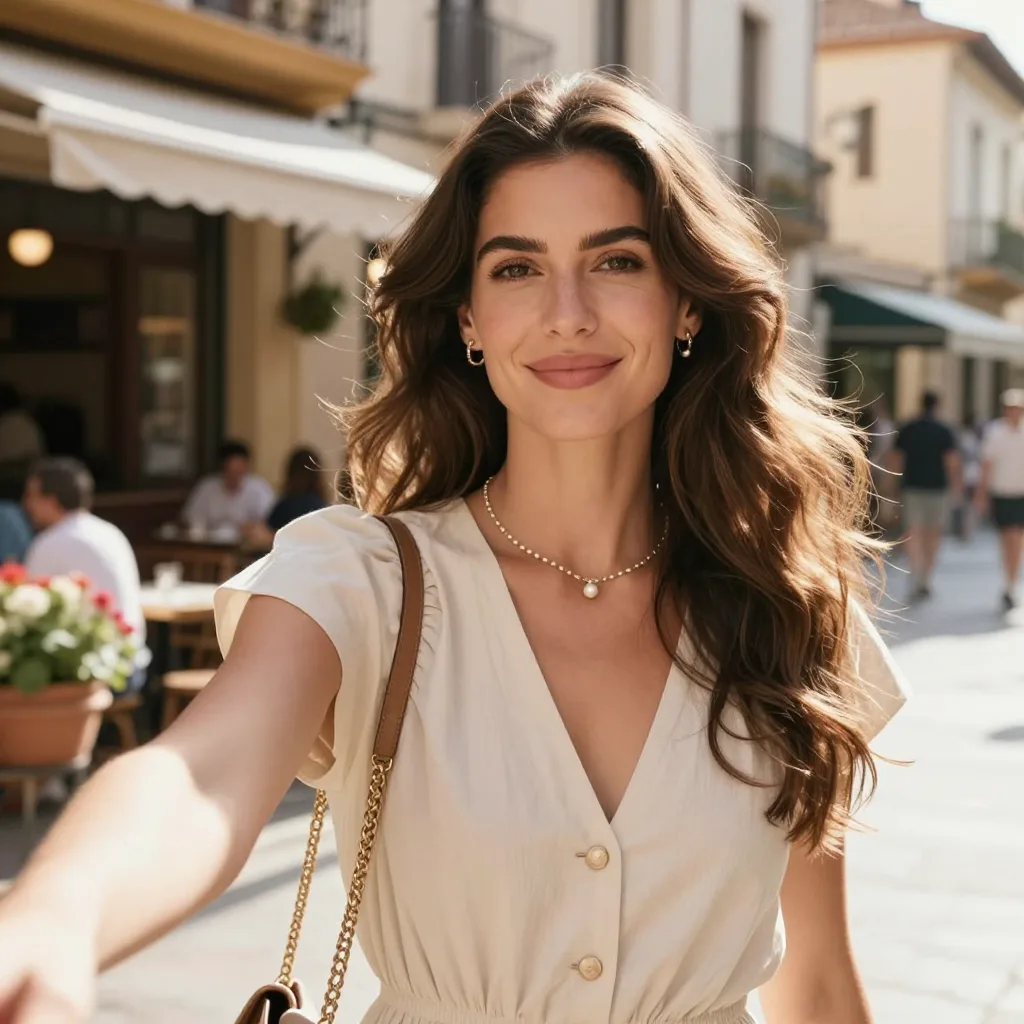
Prompt: A dreamlike, movie-quality augmented reality visual where numerous hovering Spotify player interface cards orbit the central figure (the person shown) in a complete 3D spatial composition, with each music player card strategically placed at varying distances, some prominently positioned in front and partially covering the subject, while others float behind and alongside them, utilizing the authentic Apple Music UI/Spotify UI elements playback progress indicators and featuring songs by [Artist Name]; all cards display smooth rounded edges with subtle angular perspective shifts, presenting a translucent, frosted-glass aesthetic that radiates a gentle diffused border luminescence with measured cinematic light bloom interacting organically with the ambient lighting of the scene; the composition showcases a cool-to-neutral color palette with rich yet preserved shadow detail, strategic bursts of color from album artwork, medium-high contrast levels with gradual highlight transitions, delicate focal depth variation where nearer cards maintain crisp detail while farther ones receive gentle blur treatment, and understated motion-enhancing accents, all while keeping the subject photorealistic, centrally positioned, and authentically integrated into their physical surroundings.
Como obter melhores resultados
Melhores dicas imediatas
- Describe scale, camera angle, and focal subject first so the scene reads instantly.
- Anchor the environment with one location and one lighting setup before layering effects.
- Use concrete landmark or object details to make the world feel specific, not generic.
Melhor para
- large-scale visual ideas that need environment storytelling
- campaign concepts where the setting is as important as the subject
- travel, AR, miniature, or spectacle-driven compositions
Quando usar texto versus modo de edição
Use text mode when you want to generate the full scene from scratch or when the idea matters more than preserving a reference image. Keep the prompt focused on one clear visual outcome instead of stacking unrelated ideas.
Quais fotos funcionam melhor
If you later adapt this to edit mode, use a simple reference with one obvious subject and enough detail to anchor shape, texture, or silhouette before the styling prompt takes over.
Características
Casos de uso relacionados
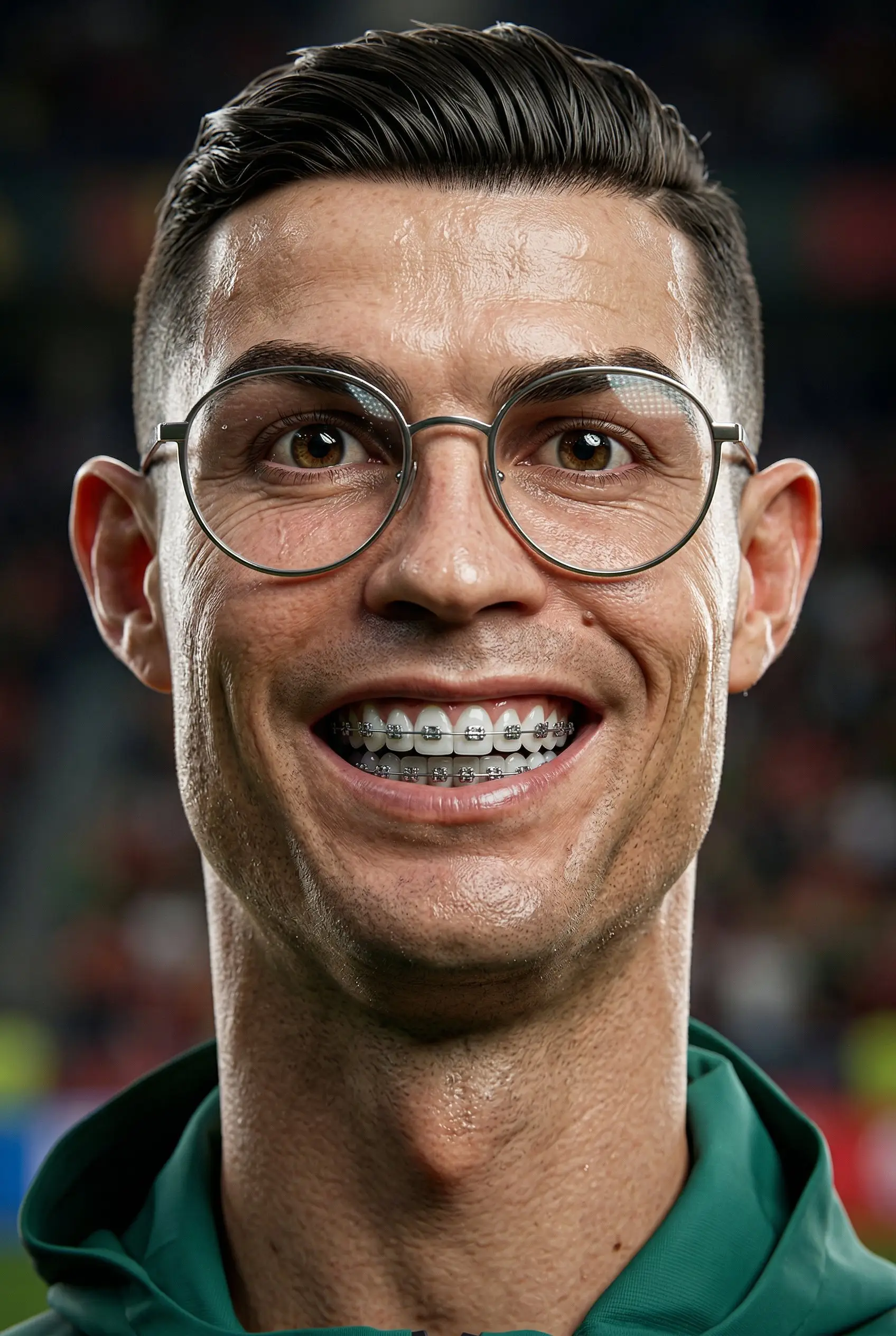
Caricatura 3D
Transforme retratos em caricaturas 3D estilizadas com personalidade lúdica e exagerada.
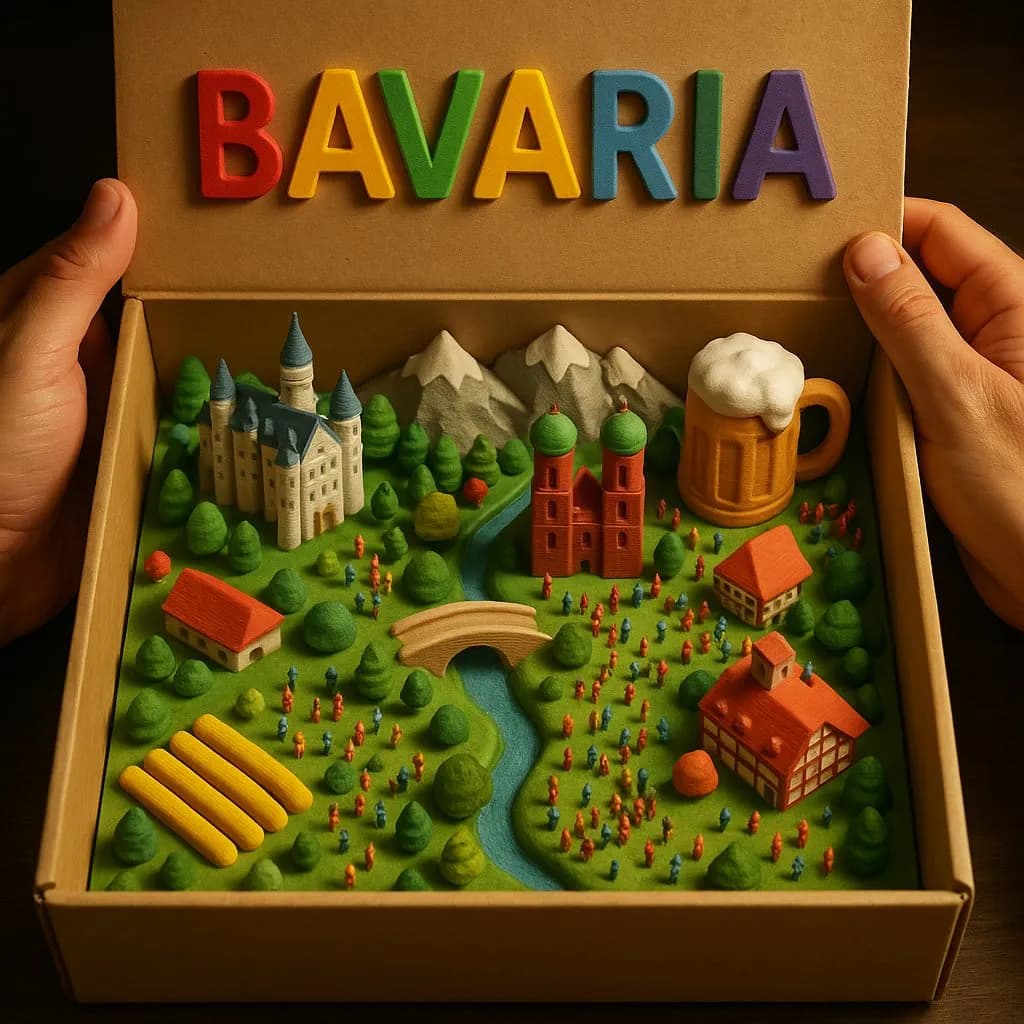
Diorama de caixa country Modelo 3D
Crie paisagens rurais mágicas em miniatura dentro de uma caixa de papelão aberta com detalhes táteis impressos em 3D.
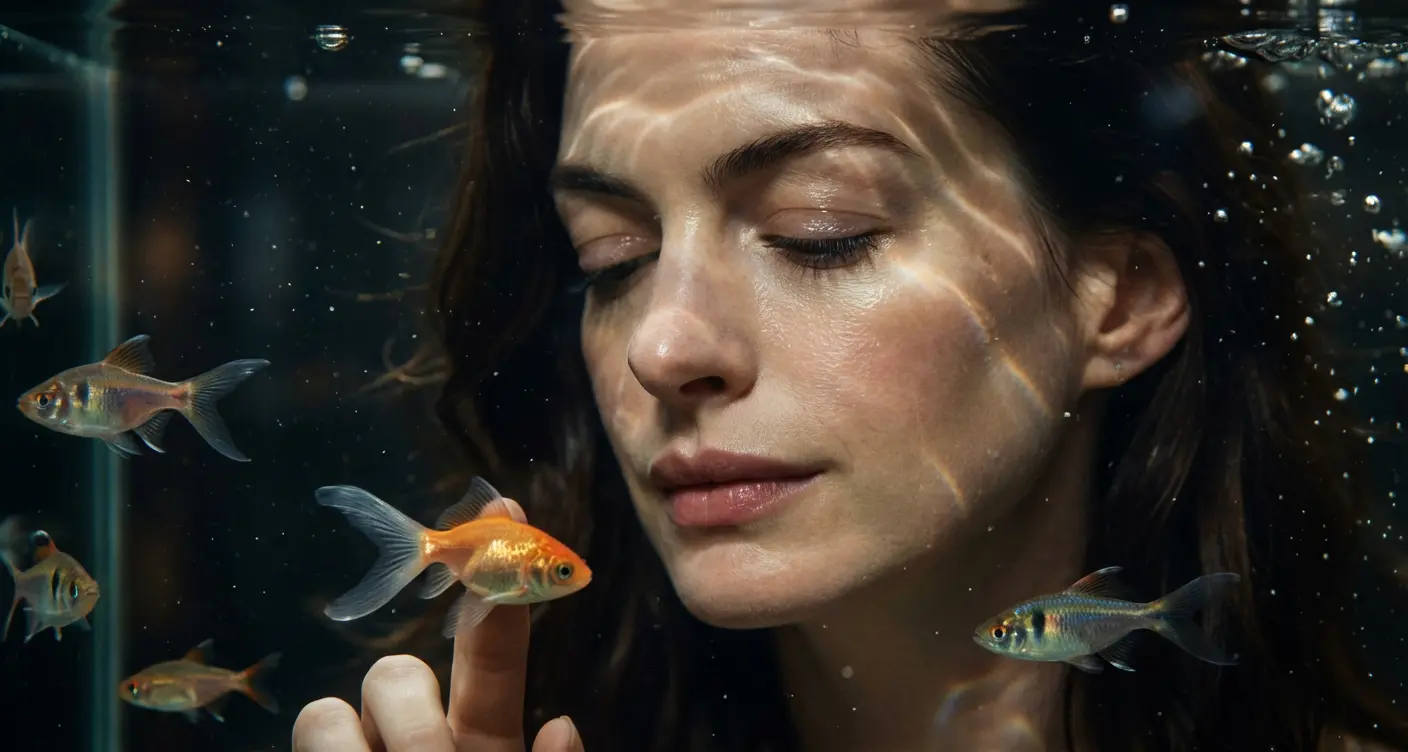
Retrato cinematográfico de aquário
Crie retratos subaquáticos de sonho em frente a um aquário brilhante.
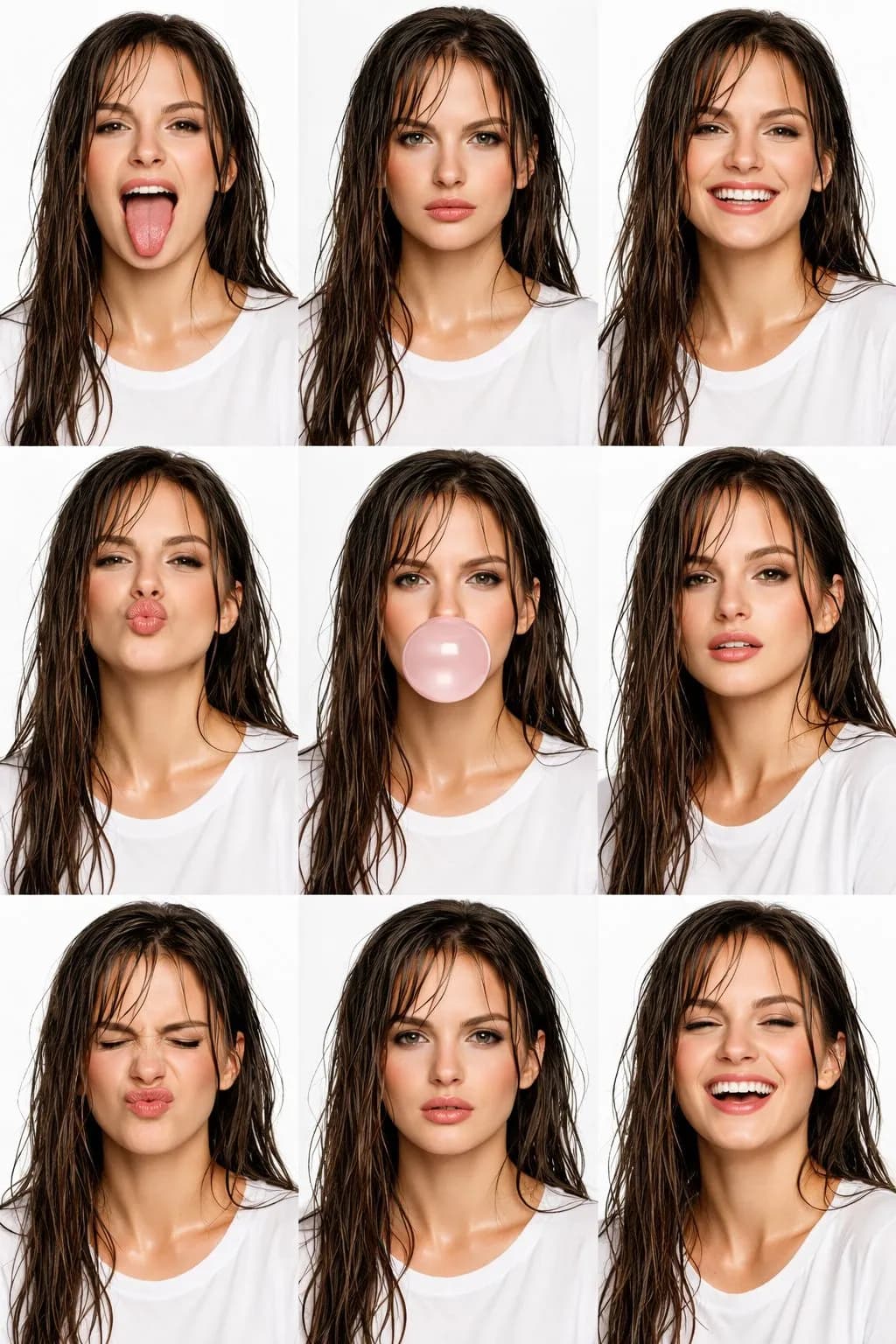
Colagem de beleza editorial de alta moda
Crie incríveis colagens editoriais de beleza de alta moda 3x3 com IA.
Perguntas frequentes
Pronto para criar o seu próprio?
Comece a gerar imagens incríveis a partir de suas fotos hoje.