
Otaku Room Mirror Selfie Generator
Create stunning mirror selfies in detailed anime-style otaku rooms
Transform your photos into aesthetic mirror selfies set in beautifully decorated otaku rooms. Filled with anime figures, LED lights, gaming setups, and collectibles - perfect for social media content and creative self-expression.
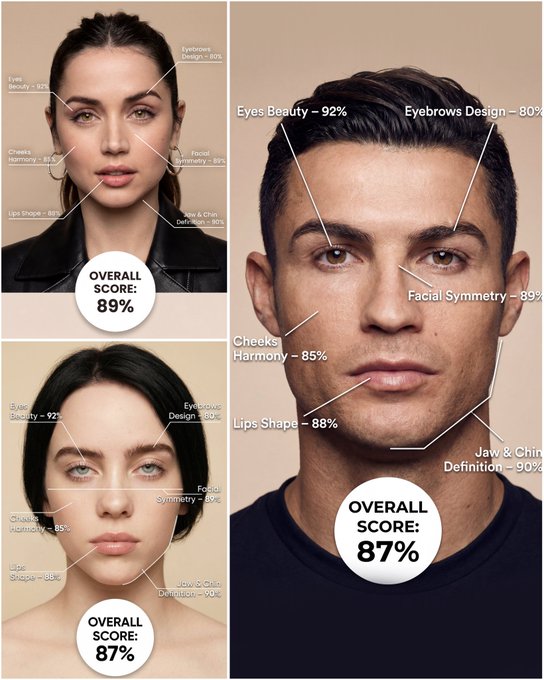
Use the provided portrait photo <YOUR PHOTO> as the base. Do NOT change the person’s face, expression, age, skin tone or gender. Just overlay a clean, minimal infographic on top. Create a high-resolution vertical “FACIAL AESTHETIC REPORT” poster, studio lighting, soft beige background, premium beauty clinic style. The subject can be MALE or FEMALE – keep them exactly as in the original photo. Add thin white lines and labels pointing to each area of the REAL face, with percentage scores based on global aesthetic ratios, symmetry and proportions (not changing the face): 1. Eyes: Label near the eyes with a line pointing to them: “Eyes Beauty – 0–100%” Example: “Eyes Beauty – 92%” 2. Cheeks: Label near the cheekbones: “Cheeks Harmony – 0–100%” Example: “Cheeks Harmony – 85%” 3. Lips: Label close to the mouth: “Lips Shape – 0–100%” Example: “Lips Shape – 88%” 4. Eyebrows: Label above or beside the brows: “Eyebrows Design – 0–100%” Example: “Eyebrows Design – 80%” 5. Jaw & Chin: Label near the jawline and chin: “Jaw & Chin Definition – 0–100%” Example: “Jaw & Chin Definition – 90%” 6. Overall Facial Symmetry: Label near the center of the face: “Facial Symmetry – 0–100%” Example: “Facial Symmetry – 89%” At the bottom center of the poster, add a BIG, bold number inside a circle or rectangle: “OVERALL SCORE: XX%” This is the total facial aesthetic score from 1–100%. Design style: – clean, medical-grade, aesthetic-clinic infographic – modern thin sans-serif typography – white text and lines, subtle drop shadows – no logos, no extra graphics, no text other than the labels and scores above.
Examples
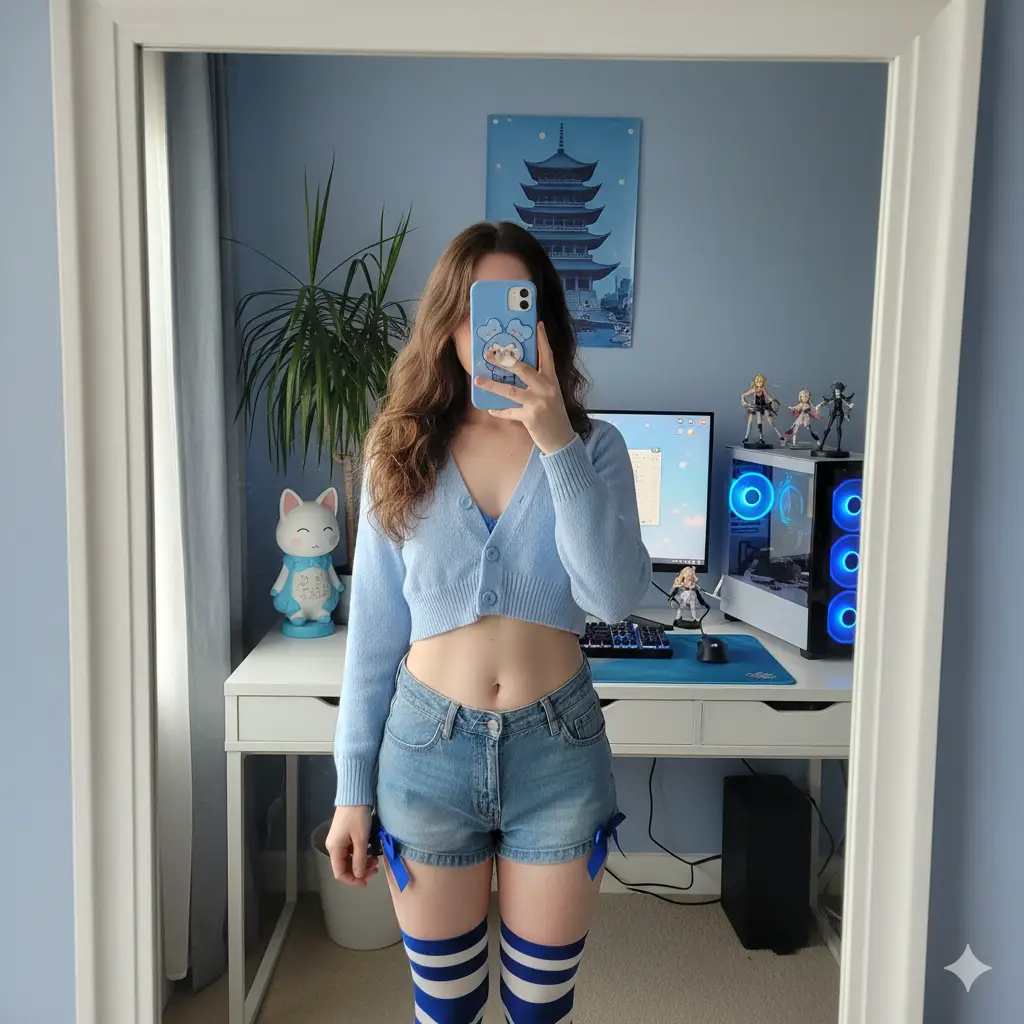
Prompt: ### Scene Mirror selfie in an otaku-style computer corner, blue color tone. ### Subject * Gender expression: female * Age: around 25 * Ethnicity: East Asian * Body type: slim, with a defined waist; natural body proportions * Skin tone: light neutral tone * Hairstyle: * Length: waist-length hair * Style: straight with slightly curled ends * Color: medium brown * Pose: * Stance: standing in a slight contrapposto pose * Right hand: holding a smartphone in front of her face (identity hidden) * Left arm: naturally hanging down alongside the torso * Torso: body leaning slightly back; waist and abdomen exposed * Clothing: * Top: light blue cropped knit cardigan, top two buttons fastened; a blue French-style bra faintly visible * Bottom: denim ultra-short shorts, with a blue satin ribbon bow on each side of the hips * Socks: blue and white horizontal striped over-the-knee socks * Accessory: a blue cute mascot phone case ### Environment * Description: bedroom computer corner seen through a wall-mounted mirror * Furnishings: * White desk * Single monitor showing a soft blue wallpaper (no readable text) * Mechanical keyboard with white keycaps on a blue desk mat * Mouse on a small blue mouse pad * PC tower on the right side with blue case lighting * Three anime figures on or near the PC tower * A poster of a pagoda on the wall * Cat-shaped desk lamp with blue accents * A transparent glass of water * A tall green leafy plant by the window (on the left side of the frame) * Color replacement: replace all originally pink elements (clothes and room decor) with blue tones (baby blue to sky blue/periwinkle blue). ### Lighting * Light source: daylight coming from a large window on the left side of the camera, through sheer curtains * Light quality: soft, diffused light * White balance (K): 5200 ### Camera * Mode: smartphone rear camera shooting via the mirror (no portrait/bokeh mode) * Equivalent focal length (mm): 26 * Distances (m): * Subject to mirror: 0.6 * Camera to mirror: 0.5 * Exposure: * Aperture (f): 1.8 * ISO: 100 * Shutter speed (s): 0.01 * Exposure compensation (EV): -0.3 * Focus: focus on the torso and shorts in the mirror image * Depth of field: natural smartphone deep depth of field; background clearly visible with no artificial blur * Composition: * Aspect ratio: 1:1 * Crop: from the top of the head to mid-thigh; include the desk, monitor, PC tower, and plant in the frame * Angle: slightly high angle from the mirror’s point of view * Composition note: keep the subject centered; to avoid wide-angle edge distortion, have her stand a bit further away and crop to a square later. ### Negative prompts * Any appearance of pink/magenta anywhere * Beauty filters/over-smoothed skin; poreless skin look * Exaggerated or distorted anatomy * NSFW, see-through fabrics, wardrobe malfunctions * Logos, brand names, or readable user interface text * Fake portrait-mode blur, CGI/illustration feel
How To Get Better Results
Best Prompt Tips
- Be explicit about camera angle, mirror setup, and the room you want around the subject.
- Lock in one outfit direction so the result does not drift into mixed styling.
- Use social-photo language like flash, phone camera, candid, or bedroom daylight when needed.
Best For
- social-first mirror selfies and phone-photo aesthetics
- identity-led lifestyle concepts with a clear room setup
- trend-driven prompts that need relatable framing
When To Use Text vs Edit Mode
Use text mode when you want to generate the full scene from scratch or when the idea matters more than preserving a reference image. Keep the prompt focused on one clear visual outcome instead of stacking unrelated ideas.
What Photos Work Best
If you later switch this idea to edit mode, use a clear portrait or selfie with stable lighting and visible facial details. Neutral backgrounds usually make it easier to preserve identity while changing the mood.
Features
Related Use Cases
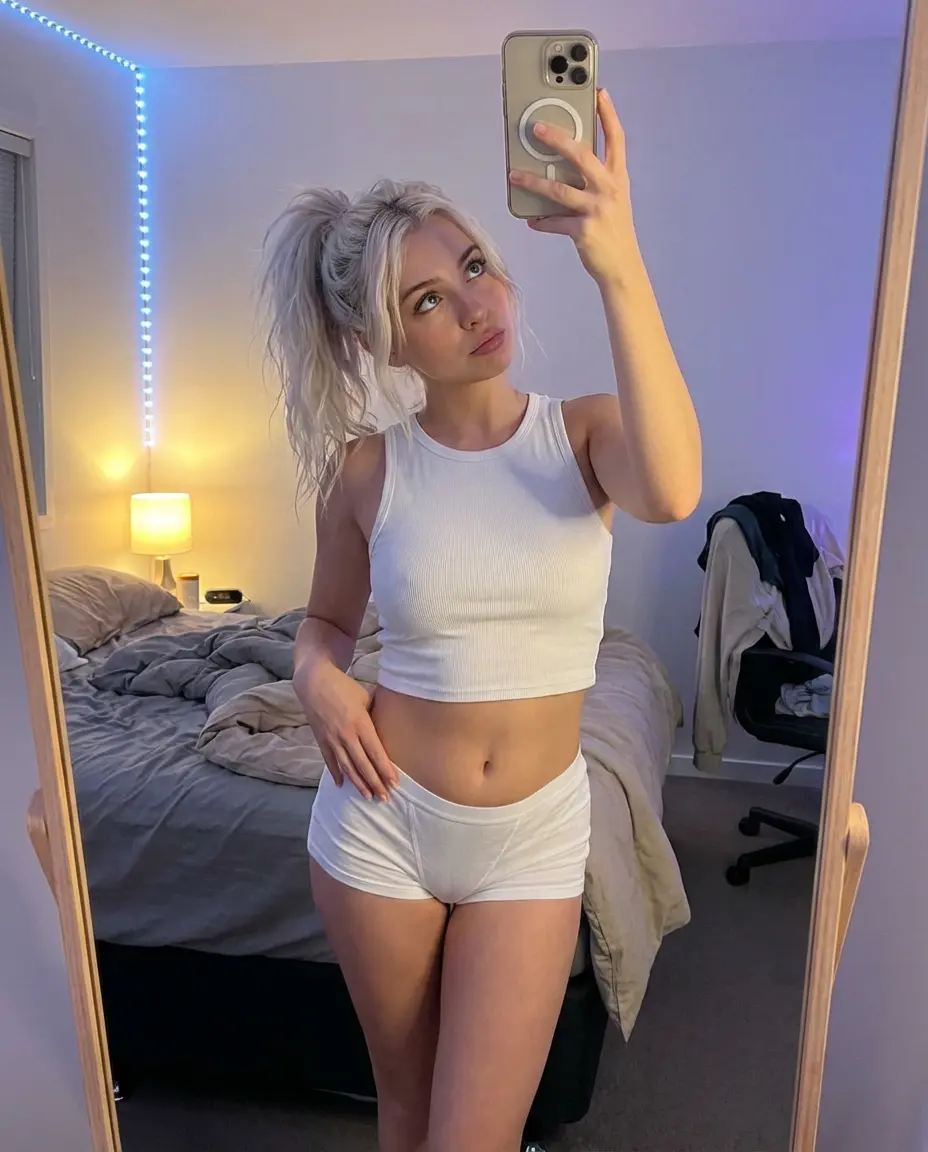
High-Angle Bedroom Mirror Selfie
Create natural, cozy, and stylish bedroom mirror selfies.
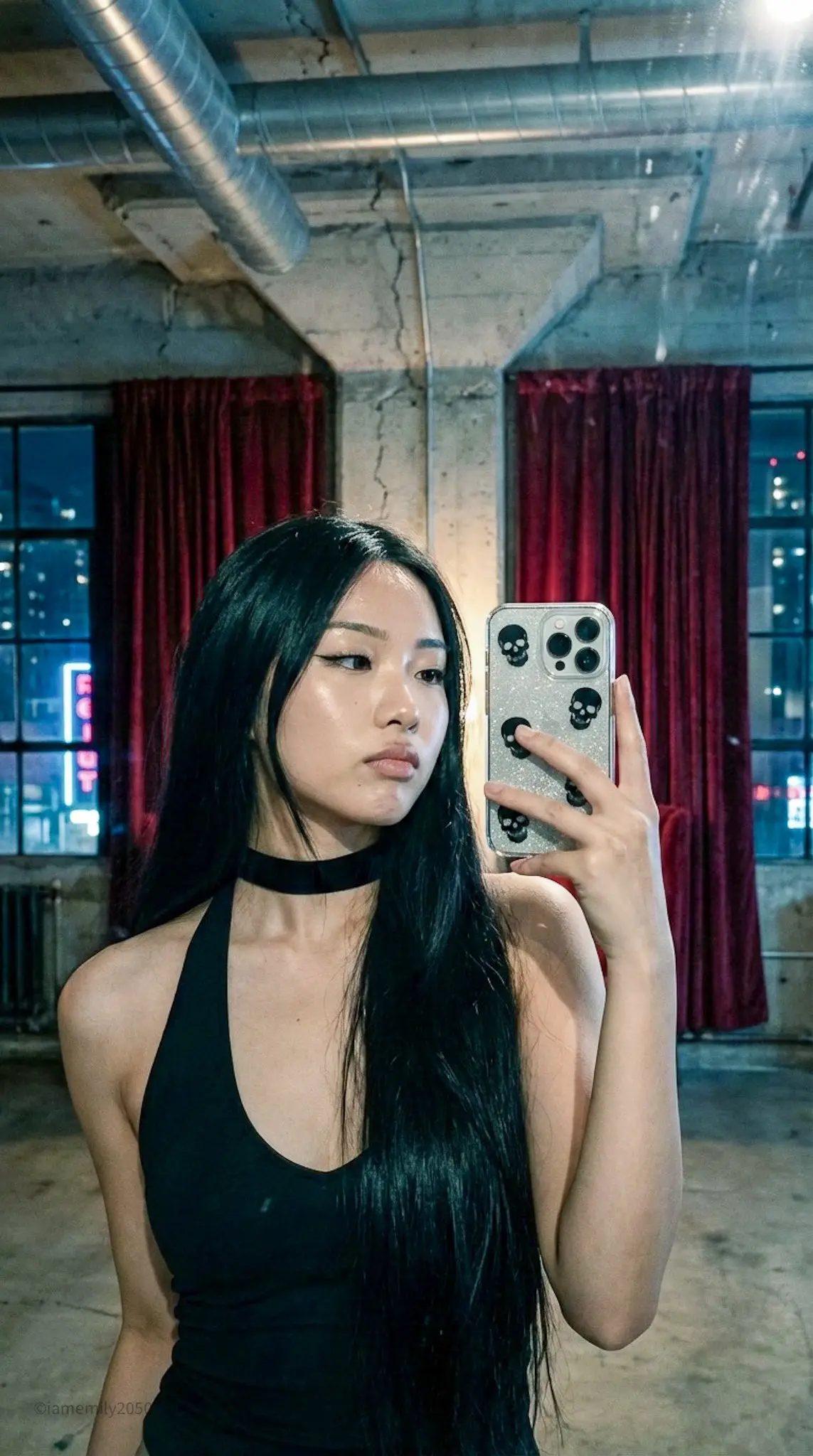
Dark Coquette Aesthetic: Cinematic Asian Beauty Mirror Selfie
Create cinematic cyber-goth mirror selfies with dark coquette styling and dramatic loft lighting.
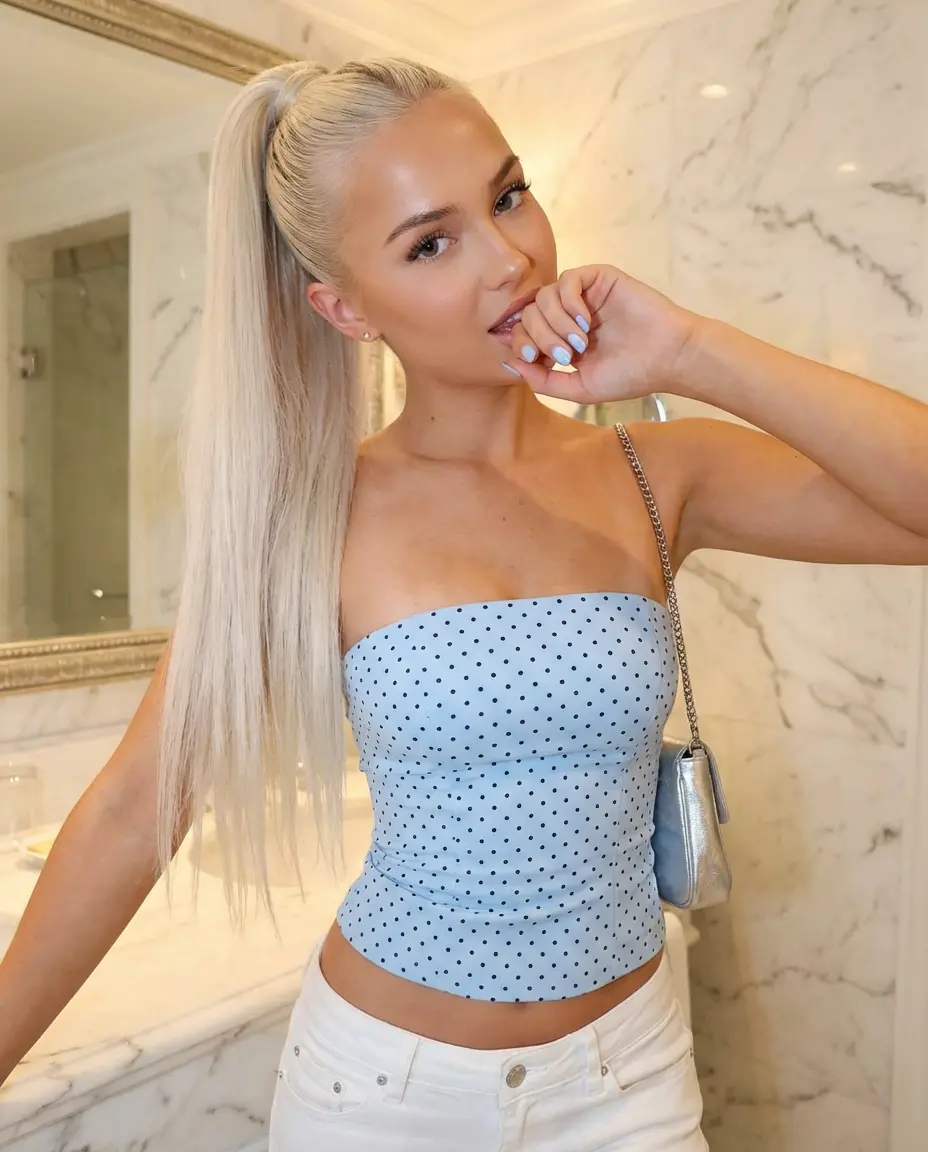
Glamorous Bathroom Selfie
Create elegant, high-end bathroom mirror selfies with soft lighting.
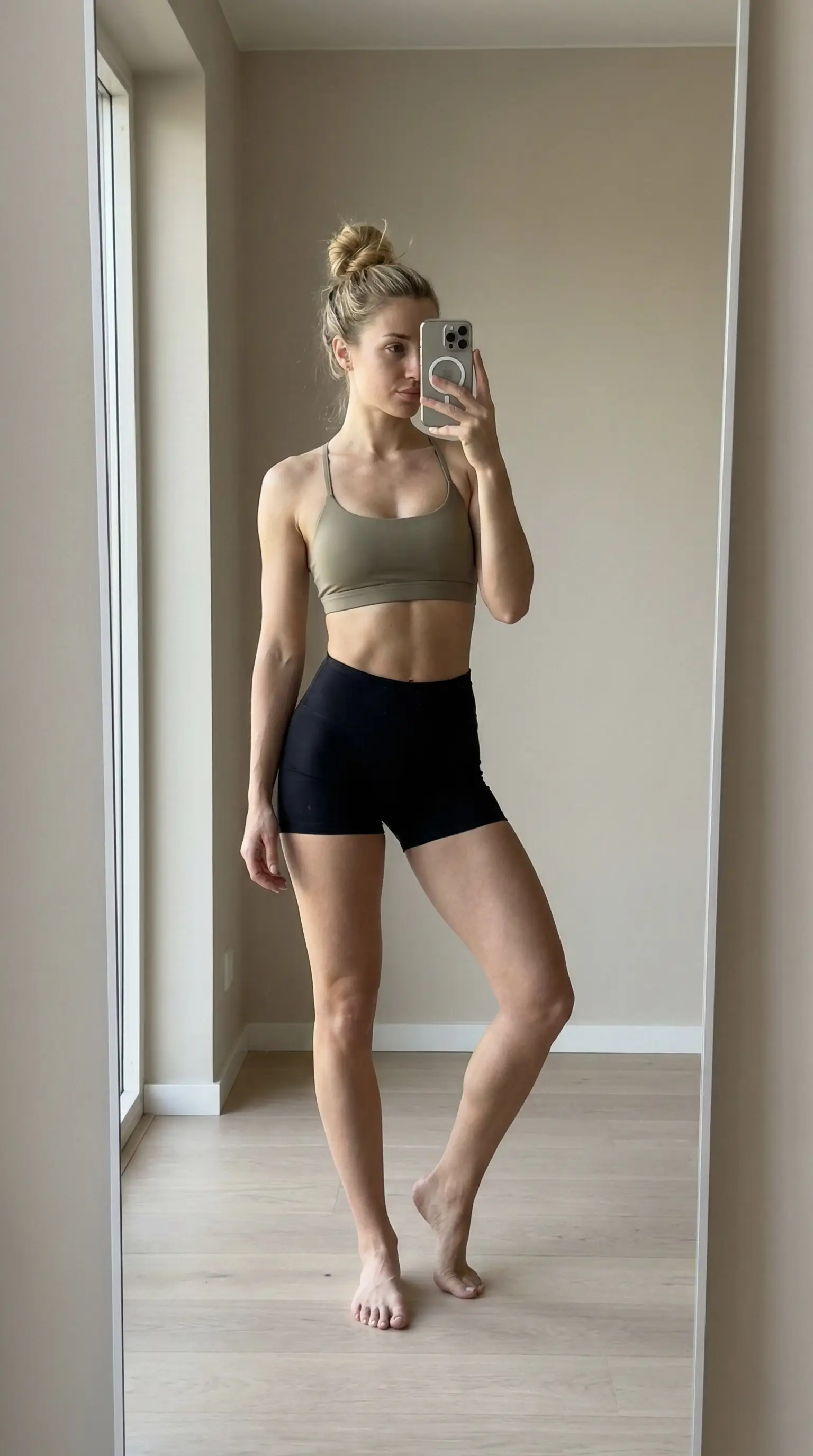
Model-Off-Duty Vibe: The Ultimate Fitness Girl Mirror Selfie
Create editorial fitness mirror selfies with model proportions and clean natural daylight.