Use Nano Banana 2 online for real image tasks.
Create cleaner headshots, product photos, creative visuals, and faster edits without fighting prompt-only tools or confusing setup.
Start with Nano Banana 2
Describe what you want to create or edit and get to a usable result faster.
Free generation includes 1K and 1:1. HD and other ratios are member-only.
Your creation will appear here
Enter a prompt and click generate to create your first AI image.
Nano Banana 2 is an online image workflow for headshots, product photos, creative visuals, and image edits.
Use Google Nano Banana 2 online when you want a faster way to create or improve images without starting from a blank prompt and guessing your way through the tool.
On this site, style pages help you start with a clearer visual direction, use cases show real before-and-after outcomes, and the generator gives you the fastest path to a first usable result.
Pick a Nano Banana 2 style to get there faster
These Nano Banana 2 style pages act like guided starting points when you already know the look you want and need a faster path into generation.


Create a cleaner LinkedIn headshot
Start with a LinkedIn-ready portrait style when you need a profile photo, team page image, or sharper personal brand result.
Open the LinkedIn headshot style

Use a premium business portrait style
Choose a more founder-ready business look when you want a polished portrait that feels modern instead of stiff.
Open the Silicon Valley business portrait style

Start with a cinematic portrait style
Use a close-up editorial portrait style when you want stronger lighting, sharper detail, and a more deliberate visual direction.
Open the cinematic portrait style

Turn a portrait into a classical oil-painting result
Pick a clear art direction when you already know you want a museum-style portrait rather than another generic creative output.
Open the classical oil-painting portrait styleSee the kinds of Nano Banana 2 results people actually come here for
These Nano Banana 2 use cases show real before-and-after outcomes, so it is easier to judge whether the workflow fits the result you want.
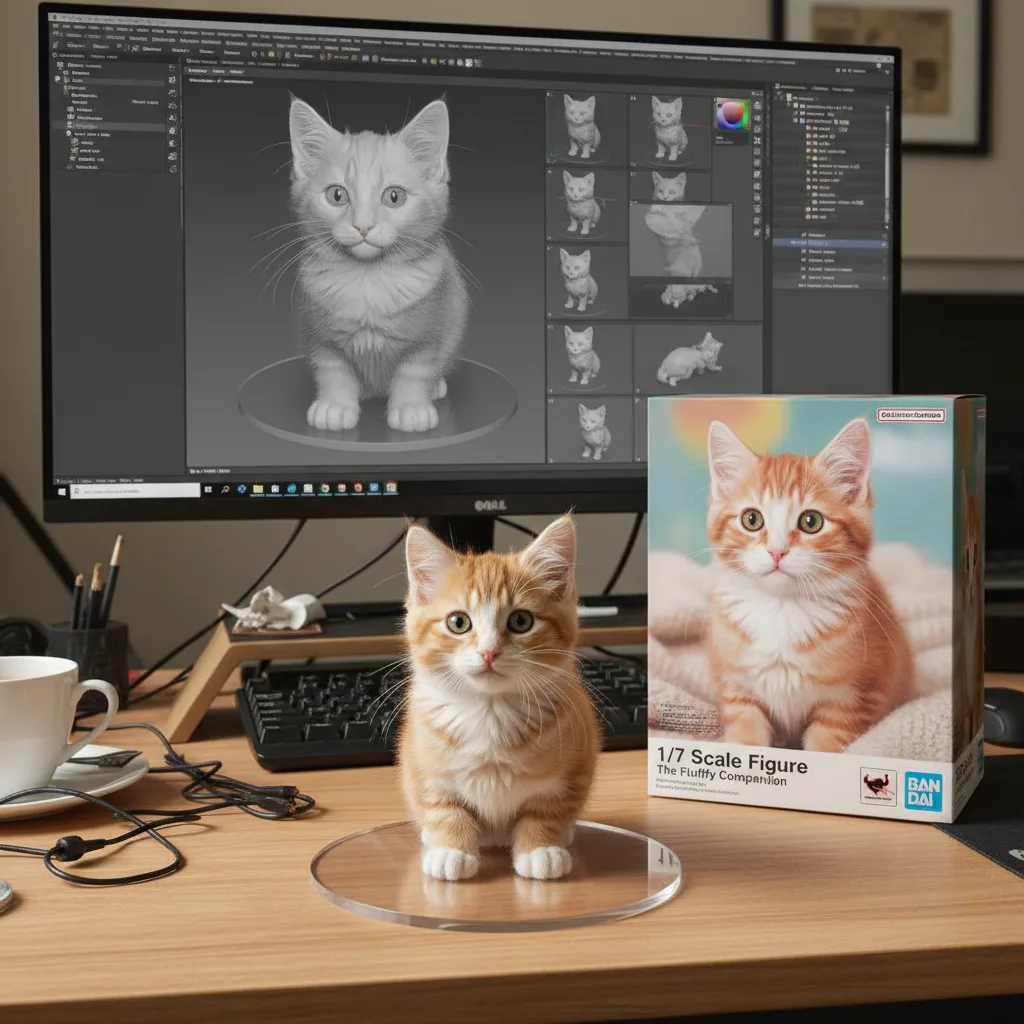

Real tasks, not abstract demos
Use cases show the kinds of outputs people actually want, so the result feels grounded in a real task.
Better proof of what the model can do
A before-and-after example is easier to trust than a single polished image with no context.
Cleaner path into deeper pages
Once a use case matches what you want, it is easier to click through and keep exploring similar result ideas.
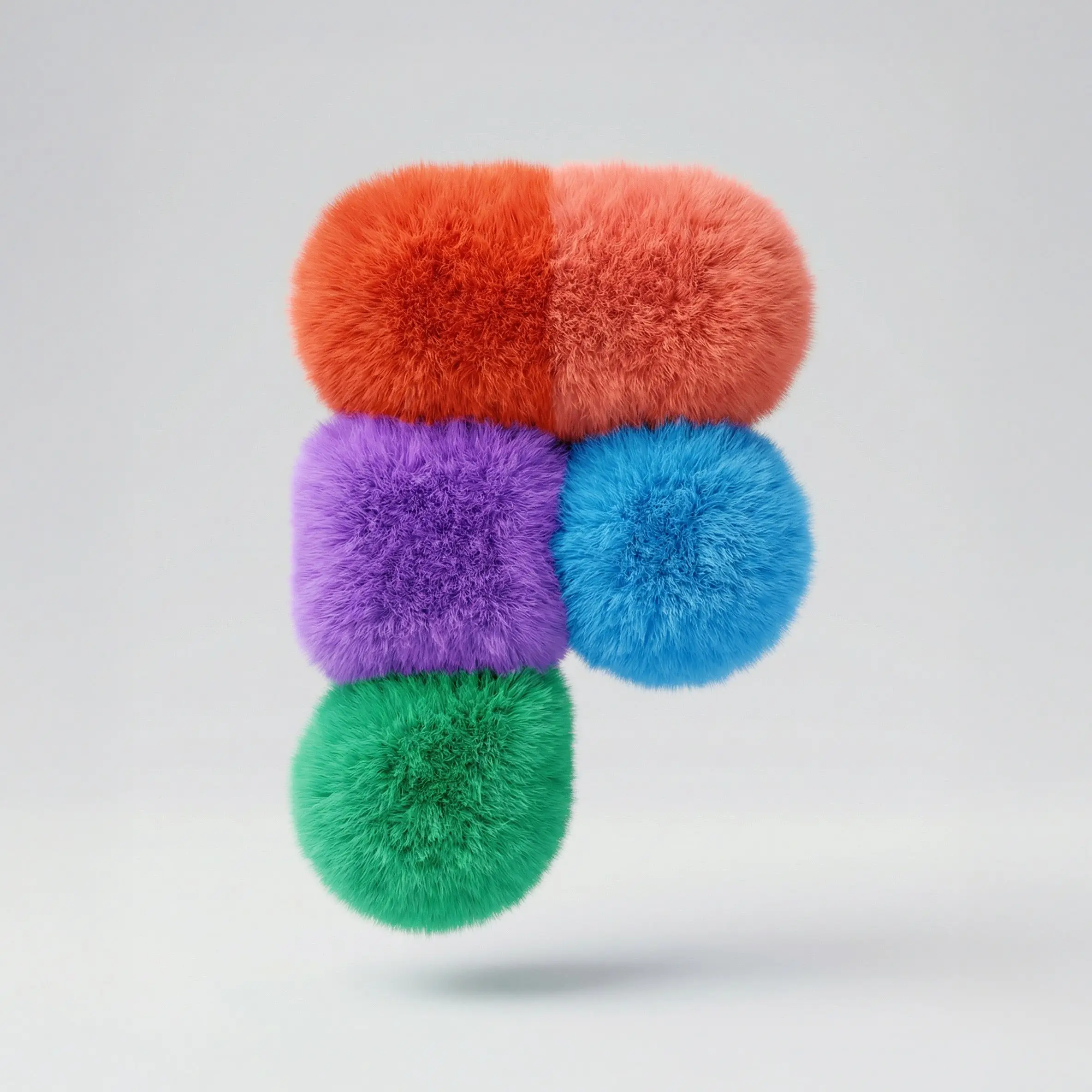

Fluffy Logo Generator
Turn a plain logo idea into a softer, more playful brand visual when you want something more memorable than a flat mark.
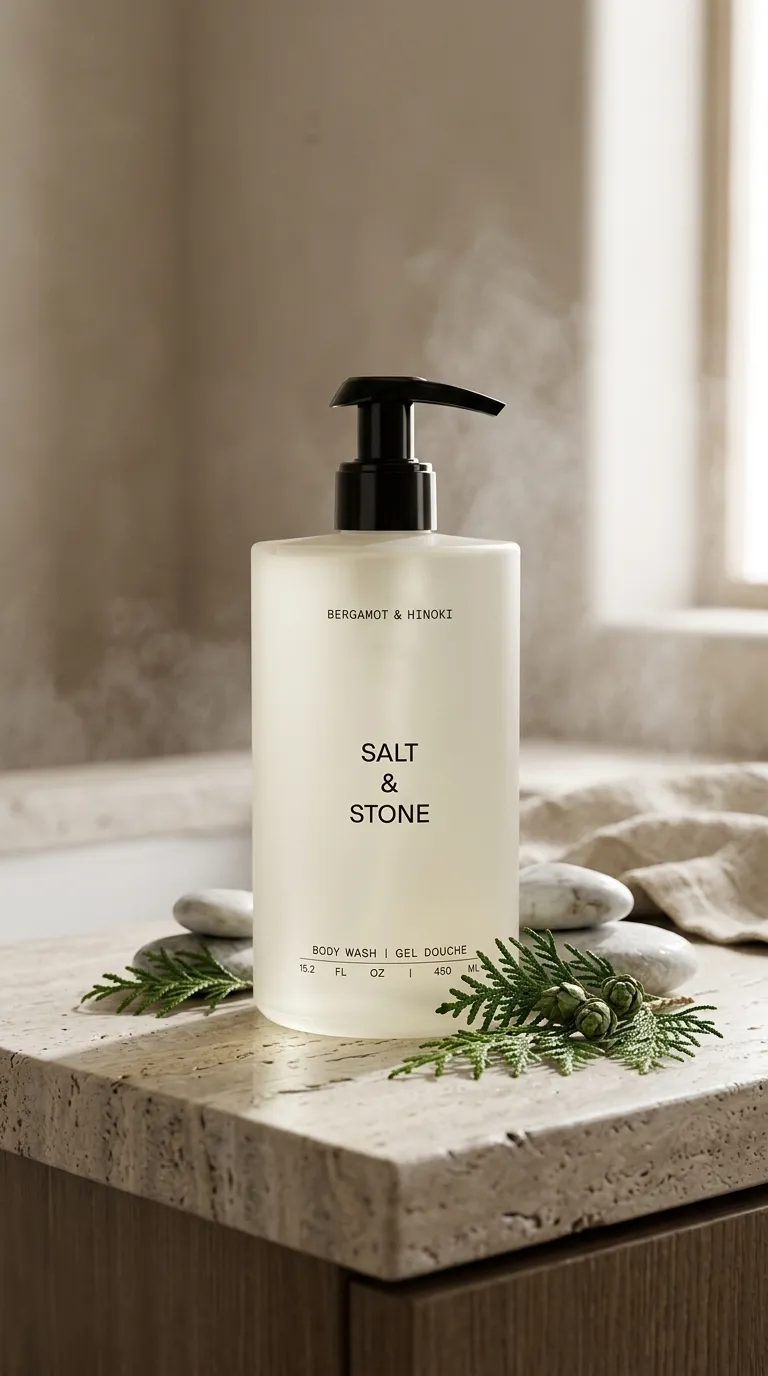
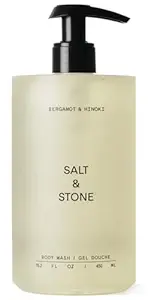
From rough product shot to a more usable storefront image
Improve backgrounds, lighting direction, and overall presentation before the image goes into a listing, ad, or product page.


From idea to stylized output without a long workflow
Use Nano Banana online when you already know the visual direction you want and need a faster first result.
Nano Banana 2 is easier to start than a generic prompt-first tool.
Most alternatives make you start from scratch. You still have to figure out prompts, settings, and what to do next before you know whether the output will be useful.
Here, Nano Banana 2 is organized around outcomes people already understand: better headshots, cleaner product images, faster edits, and clearer creative directions.
Blank prompt, scattered menus, and too many decisions up front.
Start with a real image task and a clearer first action.
More trial and error before you get something usable.
Faster path to a headshot, product image, or edit worth keeping.
You still need separate tools for cleanup, variations, and refinement.
Generate, refine, and keep improving in one place.
Try Nano Banana 2 first, then upgrade when you need more throughput.
The free experience is for testing quality. Paid plans are for when you want more generations, more room to iterate, and fewer limits.
Validate the result quality first
Scale past testing and into real work
Frequently asked questions about Nano Banana 2
The quick answers people want before they try Nano Banana 2 online.