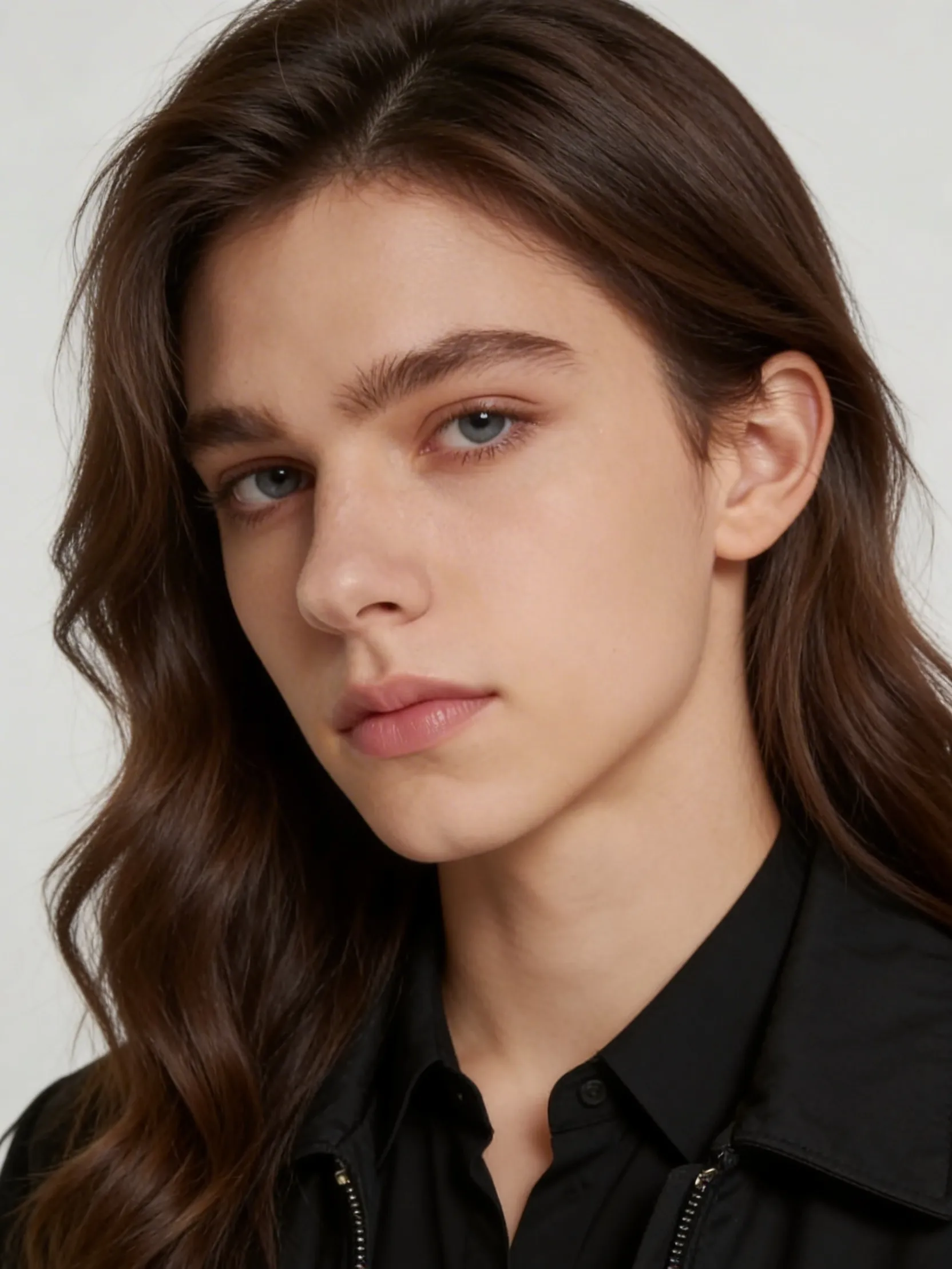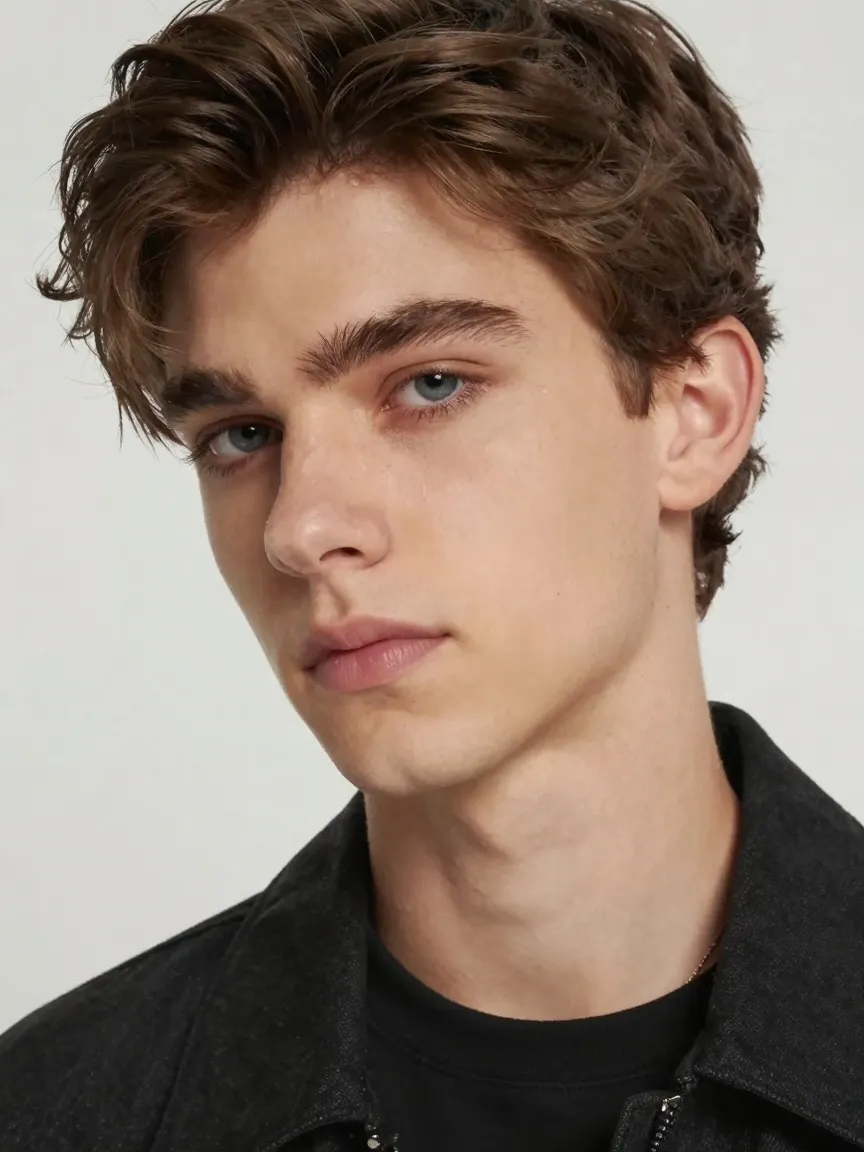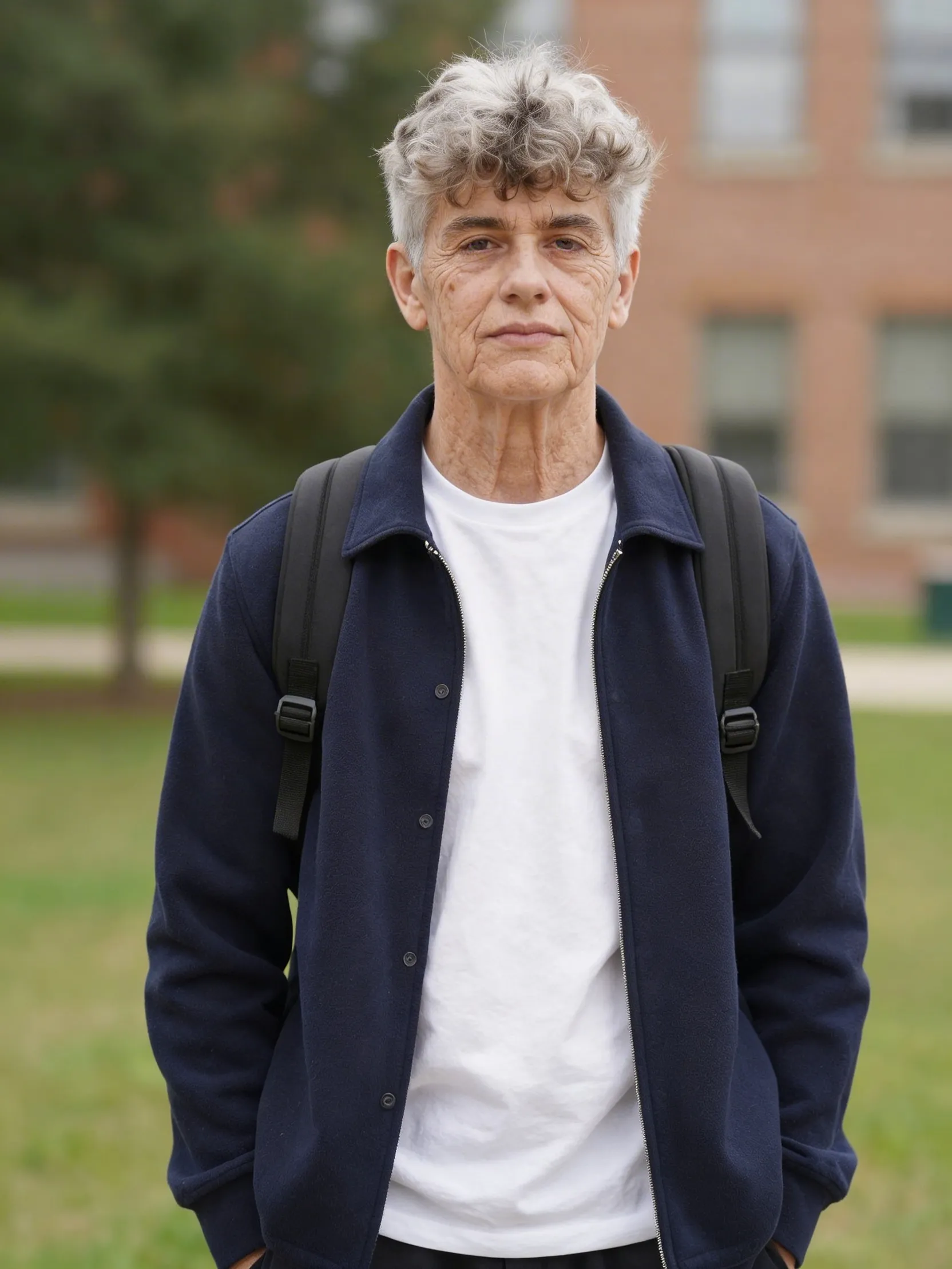
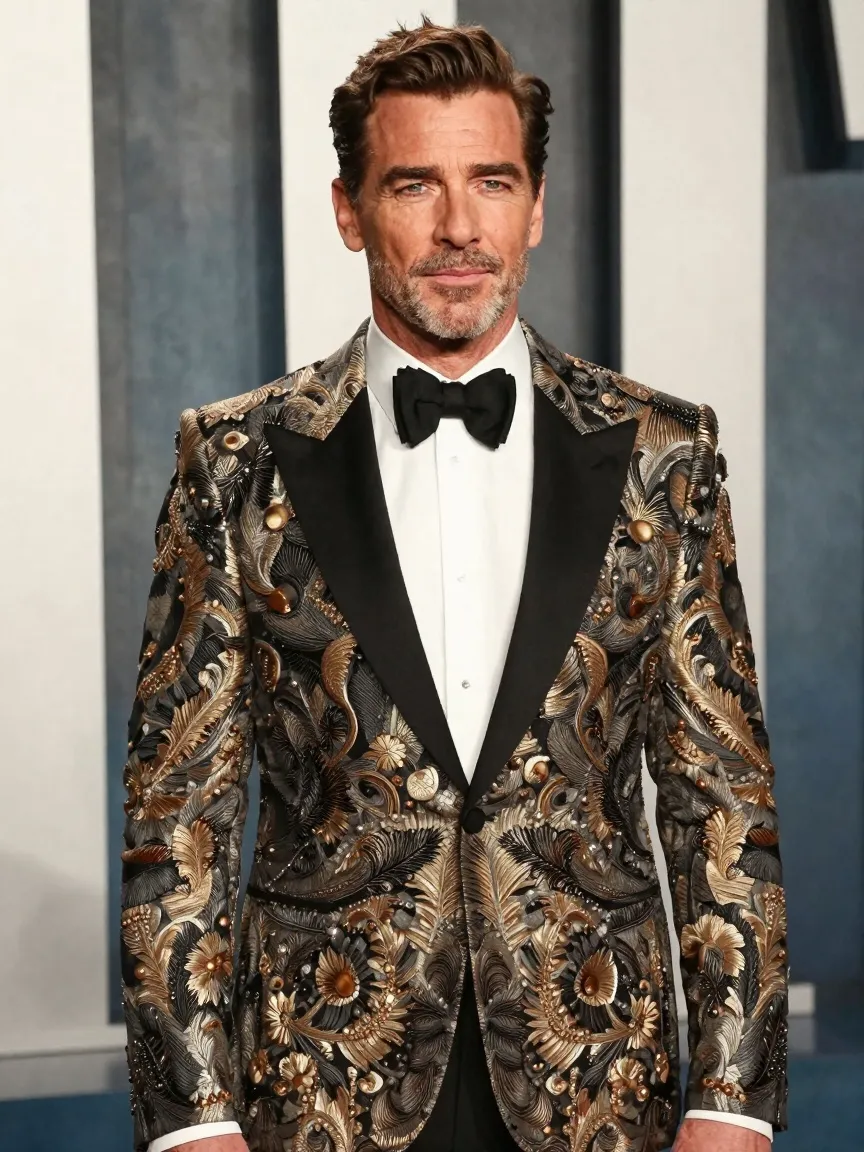
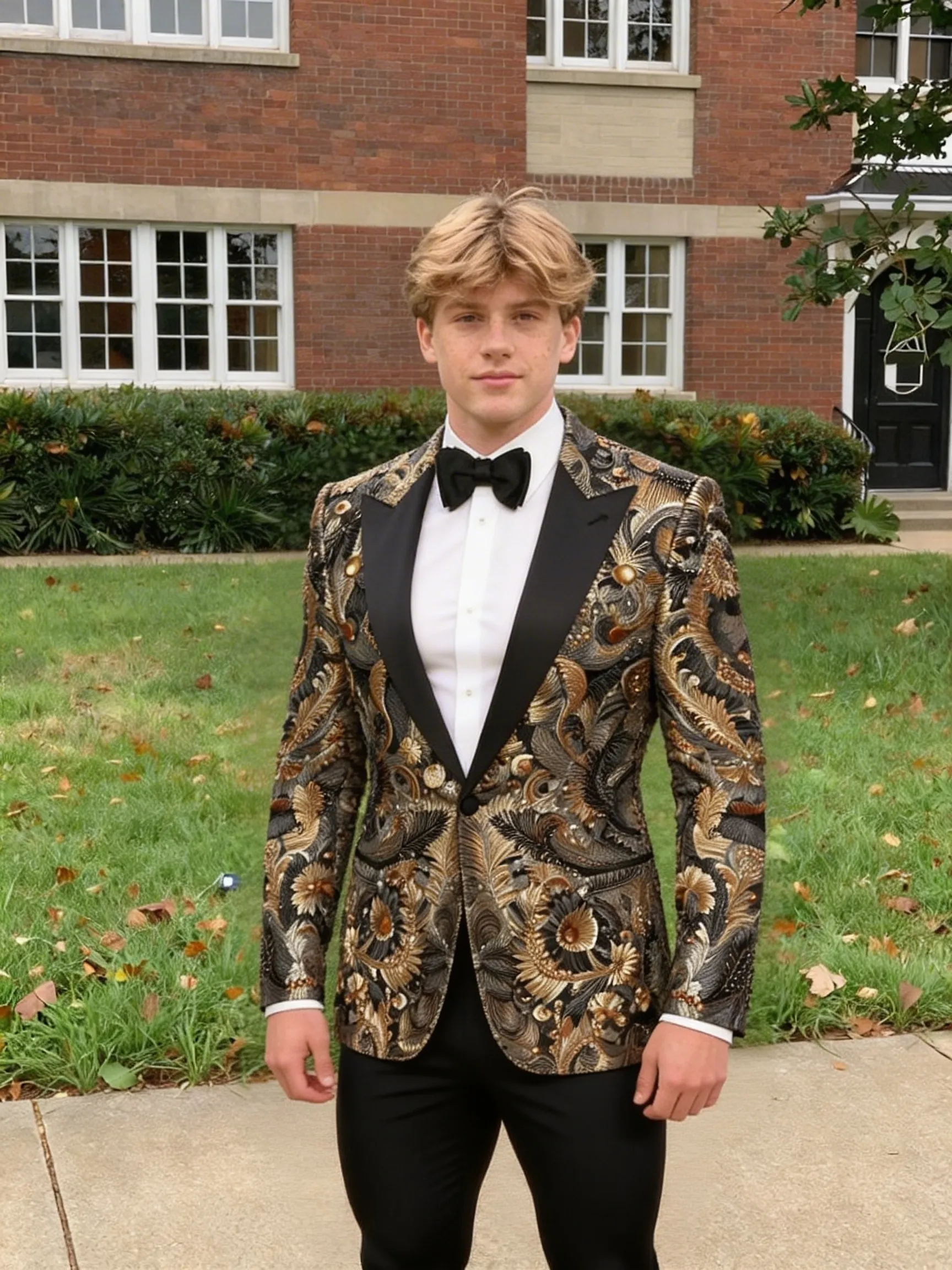
What An Image Body Swap Page Is Designed To Do
An image body swap page is designed for a two-image transformation job: one image provides the identity and the other provides the target body context. That makes it different from simple portrait filters or one-image face edits.
This is useful when users want to explore outfit swaps, different poses, alternate body framing, or creator experiments that depend on two distinct reference images.
How To Get Better Body Swap Results
Both uploads matter because the workflow is truly two-image.
The source image should make the identity easy to read. The target body image should make the pose, clothing, and body silhouette easy to read. Weak quality on either side usually hurts the result.
For the cleanest transformation, use a source portrait with a visible face and a target image where the upper body and head area are not heavily blocked by objects or motion blur.
When To Use This Instead Of Face Swap
Use image body swap when the full body composition is the main variable you want to borrow from another image. Use face swap when the task is mainly about replacing one face inside an existing target image.
That distinction matters because someone looking for AI body swap is usually not looking for a plain face-replacement tool.
Face Swap vs Body Swap — Which Page Should You Use?
Face swap replaces a face inside an existing target image. Body swap uses two images — one for identity and one for body pose, outfit, or composition. If you searched for body swap ai or ai body swap online free, this two-image page is the right landing page.
If you only need head or face replacement inside a scene, use the Face Swap tool instead. Both pages are linked so you can move between workflows without guessing.