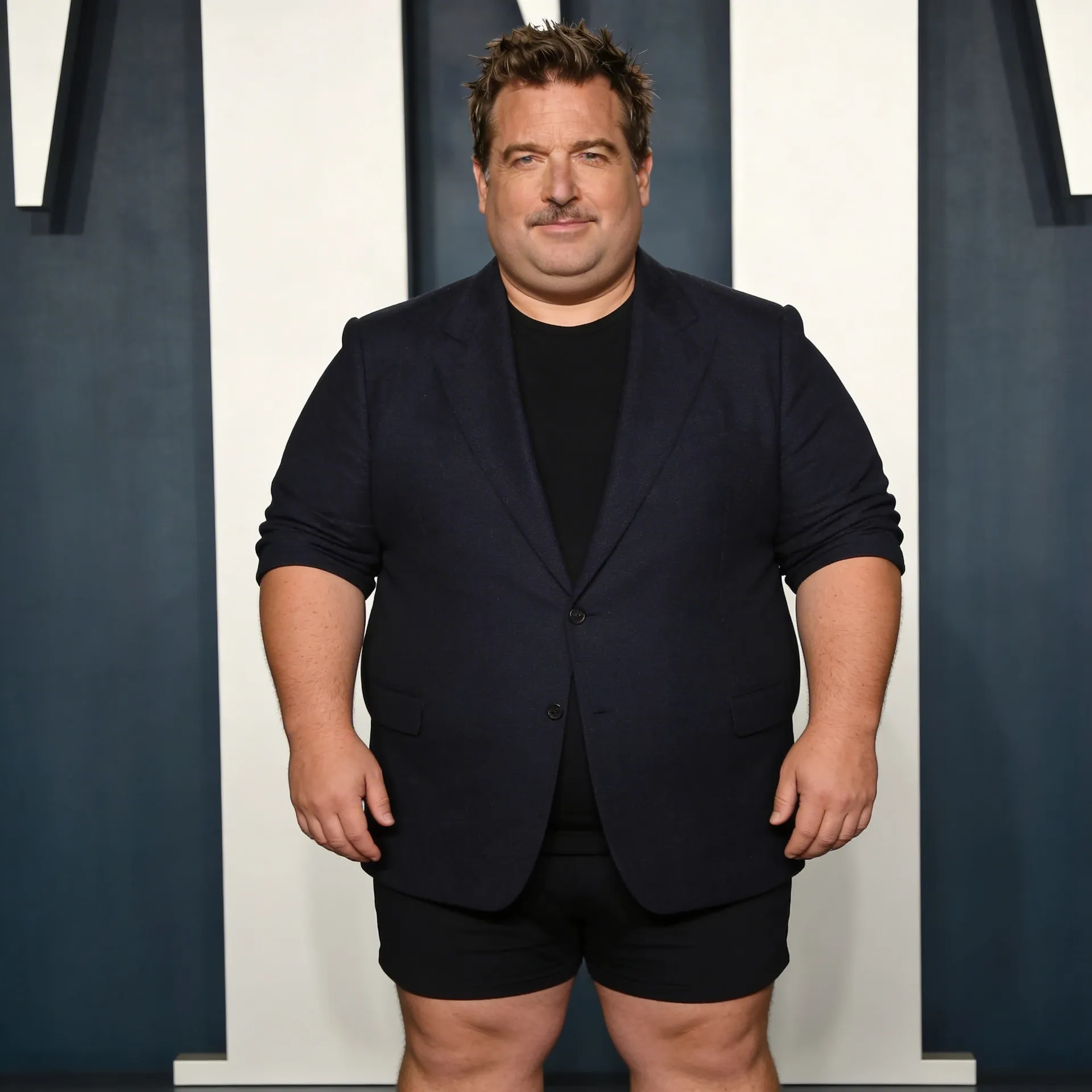
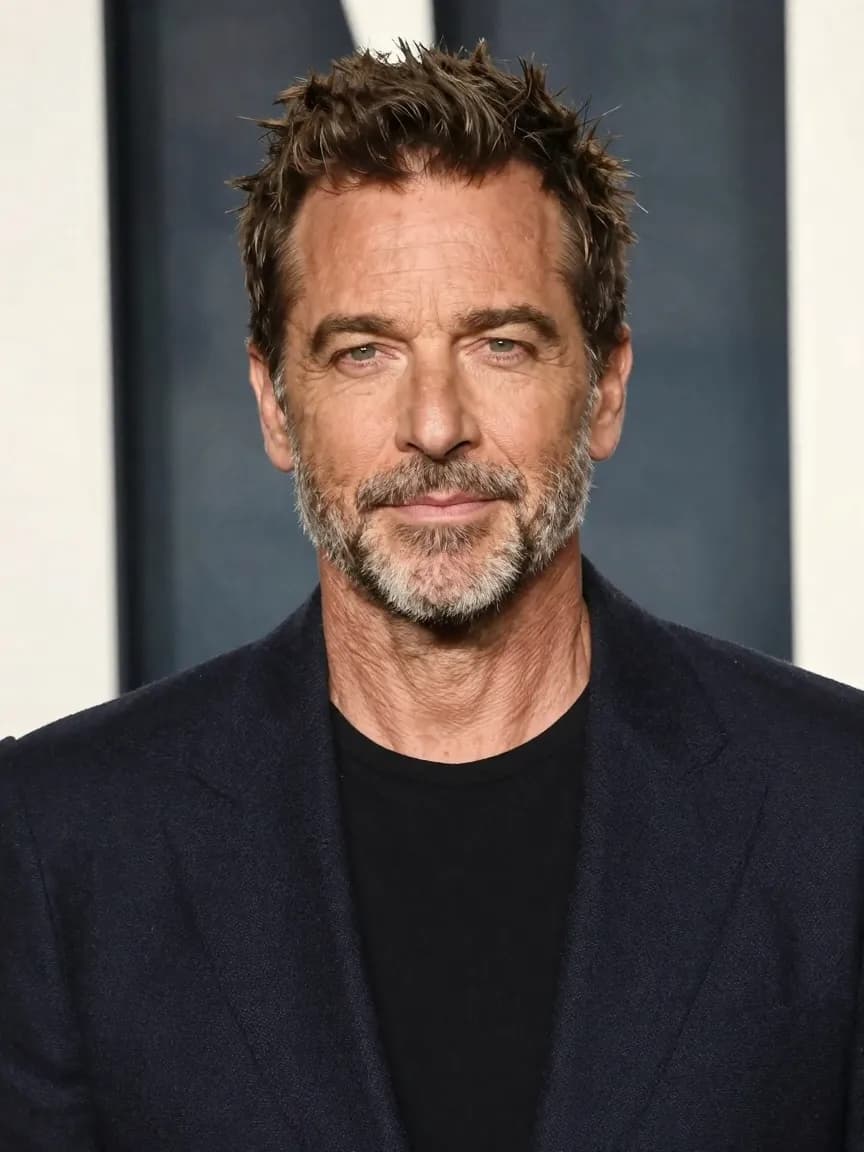
What An AI Fat Filter Is For
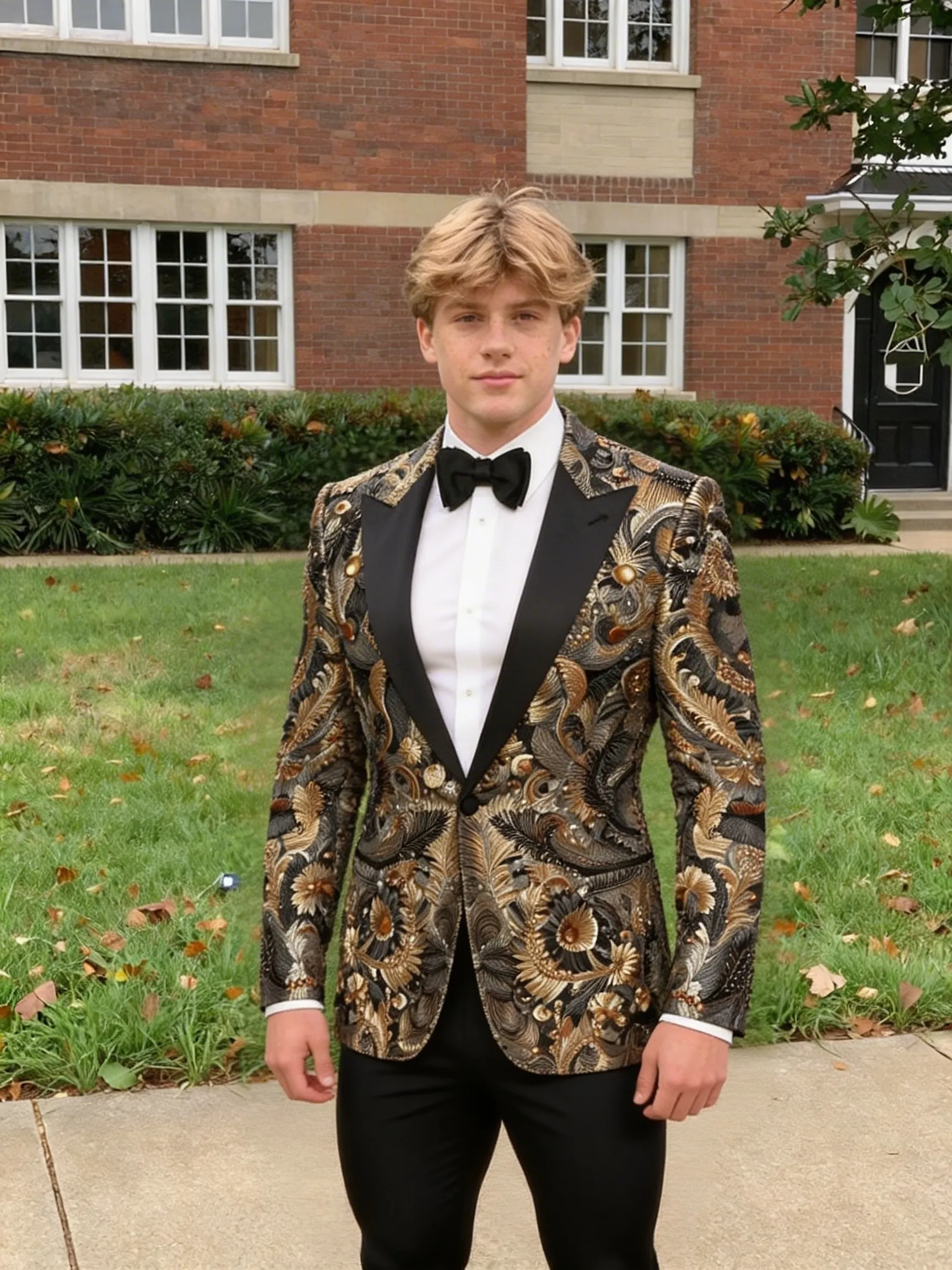
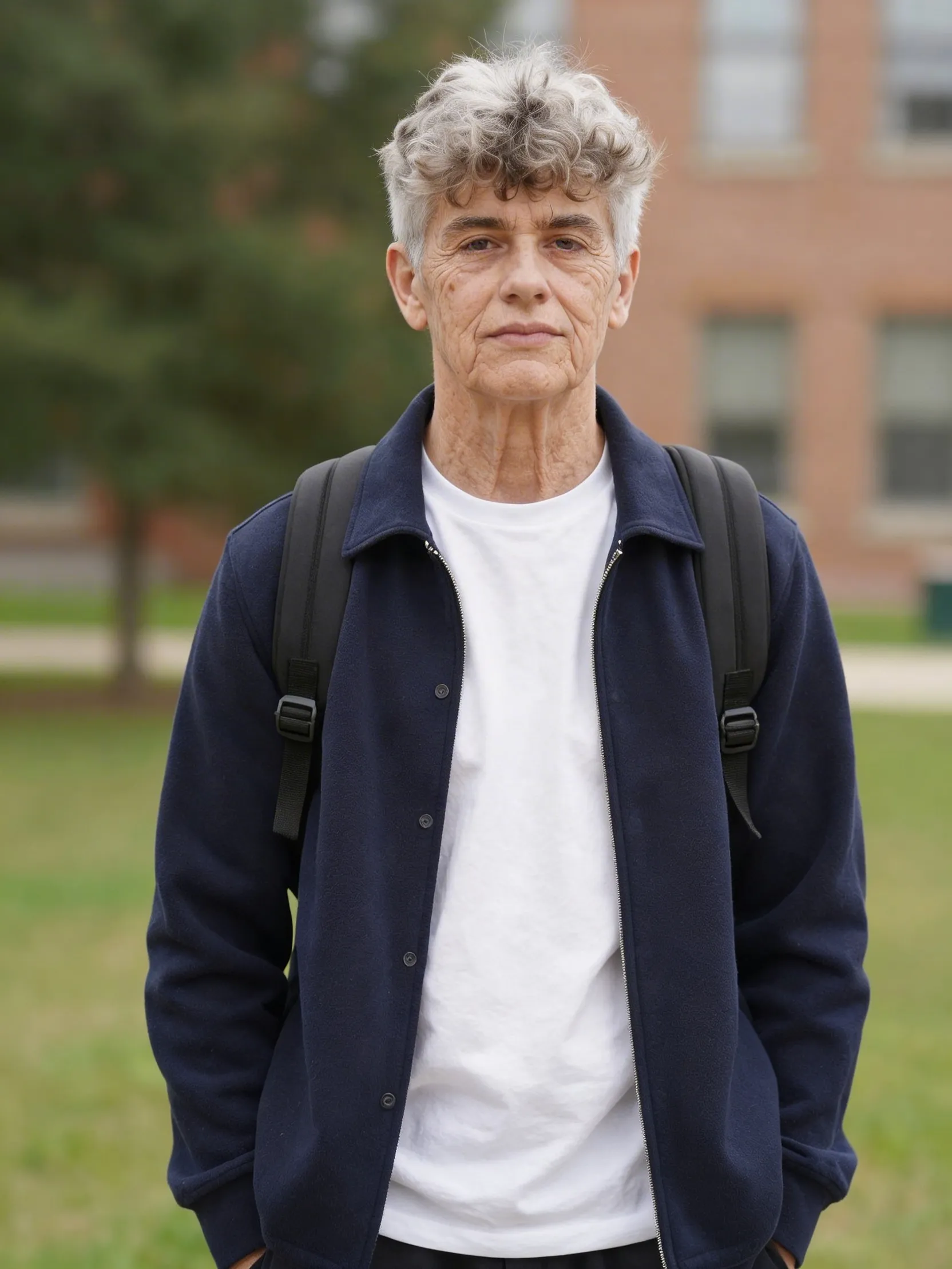
An AI fat filter is for users who want to preview a heavier-looking version of the same person from one source image. Instead of manually writing a prompt about body weight, facial fullness, and overall shape changes, the user can upload one image and run the transformation directly.
That makes the workflow more direct for people who want a heavier-looking portrait result without navigating a generic image editor first.
How To Get A Better Fat Filter Result
The best source image shows enough of the face and upper body to transform cleanly.
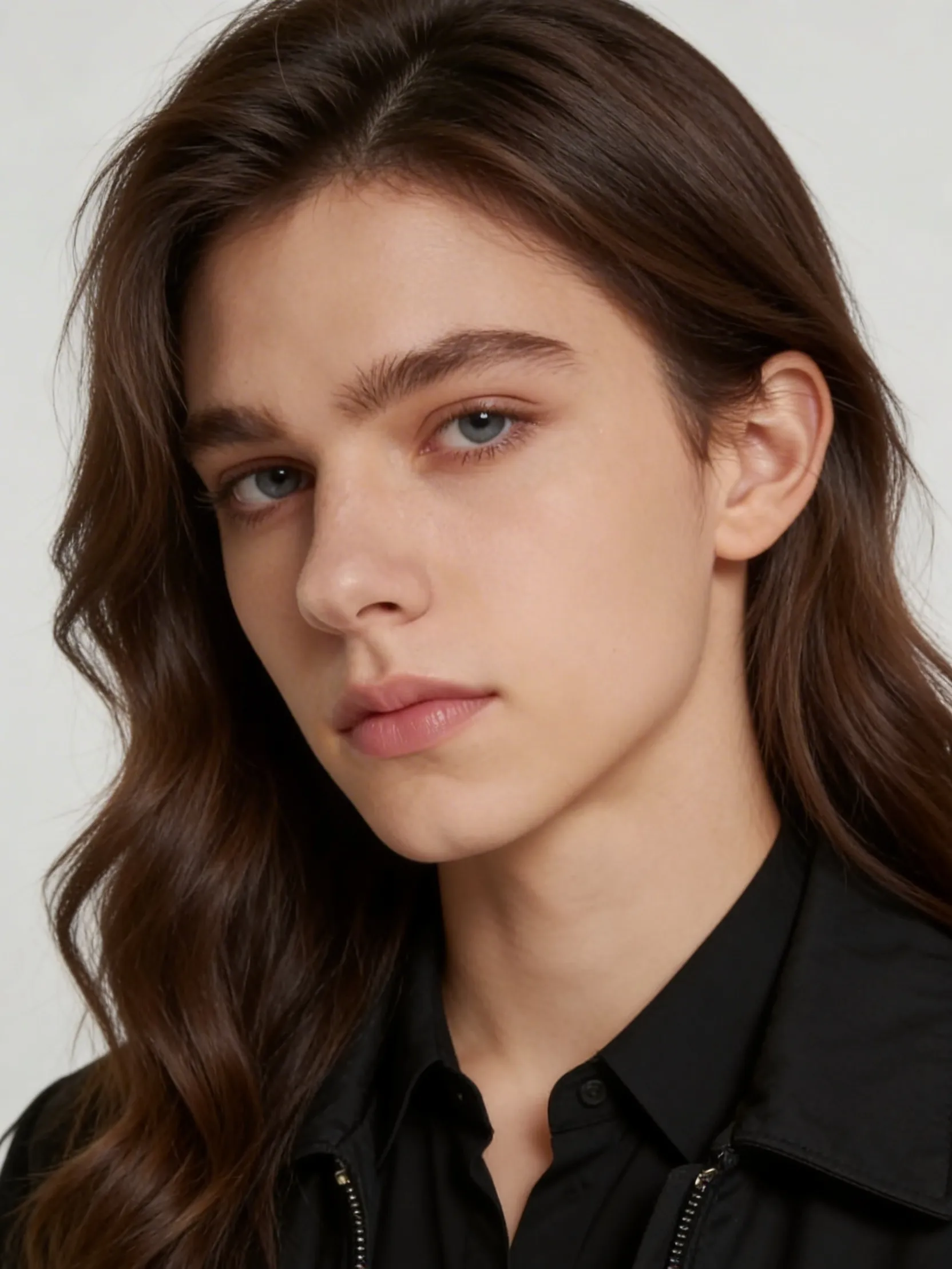
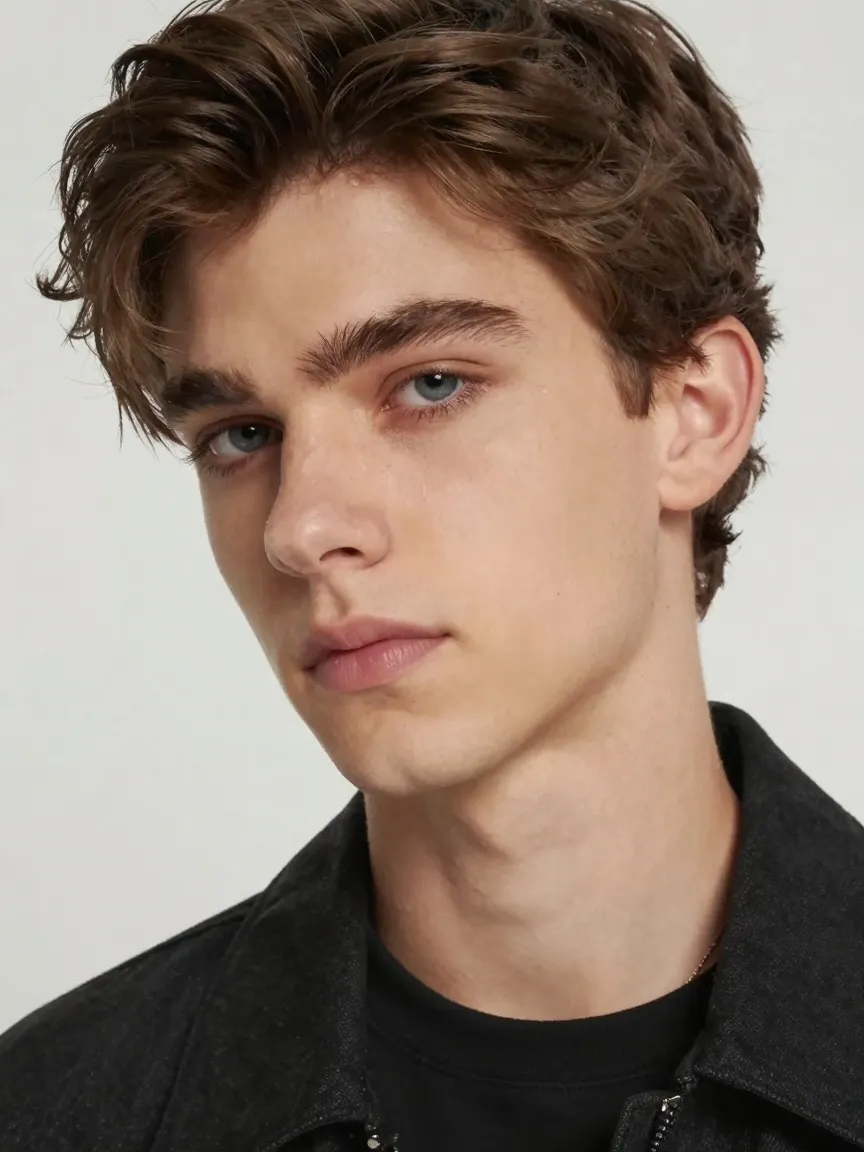
A clear portrait or upper-body image works best because the model needs enough visual information to alter facial fullness, neck shape, and body cues without losing the original subject completely. Front-facing or slightly angled portraits usually produce the cleanest comparison results.
If the source image is too cropped, too blurry, or cluttered with other people, the output can drift. For the strongest before-and-after comparison, start with one main subject and visible body structure.
When To Use This Instead Of Body Swap Or Beauty Filters
Use this page when body-weight presentation is the main variable you want to change from a single image. Use image body swap when you want to borrow pose, outfit, or body composition from a second image. Use beauty filters when the job is light facial polish rather than a structural transformation.