Why A LinkedIn Profile Headshot Matters More Than A Casual Portrait
A LinkedIn profile photo does more than fill a box. It shapes first impressions before anyone reads your headline, experience, or bio. If the image looks casual, cropped, or inconsistent with the role you want, the profile loses trust immediately. A LinkedIn profile headshot solves that by presenting you in a cleaner and more intentional business context.
What makes this page useful is how practical the job is. People looking for a LinkedIn profile headshot usually want a polished portrait they can actually use for hiring, networking, personal branding, or client-facing profiles. They are not looking for a stylized fashion edit. They want credibility, clarity, and realism.
What This Style Is Optimized To Produce
This page is tuned for a specific kind of corporate portrait rather than a generic AI headshot.
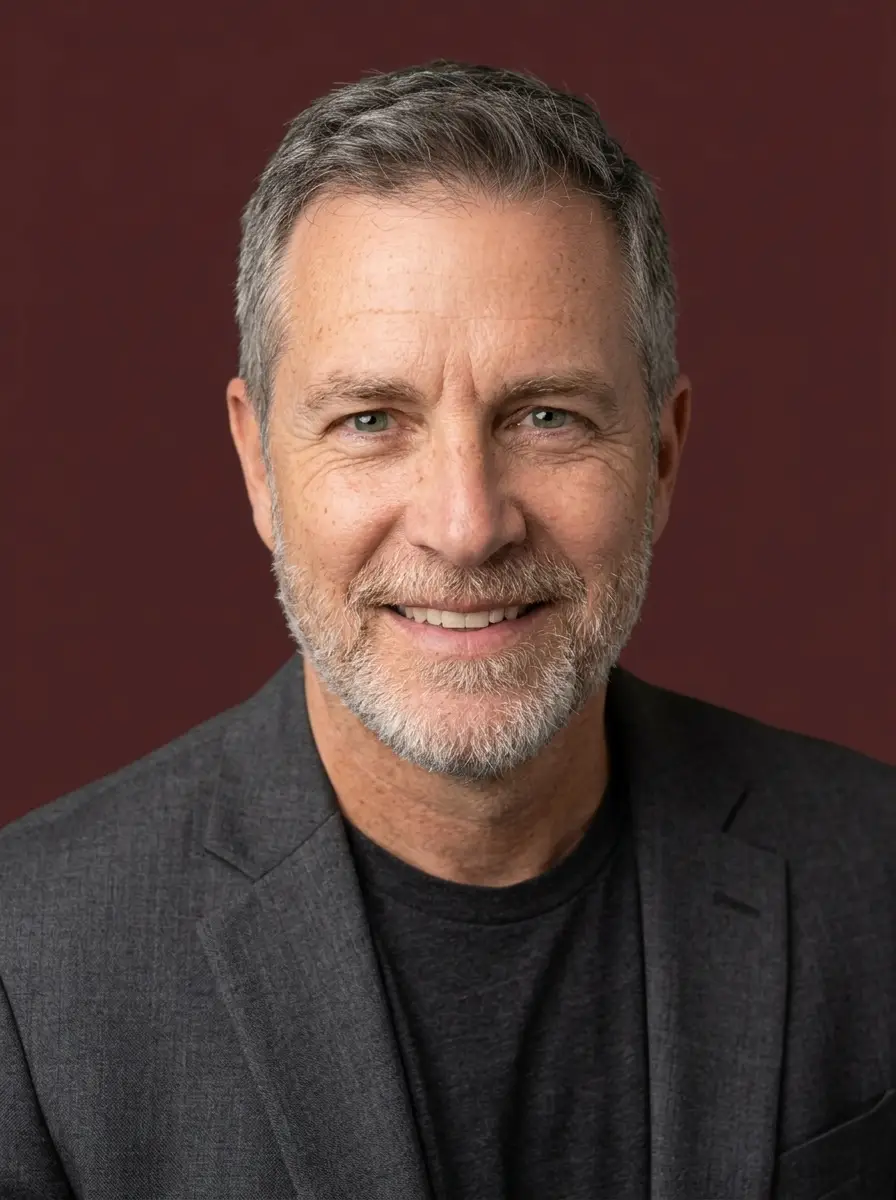
The target output keeps the face consistent while upgrading presentation. That means a professional navy blue business suit, white shirt, dark gray studio background, flattering portrait compression, and a lighting setup that gives the face structure without making the result look harsh or artificial. The goal is not to change the person. The goal is to make the same person look more polished and professionally photographed.
The visual direction also avoids the plastic look that makes many AI portraits unusable. Natural skin texture, visible pores, catchlights in the eyes, and subtle suit fabric detail matter because LinkedIn photos are trust-sensitive. If the image looks too smooth or synthetic, it weakens the result even if the styling is technically correct.
Why This Prompt Works Well For LinkedIn
The prompt is intentionally narrow. It tells the model to preserve facial features exactly, control wardrobe, define the studio backdrop, specify the lens look, and describe the lighting pattern. That reduces drift and pushes the generation toward a clean business headshot instead of a vague corporate portrait. The 85mm portrait compression and three-point lighting direction both support a more flattering and realistic output.
It also removes clutter. The background is a simple dark gray studio setup with a soft gradient and vignette effect, which keeps attention on the face. For LinkedIn and similar business surfaces, that usually performs better than busy office scenes, fake coworking spaces, or decorative props that distract from the subject.
Who Should Use This LinkedIn Headshot Page
This page is a strong fit for job seekers, consultants, sales professionals, recruiters, agency owners, and anyone updating a hiring-facing business profile. It is especially useful when you need a cleaner headshot quickly but do not want to book an expensive studio session just to upgrade LinkedIn or a resume landing page.
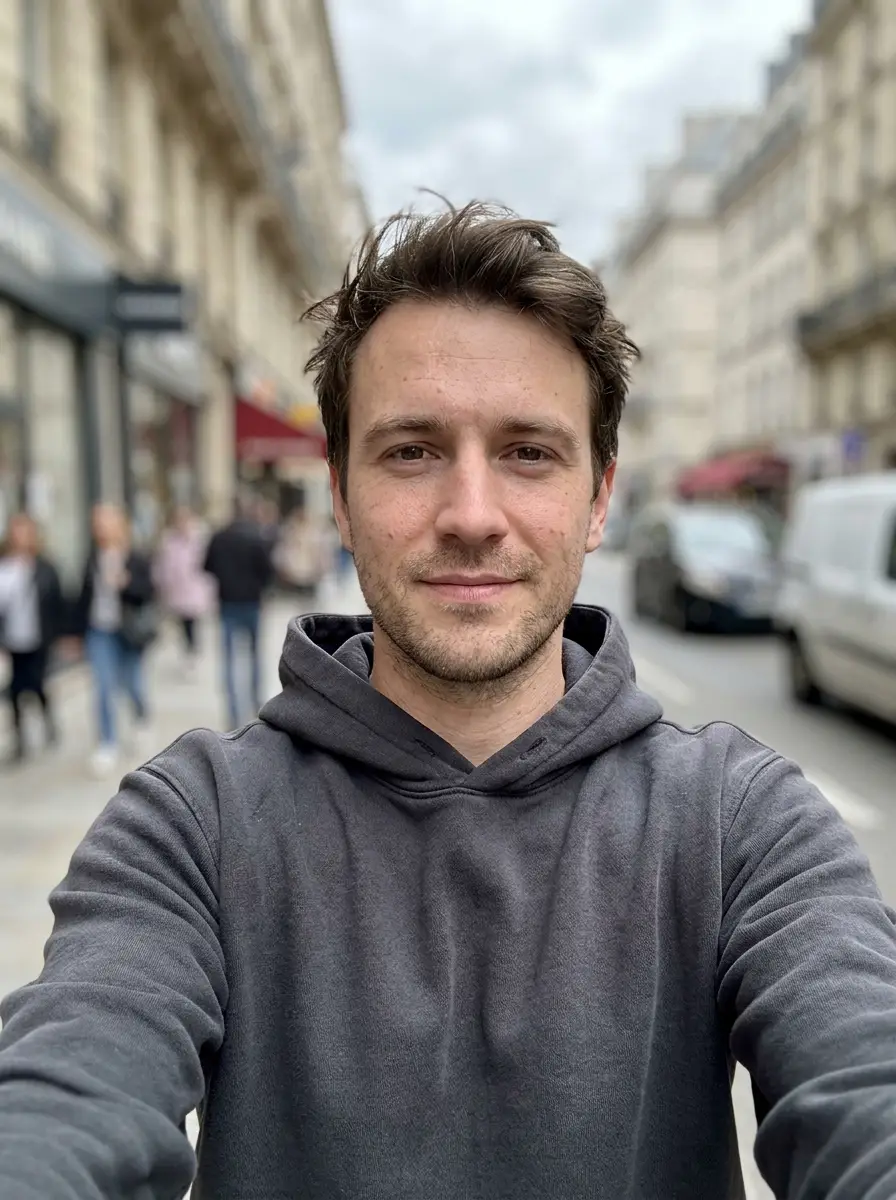
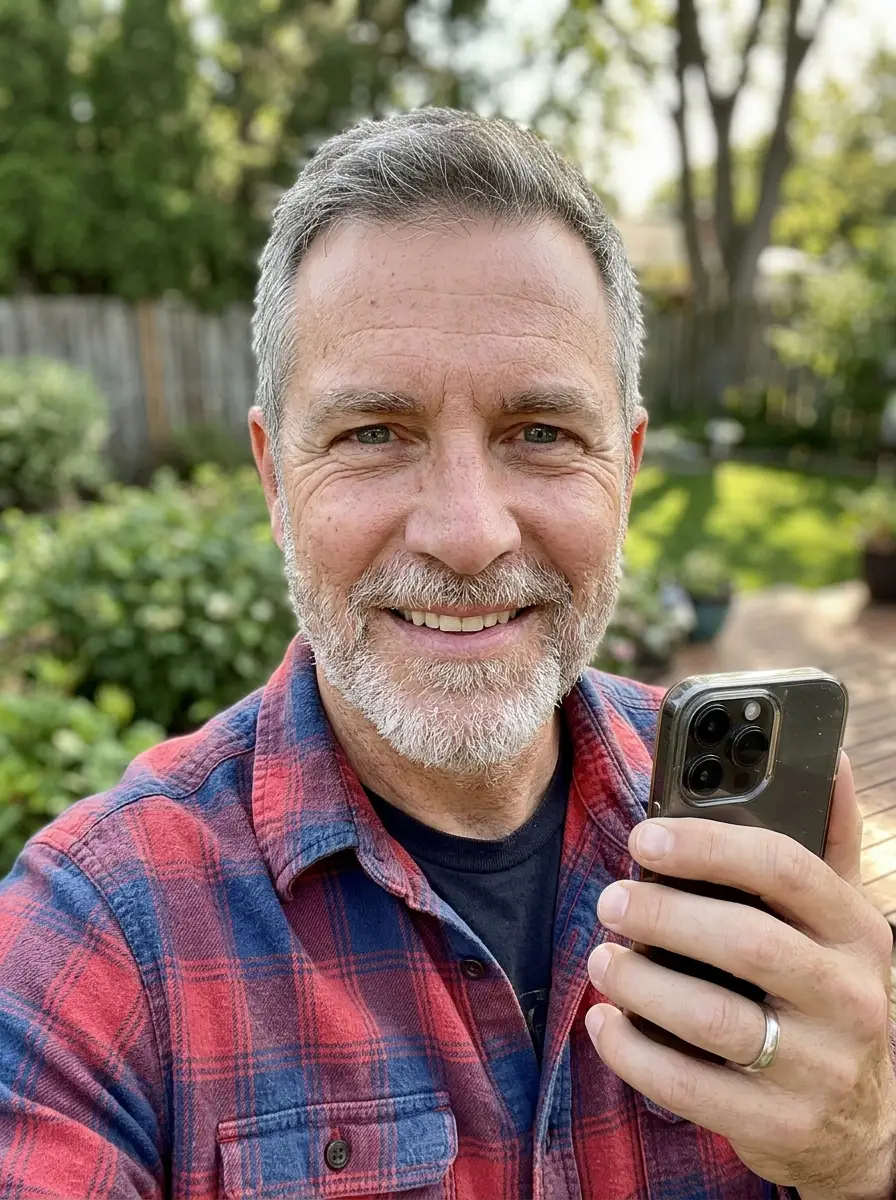
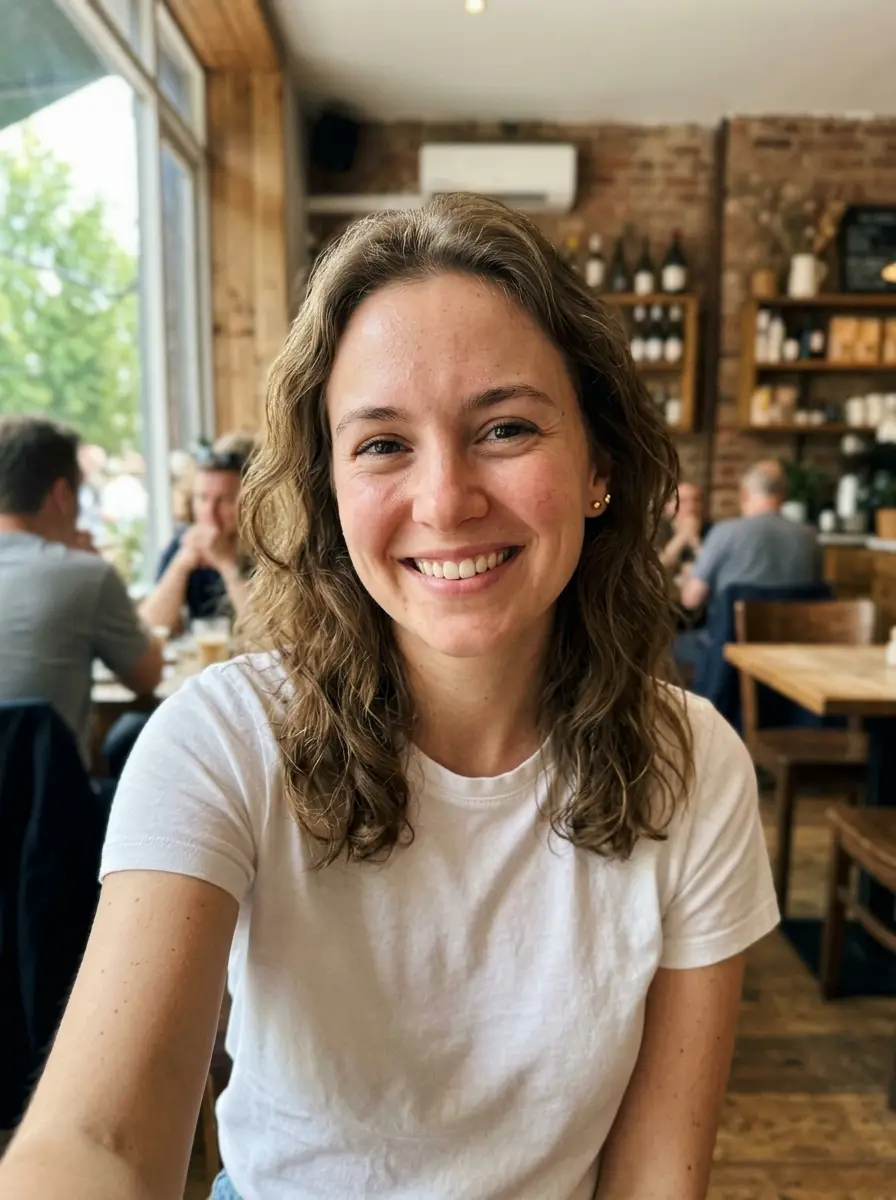
It is also useful when your current photo has the right face but the wrong context. Maybe the lighting is flat, the clothing is too casual, the room is messy, or the crop feels amateur. In that case, a LinkedIn profile headshot can make the profile feel materially stronger without requiring a full reshoot.
Why Use Nano Banana For This Instead Of A Traditional Studio
A traditional studio shoot can produce a strong result, but it is often slow and expensive relative to the actual problem you are trying to solve. Most people do not need a full photography project. They need one trustworthy business headshot. This workflow is faster, lower-cost, and easier to repeat when you want to refresh your profile image later.
Nano Banana is also useful because this style page is prompt-driven but hidden behind a simpler workflow. The user only needs to upload a portrait and generate. The detailed prompt standard stays consistent in the backend, which makes the output easier to control across repeated generations.