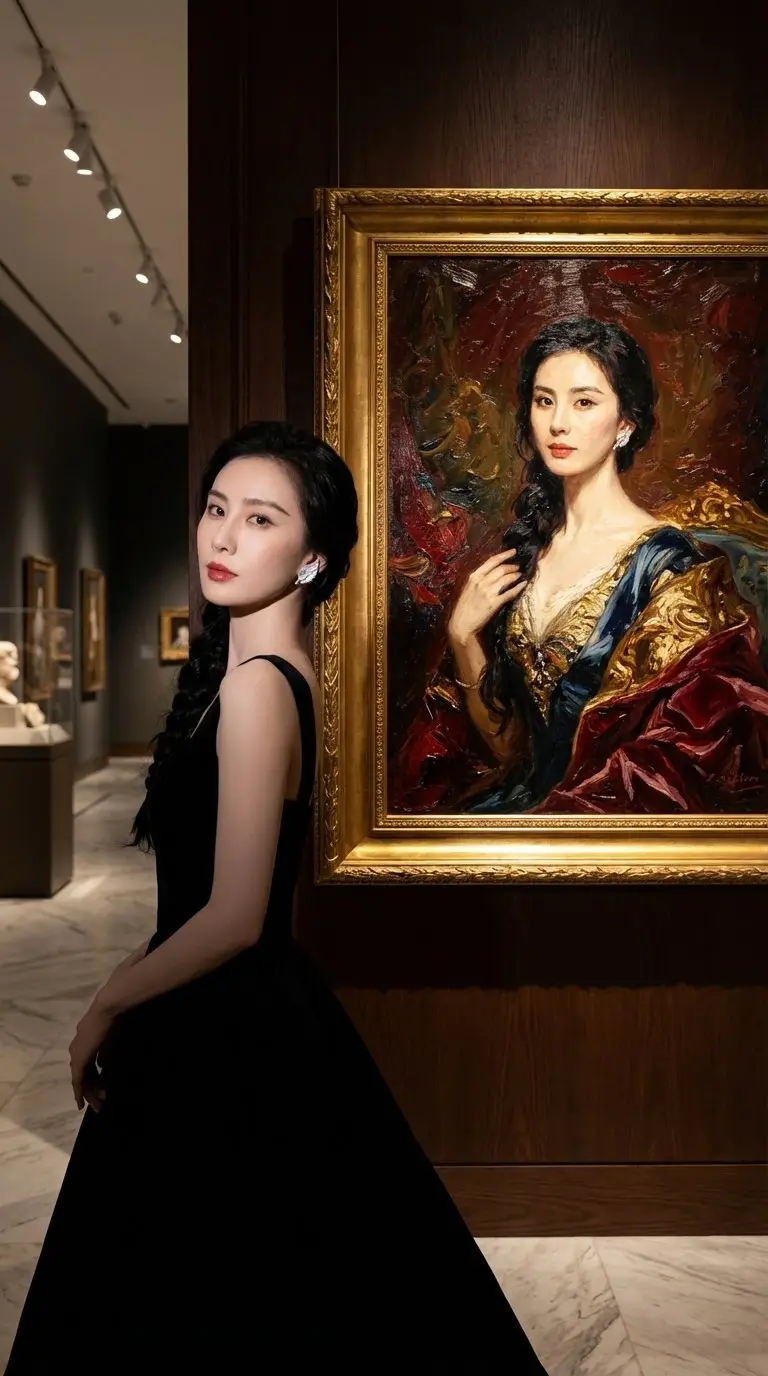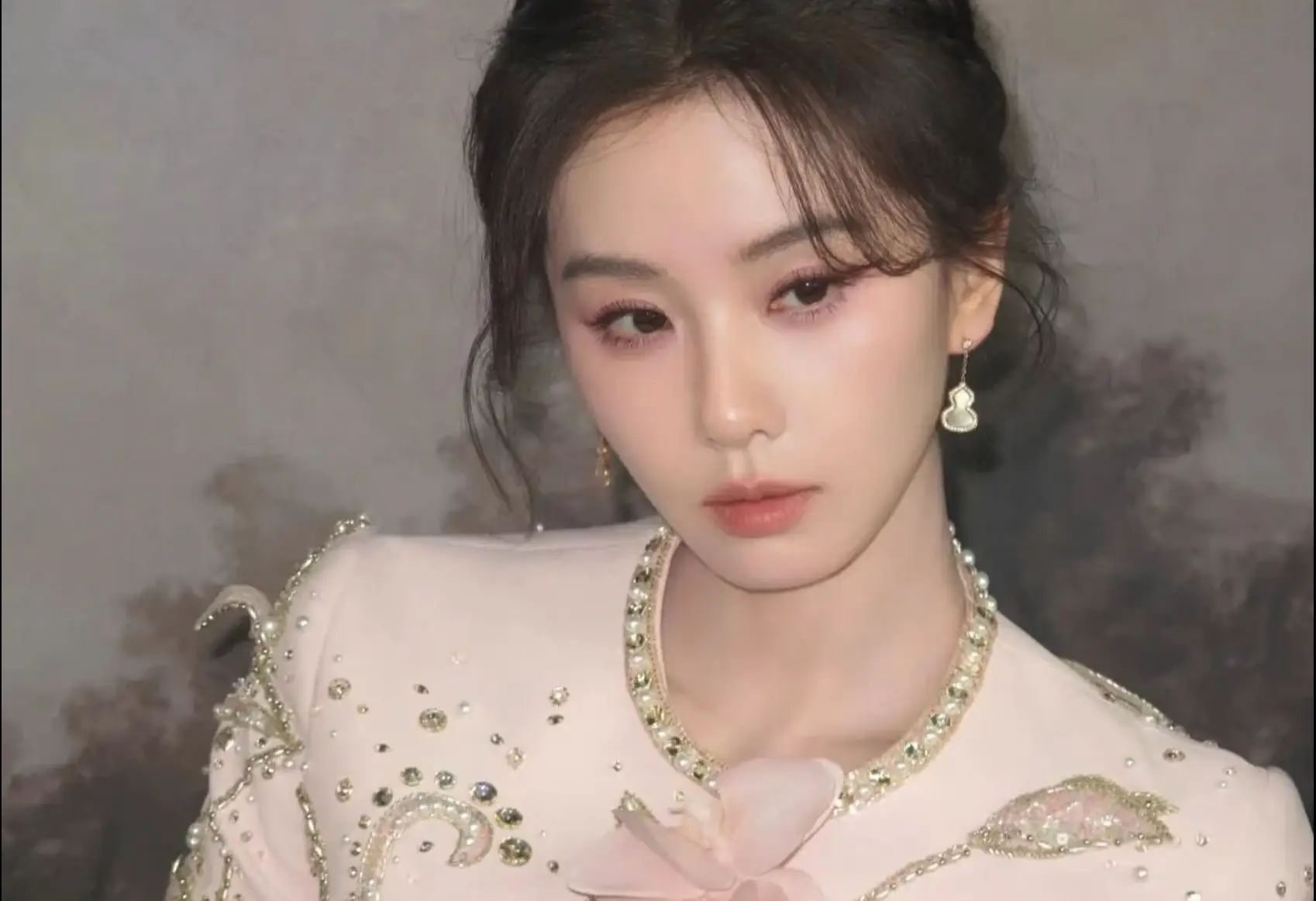

Why A Natural AI Beauty Filter Works Better Than Heavy Retouching
A lot of beauty filters fail because they make the face look less human. Skin becomes plastic, facial structure gets distorted, and the final image stops looking like the real person. That is a problem if the goal is to look polished without losing trust. A natural AI beauty filter works better because it improves tone, light, and clarity while keeping the face believable.
That matters in real use cases. Most people do not actually want to look like a different person. They want to look a little more rested, a little more even, and a little more camera-ready. The right beauty filter should reduce distractions, not erase identity.
What This Beauty Filter Is Designed To Improve
The goal is subtle enhancement, not face replacement.
This page is tuned to improve portraits that feel tired, flat, or slightly rough without pushing them into obvious over-editing. It focuses on soft skin smoothing, tone balancing, brighter eyes, and gentle facial light so the result feels cleaner and more flattering while still looking natural.
Just as importantly, it avoids the common failure modes of aggressive beauty apps. It does not try to dramatically reshape the face, remove all texture, or replace the original makeup style with a synthetic look. The point is to preserve the person and upgrade the photo.
Why This Prompt Produces A More Trustworthy Result
This prompt is narrow in the right way. It tells the model exactly what to improve, and just as importantly, what not to destroy. By explicitly preserving identity, natural pores, realistic lighting, and original makeup style, it helps prevent the output from drifting into overblurred or uncanny territory.
That constraint is what makes the result more useful for everyday portraits. Instead of a dramatic makeover image, you get something closer to a better version of the same photo: cleaner, softer, more balanced, but still recognizably real.
Who Should Use This Natural AI Beauty Filter
This page is a strong fit for creators, professionals, students, founders, influencers, and anyone who wants a better-looking portrait without the fake look of aggressive beauty filters. It is especially useful for profile images, social content, headshots, dating photos, and casual portraits that need more polish but still need to feel like the same person.
It is also useful when your source image is already decent but just not flattering enough. Maybe the lighting is harsh, the skin tone looks uneven, or the eyes look dull. In those cases, a softer beauty workflow often does more than a dramatic full-style edit.
Why Use This Instead Of A Generic Beauty App
Many beauty apps default to obvious skin blur, unrealistic highlights, and facial reshaping because they are optimized for immediate impact rather than believable results. That can work for novelty, but it performs poorly when you need an image that still feels human and trustworthy.
This workflow is more useful when subtlety matters. It gives you a cleaner, brighter, more flattering result while keeping pores, lighting logic, and face identity intact. That makes it a better fit for profile and branding use, not just disposable filter content.