
AI Portrait Styles
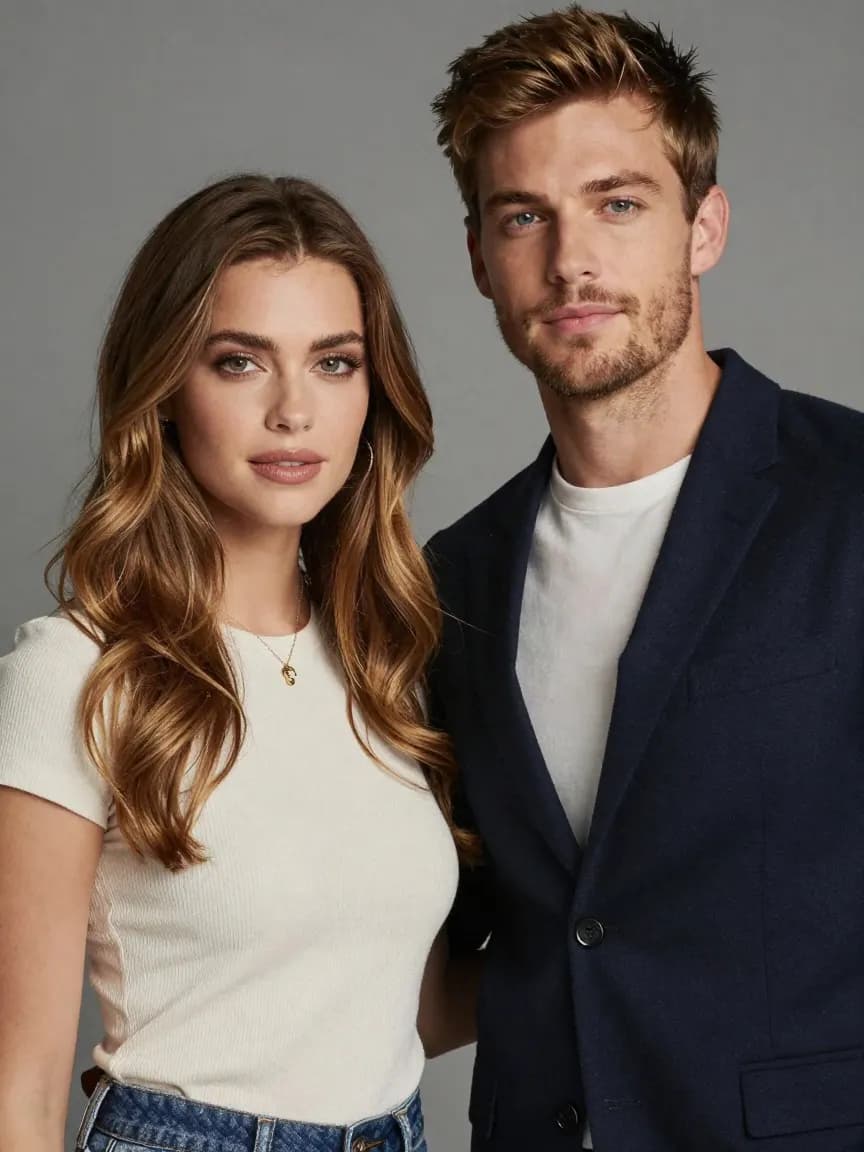
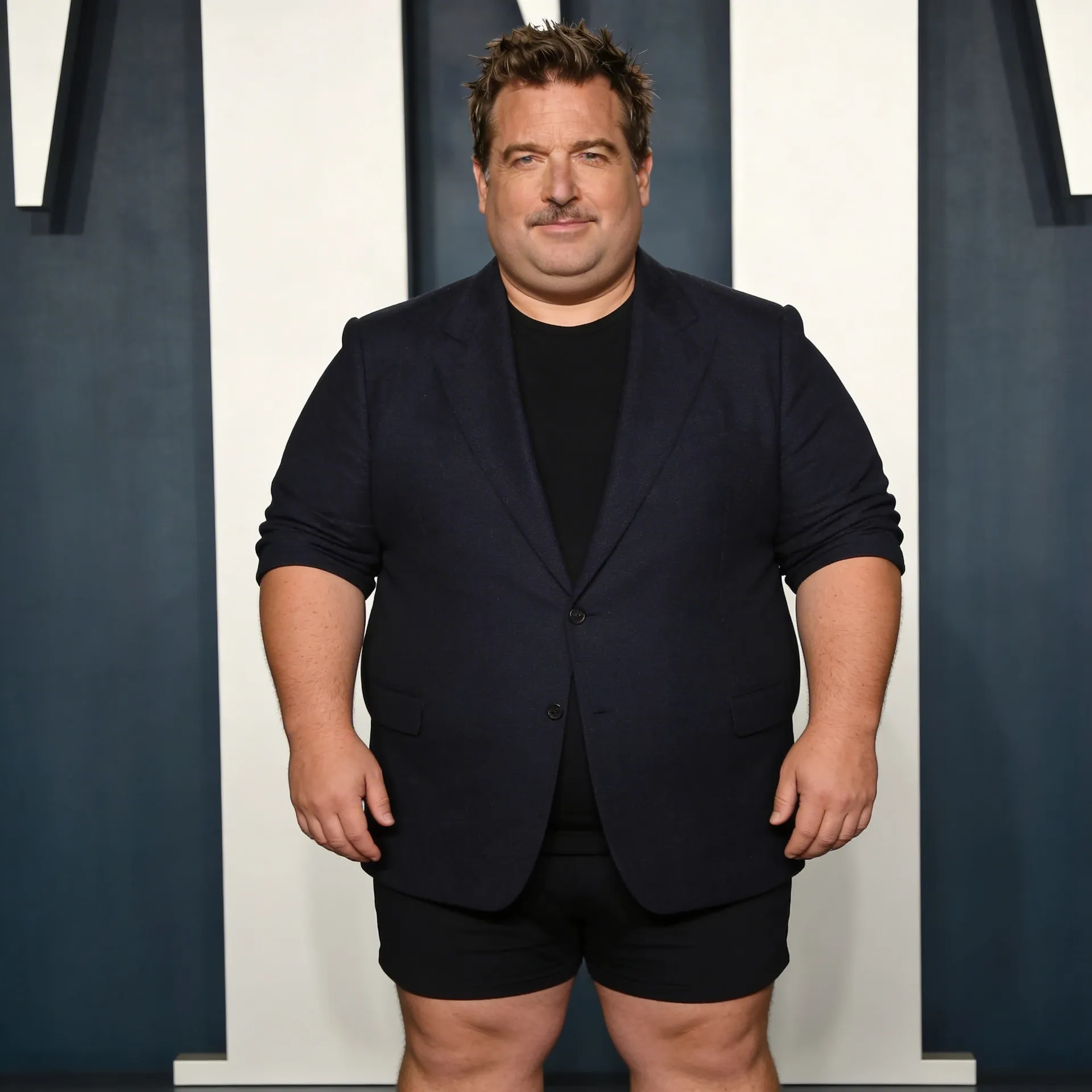
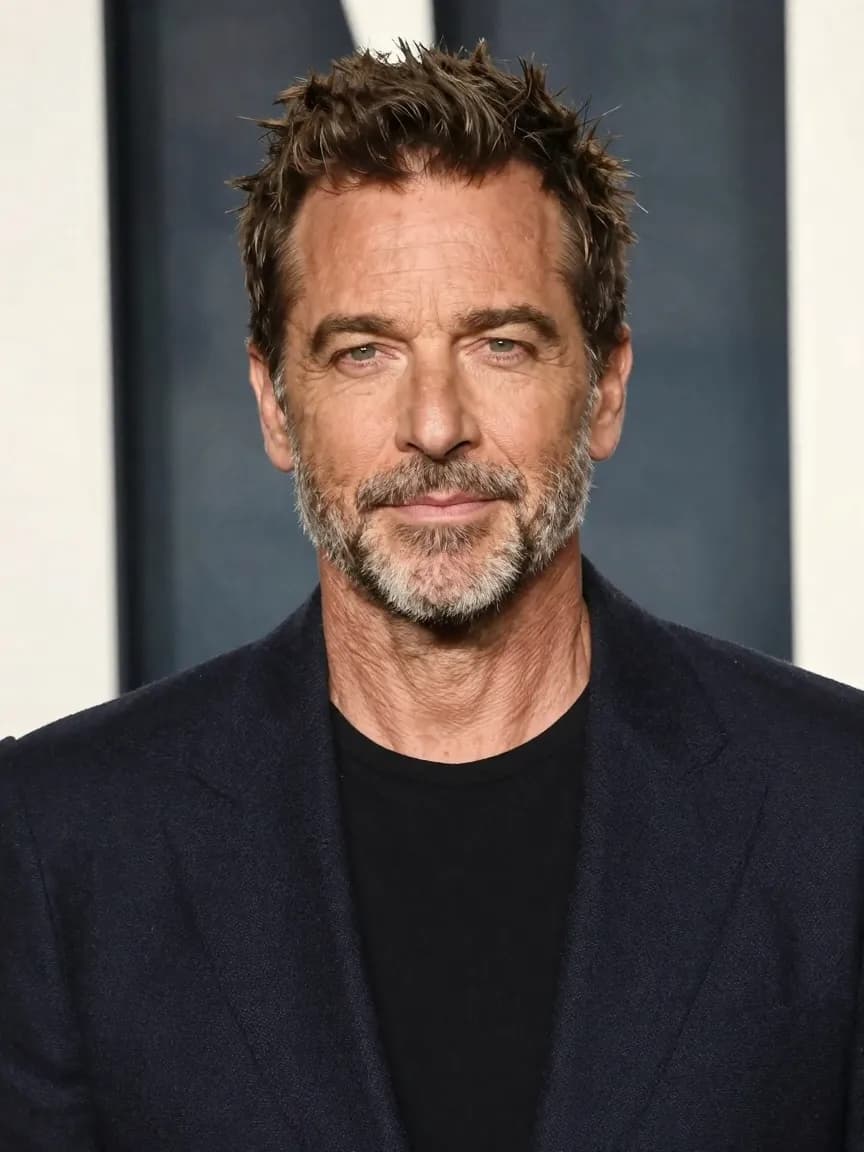
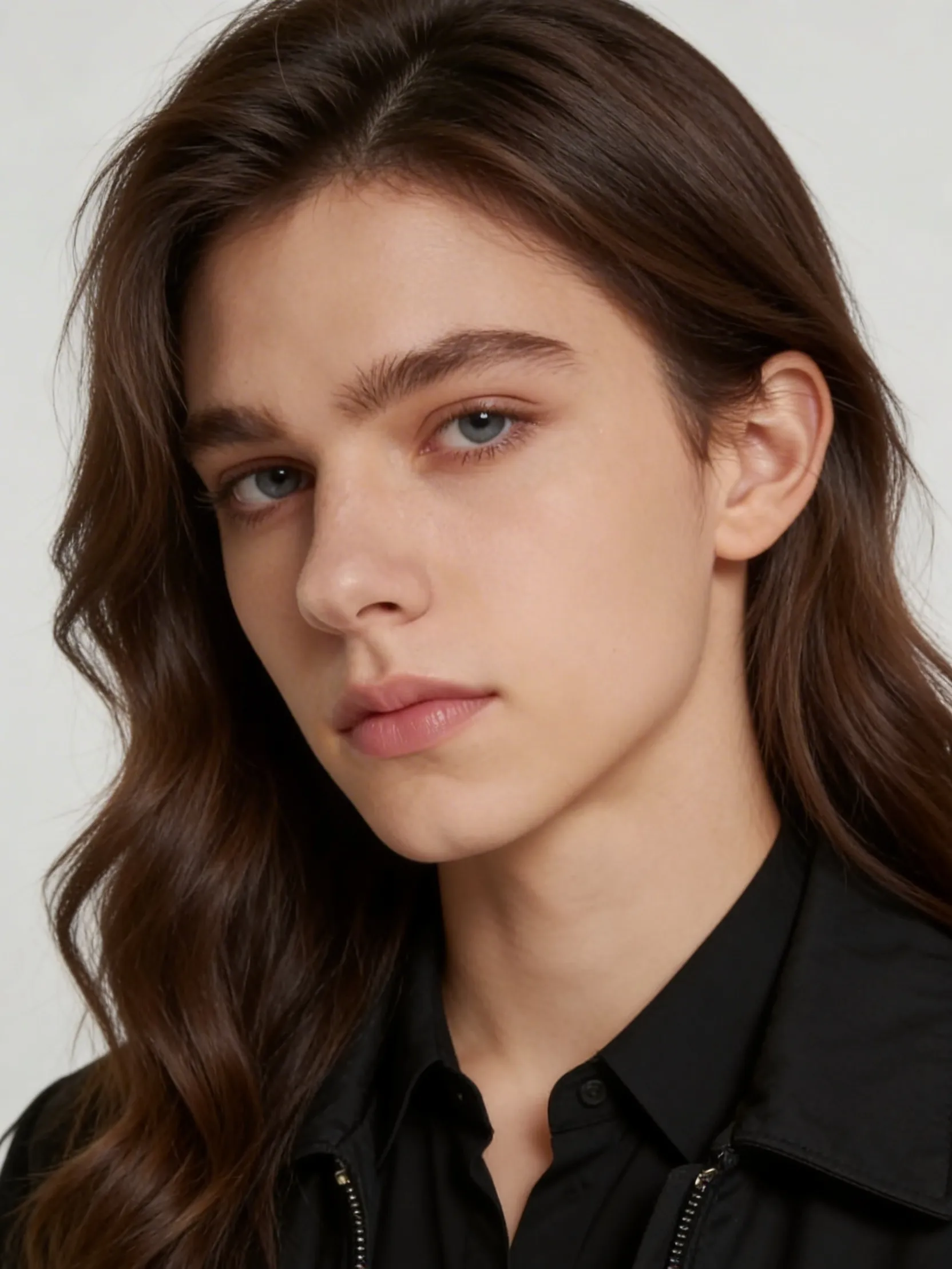
Browse focused AI style pages for professional photos, cinematic poster portraits, editorial looks, and softer beauty enhancement workflows. Each page is built around one clear image outcome before the user ever touches a prompt.
Browse by Style Category
Professional Photos
Use these when the image needs to improve trust on LinkedIn, team pages, founder bios, speaker profiles, or other business-facing surfaces.
Choose founder, LinkedIn, or executive depending on whether the job is modern startup credibility, classic hiring/networking trust, or stronger leadership authority.
Creative Portraits
Use these when the image needs mood, visual distinction, or campaign energy instead of practical business polish.
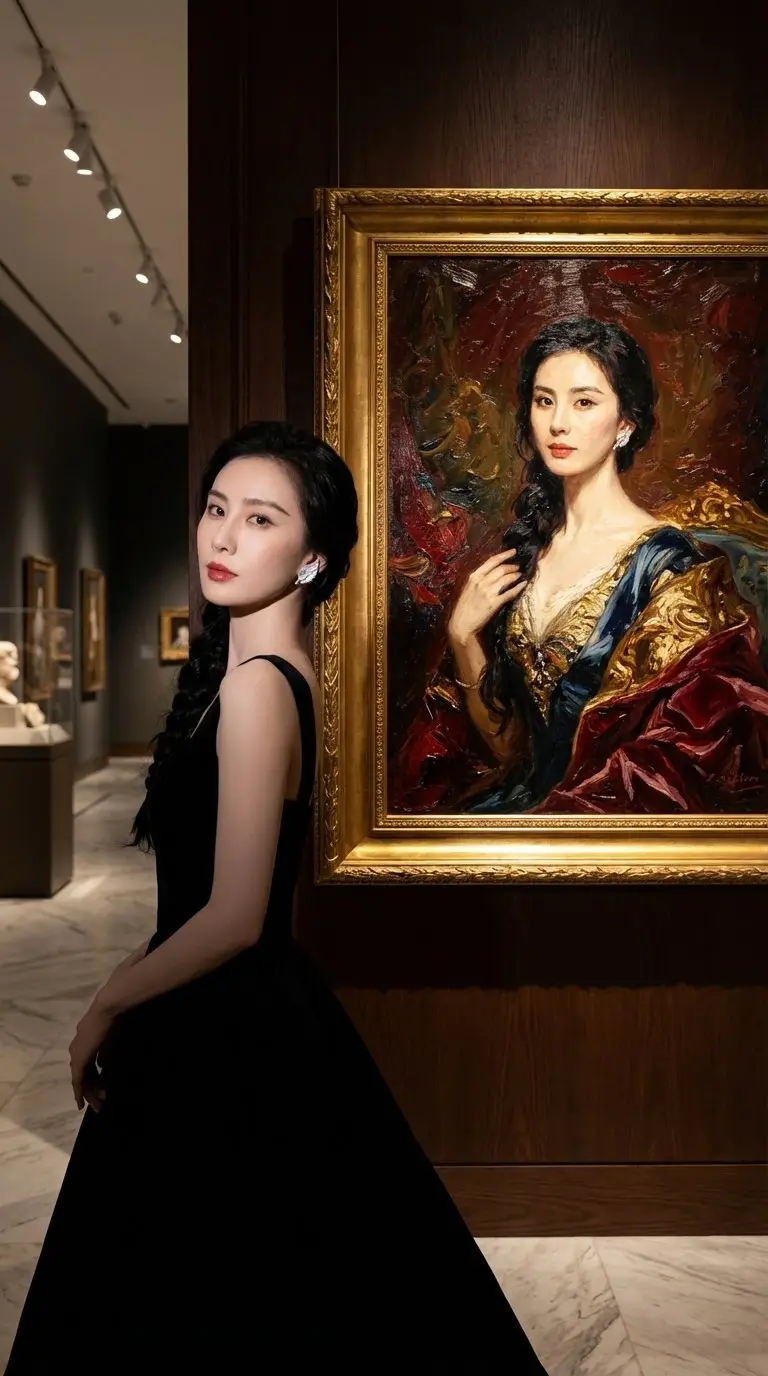
Choose museum when you want a concept scene, or cinematic when you want a premium editorial portrait that still feels usable.
Beauty & Enhancement
Use these when the source image is already close, but the face, skin tone, or overall polish still needs improvement.
Choose beauty when the photo already works and you need a believable upgrade rather than a full style transformation.
Business-facing portrait workflows
Use these when the image needs to improve trust on LinkedIn, team pages, founder bios, speaker profiles, or other business-facing surfaces.
Choose founder, LinkedIn, or executive depending on whether the job is modern startup credibility, classic hiring/networking trust, or stronger leadership authority.










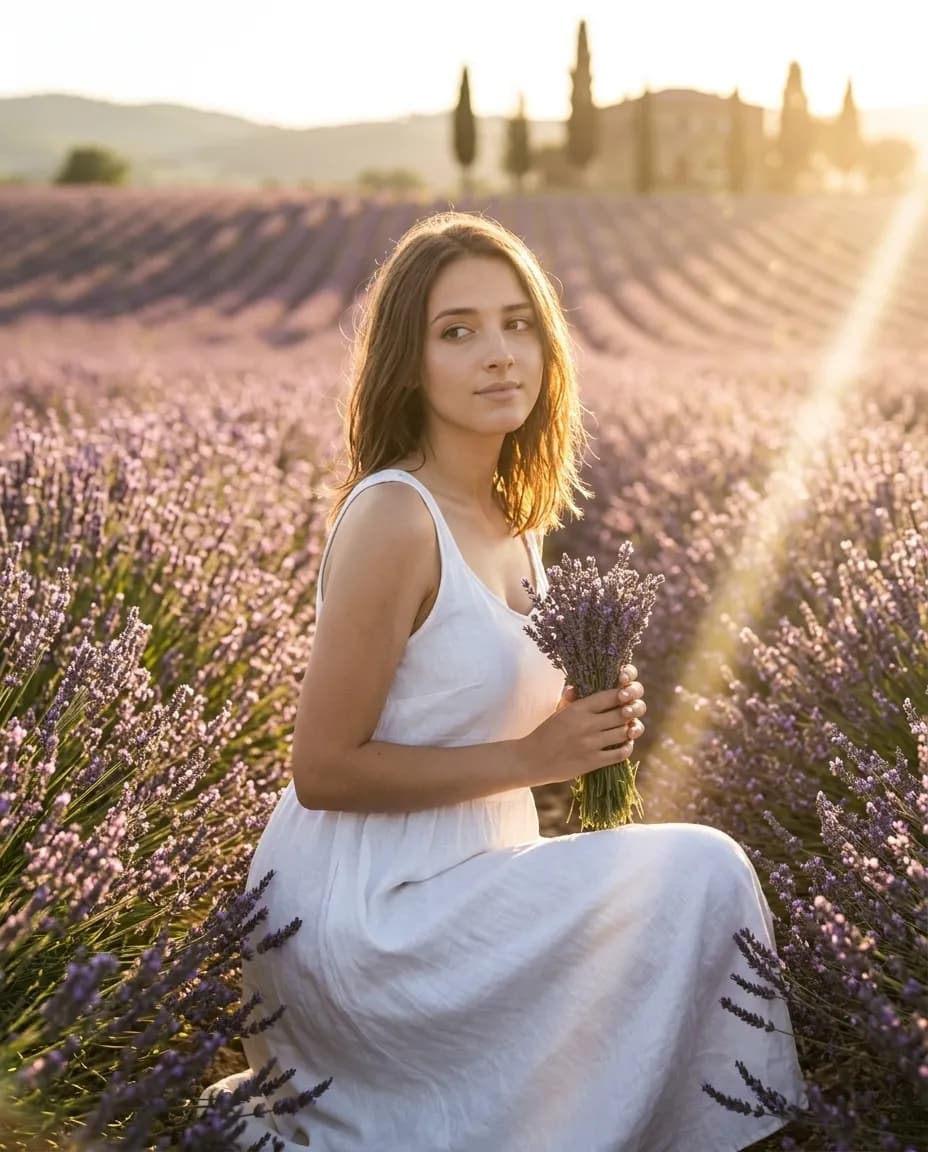
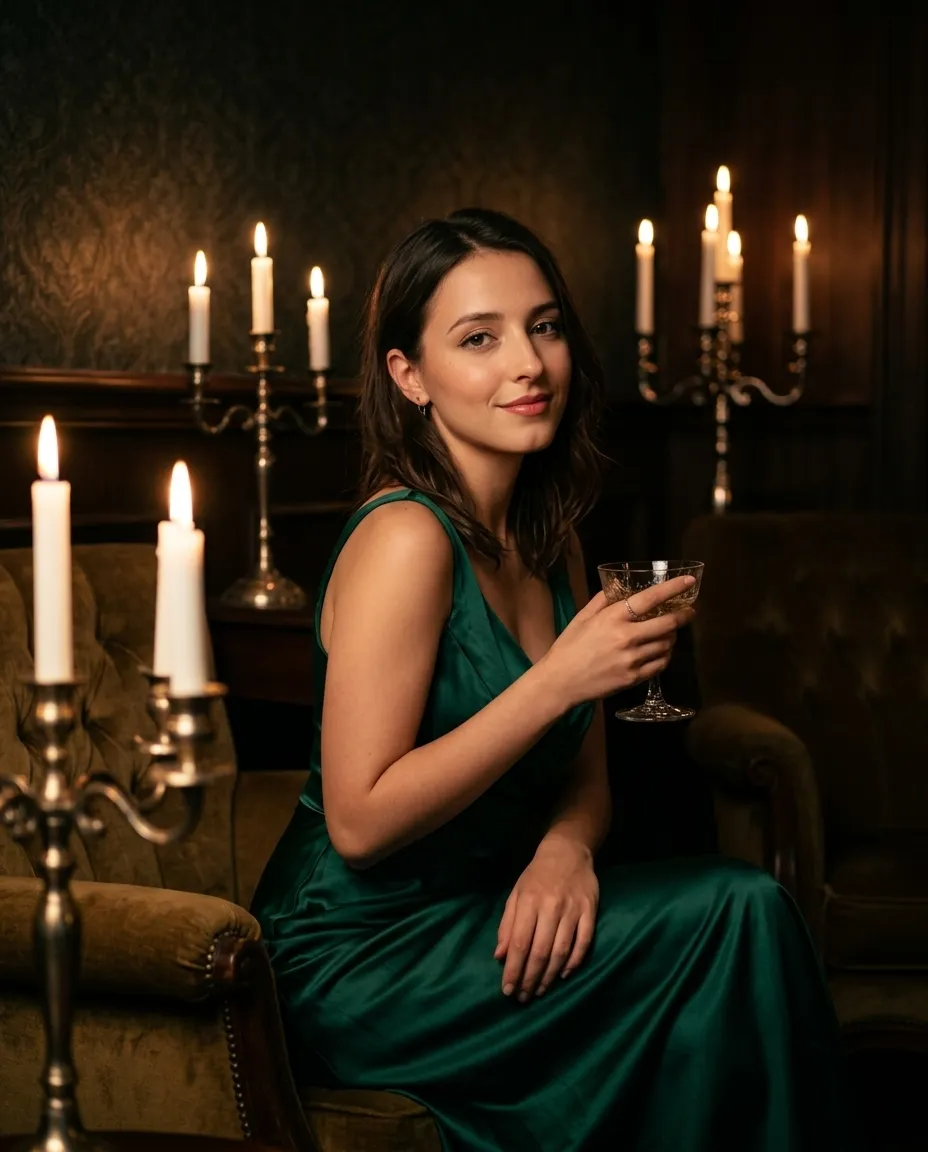
Concept and editorial portrait workflows
Use these when the image needs mood, visual distinction, or campaign energy instead of practical business polish.
Choose museum when you want a concept scene, or cinematic when you want a premium editorial portrait that still feels usable.
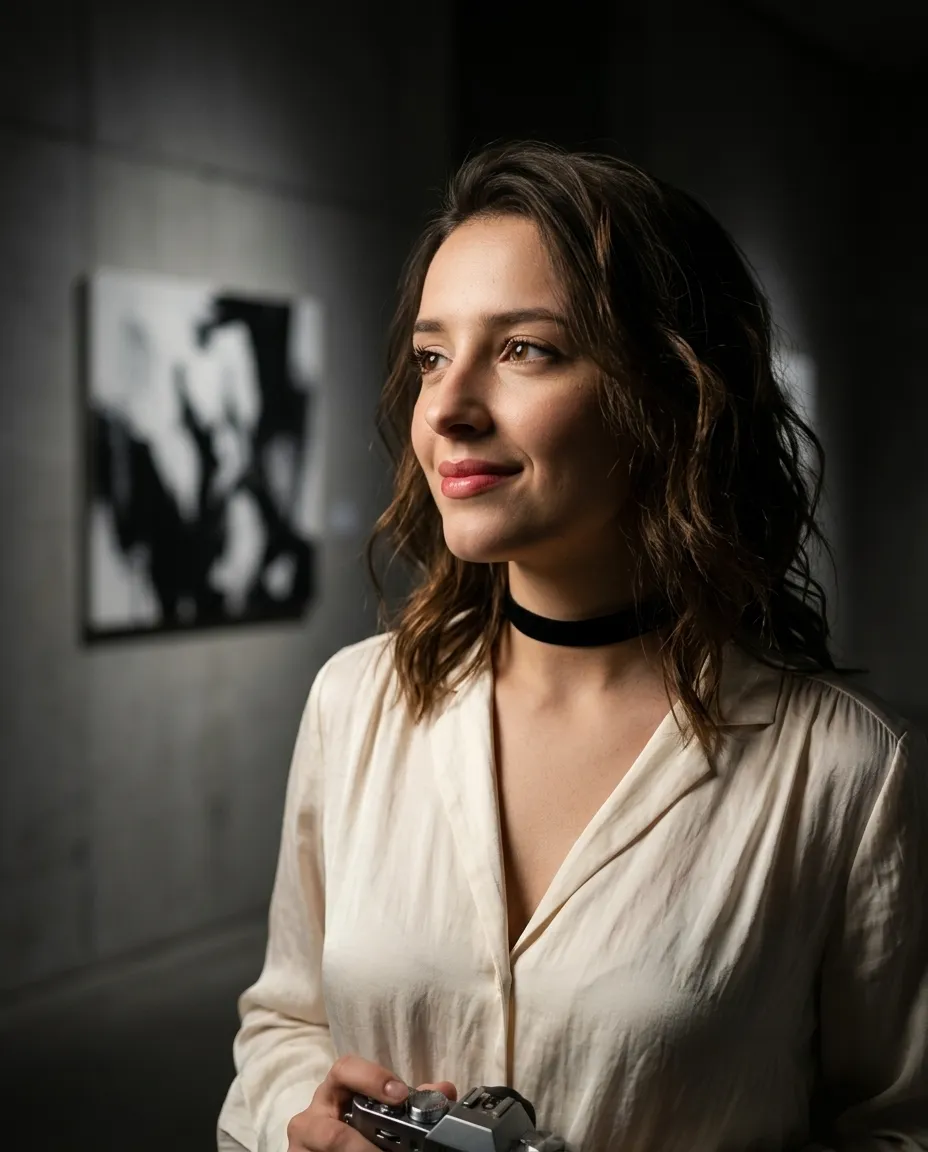



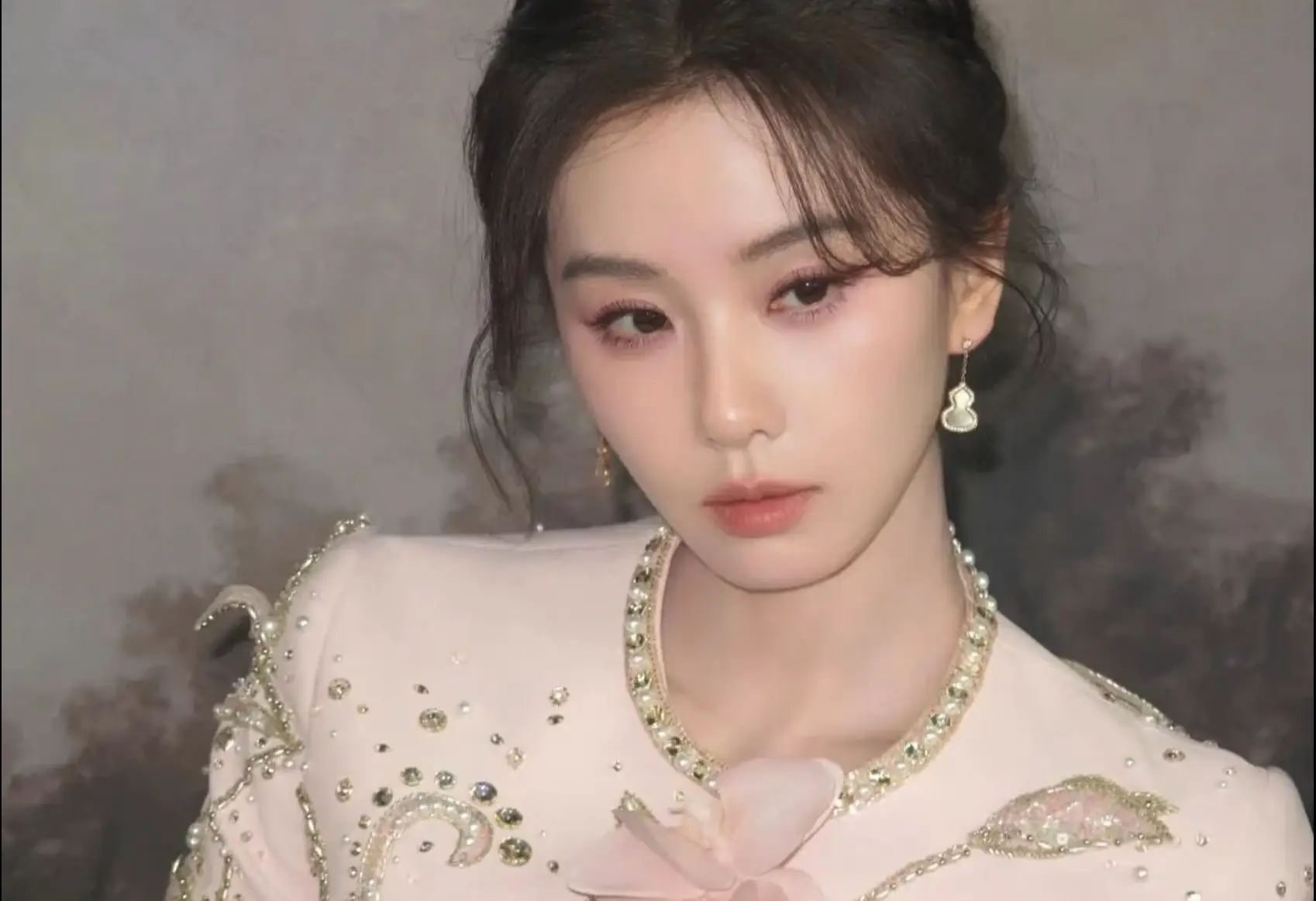

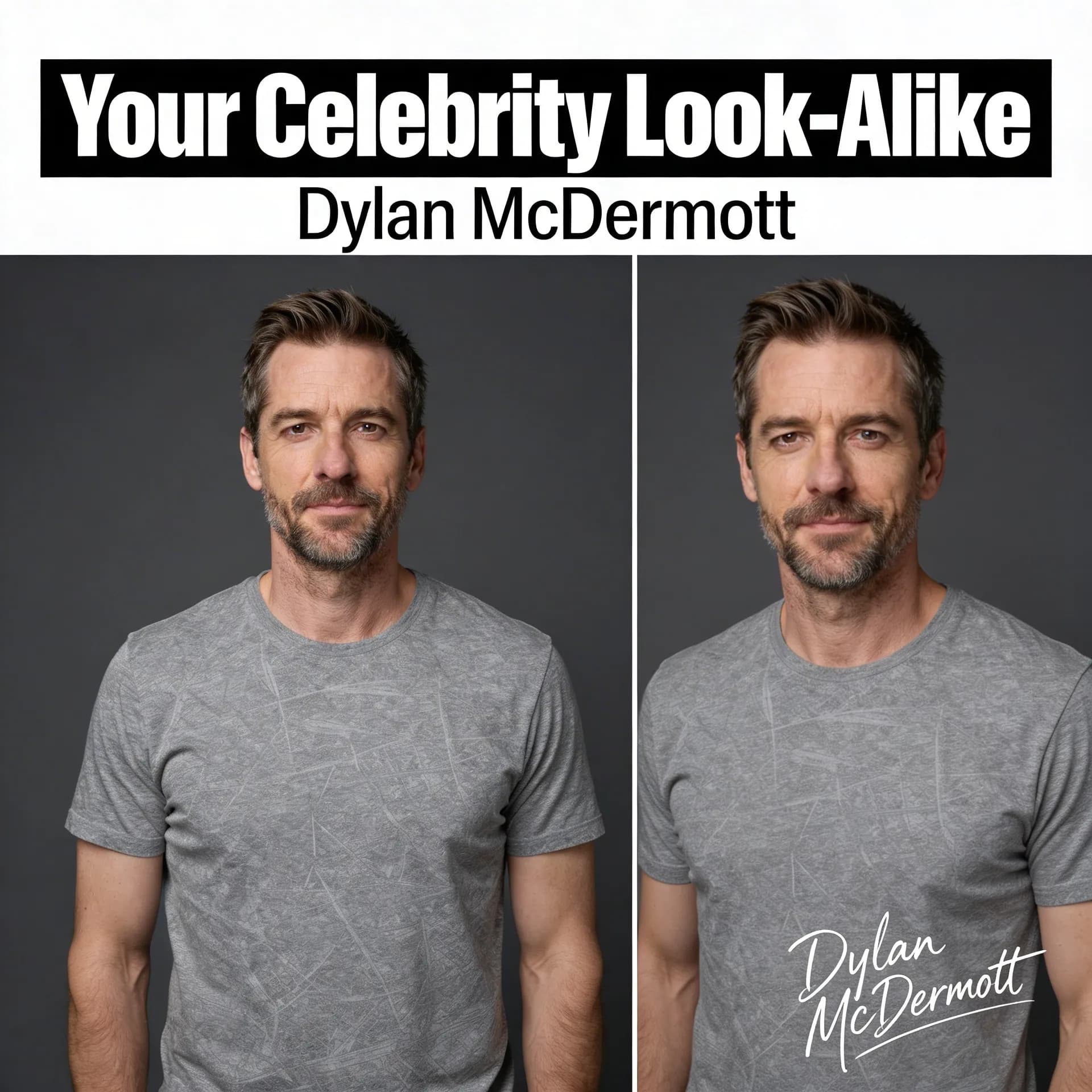
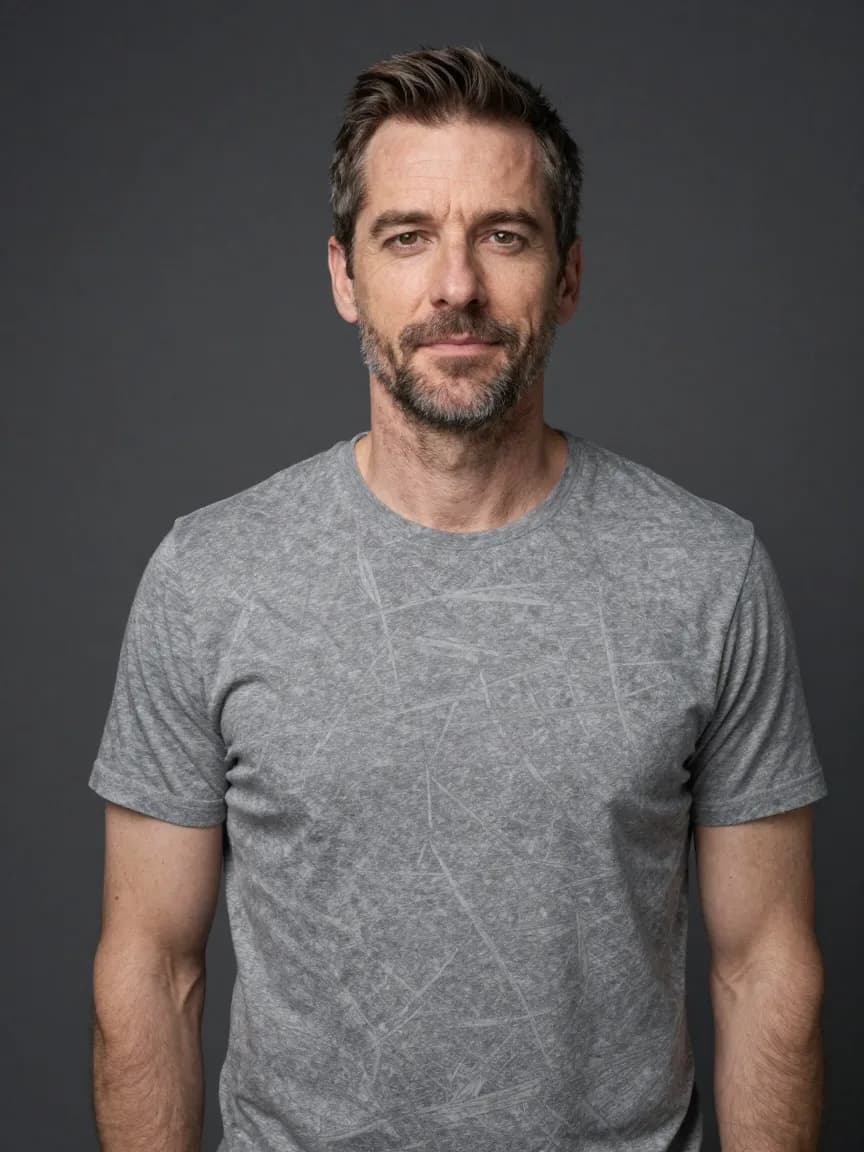
Soft enhancement and portrait-polish workflows
Use these when the source image is already close, but the face, skin tone, or overall polish still needs improvement.
Choose beauty when the photo already works and you need a believable upgrade rather than a full style transformation.

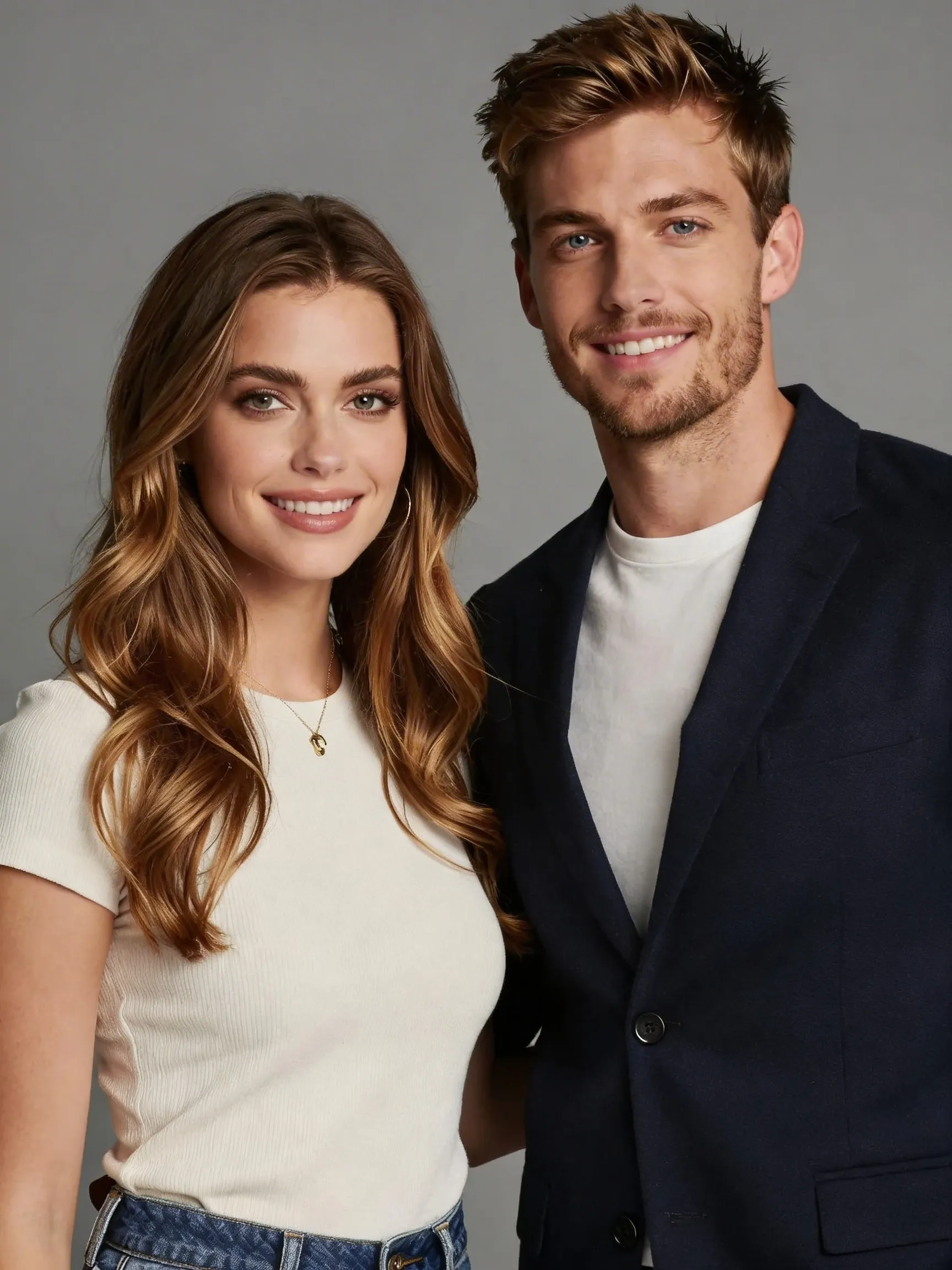


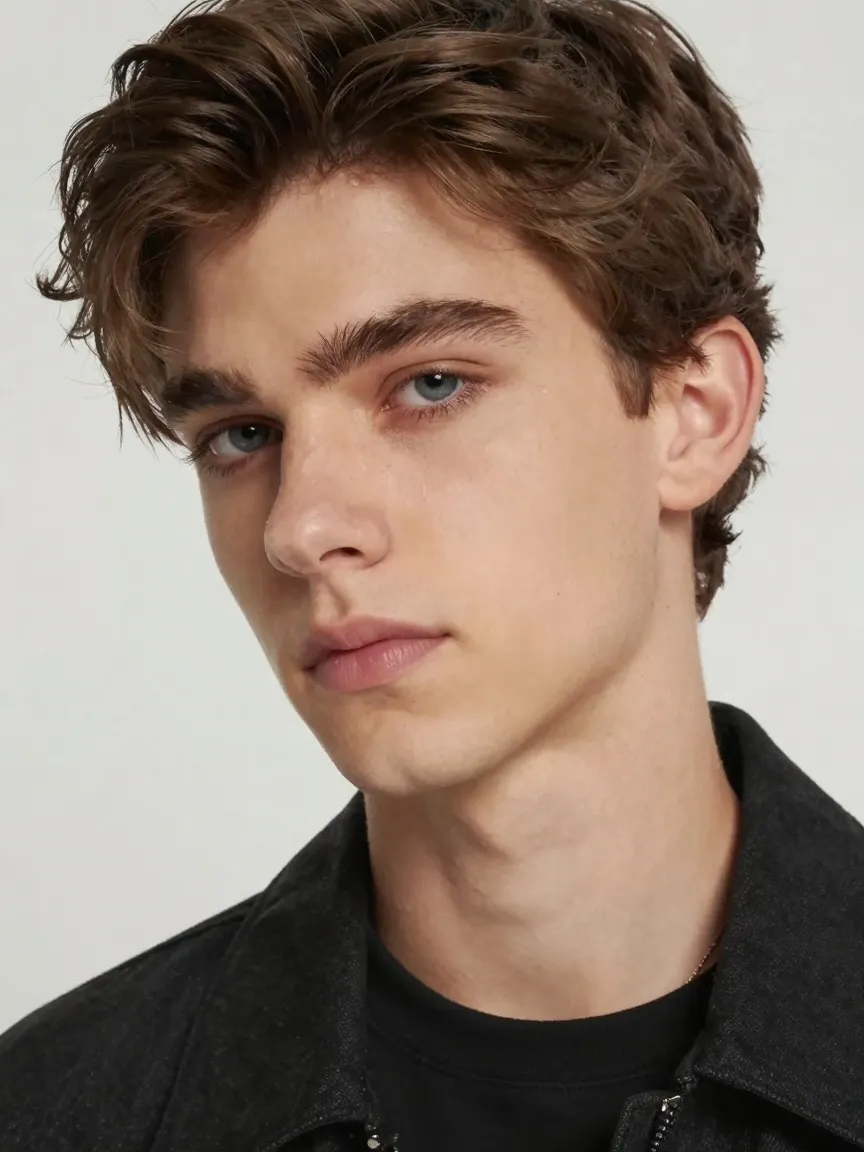
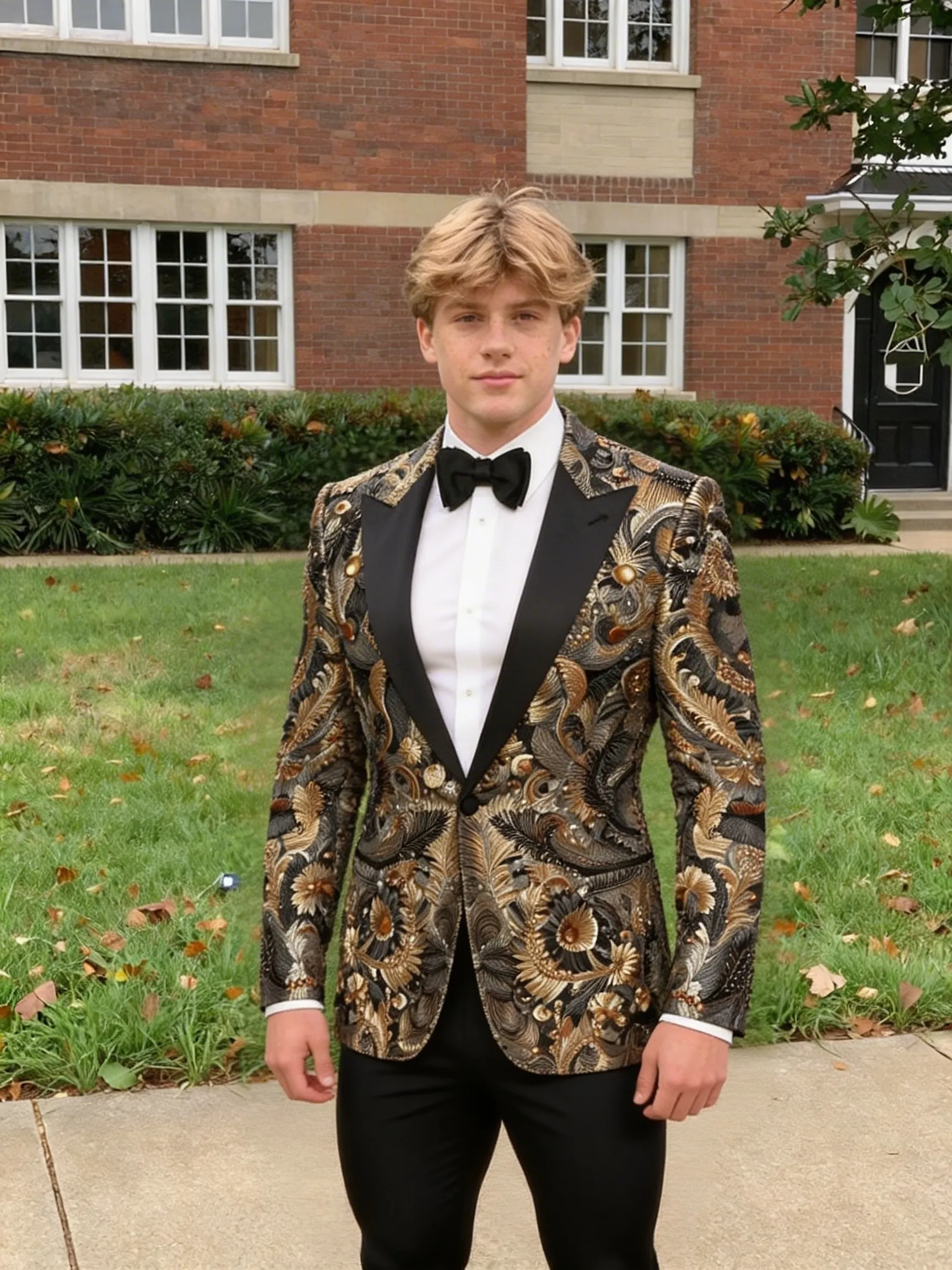
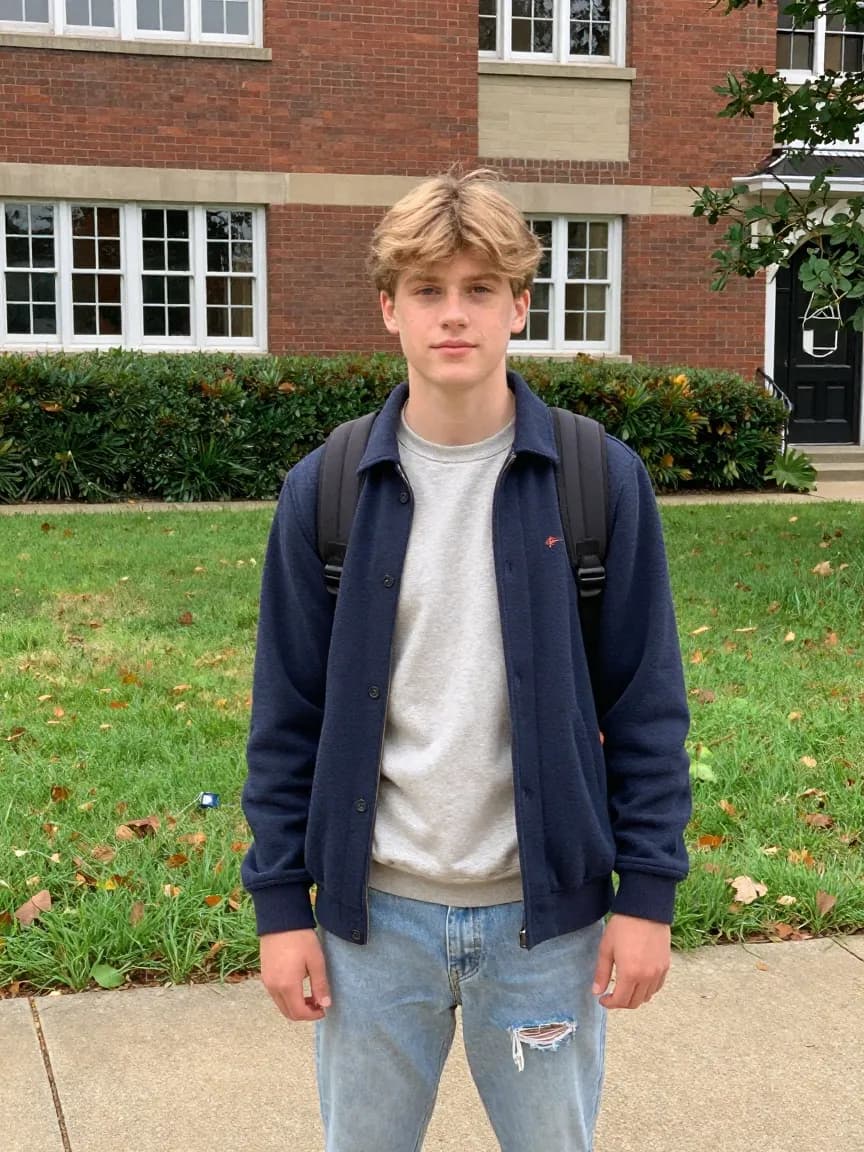
How to Choose the Right Style
Start with the image job
Pick business-photo styles for LinkedIn and team pages, creative portrait styles for brand expression, and beauty styles when the source image already works but needs polish.
Use free output to validate fit
The free path is enough to check whether the direction is right before you pay for higher resolution or a faster queue.
Move sideways when needed
If one page feels too formal, too stylized, or too subtle, the closest neighboring style is usually the best next step.
FAQ
What are style pages for?
Style pages are focused entry points for one visual outcome. Instead of starting from a blank prompt, users can choose the workflow that already matches the kind of image they need.
Can I test styles before upgrading?
Yes. The free path still lets users test 1:1 and 1K output first. That makes it easier to validate the direction before paying for HD exports or more aspect ratios.
Which style pages are highest intent?
Business-facing portrait pages usually carry the strongest commercial intent because users already know the image job they need to solve.