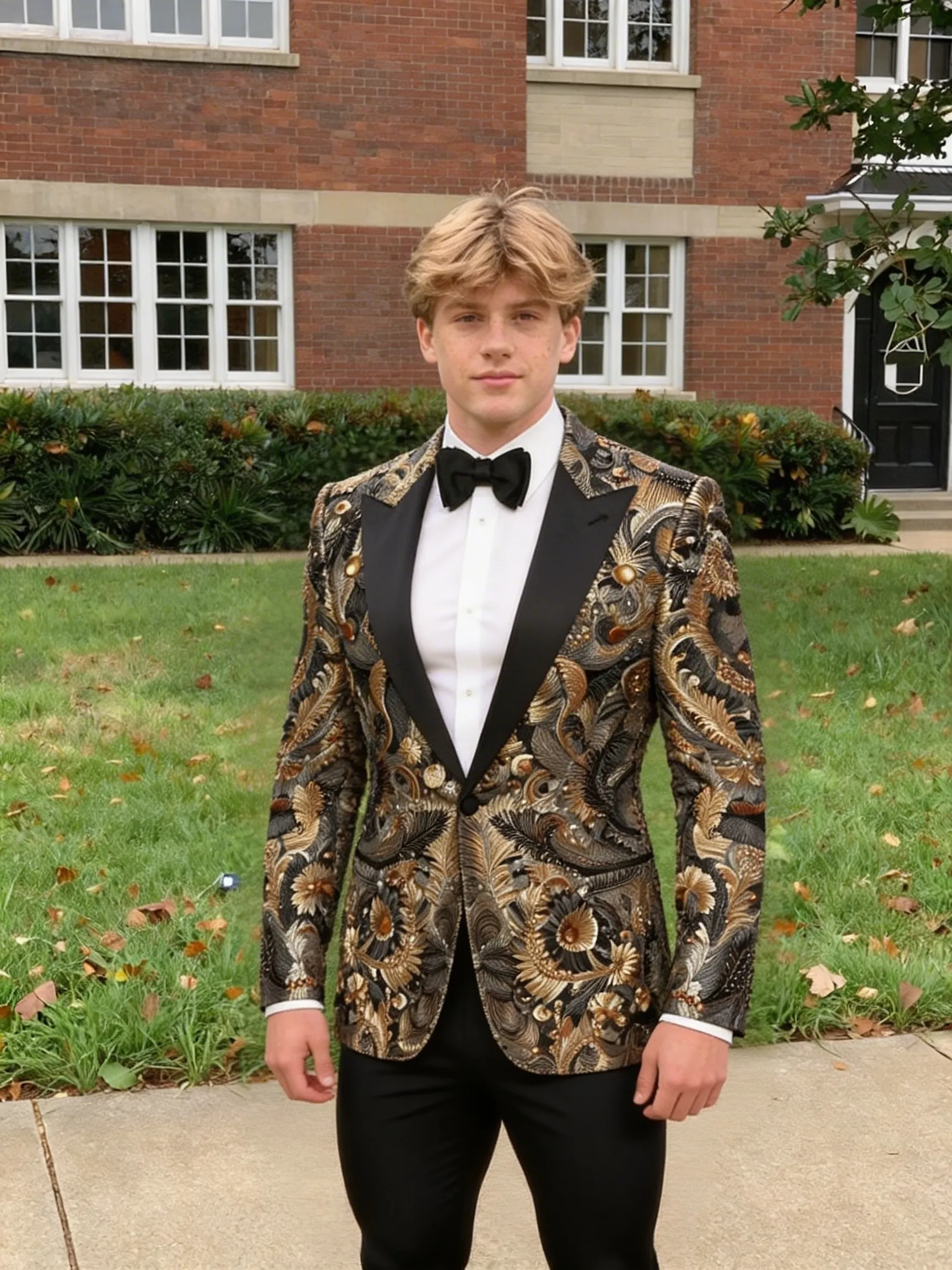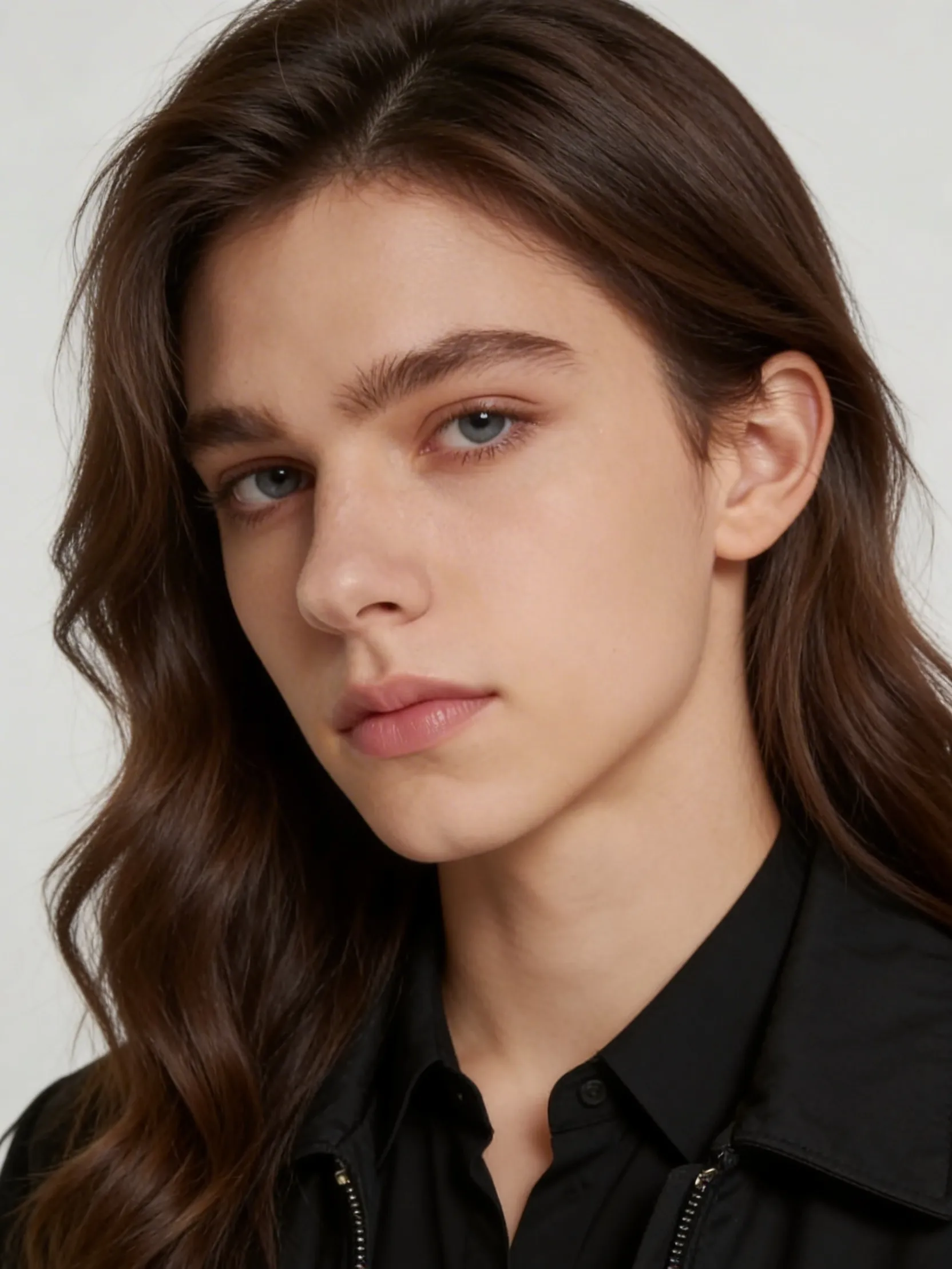
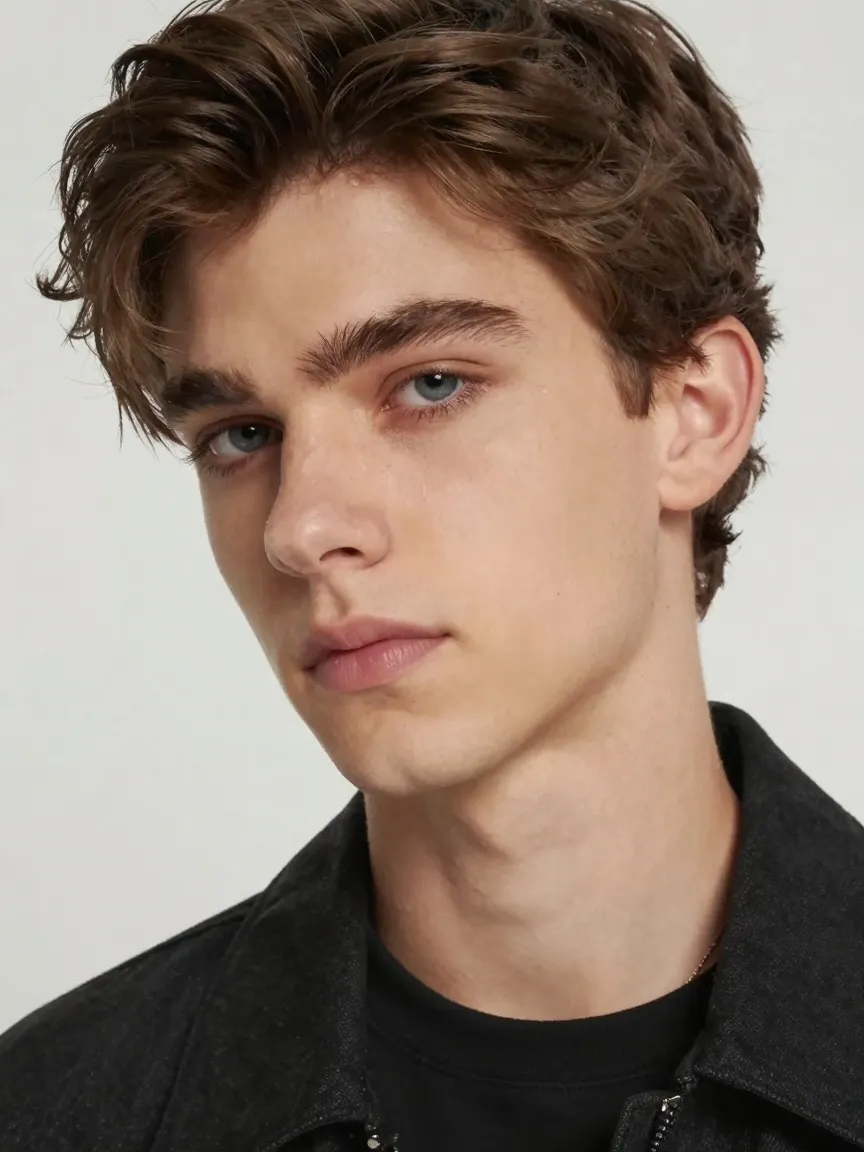
AI Gender Swap

Use this AI gender swap page when you want to see a portrait reinterpreted through a different gender presentation from one source image. Upload one clear photo and generate a transformed version that keeps the main identity cues while shifting styling, facial presentation, and portrait features toward the alternate result.

What This Style Creates

A portrait transformed toward an alternate gender presentation while keeping the source image recognizable enough for one-to-one comparison.

Best for

Creators making portrait what-if comparisons and social experiments

Typical output

A portrait transformed toward an alternate gender presentation while keeping the source image recognizable enough for one-to-one comparison.

Best input

Upload one clear portrait with a visible face and one main subject.

Not ideal for

Group photos with multiple visible faces

AI Gender Swap

Upload one portrait and generate a gender-swapped version with the dedicated gender-swap workflow.

Preview Comparison

The default before and after sample stays here until generation finishes.

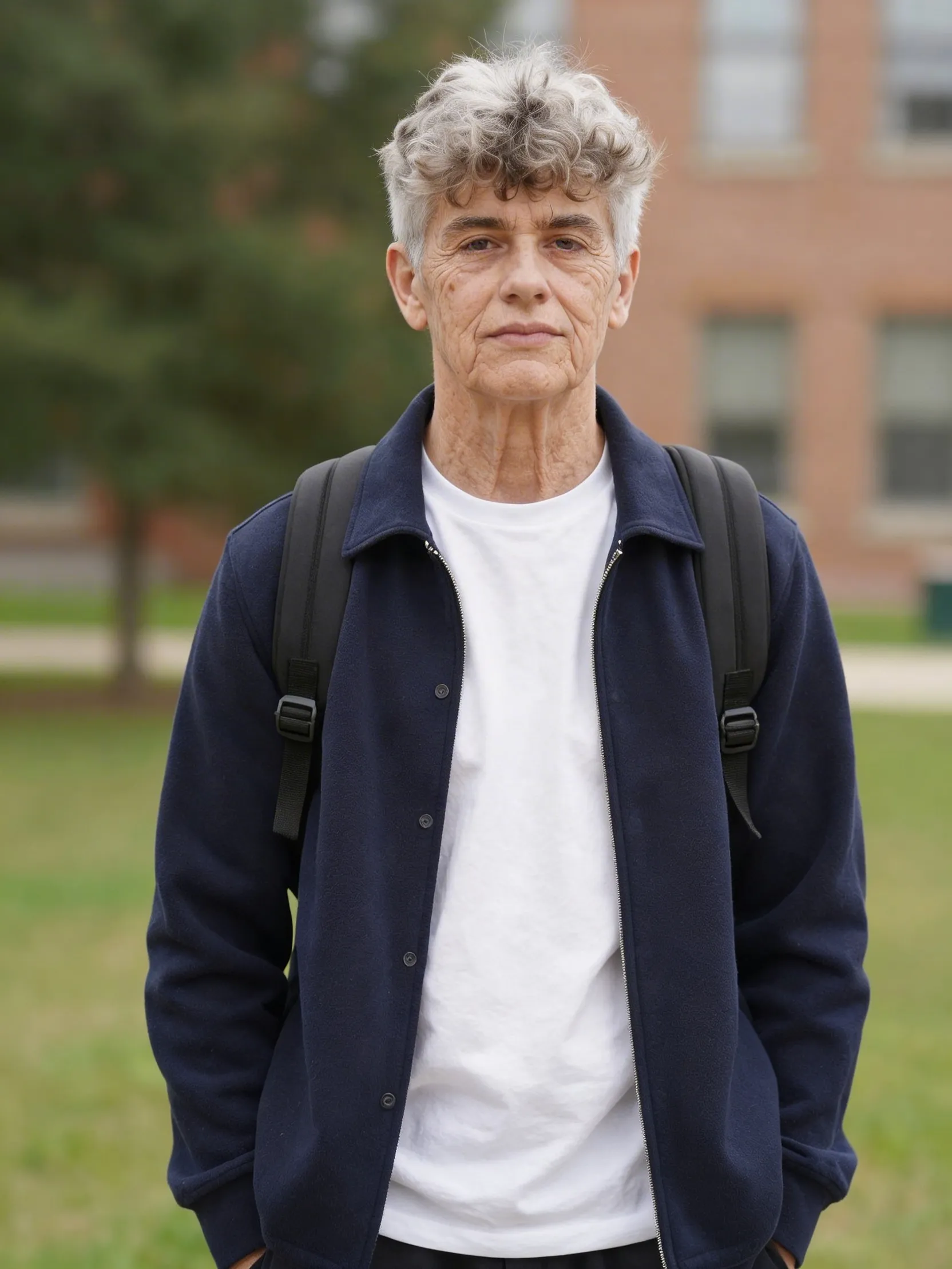
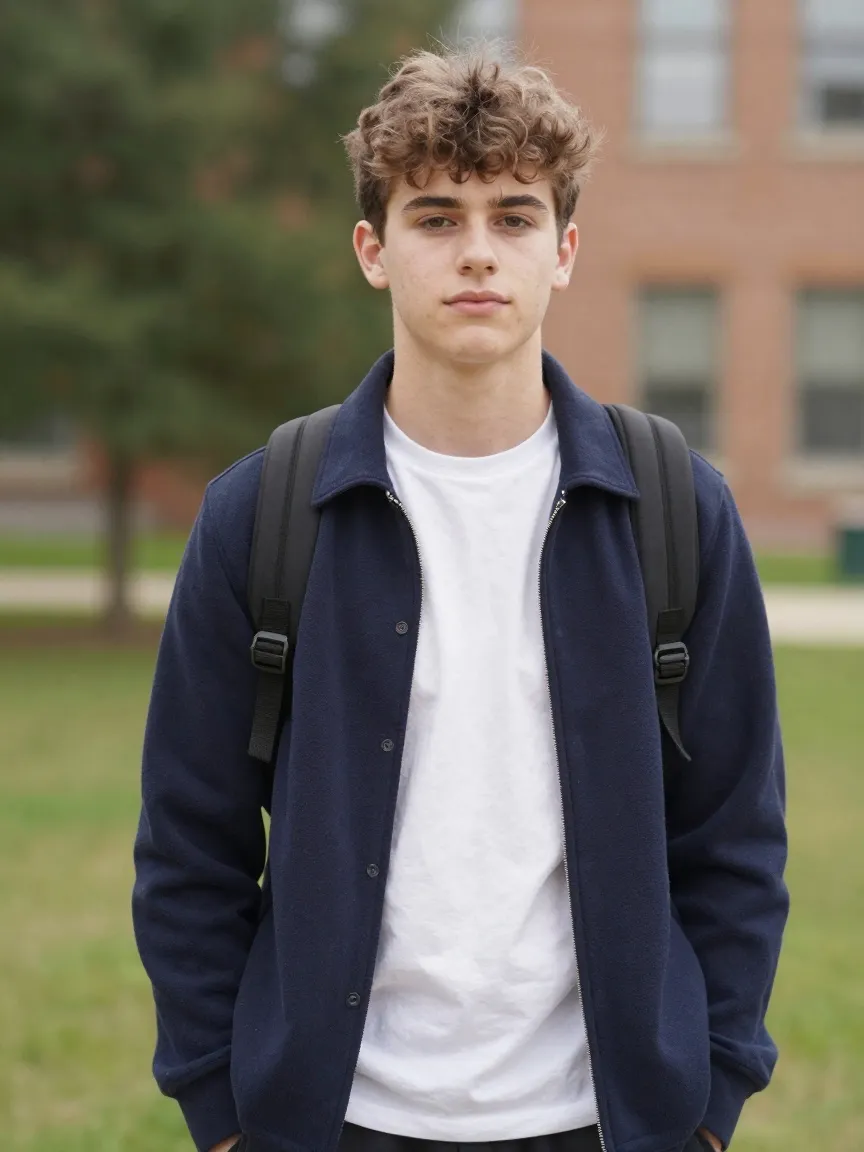
AI Gender Swap after example
After
AI Gender Swap before example
Before
Drag to compare

Who This Style Is Best For

Creators making portrait what-if comparisons and social experiments

Users who want a direct gender-swap workflow without prompt writing

People testing alternate portrait presentations from one source photo

Input Guidance

Upload one clear portrait with a visible face and one main subject.

Use a photo with readable eyes, nose, jawline, and hairline for a cleaner transformation.

Start with a neutral, front-facing portrait if you want the most comparable before-and-after result.

What An AI Gender Swap Page Is For

An AI gender swap page is for people who already know the exact portrait transformation they want and do not want to wrestle with prompt wording. Instead of describing an alternate gender presentation manually, the user uploads one image and runs the transformation directly.

That makes the page a stronger fit for search intent like AI gender swap, gender swap photo, or gender change filter because the landing page matches the job precisely.

How To Get A Better Gender Swap Result

The best source image is usually simple and readable.

A single-subject portrait works best because the model has one face to transform and one identity to preserve. Clear facial visibility, decent lighting, and a clean source image usually produce the strongest comparison result.

If the source image is too blurry or the face is too small, the transformation can drift. For higher-quality comparison images, start with a portrait where the face is the obvious subject.

When To Use This Instead Of Beauty Or Style Pages

Use this page when the primary change you want is gender presentation. If you only want softer skin, brighter eyes, or a more polished portrait, a beauty workflow is the better fit. If you want cinematic lighting or business framing, a style page with prompt-based transformation is a better fit.

This page is narrower by design. That focus is what makes it more useful for the specific gender-swap search intent.

Why This Makes Sense As A pSEO Style Page

The current styles system is already the strongest programmatic SEO structure in this repo because it has a gallery hub, consistent metadata, related-page linking, and static detail pages. AI gender swap fits that model better than burying the capability inside a generic tool directory.

That gives the page a better chance to rank and convert because the title, URL, body copy, and generator all reinforce the same one-job intent.

Why Nano Banana Fits This Style

This page exposes the dedicated gender-swap endpoint directly instead of forcing users into trial-and-error prompt edits.

The workflow stays inside the existing styles system, so users get a cleaner landing page, clearer search intent, and the same credit flow as the other portrait pages.

It reduces friction because the user only needs to upload an image and generate.

Try The AI Gender Swap

Upload one portrait and generate a gender-swapped version with a direct, no-prompt workflow.

Transform My Portrait

Why This Page Works

Direct dedicated gender-swap endpoint instead of a generic prompt hack
Single-image workflow with no extra parameters required
Built for before-and-after portrait comparison inside the styles system
Good fit for creator experiments, social content, and portrait exploration
Keeps the UX simpler than a manual edit prompt flow
Shares the same 6-credit generation model as the other style pages

FAQ

How do I use this AI gender swap page?

Upload one clear portrait and click generate. This workflow does not require any extra prompt or setting beyond the image itself.

What kind of photo works best for gender swap?

A clear single-person portrait works best. Front-facing or slightly angled photos with readable facial detail usually produce the strongest comparison results.

Will the result still look like the same person?

That is the intent. The workflow aims to preserve enough identity for the before-and-after comparison to feel like the same person transformed rather than a completely unrelated face.

Is this different from an age filter?

Yes. An age filter changes life-stage cues such as youth or aging. A gender swap changes the portrait toward a different gender presentation.

Does this page support extra controls like ratio or resolution?

No. This endpoint only requires the uploaded image, so the page keeps the UI minimal and does not expose extra controls that the backend does not use.

Can I use this for social content or creator experiments?

Yes. This page is a strong fit for creative portrait experiments, social posts, before-and-after comparisons, and creator content built around alternate visual identity exploration.

AI Gender Swap | Gender Swap Photo Generator | Nano Banana