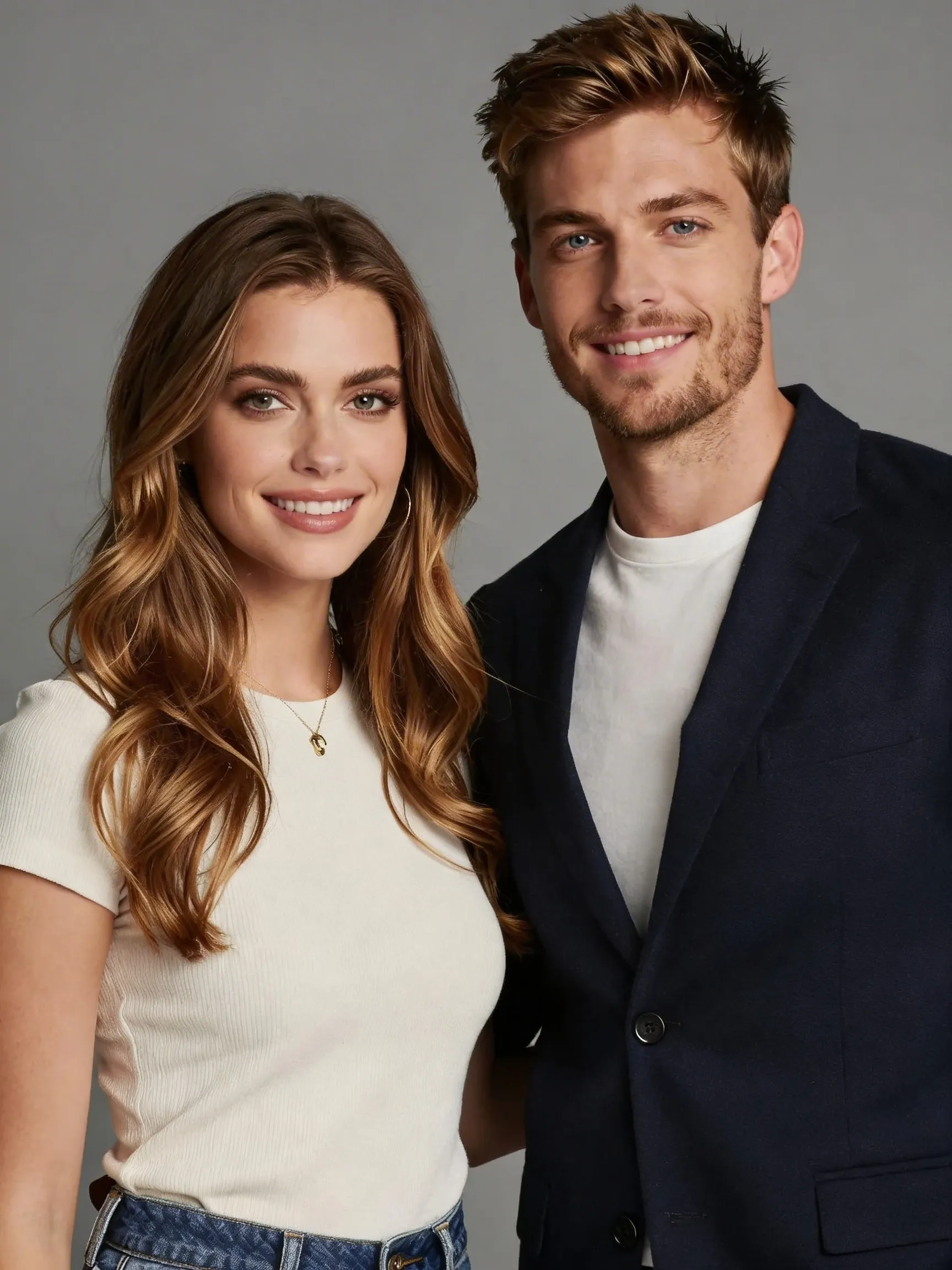

What An AI Smile Filter Is Actually Good For
An AI smile filter is useful when the photo is almost right but the expression is holding it back. A portrait can have decent lighting, decent framing, and a clear face, yet still feel too cold, flat, or serious for a profile image, team page, or social avatar. In that situation, changing the smile can do more than changing the background or editing the skin.
That is why this page focuses on one job only: adding a more natural, approachable smile while keeping the same person recognizable. It is not trying to become a full beauty app or a full identity transformation page.
Why Natural Smile Edits Are Harder Than They Look
The mouth changes the whole face.
A believable smile is not just about curving the lips upward. It affects cheeks, eyes, jaw tension, and the overall warmth of the face. That is why generic edits often fail. They create a strange grin, awkward teeth, or an expression that no longer looks like the original person.
A better smile filter needs to preserve identity while shifting the expression in a controlled way. That is the practical value of using a dedicated endpoint instead of trying to improvise the change with a broad image-edit prompt.
Who Should Use This AI Smile Filter Page
This page is a strong fit for professionals updating headshots, founders improving profile photos, creators making warmer avatars, and anyone whose source photo looks too neutral for the impression they want to create. It is especially useful when you do not want to retake the photo but do want a friendlier result.
It also works well for personal-brand pages, profile pictures, speaker photos, dating portraits, and social content where a warmer expression improves click-through and trust.
When To Use Smile Filter Instead Of Beauty Filter Or Business Styles
Use this page when the expression is the main variable you want to change. If the bigger problem is skin tone, portrait polish, or overall facial softness, a beauty filter is a better fit. If the image also needs wardrobe direction, cleaner crop, and stronger studio-business polish, one of the professional style pages is more appropriate.