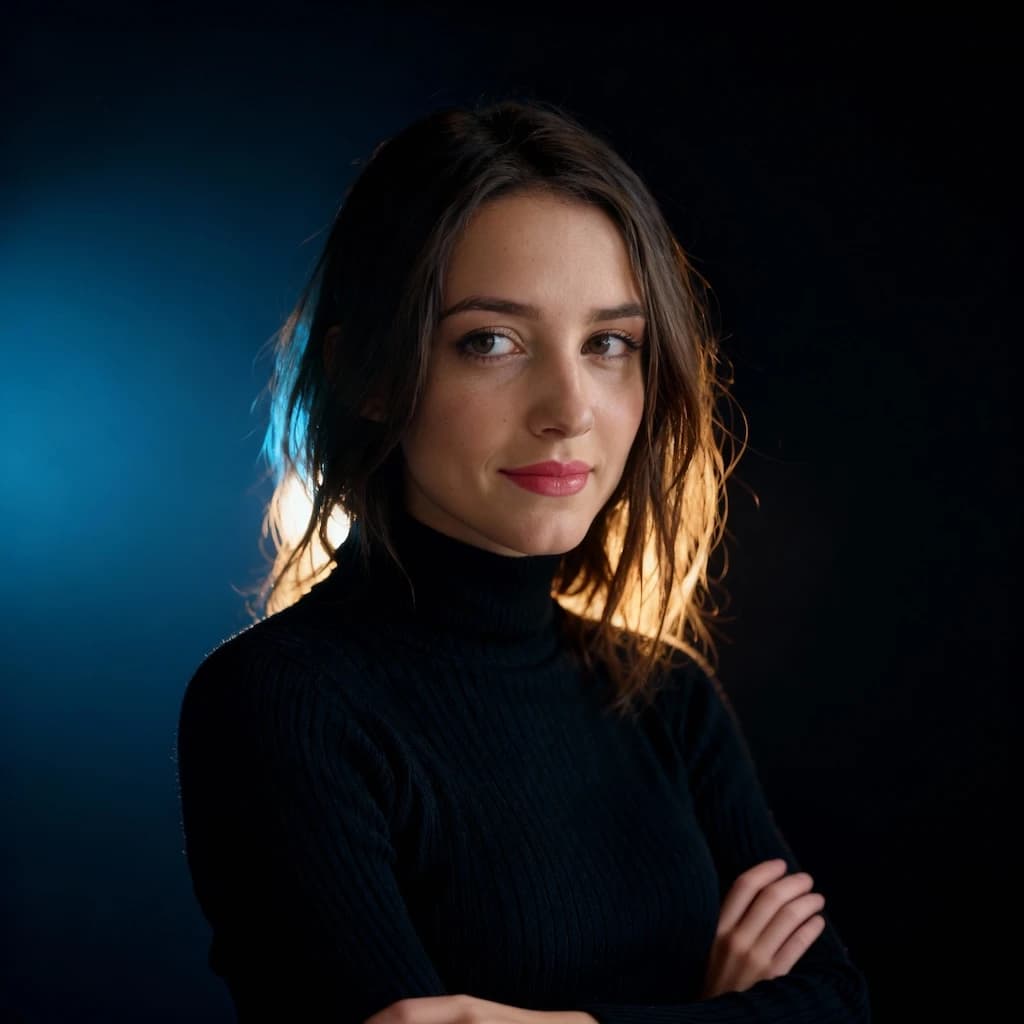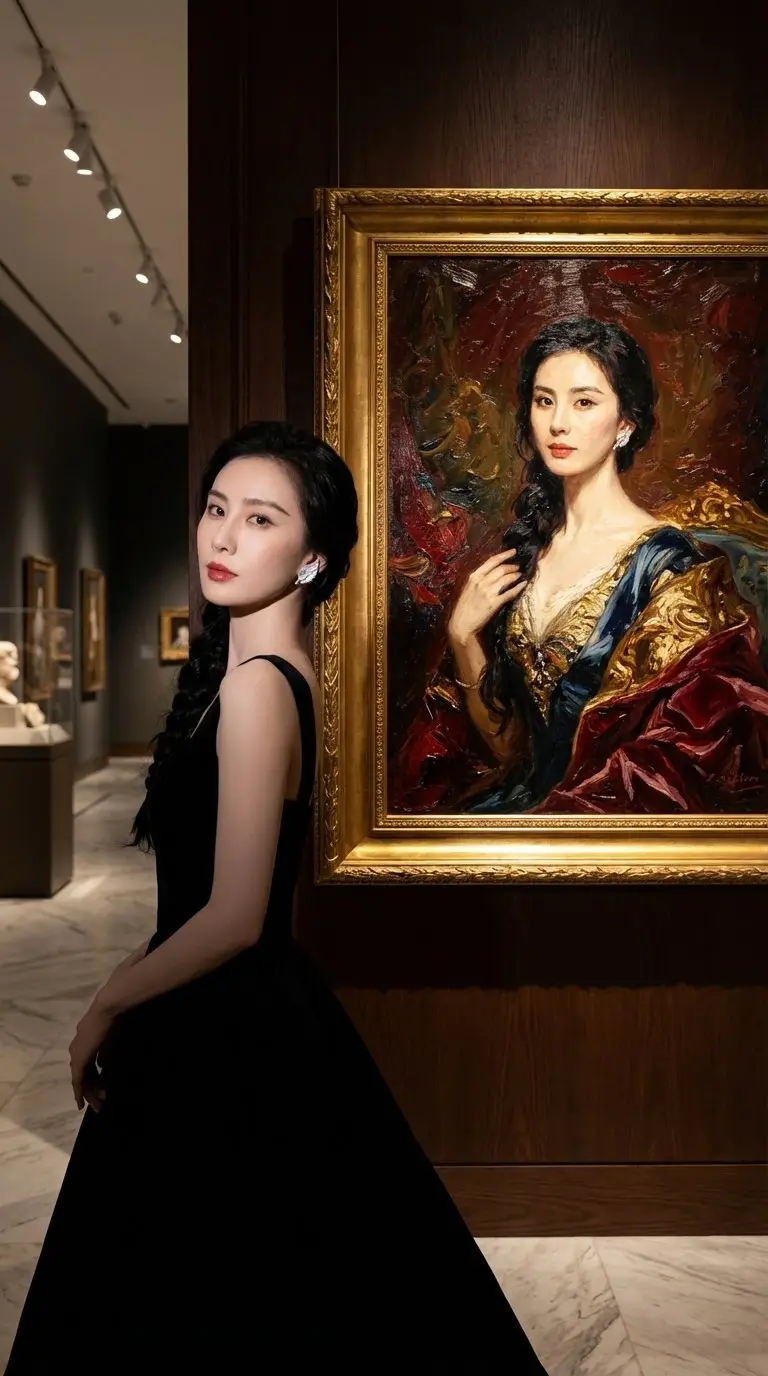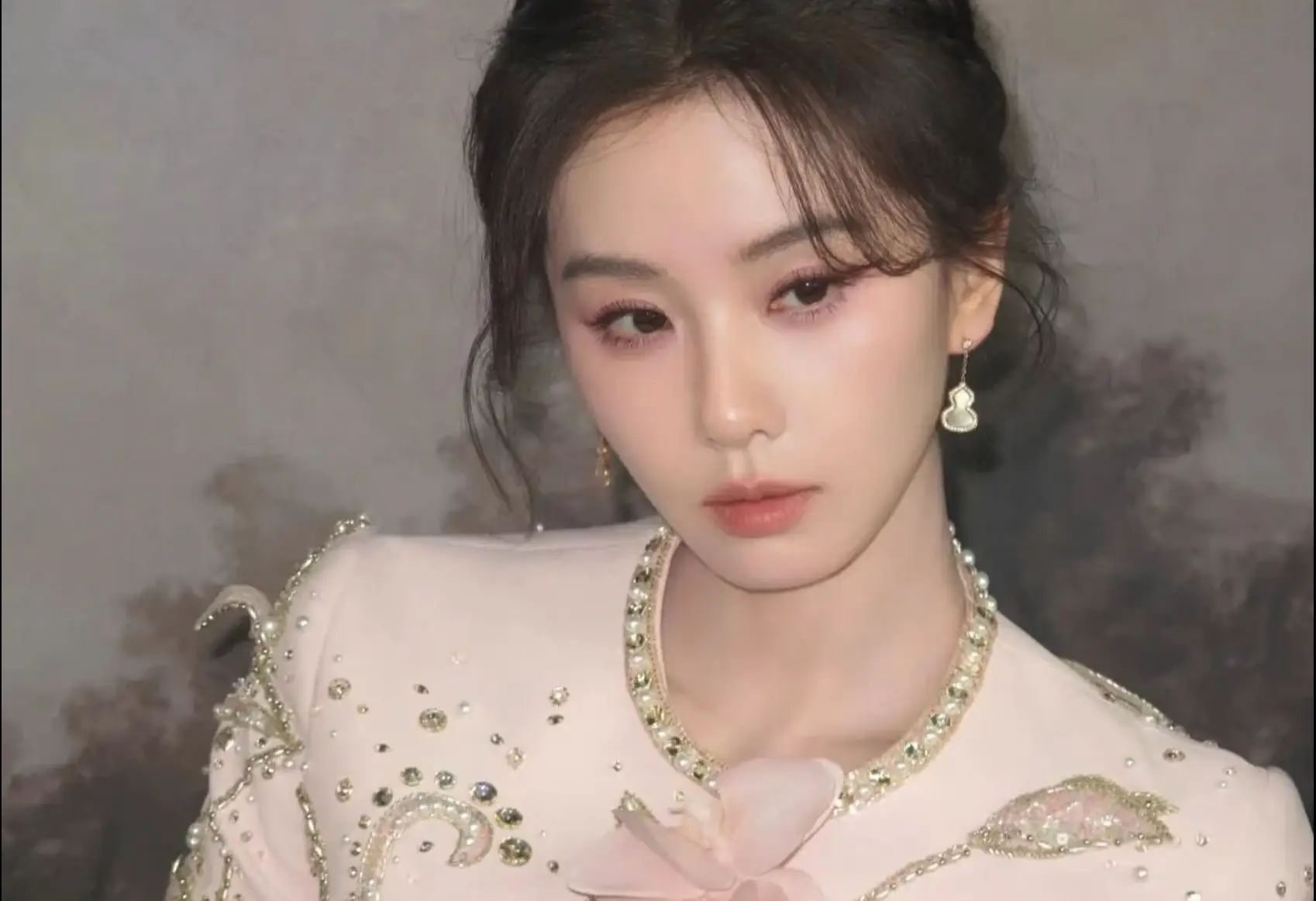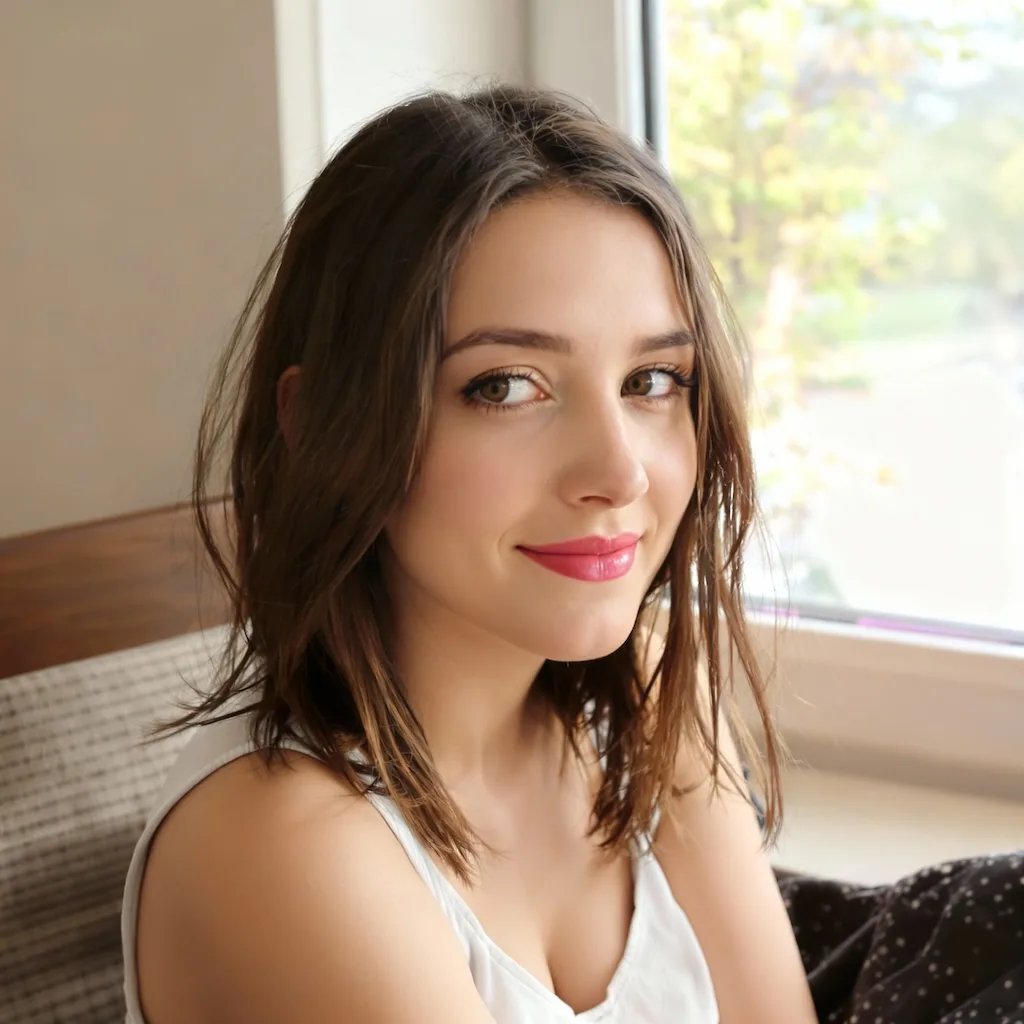
Why This Dramatic Lighting Portrait Prompt Works Better For Nano Banana 2
The original idea had strong visual direction, but it still described a specific woman instead of treating the uploaded photo as the subject anchor. For Nano Banana 2, that usually creates avoidable drift. This page fixes that by removing the built-in person description and making the uploaded portrait the only identity source.
That change matters because dramatic portrait prompts often overfit to style cues like lighting, mood, and color palette. Once identity preservation is stated first, Nano Banana 2 has a much clearer priority order: keep the same person, then change the studio lighting, wardrobe feel, and editorial finish.
What Makes A Strong Dramatic Lighting Portrait Input
A clear face gives the lighting transformation something stable to build from.
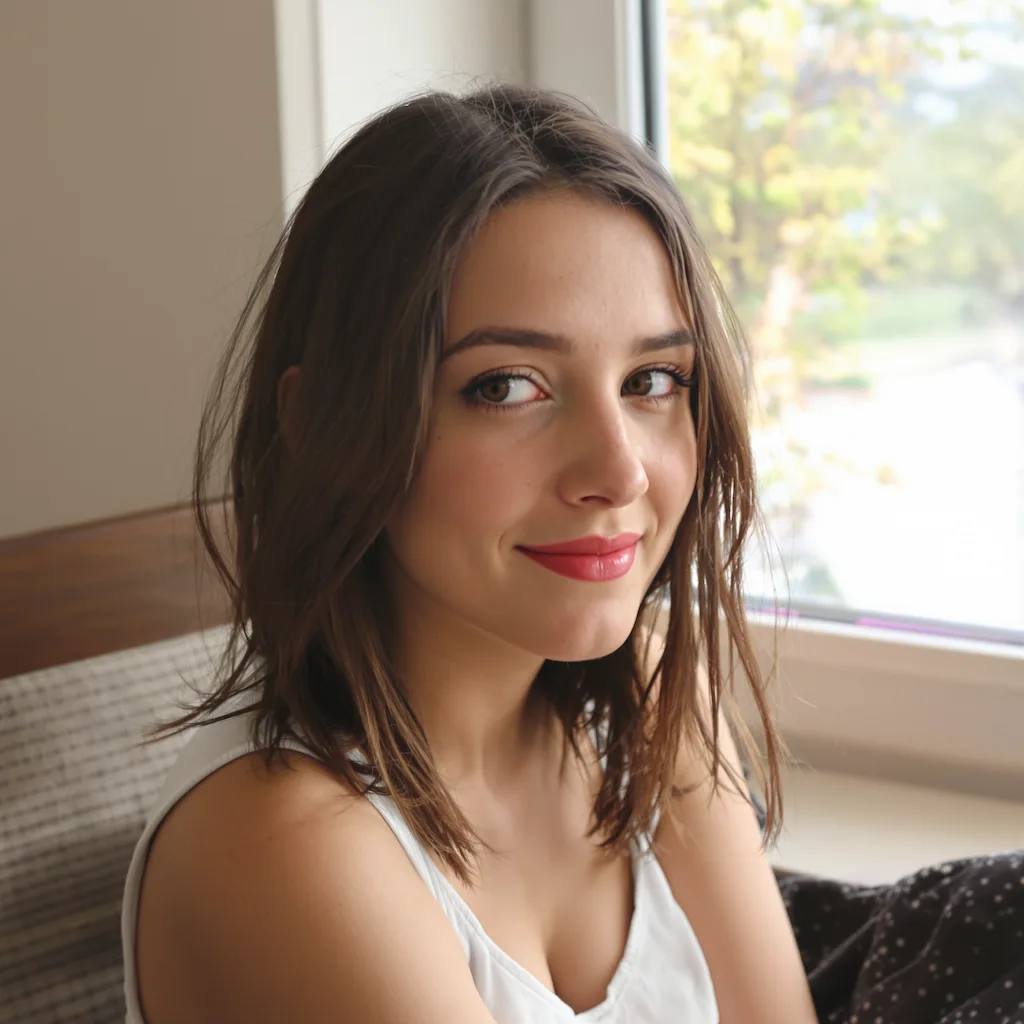
The best source image is a clean single-person portrait with visible eyes, readable cheek contours, and enough resolution around the skin and hairline. It does not need to be shot in a studio, but it does need to show the person's real features clearly enough for the edit to hold on to them.
If the uploaded image is heavily filtered, dim, or blocked by accessories, the model has less identity information to preserve. For a lighting-led portrait like this one, clearer facial detail usually matters more than having the perfect outfit or background in the source image.
How The Prompt Balances Editorial Drama With Real Identity
The point is stronger atmosphere, not a different person.
This style uses deep crimson and charcoal tones, warm amber glow, and softer red accents to create a rich studio atmosphere. Those color and lighting decisions are what produce the fashion-editorial mood without forcing the model into an overly synthetic or fantasy direction.
At the same time, the prompt deliberately avoids describing a new subject. It tells the model to preserve face shape, eye structure, skin tone, and overall identity first, then layer the dramatic lighting, jacket styling, and shallow depth of field on top of that. That structure makes the result more usable when the uploaded person still needs to look like themselves.
When To Use This Style Page
Use this page when you already know you want a dramatic lighting portrait with a fashion-editorial feel. It is a better fit than a blank prompt when the goal is not just 'make this portrait nicer' but 'turn this person into a polished studio-style editorial image.'
If you need a softer beauty result or a more neutral business portrait, another style page will usually fit better. This page is strongest when you want bold contrast, luxury mood, sharp eye focus, and a controlled studio atmosphere around the uploaded person's actual identity.