
Generate Images with GPT Image 2.5
OpenAI's GPT Image 2.5 in both tiers — Flare for fast everyday generation, Sunburst for maximum detail. Text-to-image and image editing, five quality tiers, and output up to 4K.
What Is GPT Image 2.5?
GPT Image 2.5 is OpenAI's image generation and editing system, released in September 2026. It turns natural-language prompts into polished images with strong prompt fidelity — following detailed instructions for scene layout, style, lighting and composition — and it renders text inside images more reliably than the generation before it.
Unlike GPT Image 2, version 2.5 ships as two separate model tiers: Flare and Sunburst. Flare is the fast, balanced tier for everyday generation; Sunburst spends more compute per image for extra fidelity on intricate detail. Each tier exposes its own text-to-image and edit endpoint, which is why this page covers four endpoints in total.
Both tiers accept the same parameters: five quality levels (low, medium, high, xhigh, max), three resolutions (1K, 2K, 4K) and 15 aspect ratios. Uploading a reference image switches the tool to edit mode and calls that tier's edit endpoint; leaving it empty calls text-to-image.
Flare vs Sunburst: What's the Difference?
Both tiers come from the same GPT Image 2.5 family and accept identical parameters. The difference is how much compute each one spends per image — which shows up as latency, fine detail and price.
Flare
The fast, balanced tier and OpenAI's default for most applications. Flare delivers high-quality generation at low latency with natural lighting, rich textures and support for complex layouts including transparent backgrounds. It is the practical choice for drafts, iteration, A/B testing and anything high-volume.
Sunburst
The precision-focused tier, built for premium visual work. Sunburst spends more time per image to hold onto intricate detail — fine textures, small type, product surfaces, complex edits — in exchange for longer generation times and a higher price per image.
| Attribute | Flare | Sunburst |
|---|---|---|
| Speed | Fast — low latency, built for iteration | Slower — spends more compute per image |
| Fine detail | Strong across everyday subjects | Highest fidelity on intricate detail and texture |
| Best for | Drafts, social posts, concepts, high-volume work | Final assets, product shots, print, detailed edits |
| Credit cost | Lower — from 2 credits per image | Higher — roughly 1.6x Flare at the same settings |
| Endpoints | Text-to-image + edit | Text-to-image + edit |
Examples
Switch tiers to see text-to-image and image-edit results from each of the four endpoints.
Text to Image
Prompt-only generation on the Flare endpoint — fast enough to iterate on wording and composition.
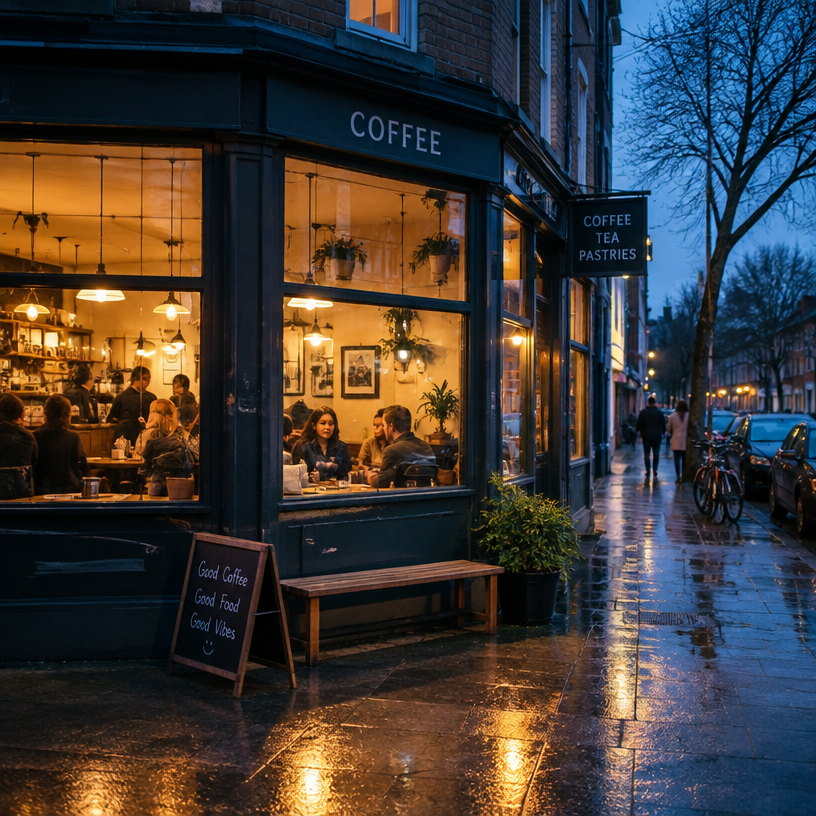
A cozy neighbourhood coffee shop at blue hour, warm window light spilling onto wet pavement, people chatting inside, candid street photography, 35mm
1:1 · 1k · medium
Flat vector illustration for a productivity app landing page, soft gradients, three floating UI cards, generous white space, modern brand style
16:9 · 2k · high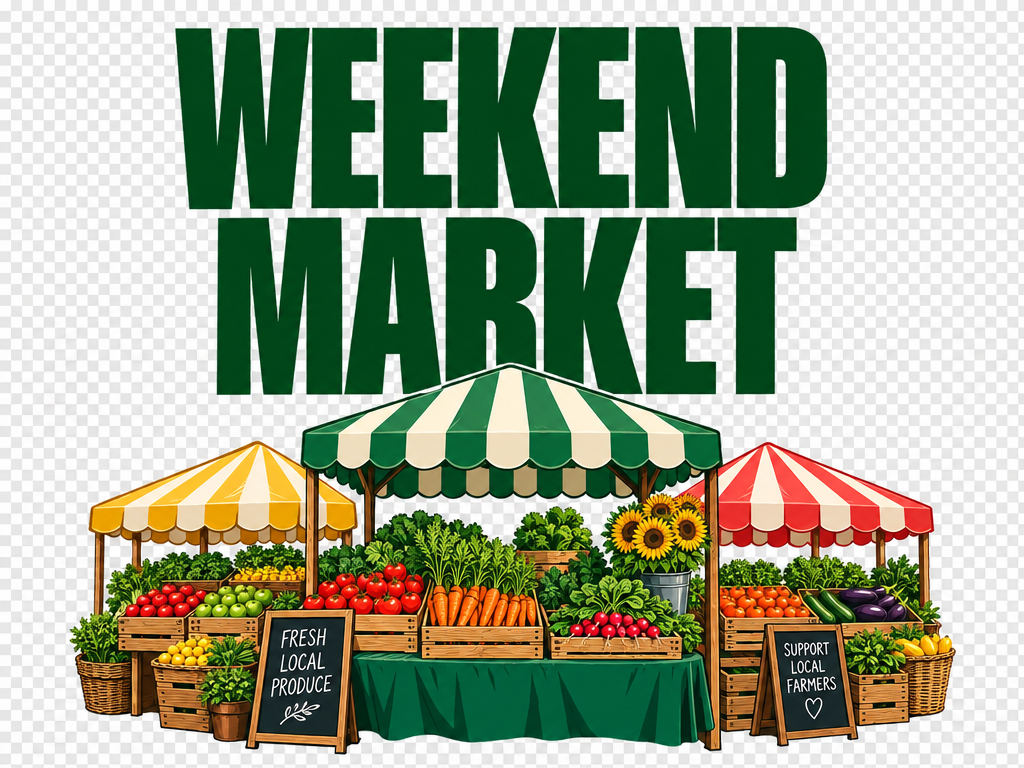
A poster that reads 'WEEKEND MARKET' in bold condensed type, produce stalls below, transparent background, print-ready layout
4:5 · 2k · highImage Edit
Upload a reference image and describe the change. Flare handles everyday edits — backgrounds, object removal, restyling.
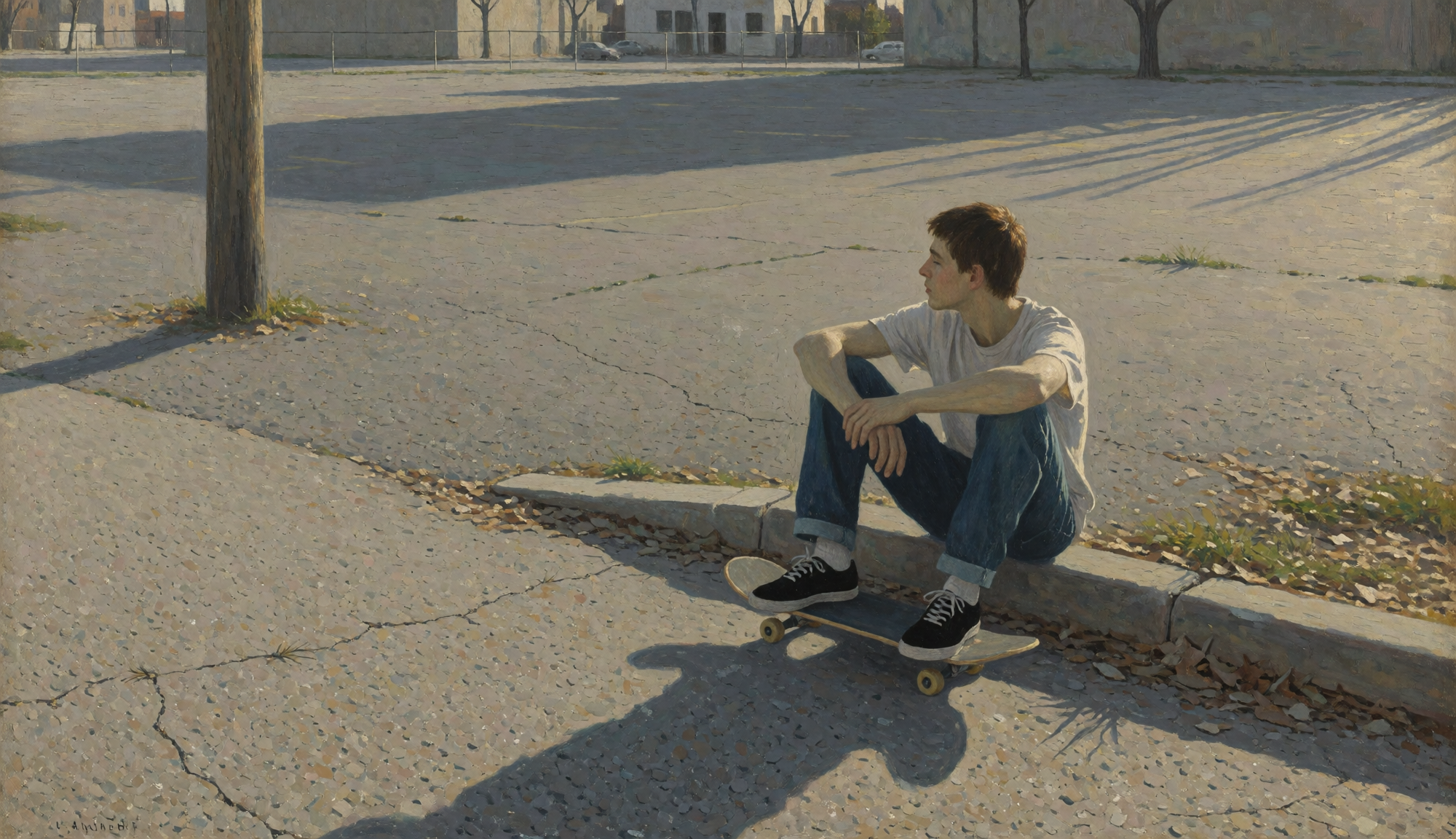
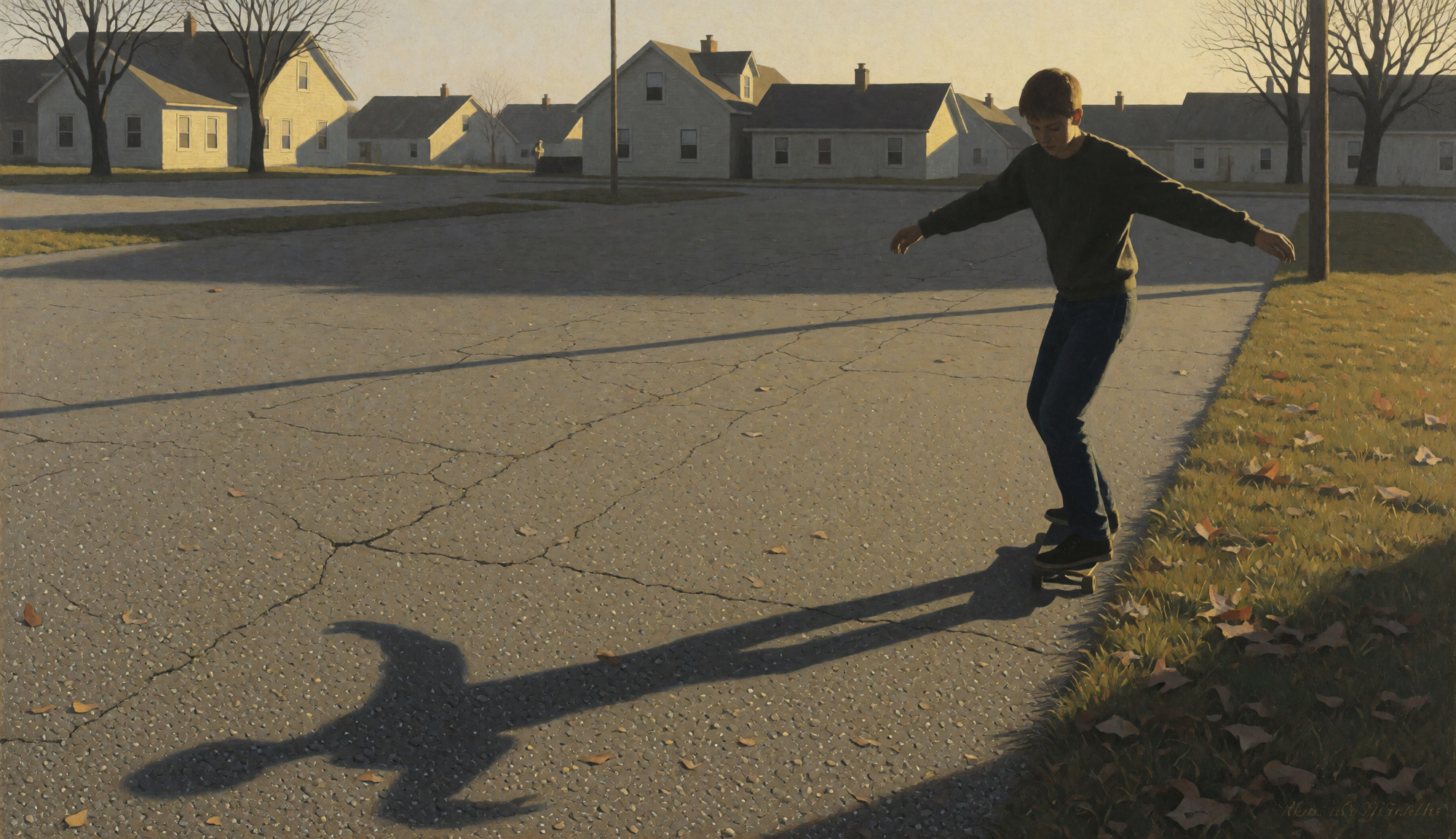
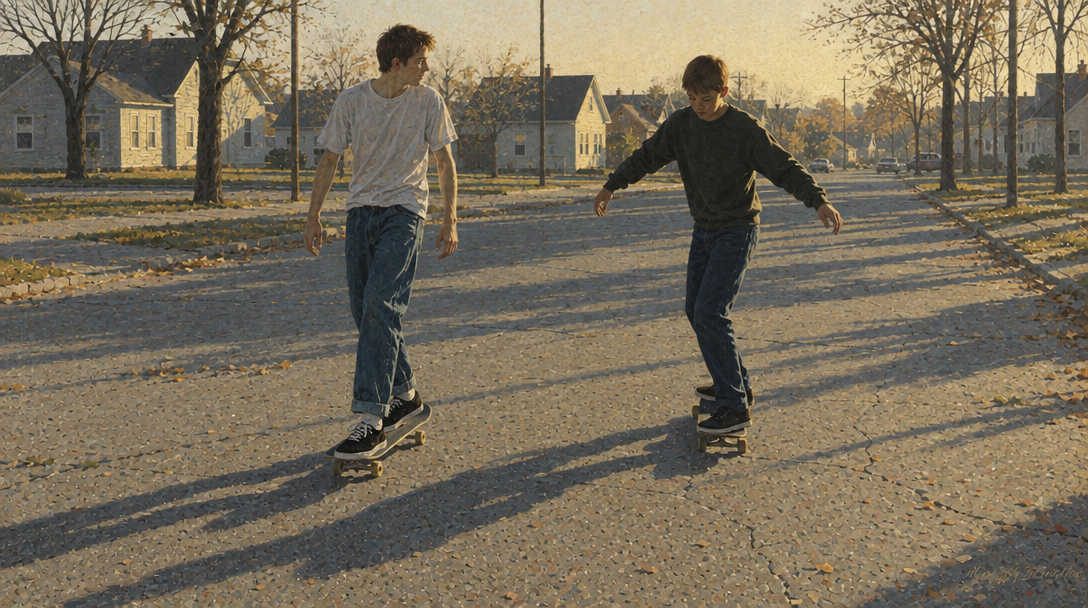
These two are riding together inside a street. Keep the same vibes. Both are standing.
16:9 · 1k · medium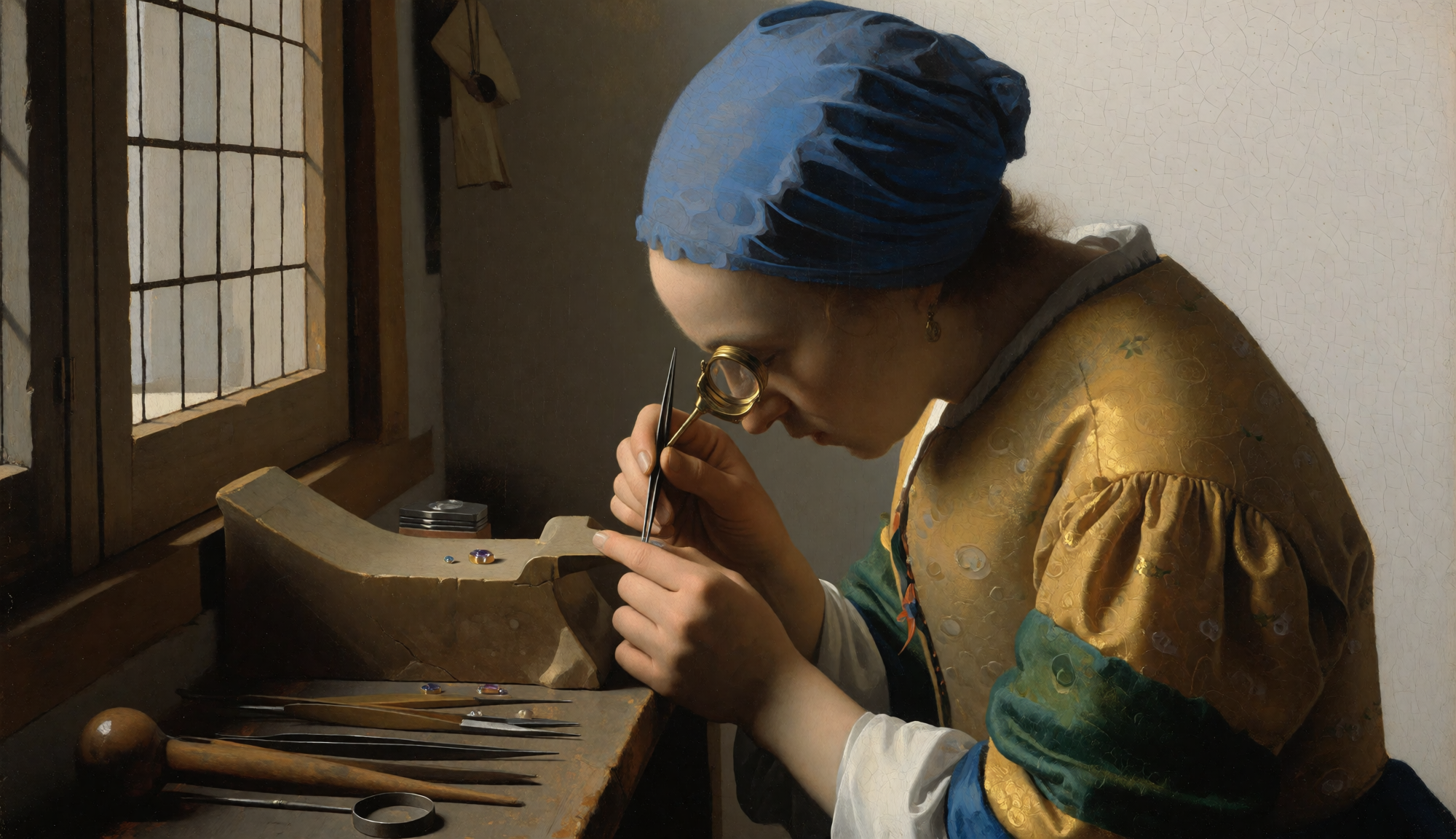
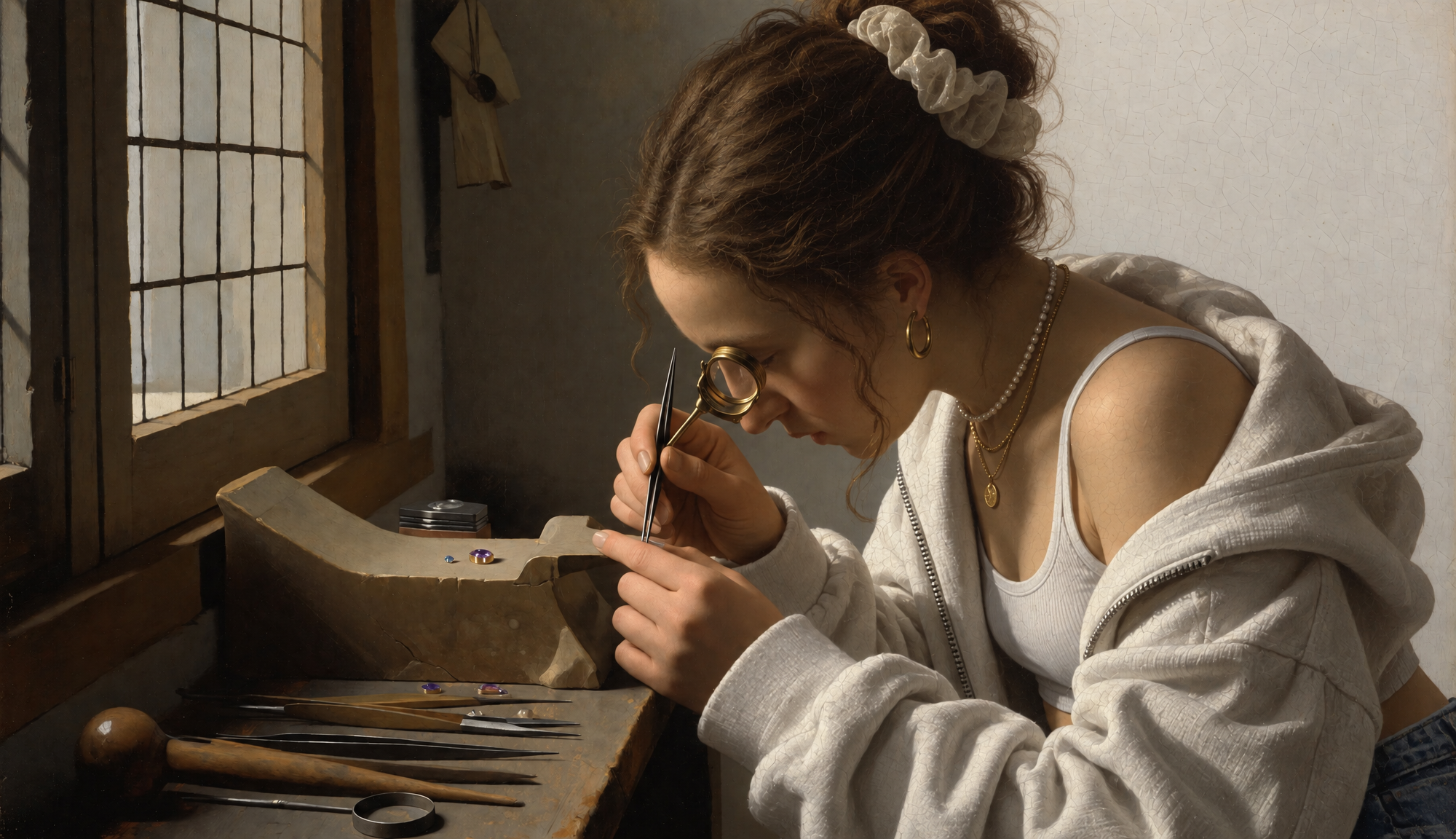
Replace her clothing with Gen-z fancy clothing
16:9 · 1k · mediumHow It Works
Pick a tier
Choose Flare for speed or Sunburst for detail. Both accept the same prompts and settings, so you can start on Flare and re-run the winner on Sunburst.
Write a prompt or upload an image
A prompt alone calls text-to-image. Upload up to 16 reference images and the tool switches to edit mode, calling that tier's edit endpoint instead.
Set quality and generate
Pick a quality tier, resolution and aspect ratio. The credit cost updates on the generate button before you submit.
What You Can Build
GPT Image 2.5 handles both ends of a typical visual workflow — exploring ideas quickly on Flare, then producing the finished asset on Sunburst.
Social content
Post images, thumbnails and story frames across 15 aspect ratios, fast enough to try several directions.
Marketing and ads
Product visuals, banners and landing-page art with legible in-image text and transparent backgrounds.
Storytelling
Consistent scenes and characters across a sequence, with edits that preserve the parts you want unchanged.
Concept and design work
Moodboards and concept art on Flare, then a 4K Sunburst render for the version you present.
Key Capabilities
Strong prompt fidelity
Follows detailed instructions for layout, style, lighting and composition instead of drifting toward a generic interpretation.
Accurate in-image text
Renders headlines, labels and short body copy legibly — a common failure point for image models.
Multi-image editing
Both tiers accept up to 16 reference images per edit request, so you can combine subjects or carry a style across images.
Five quality tiers up to 4K
low, medium, high, xhigh and max at 1K, 2K or 4K — pay only for the fidelity a given job actually needs.
Tips for Better Results
- 1
Draft on Flare and finish on Sunburst. The tiers share a prompt format, so the version you like on Flare transfers directly.
- 2
Describe the subject, setting, lighting and camera or art style separately. Specific instructions beat long adjective lists.
- 3
Put text you want rendered in quotation marks and keep it short — headlines and labels come out far cleaner than paragraphs.
- 4
For edits, say what should stay the same as well as what should change: 'change the jacket to green, keep the pose and background untouched'.
- 5
Only reach for xhigh or max when the detail is actually visible in the final crop. Medium at 1K is usually enough while you are still iterating.
Frequently Asked Questions
What is GPT Image 2.5?
GPT Image 2.5 is OpenAI's image generation and editing system, released in September 2026. It ships in two API tiers — Flare and Sunburst — and both support text-to-image and image editing, five quality tiers, 15 aspect ratios and output up to 4K.
What is the difference between Flare and Sunburst?
Flare is the fast, balanced tier built for everyday generation at low latency — the practical default for iteration, drafts and high-volume work. Sunburst spends more compute per image for extra fidelity on intricate detail, at the cost of longer generation times and a higher price. A good workflow is to explore on Flare, then re-run the winning prompt on Sunburst for the final asset.
Which endpoints does this page use?
All four: Flare text-to-image, Flare edit, Sunburst text-to-image and Sunburst edit. Choosing a tier in the model selector and uploading an image (or not) picks the matching endpoint automatically.
What quality tiers and resolutions are supported?
Both tiers support low, medium, high, xhigh and max quality at 1K, 2K or 4K resolution, across 15 aspect ratios. Medium quality at 1K is the default and balances speed against output quality.
How many credits does GPT Image 2.5 cost?
Cost depends on tier, quality and resolution. Flare ranges from 2 credits (low, 1K) to 100 credits (max, 4K). Sunburst ranges from 3 credits (low, 1K) to 160 credits (max, 4K). The exact cost is shown on the generate button before you submit.
Can I use GPT Image 2.5 images commercially?
Yes. Images generated through our platform can be used commercially, including advertising, social media, product visuals and client work. Review OpenAI's model license, your client contracts and platform rules for AI-generated content when publishing.
Related Models
Nano Banana
Google's speed-first baseline model for fast drafts, quick edits, and lower-cost image generation.
Nano Banana Pro
Google's higher-fidelity Pro model for structured prompts, HD output, and more deliberate professional asset work.
Nano Banana 2
Google's faster high-fidelity model with stronger prompt adherence, HD output, and the widest ratio range on this site.
Grok Image Generator
xAI's Grok 2 model for creative, imaginative images. Perfect for cinematic scenes and artistic visuals.
Seedream 5.0
ByteDance's Seedream model for high-resolution, precise image generation with multiple size options.
GPT Image 2
OpenAI's GPT Image 2 for text-to-image and image editing with strong prompt fidelity and accurate in-image text.
Need higher resolution output?
Upscale generated images to 4K or 8K with our free AI image upscaler.
Try Image Upscaler