
AI Image Tools
One-click AI photo tools: age, fat, smile and beauty filters, a GTA character creator, the sweater trend portrait, ugly Christmas sweaters, AI headshots, 2K and 4K upscaling, background removal and image to prompt. Upload a photo, pick an option, download the result.
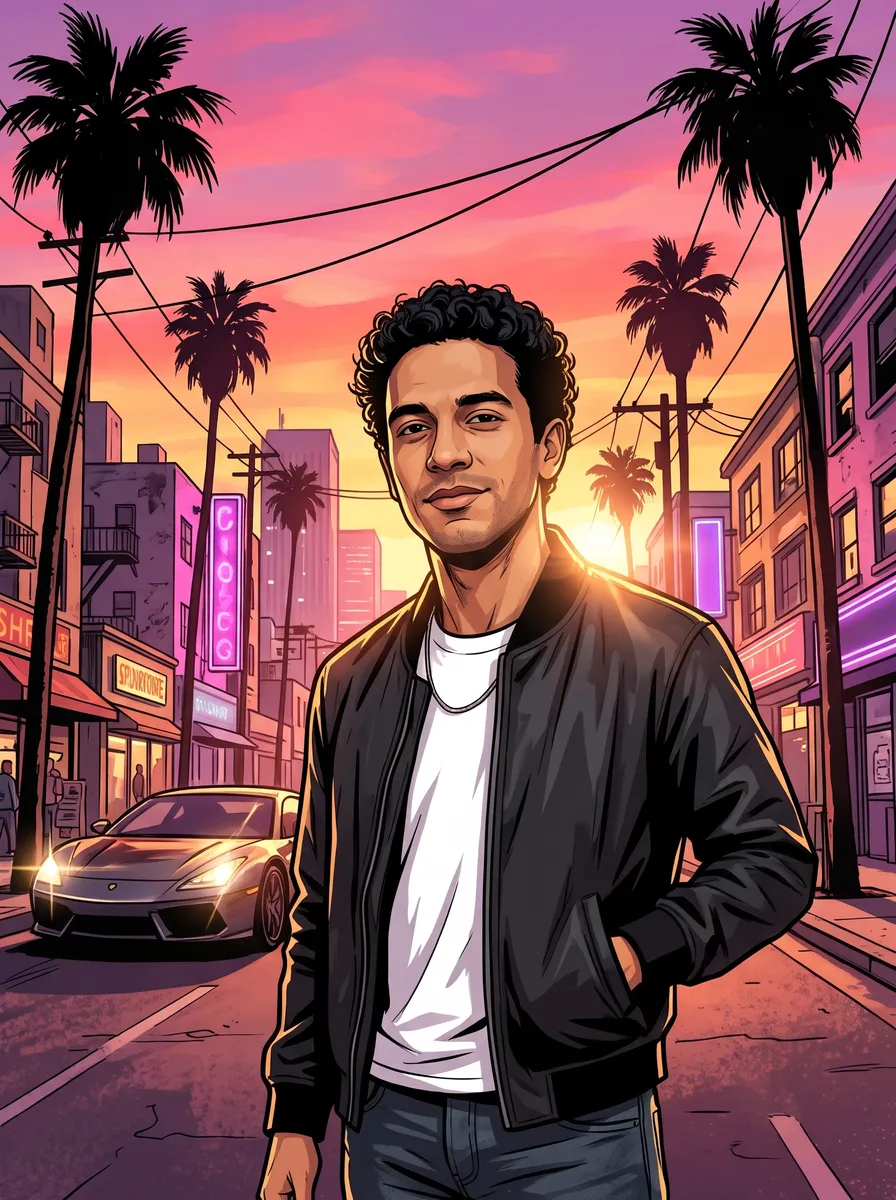
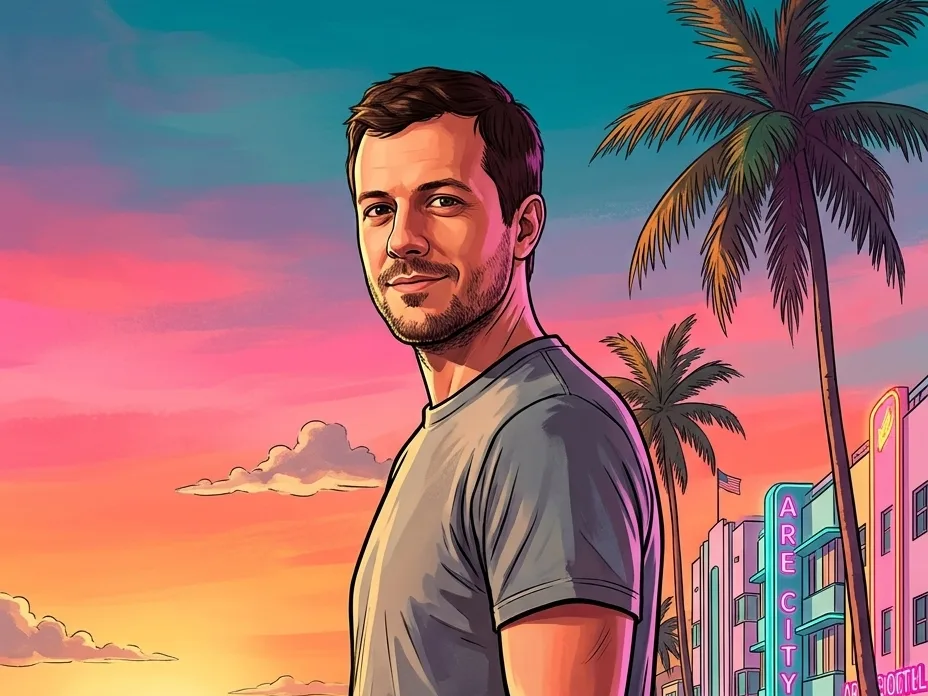
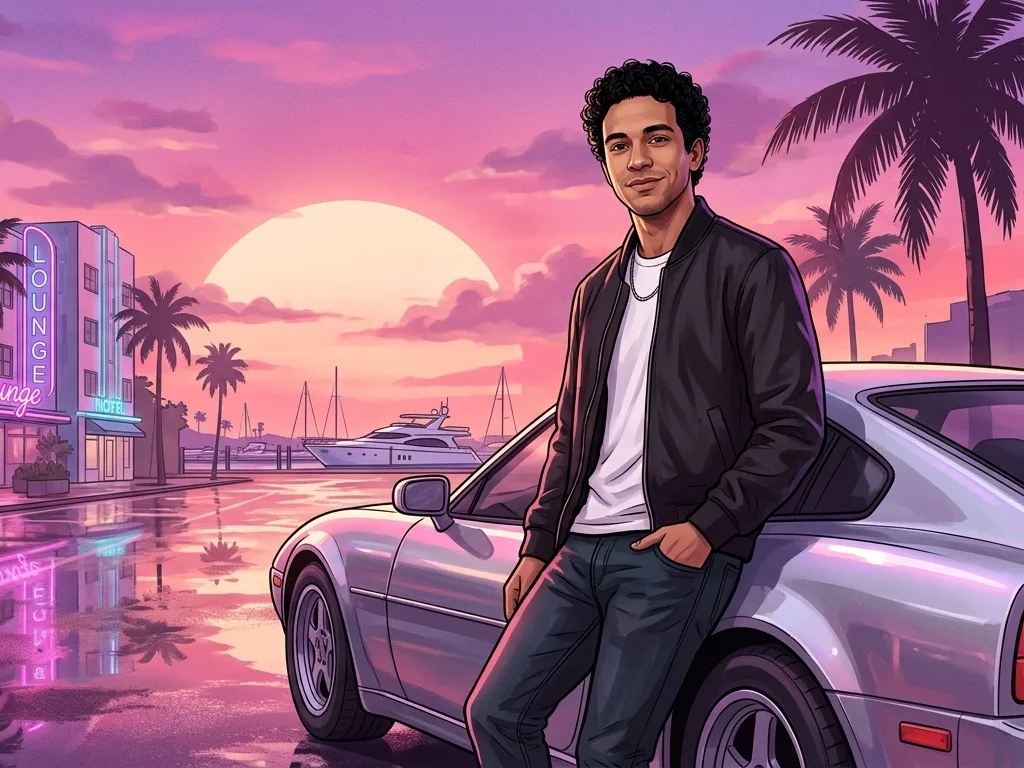




Photo tools FAQ
Something else? Email support@nano-banana.love.
What can these AI photo tools do?
One-click tools for common photo jobs: a GTA character creator, the viral ChatGPT sweater portrait, an ugly Christmas sweater generator, an AI fat filter, an age filter, a smile filter, a beauty filter, an AI headshot generator, an AI image upscaler to 2K or 4K, a background remover and an image to prompt generator. Each one does a single job, so there is no prompt to write.
How much do the tools cost?
Each run costs credits, shown on the button before you click: 1 credit to upscale, 1 credit for background removal, 1 credit for image to prompt, and 2 credits for the photo filters and headshots. Credits are shared with the image and video generators and never expire.
Can I try them for free?
New accounts get 2 free credits on sign-up when they pass our one-per-person checks, enough to try most tools once. After that you buy a credit pack once; there is no subscription.
Which AI models do they use?
The age, smile and beauty filters, the GTA creator and the headshot generator run on Google’s Nano Banana 2.1. The fat filter runs on ByteDance’s Seedream 5.0 Lite, the upscaler on ByteDance’s SeedVR, background removal on Recraft and image to prompt on Moondream 3. This site is independent and not affiliated with those companies.
What happens to my photos?
Uploads are used only to make your result and are deleted from our storage provider within about 24 hours. We never use your photos to train AI models.

Need something the tools don’t do?
Open the Nano Banana generator and describe any edit in your own words, or make a new image from scratch.
Start creating