
AI Headshot Generator
Turn an everyday selfie into a realistic professional headshot. Pick a studio or office look and the AI dresses, lights and frames you like a portrait photographer would, ready for LinkedIn, your resume, a team page or a speaker bio.
- 5 styles
- 2K output
- PNG download
- Nano Banana 2.1
Professional headshots from a selfie.
Sign in to use the tool. New accounts get free credits to try it.
Example
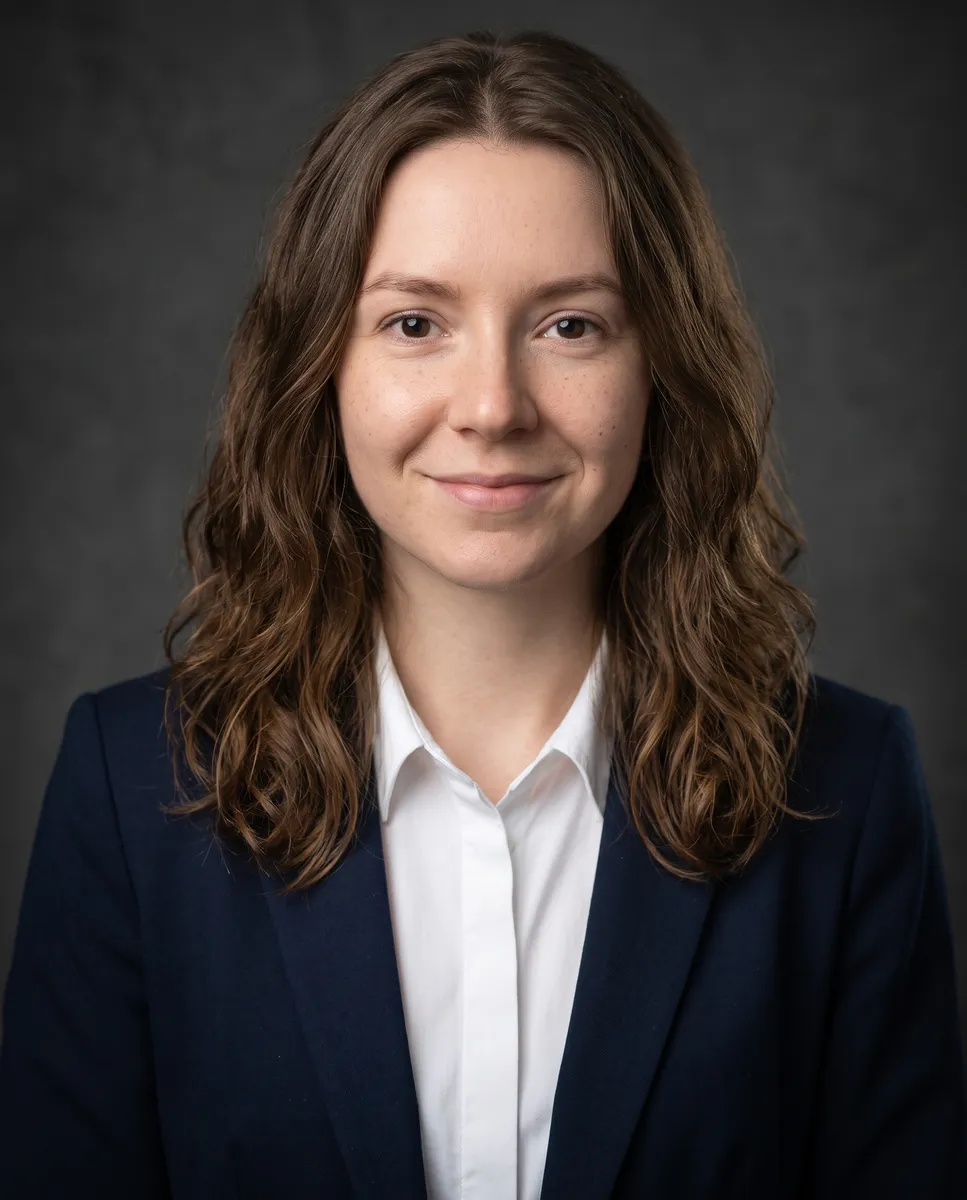 Example · Corporate
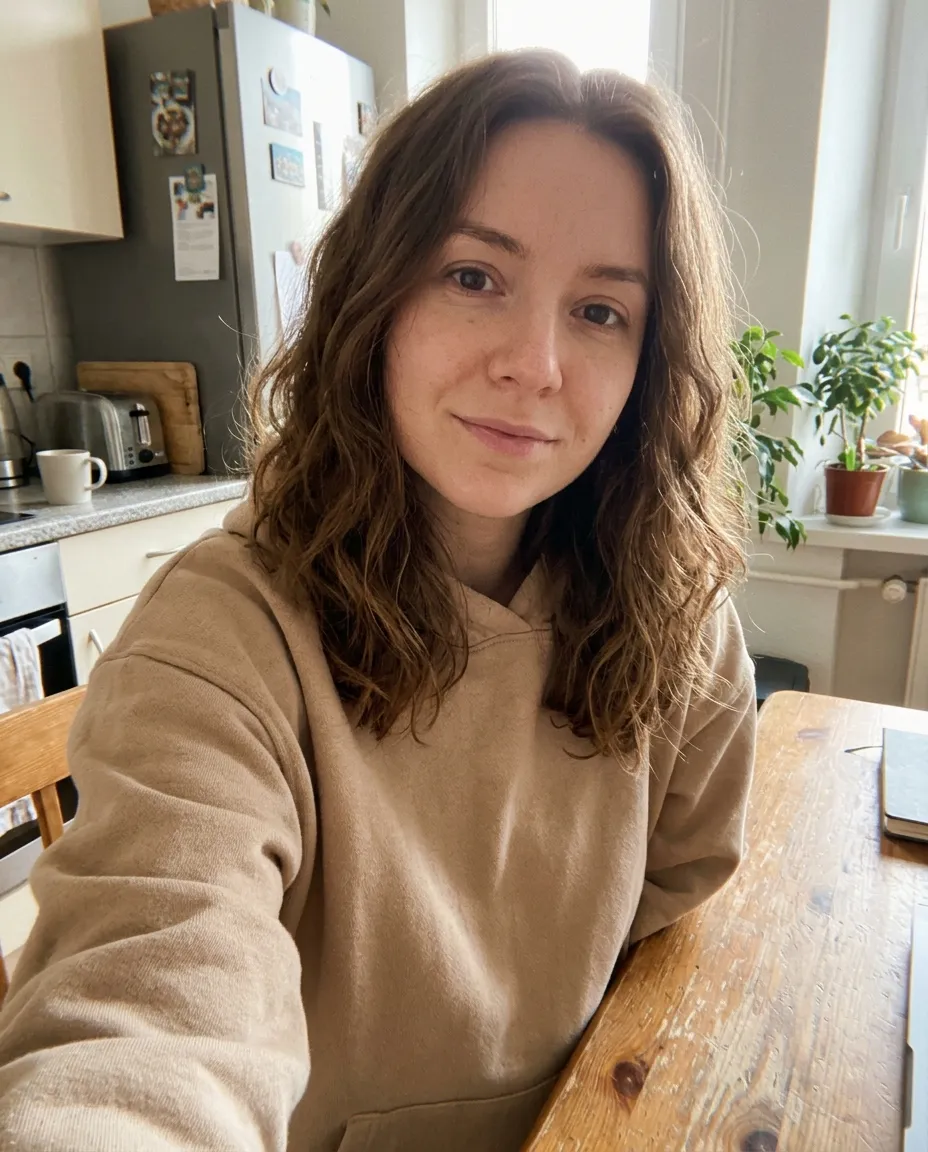
Professional headshots without the photo shoot
A professional headshot used to mean booking a photographer, picking an outfit and losing an afternoon. This headshot maker starts from a photo you already have, a selfie at home is fine, and turns it into a professional portrait: chest-up framing, a proper outfit, studio or office lighting and a clean background.
Choose from five looks used by real corporate photographers: Corporate, Modern office, Founder, Creative and Executive. Your face, hair and expression stay yours, so the AI headshots look like you on a call, at an interview or on stage, not like a stock model.
Use the result anywhere a profile photo matters: LinkedIn and other professional profiles, a resume or CV, your company’s team page, a speaker or author bio, or your own website. It runs on Google’s Nano Banana 2.1 image model at 2K, in a 4:5 portrait crop that crops cleanly to a square or a circle. Want something playful too? The same selfie makes a GTA-style avatar, and the background remover cuts you out for a backdrop of your own.
Five headshot styles from one selfie
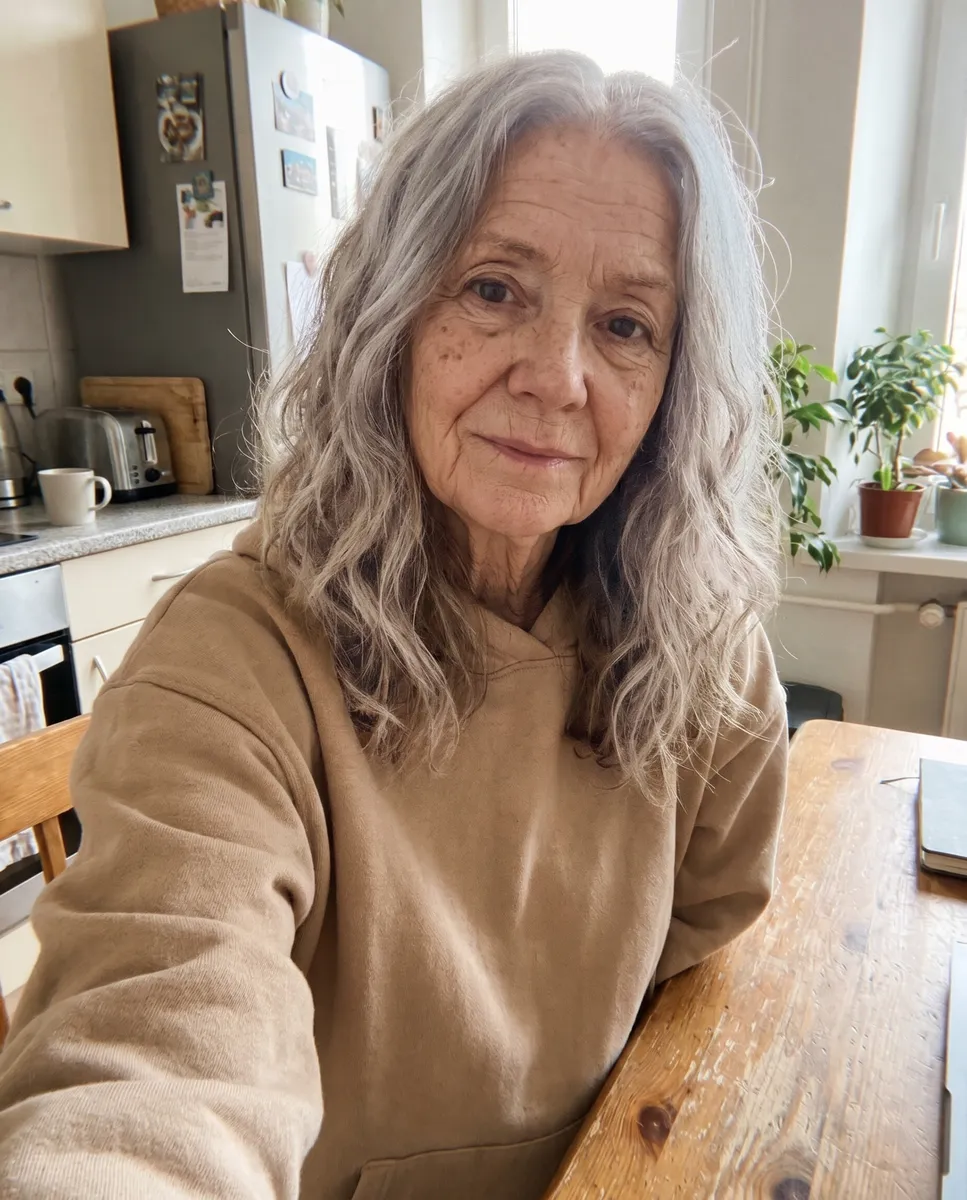
The same kitchen selfie, five professional looks. Pick the one that fits your industry and where the photo will go.
Corporate
Navy suit, white shirt and a dark grey studio backdrop. The classic corporate headshot for LinkedIn and company sites.
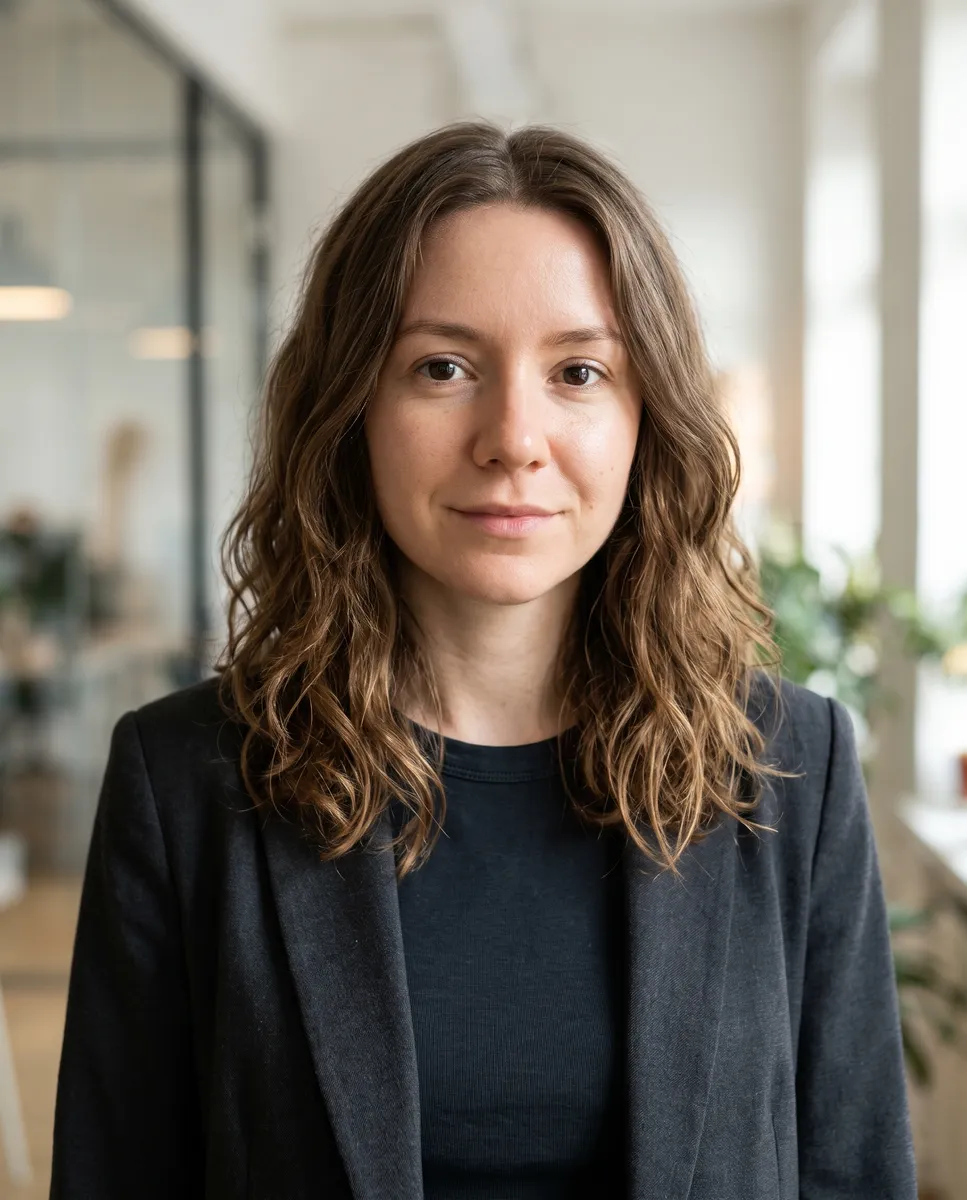
Modern office
A blazer in a bright, softly blurred glass office. Good for tech and consulting.
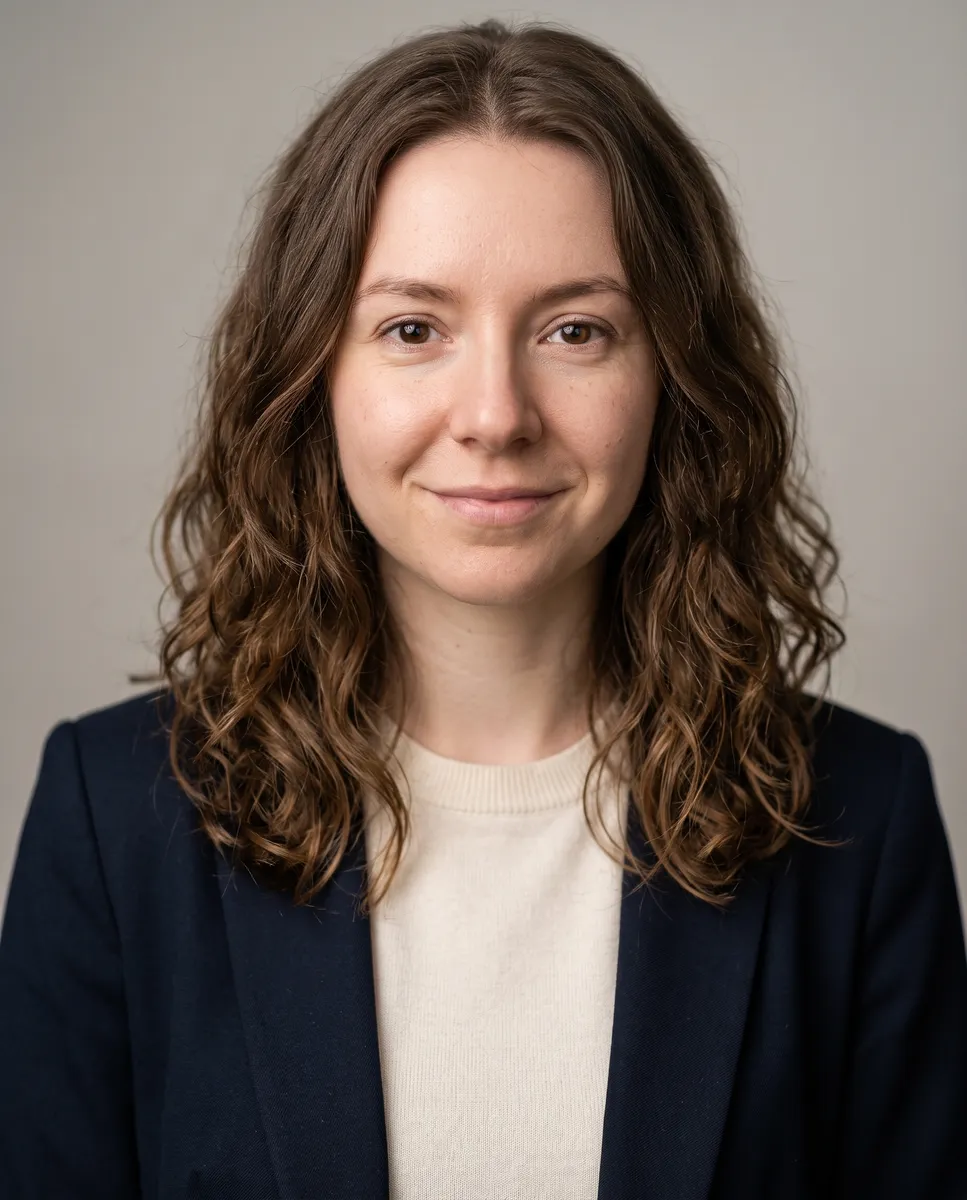
Founder
Smart casual on a light background, the startup founder look.
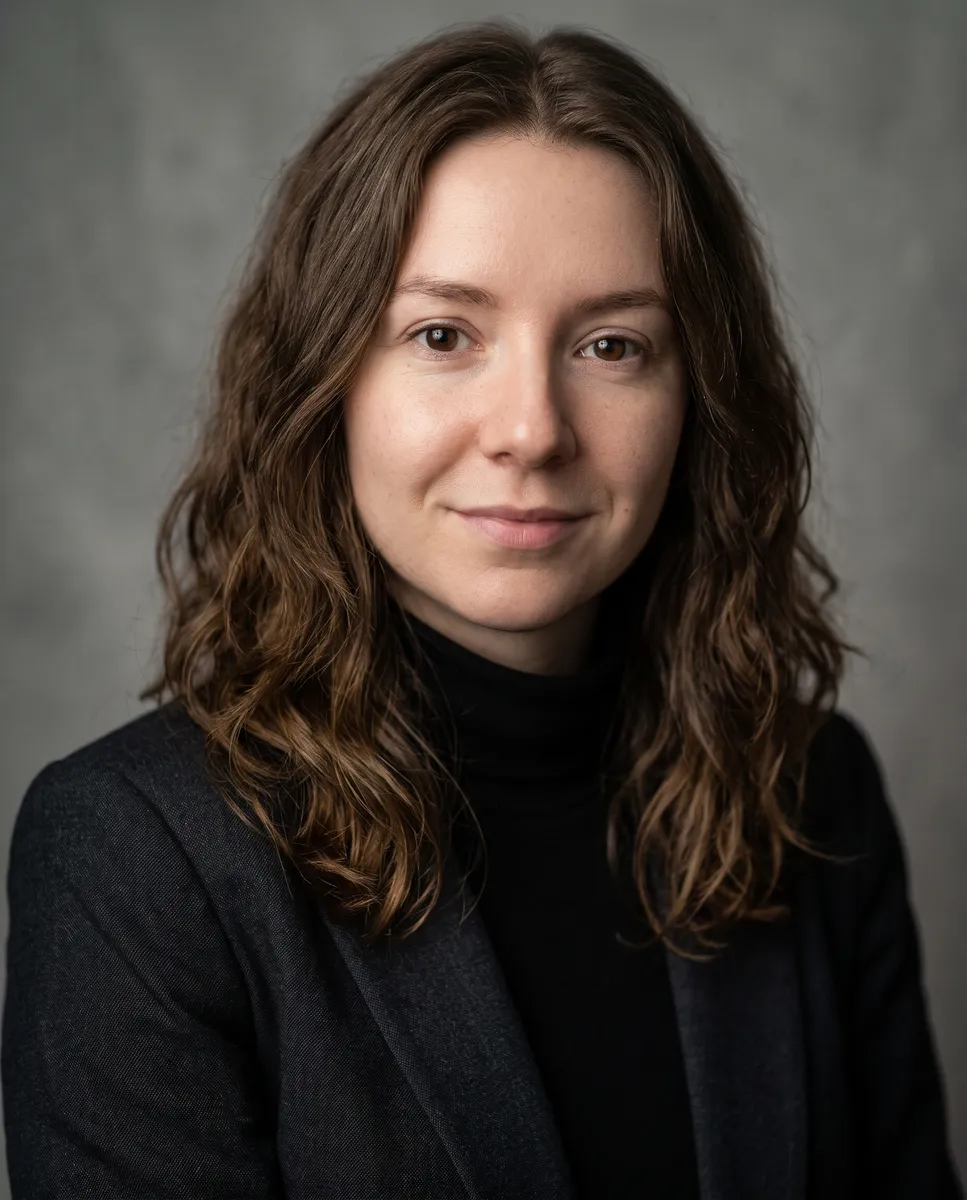
Creative
A black turtleneck and moody side light for designers and agencies.
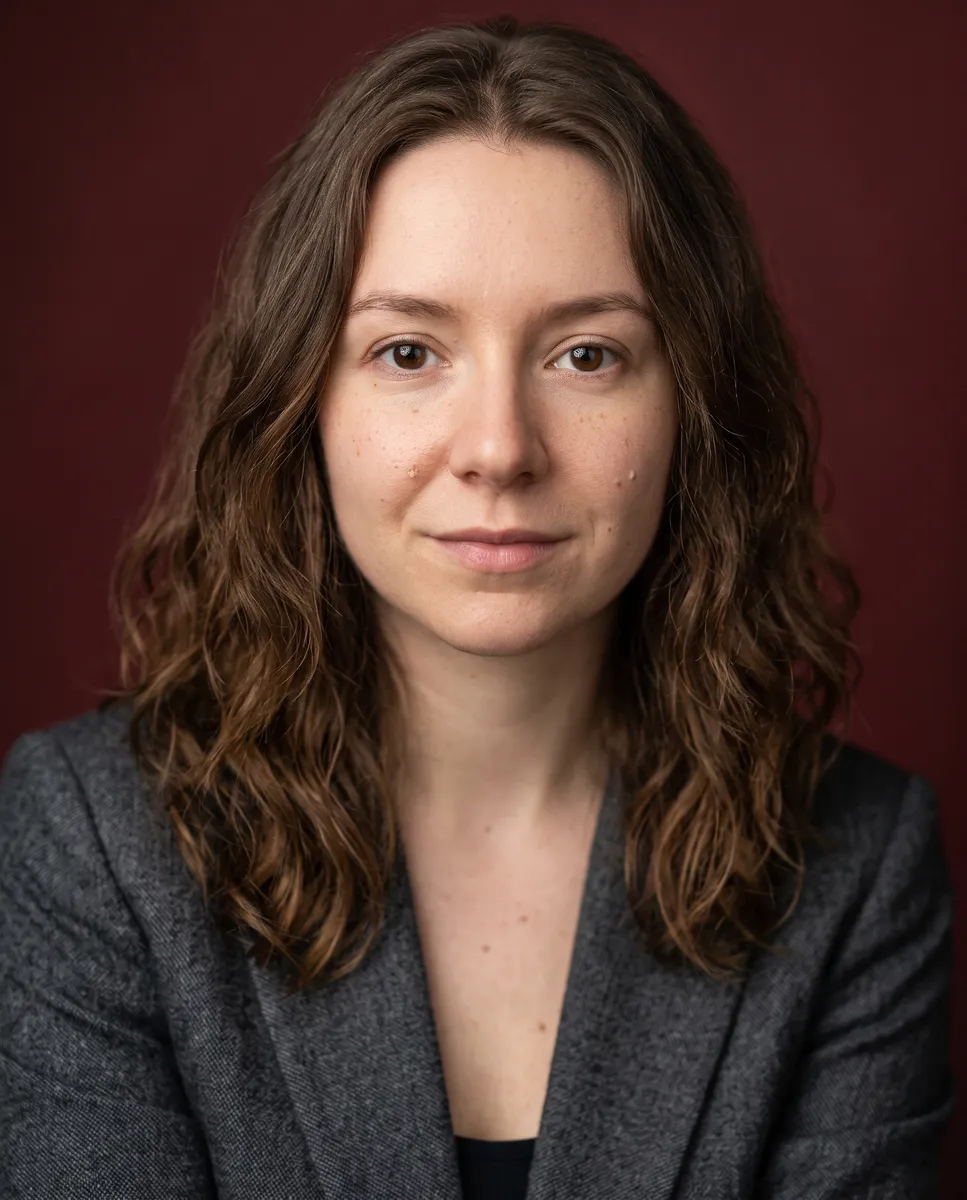
Executive
A charcoal suit on a warm, deep backdrop for senior roles and boards.
Where to use your AI headshots
One selfie, a professional headshot for every place you show up.
LinkedIn and professional profiles
A professional LinkedIn photo, and the same look for Upwork, GitHub, Slack or your email signature. Clean framing reads well even as a small circle.
Resume and CV photo
A tidy, neutral portrait for a resume, CV or job application, in the countries where a photo is expected.
Company website and team page
AI corporate headshots for the whole team: pick one style and backdrop so every face on the page matches.
Headshots by industry
Executive for finance, law and leadership, Modern office for tech and consulting, Creative for designers and agencies, Founder for startups.
Speaker, author and press bios
A polished portrait for conference pages, book jackets, podcasts and press kits.
Personal brand and social
A relaxed, confident photo for X, Instagram, a personal site or a dating profile.
How to make a professional headshot
- 01
Upload a selfie
Face the camera in good light. Just you, no sunglasses or hat.
- 02
Pick a style
Corporate, Modern office, Founder, Creative or Executive.
- 03
Generate
Your headshot is ready in under a minute.
- 04
Download
Save the 2K PNG for your profile, resume or website.
AI headshots FAQ
Something else? Email support@nano-banana.love.
How does the headshot maker work?
Upload a selfie and pick a style. The AI keeps your face and redraws the rest as a professional portrait: chest-up framing, a suit or blazer, studio or office lighting and a clean background. You get a 2K PNG in under a minute.
Can I get AI headshots for free?
Each headshot costs 2 credits. New accounts get 2 free credits on sign-up, enough for one to try it, as long as the account passes our one-per-person checks. After that you buy credits once and use them on any tool or model. There is no subscription.
How much do AI headshots cost?
Each headshot costs 2 credits. Credit packs are a one-time purchase starting at $9.90 for 100 credits, so a headshot works out to well under a dollar, far less than a studio session.
Are AI headshots professional enough to use?
Yes, for most uses. The results have studio lighting, a proper outfit and a clean background, and they keep your real face, so they work on LinkedIn, resumes, team pages and bios. Some employers or industries ask for a real photo; check if yours does.
Will my AI headshots look realistic and like me?
The AI is told to keep your face shape, features, skin tone and hair, and to change only the clothes, lighting and background. A clear, well-lit selfie gives the most realistic result. Try another style if one does not suit you.
What photo should I upload?
A clear, front-facing photo of just you, with even light on your face. A phone selfie is fine; avoid sunglasses, hats, heavy filters and group shots.
Can I make headshots for my whole team?
Yes. Pick the same style for everyone and the team page will look consistent. Each person should upload their own photo or agree to theirs being used.
What happens to my photo?
Your photo is uploaded only to make your result. Uploads are deleted from our storage provider within about 24 hours, results stay downloadable in your account for 14 days, and we never use your photos to train AI models.

Get your new headshot
Upload a selfie, pick a style and download a professional headshot in under a minute.
Start creating