
AI Beauty Filter
Upload a portrait and the beauty filter evens out the skin, softens dark circles and brightens the eyes, with optional soft or glam makeup. Pores, freckles and face shape stay yours, so it looks like a good photo of you, not a filter.
- 3 looks
- 2K output
- PNG download
- Nano Banana 2.1
A natural retouch, with or without makeup.
Sign in to use the tool. New accounts get free credits to try it.
Example
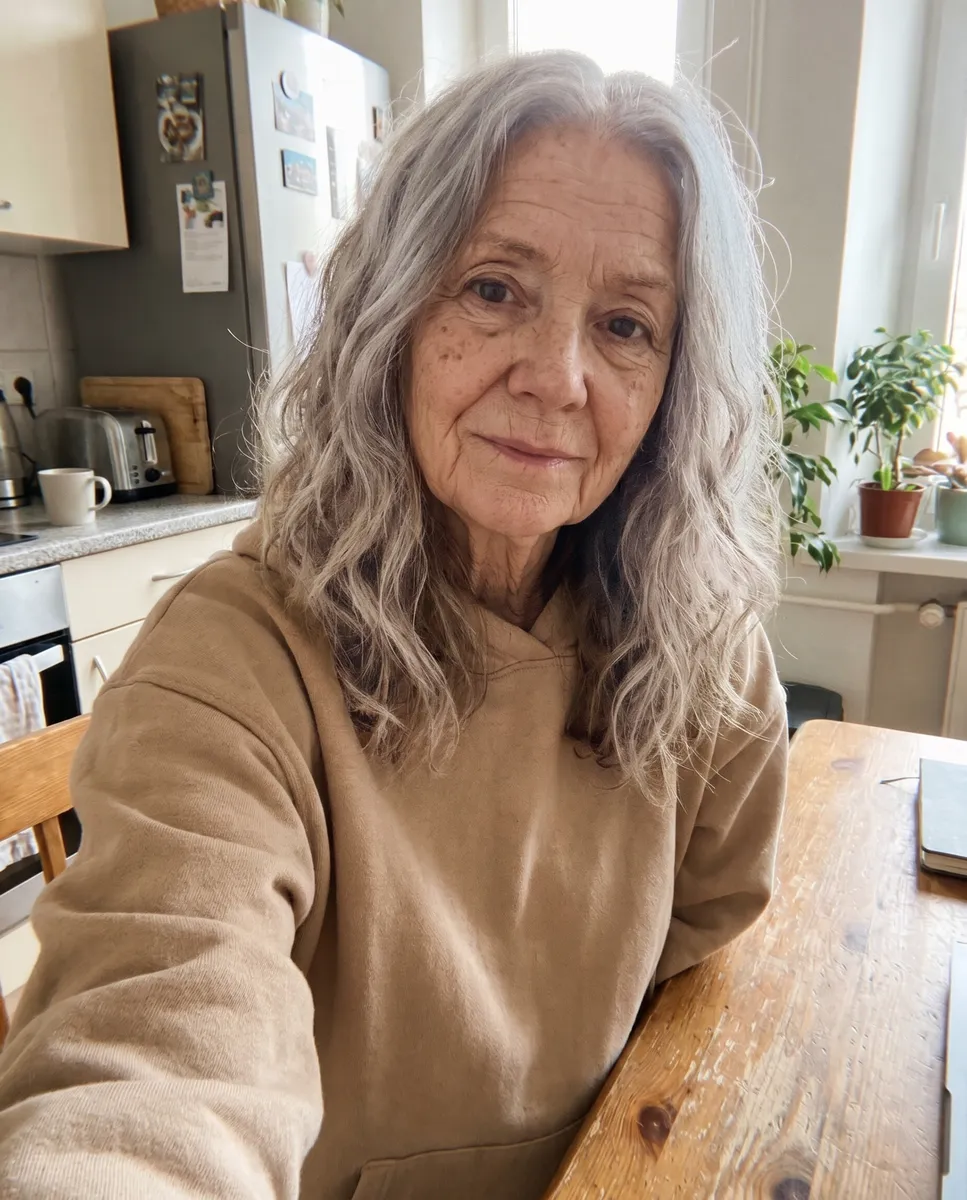
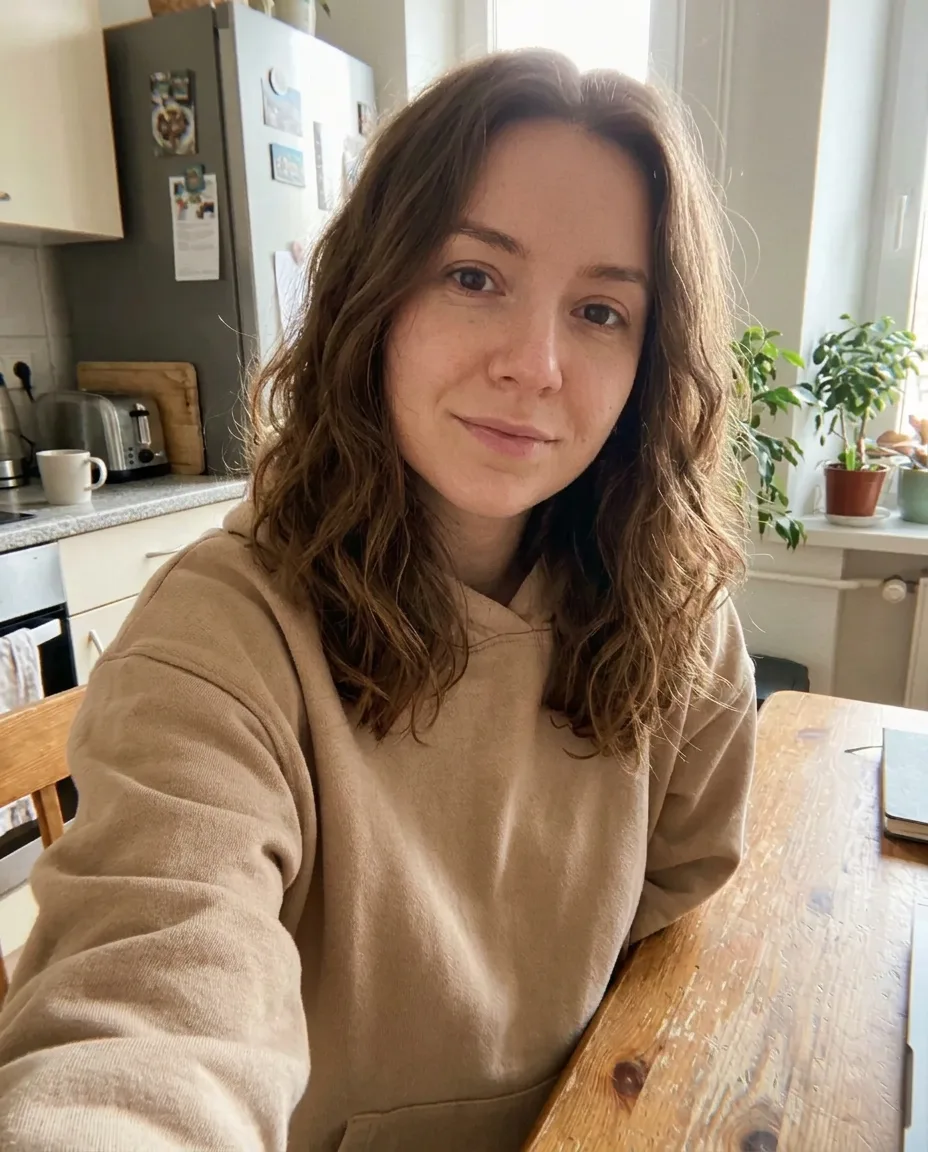 Example · Natural
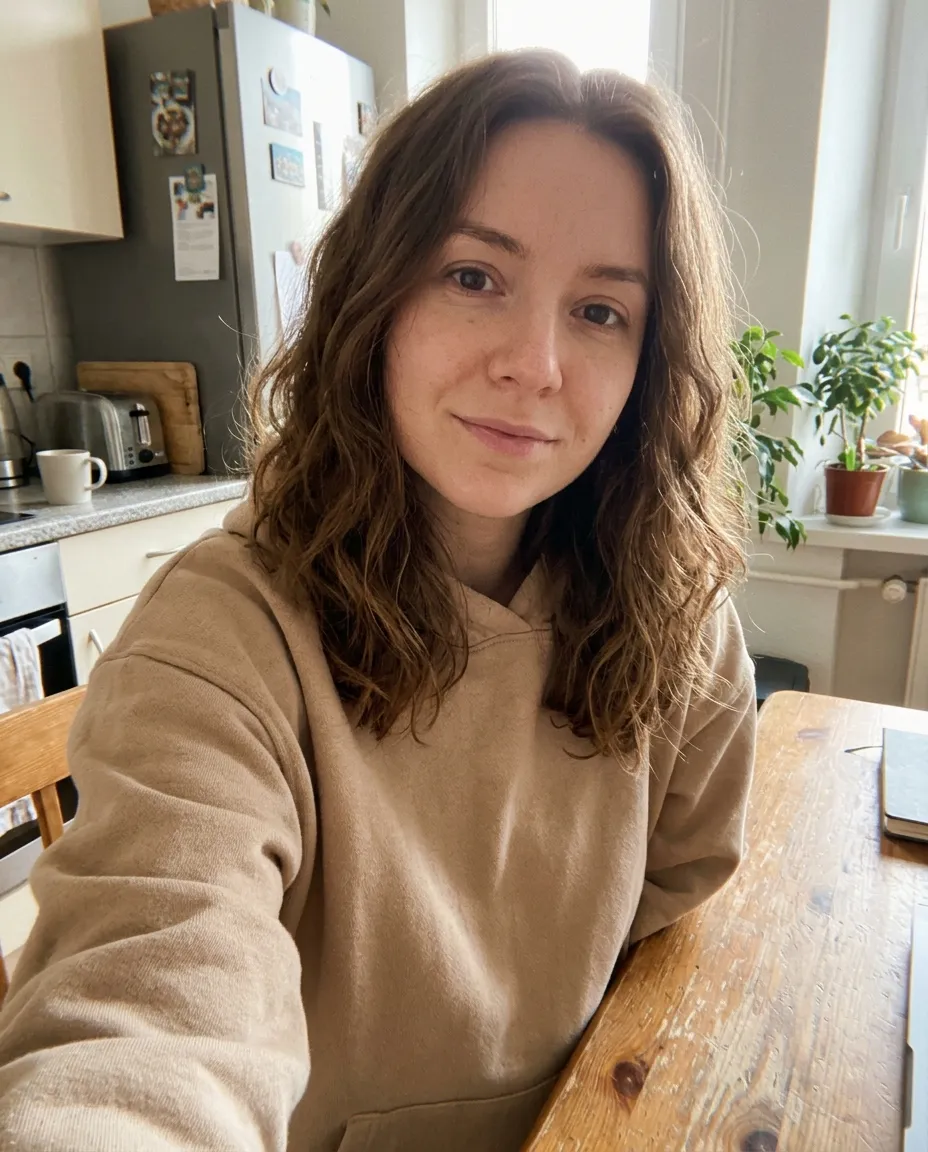
A beauty filter that keeps your skin real
Phone beauty filters blur the skin into plastic and quietly reshape the face. This beauty filter retouches like a careful photo editor instead: it evens out redness, spots and dark circles, adds a little light to the eyes and keeps the pores, freckles and face shape that make you look like you.
Pick a look. Natural is a clean retouch with no makeup, Soft makeup adds light everyday makeup, and Glam adds a full evening look with defined eyes and a bold lip. If the expression is the problem, not the skin, add a smile instead.
It runs on Google’s Nano Banana 2.1 image model at 2K, which keeps faces recognisable through edits like this.
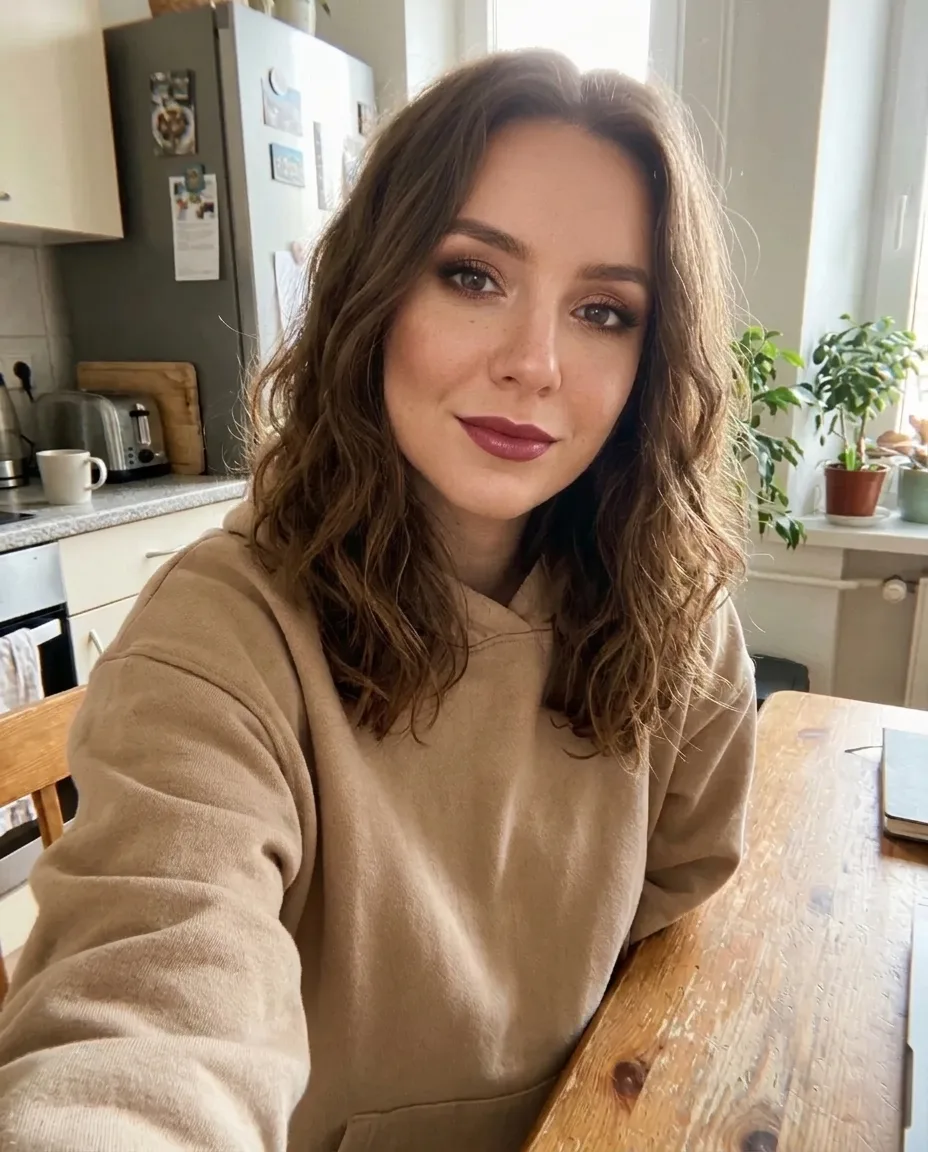
One selfie, three looks
Real results from the filter. Face shape, hair, clothes and background stay the same.
Natural
More even skin, lighter dark circles and brighter eyes, with the freckles and pores still there. No makeup.
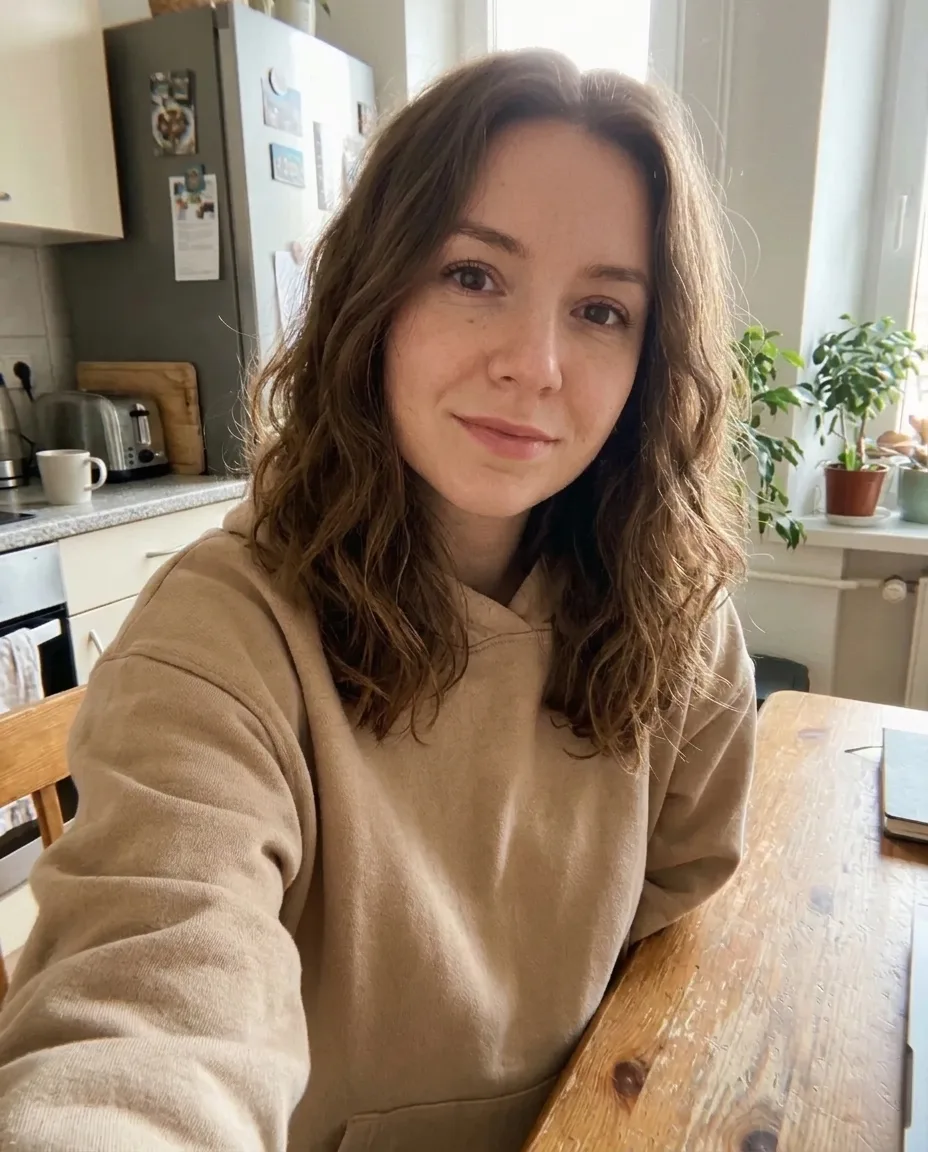
Soft makeup
A sheer base, groomed brows, a little mascara and blush and a rosy lip: an everyday look.
Glam
Smoky eyes, fuller lashes, soft contour and a bold lip, on the same face.
What people use the beauty filter for
The searches this page answers, and how.
Natural beauty filter
Pick Natural for a clean, no-makeup retouch that still looks like a real photo.
Makeup filter
See soft everyday makeup or a full glam look on your own face before you try it for real.
Profile and dating photos
Polish a photo you already like for LinkedIn, a dating app or a team page.
Selfies for social
Clean up a selfie for Instagram or TikTok without the blurred, plastic look.
Skin retouch online
Even out redness, spots and dark circles without opening a photo editor.
Online, no app
Works in any browser on phone or desktop, with nothing to install.
How to use the beauty filter
- 01
Upload a photo
A clear, well-lit photo with the face easy to see.
- 02
Pick a look
Natural, Soft makeup or Glam.
- 03
Generate
Your retouched photo is ready in under a minute.
- 04
Compare and save
Flip between before and after, then download the 2K PNG.


Beauty filter FAQ
Something else? Email support@nano-banana.love.
How does the beauty filter work?
Upload a photo and pick a look. An AI image model retouches the skin, eyes and light, and adds makeup if you pick it, while it keeps your face shape, skin tone, hair, clothes and background.
Is the beauty filter free?
Each retouched photo costs 2 credits. New accounts get 2 free credits on sign-up, enough for one to try it, as long as the account passes our one-per-person checks. After that you buy credits once and use them on any tool or model. There is no subscription.
Will it change my face shape?
No. It does not slim the face, enlarge the eyes or reshape the nose or lips, and it keeps your skin tone. It changes the skin finish, the light and the makeup only.
Does it remove freckles and moles?
No. Permanent features like freckles, moles and scars stay. It evens out things that come and go, like redness, spots and dark circles.
Does it work for men?
Yes. Natural is a clean retouch with no makeup, which suits anyone. Soft makeup and Glam add visible makeup.
Can I use it on someone else’s photo?
Only with their permission, and only of adults. You confirm you have the rights to the photo before you generate.
What happens to my photo?
Your photo is uploaded only to make your result. Uploads are deleted from our storage provider within about 24 hours, results stay downloadable in your account for 14 days, and we never use your photos to train AI models.

Look your best in any photo
Upload a photo, pick a look and get a natural retouch in under a minute.
Start creating