
GTA Loading Screen Maker
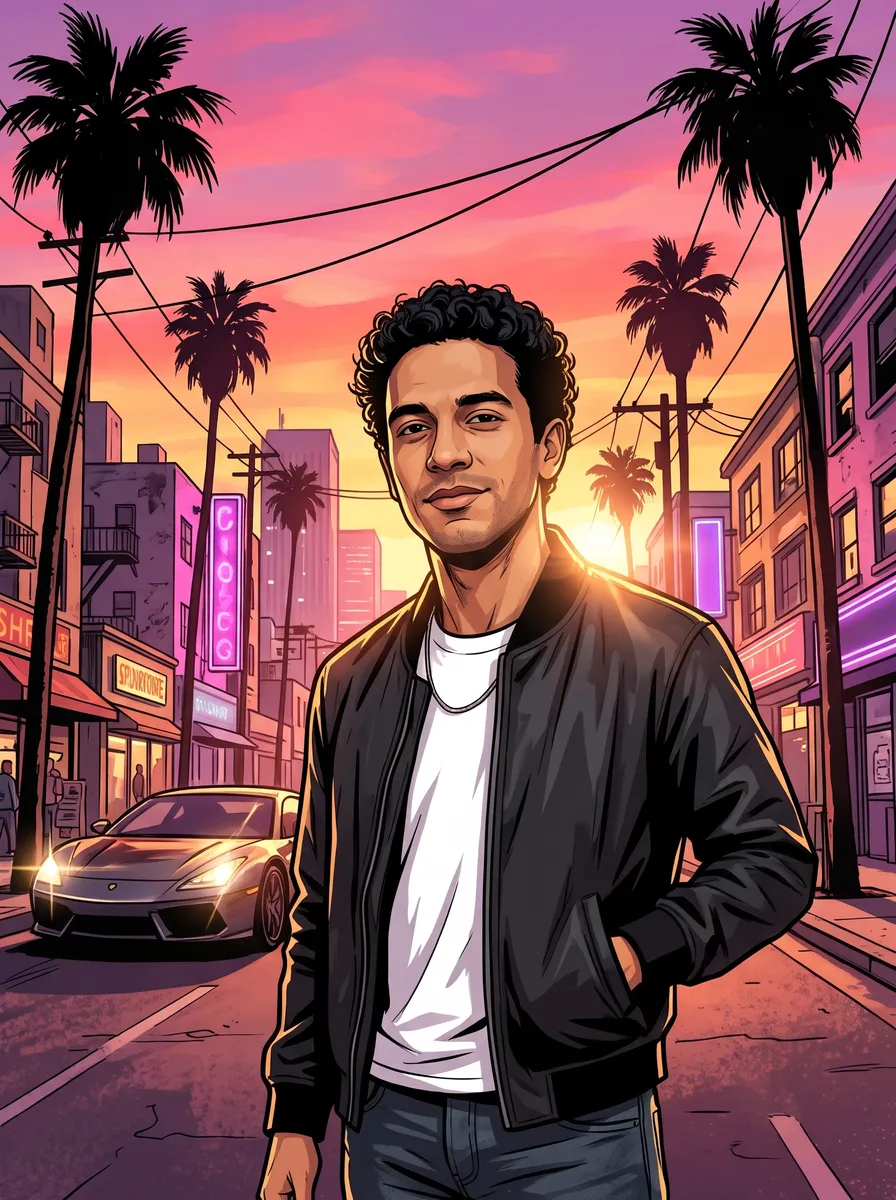
Upload a photo and get it back in the viral GTA 6 loading-screen look: you, leaning on a sports car on a rain-wet Vice City street, with neon art-deco hotels, palm trees and a pink and violet sunset behind you. Pick a 9:16 vertical for your phone, a 16:9 widescreen, a crew version for group photos or a pet version. Each one is a 2K image, ready in under a minute.
- 4 styles
- 9:16 and 16:9
- 2K output
- Nano Banana 2.1
Your photo as Vice City loading-screen art.
Sign in to use the tool. New accounts get free credits to try it.
Example
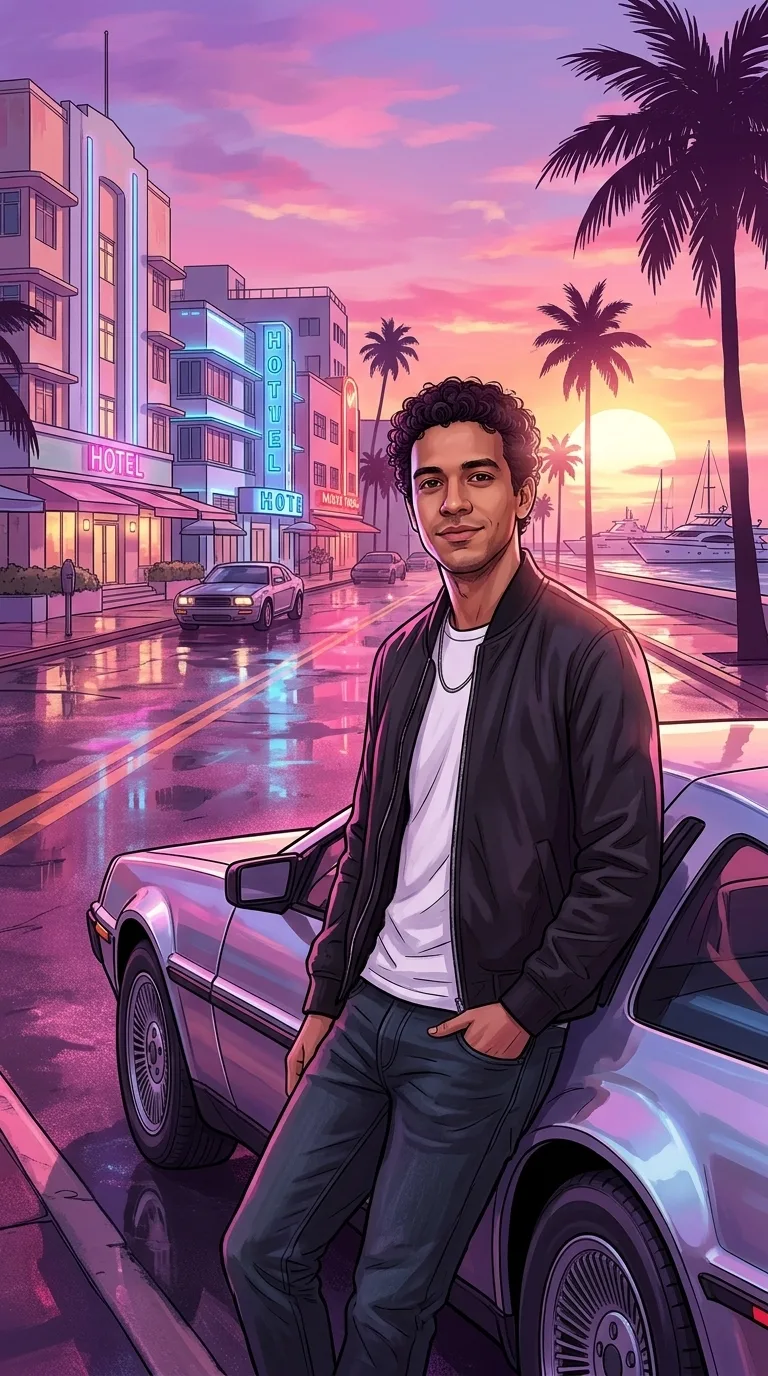 Example · Vertical 9:16
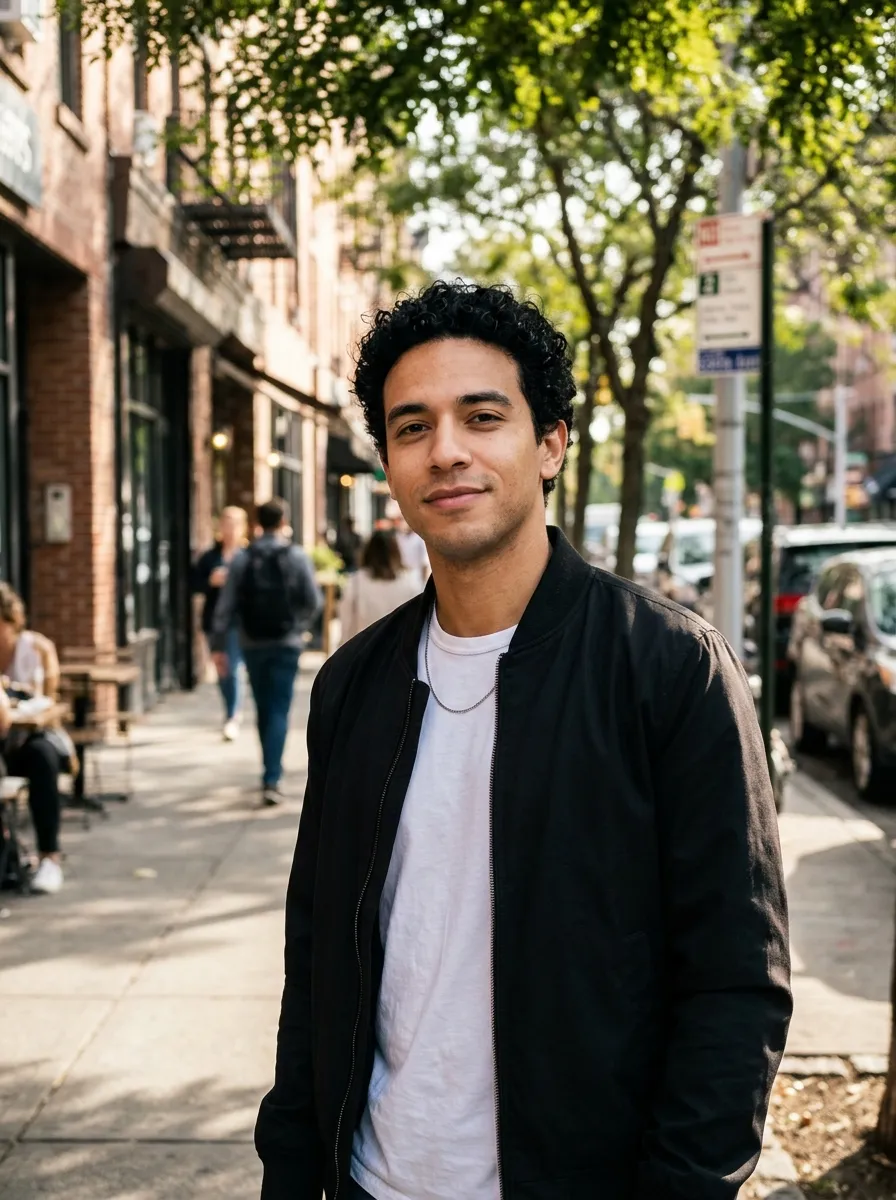
What does the loading screen generator make?
The loading screen generator on this page redraws your photo in the look of the viral GTA 6 loading-screen edits. You keep your face, hair and outfit. You get clean ink outlines, smooth painted shading and a rain-wet Vice City street behind you: pastel art-deco hotels, neon signs, palm trees and a marina with yachts, all washed in pink and violet light. The result is a 2K PNG with no game logo on it.
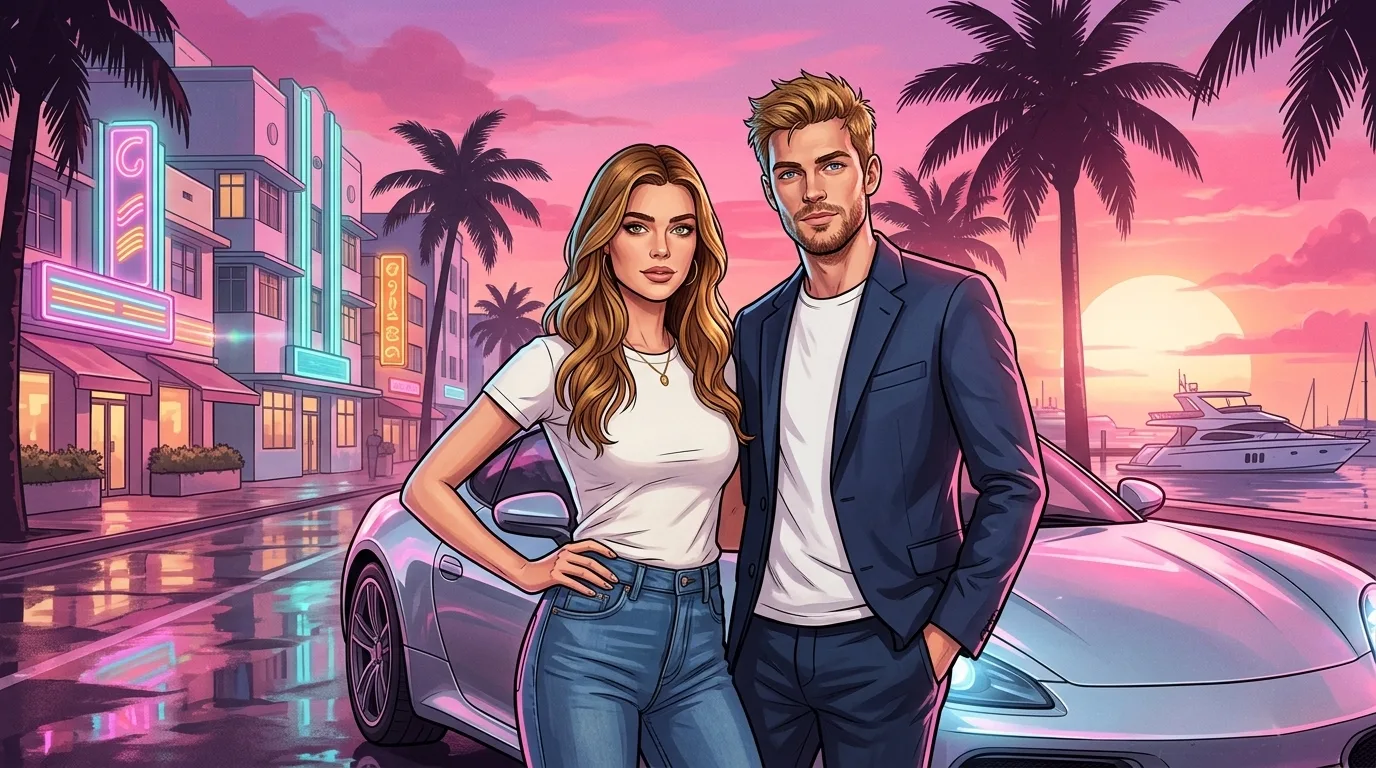
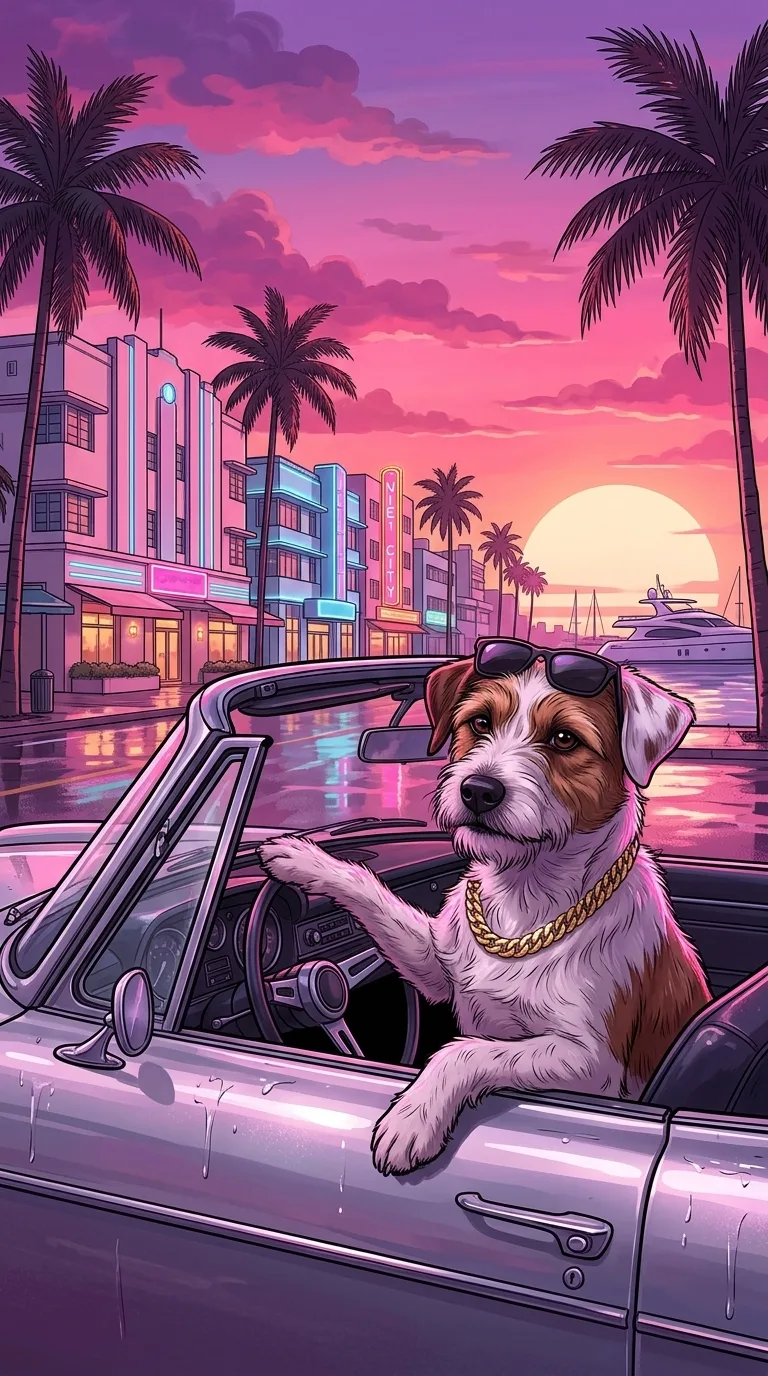
There are four styles. Vertical is 9:16, the shape of a phone screen and of most posts in the trend, with you leaning on a silver sports car. Widescreen is 16:9, with you on one side and the neon street on the other. Crew puts everyone from a group photo into one scene. Pet makes a dog or cat the star, in sunglasses and a gold chain, behind the wheel of a convertible.
Vice City is the setting of Grand Theft Auto VI, which comes out on November 19, 2026, per Rockstar Games’ announcement. The look on this page follows the fan-made loading-screen trend. It is AI art, not a screen from the game.
For other looks from the same selfie, the GTA character creator makes a GTA V style avatar or character card, and the Vice City character maker makes GTA VI key art, an in-game still or a duo poster. All of them run on Google’s Nano Banana 2.1.
Grand Theft Auto, GTA and Vice City are trademarks of Take-Two Interactive. This site is not affiliated with or endorsed by Rockstar Games or Take-Two; it makes fan art in a similar style.
Vice City loading screens from real photos
Real results from the four styles. Faces and outfits carry over; the setting and the art style change.
Vertical, 9:16
A street photo becomes a phone-sized screen: the subject leans on a silver sports car, one hand in a pocket, with neon hotels, yachts and a low sun behind. Most posts in the trend use this format.
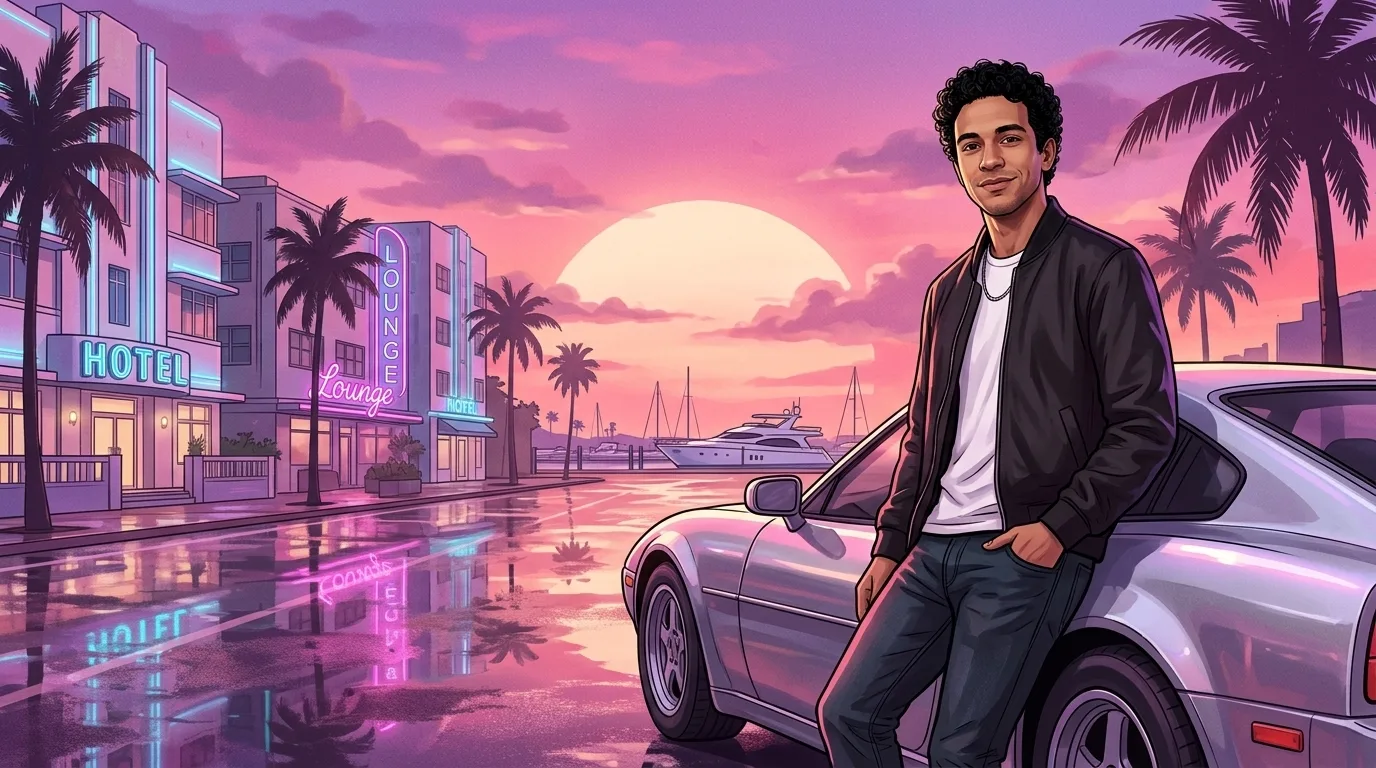
Widescreen, 16:9
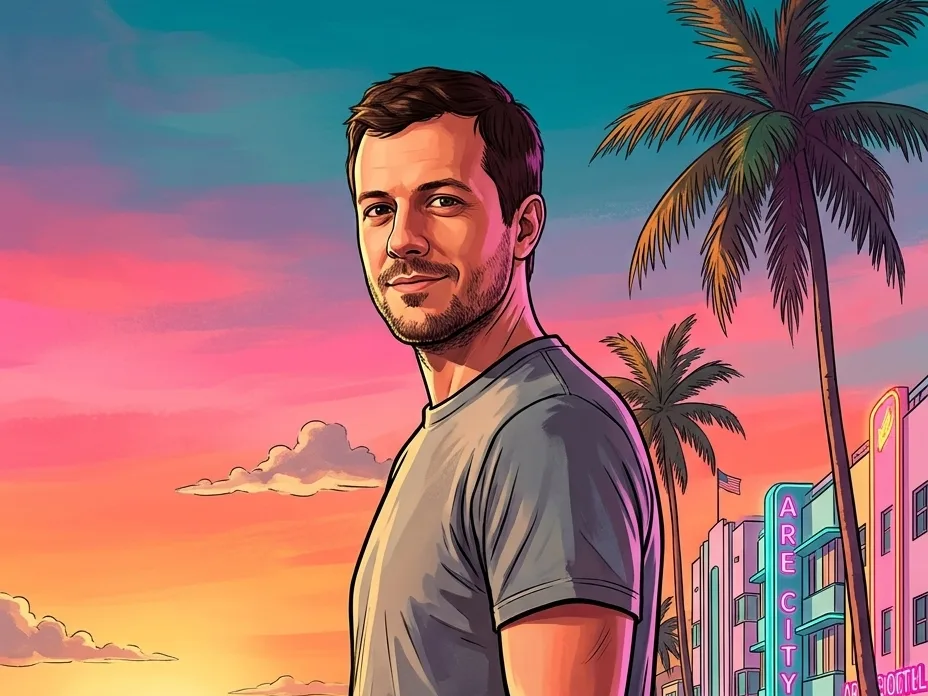
The same scene in landscape, with the person on the right and the wet neon street, the marina and the sunset filling the rest. Use it as a desktop wallpaper or a video thumbnail.
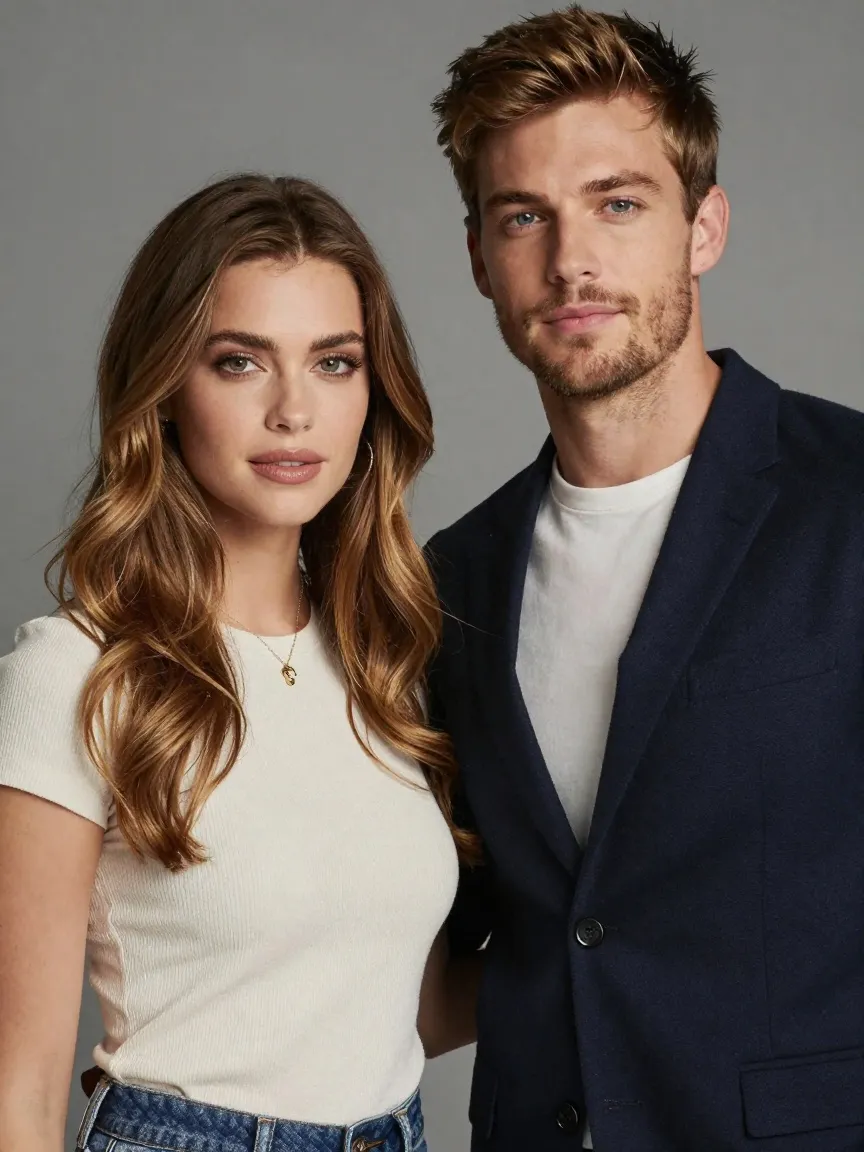
Crew art for group photos
Upload a photo of two or more friends and everyone lands in the same scene, each with their own pose, in front of a sports car by the marina.
Dog in the driver’s seat
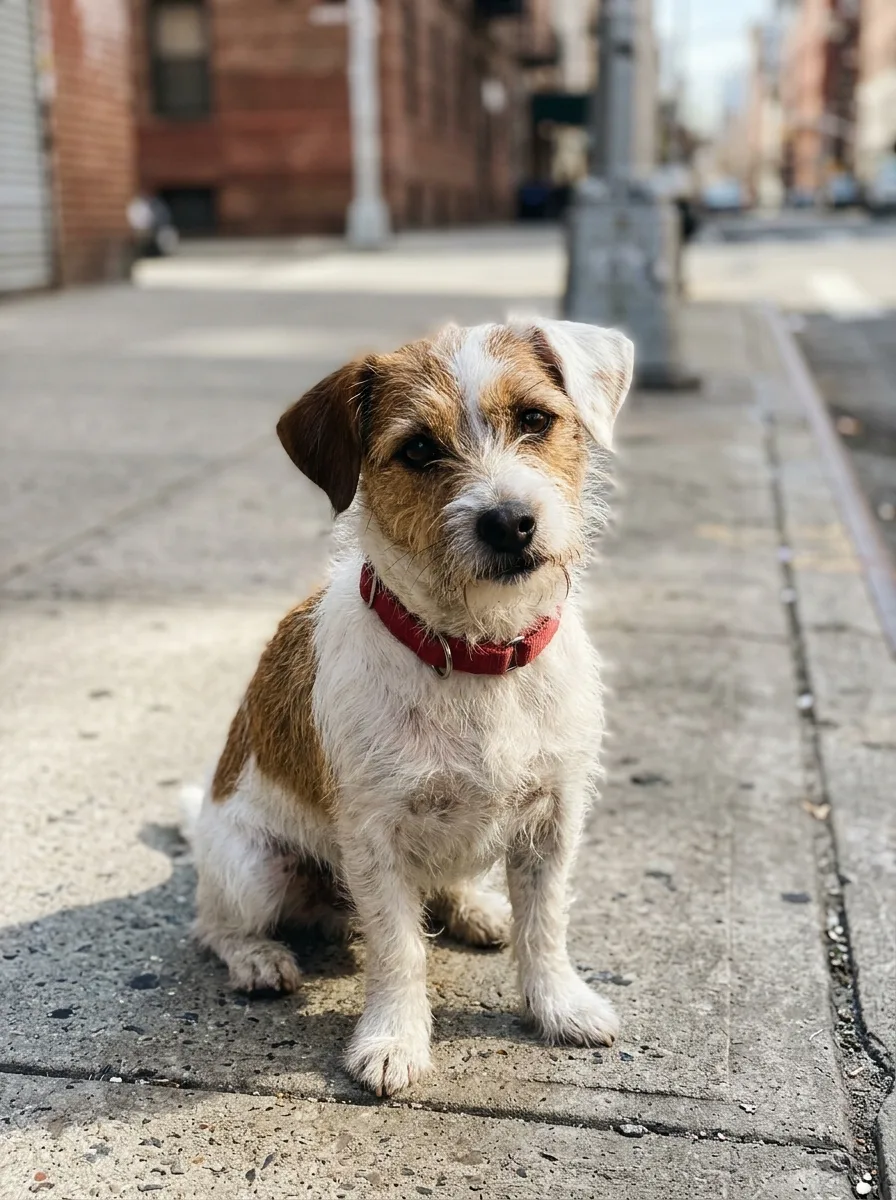
The pet style keeps the breed, the markings and the ears, then adds sunglasses, a gold chain and a silver convertible on the neon street. It works on cats too.
What people make with loading-screen art
The searches behind this page, and how the tool covers each one.
The loading screen trend
Make the vertical picture people post on TikTok, Instagram and X from one selfie, with no editing app.
Loading screen background
Use the 9:16 result as a phone lock screen, or the 16:9 one as a desktop or TV background.
No template needed
There is no Photoshop template to fill in. Upload the photo and the AI paints the whole scene around you.
Loading screen meme
Make a friend the hero of the screen for a group chat or a birthday post, with their permission.
Dog and cat edition
Pick Pet for a dog or cat in sunglasses behind the wheel of a convertible.
Crew and couple art
Turn a group photo into a crew scene for a Discord server banner, a game night invite or a couples post.
How to make your own GTA 6 loading screen
- 01
Upload a photo
One person, a group or a pet, with faces clear and well lit.
- 02
Pick a style
Vertical 9:16, Widescreen 16:9, Crew or Pet.
- 03
Generate
Your loading-screen art is ready in under a minute.
- 04
Download
Save the 2K PNG and post it or set it as a wallpaper.

GTA 6 loading screen FAQ
Something else? Email support@nano-banana.love.
How do I make my own GTA 6 loading screen?
Upload a photo on this page, pick Vertical, Widescreen, Crew or Pet, and click Generate. Nano Banana 2.1, an AI image model, redraws the photo in the GTA 6 loading-screen look: ink outlines, painted shading and a neon Vice City street in pink and violet light. You get a 2K PNG in under a minute, with no Photoshop and no template.
How do I do the loading screen trend on TikTok?
For the loading screen trend, pick Vertical 9:16, the format the trend uses, and upload a clear photo of yourself from the waist up. Download the 2K PNG and post it as a photo, or add it to a short video in the TikTok editor or CapCut. The picture has no game logo, so add your own caption if you want one.
What is the GTA art style called?
The GTA art style has no official name. Fans call it the loading-screen style or the GTA cover-art style. It is a digital illustration with dark ink outlines, bold colours and confident, slightly exaggerated poses. Rockstar Games uses it for the cover art and loading screens of Grand Theft Auto V. The GTA 6 version of the trend adds painted shading and a pink and violet Vice City palette.
Is the loading screen maker free?
Each loading-screen picture costs 2 credits. New accounts get 2 free credits on sign-up, enough for one to try it, as long as the account passes our one-per-person checks. After that you buy credits once and use them on any tool or model. There is no subscription.
Can I make loading-screen art of my dog?
Yes. Pick the Pet style and upload a clear photo of your dog or cat. The pet version keeps the breed, fur colour and markings, adds sunglasses and a gold chain, and puts the pet behind the wheel of a silver convertible on a neon Vice City street. A photo where the pet faces the camera gives the closest match.
Does it work with a group photo?
Yes. Pick Crew and upload a photo of two or more people. Everyone in the photo appears in one widescreen scene, each with their own pose, and no extra people are added. Faces that are very small or turned away may come out less accurate, so a photo where each face is clear works best.
Is this the real loading screen from GTA 6?
No. The pictures follow the fan-made GTA 6 loading-screen trend, set in Vice City, the city Rockstar Games has shown in its Grand Theft Auto VI trailers. They are AI art, not screens from the game, and this site is not linked to Rockstar. Grand Theft Auto VI comes out on November 19, 2026.
Will it add the GTA VI logo?
No. The loading-screen generator is told not to draw game logos, titles or rating badges, because the Grand Theft Auto logo is a trademark of Take-Two Interactive. The picture stays clean and yours to share, and you can add your own caption on top.
Can I upload a photo of a friend?
Only with their permission, and only of adults. You confirm you have the rights to the photo before you generate.
What happens to my photo?
Your photo is uploaded only to make your result. Uploads are deleted from our storage provider within about 24 hours, results stay downloadable in your account for 14 days, and we never use your photos to train AI models.

Load into Vice City
Upload a photo, pick a style and get your loading-screen art in under a minute.
Start creating