
Pokemon Scene Maker
Upload a photo and become the trainer in a retro pixel-art monster battle. Pick a detailed HD pixel scene with move effects, a classic four-green Game Boy screen, a Game Boy Color wild encounter or a pet version where your dog or cat does the fighting. Every creature is an original design. Each result is a 2K square image, ready in under a minute.
- 4 styles
- Original creatures
- 2K output
- Nano Banana 2.1
You or your pet in a retro pixel battle.
Sign in to use the tool. New accounts get free credits to try it.
Example
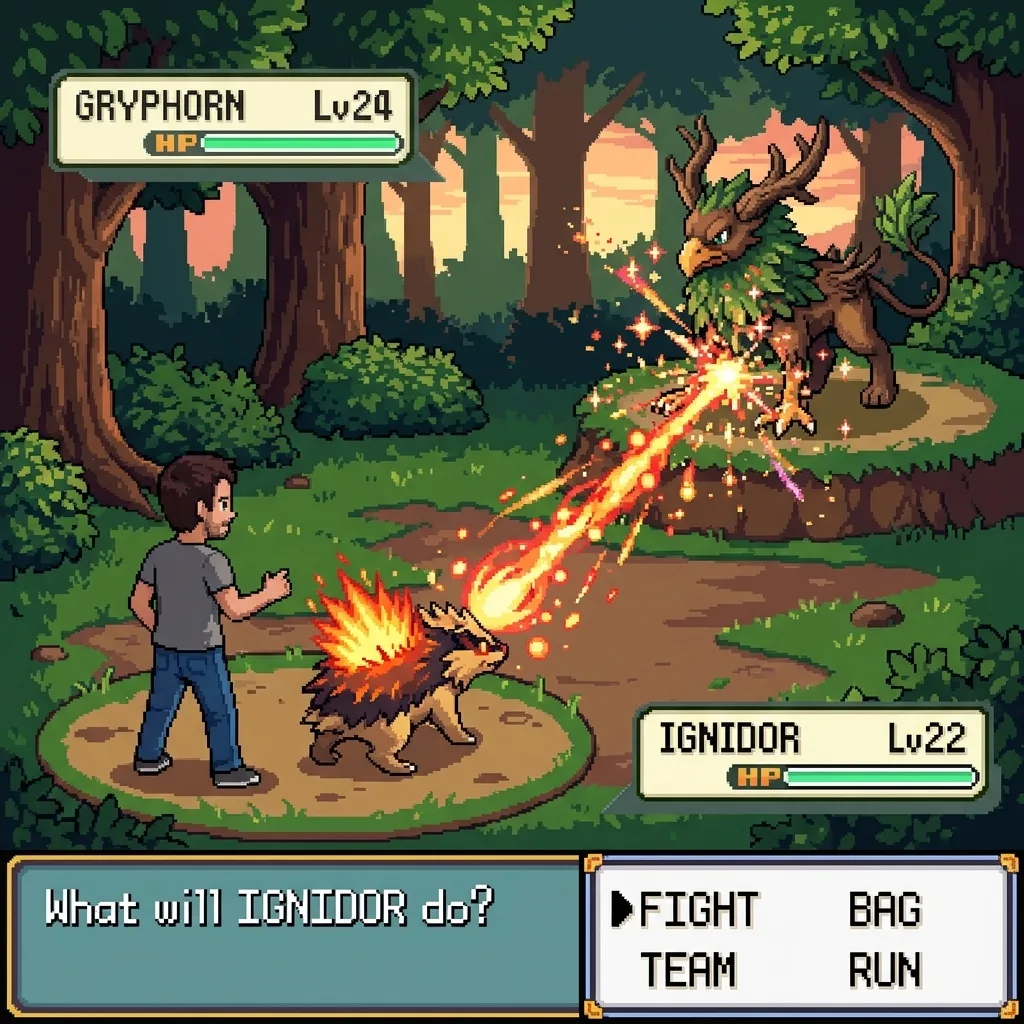 Example · HD pixel

What does the battle scene generator make?
The battle scene generator on this page turns one photo into a screen from a retro monster-collecting game. The person in the photo becomes a pixel-art trainer with the same hairstyle, skin tone and outfit. A partner creature stands next to the trainer, and a wild creature faces them across the field. The screen has the familiar battle layout: name boxes, levels, green HP bars and a FIGHT, BAG, TEAM, RUN menu. The result is a 2K square PNG.
There are four styles. HD pixel is detailed modern pixel art with glowing move effects and a clean, minimal interface. Classic Game Boy uses only four shades of olive green and chunky pixels, the look of the 1989 Game Boy’s 160 by 144 screen. Wild encounter is a brighter Game Boy Color style scene in tall grass, with an “A wild … appeared!” text box. Pet partner turns a dog or cat into the creature that fights for you.
Every creature is invented for the picture, so a new run gives a new matchup. The generator does not draw Pikachu or any other official Pokémon, Poké Balls or game logos, because those belong to Nintendo and The Pokémon Company. Think of the creatures as fakemon: fan-made monsters in the same spirit.
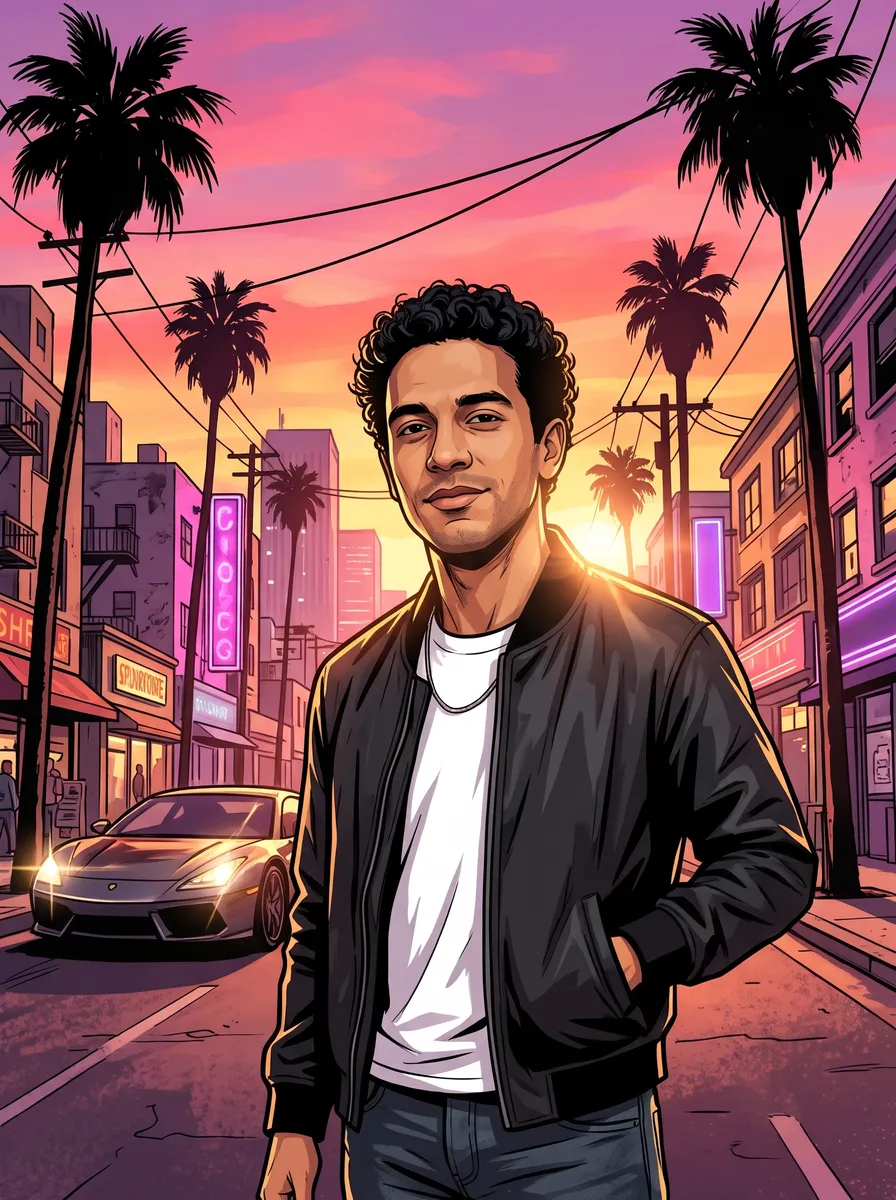
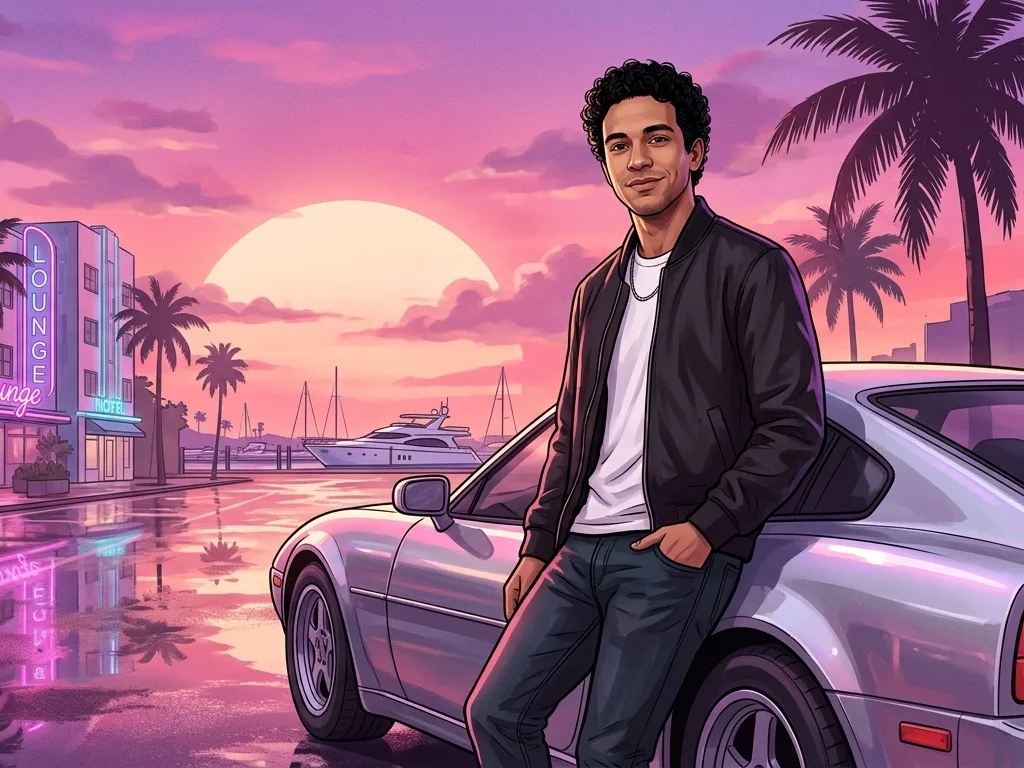
For a different game look from the same selfie, the GTA avatar maker redraws you as Grand Theft Auto style art. Both tools run on Google’s Nano Banana 2.1 image model.
Pokémon is a trademark of Nintendo, Creatures Inc. and GAME FREAK inc., and Game Boy is a trademark of Nintendo. This site is not affiliated with or endorsed by Nintendo or The Pokémon Company; it makes original fan-style pixel art.
Pixel-art battle scenes made from real photos
Real results from the four styles. The trainer keeps the face, hair and outfit from the photo; the creatures are new every time.
HD pixel battle
A street photo becomes a detailed pixel-art battle: the trainer stands in the lower left, the partner creature fires a glowing move, and the wild creature takes the hit. The interface is clean and minimal.
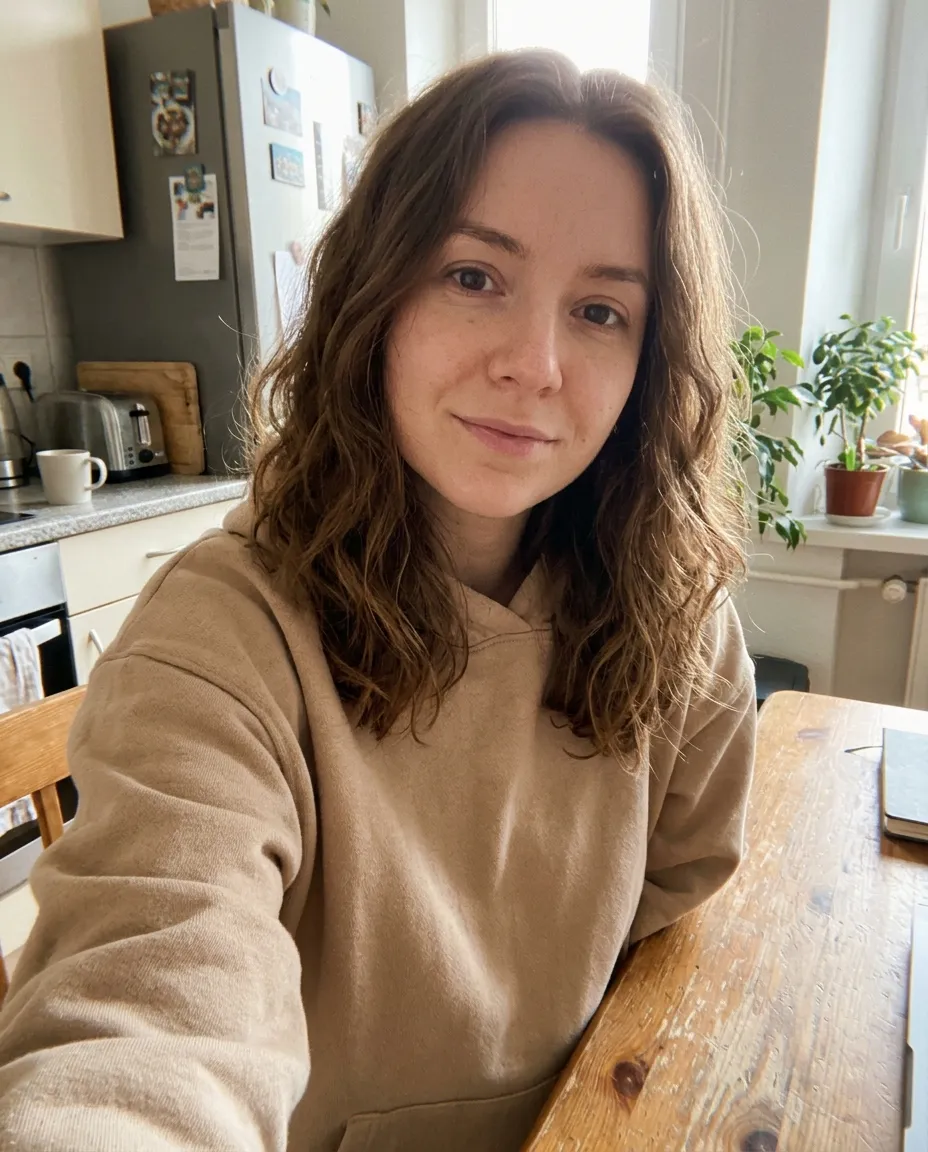
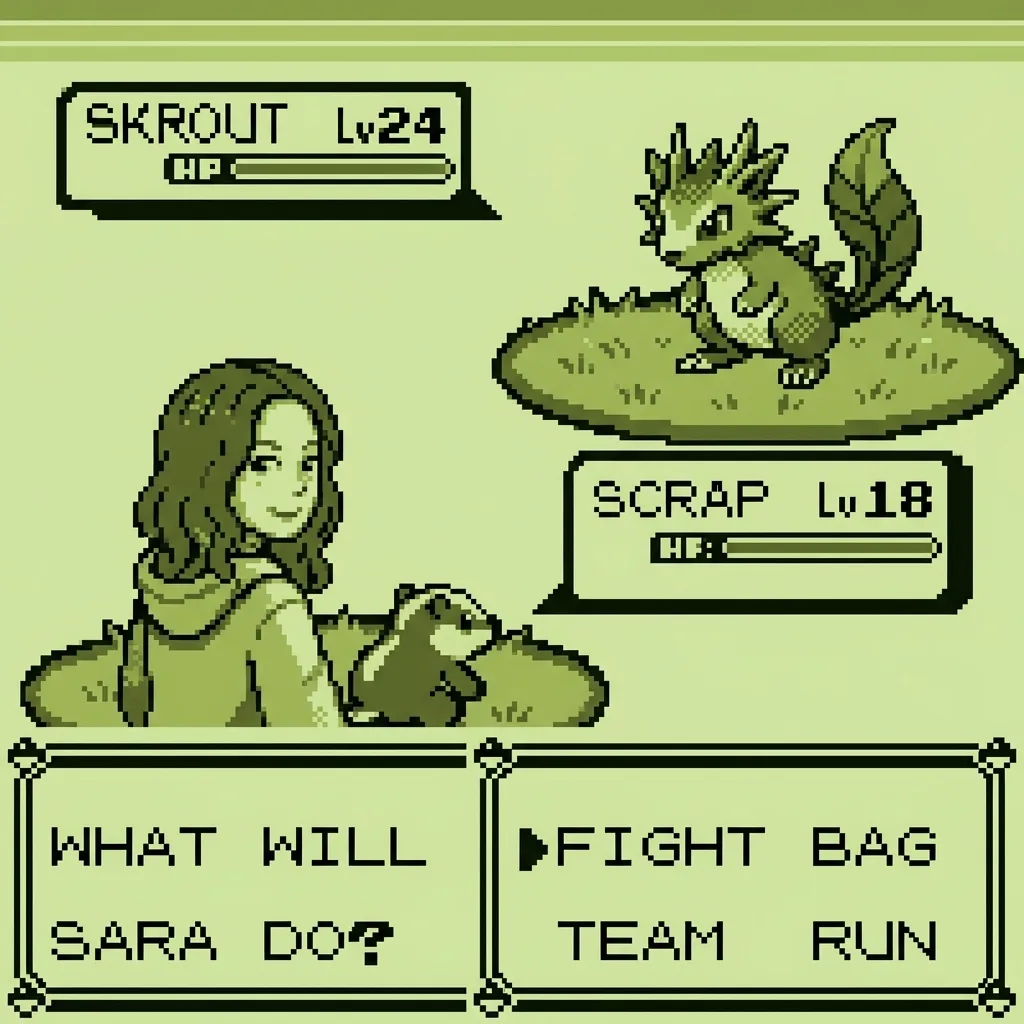
Classic Game Boy green
Four shades of olive green, chunky pixels and a blocky 8-bit font, like a battle on the original 1989 handheld. The hairstyle and outfit carry over into the sprite.
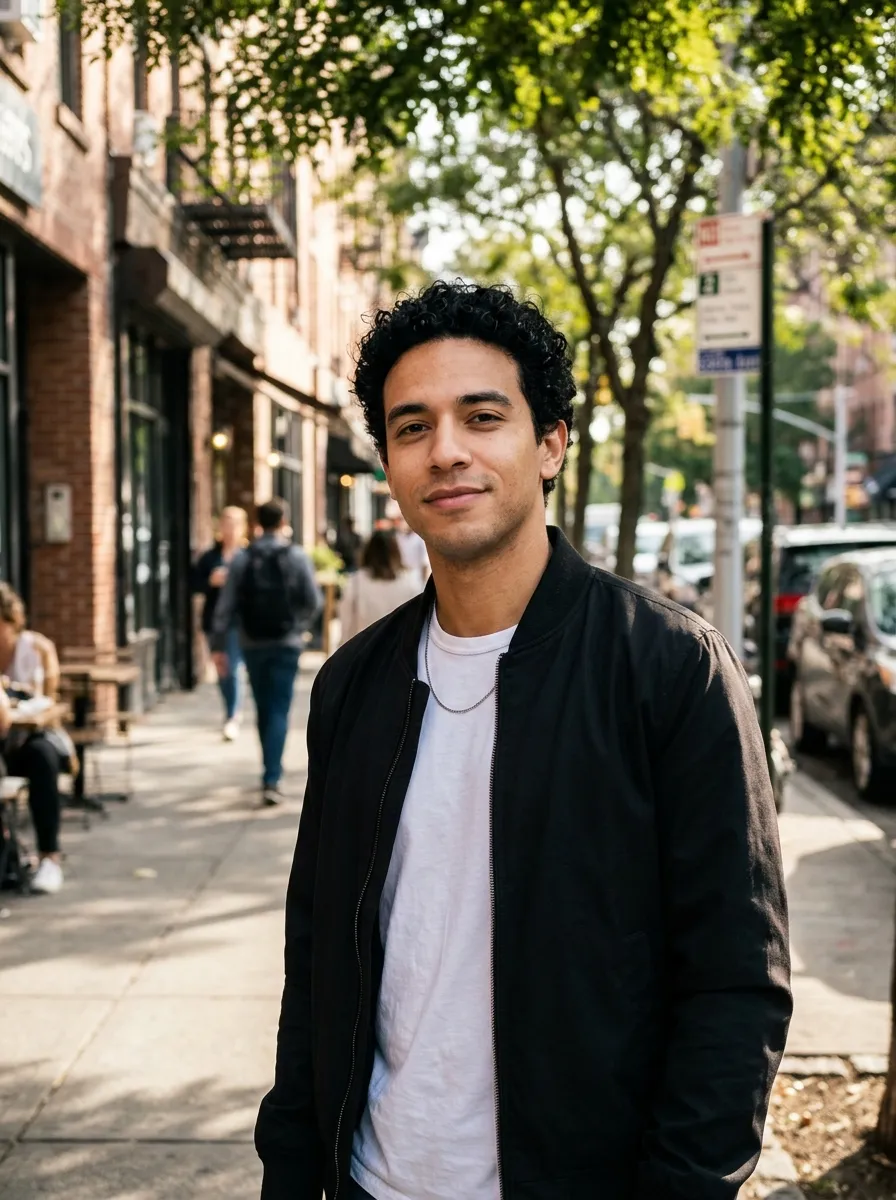
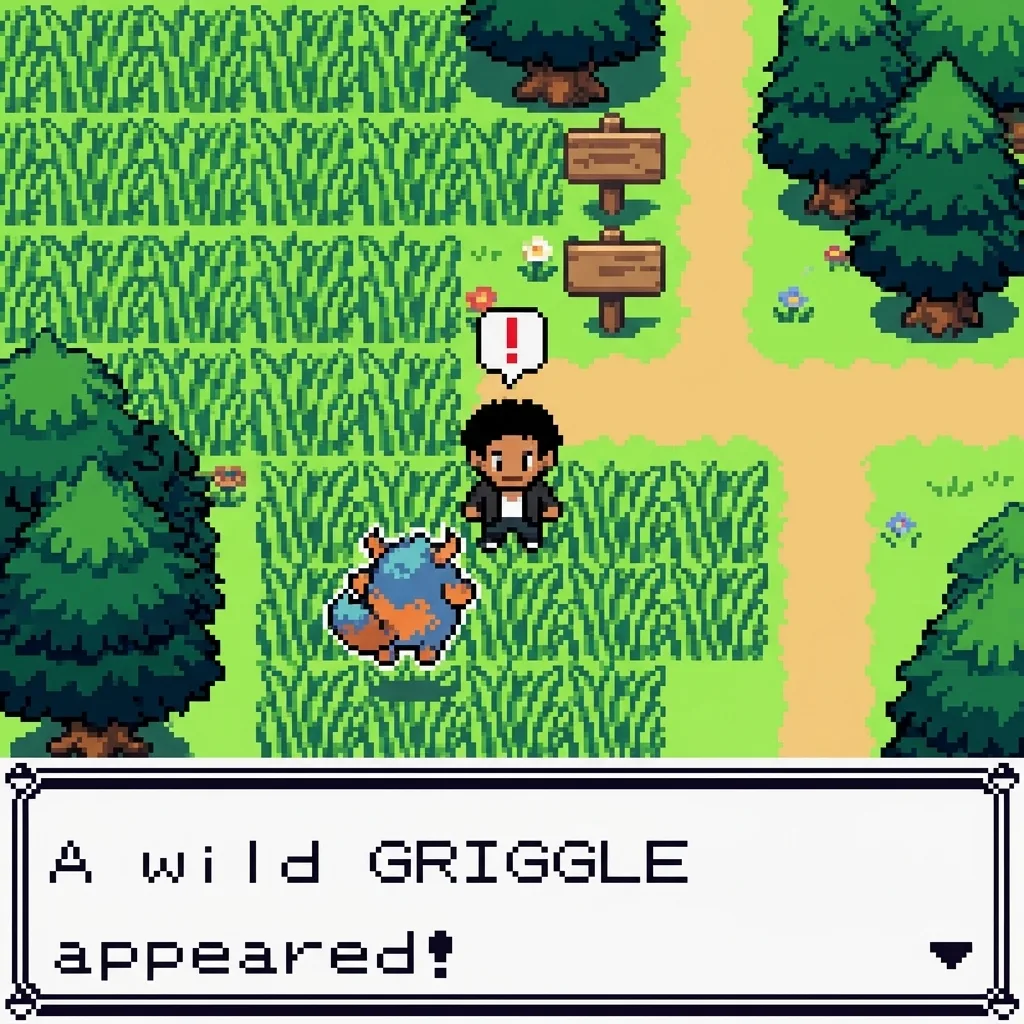
Wild encounter in the tall grass
A Game Boy Color style route: the trainer stands in tall grass, a wild creature jumps out and the text box announces it by an invented name.
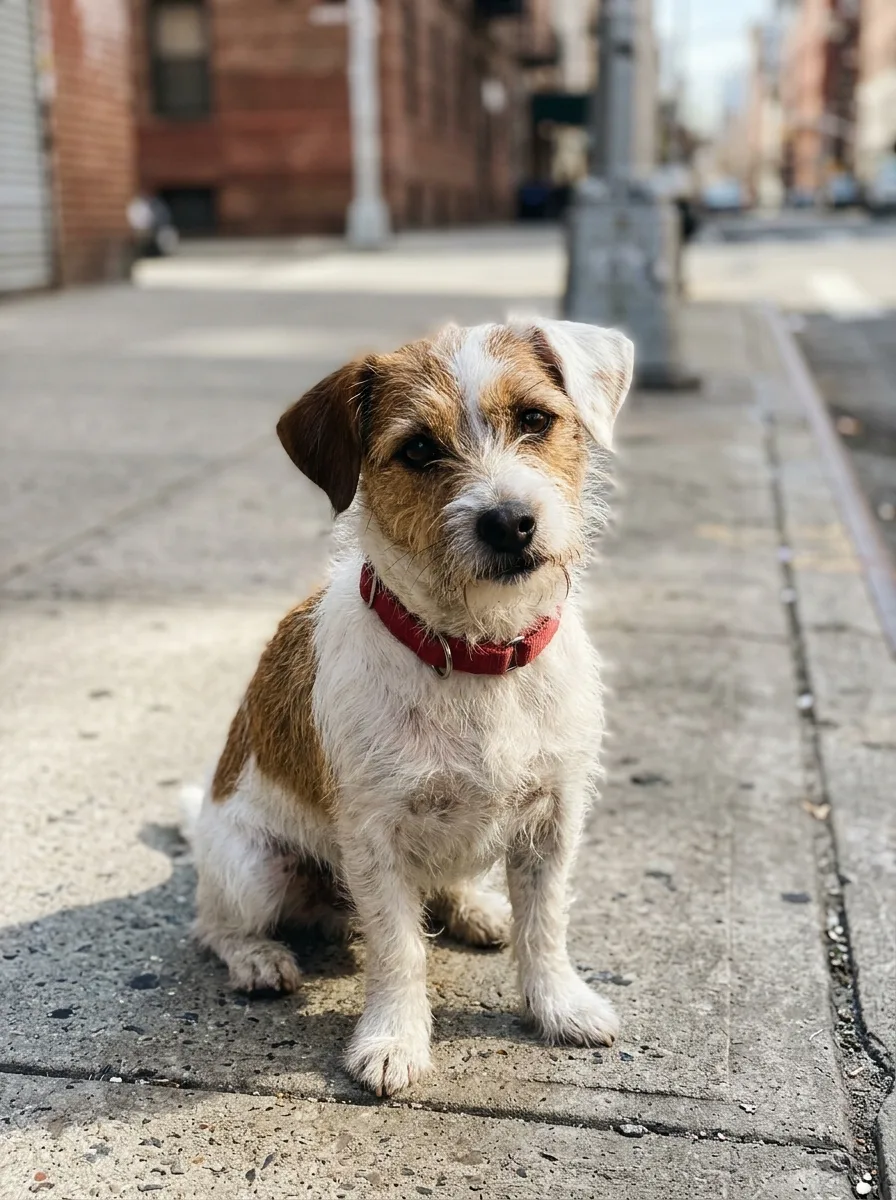
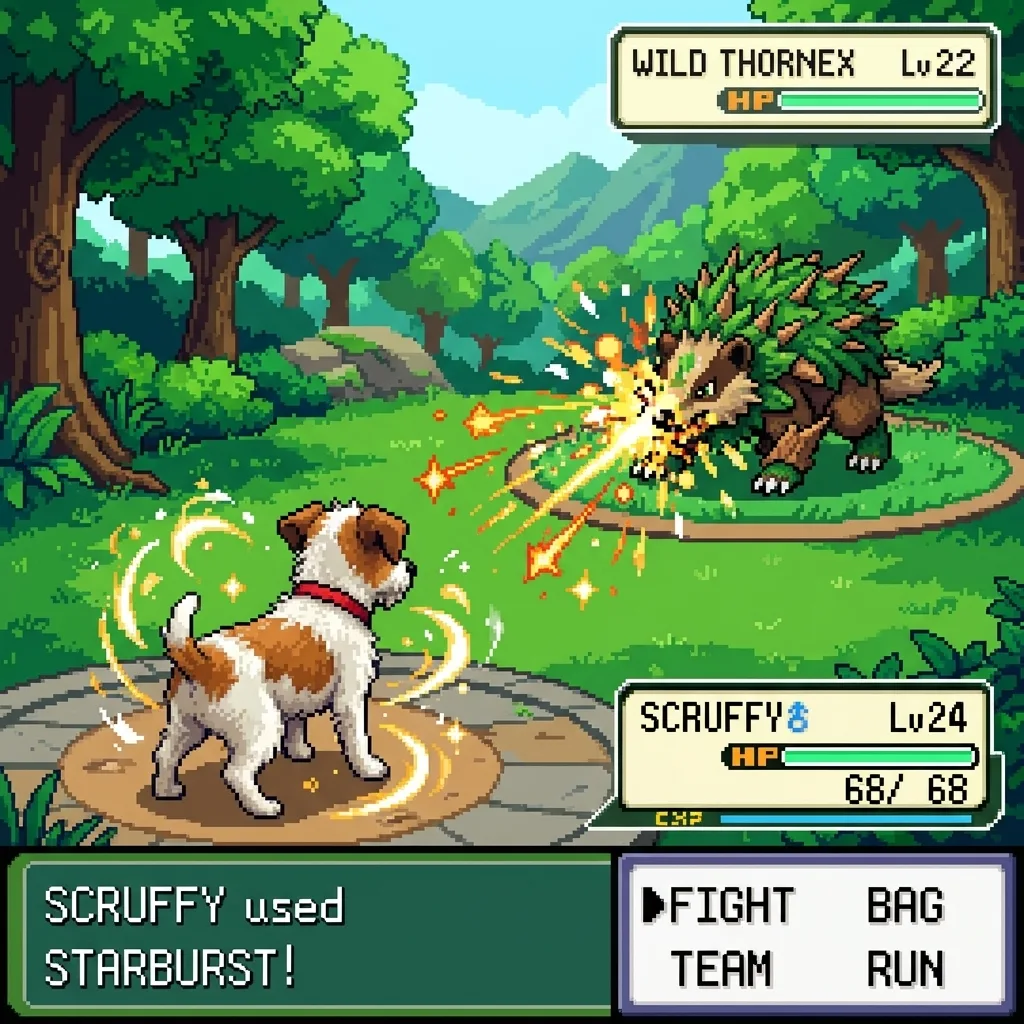
Your dog as the partner creature
The pet style keeps the breed, fur colour and markings, then turns the dog into a battle creature with an elemental aura and a nickname in the status box. It works on cats too.
What people make with a fake battle screen
The searches behind this page, and how the tool covers each one.
Battle scene template, already filled in
There is no template to download and fill in. Upload the photo and the AI paints the whole screen around you.
Fake battle memes
Put a friend in a battle for a group chat or a birthday post, with their permission.
Turn yourself into a trainer
Use the result as a profile picture for Discord, X or Twitch, with you as the trainer.
Game Boy pixel art wallpaper
The square 2K result fits a phone lock screen with a little cropping, or a print for a retro gaming corner.
Pixel art fakemon ideas
Every run invents new creatures. Use them as a starting point for your own fan-made monster designs.
Your pet’s battle debut
Pick Pet partner and your dog or cat becomes the creature that fights for you.
How to make a Pokemon battle scene of yourself
- 01
Upload a photo
One person or one pet, with the face clear and well lit.
- 02
Pick a style
HD pixel, Classic Game Boy, Wild encounter or Pet partner.
- 03
Generate
Your battle screen is ready in under a minute.
- 04
Download
Save the 2K PNG and post it, or run it again for a new matchup.
Battle scene generator FAQ
Something else? Email support@nano-banana.love.
How do I make a Pokemon battle scene of myself?
Upload a clear photo on this page, pick HD pixel, Classic Game Boy, Wild encounter or Pet partner, and click Generate. Nano Banana 2.1, an AI image model, redraws you as a pixel-art trainer in a retro monster-battle screen, with original creatures, HP bars and a battle menu. You get a 2K PNG in under a minute, with no template or drawing.
Is the battle scene generator free?
Each battle scene costs 2 credits. New accounts get 2 free credits on sign-up, enough for one to try it, as long as the account passes our one-per-person checks. After that you buy credits once and use them on any tool or model. There is no subscription.
Can I put Pikachu or other real Pokémon in the scene?
No. The battle scene generator only draws original creatures, because Pikachu and every other Pokémon are characters owned by Nintendo, Creatures and Game Freak. Each run invents a new partner and a new wild creature, so a second run gives a different matchup. For scenes with the official characters, play the official games or use a fan-made scene creator that ships the original sprites.
Does it look like a real Game Boy screen?
The Classic Game Boy style is drawn to look like one: only four shades of olive green, chunky pixels and a blocky 8-bit font, framed like the original 160 by 144 pixel screen. The picture is AI pixel art at 2K, not a real screenshot from a Game Boy or an emulator, so small details like the font can vary between runs.
Can I put my dog or cat in a battle scene?
Yes. Pick Pet partner and upload a clear photo of your dog or cat. The pet keeps its breed, fur colour and markings, and becomes the partner creature on the lower left, using a glowing move against an invented wild creature. A photo where the pet faces the camera gives the closest match.
Can I choose the creatures, moves or text?
Not on this page. The battle scene maker picks the creatures, names, moves and location for you, and you choose only the style. Run it again for a different matchup. To write your own scene, open the Nano Banana generator on the home page, upload your photo and describe the creatures, the move and the text you want.
How is this different from a drag-and-drop Pokemon scene creator?
Drag-and-drop scene creators, like the fan-made ones on Newgrounds or Scratch, let you place official sprites on a background and pick every element yourself. This tool paints a whole new scene from your photo, with you in it as the trainer, but it does not use official sprites and you do not place each piece. Use a drag-and-drop creator when you need exact control.
Will the trainer still look like me?
Mostly, at pixel-art level. The prompt keeps the hairstyle, hair colour, skin tone, glasses, facial hair and outfit colours from the photo, which is what makes a small pixel sprite recognisable. A full-body or waist-up photo with a clear face works best. Fine facial detail is lost, especially in the Classic Game Boy style.
Can I use someone else’s photo?
Only with their permission, and only of adults. You confirm you have the rights to the photo before you generate.
What happens to my photo?
Your photo is uploaded only to make your result. Uploads are deleted from our storage provider within about 24 hours, results stay downloadable in your account for 14 days, and we never use your photos to train AI models.

Step into the battle
Upload a photo, pick a style and get your pixel-art battle screen in under a minute.
Start creating