
AI Fat Filter Online
Upload a photo and the fat filter shows you a realistic heavier version of yourself, at three levels from chubby to very heavy. Your face, clothes and background stay the same; only the body changes.
- 3 levels
- 2K output
- PNG download
- Seedream 5.0 Lite
See yourself heavier in one photo.
Sign in to use the tool. New accounts get free credits to try it.
Example
 Example · Chubby

What a weight gain filter does
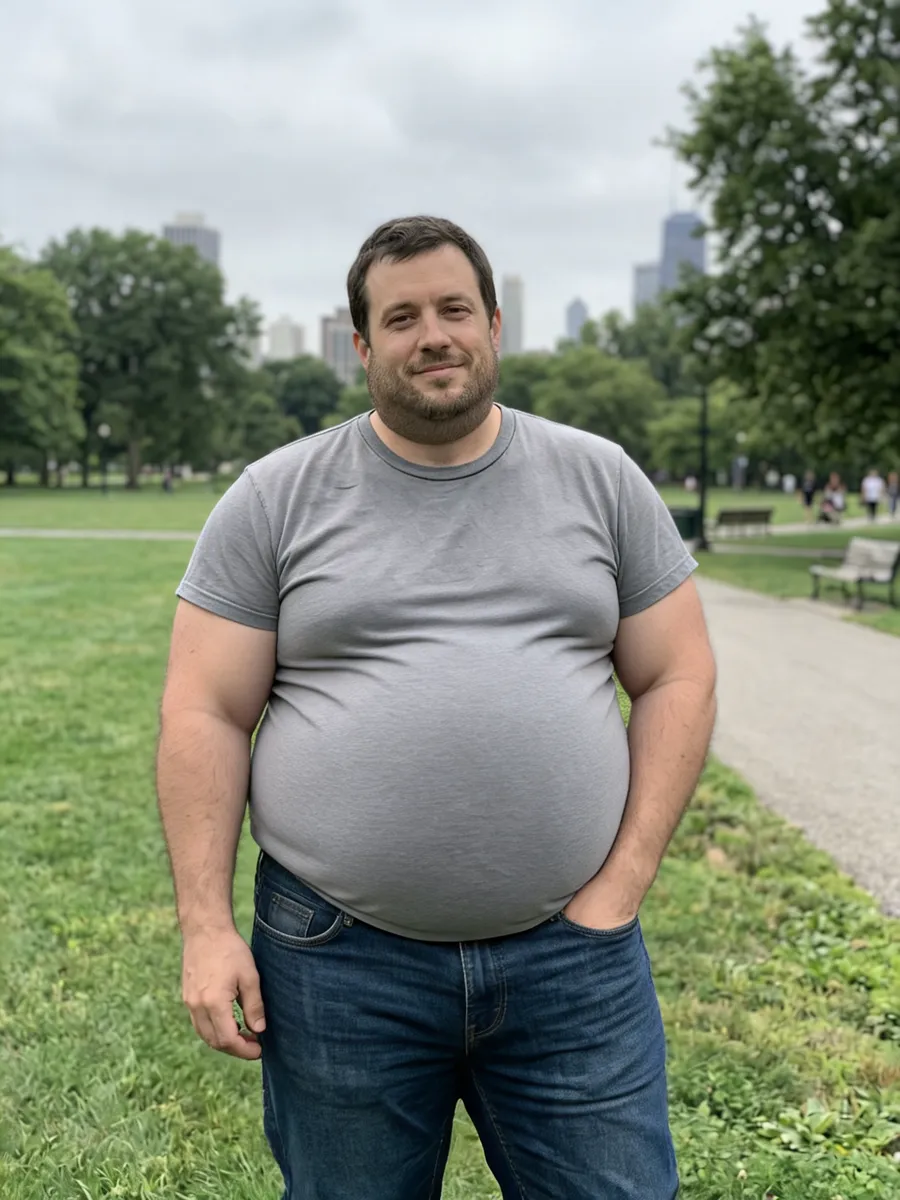
A fat filter adds weight to the person in a photo. Phone filters only stretch the face; this one redraws the whole body, so the cheeks, chin, neck, belly, arms and legs all change together and the same T-shirt stretches over the bigger frame, the way it would in real life.
You choose how far it goes: Chubby, Plus-size or Very heavy. The face stays recognisably yours, and the pose, framing, background and lighting stay as they were, so the before and after line up side by side.
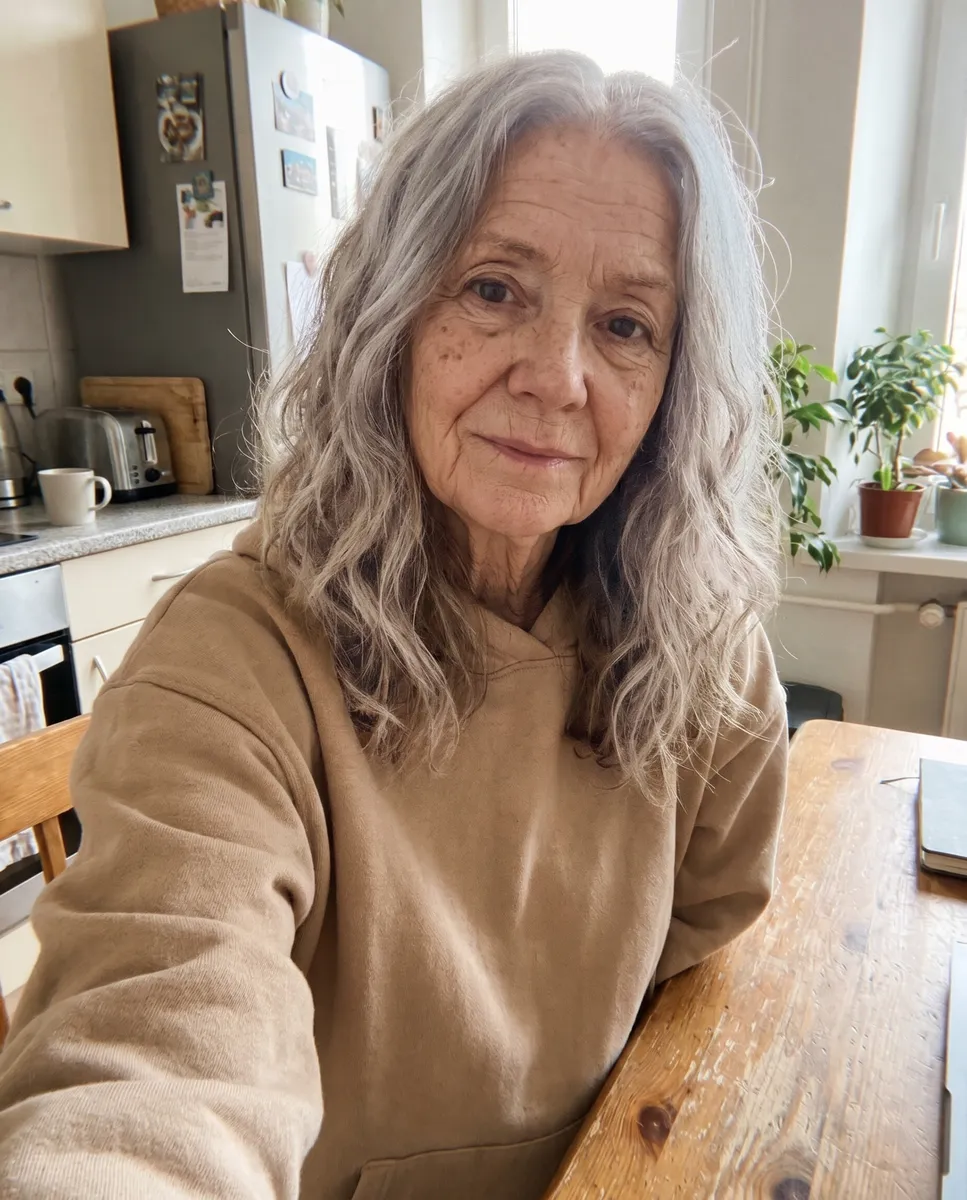
People use it as a weight gain filter for a laugh with friends, for a TikTok reaction, as motivation to keep training, or to picture a character’s body type. The edit runs on ByteDance’s Seedream 5.0 Lite, which follows body changes more faithfully than other models we tested. To see the same face decades older instead, try the old age filter.

Three levels, one photo
Each level is a separate result from the same photo, so you can pick the one that fits.
Chubby
A rounder face, a soft double chin starting and a belly that pushes the shirt out.
Plus-size
Clearly heavier all over: wider face, thick neck, big round belly, heavy arms.
Very heavy
The biggest change the filter makes, with the clothes straining over the larger body.
Ways to use the fat filter
What people search for, and how the filter covers it.
Weight gain filter
See what a few kilos, or a lot more, would look like on you, from one ordinary photo.
Make me fat
The classic prank: send a friend the “after” and watch the reaction.
TikTok and Reels
Post the before and after side by side; the face and background match, so the change lands.
Fitness motivation
Some people keep a heavier version of themselves as a reminder of why they train.
Characters and stories
Writers and game designers use it to picture a character at a different body type.
Online, no app
It runs in your browser on phone or desktop. Nothing to install.
How to use the fat filter
- 01
Upload a photo
One person, ideally waist or knees up, so the filter can change the whole body.
- 02
Pick a level
Chubby, Plus-size or Very heavy.
- 03
Generate
Your heavier version is ready in under a minute.
- 04
Compare and save
Flip between before and after, then download the 2K PNG.


Fat filter FAQ
Something else? Email support@nano-banana.love.
How does the fat filter work?
Upload a photo and choose a level. An AI image model redraws the person heavier, changing the face, neck, belly, arms and legs together, while it keeps the face, clothes, pose and background from your photo.
Is the weight gain filter free?
Each fat filter photo costs 2 credits. New accounts get 2 free credits on sign-up, enough for one to try it, as long as the account passes our one-per-person checks. After that you buy credits once and use them on any tool or model. There is no subscription.
Do I need to sign up?
Yes, a free account is needed to generate, so your results and credits are kept for you. Sign in with Google or an email and password; there is no app to install.
Does it work on a face-only selfie?
Yes, it rounds out the face, cheeks and chin. You get a more convincing result from a photo that shows the body too.
Will it still look like me?
Yes. The filter keeps your eyes, nose, mouth, skin tone, hair and expression, and only changes the body. The background, pose and lighting stay the same.
Can I use it on someone else’s photo?
Only with their permission, and only of adults. Please do not use it to mock or shame anyone; you confirm you have the rights to the photo before you generate.
What happens to my photo?
Your photo is uploaded only to make your result. Uploads are deleted from our storage provider within about 24 hours, results stay downloadable in your account for 14 days, and we never use your photos to train AI models.

Try the fat filter on your photo
Upload a picture, pick a level and see the heavier you in under a minute.
Start creating