
AI Image Upscaler
Upscale any image to 2K or 4K. The upscaler adds real detail as it enlarges, so a small, soft or low-resolution picture comes back sharp: faces, hair, text and textures included.
- 2K or 4K
- 1 credit
- PNG download
- SeedVR
Upscale images to 2K or 4K with sharp detail.
Sign in to use the tool. New accounts get free credits to try it.
Example
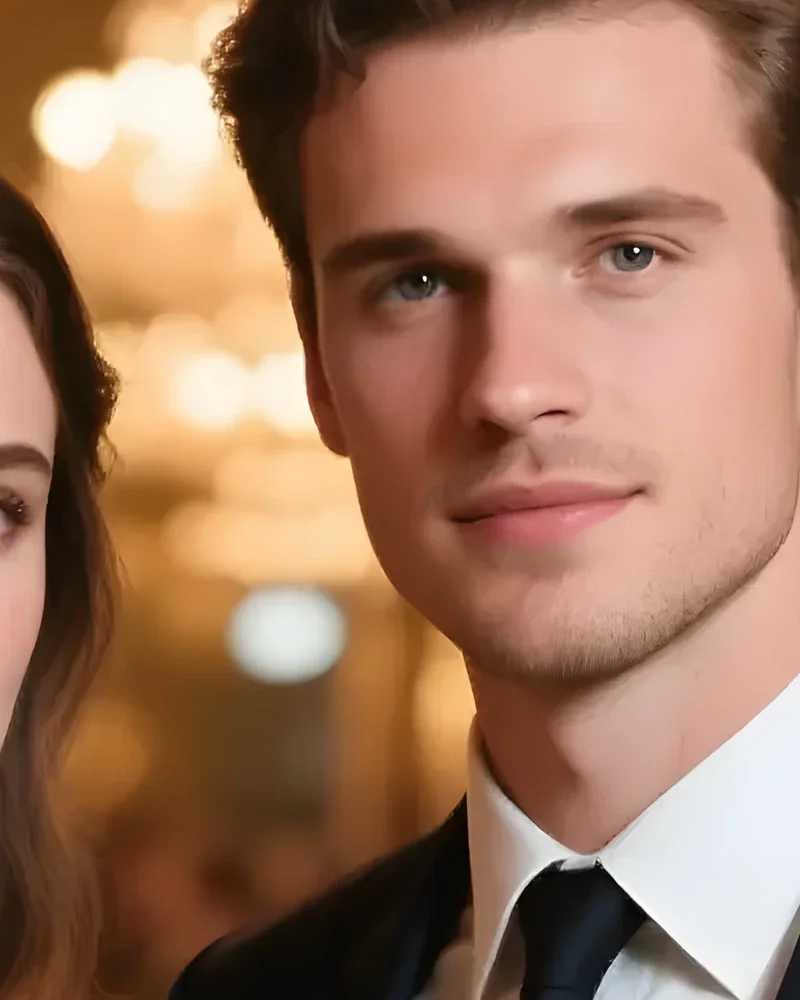 Example · 4K (detail)
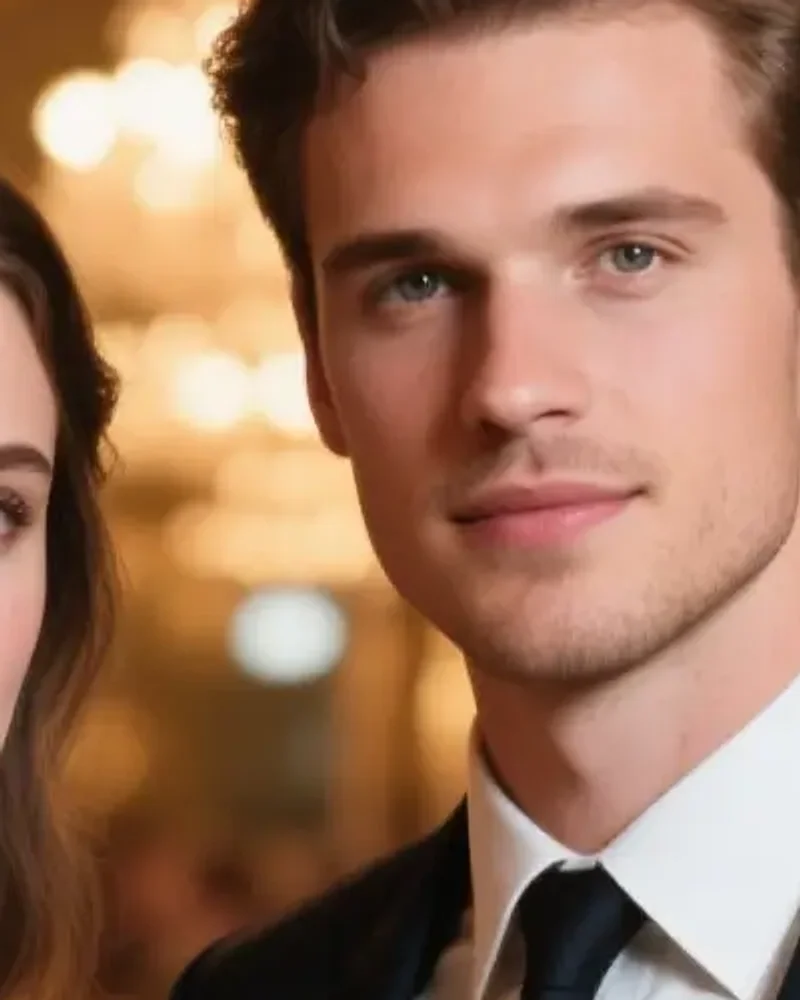
What AI upscaling does
Stretching a small image in an editor only makes the pixels bigger, so the picture gets softer the more you enlarge it. An AI upscaler predicts the detail that should be there and draws it in, so you can increase image resolution without losing quality: edges stay clean, and skin, hair and small text stay crisp.
Pick the resolution you need. 2K is plenty for websites, social posts and presentations; 4K (Ultra HD) suits large screens, wallpapers and prints. The upscaler works out how much to enlarge your image to reach that size and keeps its shape.
It runs SeedVR, ByteDance’s image restoration and upscaling model, and each upscale costs 1 credit, whichever resolution you pick. Want a prompt to recreate the picture as well? Turn it into a prompt.
Before and after upscaling
Both sides are shown at the same size; the right side has the extra resolution.
Up to 4K
A close-up of the faces in a photo taken to 4K: skin, hair and eyes stay crisp instead of going soft.

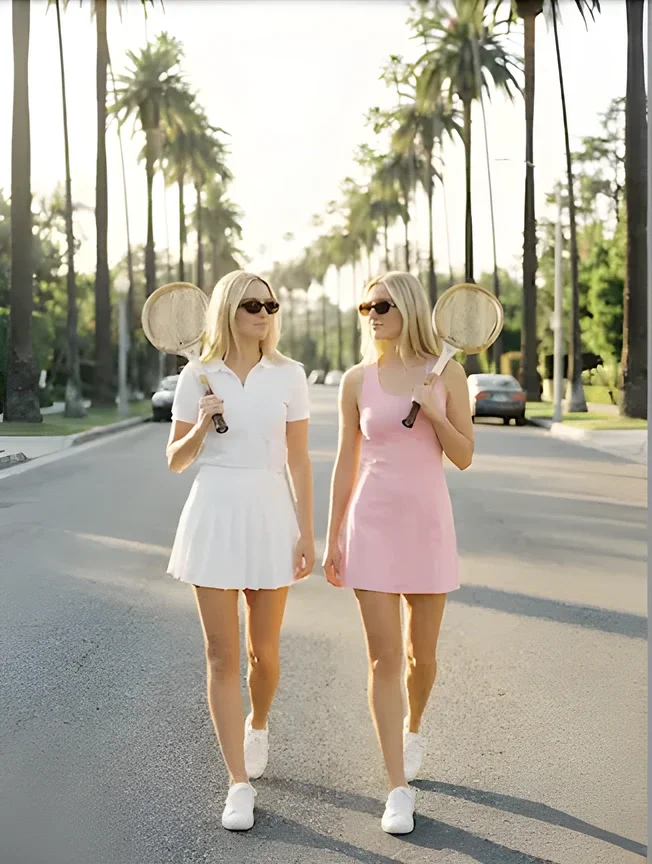
Small photo, bigger and sharper
A 326px snapshot enlarged with cleaner edges and more detail than a normal resize.
What to upscale
The searches behind this page, and what the upscaler does for each.
Upscale image to 4K
Convert an image to 4K resolution for big screens, wallpapers and presentations.
Increase image resolution
Turn a low-resolution picture into a high-resolution one without the blur of a normal resize.
Upscale image quality
Restore detail in soft, compressed or noisy photos as they are enlarged.
AI art and generations
Take a 1K AI image to 2K or 4K before printing or posting it.
Old, small and product photos
Bring back detail in old scans and chat photos, or meet marketplace size rules for product images.
Image upscaler online
Upscale images online in your browser, on phone or desktop. No Photoshop, no download.
How to upscale an image to 4K
- 01
Upload an image
JPG, PNG or WebP. Small and low-resolution images gain the most.
- 02
Pick 2K or 4K
Choose the resolution you need. Either costs 1 credit.
- 03
Upscale
The AI enlarges the image and adds detail, usually in under a minute.
- 04
Compare and download
Flip between before and after, then save the high-resolution PNG.
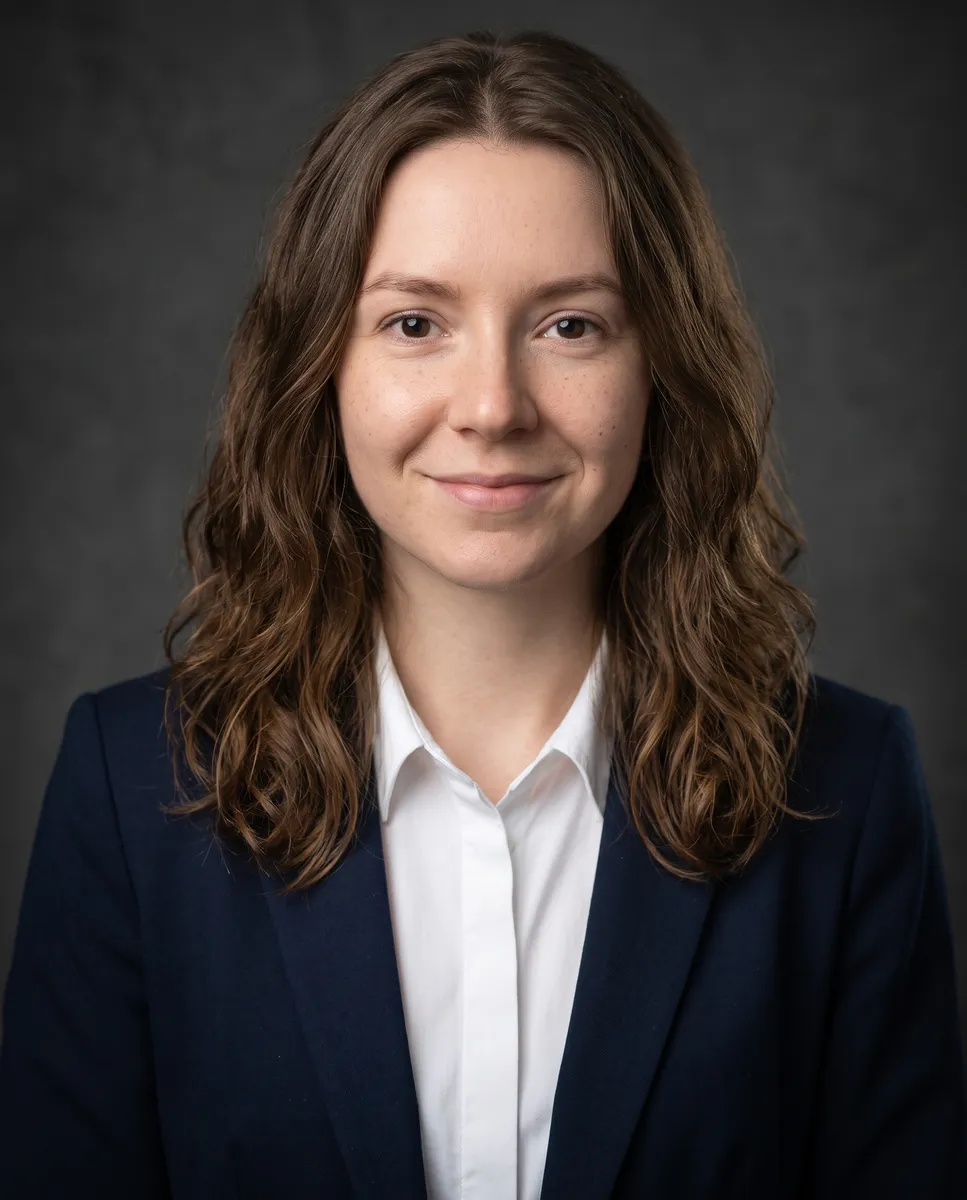
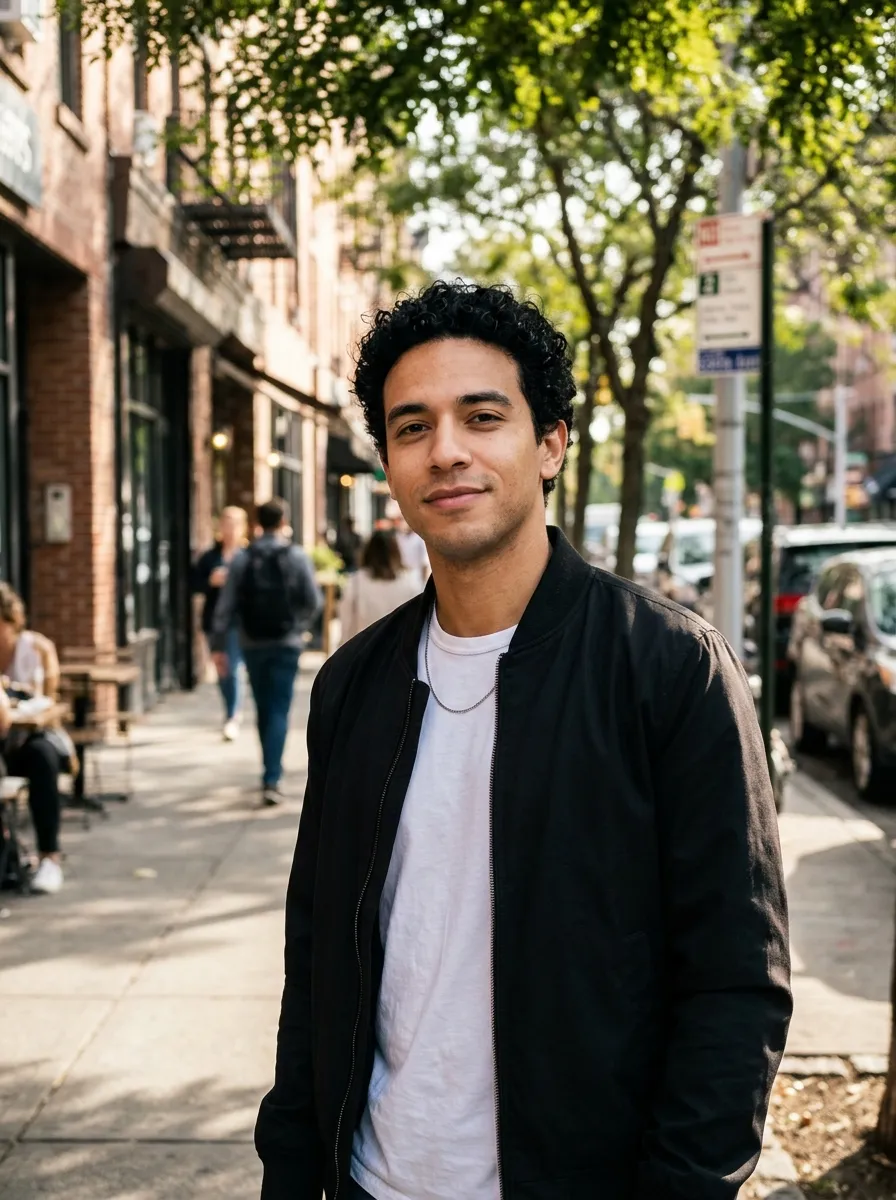
Image upscaler FAQ
Something else? Email support@nano-banana.love.
How does AI image upscaling work?
Upload an image and pick 2K or 4K. The upscaler works out how much to enlarge it to reach that resolution, and an AI model adds the fine detail a normal resize would blur. You download the result as a PNG.
How do I upscale an image to 4K?
Upload the image, pick 4K and click Upscale. The result comes back in 4K (Ultra HD) resolution with the same shape as your original, ready to download.
Can I increase image resolution without losing quality?
Yes, that is what AI upscaling is for. Instead of stretching pixels, the model rebuilds edges, textures and small text at the higher resolution, so the image stays sharp.
Is the image upscaler free?
Each upscale costs 1 credit. New accounts get 2 free credits on sign-up, enough for 2 to try it, as long as the account passes our one-per-person checks. After that you buy credits once and use them on any tool or model. There is no subscription.
What is the difference between 2K and 4K?
Both are high resolution. 2K suits websites, social posts and slides; 4K has more than twice the pixels and suits large screens, wallpapers and prints. Both cost the same here.
Can it upscale to 8K?
No. The highest option is 4K. For screens, web pages and most prints, 4K is plenty.
Will it fix a very blurry photo?
It sharpens soft, compressed and low-resolution images well. It cannot recover detail that was never captured, like a face lost to heavy motion blur.
What happens to my image?
Your image is uploaded only to make your result. Uploads are deleted from our storage provider within about 24 hours, results stay downloadable in your account for 14 days, and we never use your images to train AI models.

Upscale your image to 4K
Upload an image, pick 2K or 4K and download a sharper, high-resolution version.
Start creating