
Guide
What Is Nano Banana? Google's AI Image Models and Tools Explained
Nano Banana is Google's AI image model family — three models with different strengths, a complete suite of editing tools, and a growing library of creative styles. This guide explains what each model does, what tools are available, and how to pick the right starting point for your work.
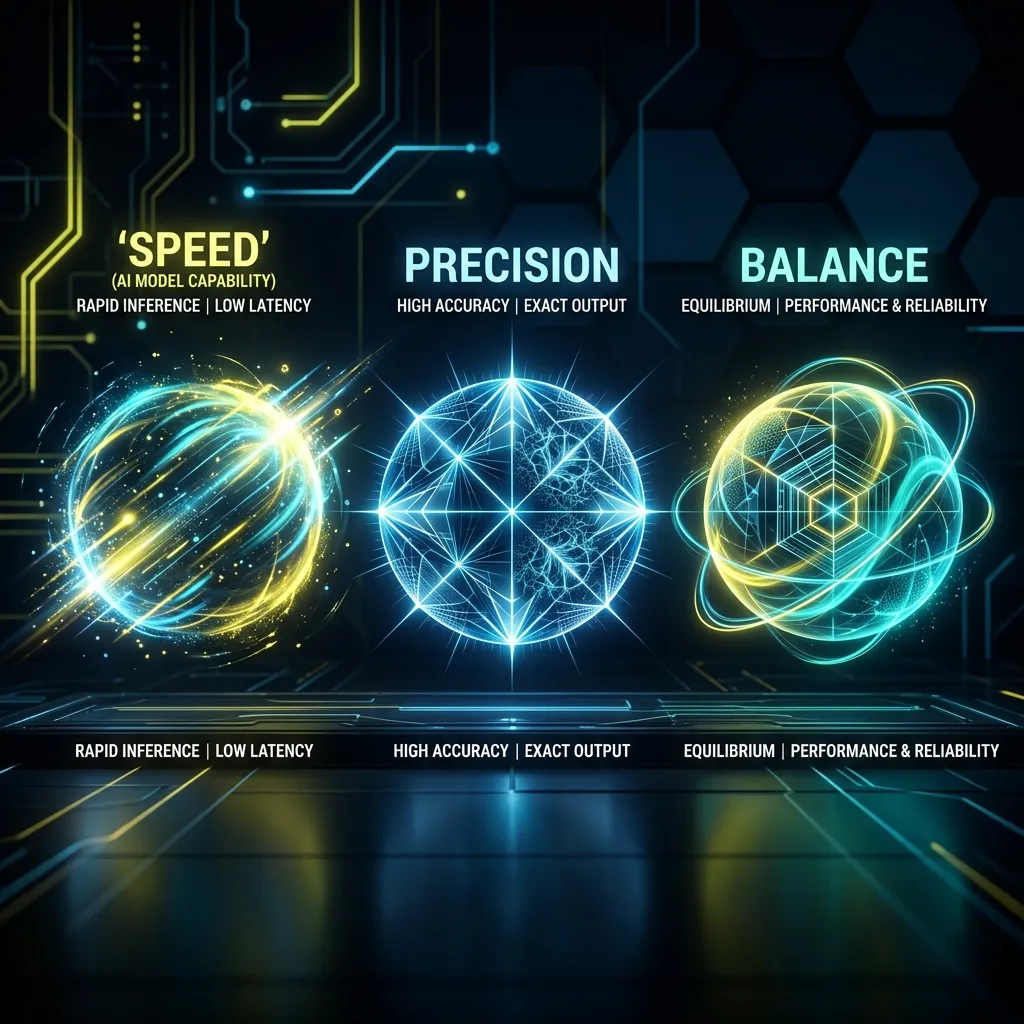
What Is Nano Banana?
Nano Banana is the codename for Google's native AI image generation and editing models, built into the Gemini ecosystem. The name started as an internal project codename and became publicly known when the model appeared on the LMArena benchmark leaderboard before its official launch.
Under the Nano Banana umbrella, Google has released three distinct models, each solving a different image problem. Think of them as three tools in the same toolbox — same family, different jobs.
The timeline tells the story: Google shipped the original Nano Banana (Gemini 2.5 Flash Image) in August 2025 for fast, high-volume generation. Three months later, Nano Banana Pro arrived on Gemini 3 Pro for professional-grade precision. Then in February 2026, Nano Banana 2 launched on Gemini 3.1 Flash with a promise to combine Pro-level capability with Flash-level speed.
All three models share Google's SynthID watermarking technology and support both text-to-image generation and conversational image editing. They are available through the Gemini App, Google AI Studio, and the Vertex AI API.
The Three Models at a Glance
| Model | Base | Released | Best for |
|---|---|---|---|
| Nano Banana | Gemini 2.5 Flash Image | August 2025 | Fast iteration and exploration |
| Nano Banana Pro | Gemini 3 Pro Image | November 2025 | Dense briefs, typography, HD-first output |
| Nano Banana 2 | Gemini 3.1 Flash Image | February 2026 | Pro quality at Flash speed — best default |
Nano Banana: When Speed Is the Job
Need to test five ideas before lunch?
Nano Banana
is where you start. Google built it around low latency and fast iteration. It handles multi-image blending, natural-language edits, and character consistency — but the real value is momentum. You type a prompt, see a result in seconds, adjust, and go again.
This is the model for exploration. Roughing out concepts, testing prompt structures, trying directions you might throw away. It is less about pixel-perfect output and more about keeping your creative flow moving forward.
Nano Banana Pro: When the Brief Cannot Be Approximated
shifts the priority from speed to precision. Built on Gemini 3 Pro, it brings advanced reasoning, stronger instruction following, high-fidelity text rendering, and more consistent brand-aligned output.
Think of Pro as the model you reach for when the brief is dense, the typography must be readable, or the client will notice if the layout drifts. It is not just a prettier version — it is a reasoning-heavier model that stays closer to complex instructions and produces cleaner output for professional workflows.
Nano Banana 2: Pro Power Without the Wait
is why the Nano Banana family matters in 2026. Google stopped treating "fast" and "capable" as a tradeoff. The February 2026 launch positioned Nano Banana 2 as combining Pro capabilities with lightning-fast speed.
The details tell the real story: Nano Banana 2 maintains consistency for up to five characters and fidelity for up to fourteen objects in a single workflow. It supports production-ready resolutions from 512 pixels up to 4K across a wide set of aspect ratios. Advanced world knowledge. Sharper details. Richer textures. Stronger instruction following.
The short version: fast iteration that no longer feels like a compromise. For most serious image work today, Nano Banana 2 is the recommended starting point.
Beyond Generation: The AI Tool Suite
Nano Banana is not just an image generator. On this site, you get access to a complete set of AI-powered editing tools that work alongside generation. This is what turns a single model into a complete image workflow:
— Swap faces between two photos with realistic results. The most popular tool on the platform, handling everything from creative portraits to professional photo editing. Upload a source face and a target image and get a convincing swap in seconds.
— Upscale any image to 2K, 4K, or 8K resolution. The AI enhancement preserves detail, sharpens edges, and removes compression artifacts. Essential for printing, professional displays, and rescuing low-resolution source material. Whether you need to upscale a photo to 4K for a client presentation or push it to 8K for large-format printing, this tool handles both.
— Remove backgrounds from images instantly. Built with deep learning models trained on millions of images, the tool handles complex edges like hair, fur, and transparent objects. Download as transparent PNG for product photos, portraits, and compositing.
— Automatically detect and remove watermarks from images. Clean up stock photos and restore images to their original quality.
— Transform any photo into Studio Ghibli-inspired anime art. Upload a photo and get the iconic soft-palette, hand-painted Ghibli aesthetic applied to your image.
— Generate detailed image descriptions with adjustable detail levels. Useful for accessibility, social media captions, alt text, and prompt reverse engineering.
All six tools are available from the
AI Tools page
. Some are free. Others use the same credit system as image generation.
Portrait Styles and Creative Filters
Beyond generation and editing, Nano Banana includes a library of one-click portrait styles that eliminate prompt writing entirely. Upload one photo, pick a style, and get a transformed result:
— Upload a portrait and find your celebrity twin. Popular for social content and entertainment.
— Transform a portrait through a different gender presentation while keeping the identity recognizable.
— Make any photo look older or younger with seven realistic age presets from baby to very old.
— Preview a heavier-looking version of a portrait while keeping the identity recognizable.
— Add a natural, warm smile to a flat-expression portrait.
— Soft facial enhancement that improves skin tone and portrait polish without changing identity.
Professional styles are available too, including
LinkedIn-style headshots
,
CEO-style executive portraits
, and
cinematic studio close-ups
. Browse the full collection in the
Style Gallery
.
See It in Action: Real Use Cases
Model names are abstract. Image problems are concrete. Here are five real use cases that show where Nano Banana's strengths show up:
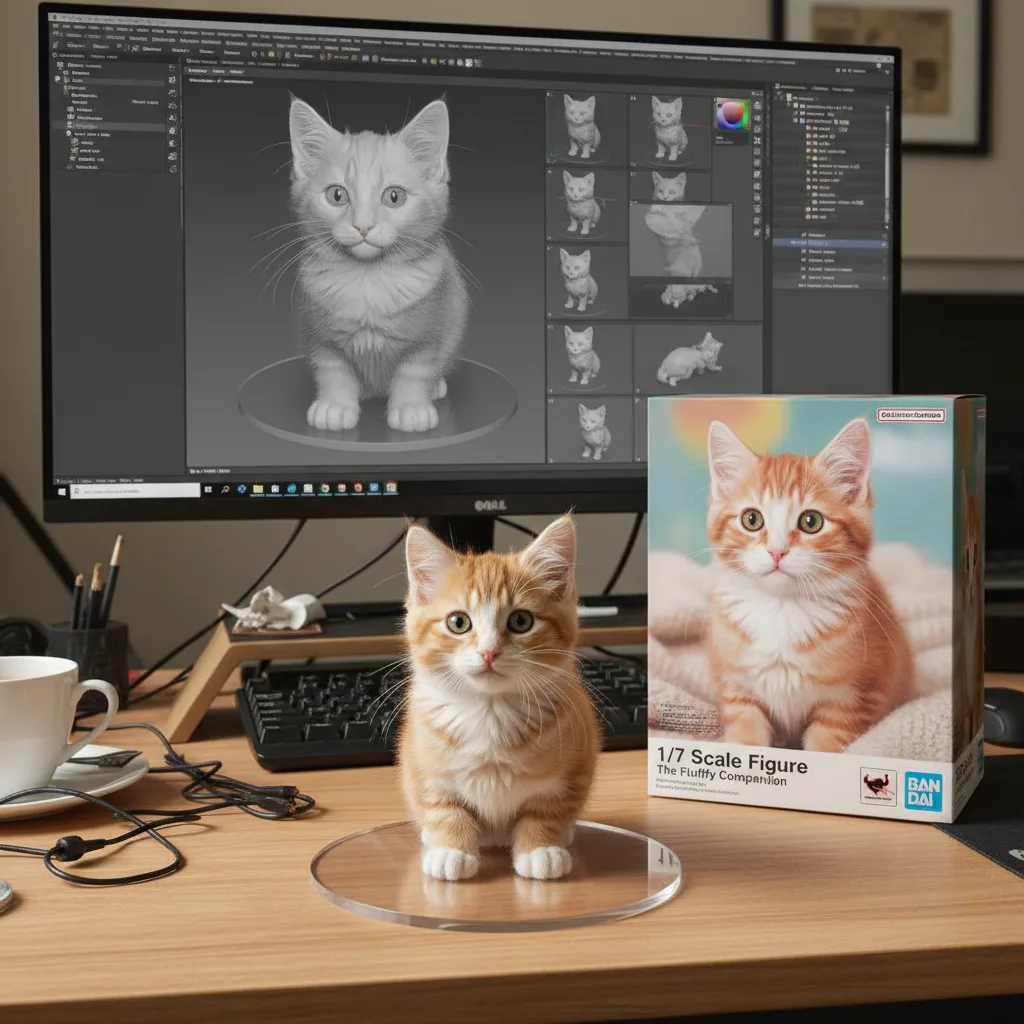
— Product thinking meets character presentation. When a model holds packaging logic, character pose, and material rendering together, it stops being a toy and becomes a concept tool.
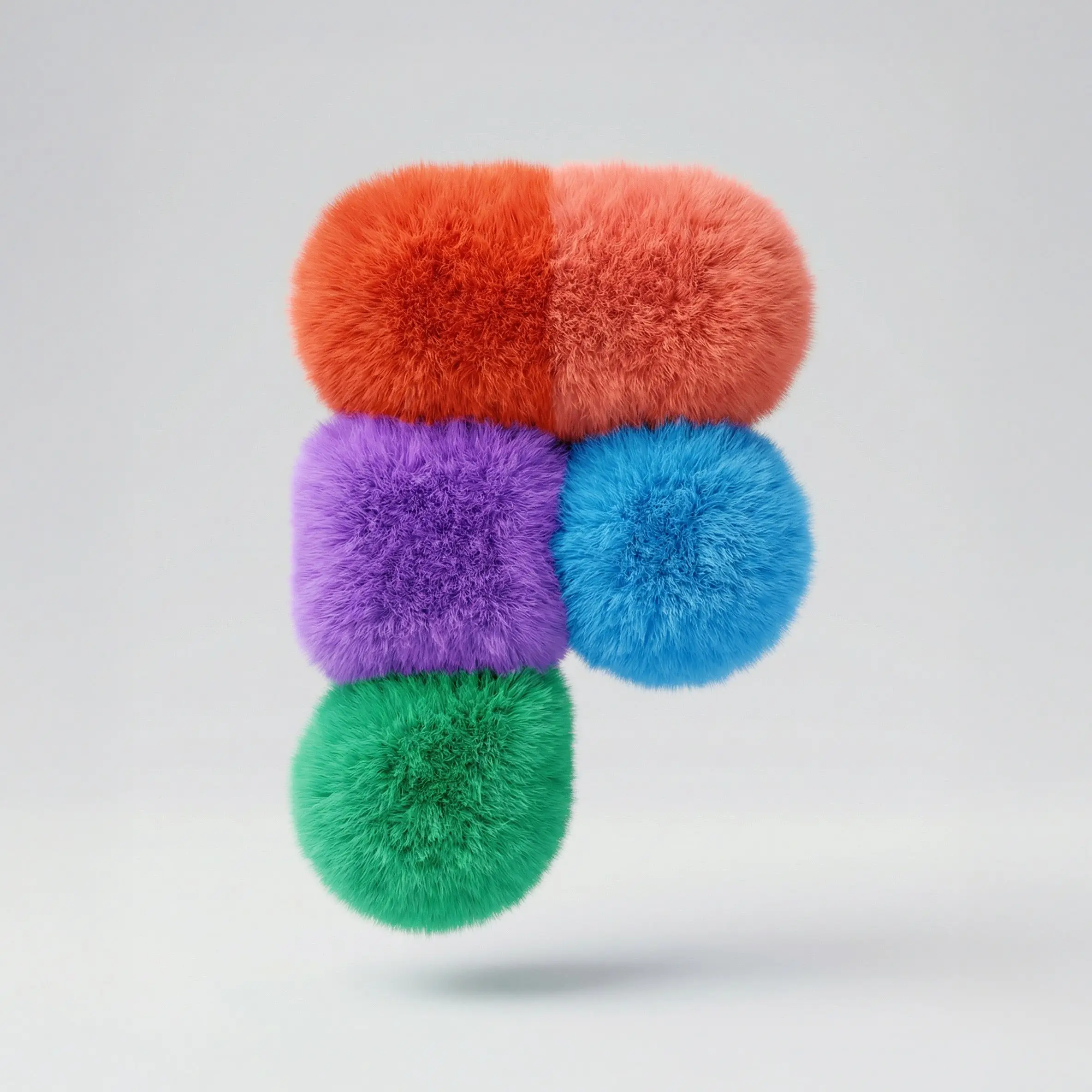
— Material understanding plus brand-like shape control. Not photoreal, but it demands tight instruction following.
— Perspective, visual illusion, scale, and ad concept clarity. If the model loses compositional discipline, the idea falls apart.
— Fun, shareable character transformation that still feels polished. Speed-first generation at its most engaging.
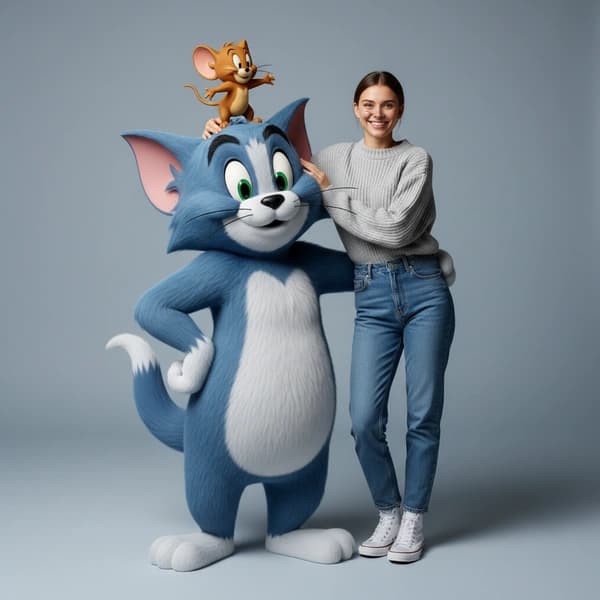
Hyper-realistic Tom & Jerry Fashion Shoot
— Editorial portrait logic meets recognizable character integration. This is the prompt that makes people ask: should I upgrade to Pro, or is Nano Banana 2 enough?
Explore more creative directions in the
full use case gallery
.
How Much Does Nano Banana Cost?
You can try Nano Banana for free — every new account gets access to the free tier to test image quality before committing.
Paid plans start at $9.99/month for the Basic plan (200 credits), $29.99/month for Pro (1,000 credits), and $59.99/month for Max (3,000 credits). All generated images are cleared for commercial use.
See the full breakdown on the
pricing page
.
Nano Banana vs Grok: Not the Same Thing
One of the most common questions is whether Nano Banana is available in Grok or whether they are the same model. They are not. Nano Banana is Google's model family. Grok uses xAI's Aurora model. Different companies, different architectures, different ecosystems.
That said, you can try Grok Image generation directly on this site. Compare results from both platforms in one place and decide which model fits your workflow.
For a detailed side-by-side comparison, see
Nano Banana vs Grok Image Generator: The Complete Comparison
.
Which Model Should You Pick?
Pick Nano Banana when speed and iteration matter more than polish. You are exploring, testing, and moving fast.
Pick Nano Banana Pro when the brief is dense, the typography needs to be precise, and the output is going straight to a client or a campaign.
Pick Nano Banana 2 when you want Pro-level control without waiting. It is the sweet spot for most serious image work today.
Start Generating
The fastest way to understand the difference is not another paragraph — it is one image.
Ready to try Nano Banana?
Start with the generator, explore the tools, or browse use cases for prompt inspiration.
Frequently Asked Questions
What is Nano Banana?
Nano Banana is the codename for Google's native AI image generation family built on Gemini infrastructure. It includes three models — Nano Banana, Nano Banana Pro, and Nano Banana 2 — plus a full suite of AI tools including face swap, image upscaling, and background removal.
Why is it called Nano Banana?
Nano Banana originated as an internal Google project codename. The name became public when the model appeared on benchmark leaderboards before its official launch in August 2025. Google kept the name as the public-facing identity for the model family.
What is the difference between Nano Banana, Pro, and Nano Banana 2?
Nano Banana is optimized for speed and fast iteration. Nano Banana Pro is built for professional precision with advanced reasoning and text rendering. Nano Banana 2 combines Pro-level capability with Flash-level speed — it is the recommended starting point for most work.
Is Nano Banana affiliated with Google?
Nano Banana the model is developed by Google as part of the Gemini ecosystem. This website provides an independent interface to access these models along with additional tools and features. We are not officially affiliated with Google.
How much does Nano Banana cost?
You can start for free. Paid plans range from $9.99/month to $59.99/month. Visit the pricing page for details.