
AI Christmas Family Photo Generator
Upload one family photo and get it back as a Christmas portrait: matching pajamas by the tree, knit sweaters by the fireplace, a snowy tree farm or a holiday card that says Merry Christmas. Everyone in the photo stays, pets included, and nobody is added. 2K, ready in under a minute, with the full prompt below to copy.
- 4 styles
- Whole family and pets
- 2K output
- Nano Banana 2.1
One family photo, turned into a Christmas portrait.
Sign in to use the tool. New accounts get free credits to try it.
Example
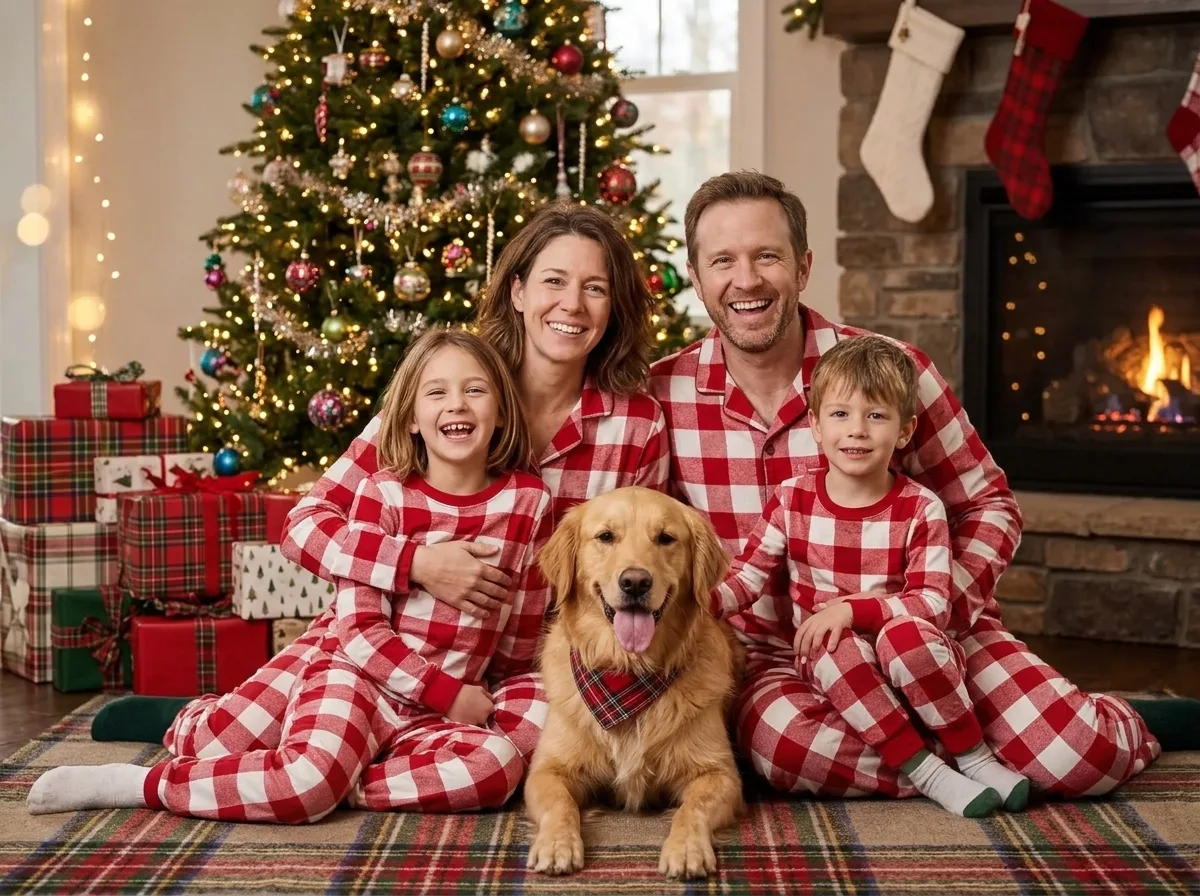 Example · Pajamas
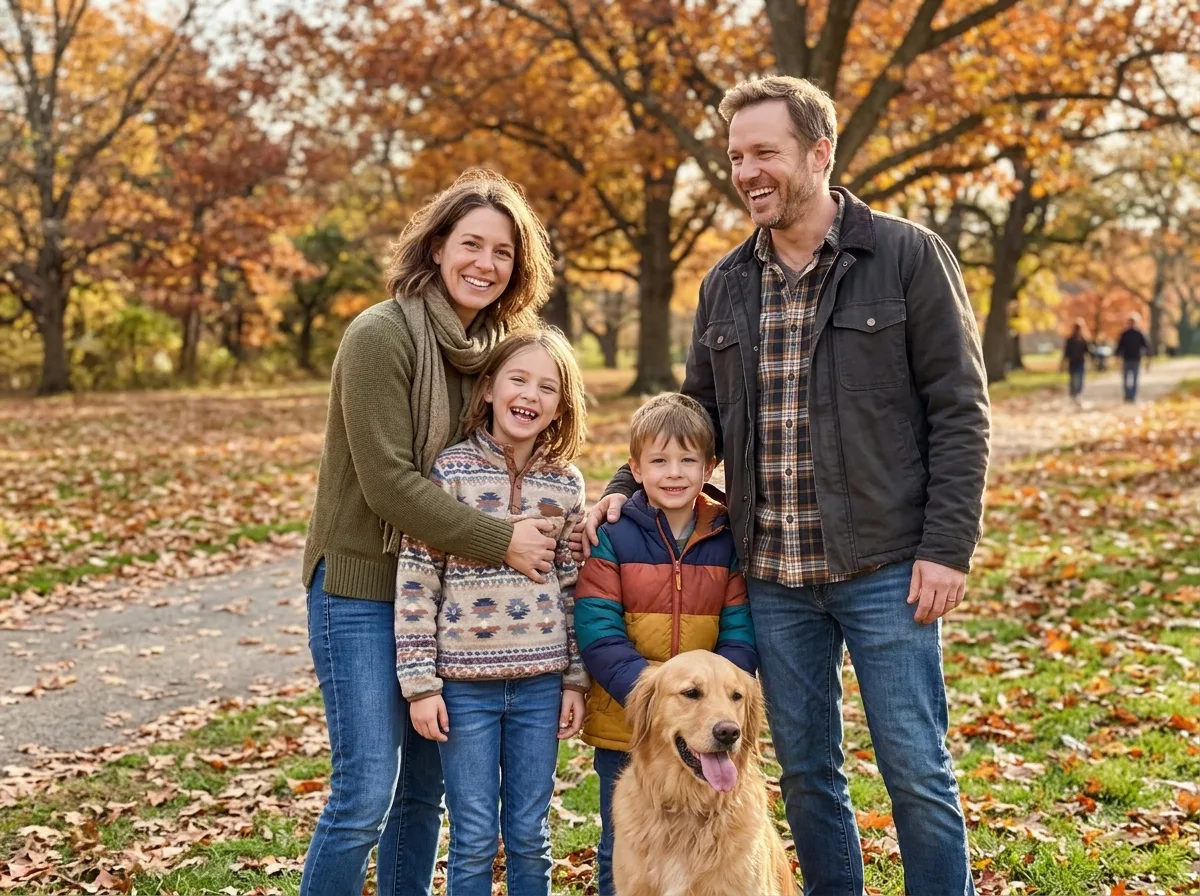
The Gemini Christmas family photo prompt
Paste it into Gemini or ChatGPT with your family photo attached. The tool above runs this same text for the Pajamas style.
Prompt
Turn the attached family photo into a Christmas family portrait. Keep every person exactly the same: the same face shape, eyes, nose, mouth, skin tone, hair and age, so the family would recognise everyone instantly. Keep the same number of people and any pets: do not add or remove anyone, and keep children the age they are. Dress everyone in matching red and white buffalo plaid Christmas pajamas, and give any pet a small red plaid bandana. Seat them close together on a rug in a cosy living room in front of a tall, glowing Christmas tree with wrapped presents underneath, warm fairy lights softly blurred behind them. Everyone looks toward the camera with a warm, natural smile. Photorealistic, like a professional holiday photo shoot, with natural skin texture and soft, flattering light. No text, no logos, no watermark.
To change the scene, rewrite the sentence that starts with “Dress everyone in”. For example: “Dress everyone in white linen and pose them on a beach at sunset next to a small decorated palm tree.” Keep the first two sentences: they stop the AI from changing faces or adding people.
How does the holiday family portrait maker work?
The generator on this page turns one ordinary family photo into a Christmas portrait. Google’s Nano Banana 2.1 image model keeps every face, hairstyle and skin tone from your photo and changes only the clothes, the setting and the light. You get one 2K image in under a minute. Everyone in the photo stays, pets included. The prompt tells the model not to add or remove anyone and to keep children the age they are, which are the two most common problems with AI family photos.
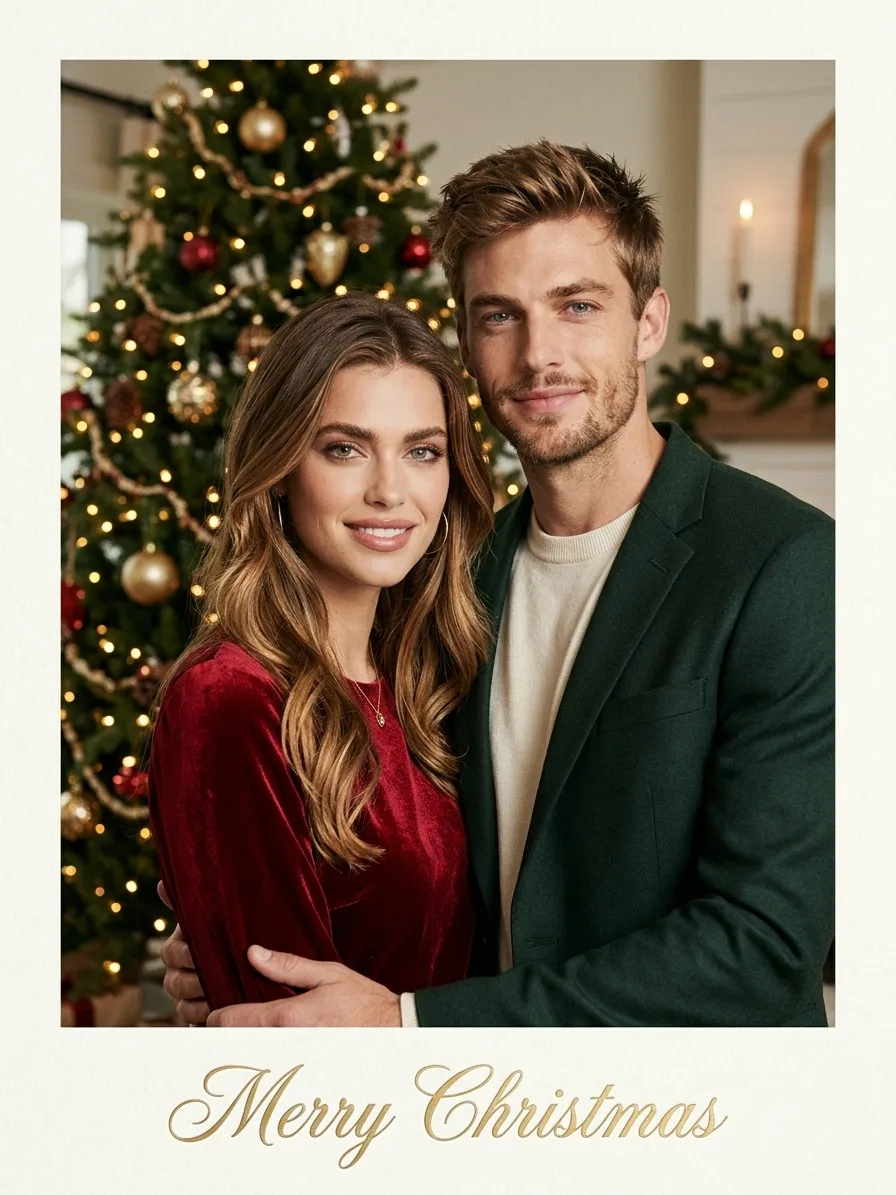
There are four styles. Pajamas puts everyone in matching red and white plaid pajamas in front of a glowing tree. Fireplace dresses the family in cream and green knits by a stone fireplace with stockings. Tree farm takes everyone outdoors to a snowy Christmas tree farm at dusk. Card lays the portrait out as a printed holiday card with “Merry Christmas” in gold script.
A photographer or a studio holiday mini session is still the better choice for prints where every detail must be exact, or for a photo of a moment that really happened. The AI version suits a quick card or a holiday post when getting everyone dressed up in one place is not possible. You can also paste the prompt below into Gemini or ChatGPT, which are free with daily limits.
For a funnier holiday picture, the same photo works in the ugly Christmas sweater maker. If someone is not smiling in the original, run it through the smile editor for group photos first.
Gemini is a trademark of Google, and ChatGPT is a trademark of OpenAI. This site is not affiliated with Google or OpenAI. The tool on this page runs on Nano Banana 2.1.
Christmas family picture ideas from one photo
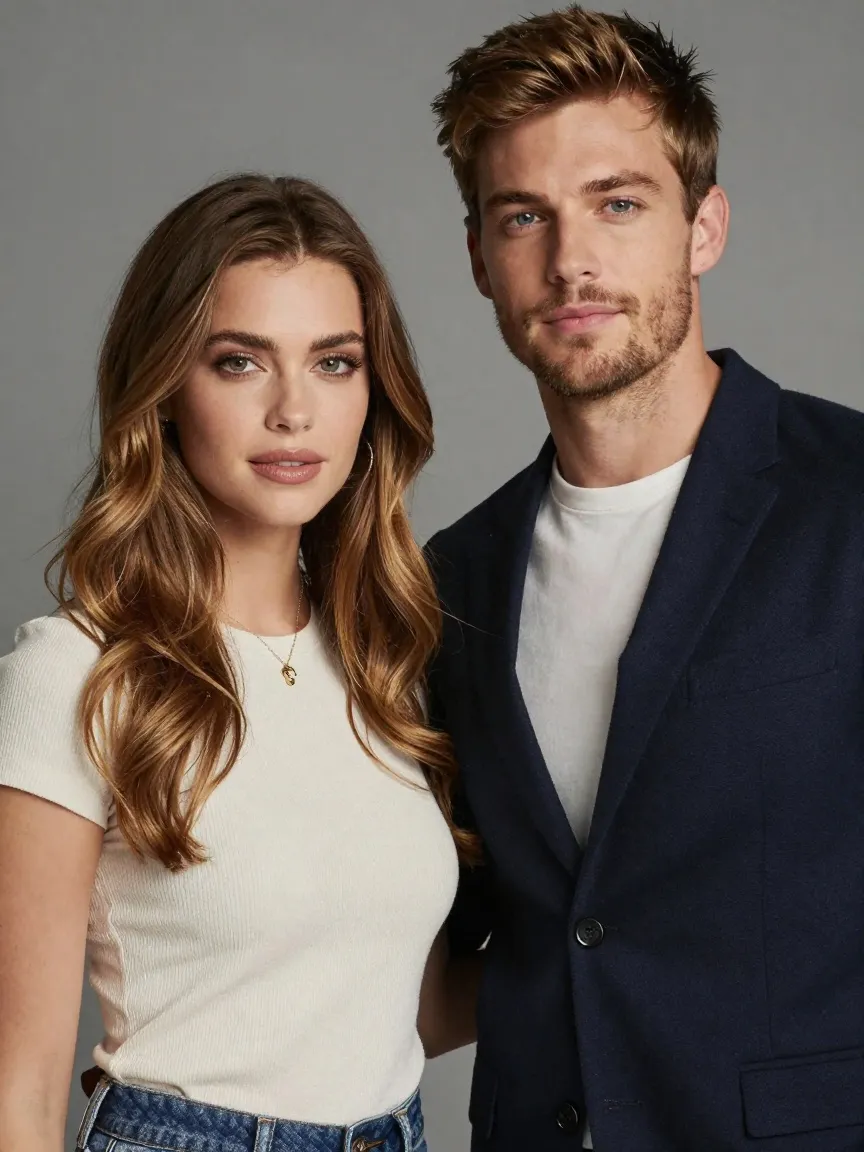
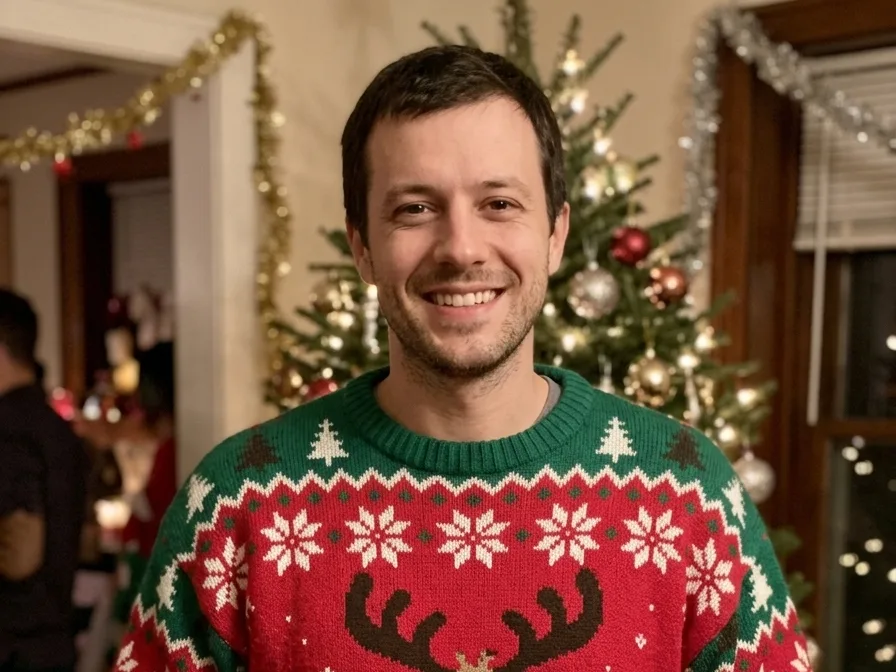
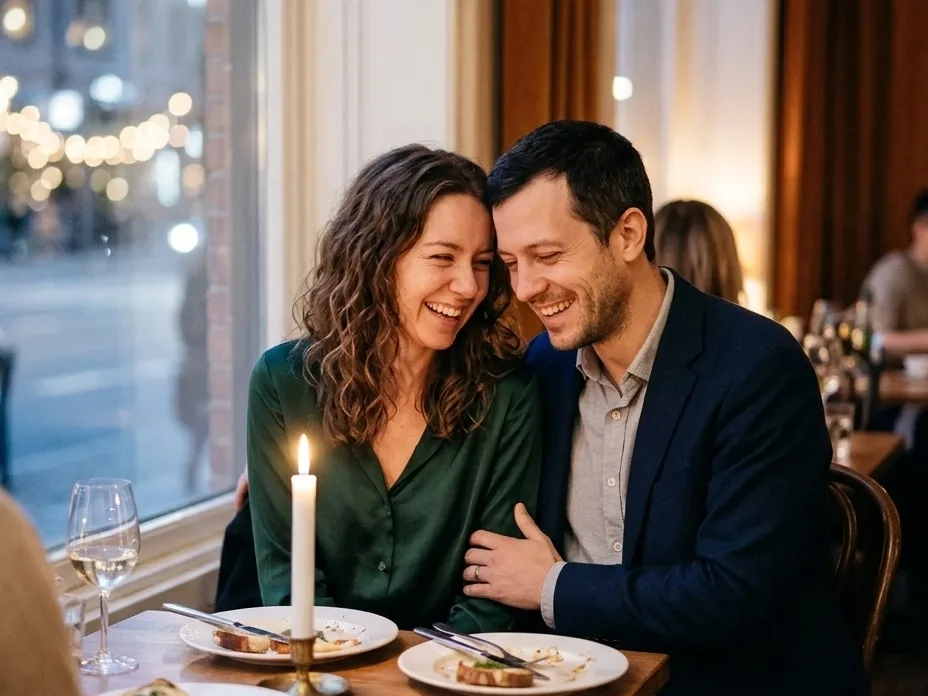
Real results. The first three start from the same family photo, the last one from a photo of a couple.
Matching Christmas pajamas
Red and white plaid pajamas for everyone, a plaid bandana for the dog, and a tall tree with presents behind them. No pajamas to buy, no one to wrangle into them.
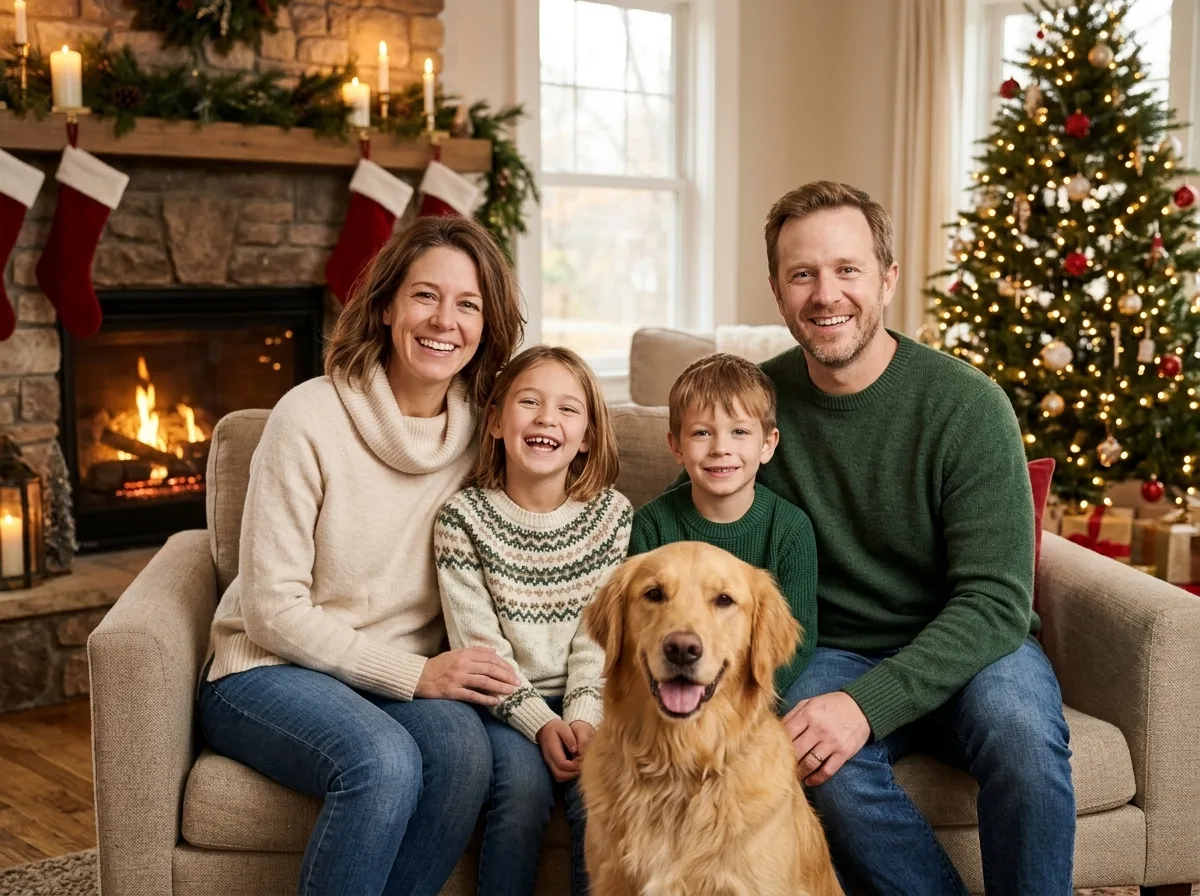
At home by the fireplace
Cream and green knit sweaters on a sofa next to a stone fireplace, with stockings on the mantel and warm evening light. It is the classic at-home Christmas photo.
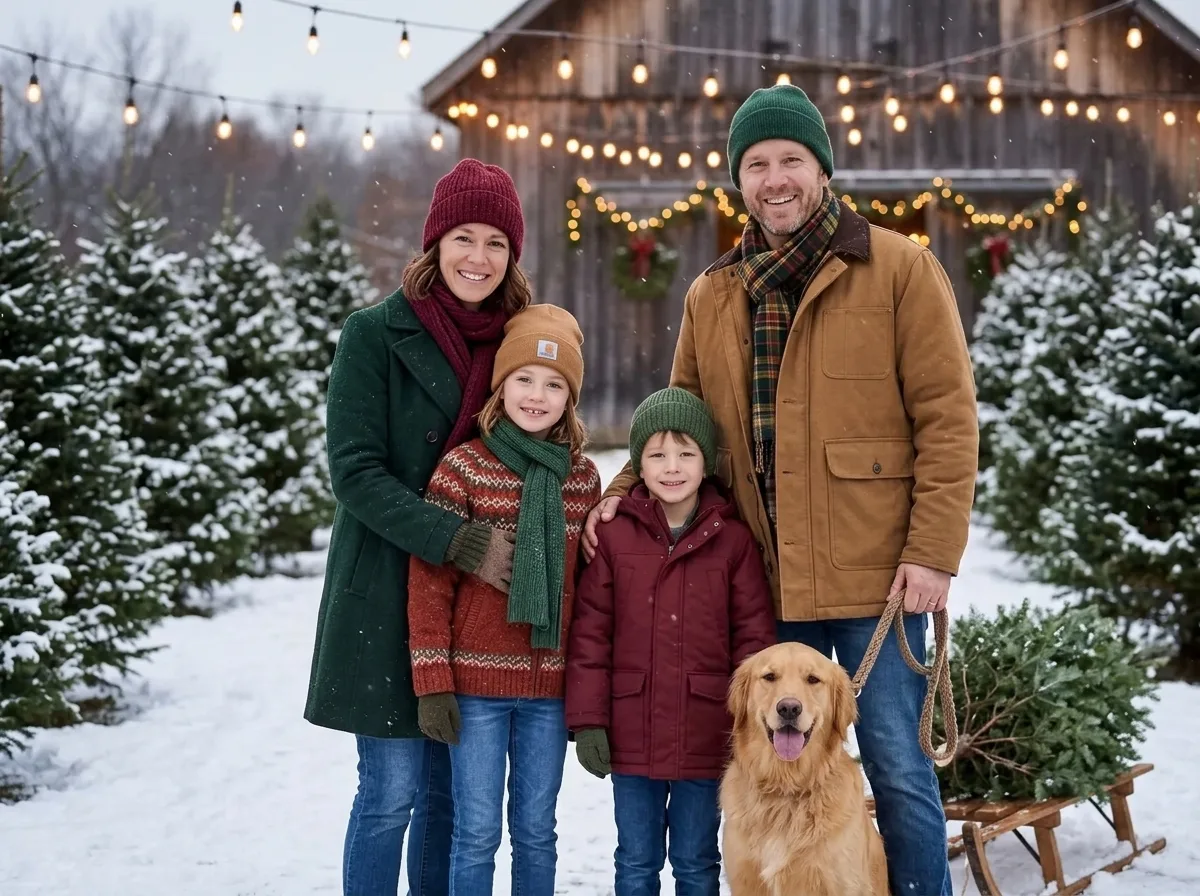
Snowy Christmas tree farm
Winter coats, knit hats and a freshly cut fir on a sled, with snowy pines, falling snow and a lit barn behind. It is the outdoor shoot without the cold.
Holiday card for a couple
Festive outfits in front of a softly lit tree, framed as a printed card with “Merry Christmas” in gold script. Couples and friends work as well as families.
What families make with a Christmas photo generator
The searches behind this page, and what the tool does for each.
Christmas card photo
Pick Card for a ready-made card with “Merry Christmas” on it, or use any style and add your own family name in a card editor.
Matching pajamas photo
Get the matching-pajamas picture without buying a set for everyone or getting the kids to sit still.
Free Gemini prompt
Copy the prompt above into Gemini or ChatGPT with your photo, or let the tool here run it at 2K.
Family photo ideas at home
Fireplace gives the cosy at-home look, with no decorating and no photographer.
Pets in the picture
Dogs and cats in the photo stay in the portrait. In the Pajamas style they get a little plaid bandana.
Gifts for grandparents
Download the 2K image and print it as a framed photo or a calendar page.
How to make a family Christmas photo with AI
- 01
Upload a family photo
One photo with everyone in it, faces clear and well lit.
- 02
Pick a style
Pajamas, Fireplace, Tree farm or Card.
- 03
Generate
Your Christmas portrait is ready in under a minute.
- 04
Share or print
Download the 2K PNG for a card, a post or a print.

Christmas family picture FAQ
Something else? Email support@nano-banana.love.
How do I make an AI Christmas family photo?
Upload one photo with your whole family in it, pick Pajamas, Fireplace, Tree farm or Card, and click Generate. Nano Banana 2.1, an AI image model, keeps every face and changes the clothes, the setting and the light. You get a 2K Christmas portrait in under a minute. To do it yourself in Gemini or ChatGPT, copy the prompt on this page and attach the same photo.
Is there a free Gemini prompt for a Christmas family photo?
Yes. The full Christmas family photo prompt is on this page, free to copy. Paste it into Gemini or ChatGPT with your family photo attached. Both apps are free with daily limits. The prompt starts with two sentences that keep every face the same and stop the AI from adding or removing people. Rewrite only the sentence that starts with “Dress everyone in” to change the scene.
Will the AI change our faces or add people?
The family Christmas photo prompt tells the model to keep every face, skin tone, hairstyle and age exactly as they are, and to keep the same number of people and pets. Nano Banana 2.1 follows this well on clear photos. Faces that are very small, blurry or turned away can come out less accurate, so use a photo where every face is clear and in focus.
Can I include my children and pets?
Yes. Upload a family photo with your children and pets, as long as you are the parent or guardian of the children in it. Children keep their age in the Christmas portrait, and dogs and cats stay in the picture. In the Pajamas style, pets get a small red plaid bandana to match.
Is the AI Christmas family photo generator free?
Each Christmas family photo costs 2 credits. New accounts get 2 free credits on sign-up, enough for one to try it, as long as the account passes our one-per-person checks. After that you buy credits once and use them on any tool or model. There is no subscription.
Can I add our family name to the card?
The Card style writes only “Merry Christmas” on the picture, because the tool takes no text from you. Download the 2K image and add your family name, the year or a short message in a card editor such as Canva, or in the editor of the print shop that makes your cards.
Can I print it as a Christmas card?
Yes. Every result is a 2K image, sharp enough for a standard 5 × 7 inch photo card or a framed print of that size. Print shops and card services accept the PNG file as it is. For a much larger print, run the picture through an AI upscaler first.
What if someone is missing from our family photo?
The Christmas photo generator keeps the people who are in the photo you upload and does not add anyone from another picture. For a photo of two people who were never photographed together, use the couple photo maker, which takes one photo of each person.
What happens to my photo?
Your photo is uploaded only to make your result. Uploads are deleted from our storage provider within about 24 hours, results stay downloadable in your account for 14 days, and we never use your photos to train AI models.

Your family Christmas card, done
Upload one family photo, pick a style and get your holiday portrait in under a minute.
Start creating