
GTA Cover Art Maker
Upload a photo and get it back as GTA-style box art: a grid of painted panels with you as the star in the middle, surrounded by car chases, helicopters and sunsets. Pick the Los Santos colours of GTA V, the Vice City colours of GTA VI, or a crew cover where every friend gets a panel. 2K, ready in under a minute, with no template to fill in.
- 3 styles
- 3:4 box art
- 2K output
- Nano Banana 2.1
Your photo as GTA-style box art, panel by panel.
Sign in to use the tool. New accounts get free credits to try it.
Example
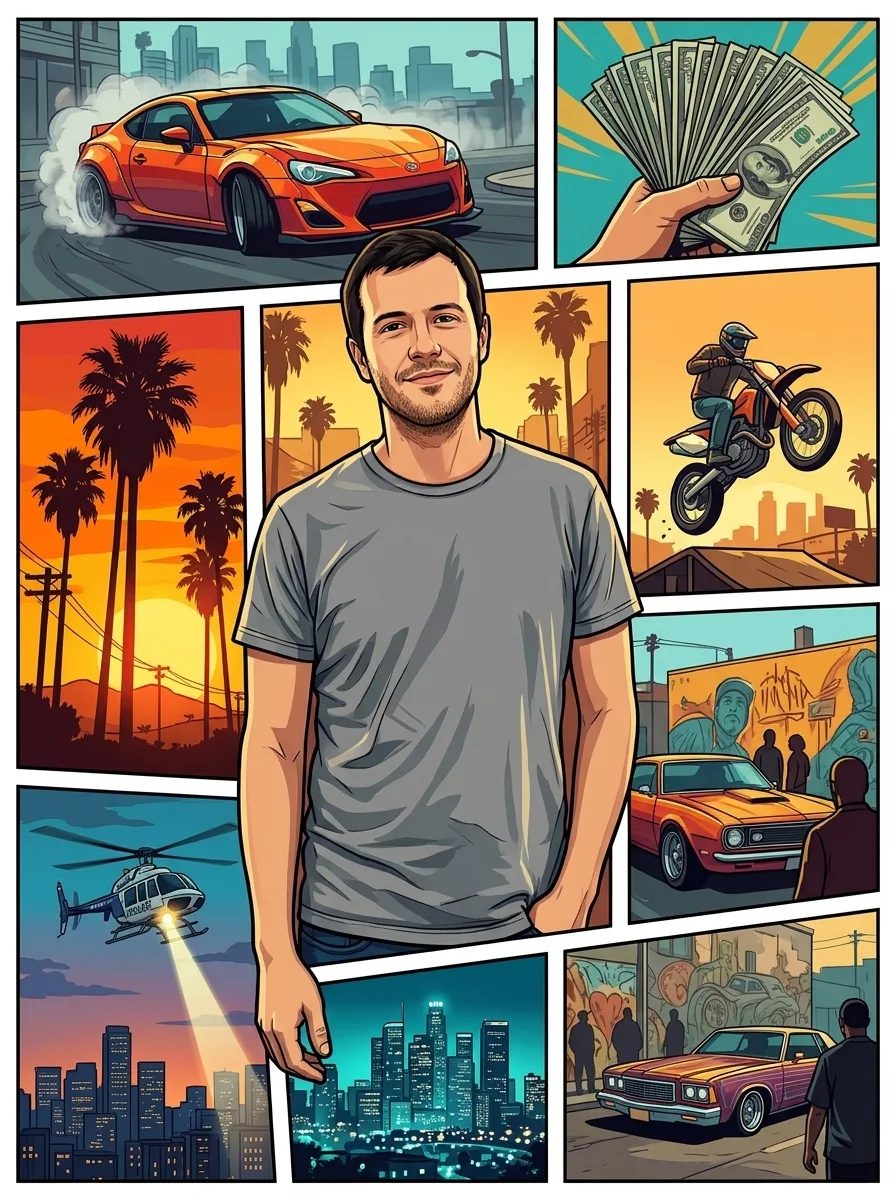 Example · Los Santos
What does the GTA-style cover maker do?
The GTA cover art maker on this page turns one photo into a game-case cover in the Grand Theft Auto layout: a grid of illustrated panels split by thin white borders, with ink outlines and bright, flat colours. You are the largest panel, in the centre. The smaller panels show invented action scenes such as car chases, helicopters, palm trees and stacks of cash. Google’s Nano Banana 2.1 paints the whole cover as one 3:4 image at 2K, with no game logo on it.
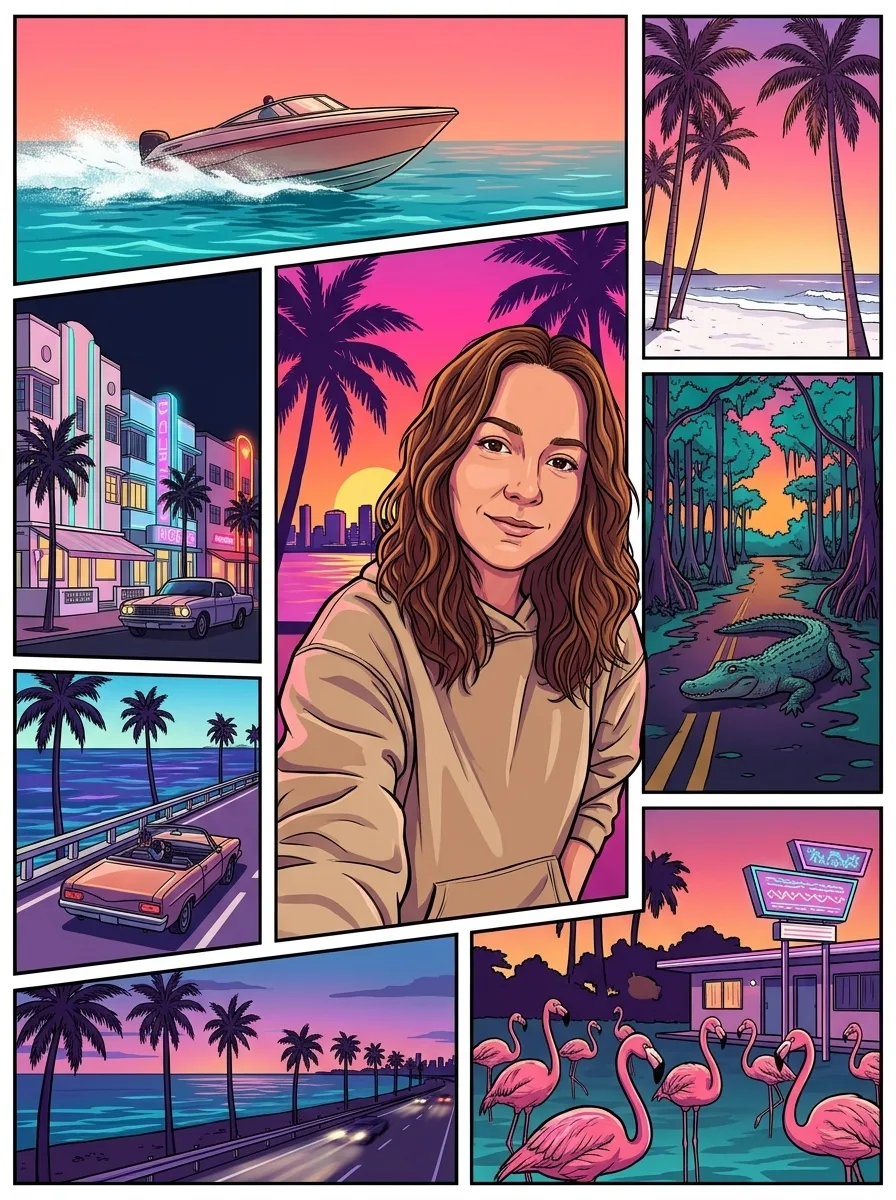
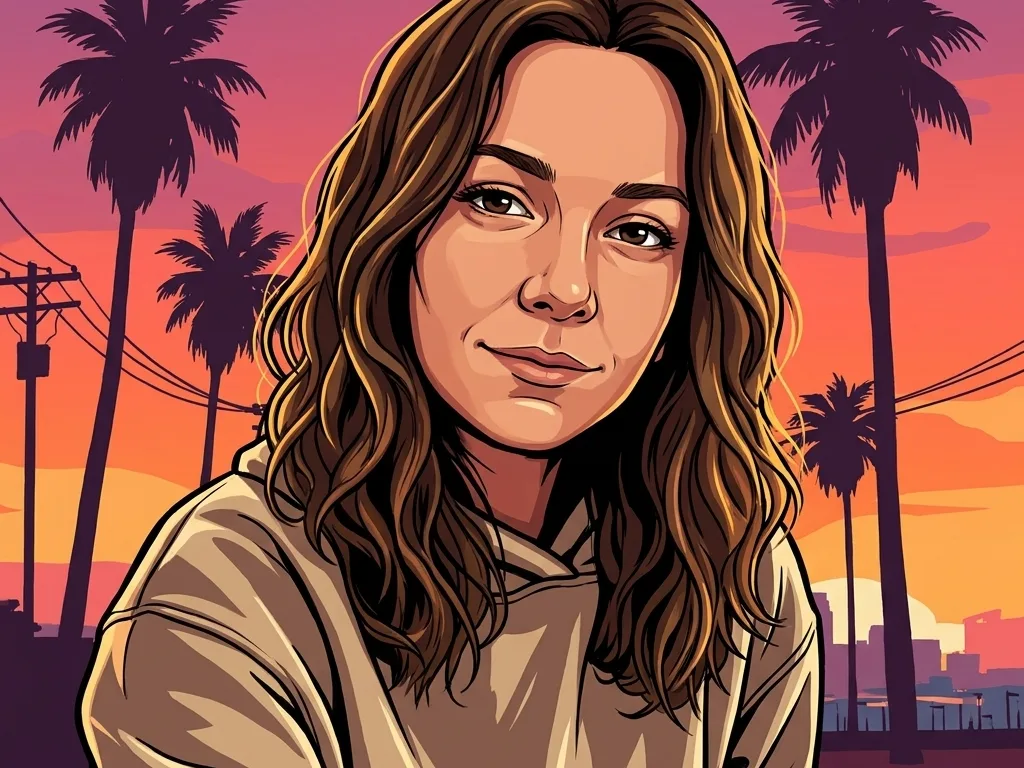
There are three styles. Los Santos uses the gold, orange and deep blue of GTA V. Vice City uses the hot pink, orange and teal of the GTA VI artwork, with speedboats, art-deco hotels and flamingos. Crew takes a group photo and gives every person their own large panel.
Template sites and Canva or Photoshop templates work differently. They give you an empty grid, and you fill each panel with your own pictures and cut them out by hand. The AI cover generator here paints every panel for you, so one photo is enough. A template is the better choice when you want exact control over each panel or want to place your own title in a matching font.
For a square avatar in the same art style, use the GTA pfp maker. For a single tall picture of you leaning on a sports car in Vice City, use the GTA 6 loading screen generator.
Grand Theft Auto, GTA and Vice City are trademarks of Take-Two Interactive. This site is not affiliated with or endorsed by Rockstar Games or Take-Two; it makes fan art in a similar style.
GTA-style box art from real photos
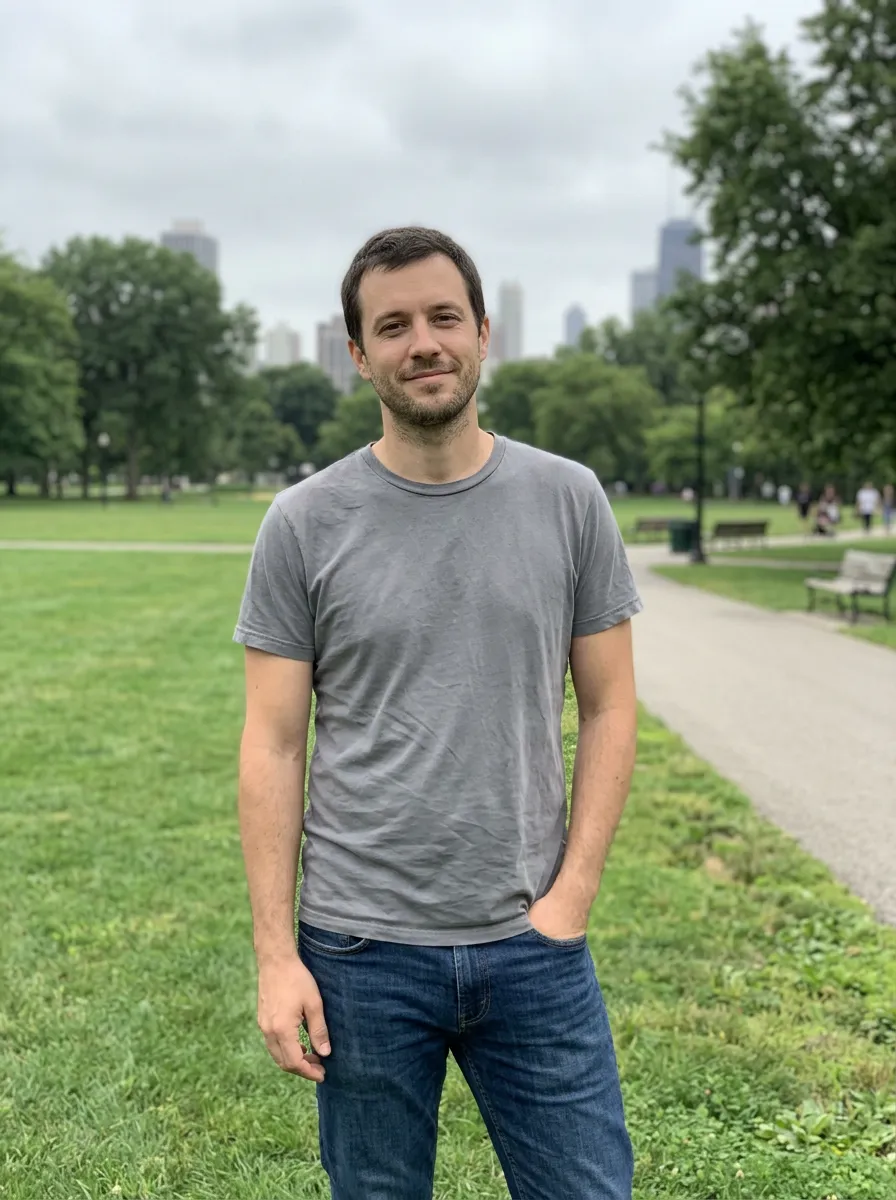
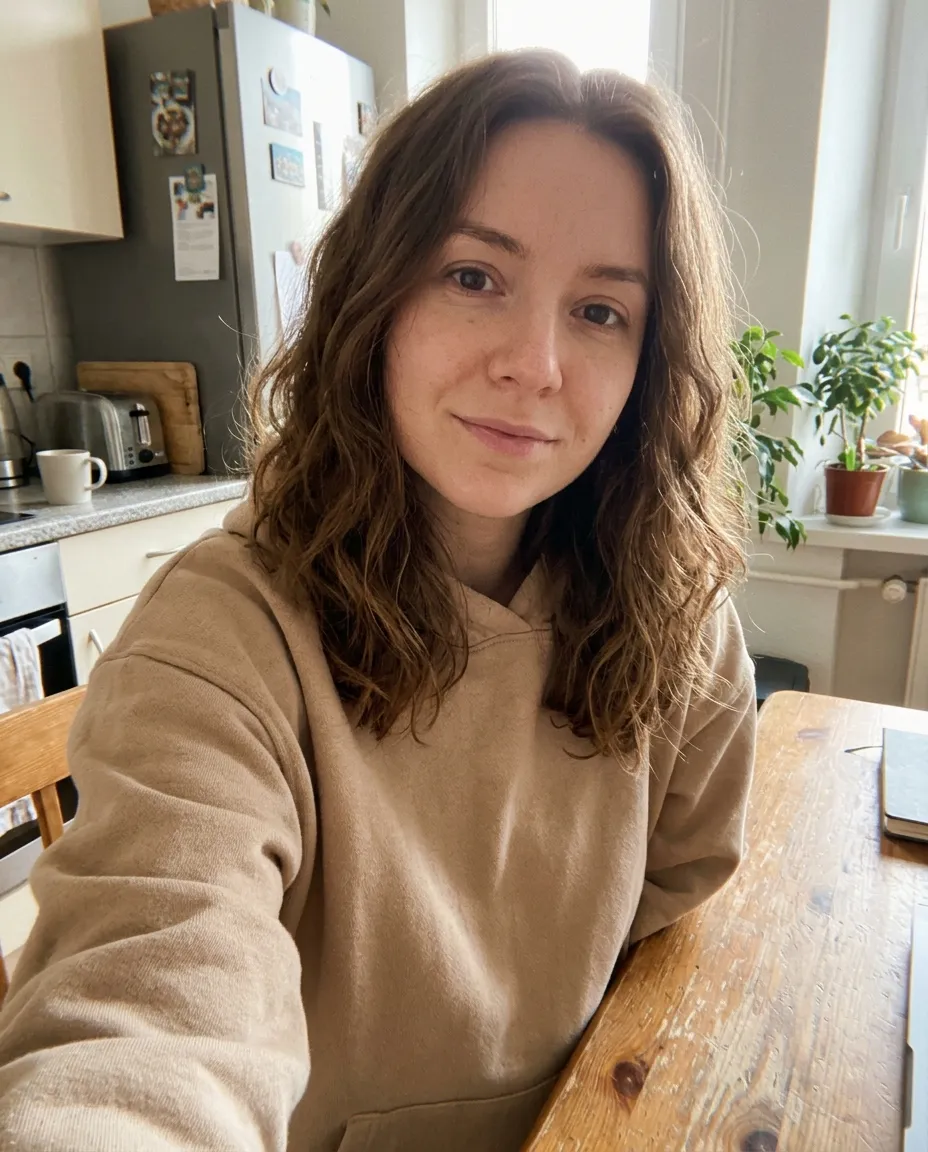
Real results from the three styles. The person from the photo stays in the centre; the panels around them are invented.
Los Santos cover
A waist-up portrait in the middle panel, with a drifting sports car, a police helicopter, a palm-tree sunset and the skyline at night around it, all in gold, orange and deep blue.
Vice City cover
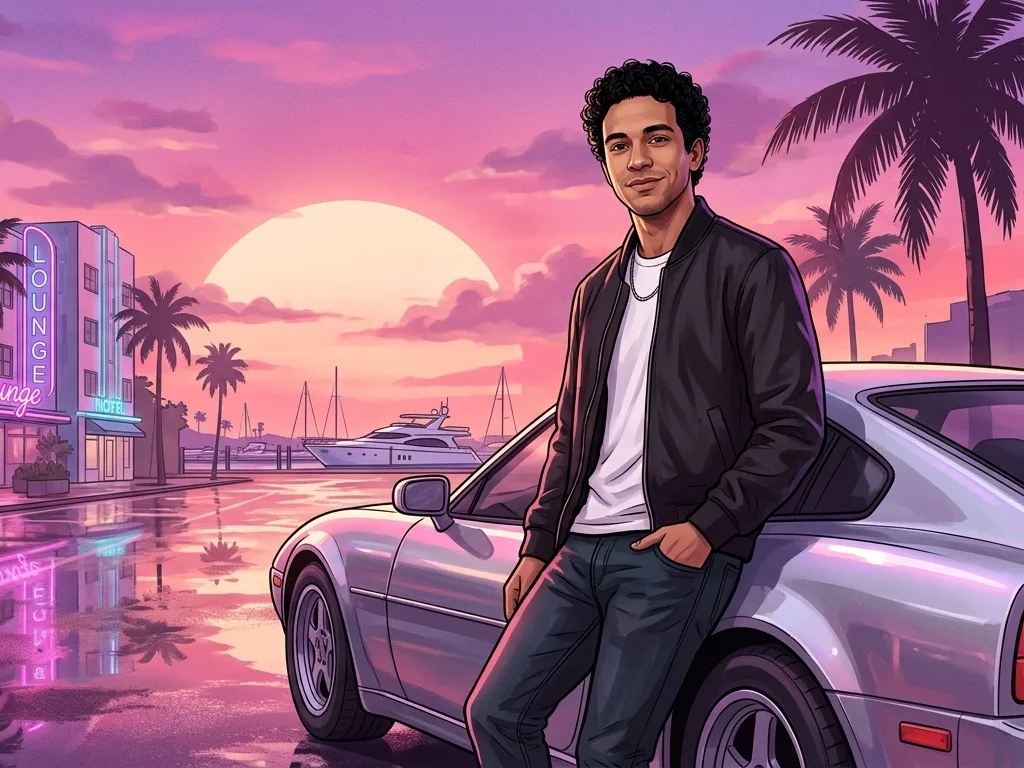
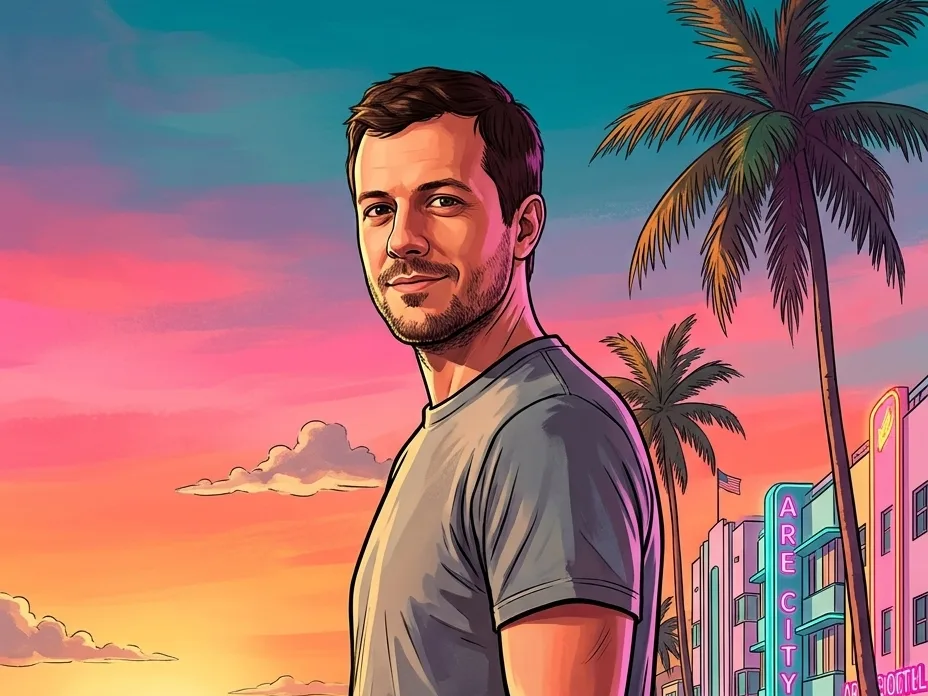
The same layout in the pink and teal of a Miami-style beach city: a speedboat, neon art-deco hotels, a convertible on an ocean causeway and an alligator by a swamp road.
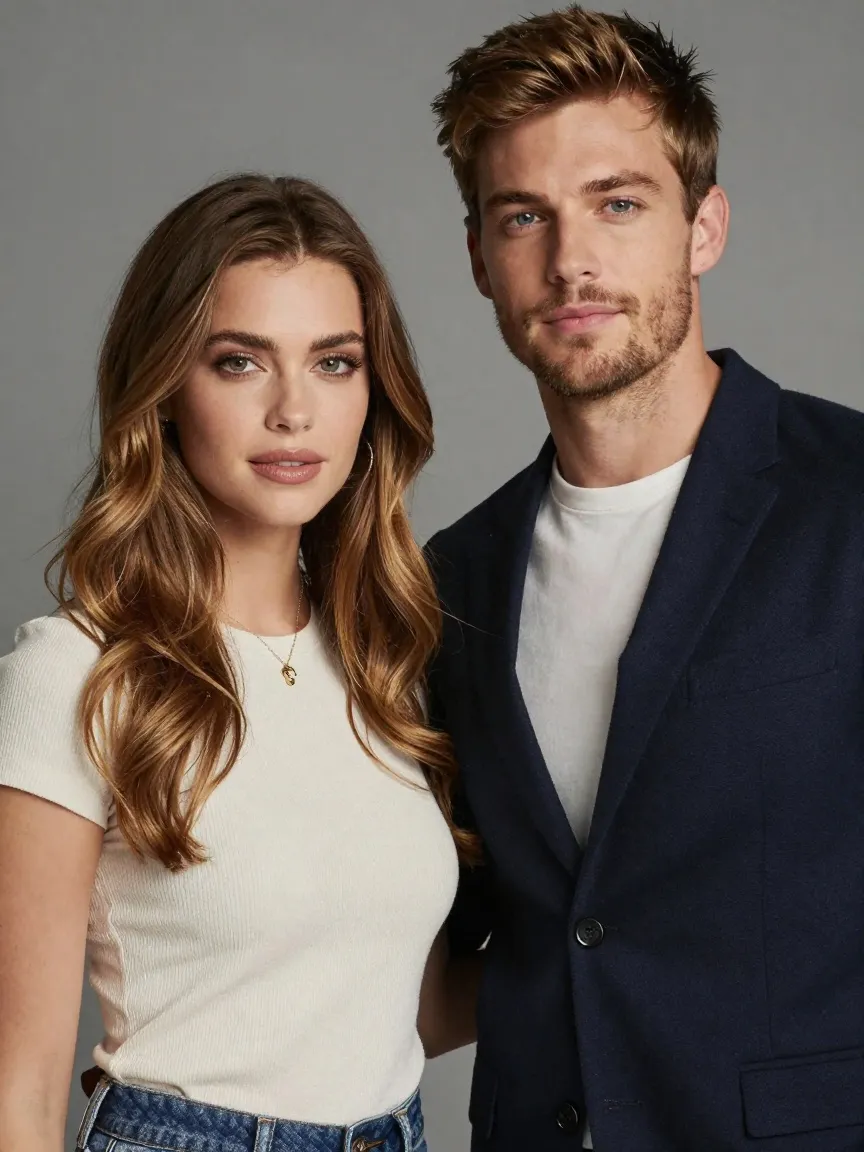
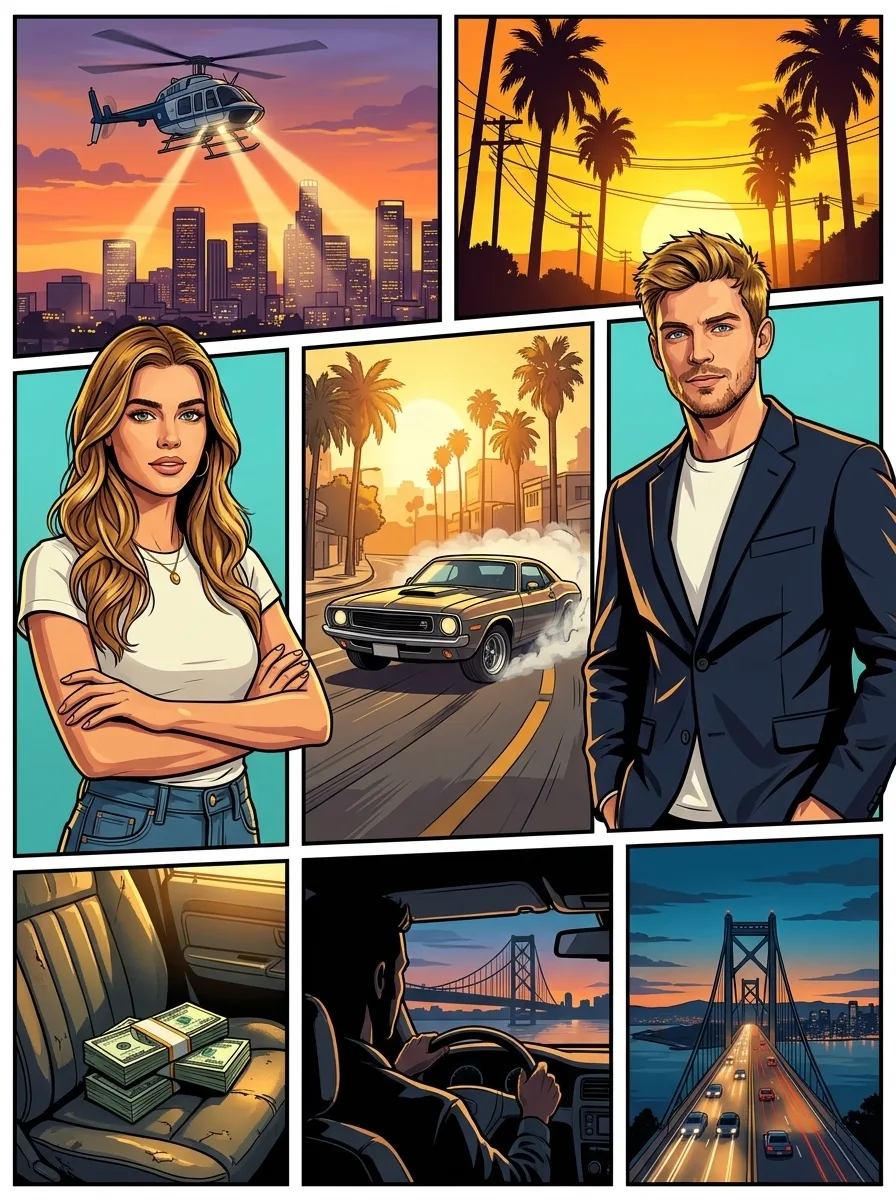
Crew cover for a group photo
Each person from the group photo gets a large panel of their own, with a getaway car, a helicopter and a sunset filling the smaller panels around them.
What people make with GTA-style box art
The searches behind this page, and how the tool covers each one.
GTA cover template, without the template
There is no Canva or PSD grid to fill in. Upload one photo and every panel is painted for you.
GTA collage of your crew
Pick Crew for a collage-style cover where each friend gets a panel, for a group chat, a Discord server or a reunion.
GTA 6 cover style
Pick Vice City for the pink, orange and teal colours of the Grand Theft Auto VI artwork.
Birthday and party art
Make a friend the star of a cover for a birthday post or a game-night invite, with their permission.
Posters and prints
The 3:4 result is 2K, sharp enough for a small poster or a framed print of a game case.
Thumbnails and channel art
Crop the cover for a YouTube thumbnail, a Twitch panel or a playlist cover about GTA.
How to make Grand Theft Auto style cover art
- 01
Upload a photo
One person from the waist up, or a group photo for the crew cover, with faces clear and well lit.
- 02
Pick a style
Los Santos, Vice City or Crew.
- 03
Generate
Your GTA-style cover is ready in under a minute.
- 04
Add a title
Download the 2K PNG and add your own title in any photo editor, or post it as it is.
GTA cover maker FAQ
Something else? Email support@nano-banana.love.
How do I make my own GTA cover art?
Upload a photo on this page, pick Los Santos, Vice City or Crew, and click Generate. Nano Banana 2.1, an AI image model, paints a full 3:4 cover in the Grand Theft Auto panel layout, with you in the largest panel and invented action scenes around you. You get a 2K PNG in under a minute, with no template and no Photoshop.
What makes the GTA cover art style?
The GTA cover art style is a grid of illustrated panels of different sizes, split by thin white borders. Each panel is a cel-shaded painting with thick ink outlines, flat bright colours and hard shadows. The main characters get the biggest panels, and the smaller ones show cars, helicopters, money and the city. Grand Theft Auto box art has used this layout since Grand Theft Auto III in 2001.
Is there a GTA cover template I can use instead?
Yes. Canva and Photoshop (PSD) GTA cover templates and free browser cover makers give you an empty panel grid to fill with your own photos. A template suits people who want to choose every panel and set the title in a matching font. The AI GTA cover maker on this page paints every panel from one photo, which is faster when you have no pictures to cut out.
Is the GTA cover maker free?
Each GTA-style cover costs 2 credits. New accounts get 2 free credits on sign-up, enough for one to try it, as long as the account passes our one-per-person checks. After that you buy credits once and use them on any tool or model. There is no subscription.
Can I add my own title or logo?
Yes, after you download it. The GTA-style cover comes without text, so add your own title in Canva, Photoshop or a phone photo editor. Do not copy the official Grand Theft Auto logo onto a cover you share or sell, because it is a trademark of Take-Two Interactive. Your own name or a made-up title is safe.
Does it work with a group photo?
Yes. Pick Crew and upload a photo of two or more people. Each person gets a large panel of their own, and the smaller panels show invented scenes. Faces that are very small or turned away in the photo may come out less accurate, so a group photo where every face is clear works best.
Can I make GTA 6 style cover art?
Yes. Pick the Vice City style. It uses the hot pink, orange and teal palette of the Grand Theft Auto VI artwork, with speedboats, art-deco hotels, palm trees and flamingos in the side panels. It is AI art in that style, not the official GTA VI cover, and it does not draw Jason, Lucia or any other Rockstar Games character.
Will it put me on the real GTA 5 cover?
No. The GTA-style cover generator paints a new cover in the same layout and colours, not a copy of the official Grand Theft Auto V box art. The side panels show invented scenes and background people, and none of the game’s own characters or its logo appear.
Can I upload a photo of a friend?
Only with their permission, and only of adults. You confirm you have the rights to the photo before you generate.
What happens to my photo?
Your photo is uploaded only to make your result. Uploads are deleted from our storage provider within about 24 hours, results stay downloadable in your account for 14 days, and we never use your photos to train AI models.

Put yourself on the cover
Upload a photo, pick a style and get your GTA-style box art in under a minute.
Start creating