



Newest · Default here
Nano Banana 2.1
Google’s update to Nano Banana 2, built on Gemini 3.6 Flash. The same inputs and sizes, for fewer credits.
- Up to 10 input images
- Up to 4K
- From 2 credits per image
Create images from a prompt or edit your photos with plain words, on Google’s Nano Banana 2 and Nano Banana Pro. Faces stay the same, text comes out right, and every image downloads in up to 4K.
Text to image · Photo editing · PNG download
Nano Banana 2.1 · 1K · PNG download
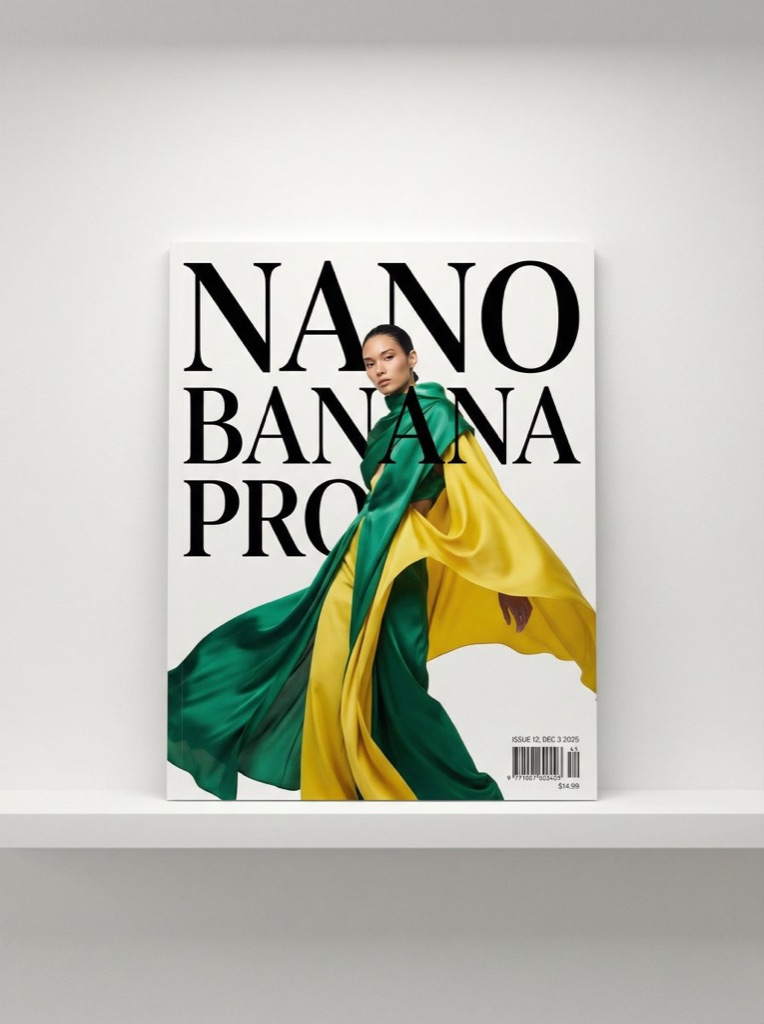 Example · Magazine cover with real type
Fashion magazine cover with the words Nano Banana Pro in large serif type and a model in green and yellow silk.
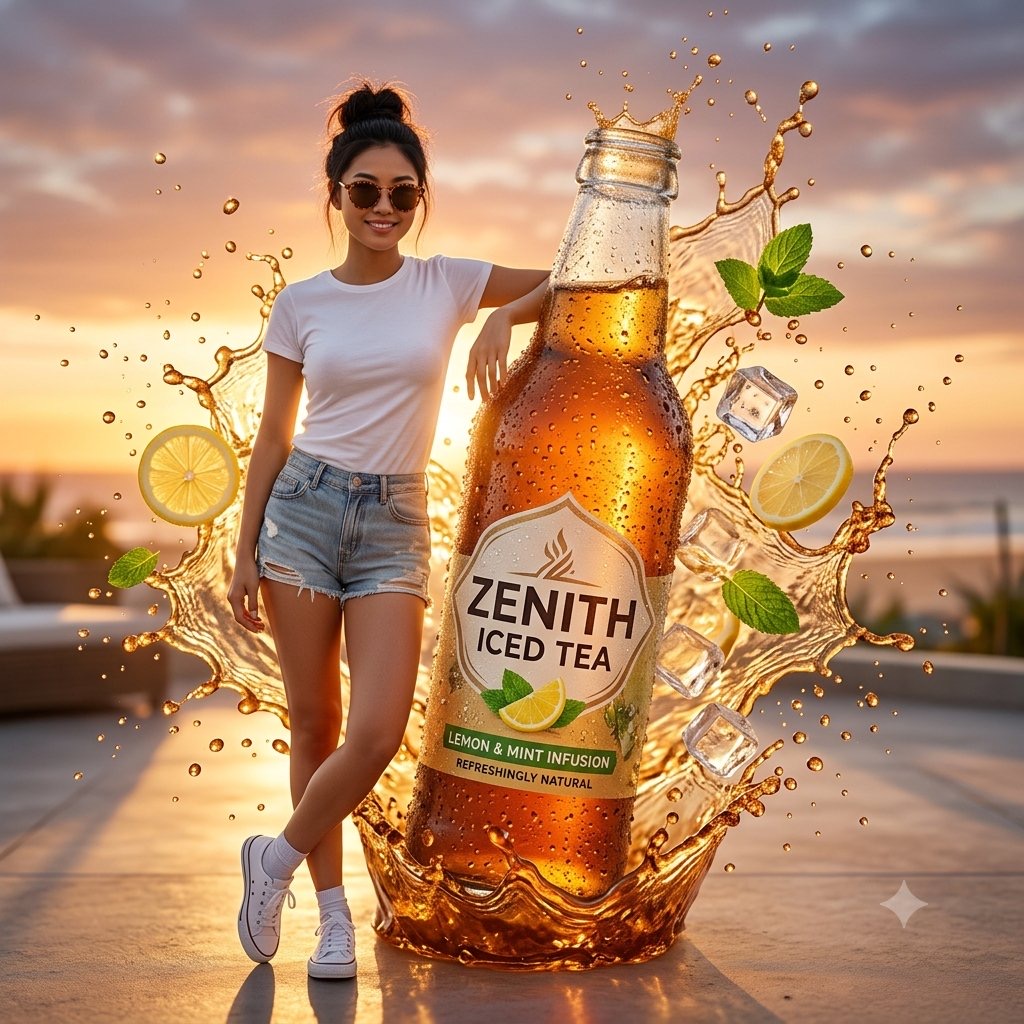
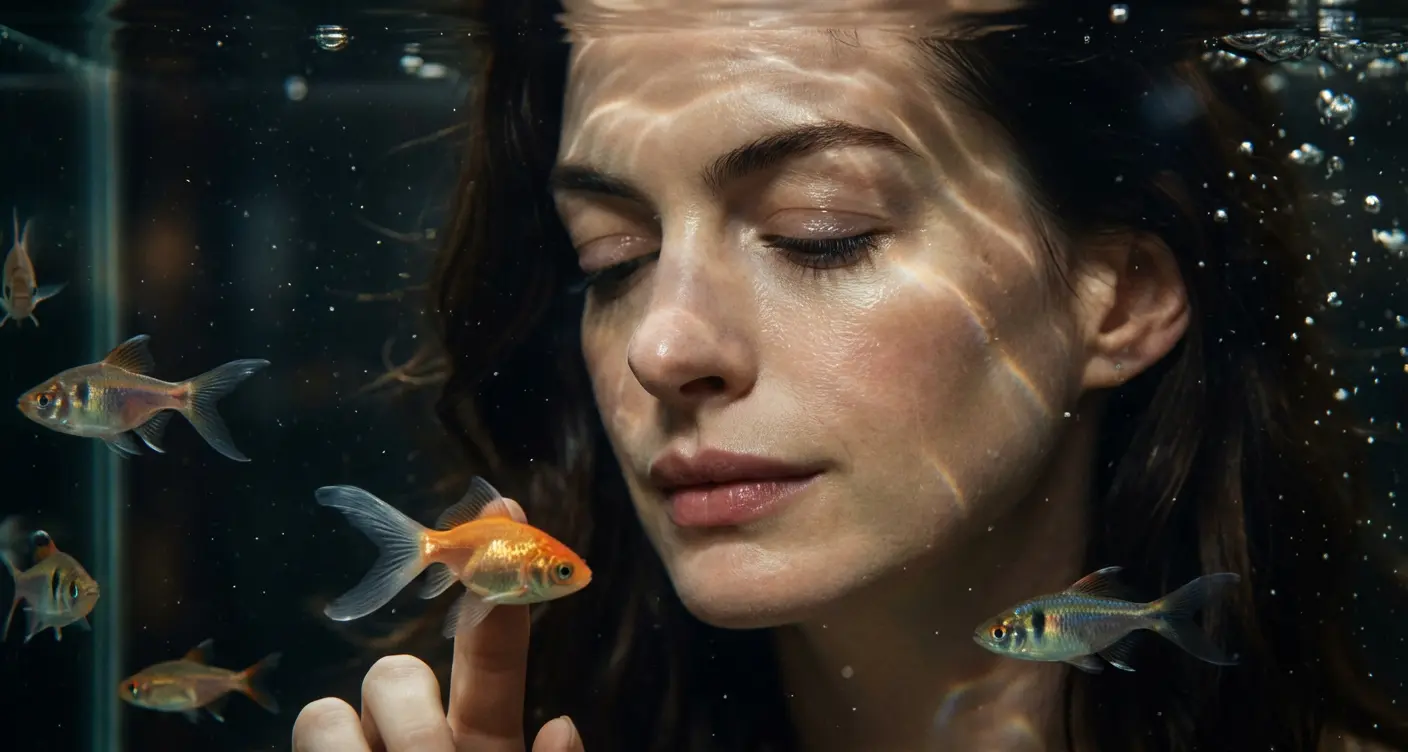
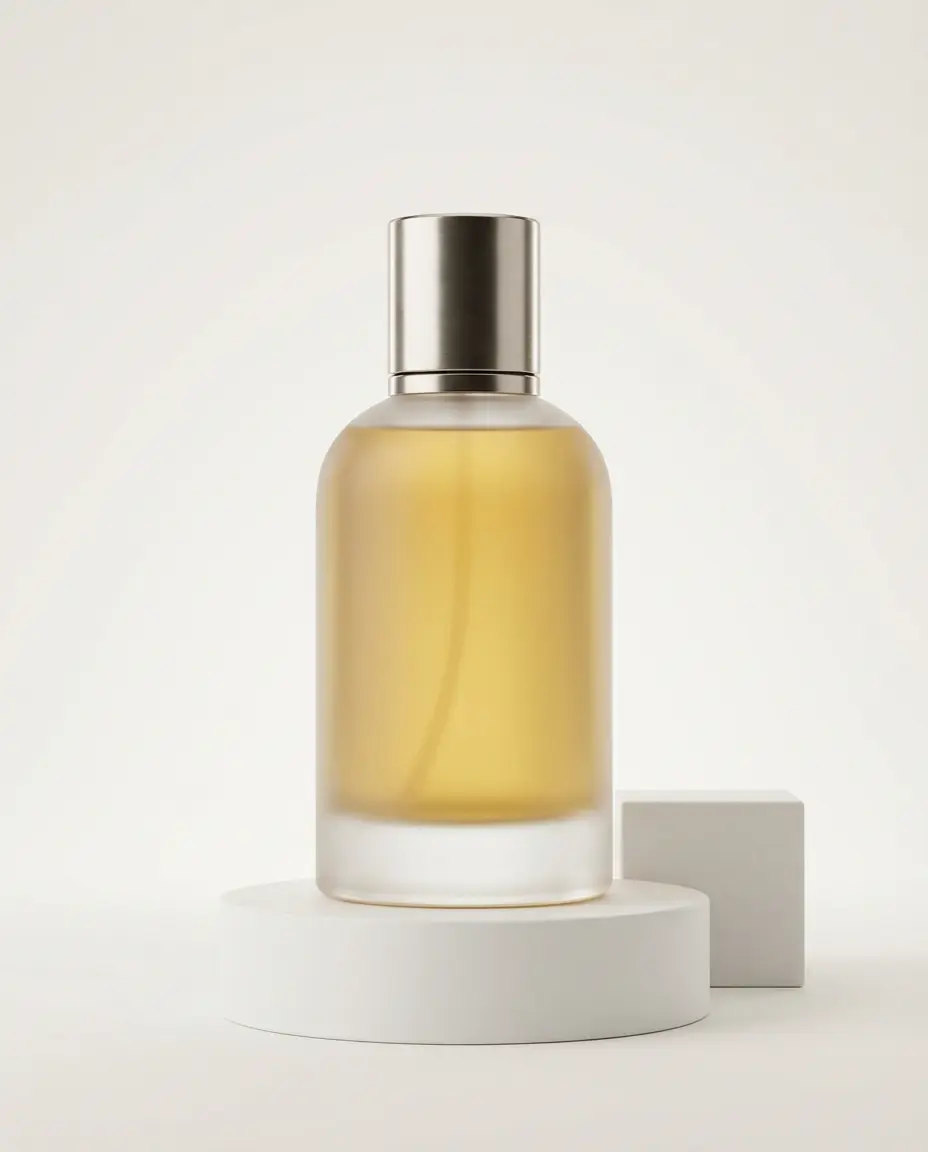
Portraits, posters, product shots and photo edits. Tap any image to load its prompt and settings into the generator.
Nano Banana is the name Google’s Gemini image models are known by. The first one became famous for a simple trick: upload a photo, say what to change, and get back the same person in a new scene, outfit or style. Nano Banana 2 and Nano Banana Pro are the newer versions, with sharper detail, much better text and output up to 4K.
On this site you can use both in your browser, without an API key, a Gemini plan or any software. Write a prompt to create an image from scratch, or upload up to ten photos and edit or blend them with plain words.
People use it for portraits, product photos, posters and photo edits, in square, portrait, widescreen and banner shapes. Every image downloads as a PNG, and you only pay for the images you make.
nano-banana.love is an independent site and is not affiliated with Google.
Four versions of Google’s image model. Pick one per image, or open its page to compare.
Newest · Default here
Google’s update to Nano Banana 2, built on Gemini 3.6 Flash. The same inputs and sizes, for fewer credits.
Fast all-rounder
Gemini 3.1 Flash Image. Sharper detail and better text than the original Nano Banana, with output up to 4K.
Studio quality
Gemini 3 Pro Image. The strongest at layout and lettering, so posters, covers and infographics come out with clean text.

Lowest price
Gemini 3.1 Flash-Lite Image, made for high volume. Quick drafts and variations in one standard size.
One model for creating and editing: start from words, from your photos, or from both.
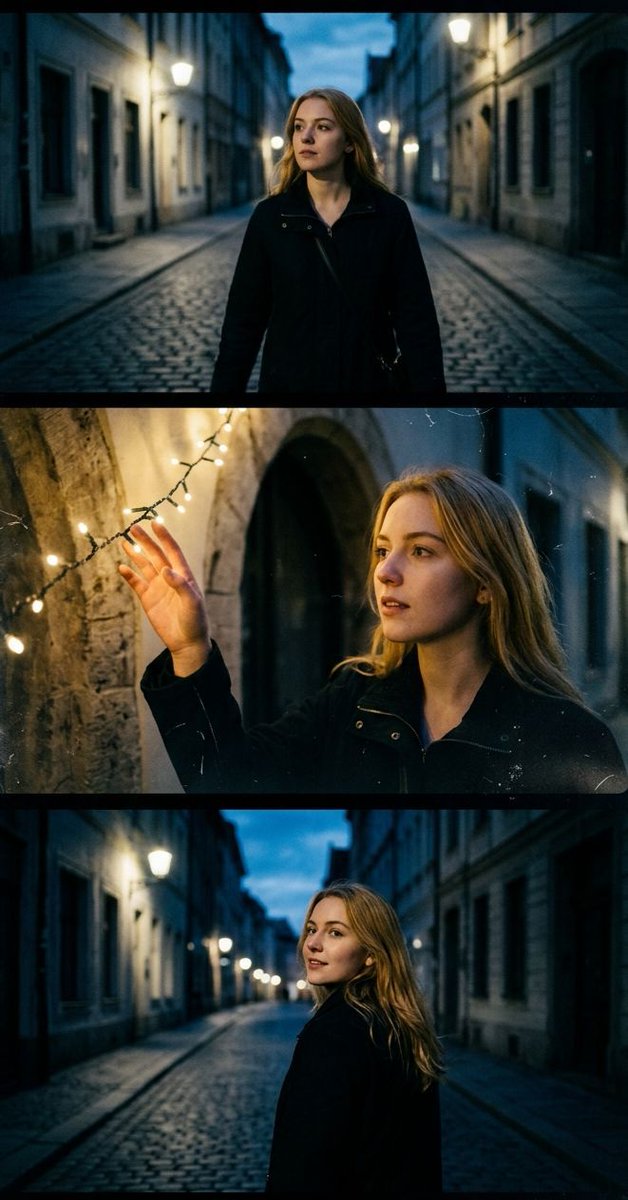
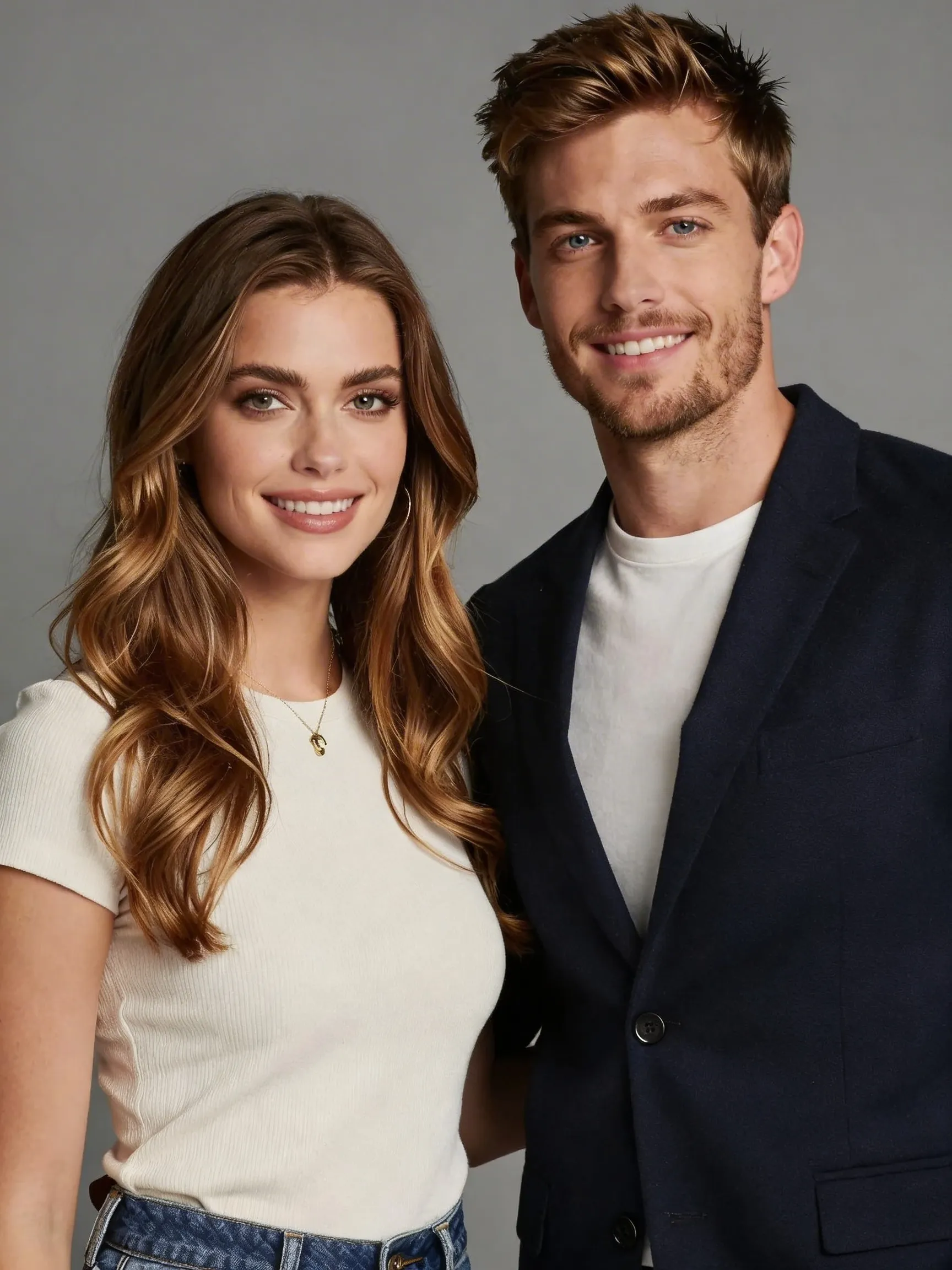
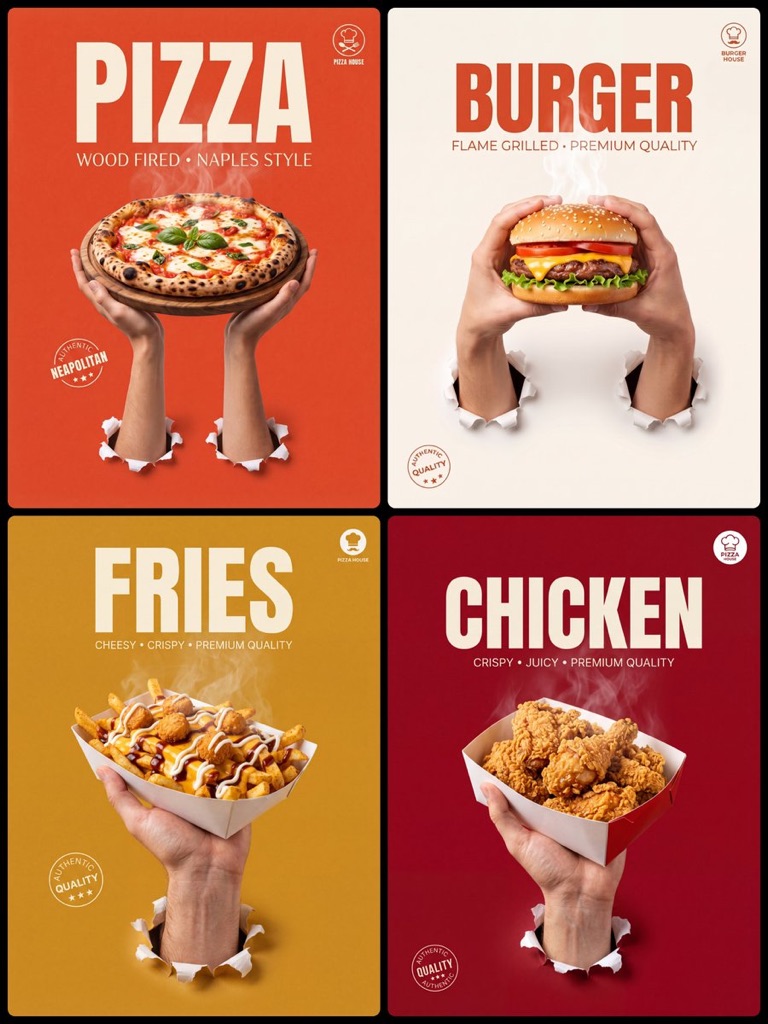

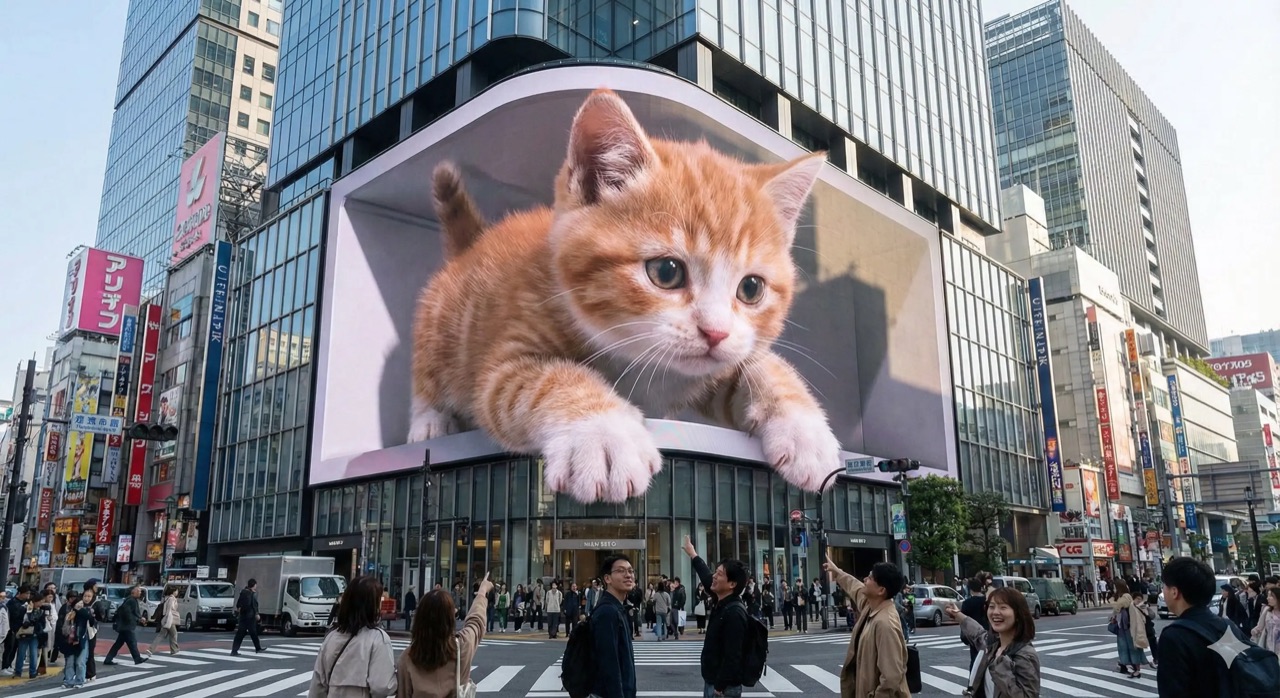
From idea to finished image in four steps. No app, no API key, no prompt engineering course.
Text to Image starts from a prompt. Image Edit starts from your photos.
Say what you want to see or change. Name the style, light and any text to show.
Pick a Nano Banana model, an aspect ratio, and 1K, 2K or 4K.
Most images are ready in under a minute. Download the PNG or tweak and run again.
Pay per image. Buy credits once, use them whenever you like. Failed images are refunded automatically.
$4.90
one-time
$9.90
one-time
$19.90
one-time
$29.90
one-time
Something else? Email support@nano-banana.love.
Nano Banana is the nickname of Google’s Gemini image models. The original, Gemini 2.5 Flash Image, became famous in 2025 for editing photos from plain-language instructions while keeping people recognisable. Google later released Nano Banana Pro (Gemini 3 Pro Image), Nano Banana 2 (Gemini 3.1 Flash Image), Nano Banana 2 Lite for high-volume work and, in October 2026, Nano Banana 2.1.
Open the generator at the top of this page, choose Text to Image or Image Edit, write a prompt (and upload photos for an edit), pick an aspect ratio and size, and press Generate. You sign in with Google; there is no app, API key or Gemini account to set up.
Nano Banana 2.1 (from 2 credits) is Google’s newest Flash model and the default here. Nano Banana 2 (from 3 credits) is the model it updates, if you prefer its look. Nano Banana Pro (from 5 credits) is best for posters, covers and text in images. Nano Banana 2 Lite (2 credits) is for quick drafts in one standard size. All but Lite go up to 4K.
Generating images costs credits, because every image is rendered on Google’s models. Credit packs start at $4.90 for 40 credits, a Nano Banana image costs from 2 credits, and credits never expire. If an image fails, its credits are returned automatically.
Yes. In Image Edit, upload one photo and describe the change, for example a new background, outfit, season or art style. You can also upload several images and combine them. Only upload photos you own or have permission to use.
You can use the images you generate for personal and commercial projects, such as ads, product listings and social posts, as long as your prompts and uploads respect other people’s rights. See the Terms for details.
We add no visible watermark. Like all images from Google’s Gemini models, they carry Google’s invisible SynthID marker, which identifies them as AI generated.
Your images stay in “My images” for 14 days. Download the ones you want to keep.
No. nano-banana.love is an independent website that runs Google’s Nano Banana models. It is not affiliated with or endorsed by Google. Nano Banana and Gemini are names used by Google.

Open the Nano Banana generator, describe what you want or upload a photo to edit, and download it in up to 4K.
Start creating