
Chibi Maker From Your Photo
Upload a photo and get everyone in it back as a cute chibi: a big head, a tiny body and sparkling eyes, with the same hair, glasses and outfit. Pick a 2D anime chibi, a 3D vinyl figure or a crocheted doll held in two hands. Couples, groups and pets work too. Each result is a square 2K image, ready in under a minute.
- 3 styles
- People and pets
- Square 2K
- Nano Banana 2.1
Turn a photo into a cute big-head chibi.
Sign in to use the tool. New accounts get free credits to try it.
Example
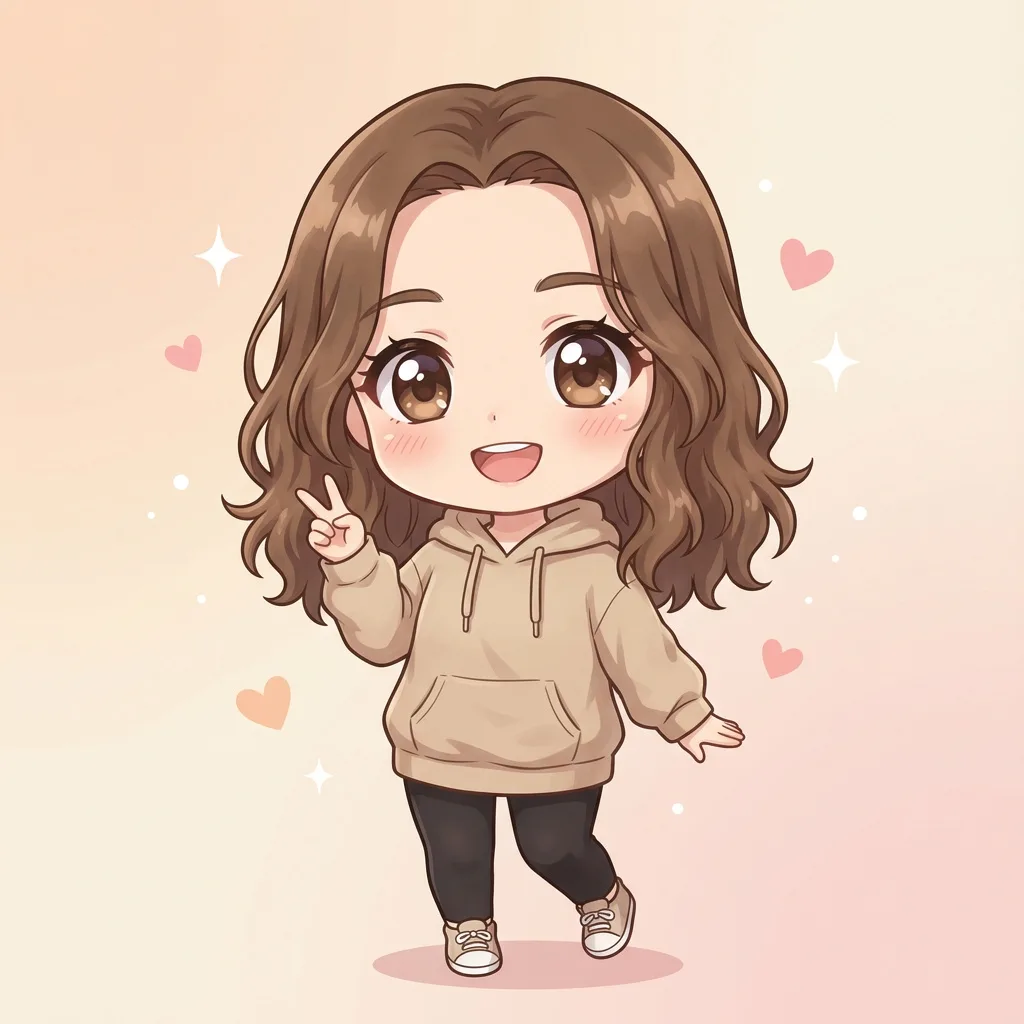 Example · Anime
What does the chibi generator do?
The chibi maker on this page turns a photo into chibi art. A chibi is a cute, “super-deformed” version of a character, about two to three heads tall, with an oversized head, a tiny body and big eyes. You upload one photo and pick a style. Google’s Nano Banana 2.1 image model redraws everyone in it as a chibi and keeps their hairstyle, hair colour, glasses and outfit. The result is a square 2K image in under a minute.
There are three styles. Anime is a flat 2D chibi with clean line art and pastel colours, the look of stickers and avatars. 3D figure is a glossy vinyl toy on a round display base, like a blind-box collectible. Knitted doll is a photo of a crocheted amigurumi doll of you, held in two hands on a wooden table. Every style draws each person and pet in the photo, so couples, families and dogs work too.
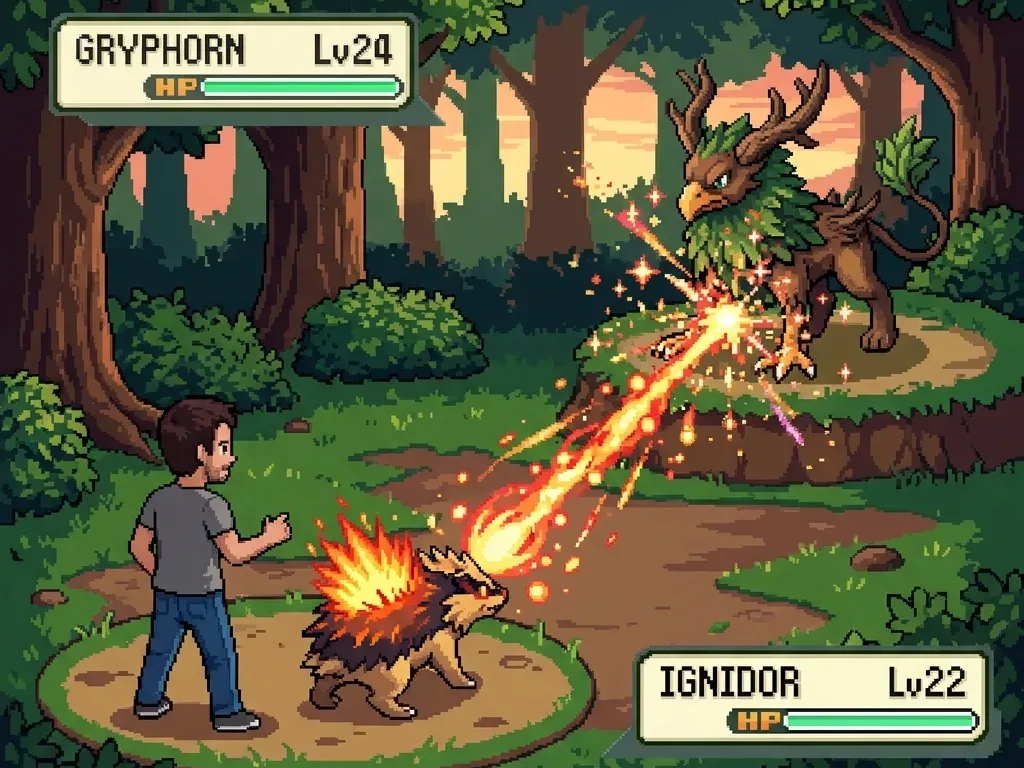
Dress-up chibi makers work the other way round. Picrew and CHARAT CHOCO let you build a chibi by hand from ready-made eyes, hair and clothes, for free and with no AI. Choose one of those when you want to design a character part by part. Choose a photo-to-chibi tool when you want a chibi that already looks like a real person. For a pixel-art version of yourself in a retro monster battle, try the Pokemon-style scene maker.
Chibi art from real photos
Real results from the three styles. The person or pet stays recognisable; only the proportions and the medium change.
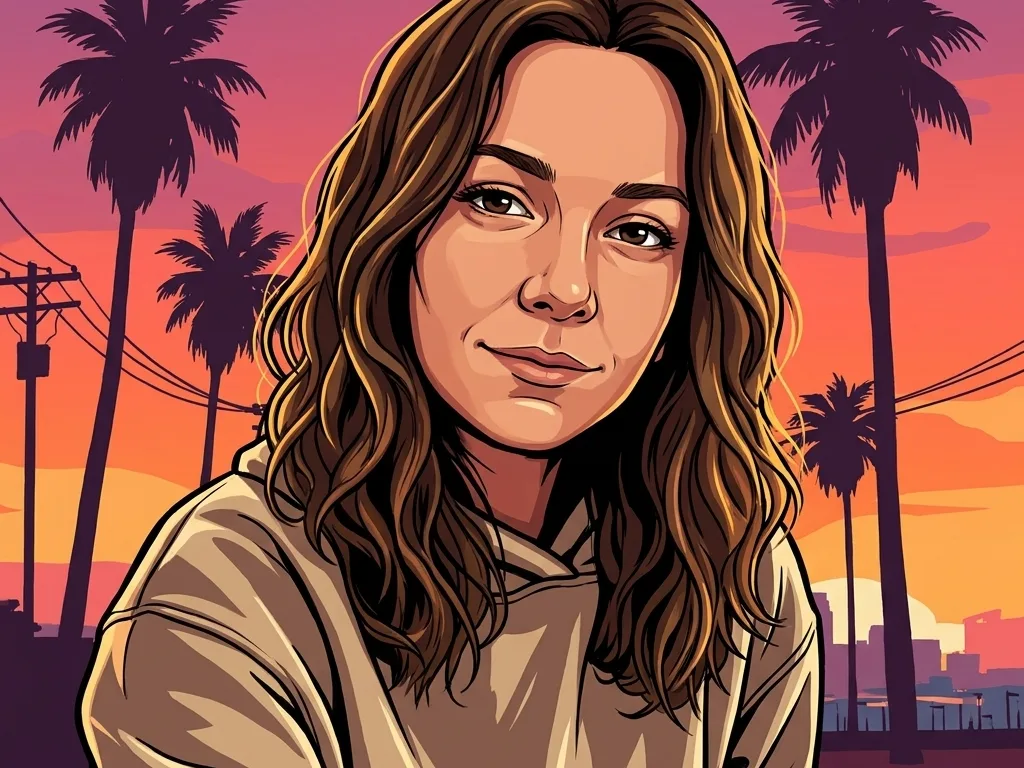
Anime chibi
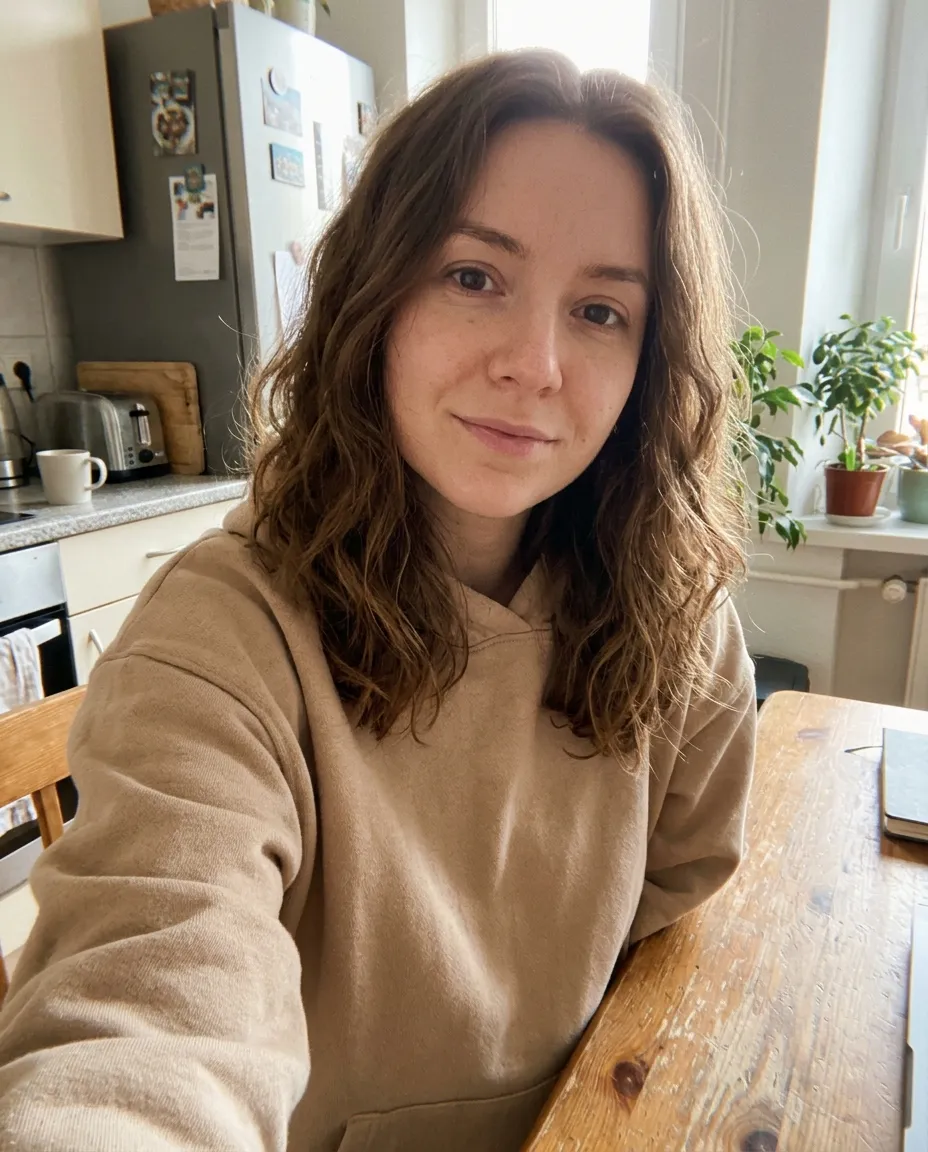
A selfie becomes a 2D chibi with a big head, sparkling eyes and the same wavy hair and hoodie, on a pastel background with small sparkles.

3D chibi figure
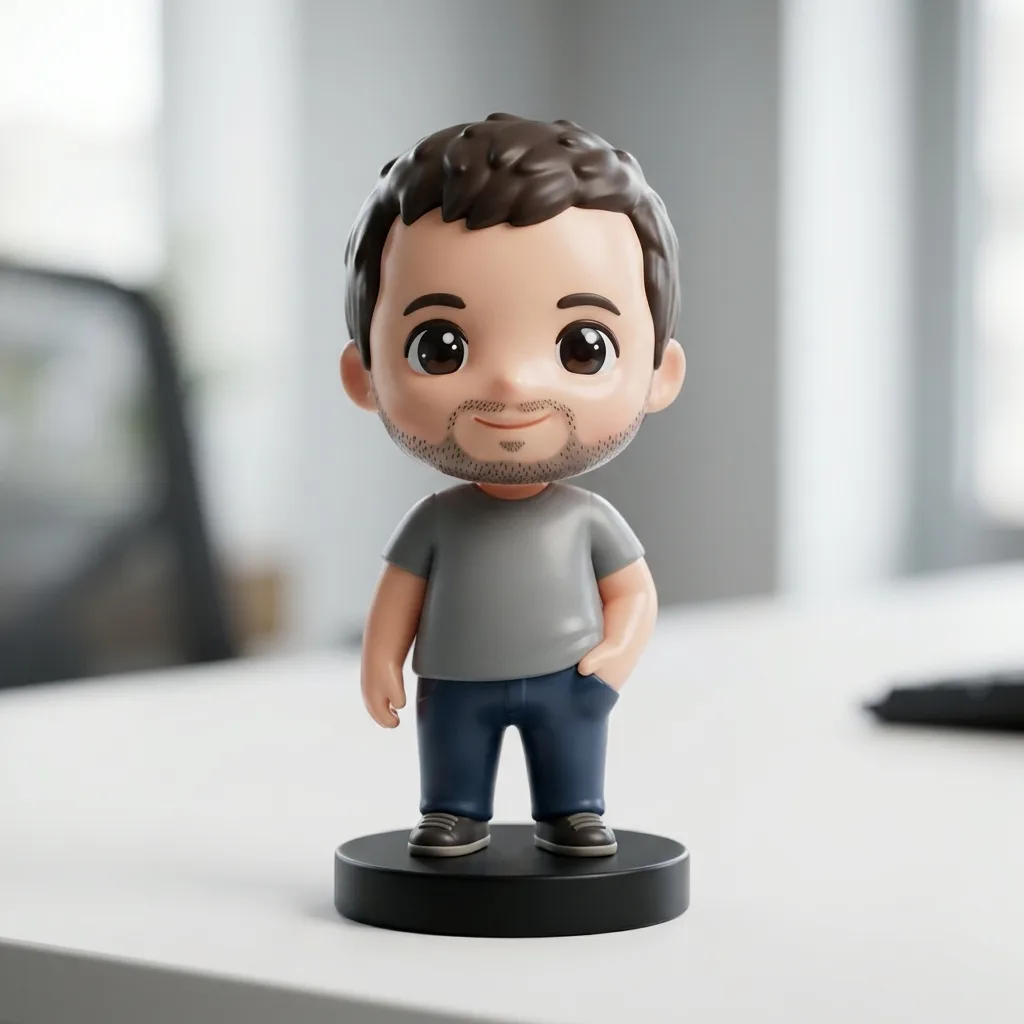
A park photo becomes a glossy vinyl figure on a round base, with the same T-shirt, jeans and beard, lit like a product photo of a designer toy.
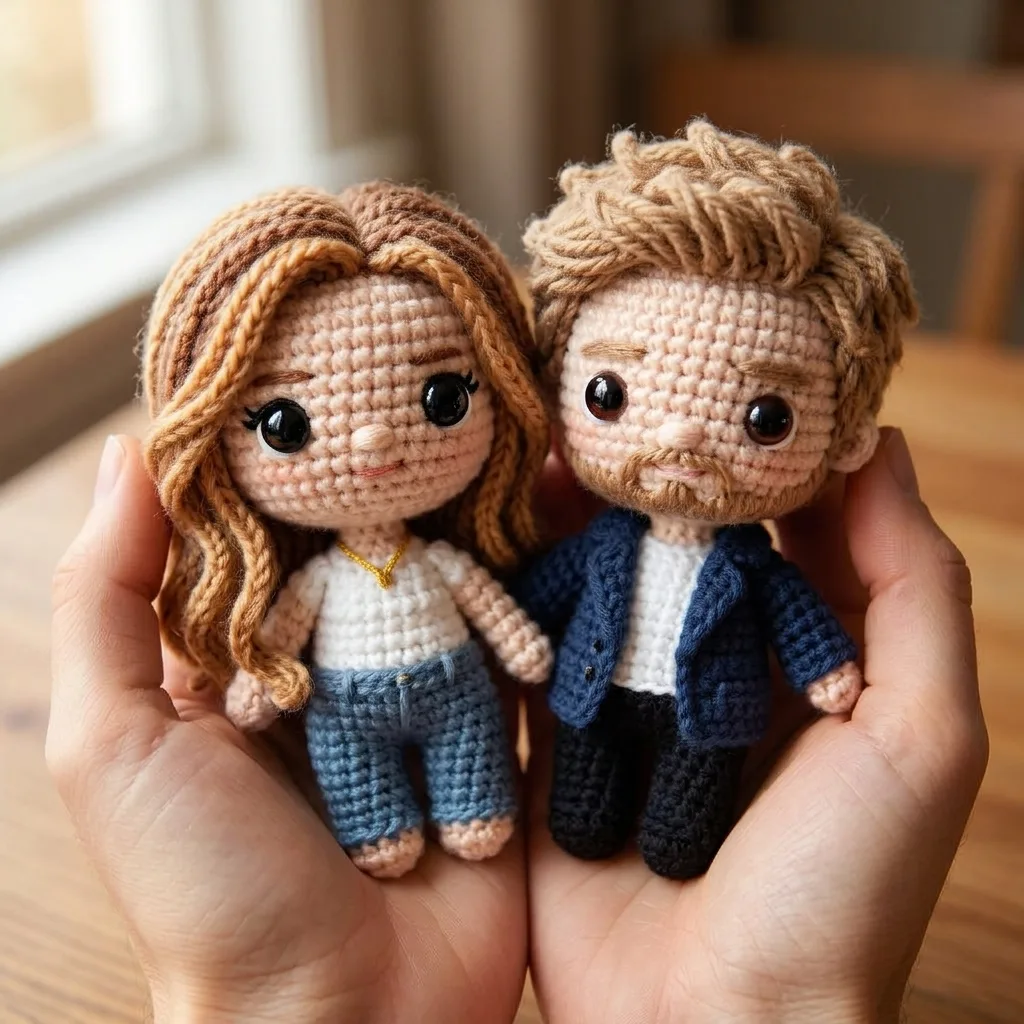
Knitted couple dolls
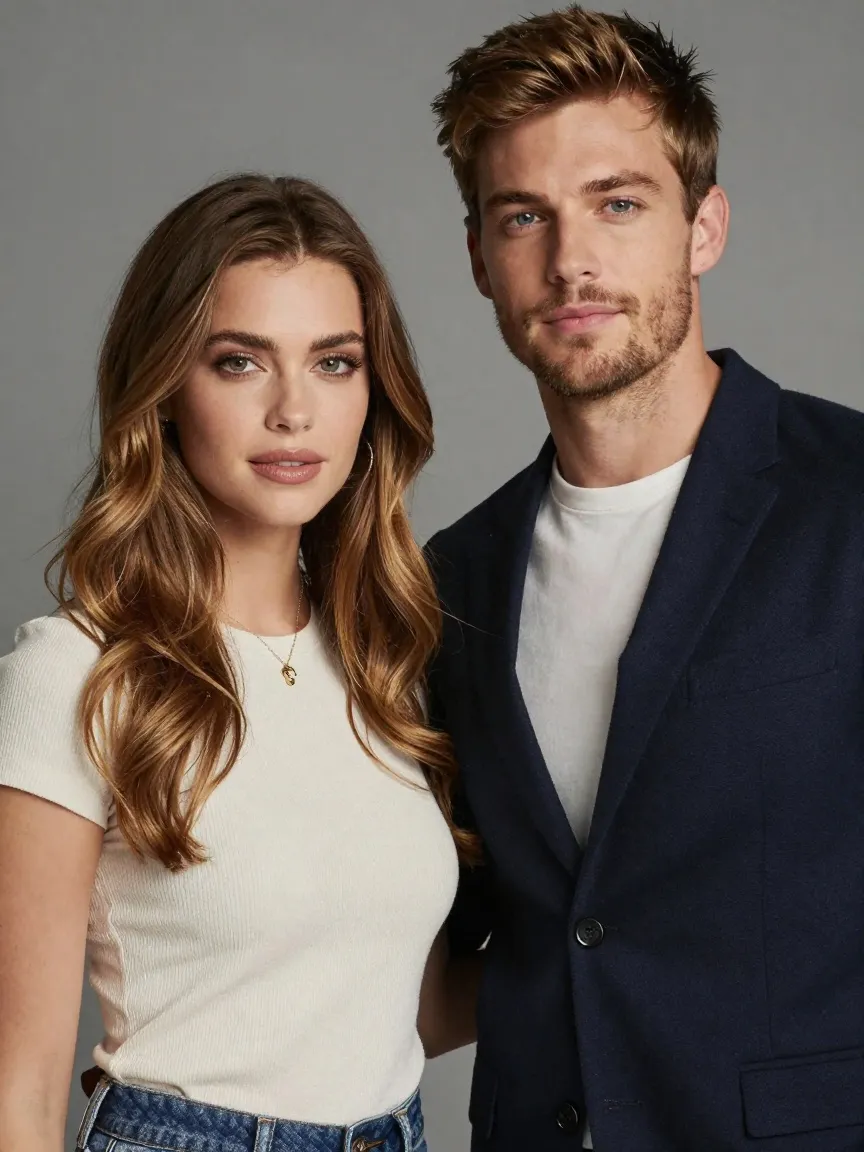
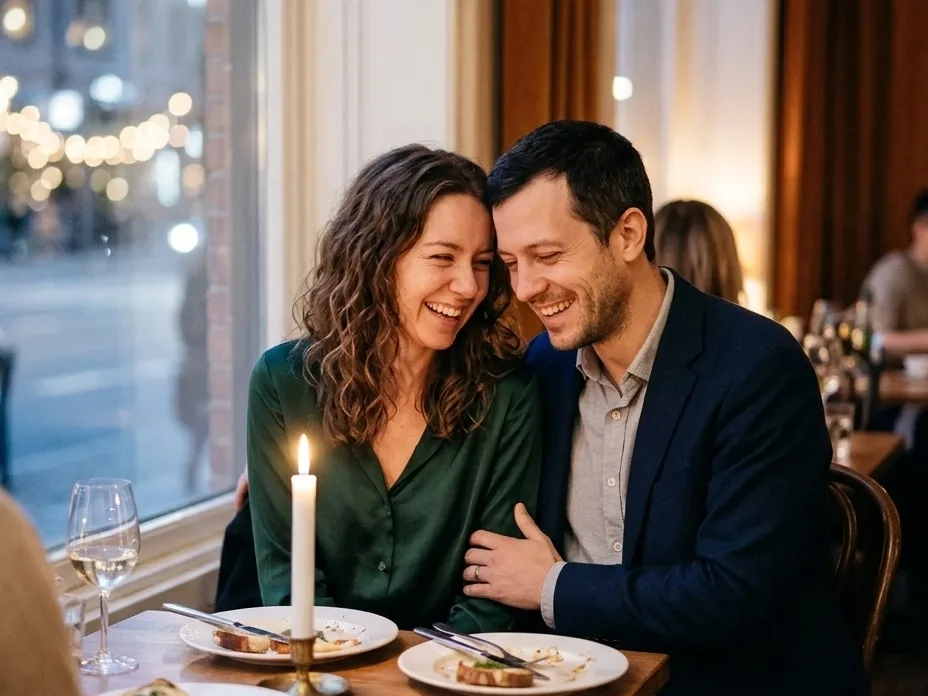
A couple photo becomes two crocheted dolls held together in two hands, with yarn hair in the right colours and the same outfits in stitches.
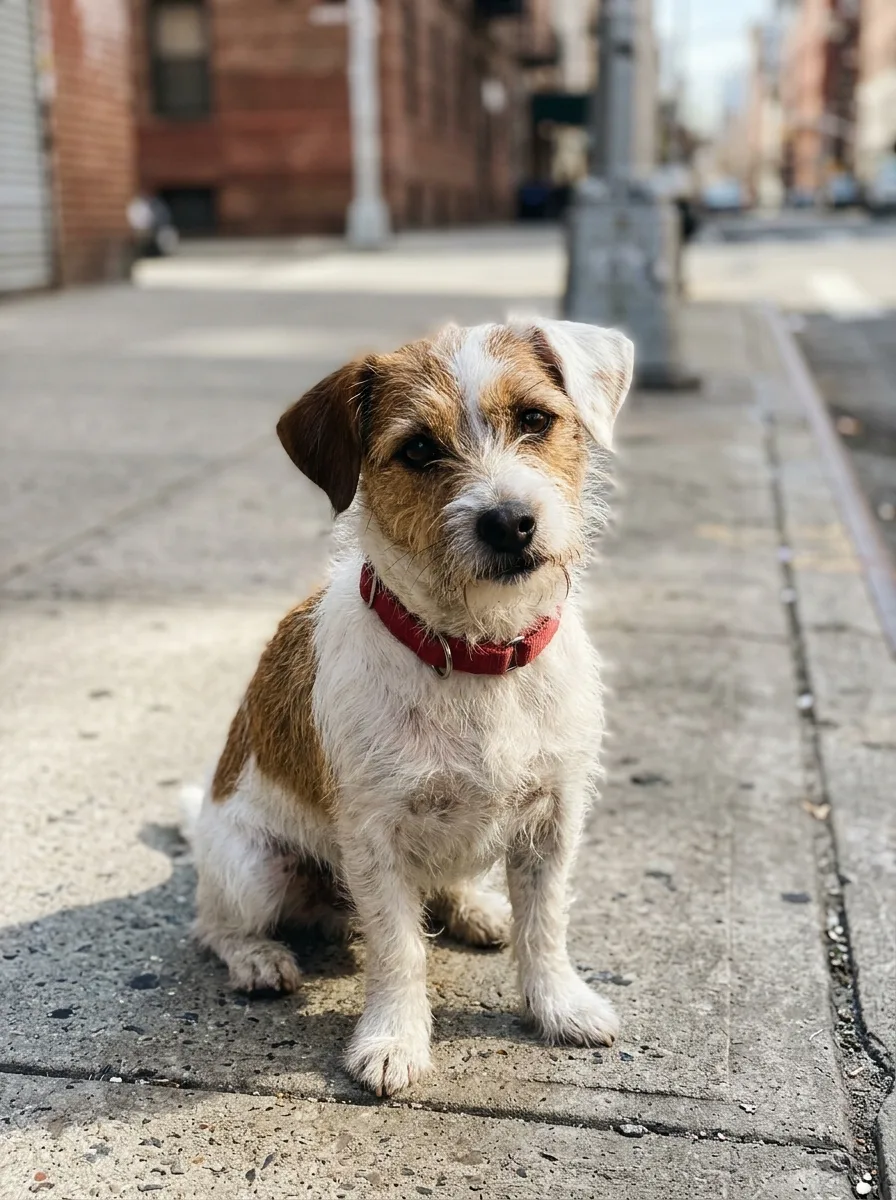
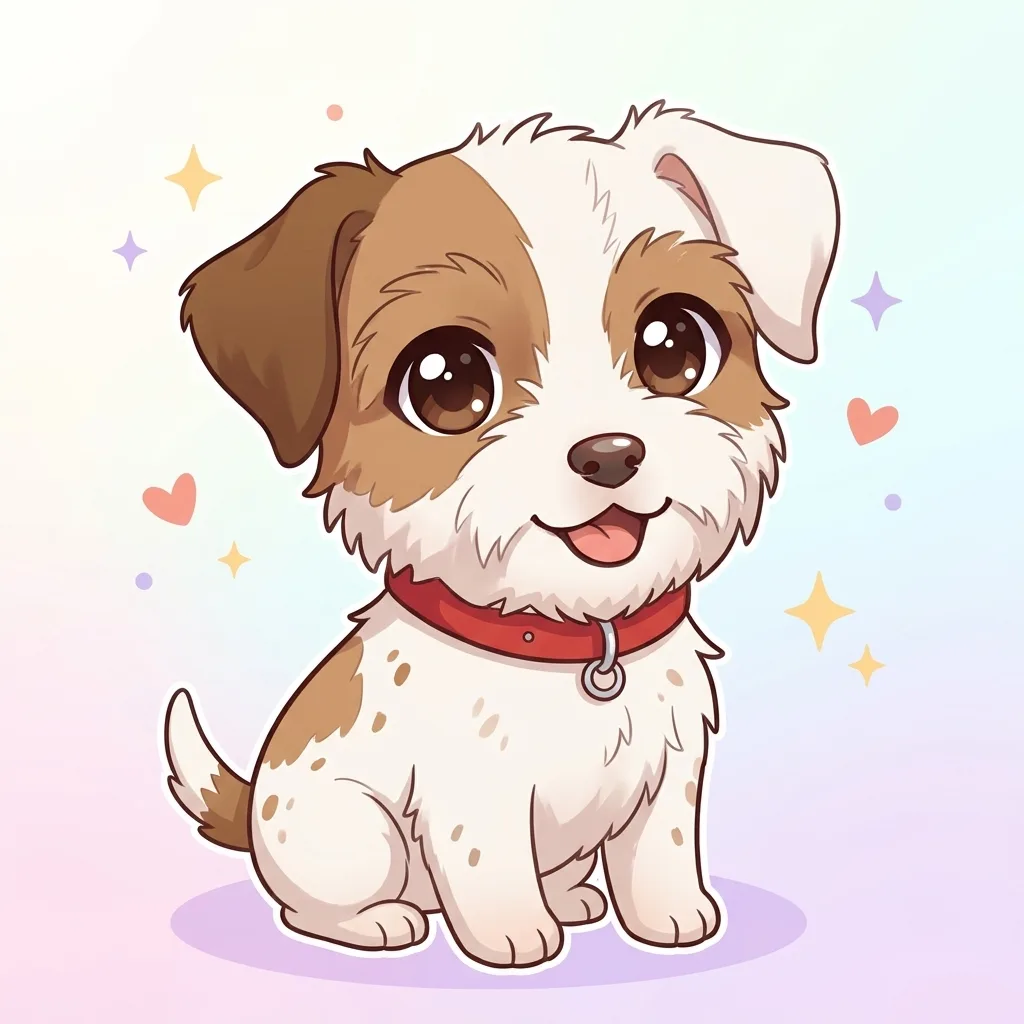
Chibi pet
A dog photo becomes an anime chibi with an oversized head and big eyes, keeping the one brown ear and the scruffy white fur.
What people make with an AI chibi maker
The searches behind this page, and which style fits each one.
Chibi avatar
Anime gives a square chibi profile picture for Discord, Instagram, TikTok or a group chat.
3D chibi of yourself
Pick 3D figure for a collectible-toy look, the style people share as “if I were a blind-box figure”.
Couple and family chibis
Upload a couple or family photo: every person gets a chibi in the same picture, for anniversaries and holiday cards.
Pet chibi
Dogs and cats keep their breed, colours and markings, drawn with an oversized head and big eyes.
Handmade-look gifts
Knitted doll looks like a real crocheted amigurumi of someone, a sweet picture for a birthday card or a print.
Chibi stickers
Cut the anime chibi out with the background remover to use it as a sticker in WhatsApp, Telegram or a print shop.
How to turn a photo into a chibi
- 01
Upload a photo
One person, a couple, a group or a pet, with faces visible and well lit.
- 02
Pick a style
Anime, 3D figure or Knitted doll.
- 03
Generate
Your chibi is ready in under a minute, as a square 2K image.
- 04
Download
Save the PNG and use it as an avatar, a sticker or a print.
AI chibi generator FAQ
Something else? Email support@nano-banana.love.
How do I turn a photo into a chibi?
Upload the photo on this page, pick Anime, 3D figure or Knitted doll, and click Generate. Nano Banana 2.1, an AI image model, redraws everyone in the photo with chibi proportions: an oversized head, a tiny body and big eyes. Hair, glasses and outfits stay the same. You get a square 2K image in under a minute, in any browser.
What is a chibi?
Chibi is a Japanese word for something small, and in anime and manga it means a cute, “super-deformed” drawing of a character. A chibi is usually two to three heads tall, with a head about as big as the body, short limbs and large eyes. Artists use chibis for stickers, comic gags, merchandise and avatars.
Is the chibi maker free?
Each chibi costs 2 credits. New accounts get 2 free credits on sign-up, enough for one to try it, as long as the account passes our one-per-person checks. After that you buy credits once and use them on any tool or model. There is no subscription.
Is there a chibi maker without AI?
Yes. Dress-up chibi makers such as Picrew, CHARAT CHOCO and the Doll Divine chibi maker let you build a character by hand from ready-made eyes, hair, outfits and accessories, for free in a browser. They do not use your photo. The AI chibi maker on this page is the other kind: it starts from a real photo, so the chibi looks like that person.
Can I make a 3D chibi of myself?
Yes. Pick 3D figure. The chibi generator turns you into a glossy vinyl figure, like a blind-box designer toy, standing on a round display base under soft studio light. Your hairstyle, glasses, facial hair and outfit colours carry over. It is a picture of a figure, not a 3D model file you can print.
Does it work for couples, groups and pets?
Yes. Every style draws each person and pet in the photo as a chibi in one picture, and adds nobody. A couple photo gives two chibis side by side, and the Knitted doll style gives one crocheted doll for each person. Faces that are tiny or turned away come out less accurate, so a photo where every face is clear works best.
Can I turn myself into an anime character I like?
No. The chibi maker keeps you as yourself and does not copy existing anime, cartoon or game characters, which belong to their creators. You get the chibi style around your own face, hair and clothes. To look like a specific character, a cosplay photo uploaded here will keep the costume you are wearing.
Can I use my chibi as a sticker?
Yes. Download the square PNG, then remove the background with the background remover on this site to get a transparent sticker. WhatsApp’s sticker maker and Telegram’s @Stickers bot both take PNG images with a transparent background, and print shops take PNGs for vinyl stickers. The Anime style works best for stickers.
Can I upload a photo of a friend?
Only with their permission, and only of adults. You confirm you have the rights to the photo before you generate.
What happens to my photo?
Your photo is uploaded only to make your result. Uploads are deleted from our storage provider within about 24 hours, results stay downloadable in your account for 14 days, and we never use your photos to train AI models.

Make yourself a chibi
Upload a photo, pick a style and get your chibi in under a minute.
Start creating