
GTA 6 Wallpaper Maker
Upload a photo and get yourself back inside a Vice City wallpaper: small on a palm-lined beach at sunset or under neon signs on a wet street at night, with clear sky left for your phone’s clock. Pick a 9:16 phone or a 16:9 desktop version. Each one is a 2K image, ready in under a minute. Or download one of the eight free 4K wallpapers below.
- 4 looks
- 9:16 and 16:9
- 2K output
- Free 4K gallery
Put yourself inside a Vice City phone or desktop wallpaper.
Sign in to use the tool. New accounts get free credits to try it.
Example
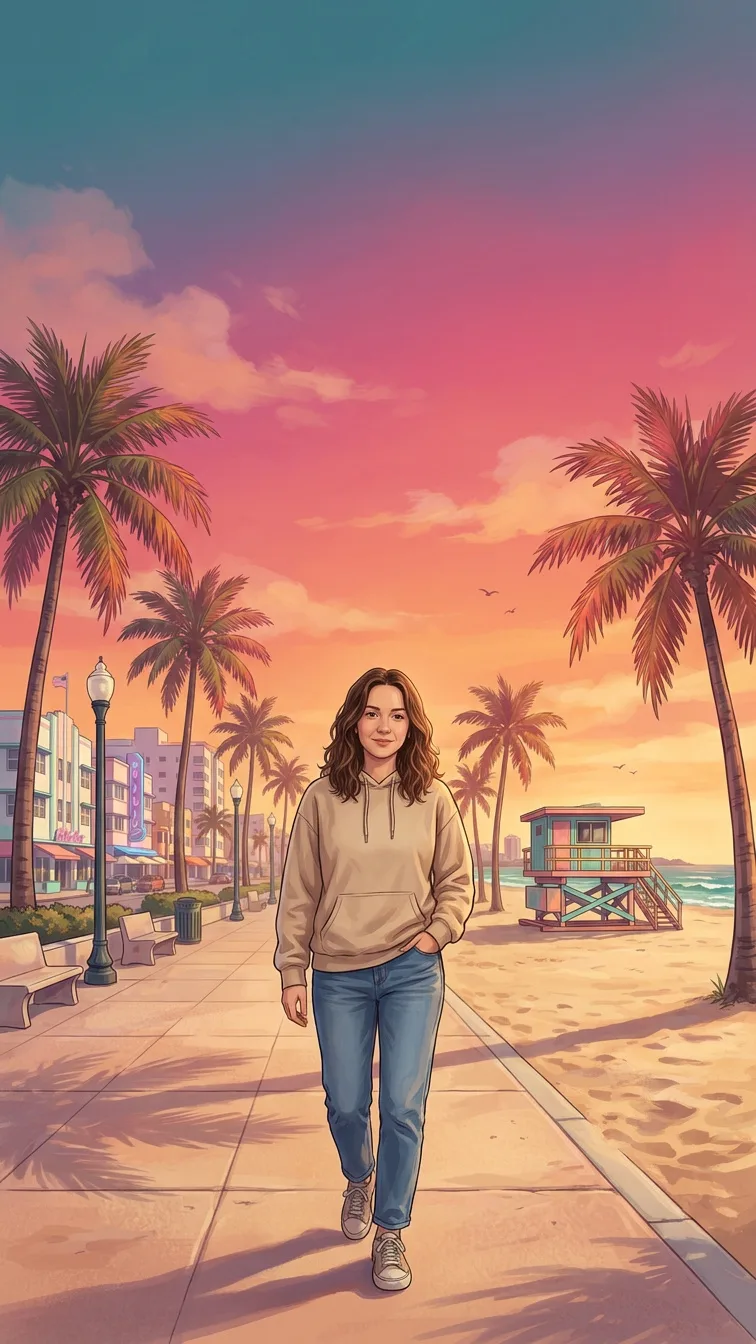 Example · Phone, sunset
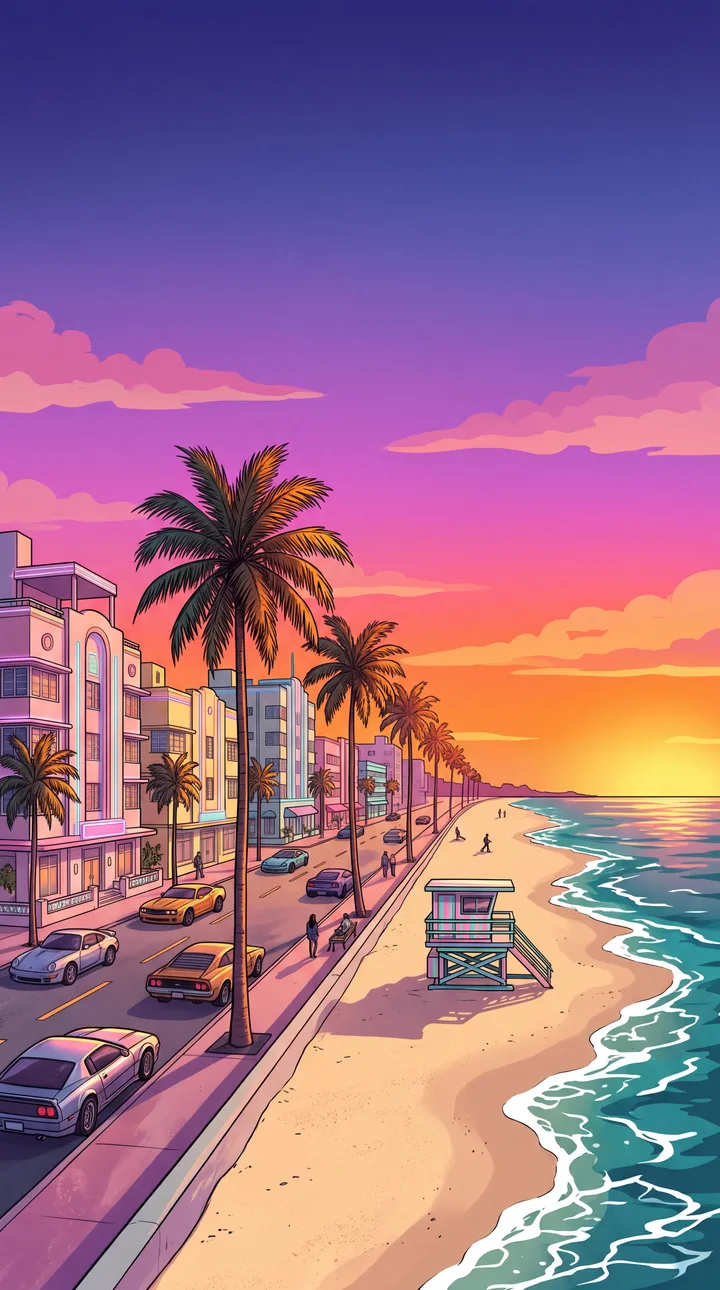
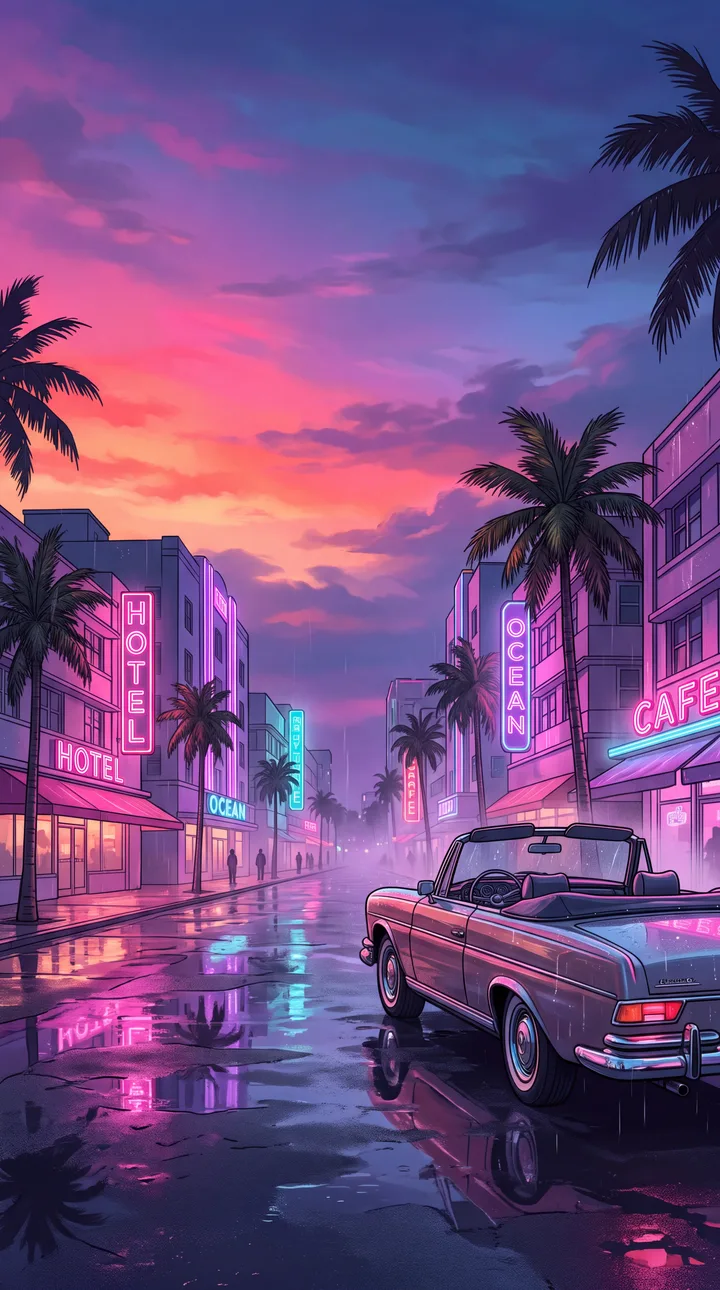
Free 4K Vice City wallpapers
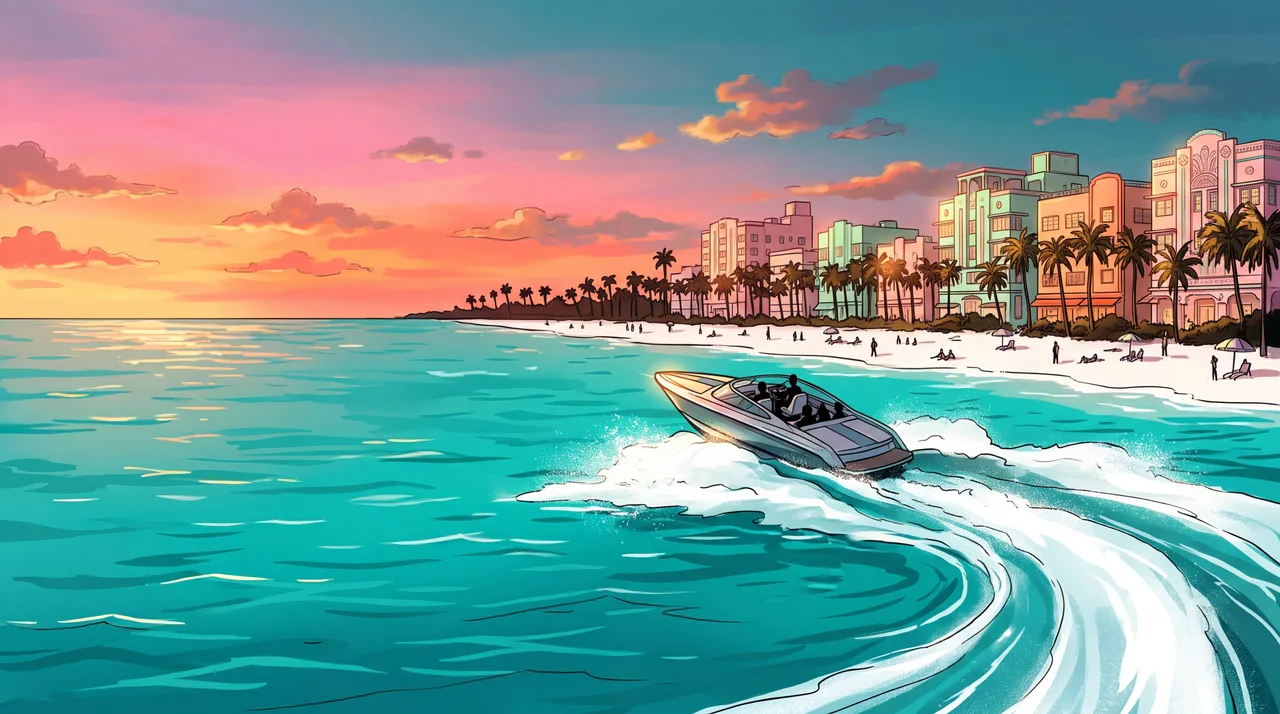
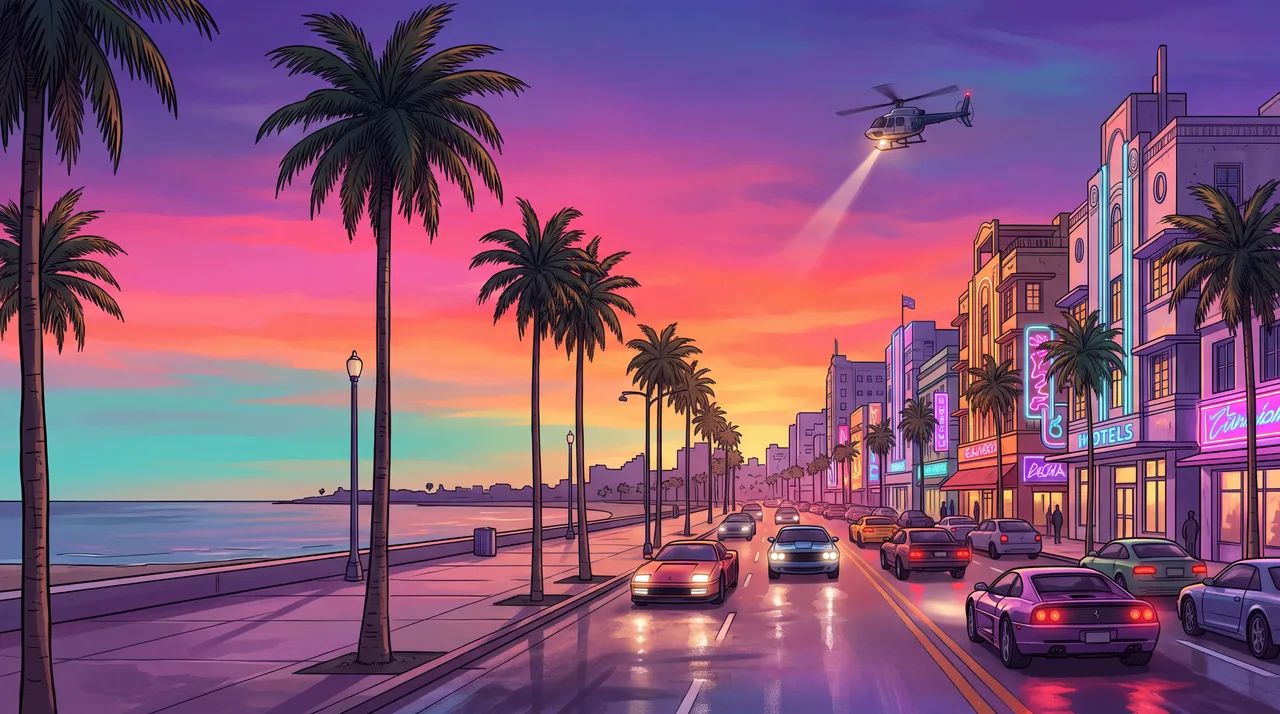
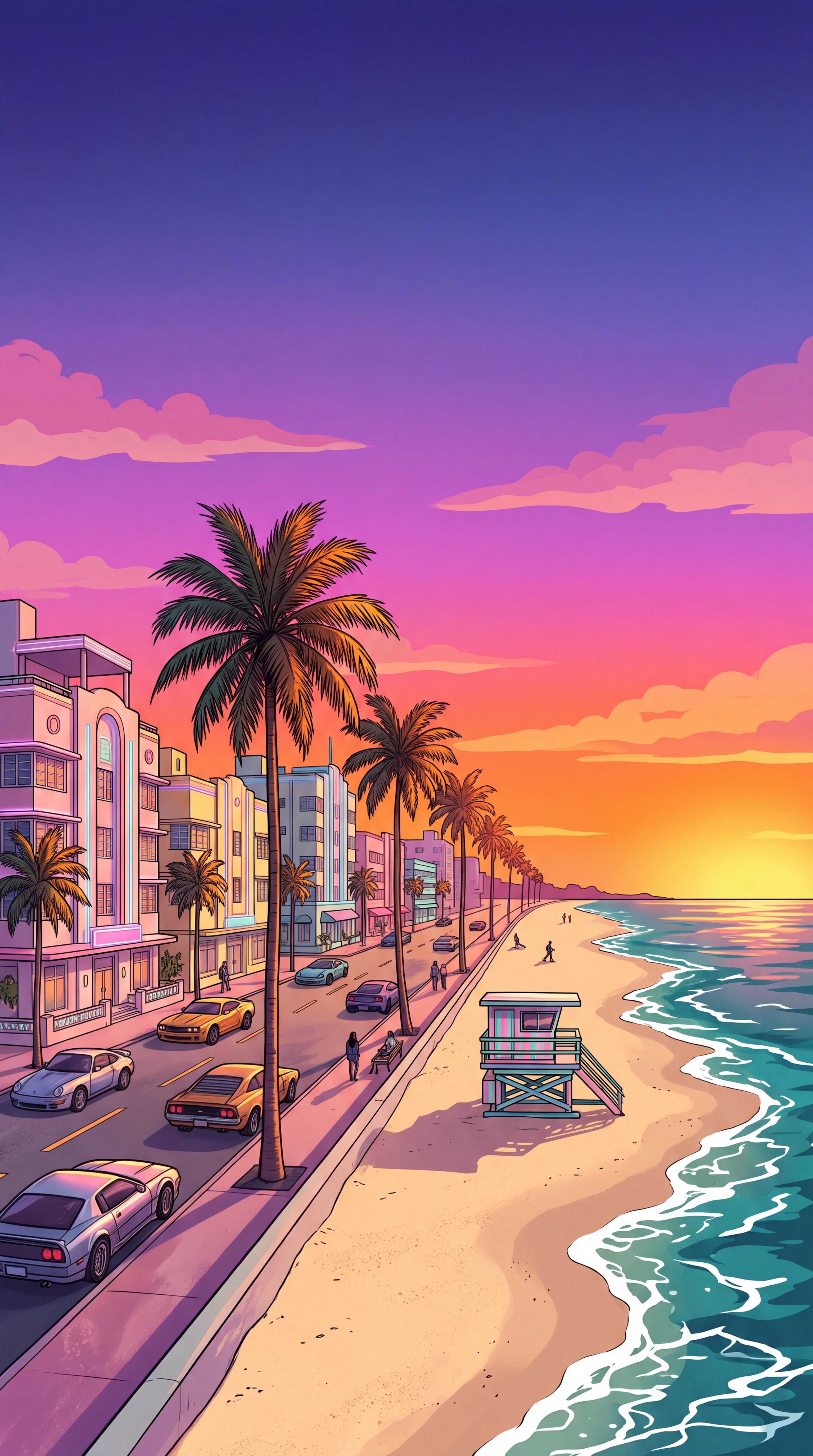
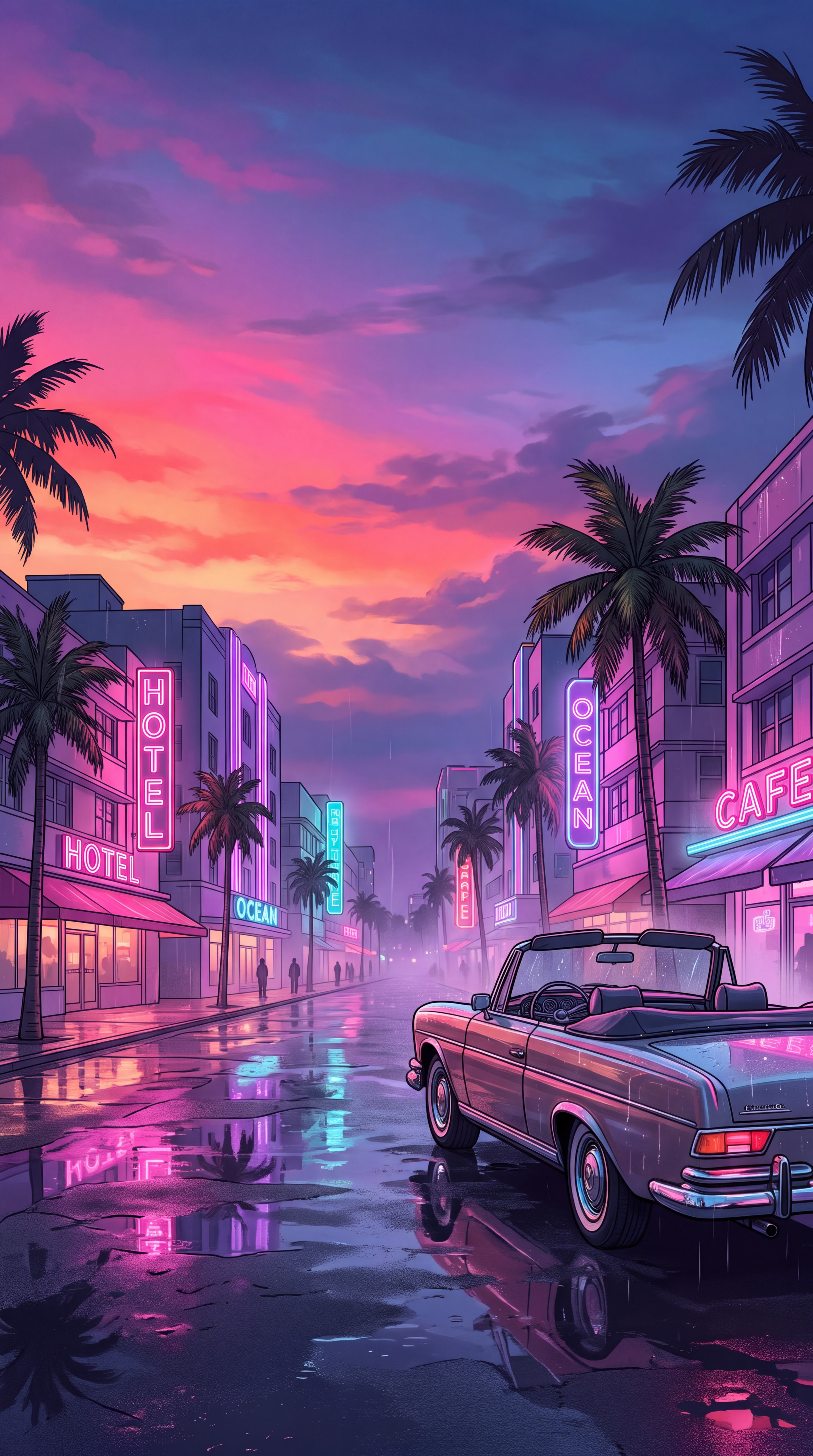
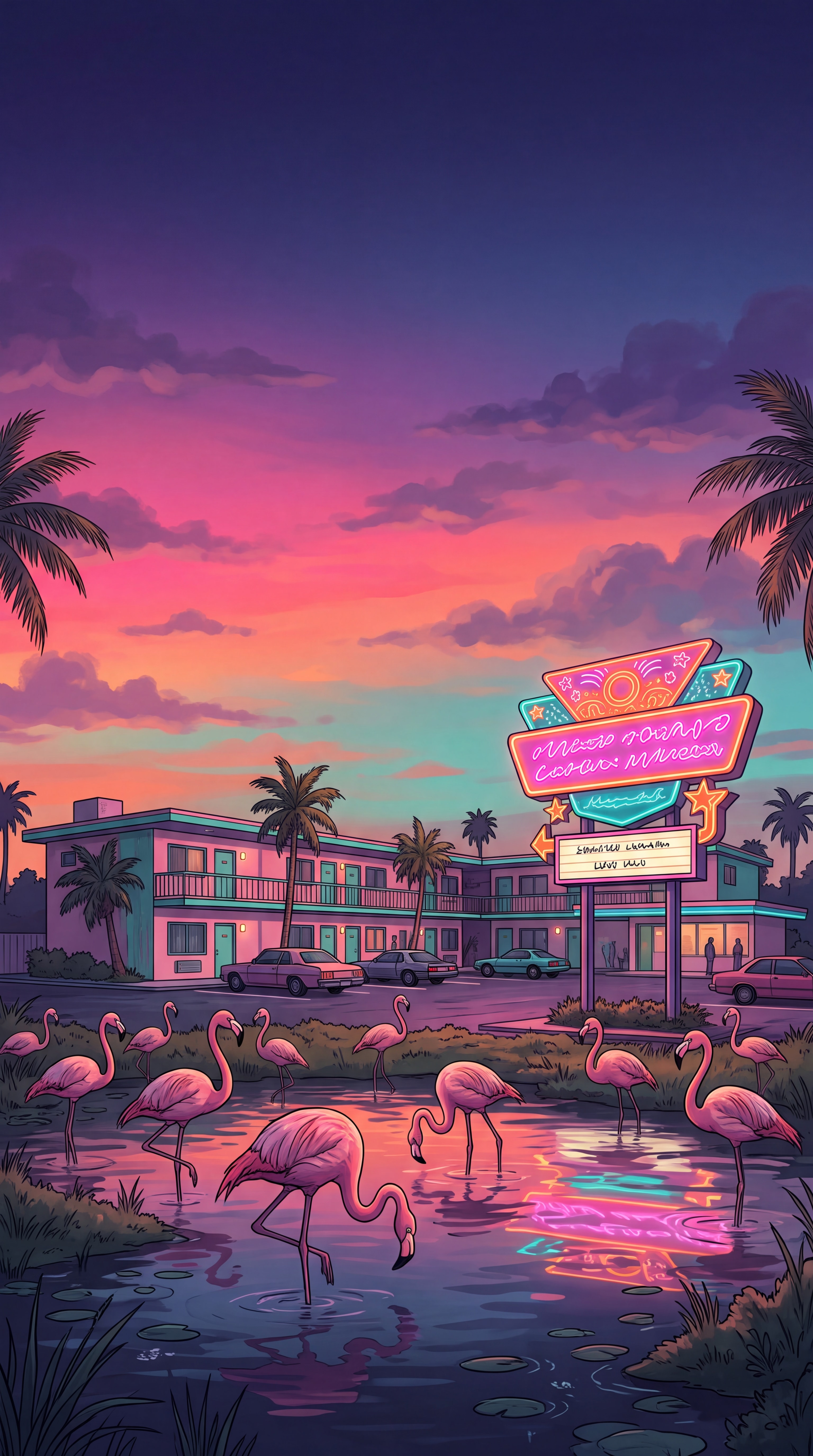
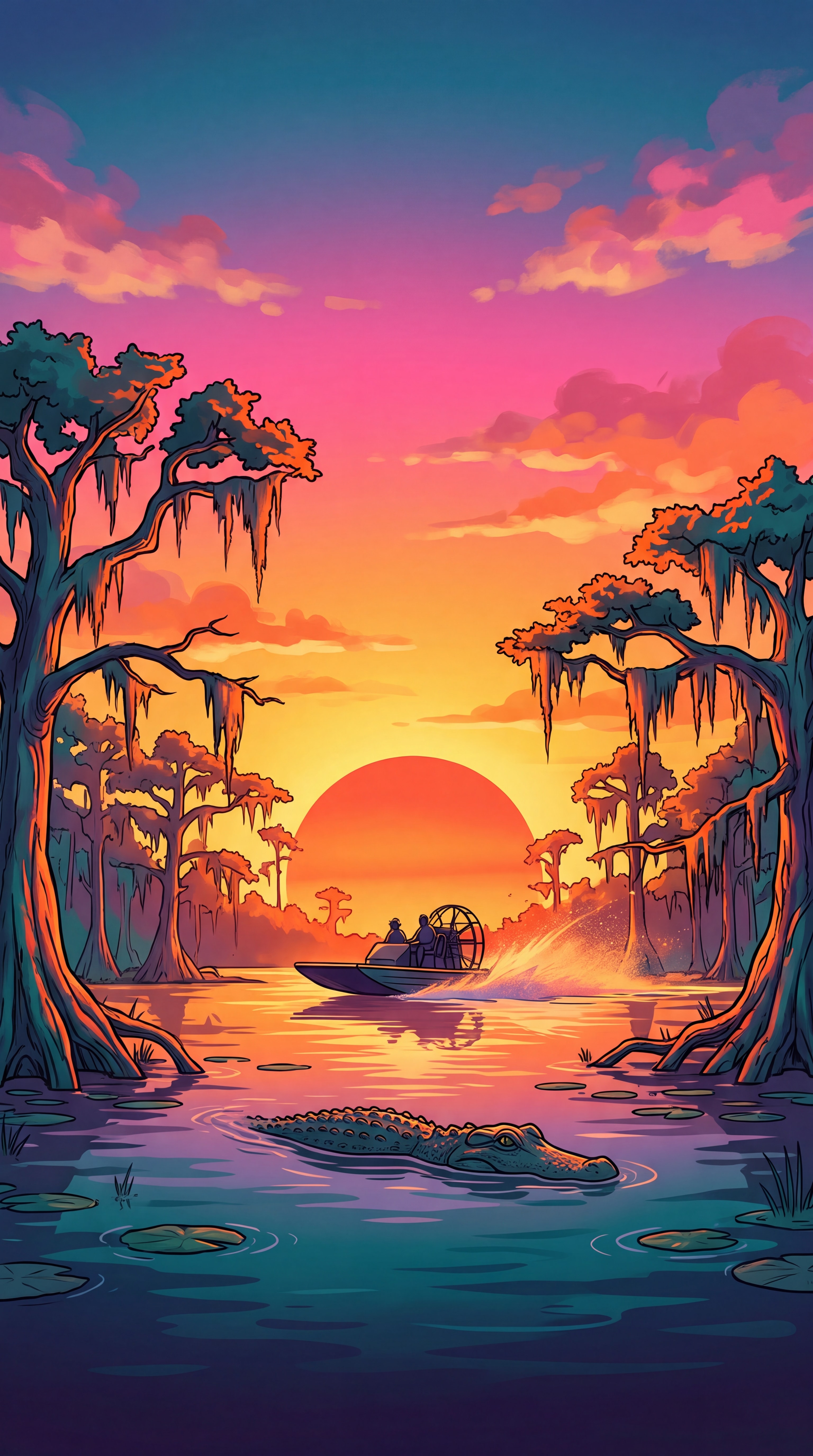
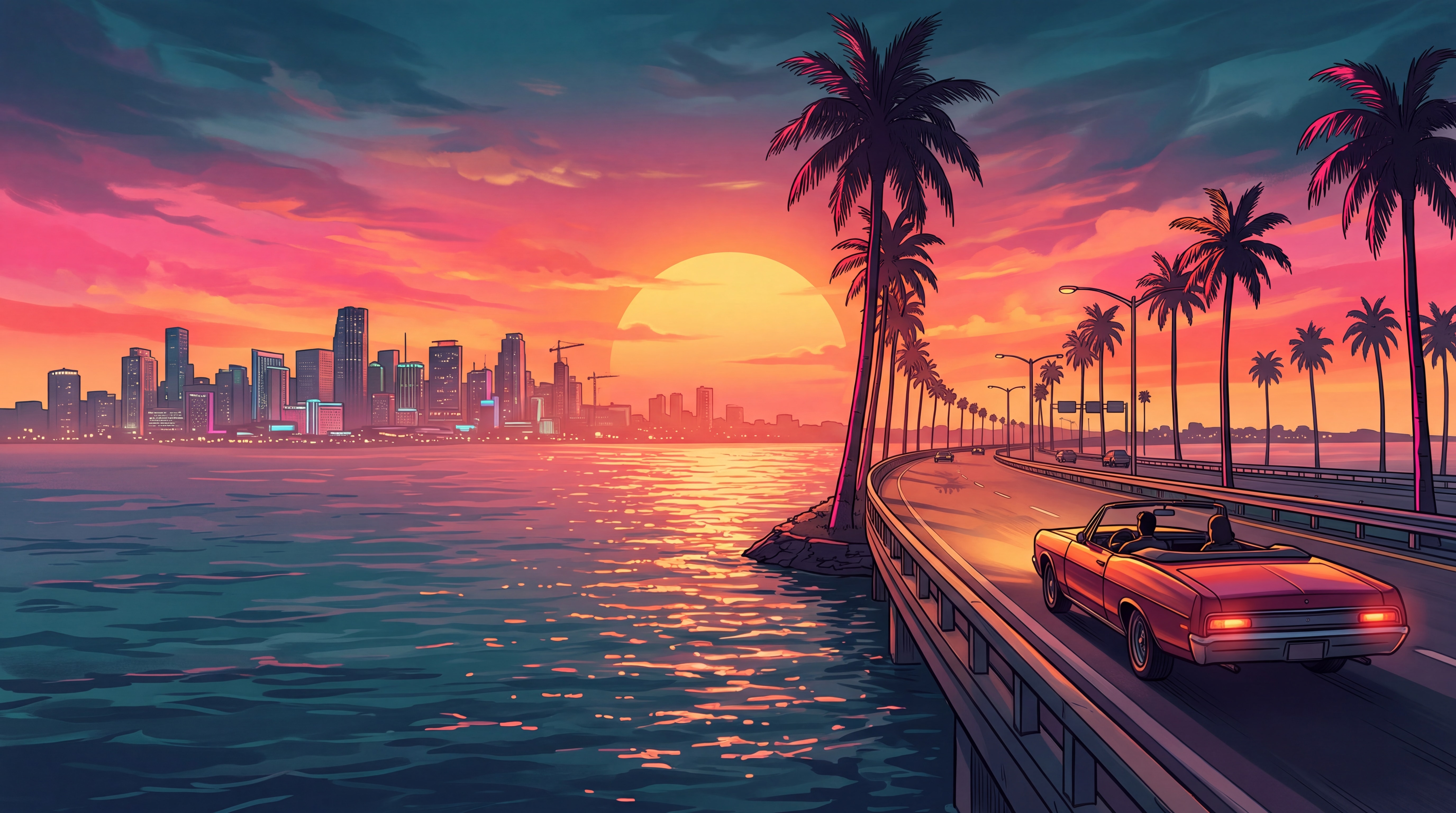
Eight wallpapers in the GTA VI art style, four for phones and four for desktops and laptops. Click one to save the full 4K JPG. No people, no logos, no account.
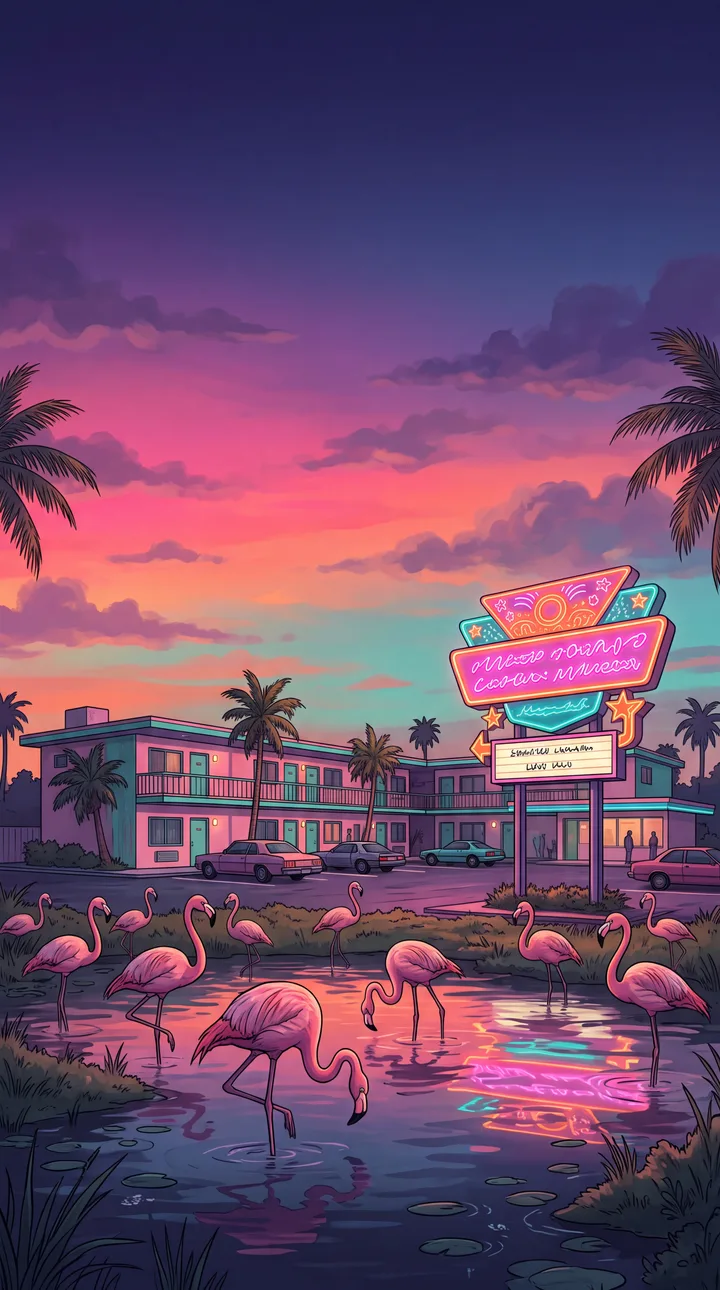
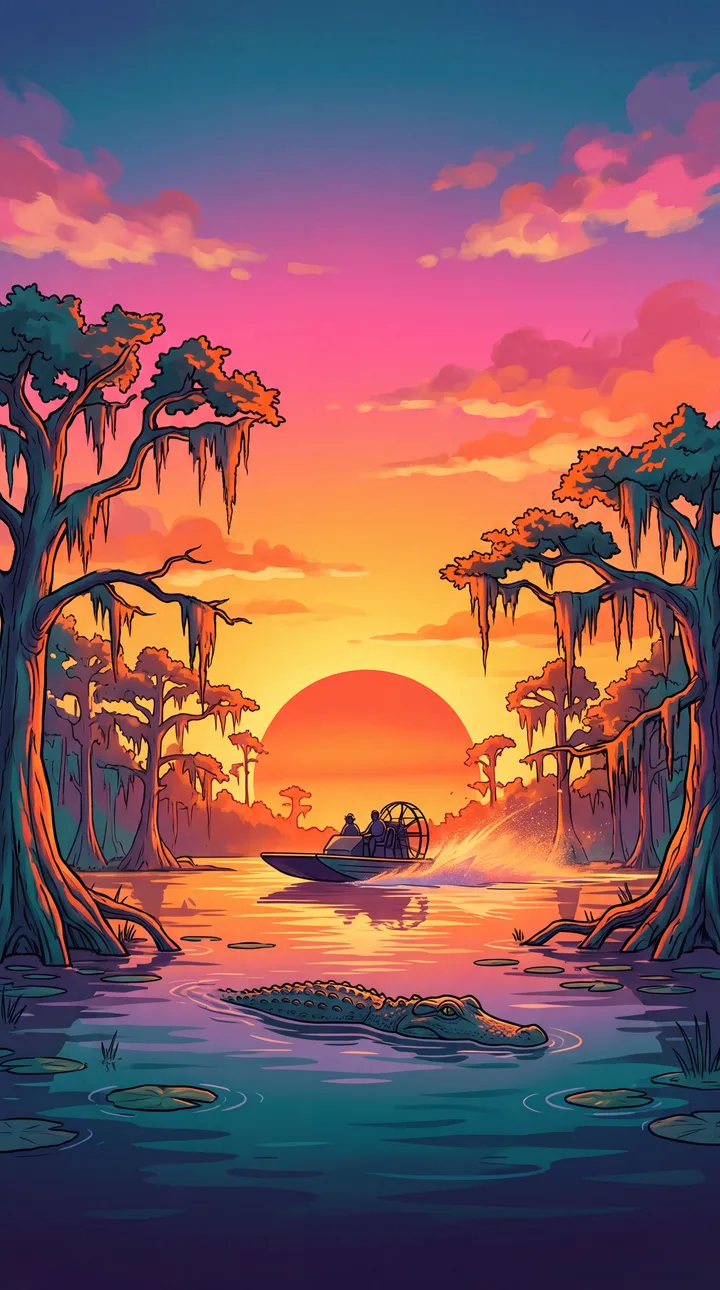
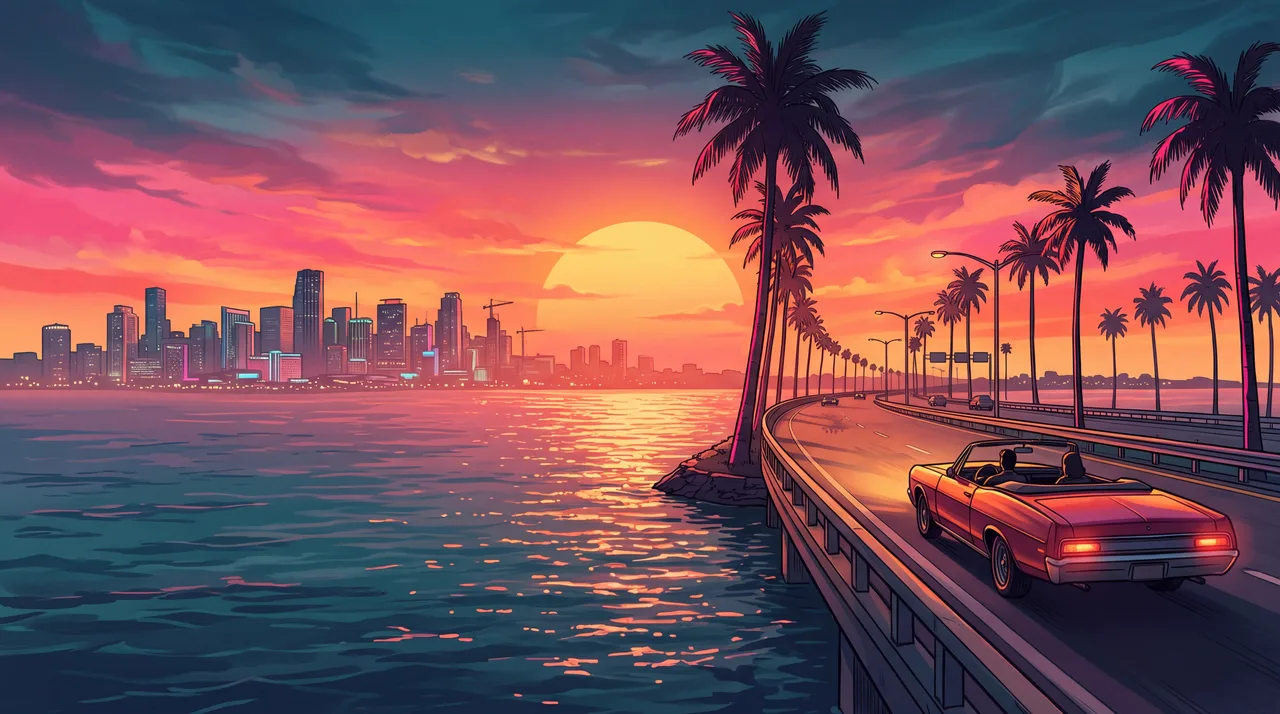
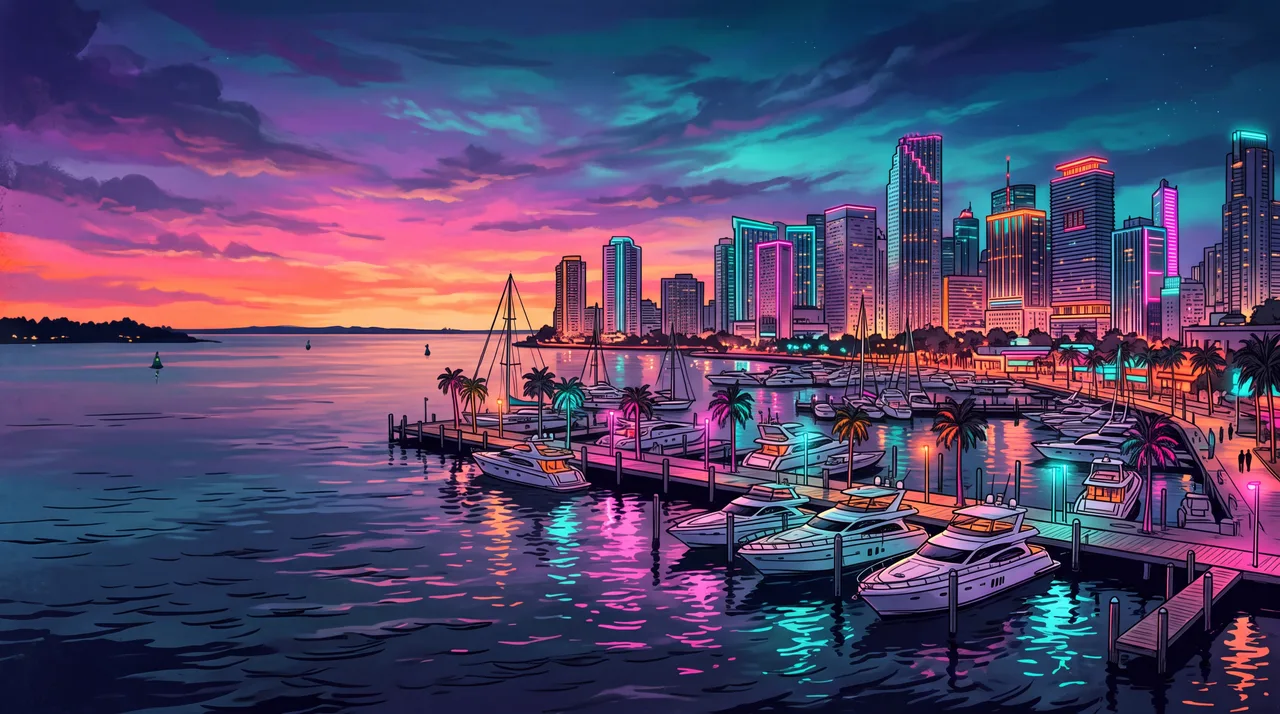
What does the Vice City wallpaper maker do?
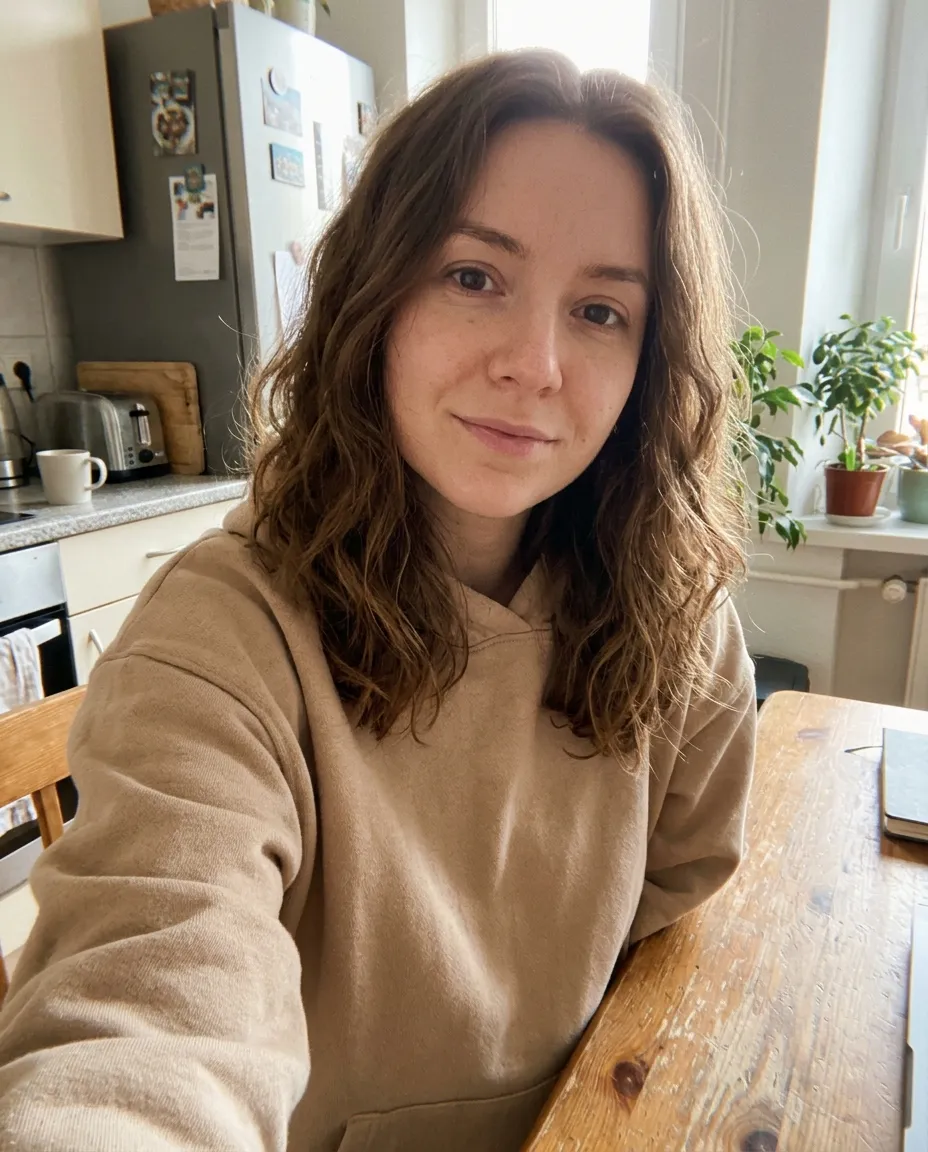
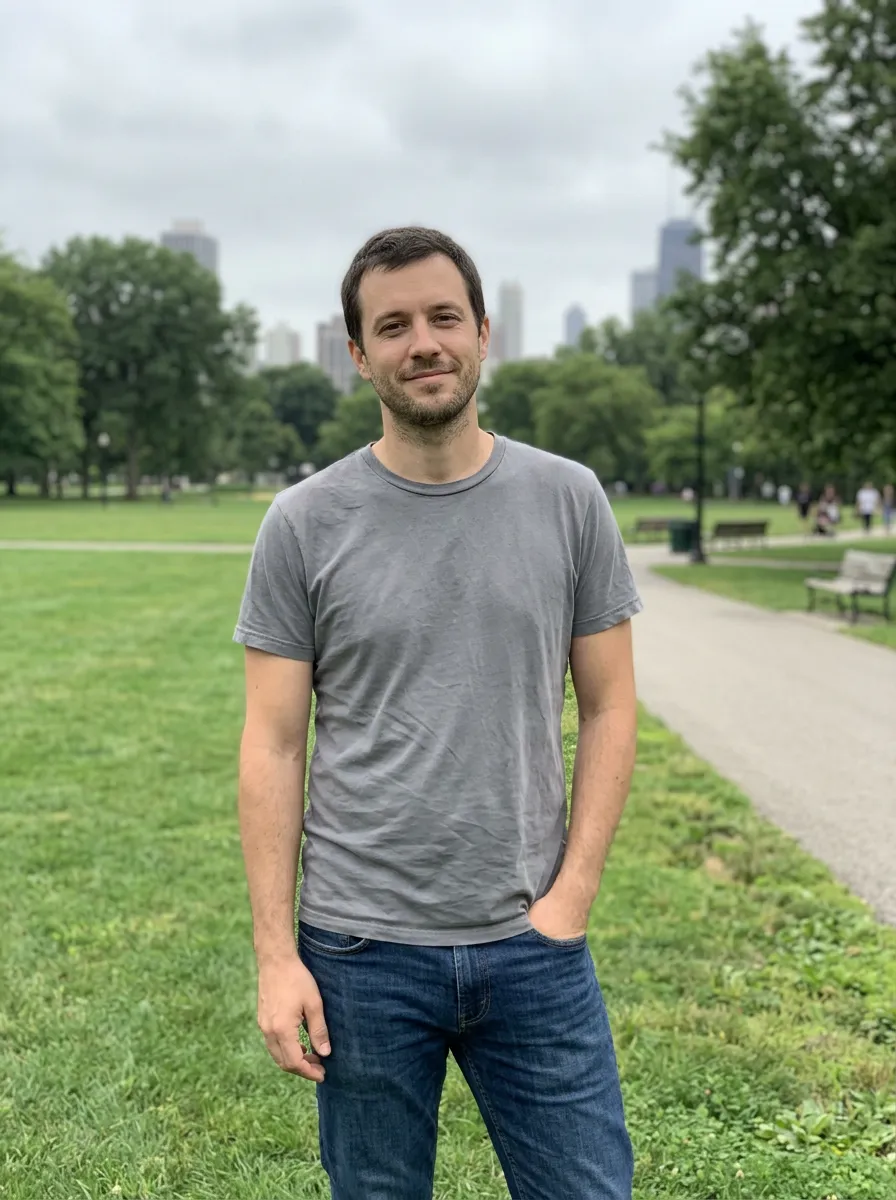
The GTA 6 wallpaper maker on this page puts you inside a Vice City scene framed as a wallpaper. You upload one photo and pick a look. Google’s Nano Banana 2.1 image model keeps your face, hair and outfit and paints you small inside a wide scene in the Grand Theft Auto VI art style: ink outlines, cel shading and a hot pink, orange and teal sky. The result is a 2K image in under a minute.
Wallpapers need room, so the framing is different from a portrait. The two phone looks are 9:16 and keep the top third as open sky, so your lock-screen clock sits on clear sky. The two desktop looks are 16:9, with you on the right third and a calmer left side for icons. Each shape comes as a sunset version and a neon night version.
The free gallery holds eight finished wallpapers with no people in them, at 4K. Rockstar Games also posts official GTA VI artwork and wallpapers of Jason, Lucia and Leonida on its Artwork & Wallpapers page. Use those for the game’s own characters, and this page for original Vice City scenes or a wallpaper with your own face.
The maker’s 2K result already fills a phone screen. For a 4K desktop, run it through the 4K image upscaler. For a close-up of you leaning on a sports car instead, try the GTA 6 loading screen maker.
Grand Theft Auto, GTA and Vice City are trademarks of Take-Two Interactive. This site is not affiliated with or endorsed by Rockstar Games or Take-Two; it makes fan art in a similar style.
Vice City phone and desktop backgrounds from real photos
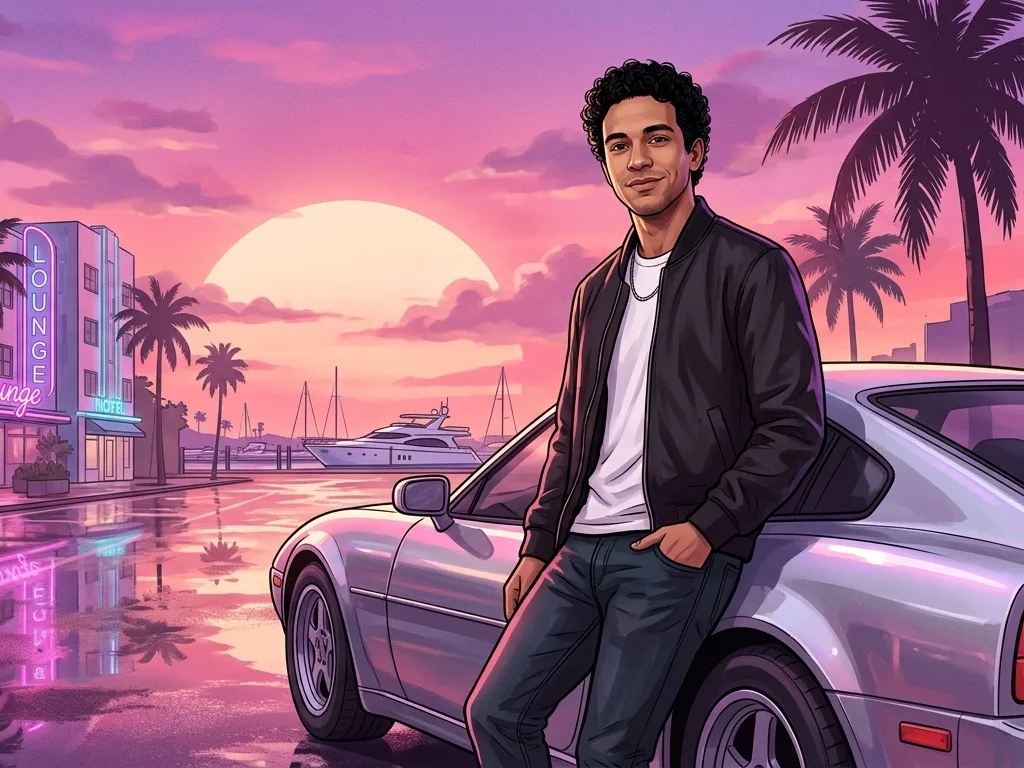
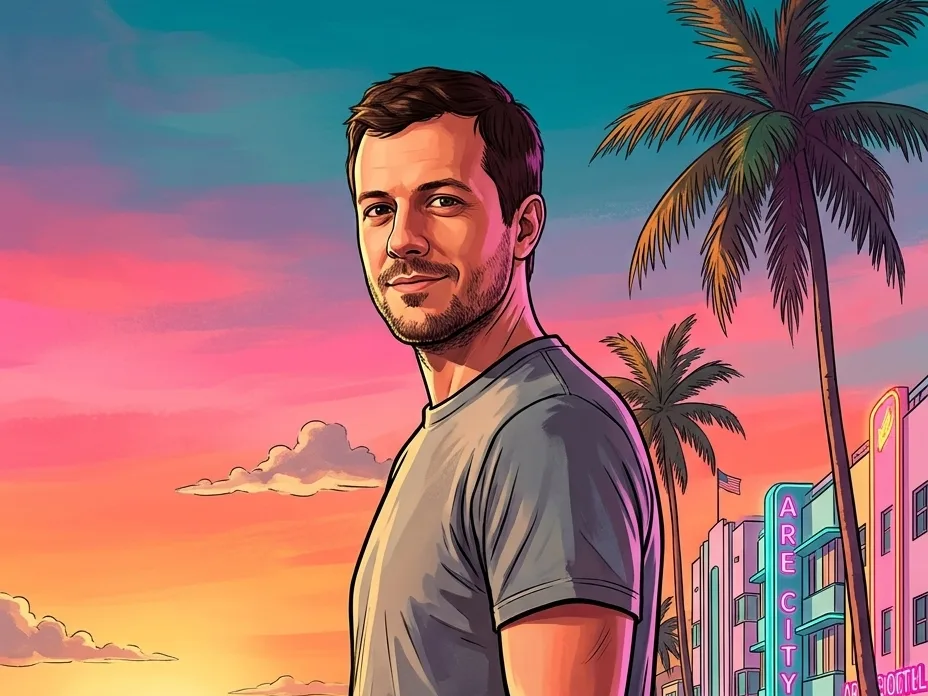
Real results, one per look. You stay recognisable; the city does the rest.
Phone, sunset
Full-length on a palm-lined beach promenade with pastel hotels and a lifeguard tower, with the top third left as open pink sky for the clock.
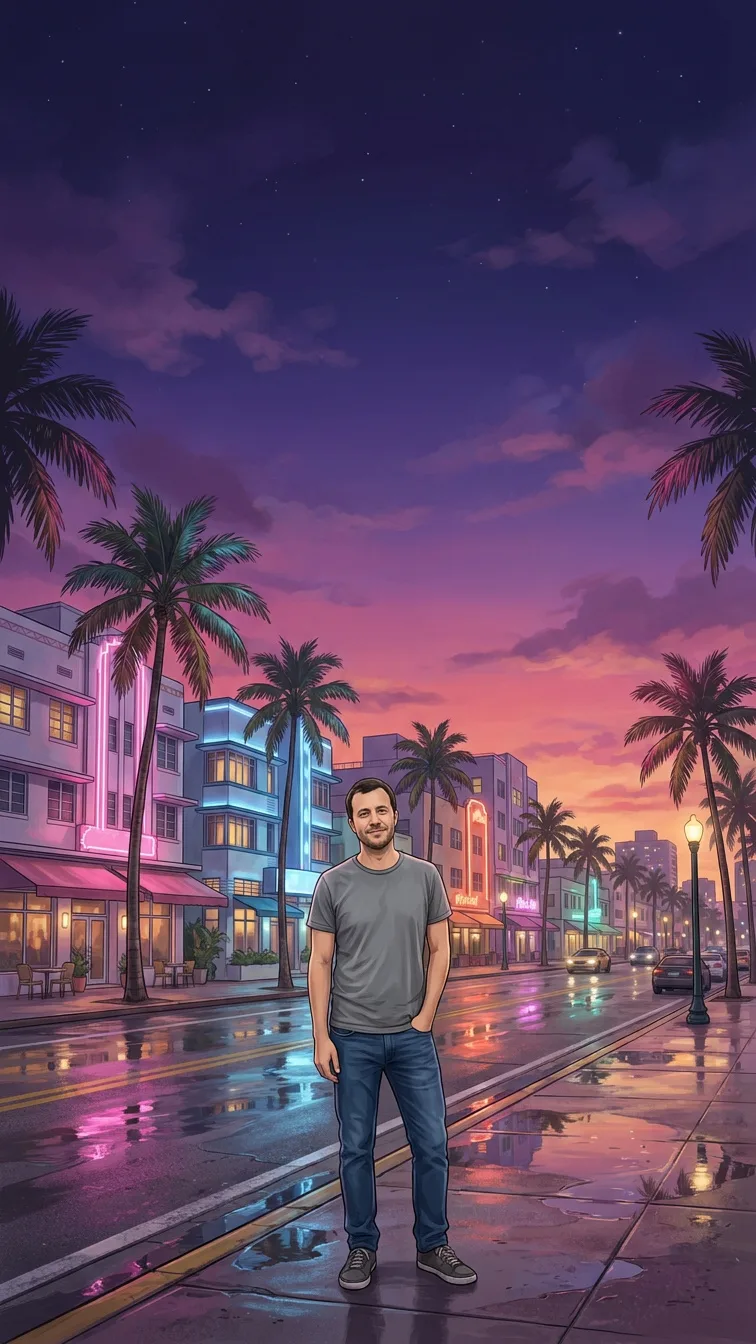
Phone, neon night
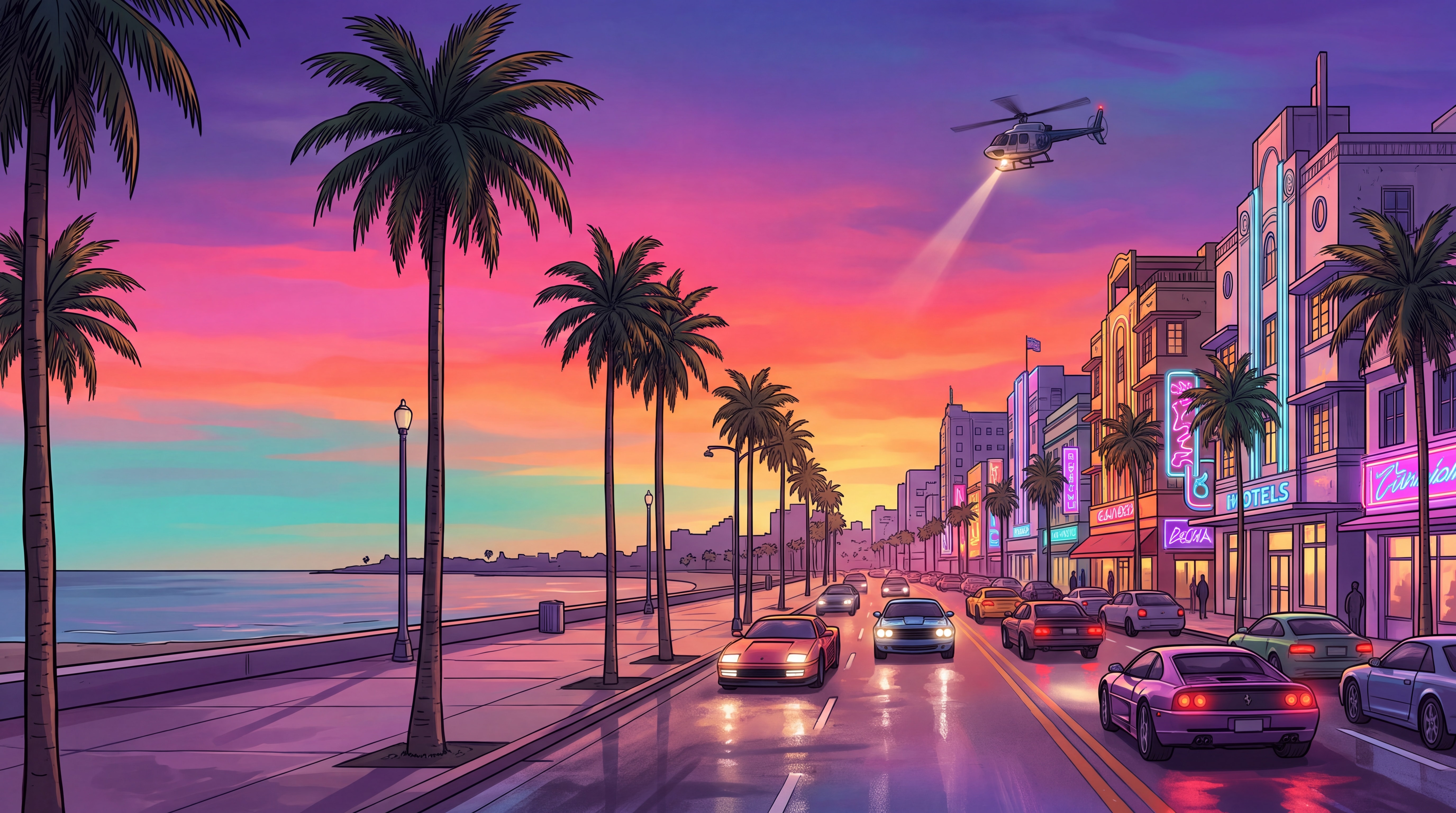
Under the neon signs of a rain-wet street at night, with pink, violet and teal light reflecting in the puddles and a deep violet sky above.
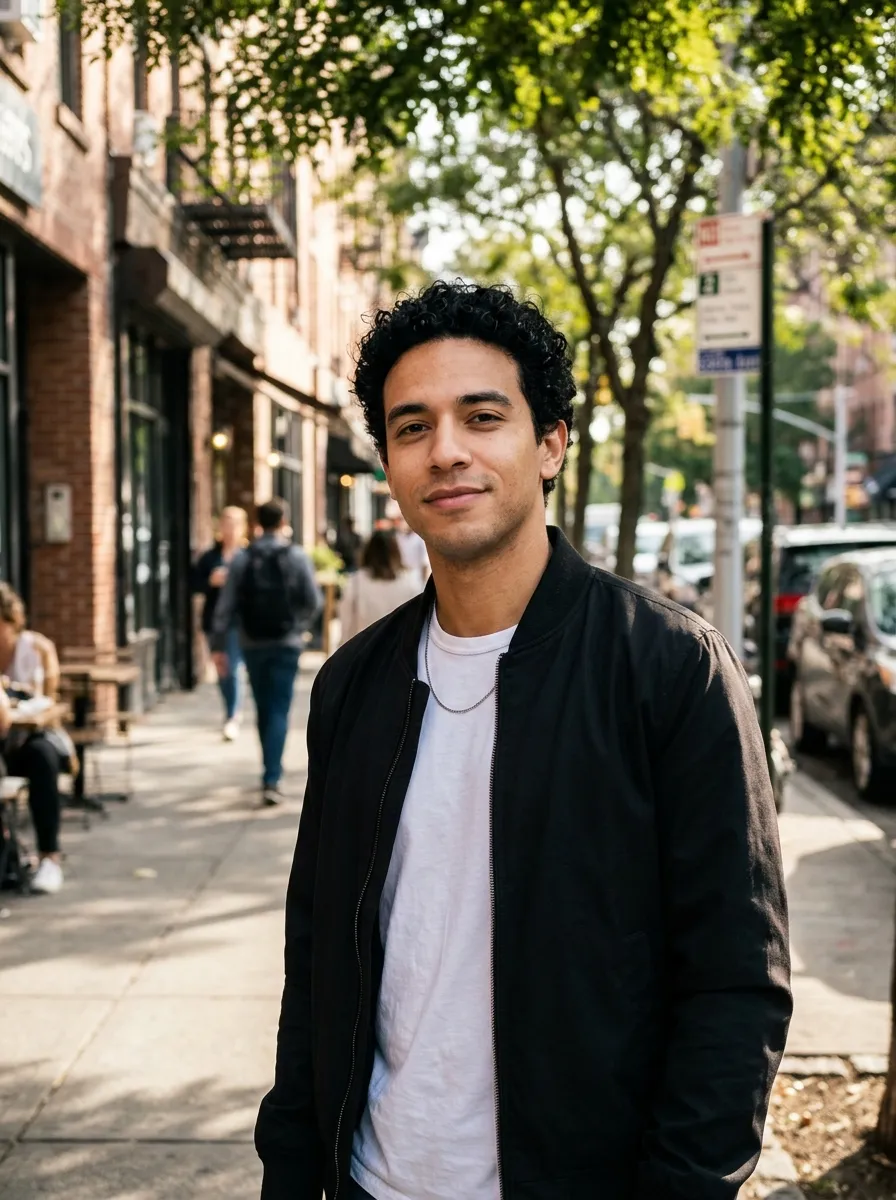
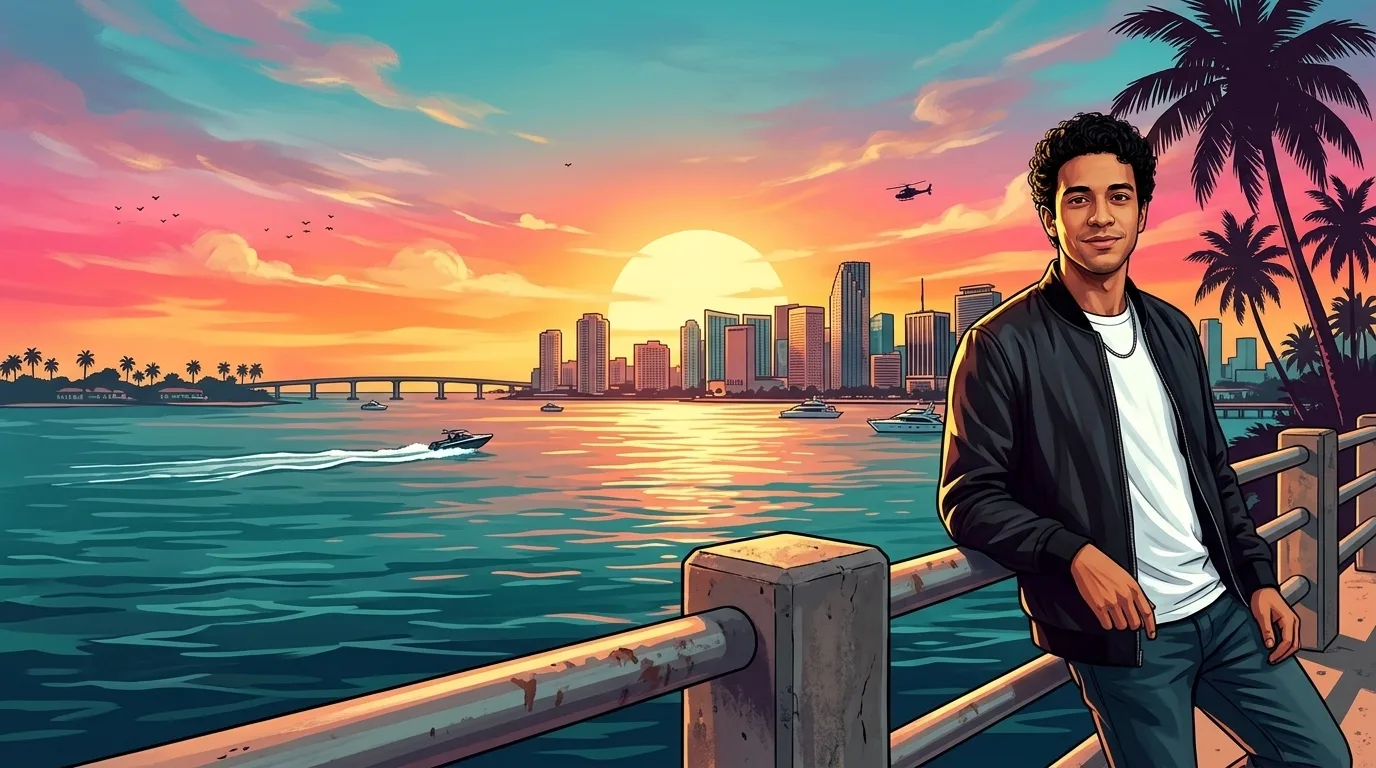
Desktop, sunset
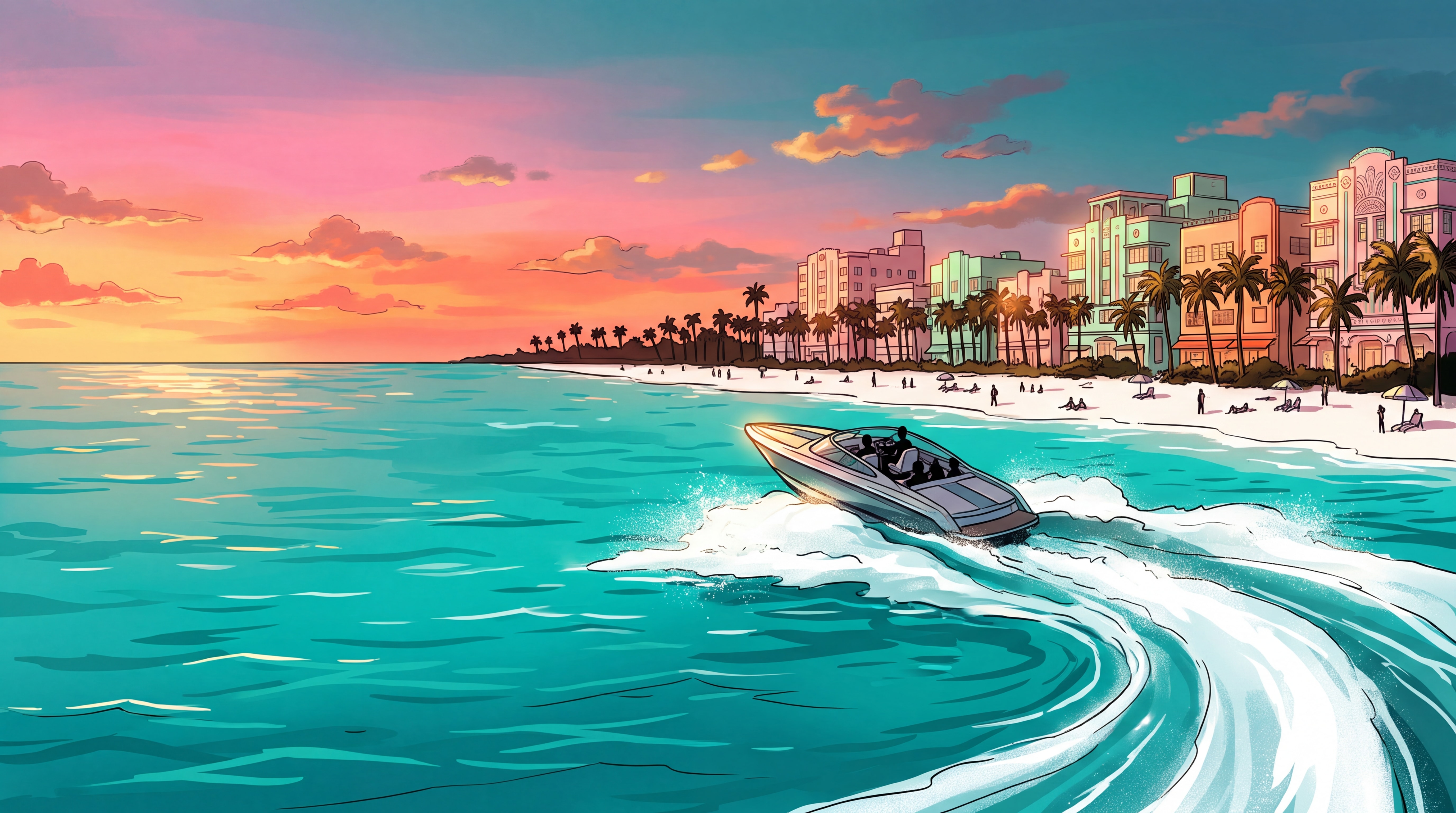
Leaning on the rail of an ocean causeway on the right third, with the skyline across the water, a speedboat and a low sun. The left side stays calm for icons.
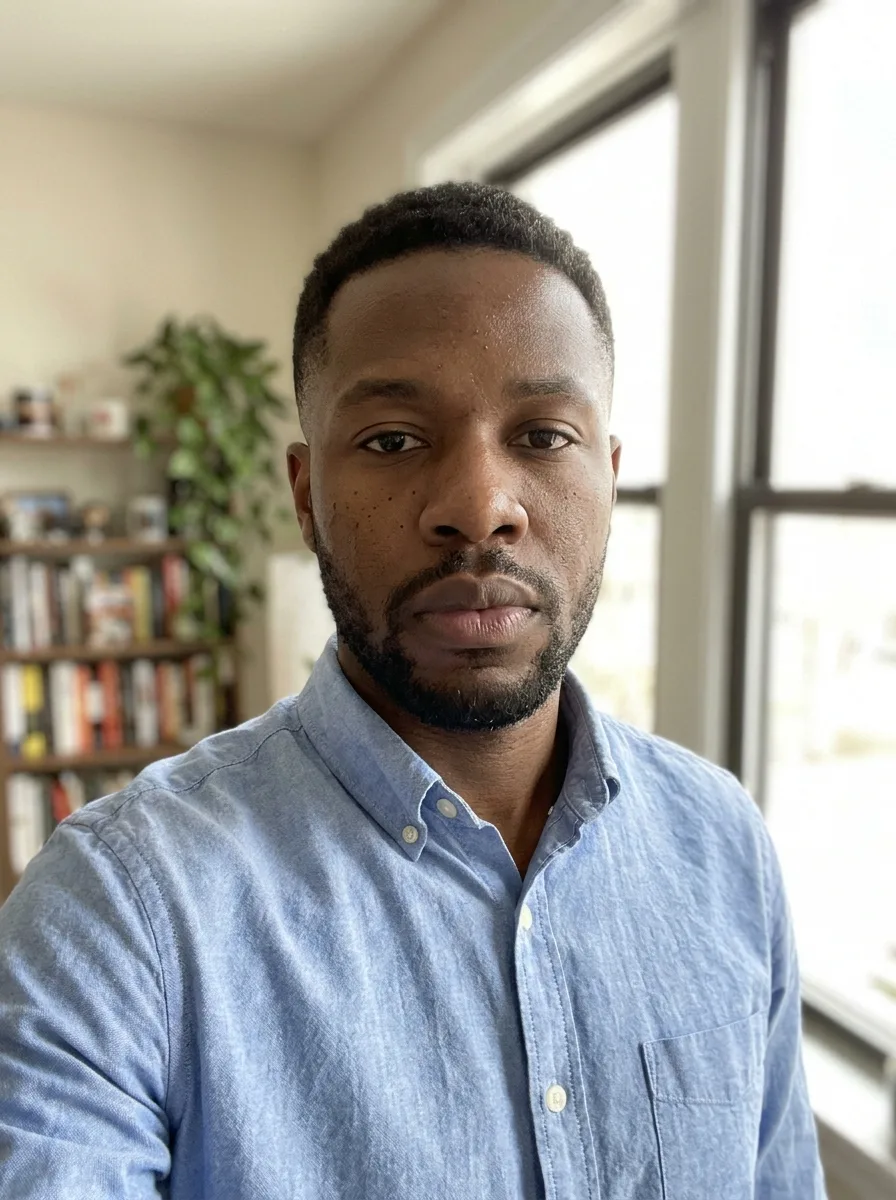
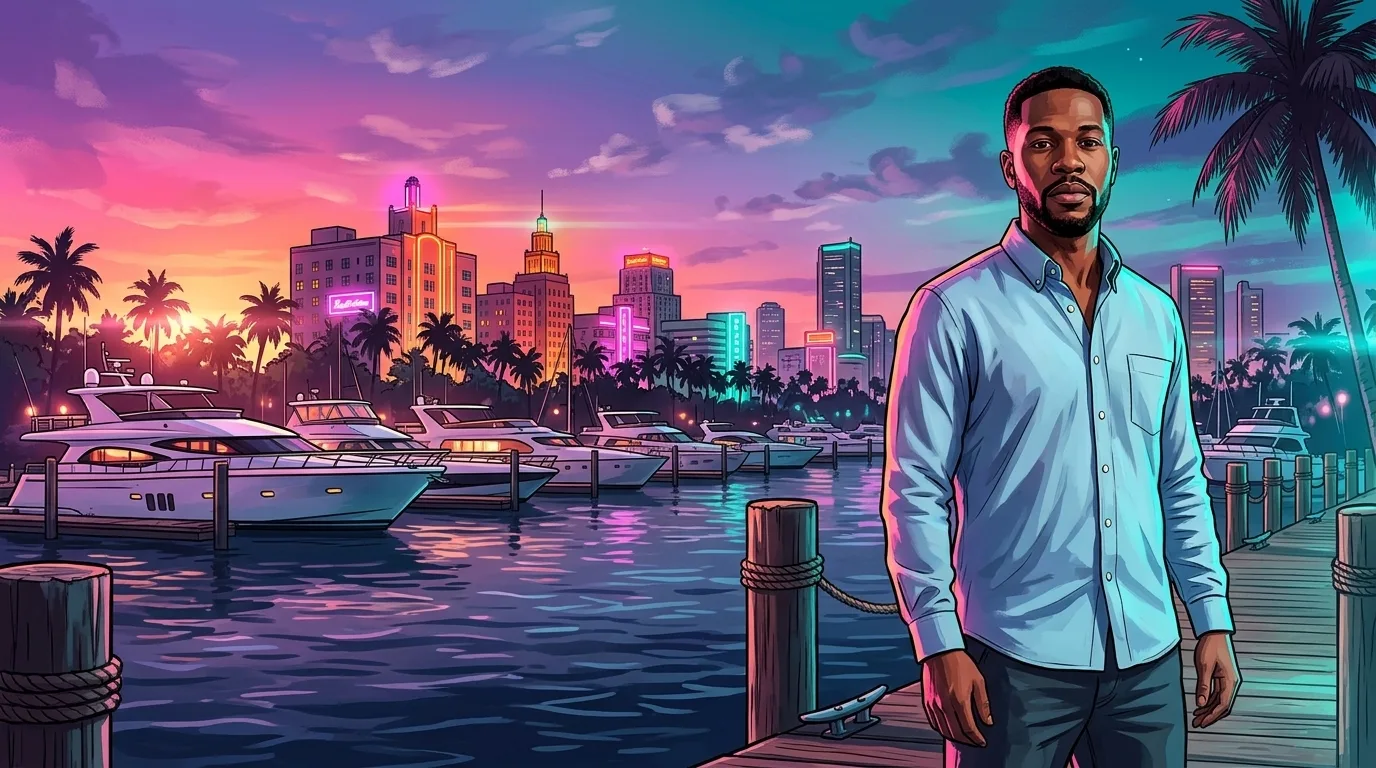
Desktop, neon night
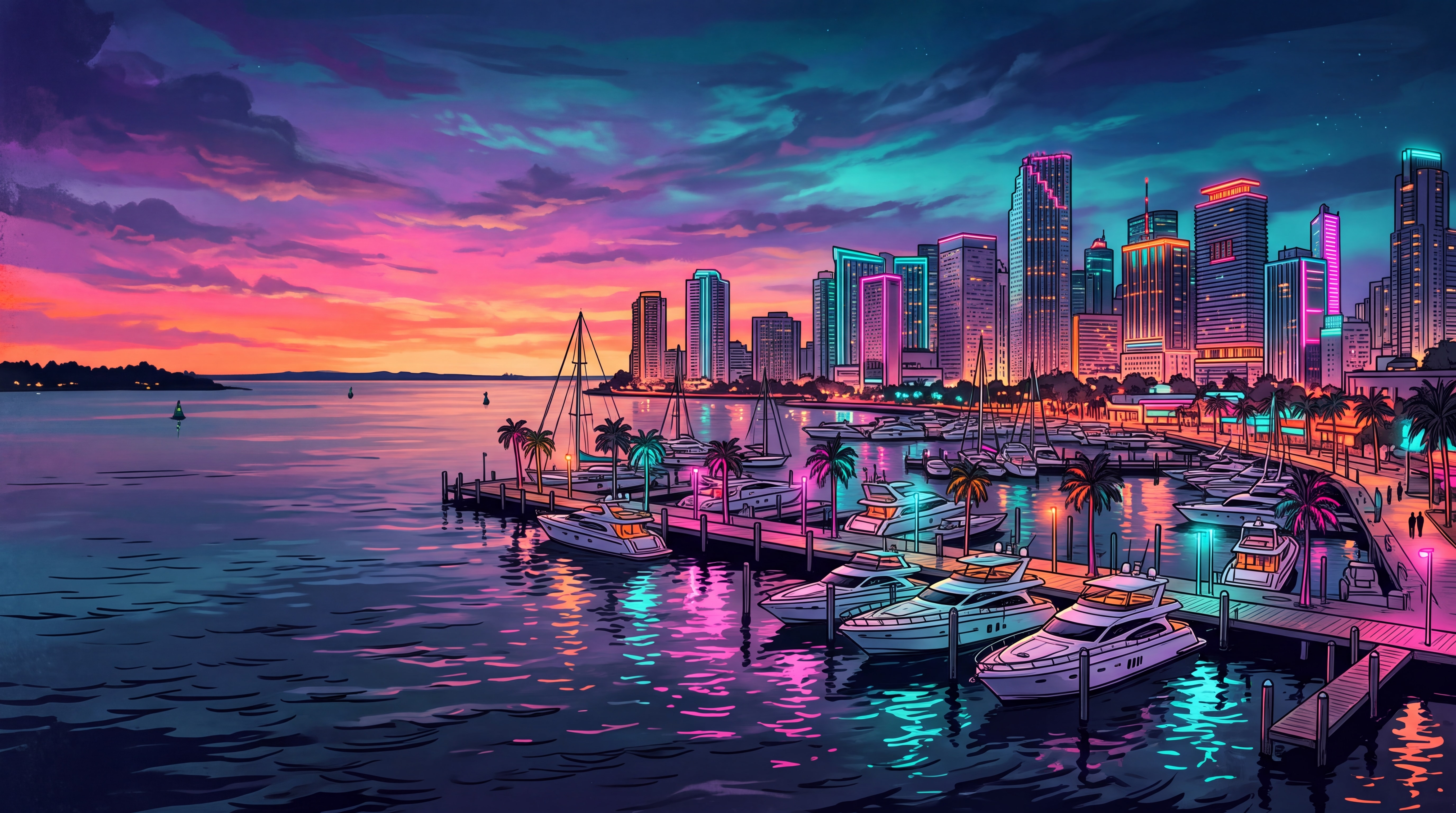
On a marina boardwalk at night, with white yachts and neon art-deco towers mirrored in black water.
Where a Vice City background fits
The searches behind this page, and what to pick for each.
iPhone lock screen
Pick a phone look. The open sky at the top keeps the clock and widgets readable.
Android home screen
The 9:16 phone looks fit most Android phones. The calm bottom edge leaves room for the app dock.
PC and laptop wallpaper
Pick a desktop look for 16:9 screens, then upscale it to 4K for a large monitor.
Launch-week wallpaper
Mark the Grand Theft Auto VI launch on November 19, 2026 with a wallpaper that has you in it.
Matching phone and desktop
Make the sunset look in both shapes from the same photo, so your phone and computer match.
Aesthetic neon background
The neon night looks give the pink, violet and teal “retro Vice City” feel without any text or logos.
How to make a Vice City wallpaper of yourself
- 01
Upload a photo
One person, face clear and well lit. A full-body photo suits the phone looks.
- 02
Pick a wallpaper
Phone or desktop, sunset or neon night.
- 03
Generate
Your Vice City wallpaper is ready in under a minute.
- 04
Set it
Download the 2K PNG and set it as your phone or desktop background.
Vice City wallpaper FAQ
Something else? Email support@nano-banana.love.
Where can I download GTA 6 wallpapers?
Official GTA VI wallpapers of Jason, Lucia and Vice City are on the Artwork & Wallpapers page of the Rockstar Games website. Wallpaper sites and Reddit’s r/GTA6 collect fan-made ones. This page has eight free 4K Vice City wallpapers in the GTA VI art style, four for phones and four for desktops, to download as JPGs without an account.
Are the wallpapers on this page free?
Yes. The eight 4K Vice City wallpapers in the gallery are free to download and set as your phone or computer background, with no account and no watermark. They show invented scenes with no people and no game logo. Putting yourself into a wallpaper with the maker costs credits, like every tool on this site.
How do I make a GTA 6 wallpaper with myself in it?
Upload a photo of yourself on this page, pick Phone or Desktop in a sunset or neon night look, and click Generate. Nano Banana 2.1, an AI image model, paints you into a Vice City scene in the Grand Theft Auto VI art style and keeps your face, hair and outfit. You get a 2K wallpaper in under a minute.
Are the GTA 6 wallpapers really 4K?
Yes. The gallery downloads are the full-size pictures Nano Banana 2.1 made at its 4K setting: 5504 × 3072 pixels for desktop and 3072 × 5504 for phone, saved as JPGs of about 2 MB. That is larger than a 3840 × 2160 4K monitor. The maker returns 2K, which is sharp on any phone. For a 4K desktop or a large monitor, run the 2K result through the 4K image upscaler on this site.
How do I set it as my wallpaper on iPhone, Android or PC?
On iPhone, save the picture, then open Settings › Wallpaper › Add New Wallpaper › Photos and pick it. On most Android phones, long-press the home screen and tap Wallpaper & style. On Windows, right-click the desktop › Personalize › Background. On a Mac, right-click the picture in Finder and choose Set Desktop Picture.
Is the maker free?
Each Vice City wallpaper costs 2 credits. New accounts get 2 free credits on sign-up, enough for one to try it, as long as the account passes our one-per-person checks. After that you buy credits once and use them on any tool or model. There is no subscription.
Can I get a Lucia or Jason wallpaper here?
No. Jason Duval and Lucia Caminos are Rockstar Games characters, so the Vice City wallpaper maker does not draw them, and the gallery shows no people at all. For official wallpapers of the two leads, use the Rockstar Games website. Here you get the setting and art style around your own face.
Does it work for GTA 5 wallpapers too?
The looks on this page follow Vice City and the pink and teal palette of Grand Theft Auto VI. For the gold and orange Los Santos look of GTA V, the GTA character creator on this site makes a poster of you, and the GTA cover art maker makes Los Santos box art. Both work as wallpapers too.
Can I upload a photo of a friend?
Only with their permission, and only of adults. You confirm you have the rights to the photo before you generate.
What happens to my photo?
Your photo is uploaded only to make your result. Uploads are deleted from our storage provider within about 24 hours, results stay downloadable in your account for 14 days, and we never use your photos to train AI models.

Put yourself in Vice City
Upload a photo, pick a wallpaper and set it as your background in under a minute.
Start creating