How to Turn Yourself Into a GTA Character
One photo and one prompt are enough to see yourself in Los Santos or Vice City. This guide gives three tested prompts, each with the picture it made, and compares the free and paid ways to make GTA style art of yourself.
By Nano Banana · Updated · 6 min read
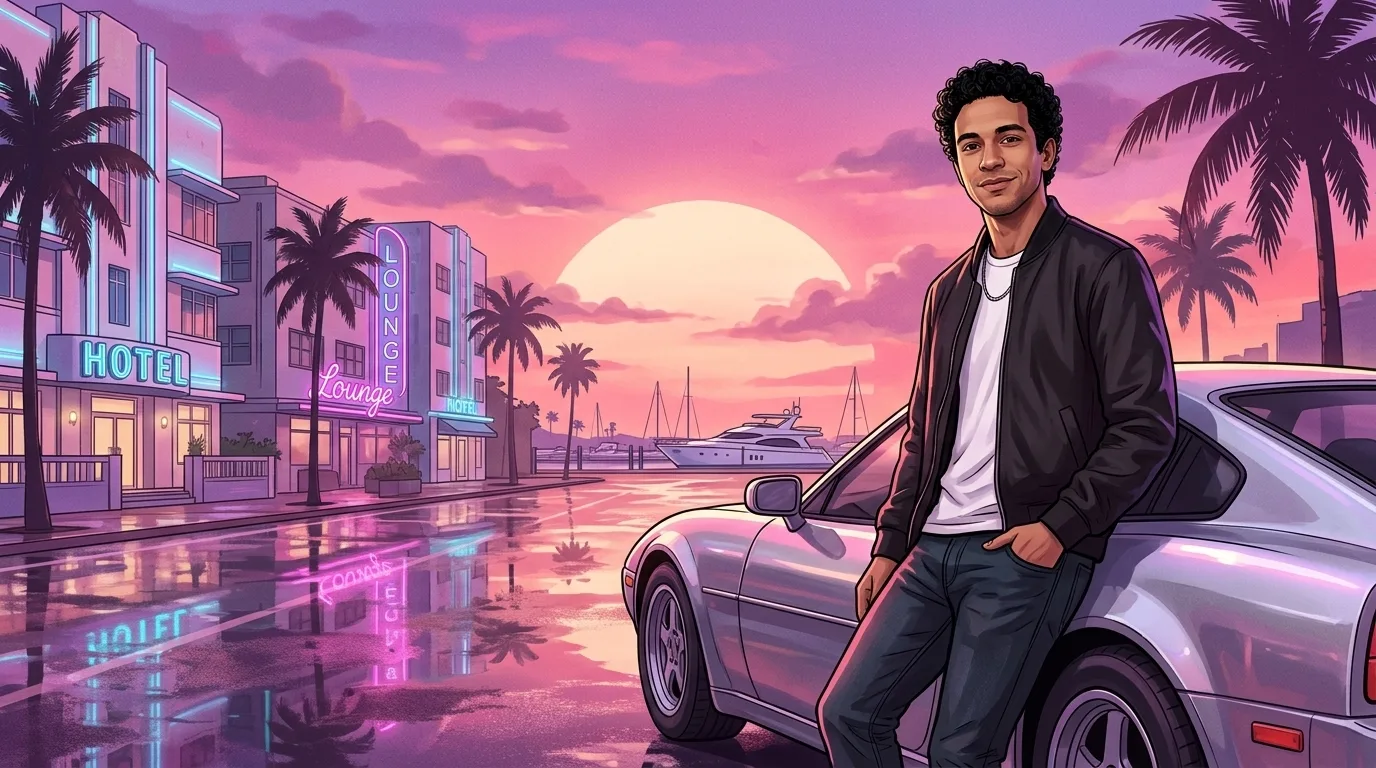
What do you need to turn your photo into GTA art?
To turn your photo into GTA art, you need one clear photo and an AI image model that can edit photos. ChatGPT and the Gemini app both edit uploaded photos, and both have a free tier with daily image limits. The photo matters more than the app. A good source photo has five traits:
- It shows one person, unless you want a group picture.
- Your face is sharp, well lit and turned towards the camera.
- It shows you from the waist up or more, so the AI can keep your outfit.
- You wear no sunglasses, mask or hat that hides your face.
- It is your own photo, or a photo of someone who agreed to it.
How do I make myself into a GTA character in ChatGPT or Gemini?
You make yourself into a GTA character in ChatGPT or Gemini in five steps. The whole process takes about a minute per image. The steps are the same in the ChatGPT app and the Gemini app, on iPhone, Android and the web:
- Open a new chat. Use ChatGPT or the Gemini app. Gemini makes images with Google’s Nano Banana models (Google).
- Upload your photo. Tap the plus or paperclip button and pick the photo.
- Paste a GTA prompt. Copy one of the three prompts below. Each prompt sets the style, the pose, the background and the aspect ratio.
- Send and wait. The image arrives in under a minute.
- Fix one thing at a time. If the face drifts, reply “keep my face exactly as in the photo” and generate again.
What is a good GTA prompt for a GTA V style character?
A good GTA V prompt asks for thick ink outlines, flat bright colours with hard shadows and a Los Santos sunset behind you. Those three things give the look of the Grand Theft Auto V cover art. The prompt below also asks the AI to keep your face and to leave out logos and text. It works in ChatGPT, Gemini and any Nano Banana generator.
Using my attached photo, draw me as a Grand Theft Auto V style character, like the cover art of the game. Keep my face recognisable: the same face shape, eyes, nose, mouth, skin tone, hair and outfit. Style: a bold cel-shaded digital painting with thick, clean black ink outlines, flat vivid colours with hard-edged shading and a cool, confident expression. Show me from the knees up in a relaxed pose, with a Los Santos street at sunset behind me: palm trees, a lowrider car and a big orange sky. Vertical 3:4. No game logo, no title, no text and no watermark.
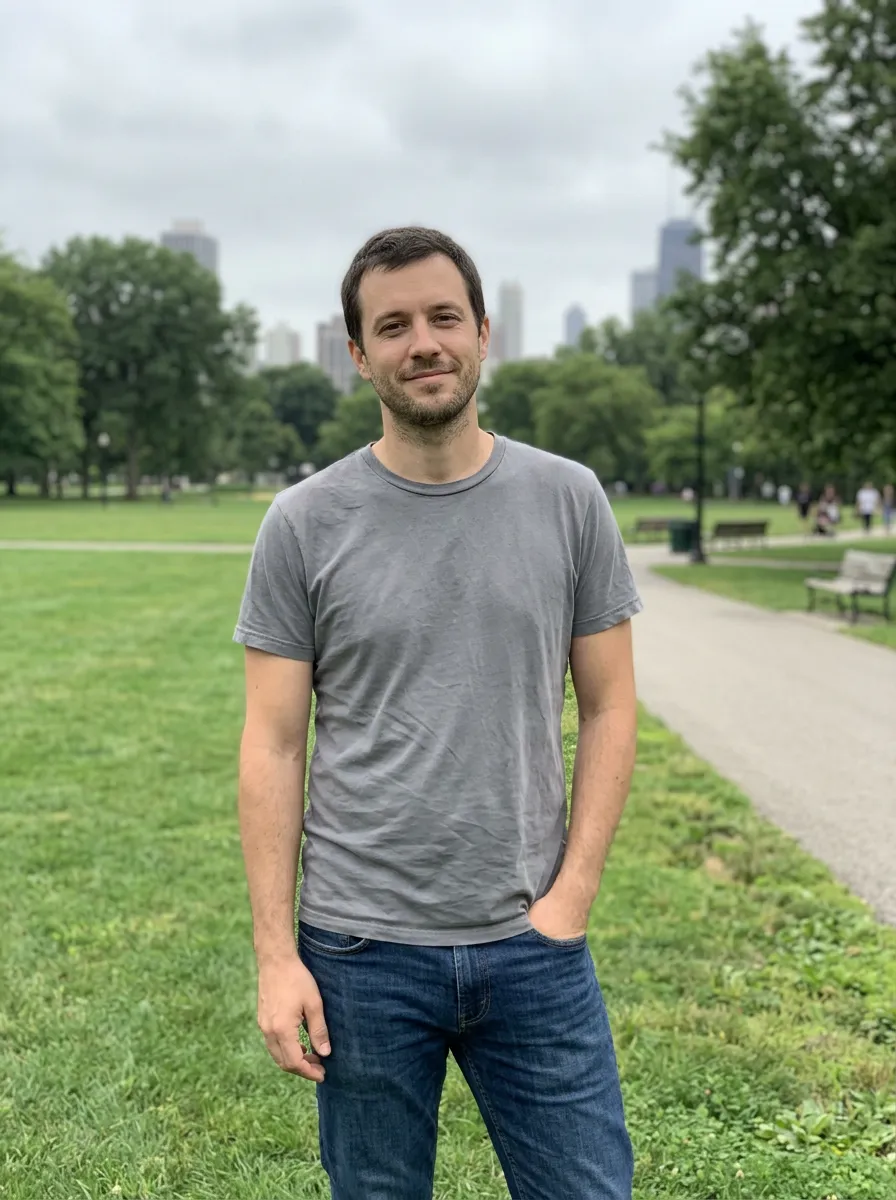 Photo
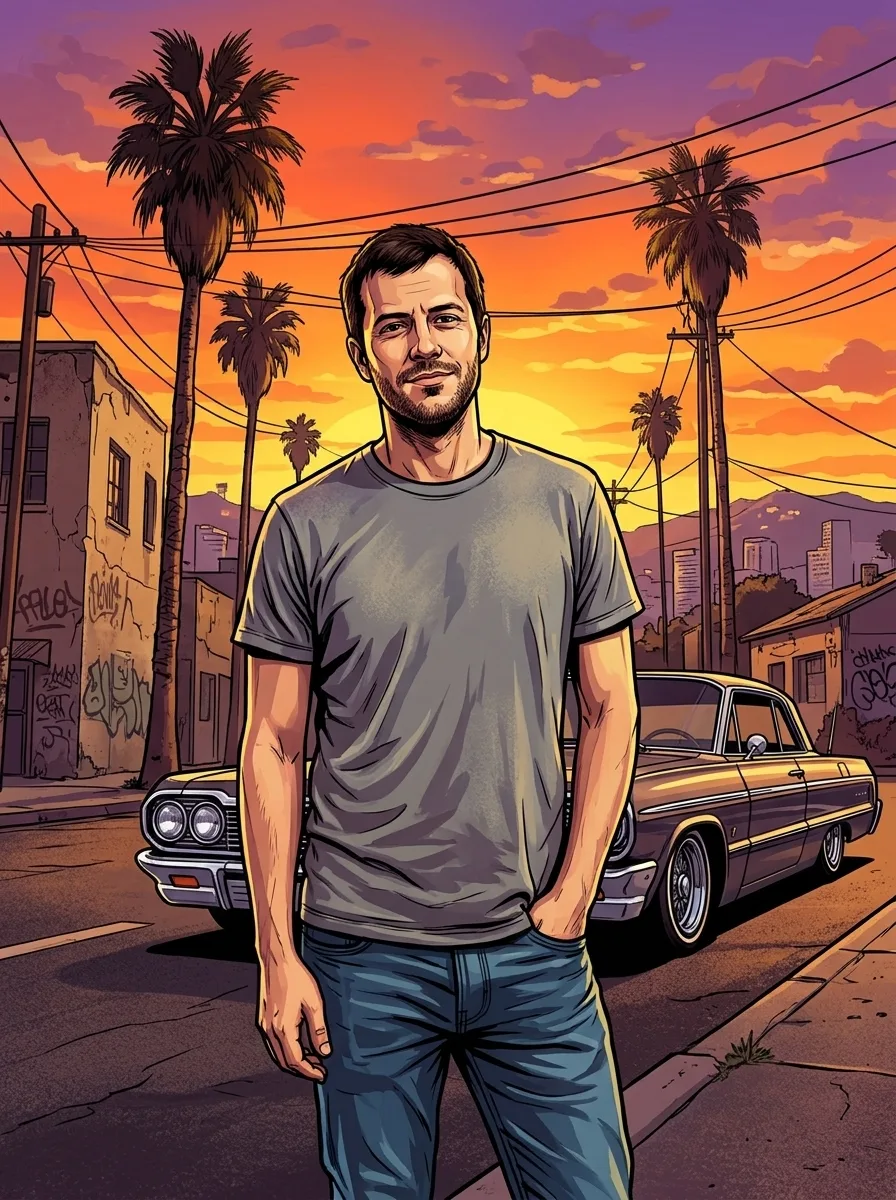 Nano Banana 2.1 · 1K
For a square profile picture, change “from the knees up” to “head and shoulders” and “Vertical 3:4” to “Square 1:1”. A square crop works as a GTA avatar for Discord, Twitch or Steam. A GTA avatar maker does the same without a prompt.
How can I turn a picture into a GTA loading screen?
You can turn a picture into a GTA loading screen by uploading it to ChatGPT or Gemini with a loading screen prompt. The viral GTA VI loading screen is a tall 9:16 illustration. It shows the person leaning on a sports car on a wet, neon-lit Vice City street, with the whole picture in pink and violet light. The prompt below asks for that layout.
Using my attached photo, turn me into a vertical GTA VI loading screen, 9:16 for a phone. Keep my face recognisable: the same face shape, eyes, nose, mouth, skin tone, hairstyle and outfit. Style: a detailed digital illustration with clean dark ink outlines, smooth painted shading and semi-realistic proportions, the whole picture washed in a pink, magenta and violet Vice City sunset glow. Show me from the thighs up, leaning back against a silver sports car with no brand badge, with a relaxed half smile. Behind me: a rain-wet neon street with pastel art-deco hotels, palm trees and a marina at sunset, and the wet road reflects the neon. No game logo, no text and no watermark.
 Photo
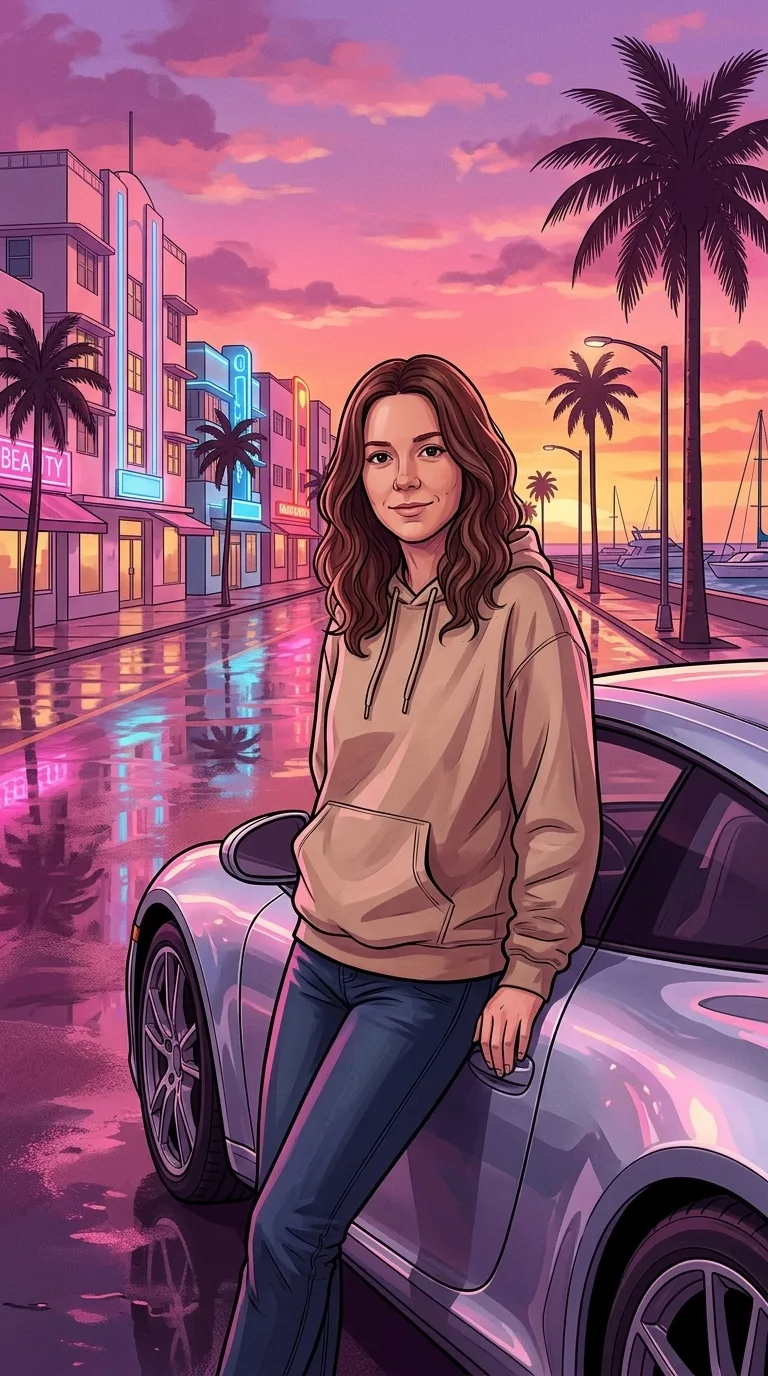 Nano Banana 2.1 · 1K
The animated loading screen edits on TikTok start from the same still image. Creators add a spinning loading icon and music in a video editor such as CapCut. For a crew picture or a pet version without writing a prompt, use the GTA loading screen generator.
What prompt makes GTA 6 style art of yourself?
A GTA 6 prompt asks for painted key art in hot pink, orange and teal, set in Vice City. Grand Theft Auto VI takes place in Vice City and the rest of the fictional state of Leonida (Rockstar Games). Rockstar Games set the release for November 19, 2026, on PlayStation 5 and Xbox Series X|S (Rockstar Newswire). The prompt below asks for a waist-up panel on a Vice City beach.
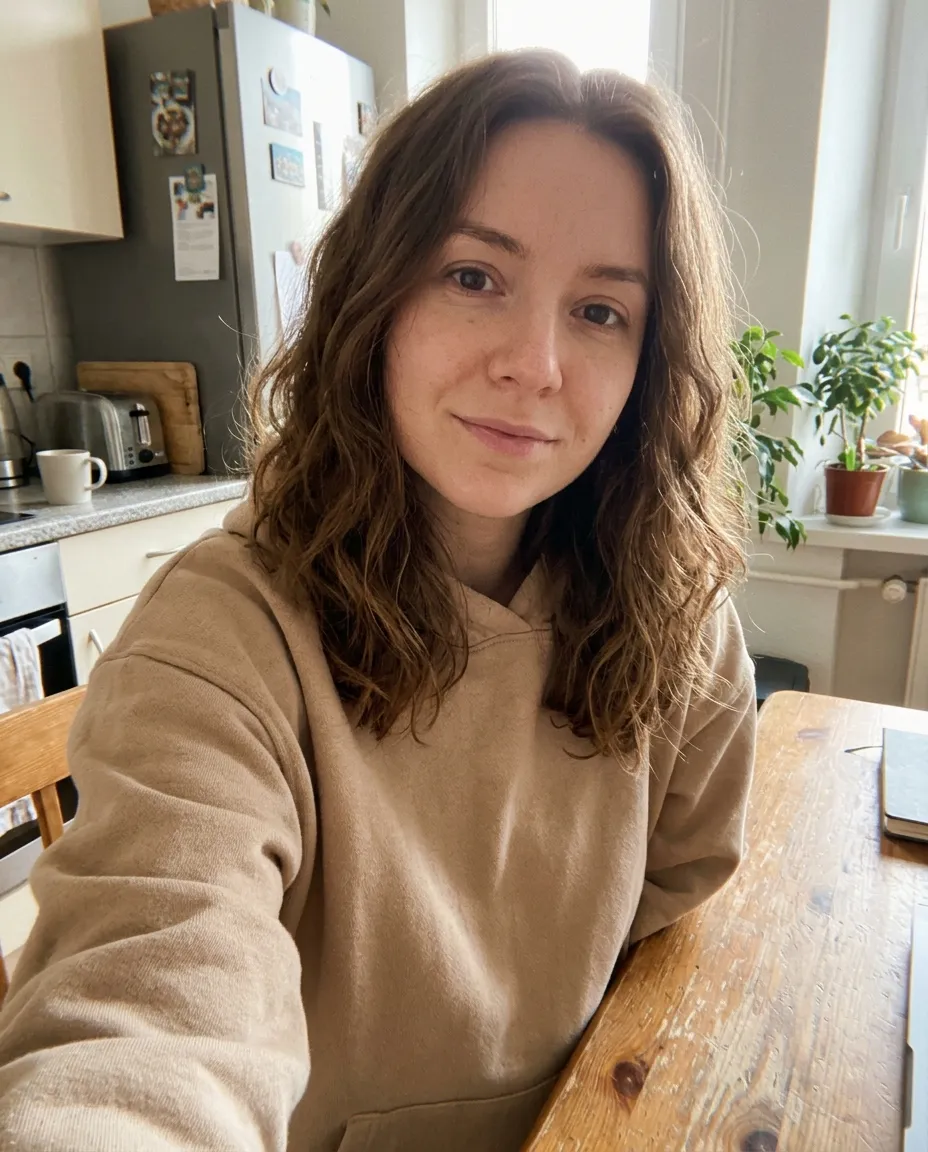
Using my attached photo, draw me as Grand Theft Auto VI style key art. Keep my face recognisable: the same face shape, eyes, nose, mouth, skin tone, hair and outfit. Draw me as myself, not as any existing game character. Style: a painted digital illustration with crisp ink outlines, saturated colours, cel shading and soft painted gradients, in the hot pink, orange and teal palette of a Florida sunset. Show me from the waist up, looking over one shoulder at the viewer, on a Vice City beach with palm trees, art-deco hotels, a speedboat on turquoise water and a pink sunset sky. Vertical 4:5. No game logo, no text and no watermark.
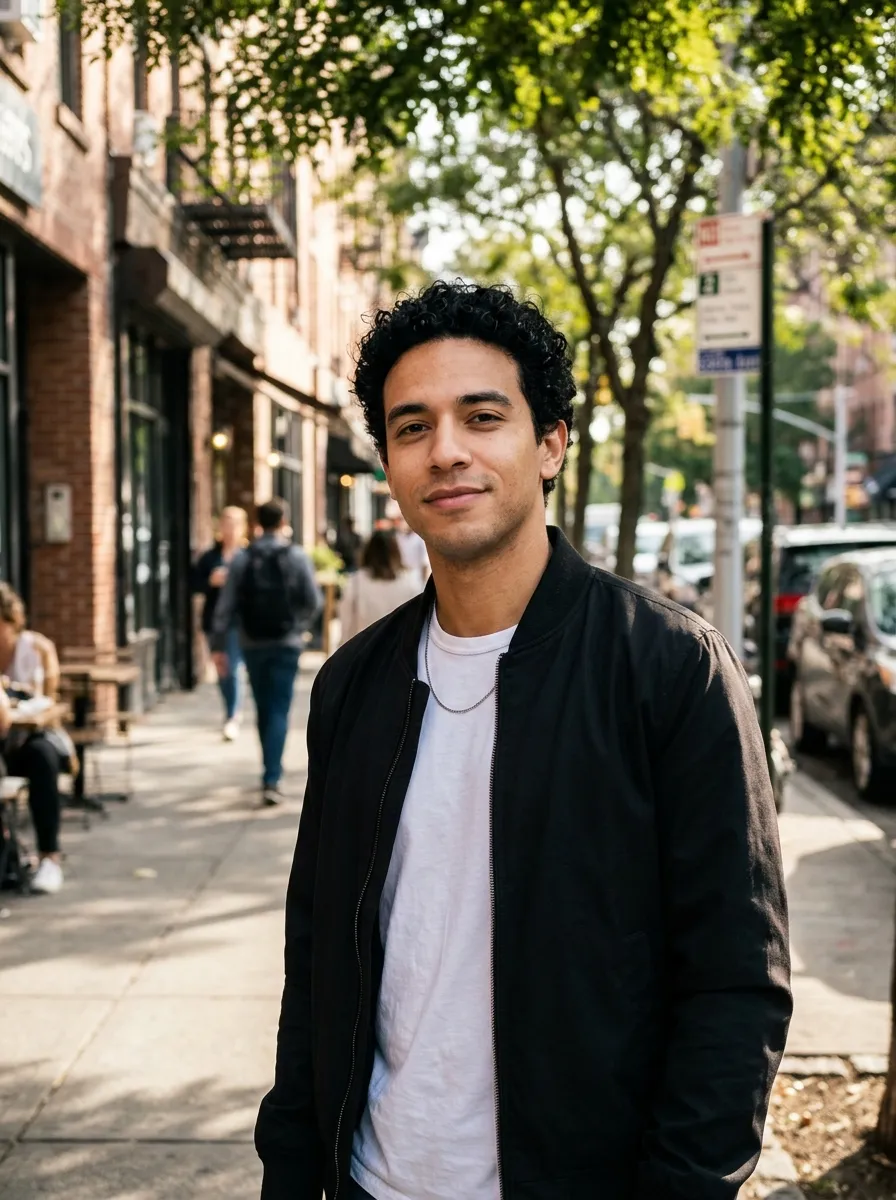 Photo
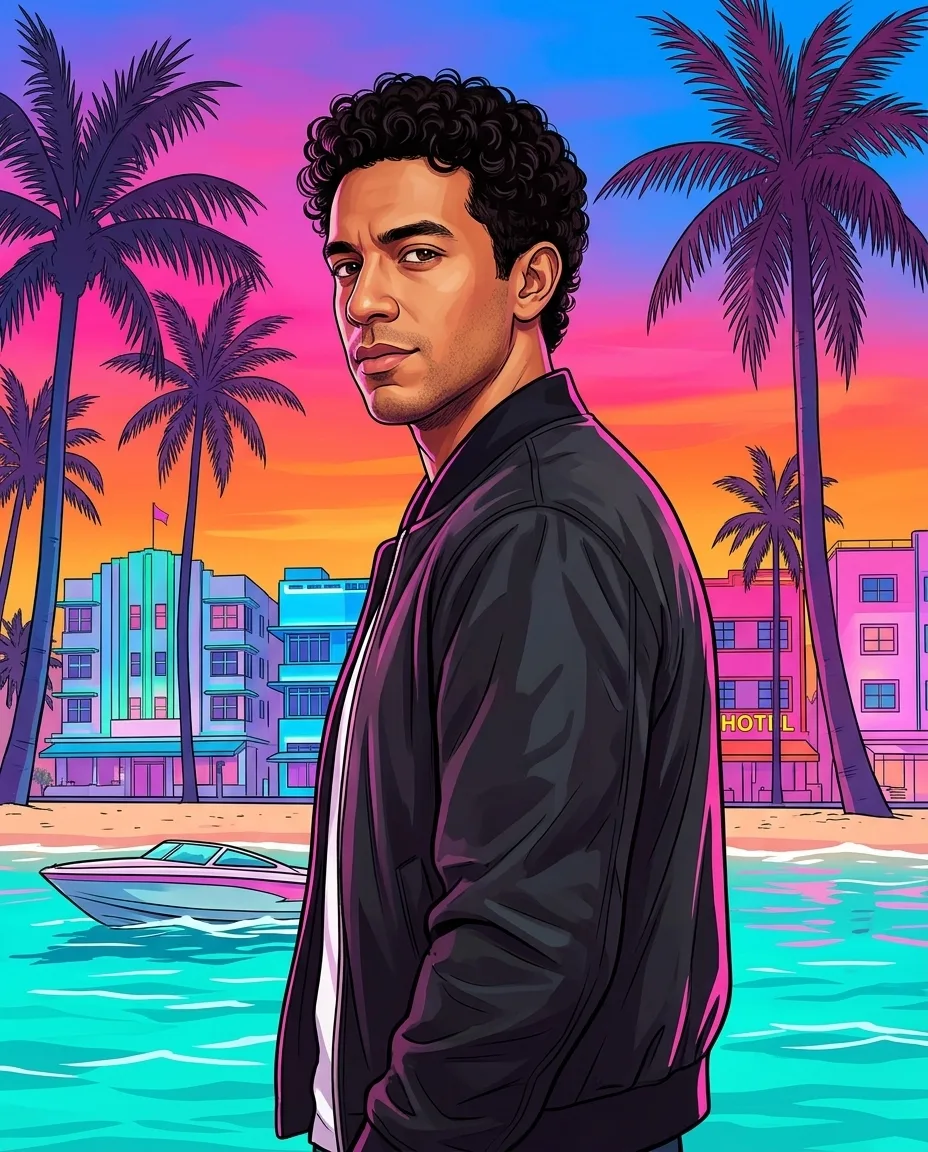 Nano Banana 2.1 · 1K
The GTA 6 prompt says “draw me as myself, not as any existing game character”. Without that line, some models drift towards the game’s two leads, Jason and Lucia. For an in-game trailer still or a duo poster with a partner, try this Vice City character maker.
Which GTA style should I pick?
Pick the GTA style by where the picture will go. A GTA V character suits a profile picture. A GTA loading screen suits a phone wallpaper or a TikTok post. GTA 6 key art suits a poster or a post about the new game.
| Style | Look | Shape | Best for |
|---|---|---|---|
| GTA V character | Thick outlines, flat colours, Los Santos sunset | 3:4, or 1:1 for an avatar | Profile pictures, gaming avatars |
| GTA loading screen | Painted, pink and violet neon, sports car | 9:16 | Phone wallpapers, TikTok and Reels |
| GTA 6 key art | Painted panel, pink, orange and teal, beach | 4:5 | Posters, Instagram posts |
Should I use ChatGPT, Gemini or a GTA filter app?
Use ChatGPT or Gemini if you want to try one image for free and do not mind writing prompts. Use a GTA filter app if you want a set look with no prompt. Draw it by hand in Photoshop or Illustrator if you want full control and have hours to spend. The table compares the four ways.
| Way | Cost | Effort | Watch out for |
|---|---|---|---|
| ChatGPT | Free with daily limits | Paste a prompt | The face can drift; regenerate |
| Gemini app (Nano Banana) | Free with daily limits | Paste a prompt | The face can drift; regenerate |
| GTA filter tool on this site | 2 credits per image (pricing) | Upload and pick a style | Paid after the sign-up credits |
| Photoshop or Illustrator | App subscription | Hours of tracing with the pen tool | Needs drawing skill |
Why does my GTA AI photo not look like me?
A GTA AI photo stops looking like you when the face in the source photo is small, blurry or turned away. The AI has too little detail to copy. Four fixes help:
- Use a photo where your face fills at least a fifth of the frame.
- Keep the line “keep my face recognisable” in the prompt.
- Generate two or three times and keep the best result.
- Change one thing per follow-up message, such as only the background or only the pose.
Can I put my real face into GTA Online or GTA 6?
No, you cannot put your real face into GTA Online or GTA 6. The character creator in GTA Online builds a face from presets and sliders, and it does not import photos. In GTA 6 you play as Jason and Lucia, two characters Rockstar Games created (Rockstar Games). An AI picture of yourself in the GTA art style is fan art. It lives outside the game, as an image you can share.