GTA 6 Filter for Your Photo
Upload a photo and get it back in the look of Grand Theft Auto VI: the same people, pose and place, in hot pink and orange Vice City sunset light, as painted promo art or as a neon night. Copy the full prompt below for ChatGPT or Gemini, or run it here and get a 2K image in under a minute.
- 3 looks
- Keeps your photo
- 2K output
- Nano Banana 2.1
Your own photo in the GTA VI look.
Sign in to use the tool. New accounts get free credits to try it.
Example
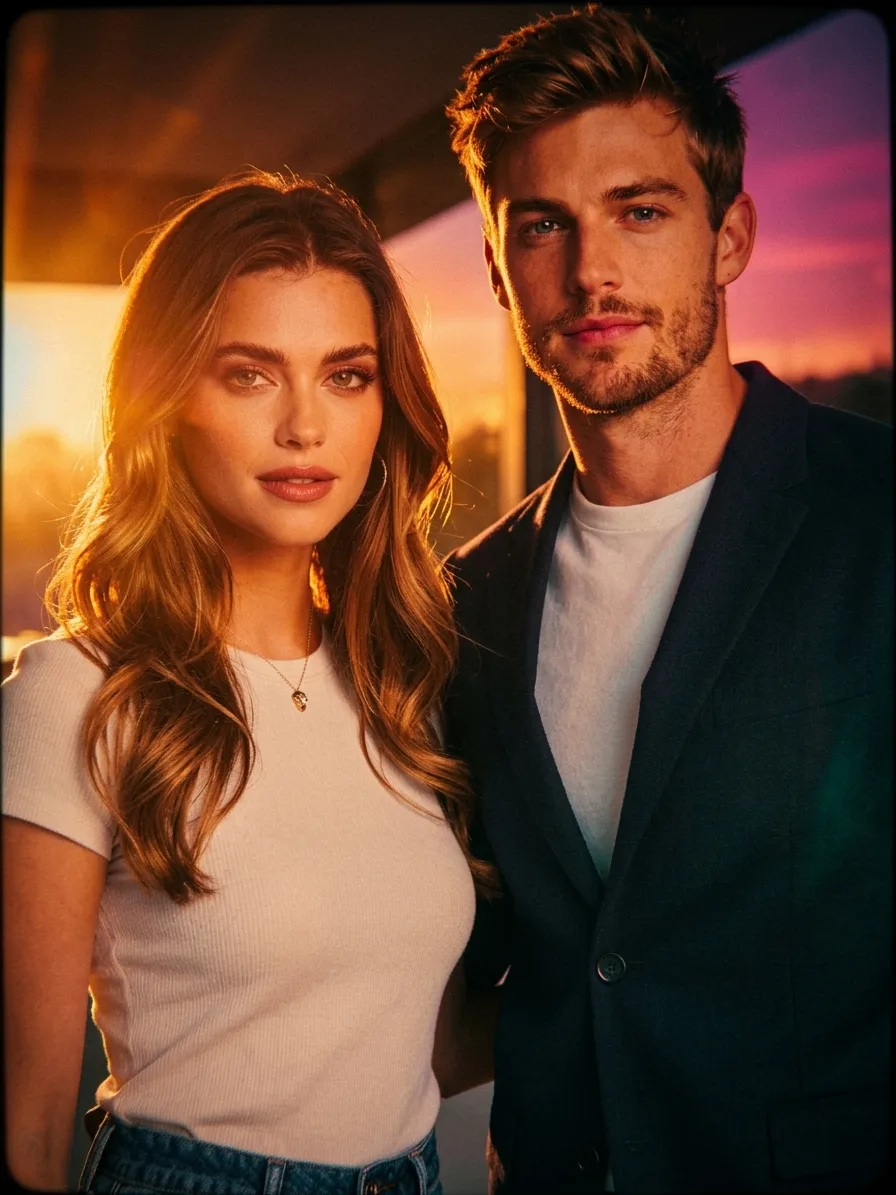 Example · Vice City sunset
GTA VI style photo prompt for ChatGPT and Gemini
Paste it into ChatGPT, Gemini or any Nano Banana app with your photo attached. The tool above runs this same text.
Prompt
Re-light and re-grade this photo so it looks like a frame from the Grand Theft Auto VI trailers at golden hour: a low sun, warm orange light on the faces, hot pink, magenta and violet in the shadows and any sky, teal accents, glowing bloom, a soft vignette and fine film grain. Keep it photographic, with real skin texture. The change must be obvious at first glance. Keep the composition of the photo: the same people, poses, outfits, hairstyles, framing, camera angle and background layout, with nobody added or removed. Keep every person recognisable: the same face shape, eyes, nose, mouth, skin tone and distinguishing features, so friends would know them instantly. Draw them as themselves, not as any existing game character. No game logo, no HUD, no text and no watermark.
For the painted look, replace the first sentence with “Redraw this photo in the style of the Grand Theft Auto VI promotional artwork: a painted digital illustration with crisp ink outlines, cel shading, saturated colours and soft painted gradients.” Keep the rest as it is.
What does the GTA VI photo filter do?
A GTA 6 filter makes an ordinary photo look like Grand Theft Auto VI, the Rockstar Games release of November 19, 2026, set in Vice City and the rest of the fictional state of Leonida, per Rockstar Games’ official site. The filter on this page keeps the photo itself: the same people, pose, framing and place. Only the light, colour and finish change.
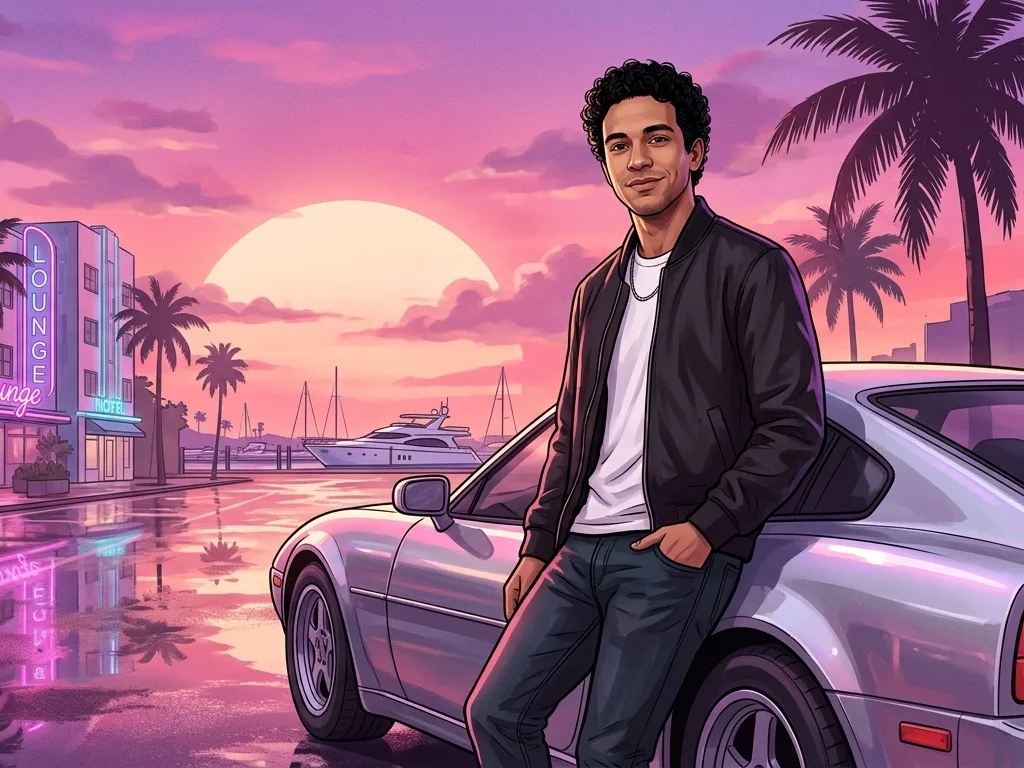
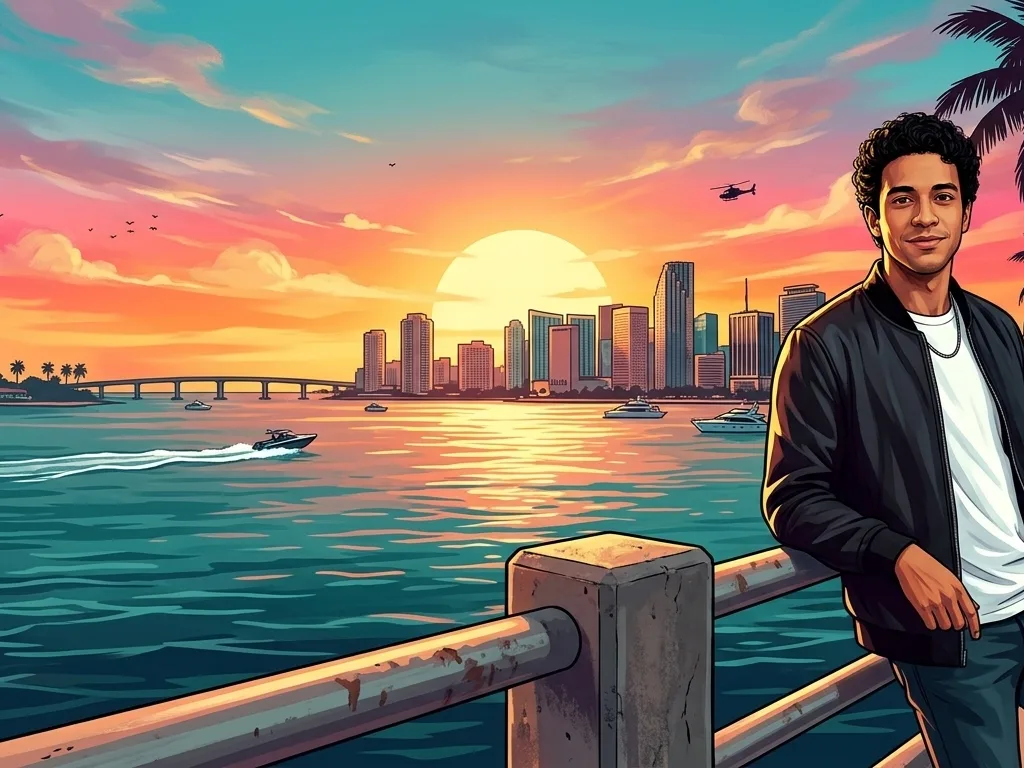
There are three looks. Vice City sunset keeps the picture photographic and re-lights it with a low golden sun, hot pink and violet shadows and film grain, like a frame from the trailers. Painted art redraws the same photo as the painted promo artwork, with ink outlines and cel shading. Neon night turns the same place into a night scene lit by pink and cyan neon.
Three different things are called a GTA 6 filter. Instagram and TikTok have GTA camera effects that creators publish inside those apps. They run live and are free. People also share GTA 6 prompts for ChatGPT and Gemini. This page covers the third kind, an AI photo filter, and prints its prompt so you can also run it in those apps.
The filter does not move you into a new scene. To be drawn into Vice City as key art, a 3D trailer still or a duo poster, use the GTA VI character creator. For a tall picture of you leaning on a sports car, try the GTA 6 loading screen art tool. Every one of them runs on Google’s Nano Banana 2.1 at 2K.
Grand Theft Auto, GTA and Vice City are trademarks of Take-Two Interactive. ChatGPT is a trademark of OpenAI, and Gemini is a trademark of Google. This site is not affiliated with Rockstar Games, Take-Two, OpenAI or Google; it makes fan art in a similar style.
GTA 6 style photos from real pictures
Real results from the three looks. The people and the place stay the same; the light and the finish change.
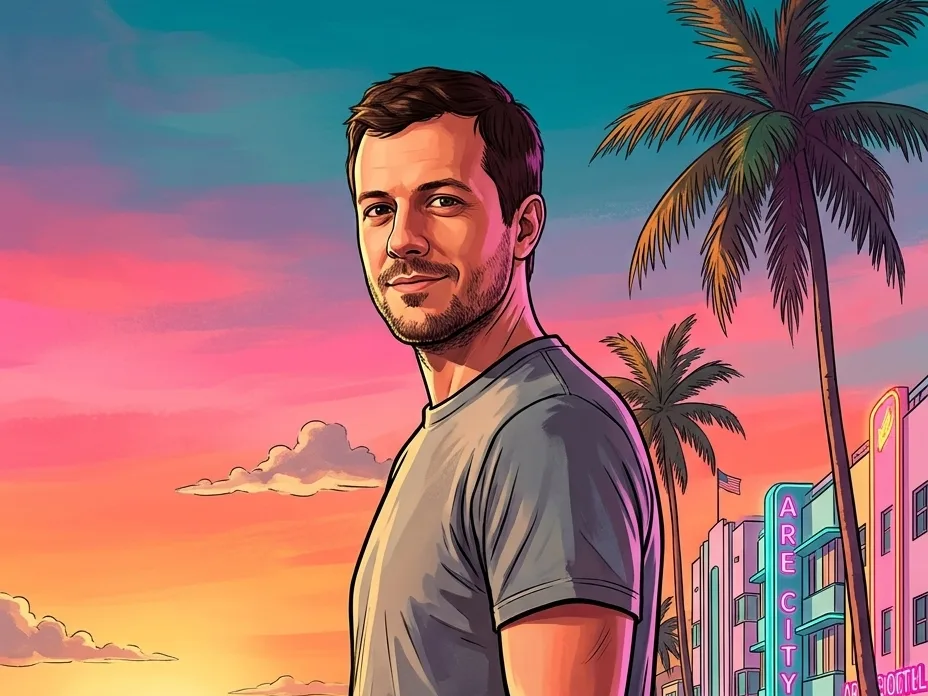
Vice City sunset
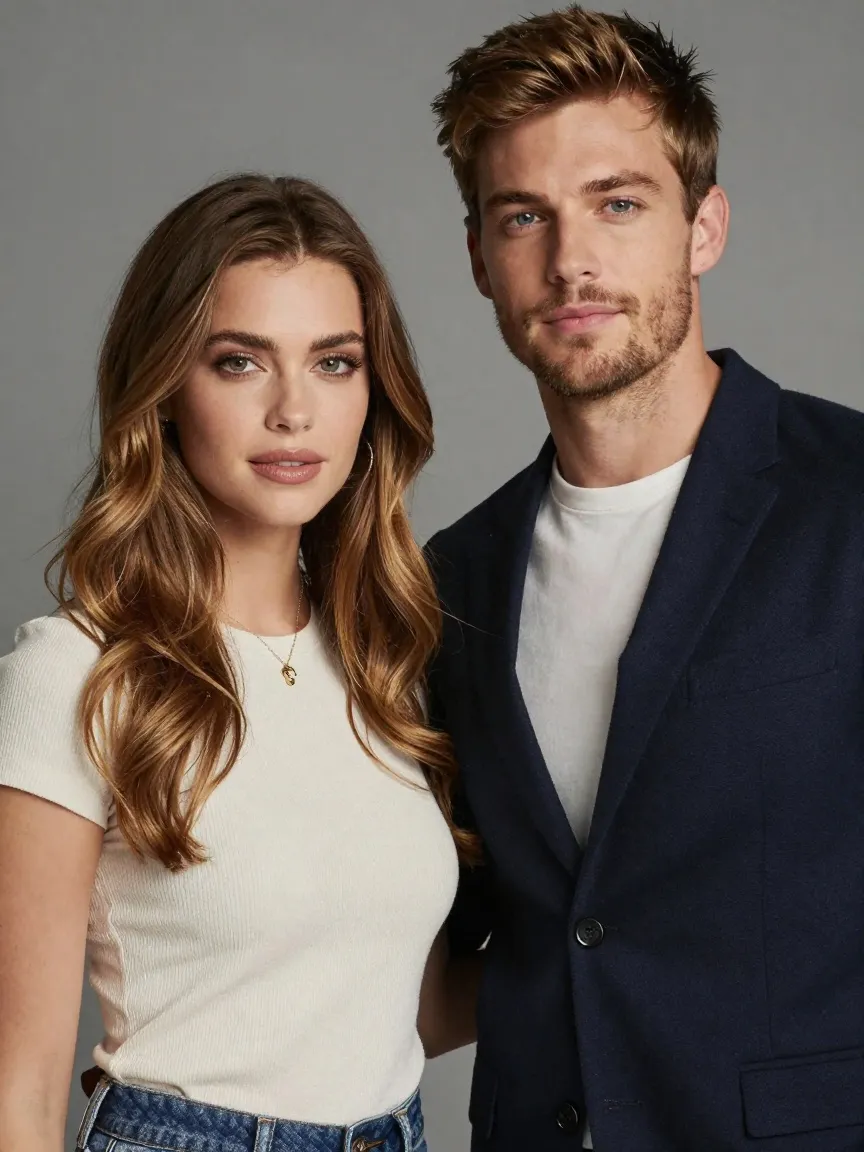
A plain studio photo re-lit with a low golden sun, hot pink and violet shadows, bloom and film grain. The faces, outfits and pose stay as they were. A flat studio background can pick up a sunset sky.
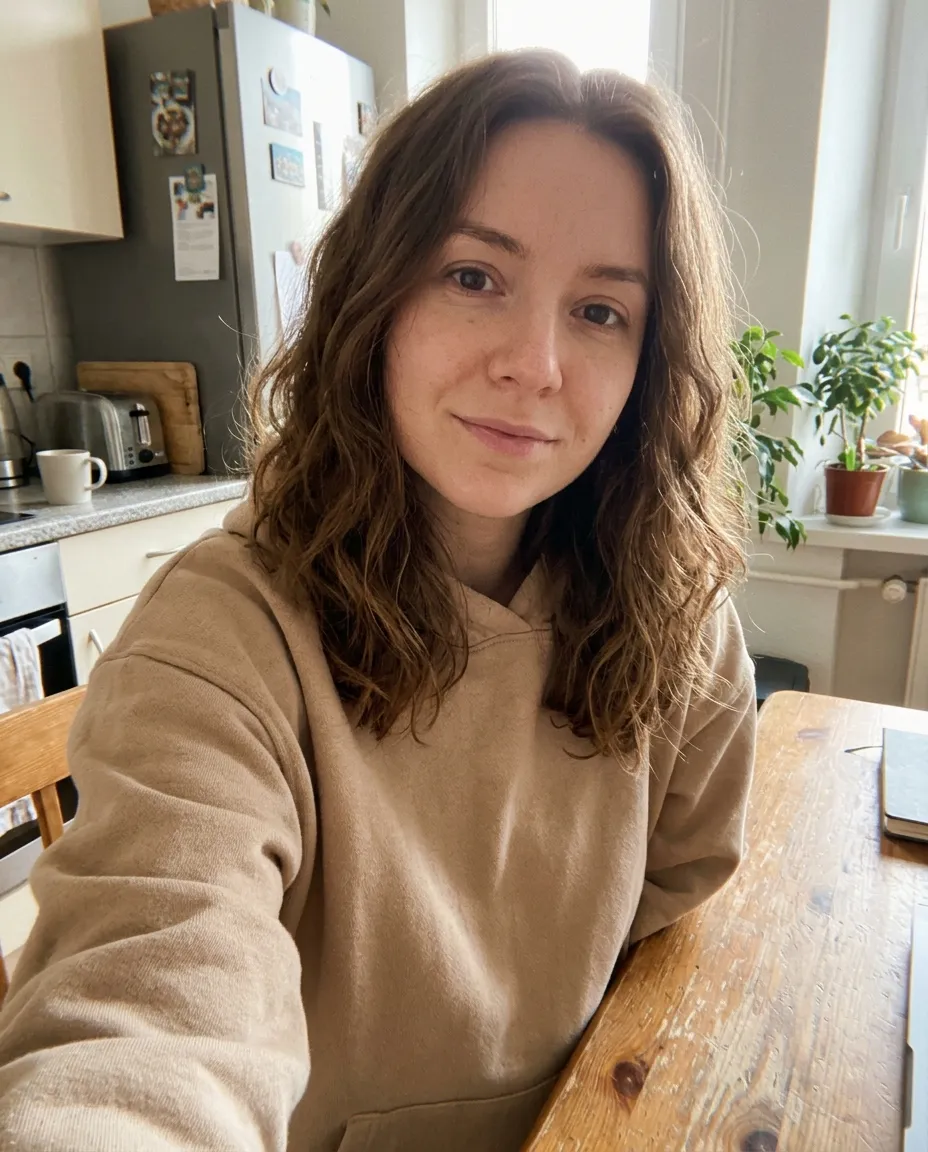
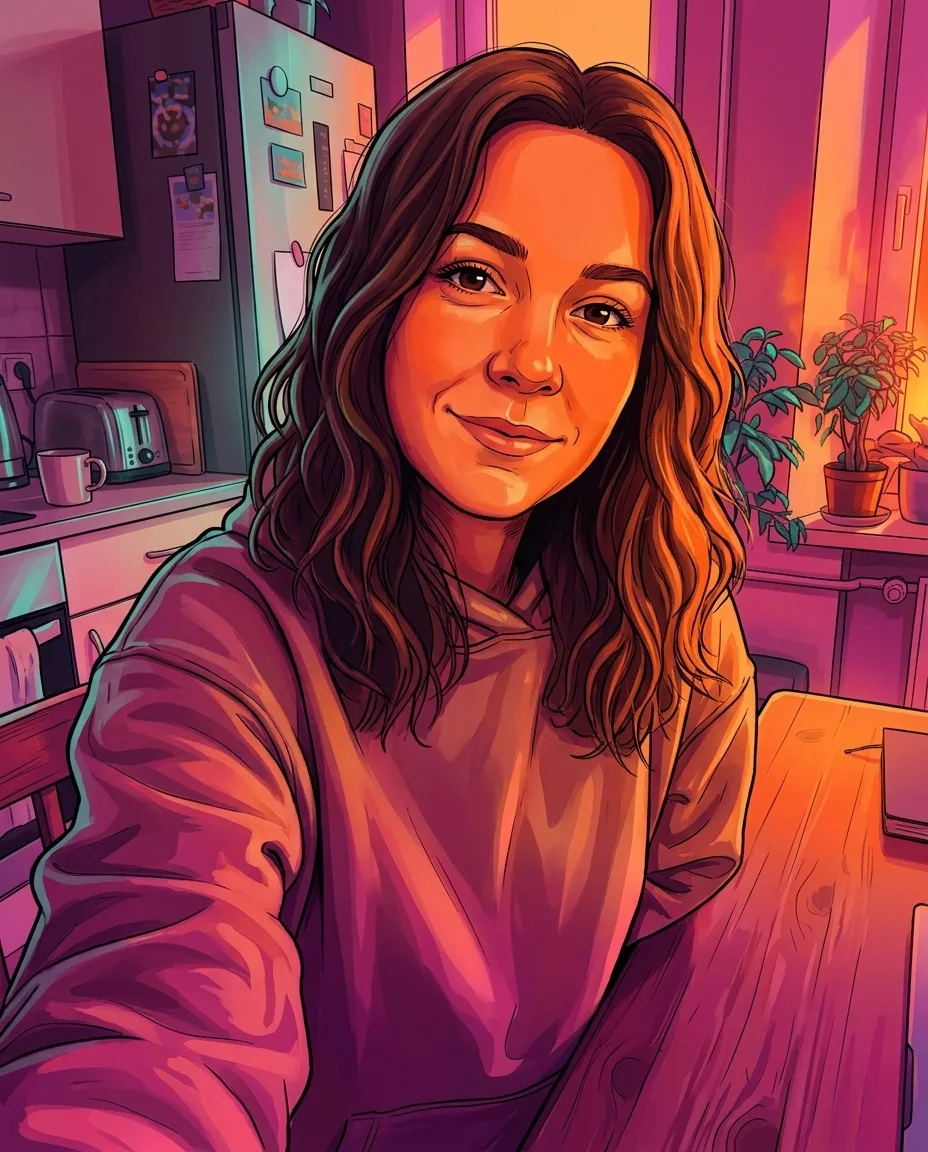
Painted promo art
A kitchen selfie redrawn as GTA VI promotional artwork, with ink outlines, cel shading and a pink and orange sunset glow. The fridge, the plants and the table are all still there.
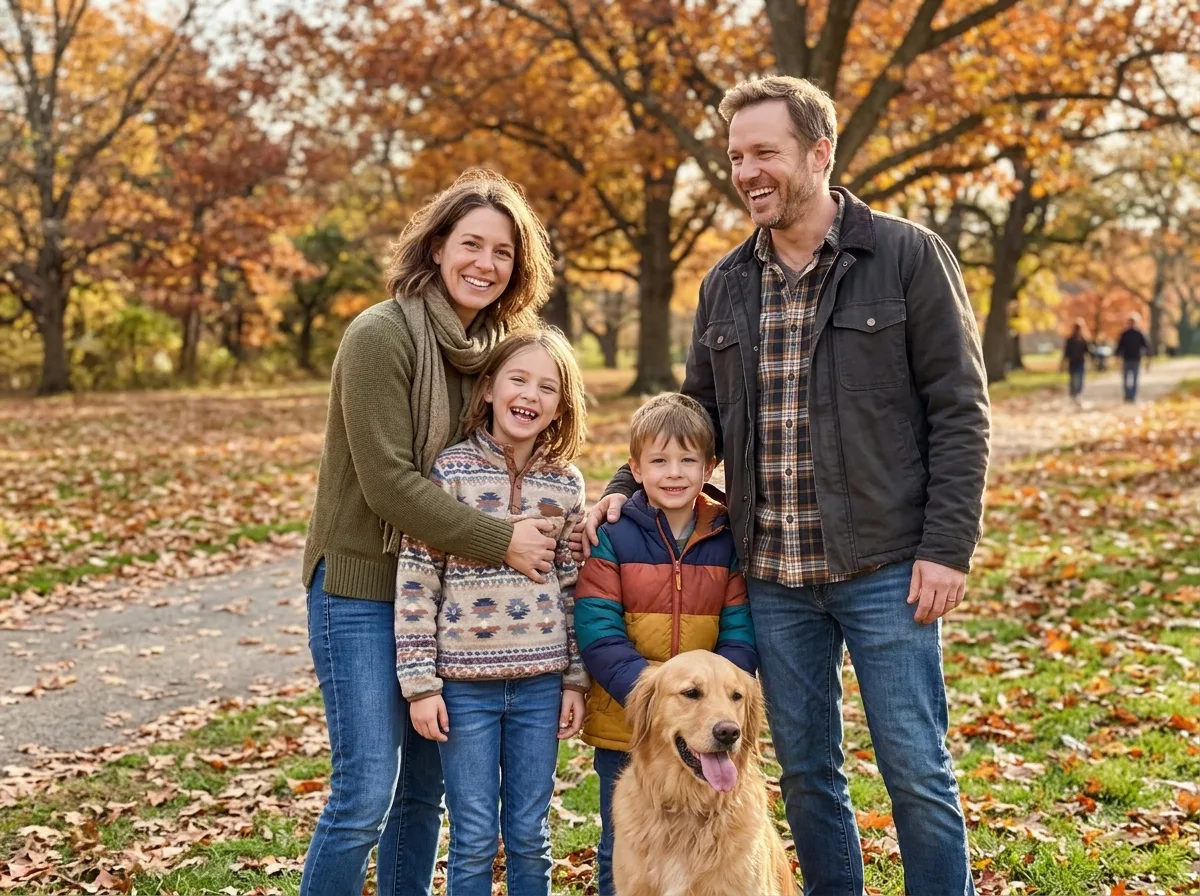
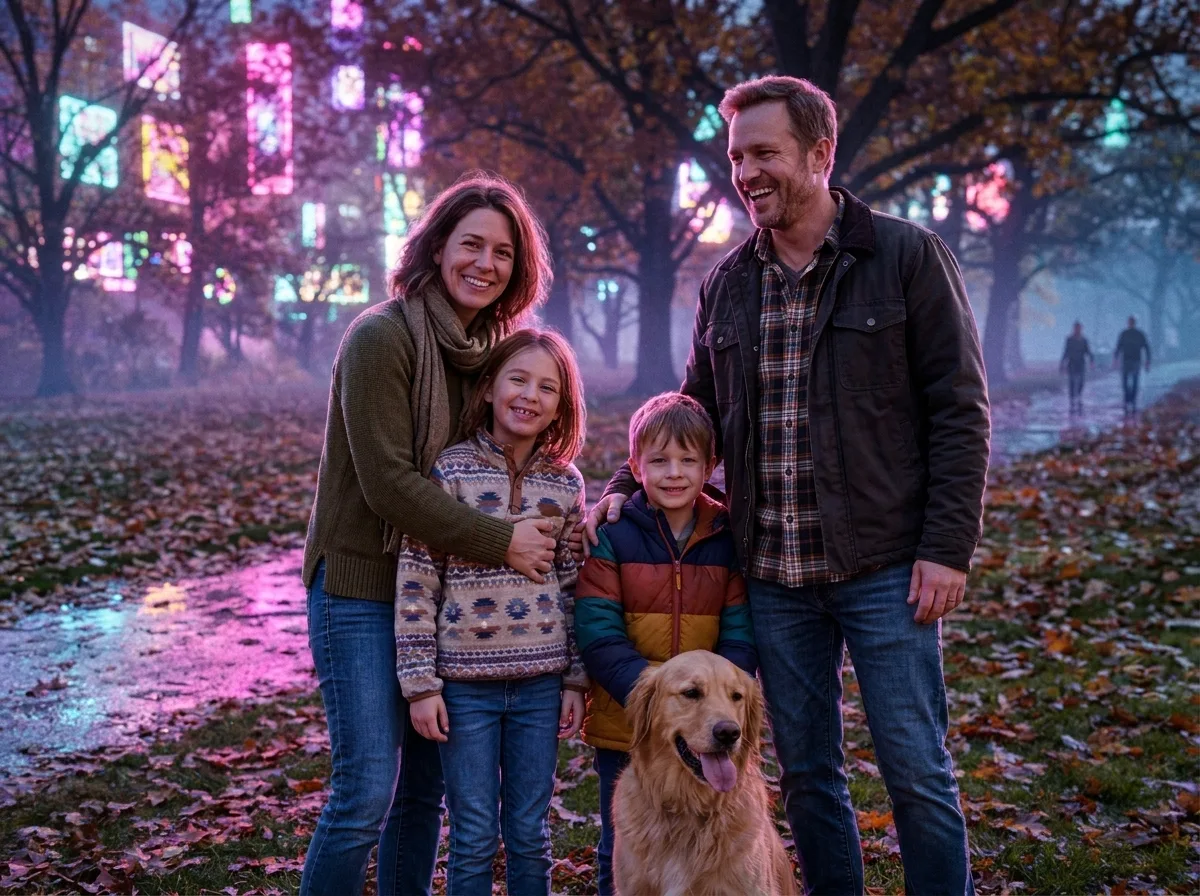
Neon night for a group photo
A family photo in an autumn park turned into a misty night lit by pink and cyan neon, with wet reflections on the path. Everyone in the photo stays in it, the dog included.
What people use a GTA VI filter for
The GTA 6 filter searches behind this page, and what the tool does for each one.
A GTA 6 filter for Instagram posts
The result is a still 2K image for an Instagram post, Story or carousel. For a live camera effect while you film, use an Instagram effect instead.
The GTA 6 filter prompt
The full prompt is printed on this page. Paste it into ChatGPT, Gemini or a Nano Banana app with your photo.
GTA 6 style photos of friends and couples
Group photos work: everyone in the picture gets the same Vice City light, and nobody is added or removed.
An AI GTA 6 filter with no app
The tool runs in the browser on a phone or a computer. There is nothing to install and no game needed.
Launch-week posts and profile pictures
Give your own photos the GTA VI look for the November 2026 launch, without changing who or where you are.
A 3D Vice City scene instead
To be rebuilt as a 3D game character in a new Vice City street, use the Vice City character maker instead.
How to put the GTA VI look on a photo
- 01
Upload a photo
Any photo of you or your friends, with the faces clear.
- 02
Pick a look
Vice City sunset, Painted art or Neon night.
- 03
Generate
The filtered photo is ready in under a minute.
- 04
Download
Save the 2K PNG and post it anywhere.
GTA VI photo filter FAQ
Something else? Email support@nano-banana.love.
What is the GTA 6 filter?
The GTA 6 filter is a photo trend from the November 2026 launch of Grand Theft Auto VI. It makes a real photo look like the game’s Vice City: golden sunset light, hot pink and violet shadows, painted artwork or neon at night. It comes as Instagram and TikTok camera effects, as AI prompts for ChatGPT and Gemini, and as AI tools like the one on this page.
How do I get the GTA 6 filter on Instagram?
To find a GTA filter on Instagram, open the camera for a Story or a Reel, swipe through the effects to the end, tap Browse effects and search for “GTA”. Creators publish these effects, so the names and looks change often. Instagram effects work live on video. For a still photo with an AI finish, use the tool on this page.
Is there a free GTA 6 filter?
Yes. Instagram and TikTok GTA effects are free, and the GTA 6 filter prompt on this page is free to use in ChatGPT and the Gemini app within their daily image limits. The tool on this site is paid in credits. Each GTA 6 filter photo costs 2 credits. New accounts get 2 free credits on sign-up, enough for one to try it, as long as the account passes our one-per-person checks. After that you buy credits once and use them on any tool or model. There is no subscription.
Does the GTA 6 prompt work in ChatGPT, Gemini and Nano Banana?
Yes. The GTA 6 filter prompt on this page works in ChatGPT, the Gemini app and any app that runs Google’s Nano Banana models. Attach your photo, paste the prompt and send it. The example image was made with Nano Banana 2.1. ChatGPT may change the face or the background more, so reply “keep everything else in the photo the same” if it does.
Is the GTA 6 filter the same as the GTA 6 character creator?
No. The GTA 6 filter keeps your photo, with the same people, pose and place, and changes only the light, colour and finish. The GTA 6 character creator on this site builds a new Vice City scene around you: painted key art, a 3D trailer still or a duo poster. Use the filter for your own photos and the character creator for a new picture.
Does the GTA 6 filter make me look like a 3D game character?
Not in the Vice City sunset look, which keeps the photo photographic with real skin texture. In tests on Nano Banana 2.1, asking for 3D game graphics while keeping the same scene either left the photo nearly unchanged or replaced the background. For a 3D in-game render of yourself, use the In-game style of the GTA 6 character creator.
Does the GTA 6 filter work on group photos?
Yes. The GTA 6 filter keeps every person in the photo and adds nobody, so it works on couples, friends and family photos. The Neon night example on this page is a family of four with their dog. Everyone in the photo must have agreed to the edit, and you must be a parent or guardian of any child in it. You confirm that before you generate.
Will the GTA 6 filter add the GTA VI logo?
No. The prompt asks for no game logo, no HUD, no text and no watermark, because the Grand Theft Auto VI logo is a trademark of Take-Two Interactive. The picture is clean and yours to share. Add a caption or a sticker afterwards in Instagram or TikTok if you want one.
What happens to my photo?
Your photo is uploaded only to make your result. Uploads are deleted from our storage provider within about 24 hours, results stay downloadable in your account for 14 days, and we never use your photos to train AI models.
Put your photo in Vice City light
Upload a photo, pick a look and get the GTA VI version in under a minute.
Start creating