AI Image Humanizer
Upload an AI-generated image and get it back looking like a real photograph: real skin texture instead of plastic, believable light instead of glow and haze, and true colours instead of the orange-and-teal grade. The people, pose and composition stay the same. Pick a natural photo, a casual phone snapshot or a 35mm film look. Copy the prompt below for ChatGPT or Gemini, or run it here in under a minute.
- 3 looks
- Keeps the composition
- 2K output
- Nano Banana 2.1
Make AI photos look like real photos.
Sign in to use the tool. New accounts get free credits to try it.
Example
 Example · Natural
The prompt to make AI photos look realistic
Paste it into ChatGPT or Gemini with your AI image attached. The tool above runs this same text.
Prompt
Make this AI-generated image look like a real, unedited photograph, without changing what it shows. Keep the same people, faces, expressions, poses, clothes, objects, background, composition and framing. Remove the typical AI look: replace waxy, airbrushed skin with real skin texture, with pores, fine lines and natural unevenness; break up perfect symmetry slightly; turn down glossy shine, glow, bloom and haze; bring oversaturated and orange-and-teal colours back to normal; and give hair, fabric, food and backgrounds real fine detail and small imperfections. Light it the way the scene would really be lit, with soft, believable shadows and true-to-life colours, like a photo from a good camera with no filter. Do not beautify, slim or reshape anyone, and do not add text, logos or watermarks.
For a film look instead, replace the sentence that starts with “Light it the way” with “Make it look like it was shot on 35mm colour film: fine film grain, gentle highlight roll-off, slightly muted natural colours and a little softness, like an unretouched film scan.”
What does an AI image humanizer do?
The humanizer on this page makes an AI-generated image look like a real, unedited photograph. You upload a picture from Midjourney, ChatGPT, Gemini, Stable Diffusion or any other generator and pick a look. Google’s Nano Banana 2.1 image model redraws it with the same people, pose, objects and framing, but without the giveaways of AI images. The result is a 2K image in the shape of the original, ready in under a minute.
AI photos look fake for a handful of repeatable reasons. Skin is airbrushed with no pores. Faces are perfectly symmetrical. Light glows from everywhere, with haze and bloom around the edges. Colours lean orange and teal and are pushed too far. Hair, fabric and backgrounds lack fine detail. The tool removes each one: it adds real skin texture and small imperfections, lights the scene the way it would really be lit and brings the colours back to normal.
Humanizing changes how an image looks, not what it is. The result is still an AI image. Google states that all images its Gemini image models generate include a SynthID watermark, so SynthID checks can still identify the result, and this site does not remove watermarks or C2PA labels. Use it to make pictures more believable for creative work, not to pass AI images off as real photos. To sharpen an image instead, use the 4K photo upscaler.
Midjourney, ChatGPT, Gemini, Flux and Stable Diffusion are trademarks of their owners, and this site is not affiliated with them. Results are AI-generated images and carry Google’s invisible SynthID watermark.
Before and after: AI photos made to look real
Real results. The before images were made on purpose with the typical AI look; the after images come straight from the tool with no other edits.
Natural
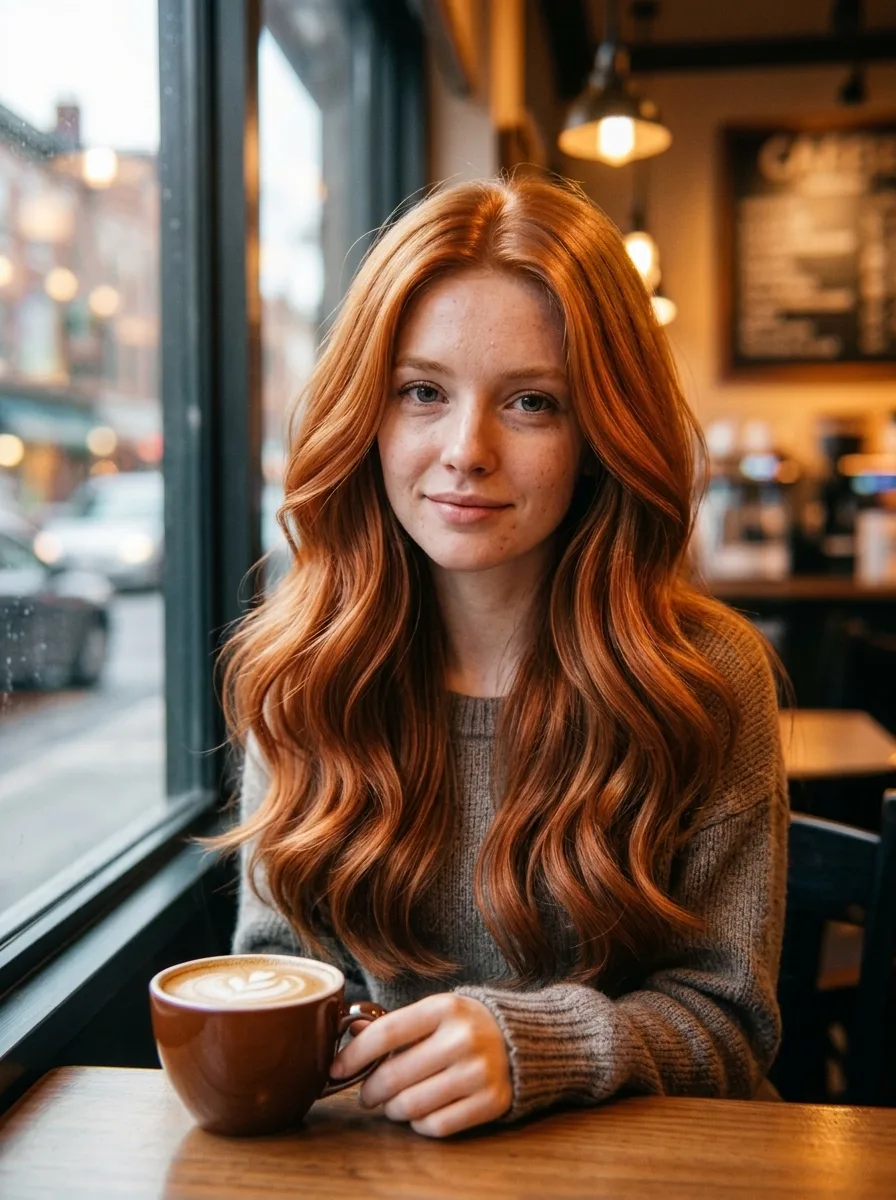
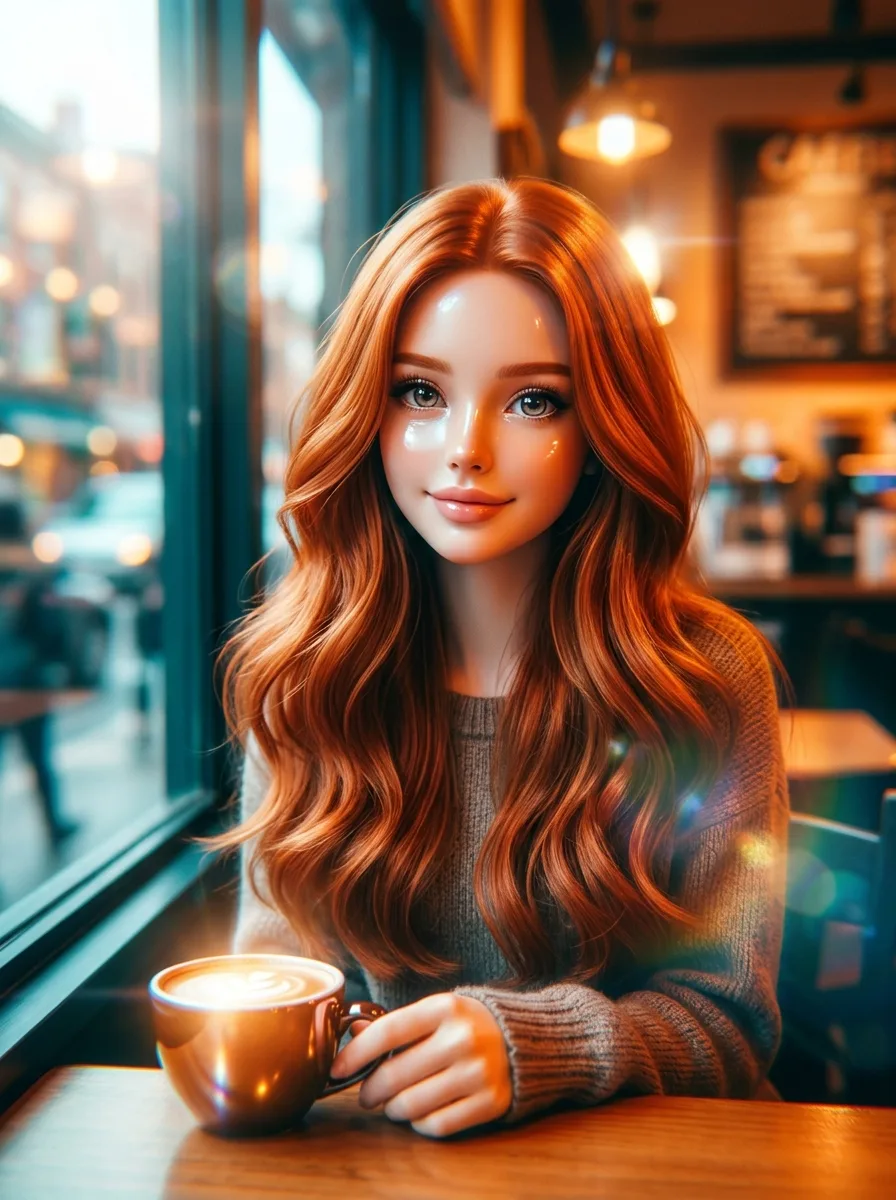
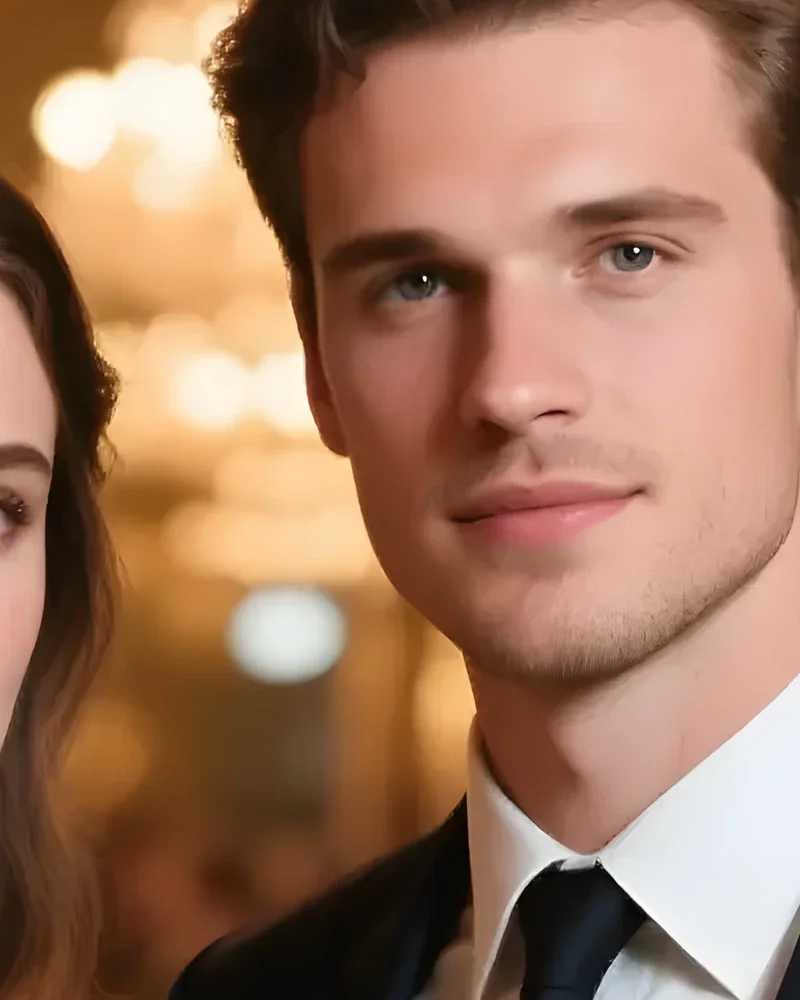
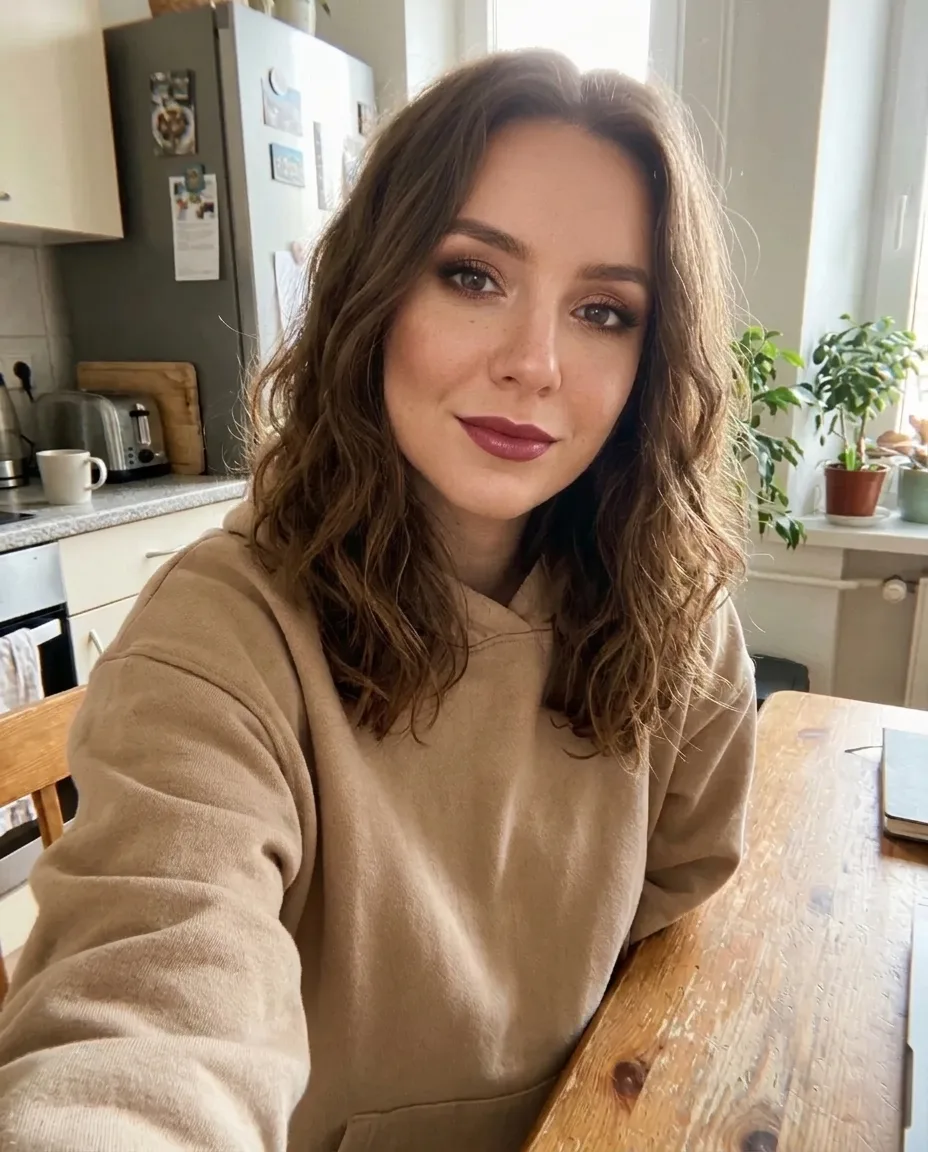
An over-polished AI cafe portrait got real skin with freckles and pores, normal eyes instead of glossy ones, and soft window light instead of the orange glow. Her hair, sweater, cup and pose stayed the same.
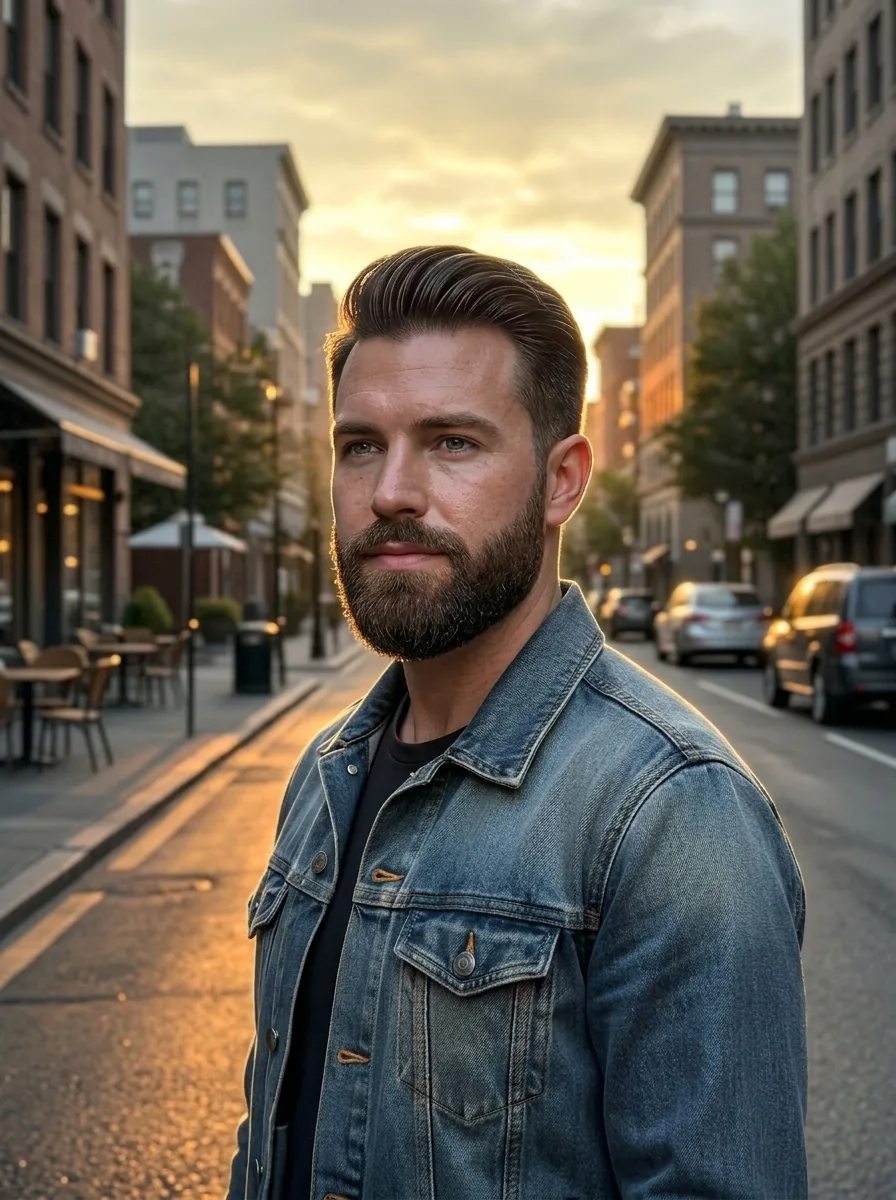
Phone snapshot
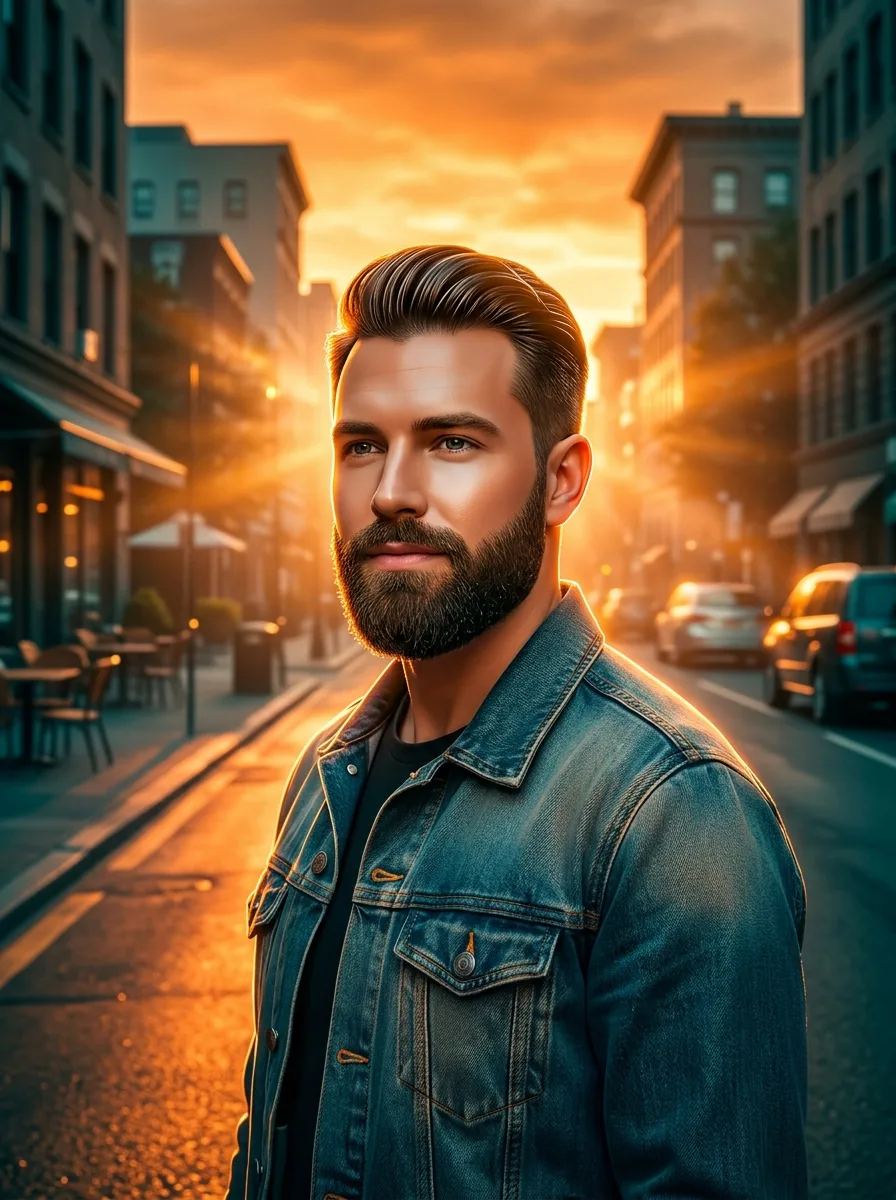
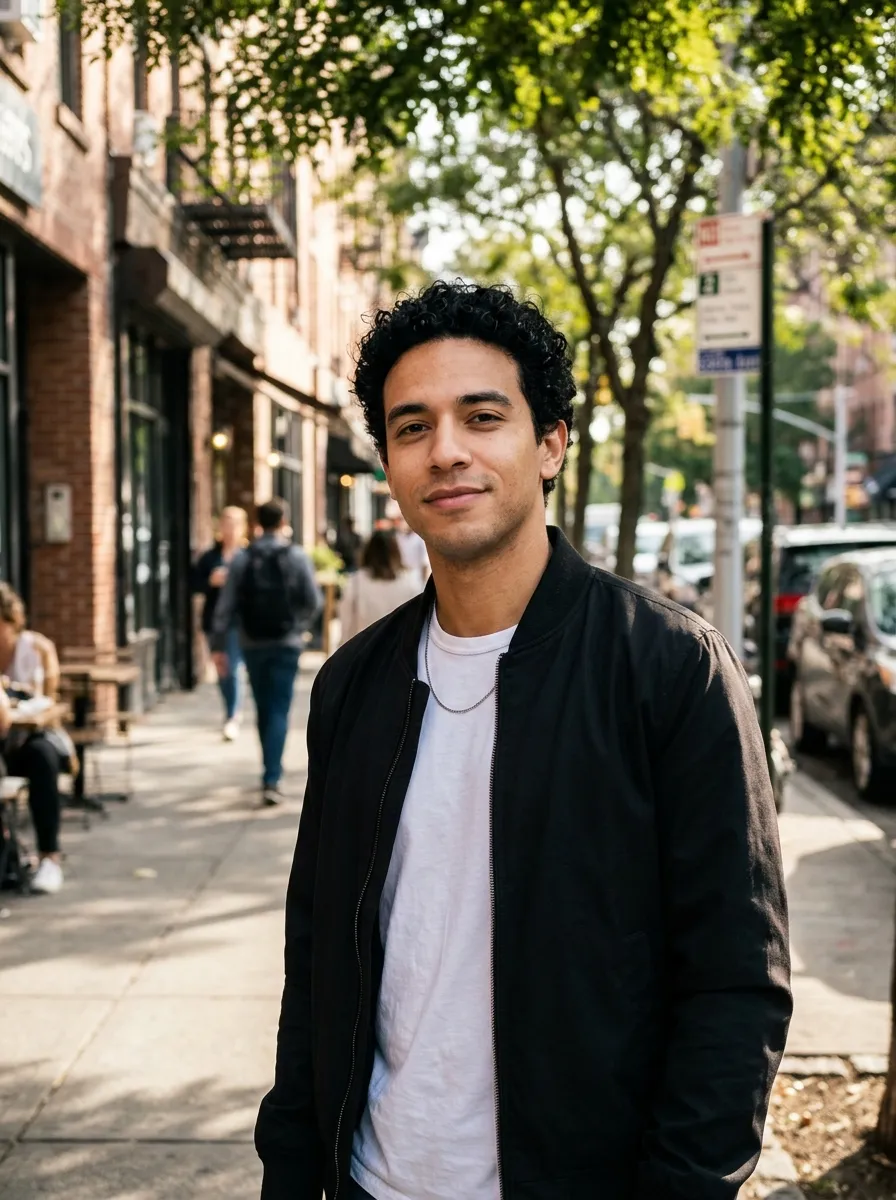
A street portrait with a blazing orange sky and rim light on everything became an evening phone photo: a calm sky, real skin texture in the face and beard, and a street in focus behind him.
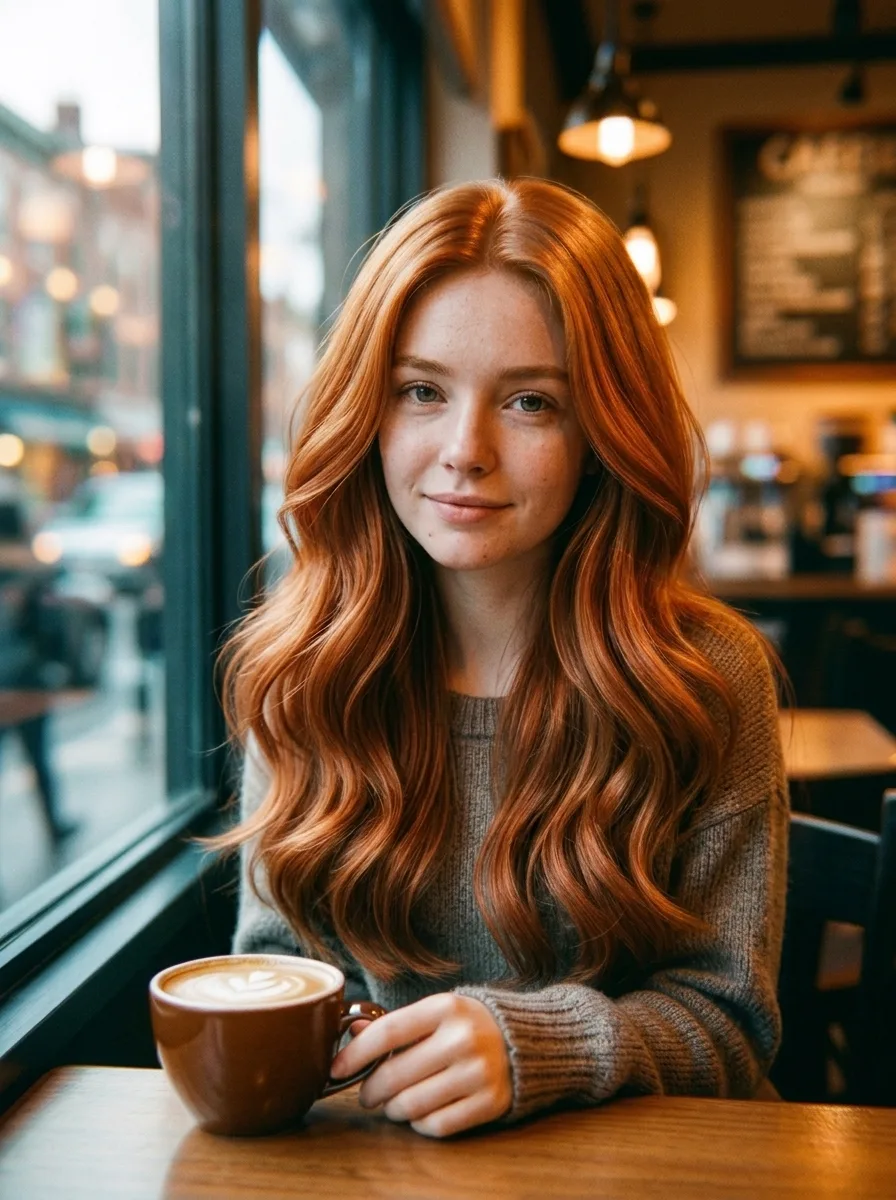
Film camera
The same AI portrait as a 35mm film photo: fine grain, softer highlights and slightly muted colours, with the same freckled skin and the same pose.
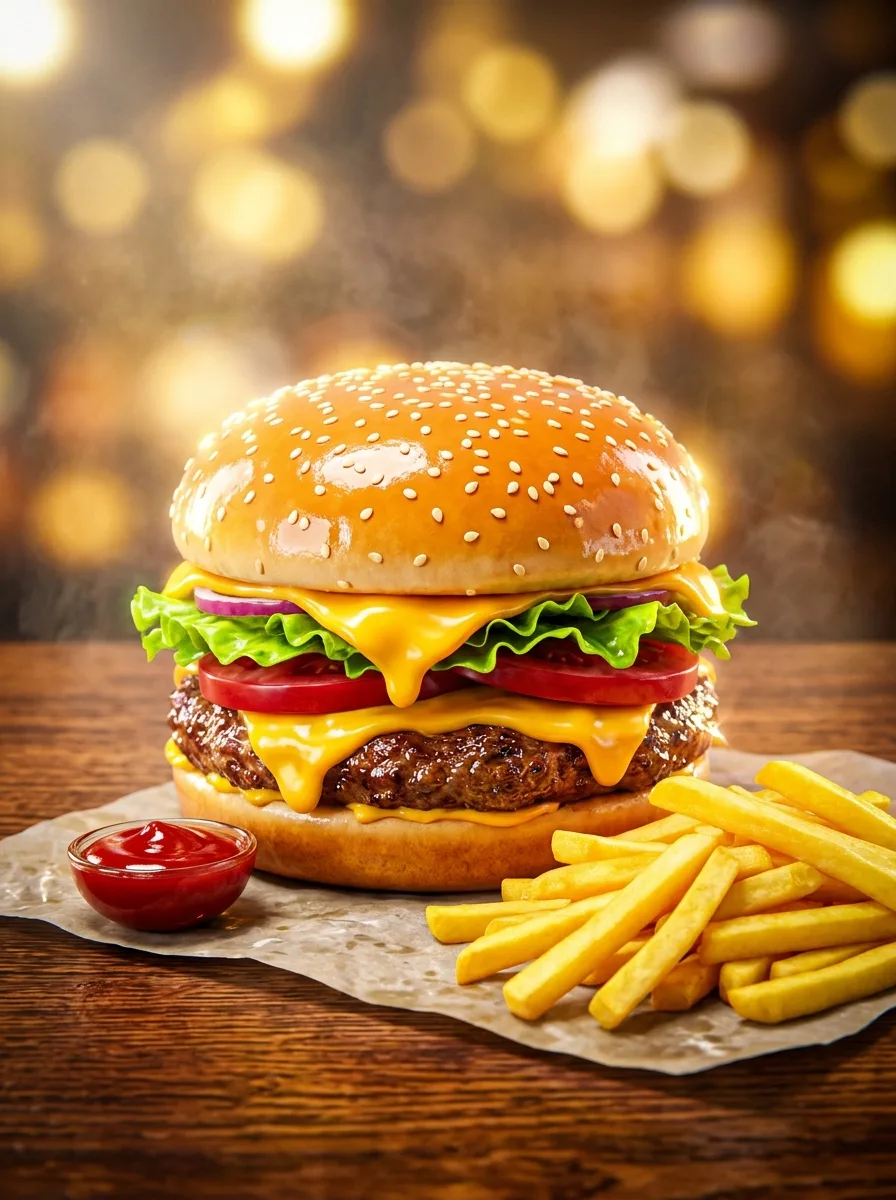
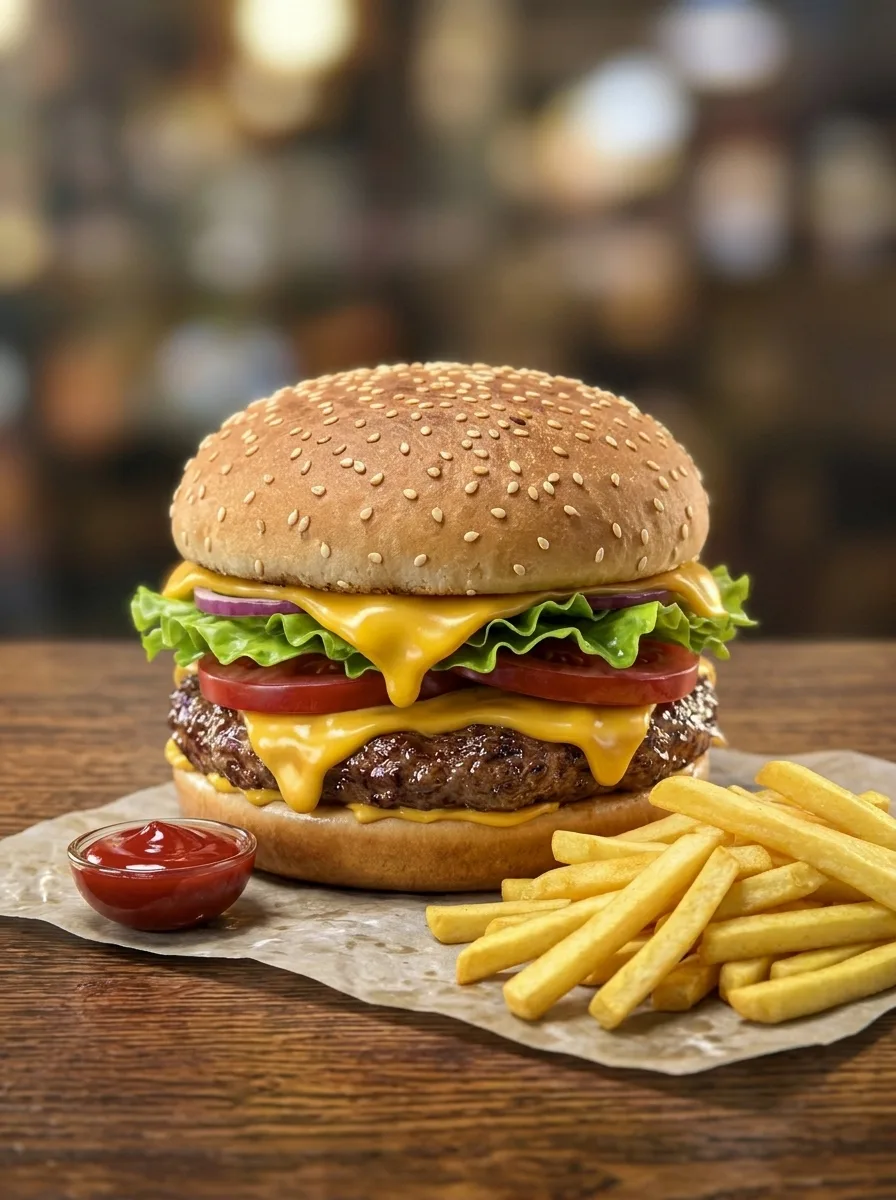
Food that looks edible
A burger with a glossy plastic bun and glowing bokeh became a believable food photo: a matte toasted bun, calmer colours and a restaurant background without the haze.
What people use a photo humanizer for
The searches behind this page, and what the tool does for each one.
Remove the AI look from a photo
Upload the image and pick Natural. Skin, light and colour change; everything in the picture stays.
Make AI portraits look real
Waxy skin and glossy eyes are the most common giveaway. The tool adds pores, fine lines and natural unevenness without beautifying.
Humanize Midjourney and ChatGPT images
Images from any generator work, uploaded as a JPG, PNG or WebP.
A casual phone-photo look
Pick Phone snapshot for deep focus, mixed light and a little noise: the look of a quick photo, not a render.
A film photography look
Pick Film camera for 35mm grain, softer highlights and slightly muted colours.
Product and food shots
Glossy plastic food and too-perfect products get real texture and believable light for menus, listings and mockups.
How to remove the AI look from a photo
- 01
Upload an AI image
A photorealistic picture from Midjourney, ChatGPT, Gemini, Flux, Stable Diffusion or another generator.
- 02
Pick a look
Natural, Phone snapshot or Film camera.
- 03
Generate
The new version is ready in under a minute, in the same shape as the original.
- 04
Compare and download
Switch between Before and After, then save the 2K PNG.
Make AI photos look real: FAQ
Something else? Email support@nano-banana.love.
How do I make an AI photo look more realistic?
Upload the AI image on this page, pick Natural, Phone snapshot or Film camera, and click Generate. Nano Banana 2.1 redraws it with the same people, pose and composition, but with real skin texture, believable light and normal colours instead of airbrushed skin, glow and an orange-and-teal grade. You get a 2K image in under a minute. The prompt on this page also works in ChatGPT or Gemini.
Why do AI-generated photos look fake?
AI-generated photos look fake because image models repeat the same flaws: airbrushed skin with no pores, perfectly symmetrical faces, glowing light from every direction, haze and bloom, oversaturated orange-and-teal colours, and backgrounds with too little detail or too much blur. Hands, text and small background objects can also be wrong. Each flaw is easy to spot once you know it.
Will a humanized image pass an AI detector?
No, and it is not meant to. An image redrawn by an AI model is still an AI image. Google says every image its Gemini image models generate, including Nano Banana 2.1, carries an invisible SynthID watermark, so SynthID checks can still identify the result, and AI detectors may flag it too. This site does not remove SynthID, C2PA labels or other AI markers.
What is the prompt to make AI photos look realistic?
The prompt to make AI photos look realistic is the text you paste into ChatGPT or Gemini with the image attached. It tells the AI to keep everything in the picture the same and remove the AI look: real skin texture instead of airbrushing, less symmetry, no glow, haze or orange-and-teal grade, and real fine detail. The full prompt is on this page, ready to copy.
Is the AI image humanizer free?
Humanizing an AI image is free to try in ChatGPT and the Gemini app with the prompt on this page, within their daily image limits. The tool on this site is paid in credits. Each humanized image costs 2 credits. New accounts get 2 free credits on sign-up, enough for one to try it, as long as the account passes our one-per-person checks. After that you buy credits once and use them on any tool or model. There is no subscription.
Does it change the people or the composition?
No. The photo humanizer keeps the same people, faces, expressions, poses, clothes, objects and framing, and the result has the same shape as the original. It changes surface qualities: skin texture, light, colour, haze and fine detail. Small details such as a strand of hair or a shirt pattern may come out slightly different, so compare Before and After before you use the image.
Does it work on Midjourney, ChatGPT and Stable Diffusion images?
Yes. The tool works on photorealistic images from any generator, including Midjourney, ChatGPT, Gemini, Flux and Stable Diffusion, uploaded as a JPG, PNG or WebP. It is built for images that are meant to look like photos. An anime picture or a cartoon will be turned into a photo, so use it on illustrations only when that is what you want.
Can I remove the AI look in Photoshop or Lightroom instead?
Yes, by hand. In Photoshop, Filter › Noise › Add Noise brings back grain, a Hue/Saturation layer tones down colour, and a texture overlay restores skin detail. Lightroom’s Texture and Grain sliders do similar work. Manual editing keeps every pixel you do not touch, but it takes longer and needs skill. An AI tool is faster and fixes the whole image at once.
Can I upload a real photo of a person?
Only of yourself or of adults who agreed to it. The tool is made for AI-generated images, and you confirm you have the rights to the image before you generate. It never changes who is in the picture.
What happens to my image?
Your photo is uploaded only to make your result. Uploads are deleted from our storage provider within about 24 hours, results stay downloadable in your account for 14 days, and we never use your photos to train AI models.
Make your AI images look real
Upload an AI image, pick a look and get a natural-looking photo in under a minute.
Start creating