
AI Manga Colorizer
Upload a black and white manga page and get it back in full color in under a minute. Every line, panel border, speech bubble and word stays where it was; only the color is new. Pick a TV anime look, a painted webtoon look or a 1990s magazine color page. It works on manga, manhwa, comic panels and plain line art, and the result keeps the page’s shape at 2K.
- 3 color styles
- Keeps lines and text
- 2K output
- Nano Banana 2.1
Color black and white manga pages in one click.
Sign in to use the tool. New accounts get free credits to try it.
Example
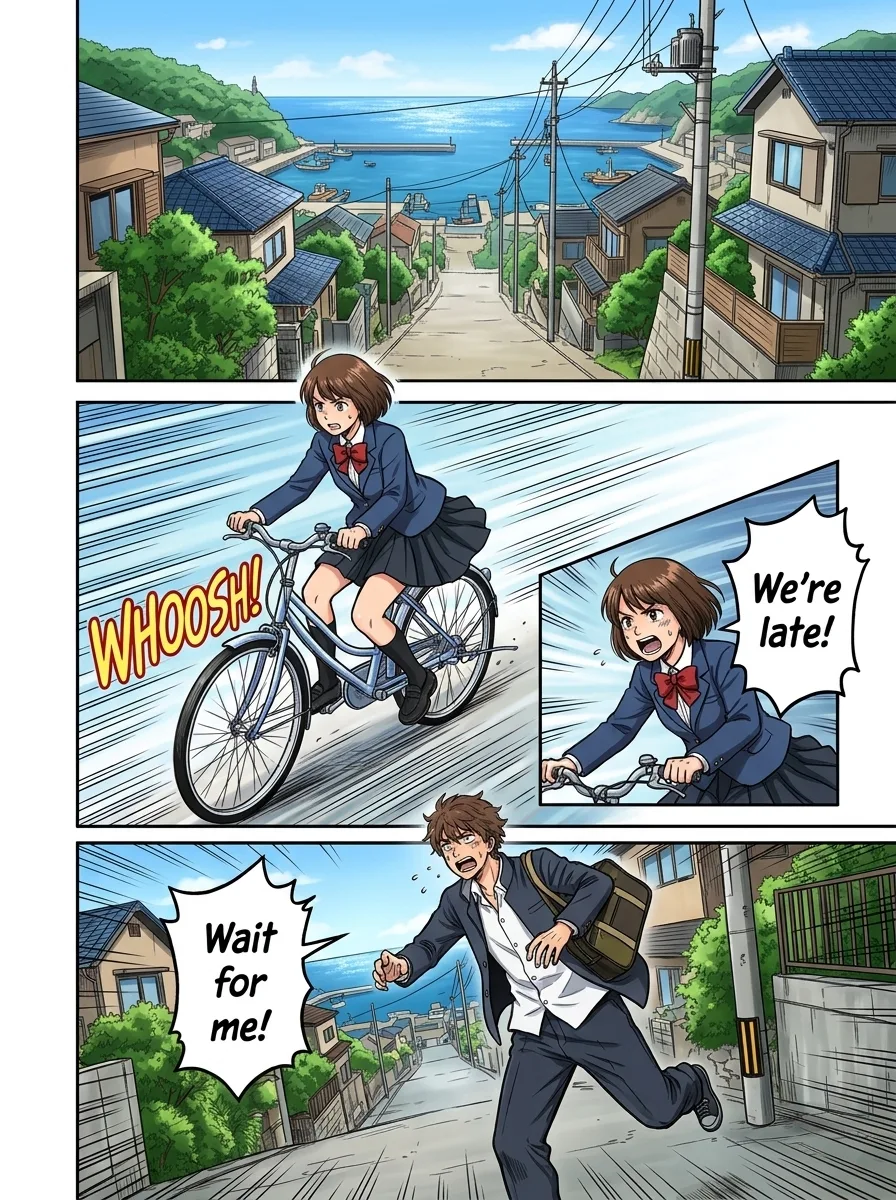 Example · Anime
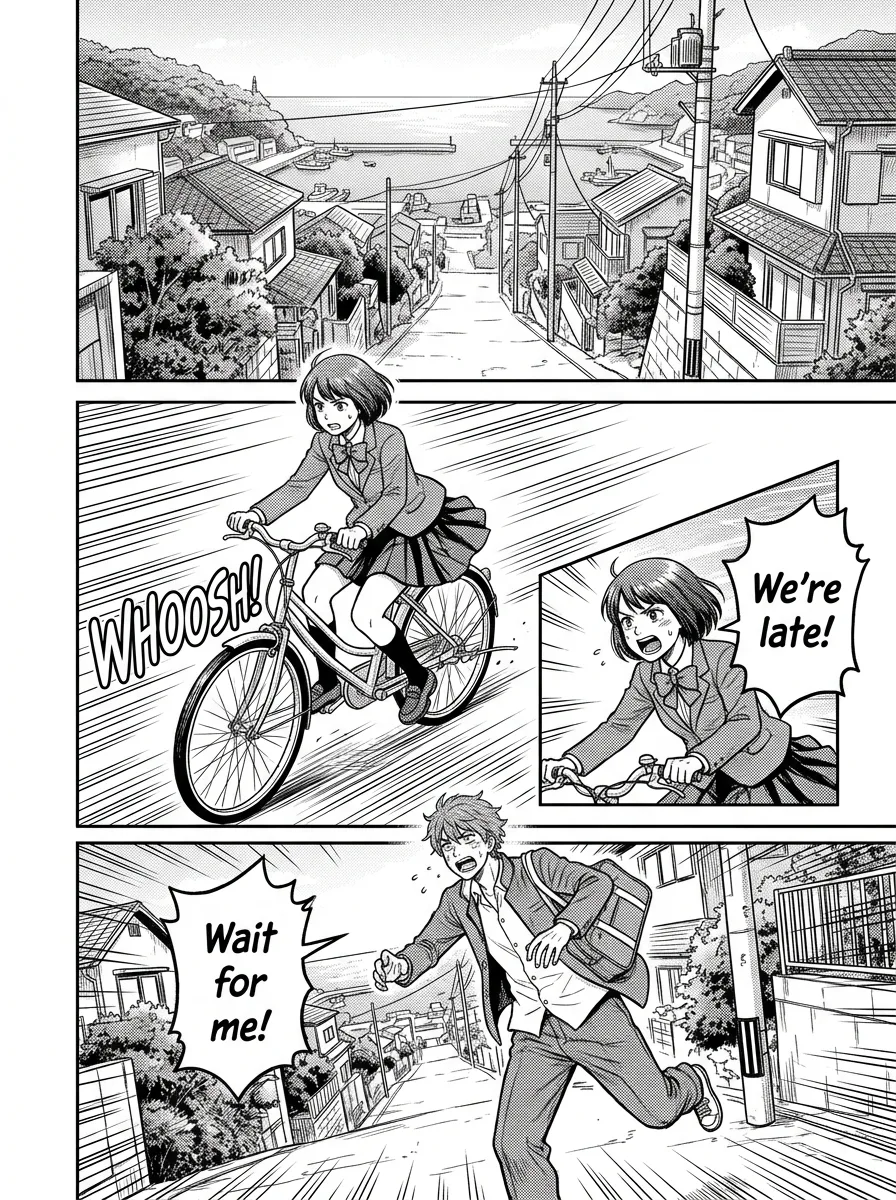
How does the AI manga colorizer work?
The manga colorizer on this page turns a black and white manga page into a full-color page. You upload one page, panel or piece of line art and pick a color style. Google’s Nano Banana 2.1 image model fills in colors for skin, hair, clothes, skies and backgrounds, and turns the screentone shading into real color shading. The ink lines, panel borders, speech bubbles, lettering and sound effects stay where they were. The result is a 2K image in the same shape as the page, ready in under a minute.
There are three color styles. Anime gives flat cel shading and bright colors, the look of a TV anime adaptation. Webtoon gives soft painted shading, smooth gradients and glowing light, the look of a full-color manhwa. Retro print gives a muted palette, watercolor-like fills and a warm paper tone, the look of the color pages in 1990s manga magazines. Each style picks one set of colors for each character and keeps it across the panels of the page.
Manual coloring is the other option. Clip Studio Paint has a built-in Colorize feature for line art that fills a line art layer automatically and lets you guide it with color hints, and its own guides say the result usually needs touching up. Choose Clip Studio when you are drawing the page yourself and want to keep editing layers. Choose a one-click AI colorizer when you want a finished color page from a flat image. To sharpen a small or blurry scan first, run it through the AI upscaler for images.
Clip Studio Paint is a trademark of its owner, and this site is not affiliated with it. Results are AI-generated images and carry Google’s invisible SynthID watermark.
Black and white manga pages, colorized
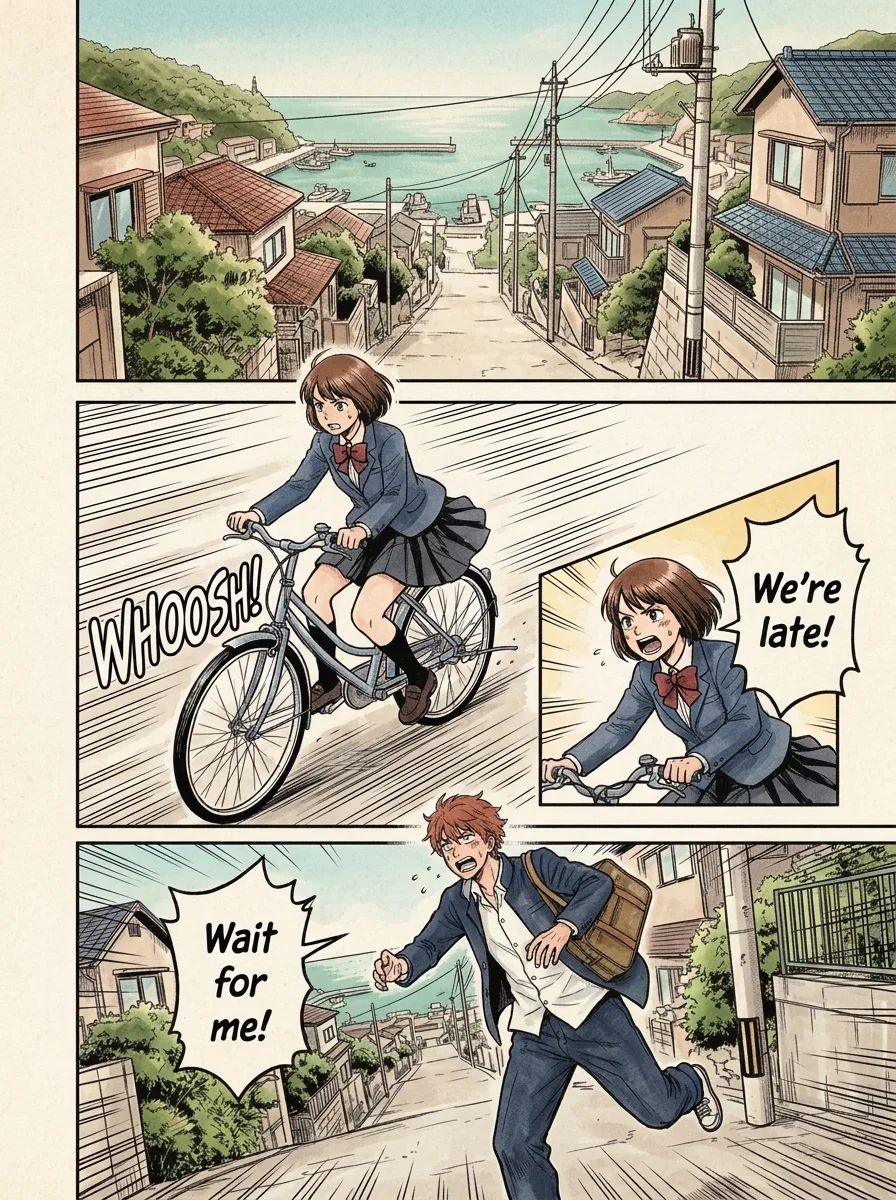
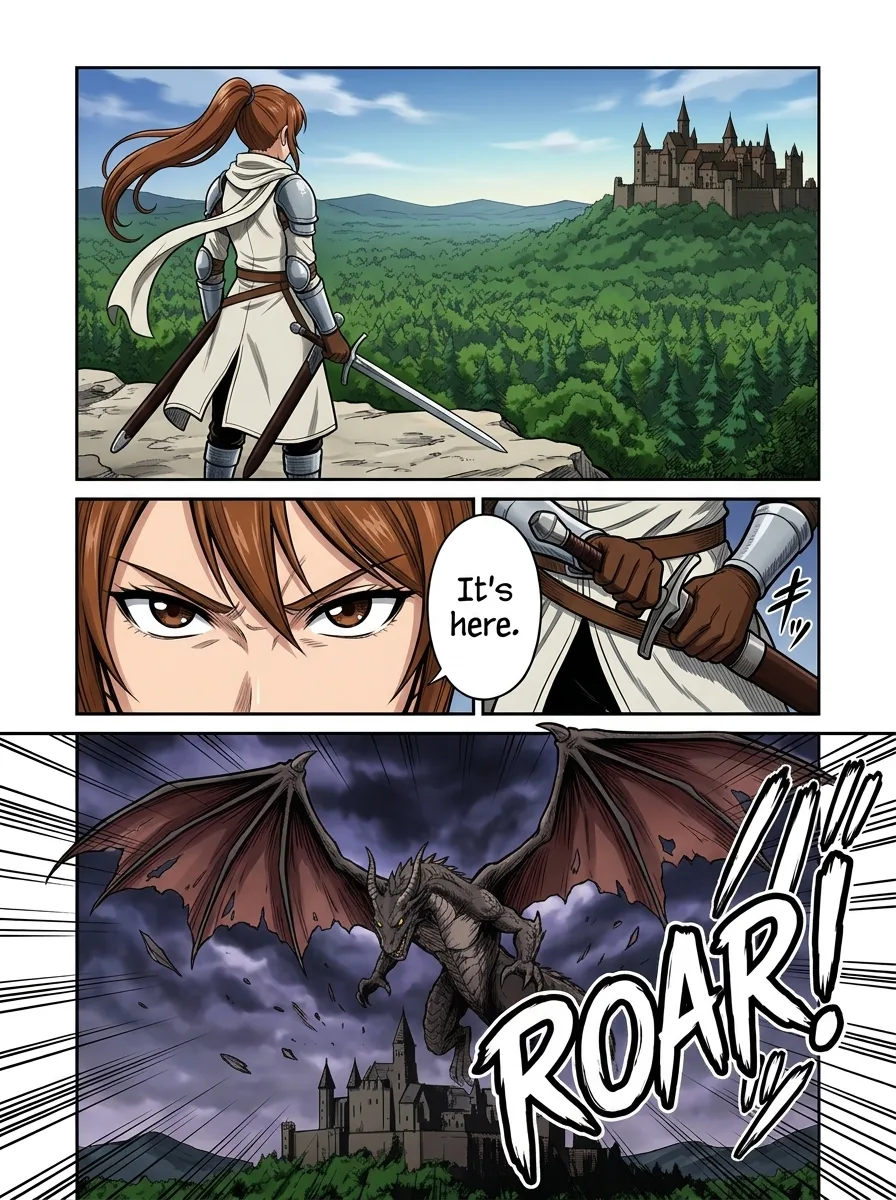
Real results from two original manga pages drawn for this site. The lines, bubbles and lettering come straight from the black and white page; only the color is new.
Anime colors
A four-panel school page got a blue sky over the harbor, navy blazers, a red ribbon and a yellow “WHOOSH”. The girl has the same brown hair and red bow in every panel.
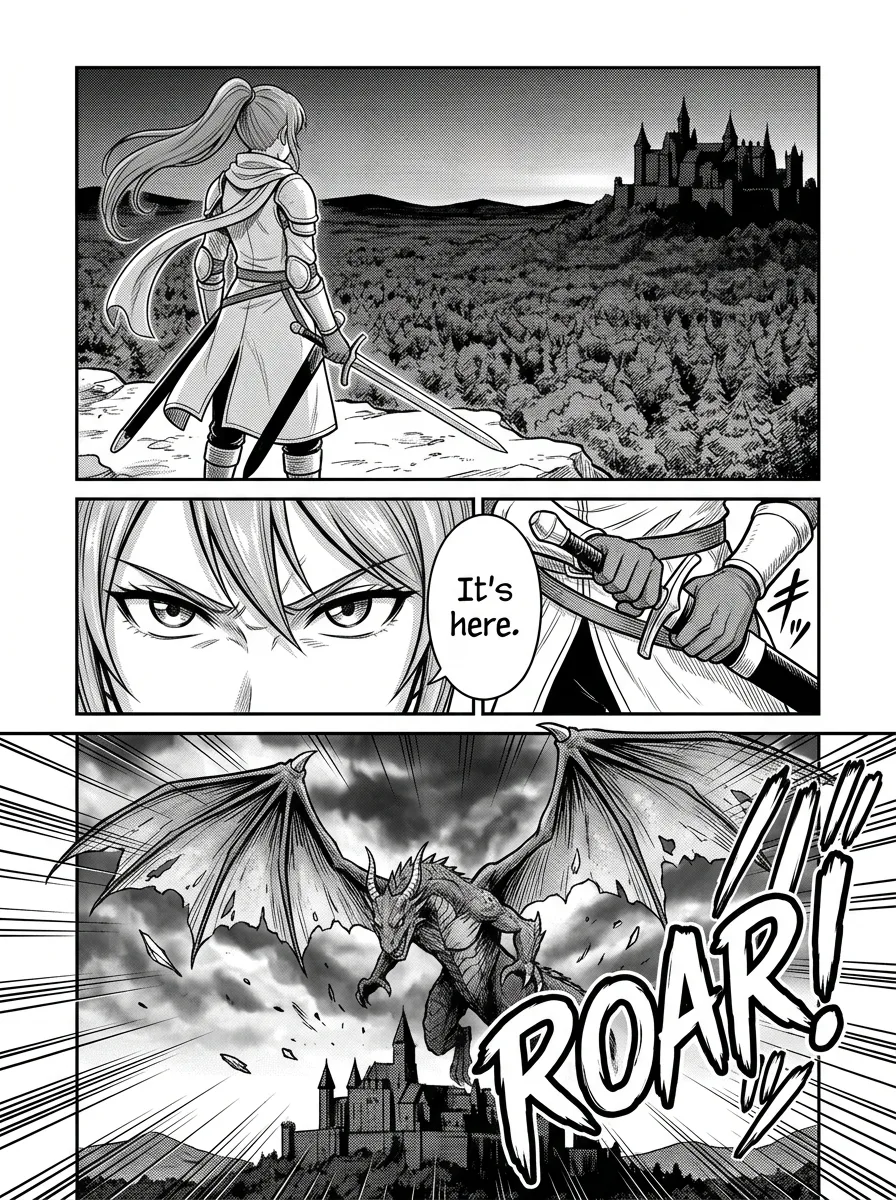
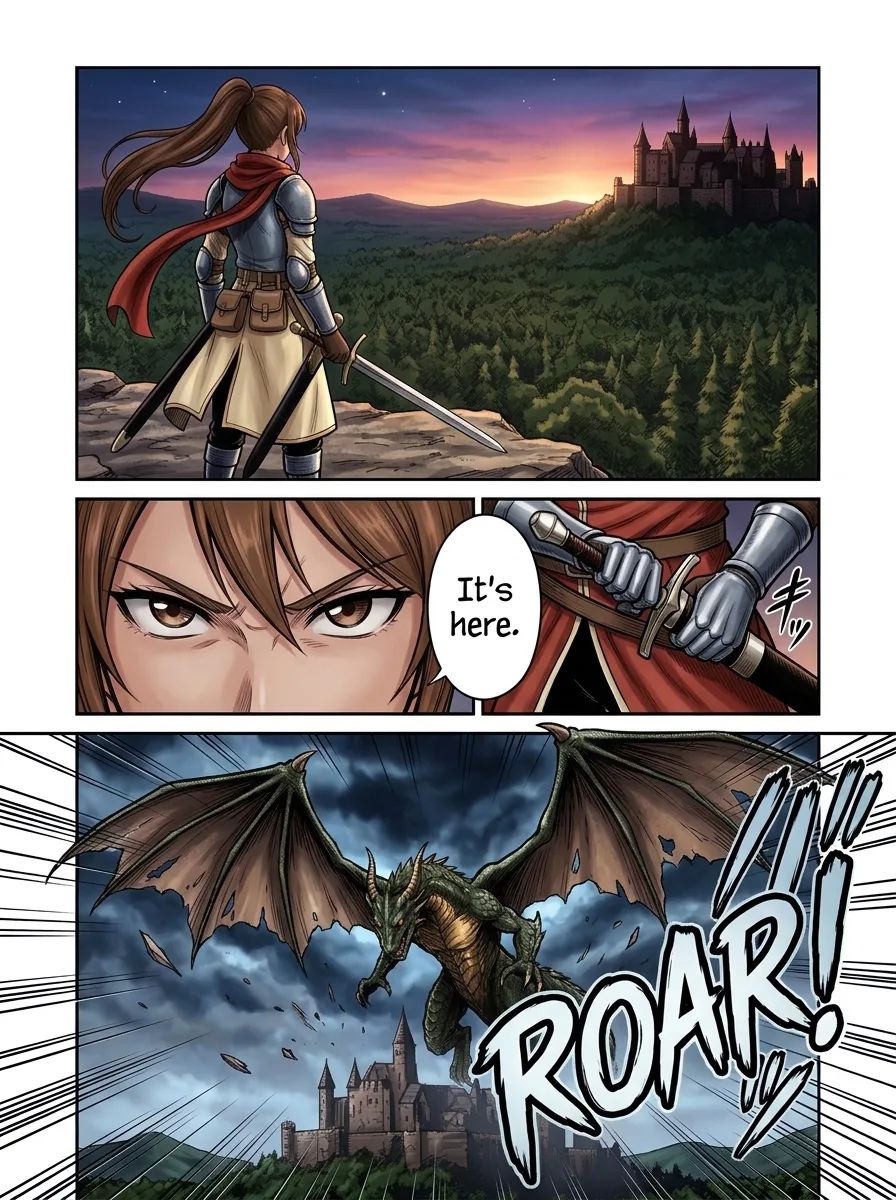
Webtoon colors
A fantasy page became a painted dusk scene with a purple sky, a red scarf and a green dragon in storm clouds. Gradients and soft light replace the screentone.
Retro magazine colors
The same school page as a 1990s color page: muted blues and greens, watercolor-like fills and a warm paper tone around the panels.
Anime colors on an action page
The fantasy page in daylight anime colors: a white coat, steel armor, auburn hair and a dark dragon under a purple storm. “It’s here.” and “ROAR!” are untouched.
What people colorize: manga, manhwa and line art
The searches behind this page, and how the tool handles each one.
Your own manga pages
Color a finished black and white page for a color spread, a cover or a social media post without coloring it by hand.
Manhwa and webtoon panels
Pick Webtoon for the soft painted color that Korean manhwa and vertical webtoons use.
Colorize line art
Clean line art with no shading works too: the tool adds flat colors and shading in the chosen style.
Comic panels
Western comic pages and single panels get the same treatment; Anime is the closest match for bold comic colors.
Color roughs for artists
Try three color schemes for a page in a few minutes, then paint the final version by hand.
Fan art you drew
Color your own fan comic or sketch. The tool colors what you drew and does not add other characters.
How to colorize a manga page with AI
- 01
Upload a page
A black and white manga page, a single panel or line art, as a JPG, PNG or WebP.
- 02
Pick a color style
Anime, Webtoon or Retro print.
- 03
Generate
The colored page is ready in under a minute, in the same shape as the original.
- 04
Compare and download
Switch between Before and After, then save the 2K PNG.



Colorize manga online: FAQ
Something else? Email support@nano-banana.love.
How do I colorize a manga page with AI?
Upload the black and white page on this page, pick Anime, Webtoon or Retro print, and click Generate. Nano Banana 2.1 fills in colors for skin, hair, clothes and backgrounds and turns screentone into color shading, while the lines, bubbles and text stay the same. You get a 2K PNG in the shape of the original page in under a minute, in any browser.
Is the manga colorizer free?
Each colored page costs 2 credits. New accounts get 2 free credits on sign-up, enough for one to try it, as long as the account passes our one-per-person checks. After that you buy credits once and use them on any tool or model. There is no subscription.
Does the AI change the lines or the text in speech bubbles?
The AI manga colorizer is told to keep every line, panel border, speech bubble, word and sound effect exactly as drawn, and in our tests the lettering came back unchanged. It is still an AI redraw, not a paint-bucket fill, so a thin line or a small sound effect can shift slightly. Compare Before and After at full size before you share the page.
Will a character keep the same colors on every page?
Within one page, mostly yes: the manga colorizer gives each character one set of hair, eye and clothing colors across the panels. Across separate pages, colors can change, because each page is colored on its own and the tool does not remember earlier pages. Small details can also drift inside a page, for example a coat that turns from beige to red between two panels.
Can I colorize manga, manhwa and webtoons?
Yes. The colorizer works on Japanese manga pages, Korean manhwa, Chinese manhua, vertical webtoon panels and Western comic pages, as long as the art is black and white or grayscale. Pick Webtoon for the painted look of most manhwa and Anime for bright, flat colors. Very tall webtoon strips work better cut into single panels or short sections first.
Can I colorize a manga I am reading?
Only if you have the right to edit those pages. Published manga belongs to its author and publisher, and this site’s Terms allow uploads only of art you own or have permission to use. Many popular series have official full-color digital editions sold by their publishers, so check the publisher’s store first. The colorizer is meant for your own pages, your fan art and art you have permission to edit.
Does it work on line art and sketches?
Yes. Clean line art with closed shapes colors best: the tool adds flat colors and shading in the chosen style. Rough pencil sketches with many loose strokes also work, but the AI may tidy or merge some strokes. For the cleanest result, upload a scan with dark lines on a white background, at least 1,000 pixels on the long side.
What is the best way to color manga pages: AI or Clip Studio Paint?
Use an AI manga colorizer for a finished color page in one click, and Clip Studio Paint when you are drawing the page yourself. Clip Studio’s Colorize feature fills a line art layer and takes color hints, but it needs an internet connection and its own tutorials say results need manual correction. Hand coloring in Clip Studio or Photoshop gives the most control and takes the longest.
What happens to my page?
Your page is uploaded only to make your result. Uploads are deleted from our storage provider within about 24 hours, results stay downloadable in your account for 14 days, and we never use your uploads to train AI models.

Color your next manga page
Upload a black and white page, pick a color style and get a full-color page in under a minute.
Start creating