Grok Bot Avatar Generator
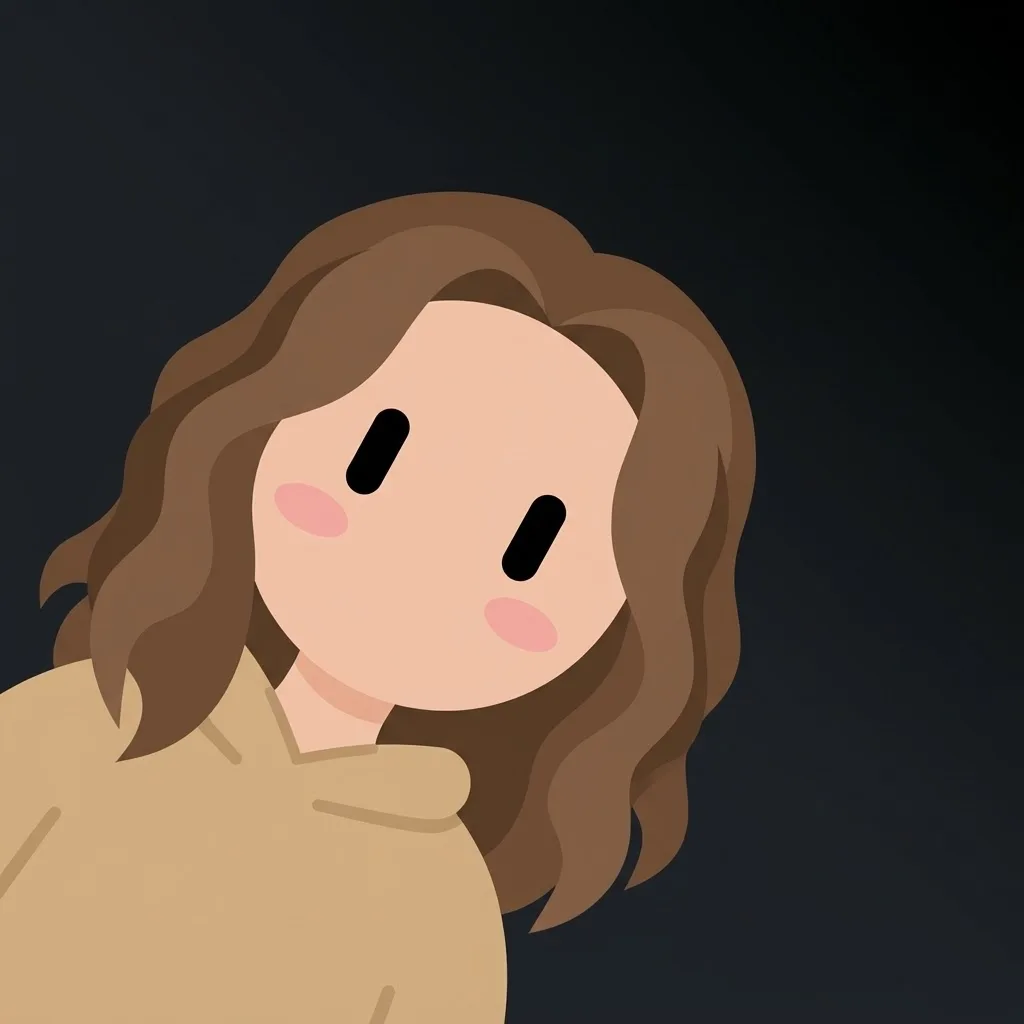
Upload a selfie or a pet photo and get it back as a tiny bot icon in the style of the viral Grok Bot avatars: a round face, two tall black capsule eyes, no mouth, blush on the cheeks, and your own hair, glasses and colours. Pick the dark trend look, a light version or a full-body sticker. Copy the prompt below for ChatGPT or Gemini, or make a square 2K icon here in under a minute.
- 3 styles
- People and pets
- Square 2K
- Nano Banana 2.1
Your photo as a tiny capsule-eyed bot icon.
Sign in to use the tool. New accounts get free credits to try it.
Example
 Example · Dark
The Grok Bot avatar prompt for ChatGPT and Gemini
Paste it into ChatGPT, Gemini or Grok with your photo attached. The tool above runs this same text.
Prompt
Turn the main person in the attached photo into a tiny, cute bot-style avatar icon, like the viral Grok Bot profile pictures. Draw it as a flat 2D illustration with no outlines, soft pastel colours and a few big, simple shapes. The face is smooth and rounded, with two solid black vertical capsule-shaped eyes, about three times taller than they are wide, with no pupils, no highlights, no eyelashes and no eyebrows. There is no nose and no mouth, only two soft pink oval blush marks on the cheeks. Keep their signature look as flat shapes: the same hairstyle, hair colour and skin tone, plus up to three of their most recognisable details, such as glasses, a hat, earrings, facial hair or the colour of their top. If the photo shows a pet, keep its breed, fur colour, markings and ear shape the same way. If the photo shows more than one person or pet, draw only the main one. Frame it as a tilted close-up of the head and shoulders: the head leans about 15 degrees and peeks in from the lower left, slightly cropped by the edge, on a plain charcoal background that fades to near black at the top right. Square 1:1 icon that still reads at a tiny size. No realistic face, no text, no logo and no watermark, and do not copy any existing character or mascot.
For the light version, replace the sentence that starts with “Frame it as a tilted close-up” with “Frame it as a centred head-and-shoulders icon facing the viewer with a slight head tilt, on a plain warm cream background with a very soft shadow under the chin.”
What does the Grok Bot avatar maker do?
The Grok Bot avatar maker on this page turns one photo into a small flat icon in the bot style that spread across X with Grok Bot in 2026. You upload a selfie or a pet photo and pick a style. Google’s Nano Banana 2.1 image model redraws the main person as a rounded bot face with two solid black capsule eyes, no nose, no mouth and pink blush on the cheeks. Hair, skin tone and up to three signature details, such as glasses or a hat, carry over. The result is a square 2K PNG in under a minute.
Grok Bot is an app of persistent AI agents called Bots, and every Bot has a name, a title and an avatar. The Grok Bot design notes of September 3, 2026 describe that avatar system as “simple shapes and expressive eyes”, with “controlled variations and accessories”. People then began making the same kind of icon of themselves for their X profile pictures and their own Bots. The Pfp Bot in the Grok Bot marketplace does this inside Grok Bot.
There are three styles. Dark is the trend look: a tilted close-up peeking in from the lower left on a charcoal background. Light is the same icon centred on a cream background, for light-mode apps. Sticker is a full-body bot with a thick white sticker border. To put the icon on a Bot, upload it from the Bot’s picture menu, as the Grok Bot docs explain. For a bigger anime version of yourself with a tiny body, try the photo-to-chibi maker.
Grok is a trademark of xAI. This site is not affiliated with or endorsed by xAI, SpaceX or Grok Bot; it makes icons in the style of a public trend. ChatGPT is a trademark of OpenAI, and Gemini is a trademark of Google.
Grok Bot style avatars from real photos
Real results from the three styles and a pet. Each icon keeps the hair, colours and signature details of the photo.
Dark trend look
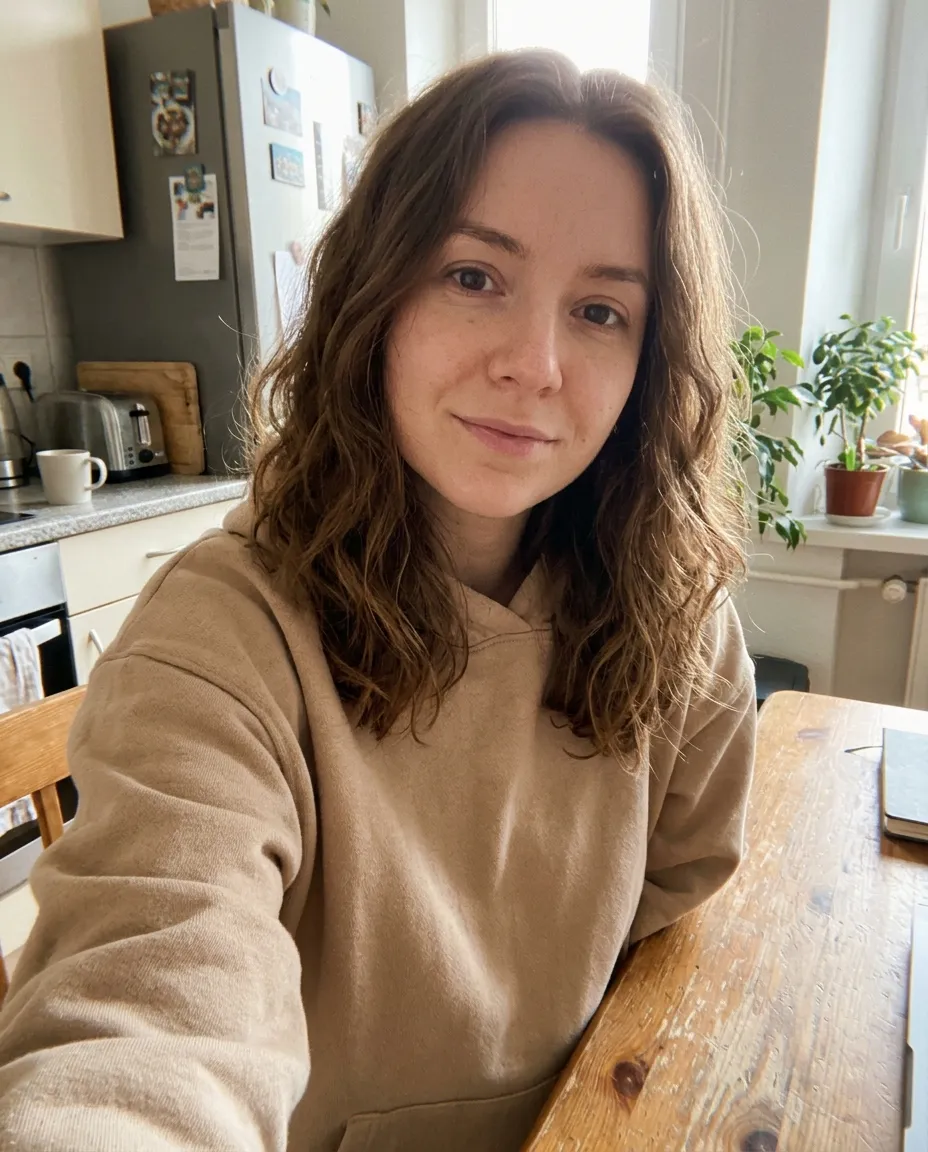
A kitchen selfie became the classic trend icon: wavy brown hair and a beige hoodie as flat shapes, two capsule eyes and pink blush, tilted in from the lower left on charcoal.
Light icon
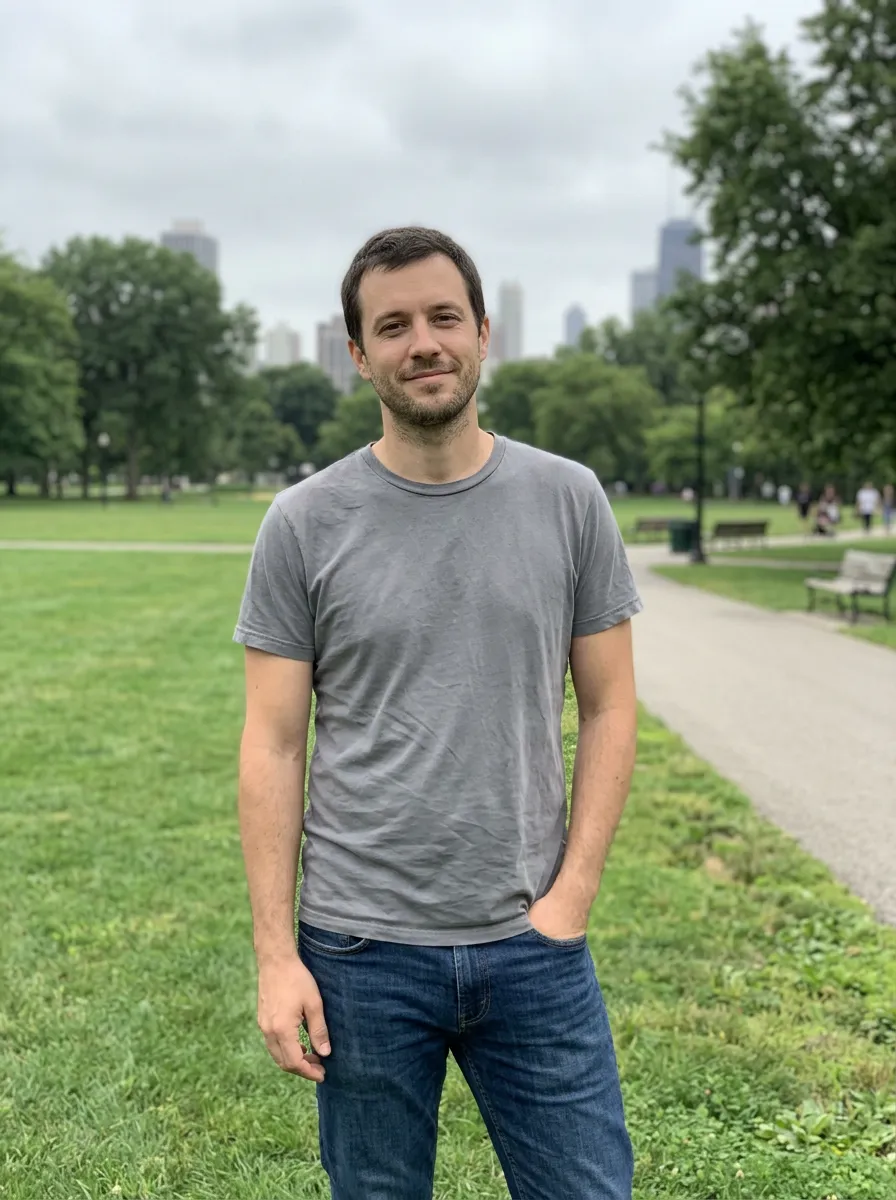
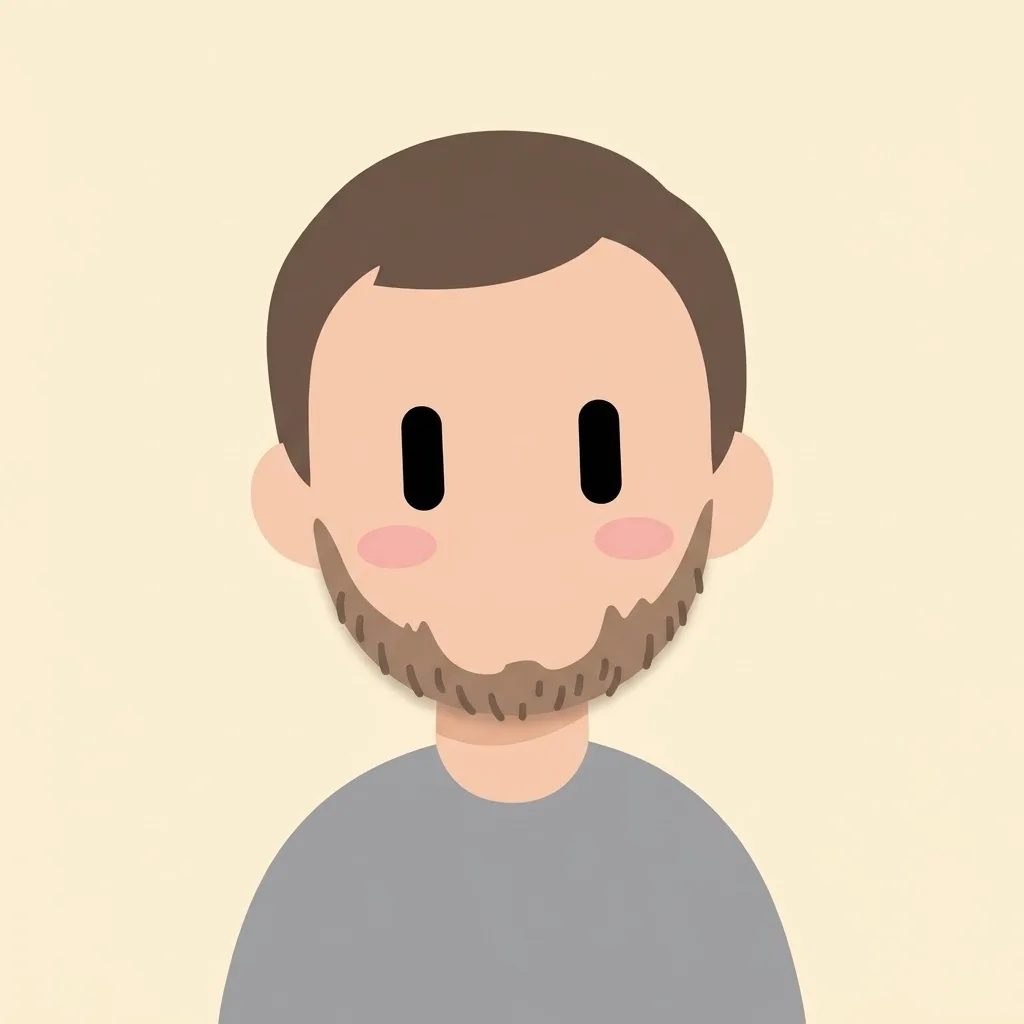
A park photo became a centred icon on cream. The short brown hair, the beard and the grey T-shirt carry over, while the face keeps only the capsule eyes and blush.
Full-body sticker
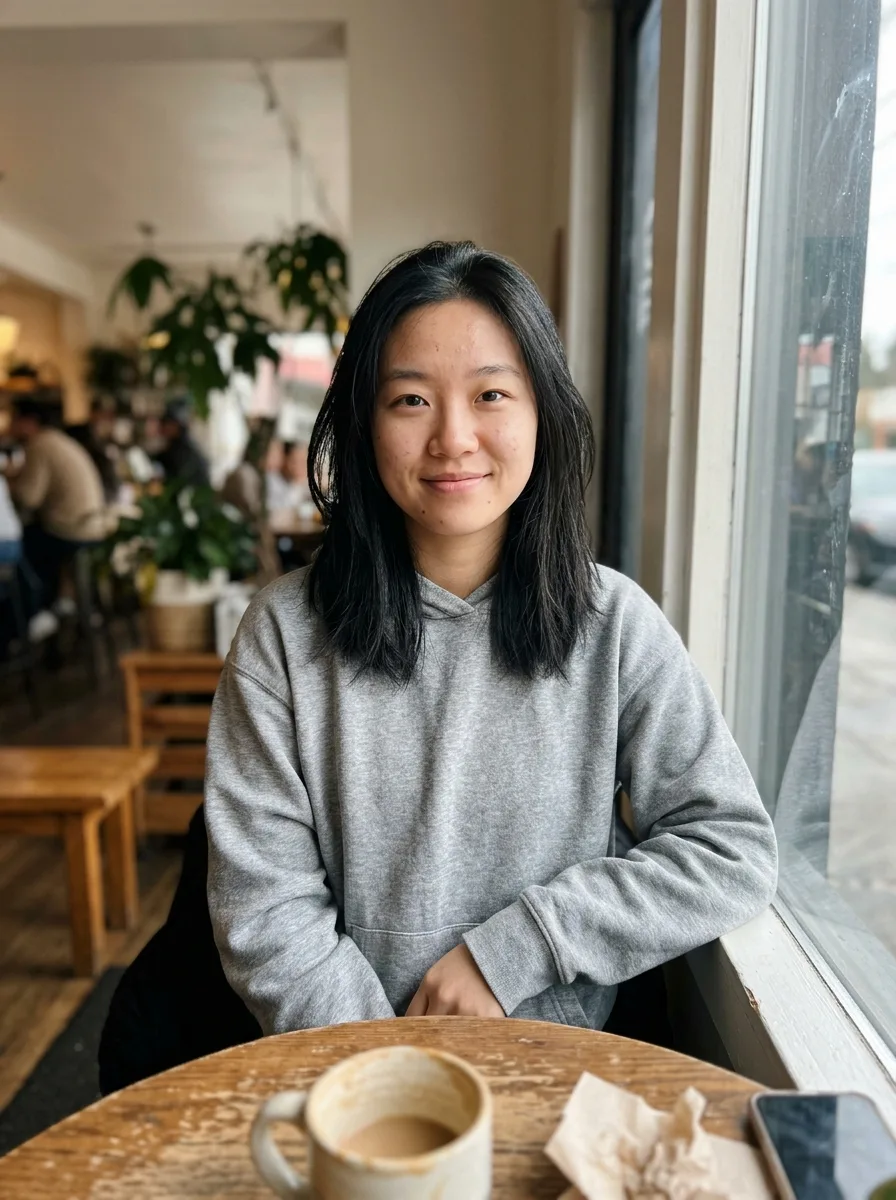
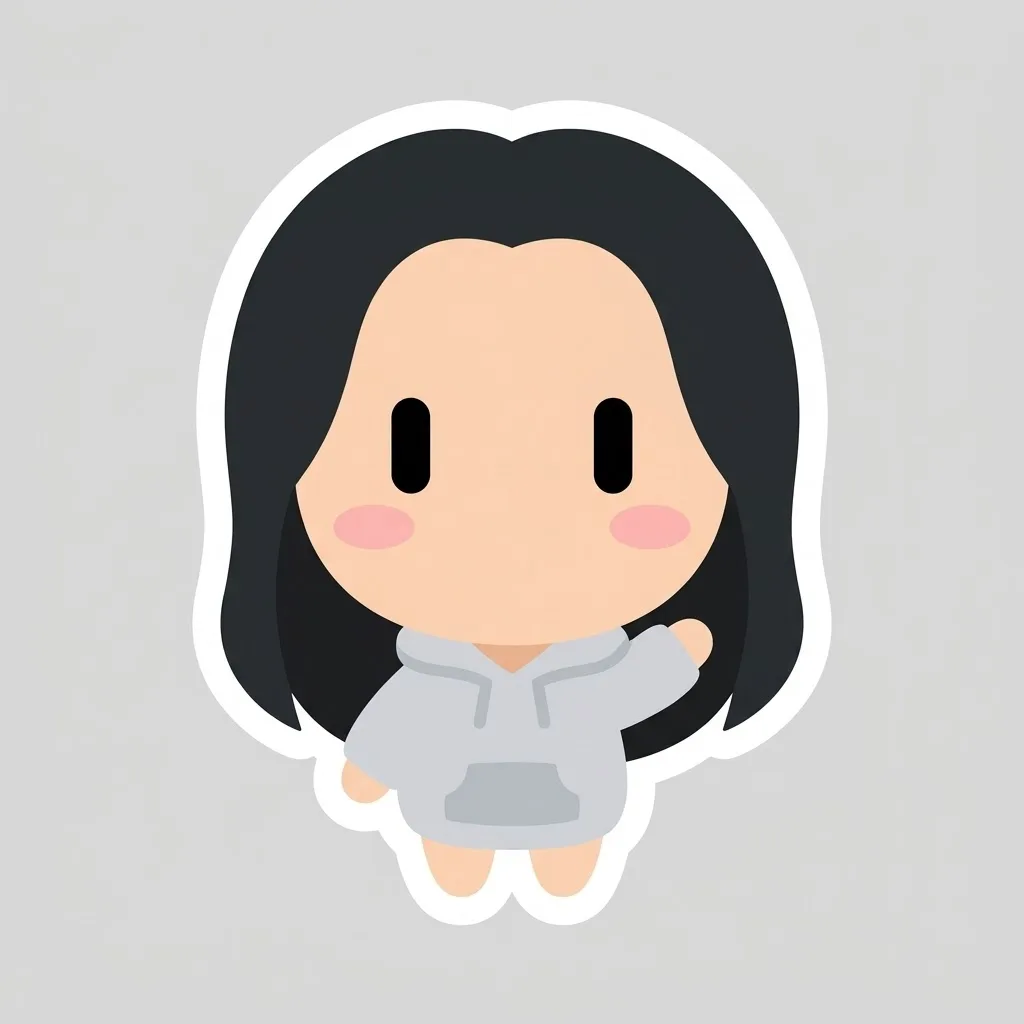
A cafe selfie became a tiny full-body bot waving hello, with long black hair and a grey hoodie, inside a thick white sticker border ready to cut out.
Pet bot icon
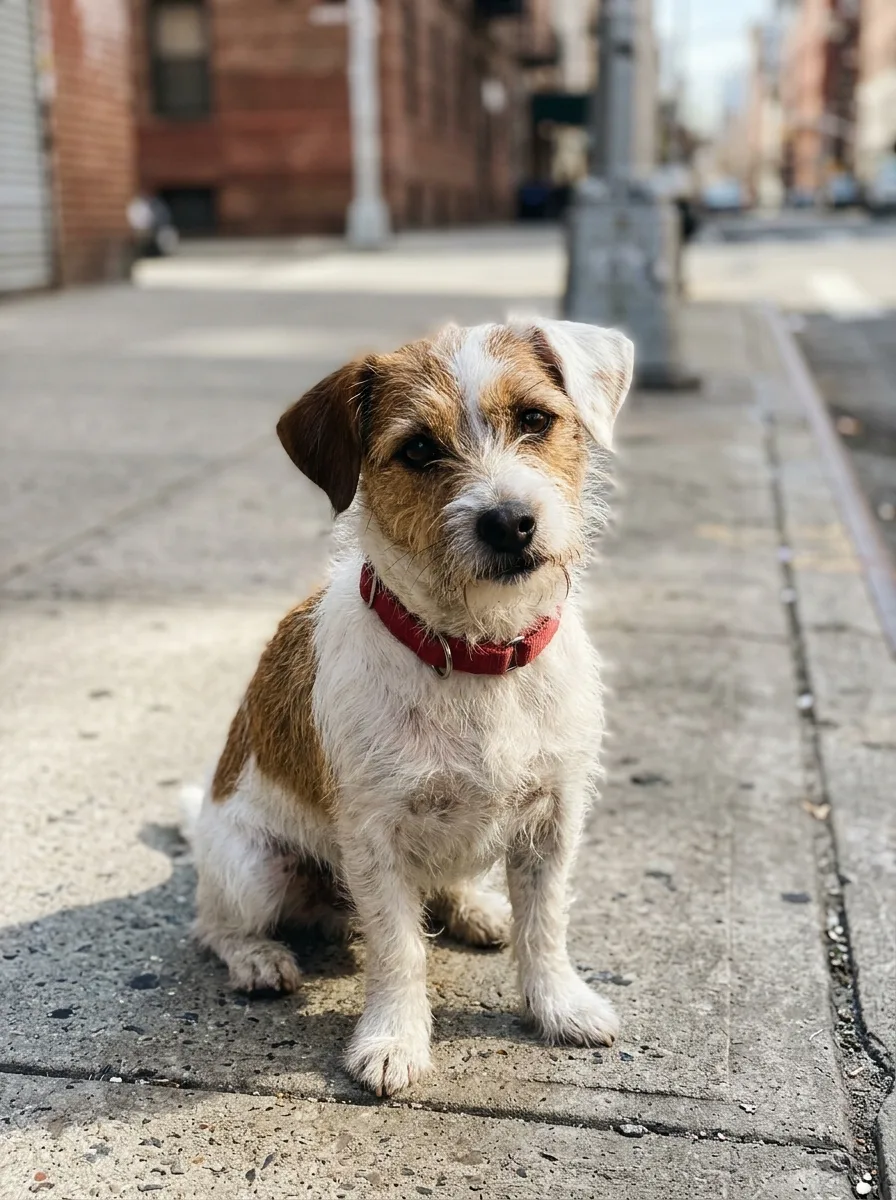
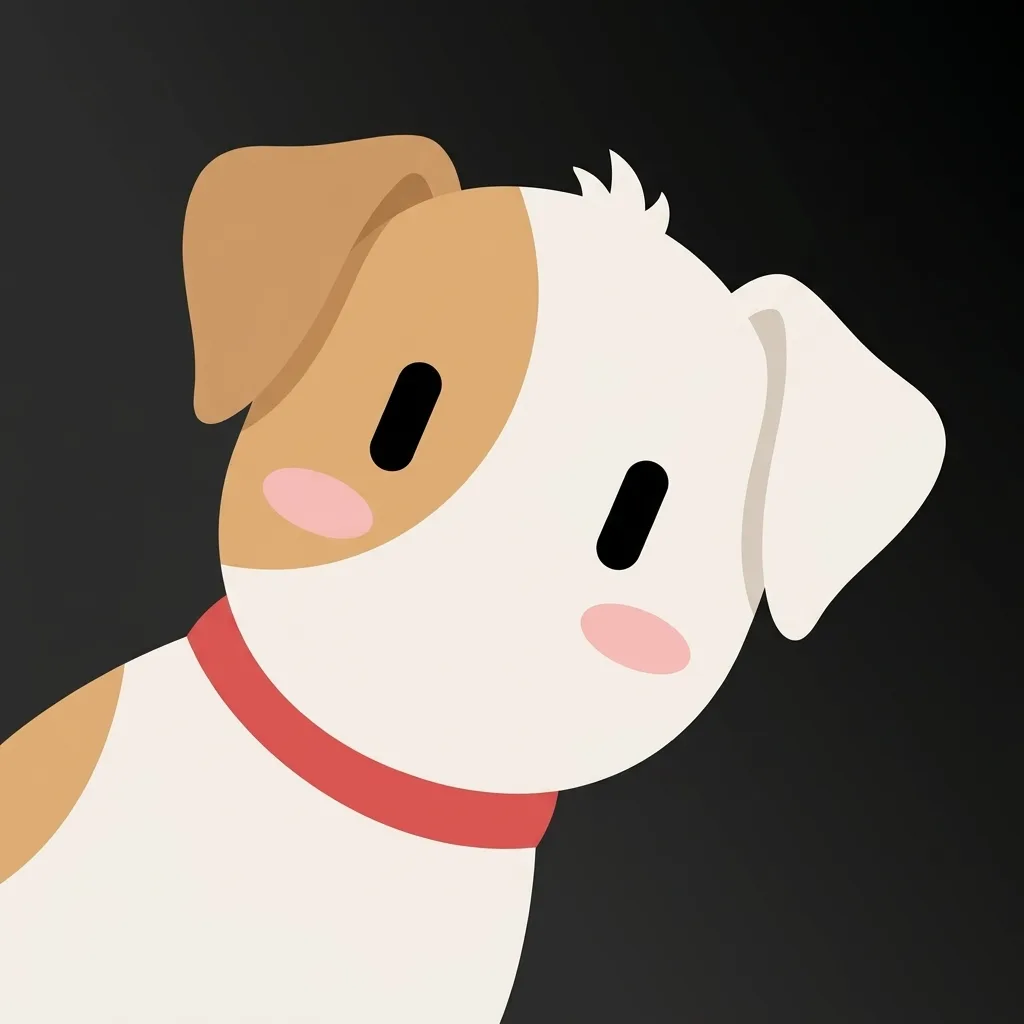
A dog photo became a bot icon that keeps the one brown ear, the white fur, the tan patch and the red collar, with the same capsule eyes and blush.
What people make with a Grok Bot icon generator
The searches behind this page, and what the tool does for each one.
A custom Grok Bot avatar
Download the PNG and upload it from the Bot’s picture menu. Grok Bot takes images smaller than 25 MB.
Grokbot pfp for X
The square icon fits the round profile-picture crop on X, Discord, Telegram and Slack.
The Grok Bot avatar prompt
The full prompt is printed on this page. Paste it into ChatGPT, Gemini or Grok with your photo.
A pet as a bot
Dogs and cats keep their breed, fur colour and ear shape, drawn with the same capsule eyes and blush.
Matching team icons
Everyone on a team runs their own photo in the same style, so every Bot and Slack avatar matches.
Bot stickers
Pick Sticker, then cut it out with the transparent background tool for WhatsApp or Telegram stickers.
How to make a Grok Bot avatar from a photo
- 01
Upload a photo
One person or one pet, with the face clear and well lit.
- 02
Pick a style
Dark, Light or Sticker.
- 03
Generate
Your bot icon is ready in under a minute, as a square 2K image.
- 04
Set it as your avatar
Download the PNG and upload it to your Bot, X, Discord or Slack.
Grok Bot style avatar FAQ
Something else? Email support@nano-banana.love.
How do I make a Grok Bot avatar from my photo?
Upload a clear photo on this page, pick Dark, Light or Sticker, and click Generate. Nano Banana 2.1, an AI image model, redraws the main person as a flat bot icon with two black capsule eyes, no mouth and blush on the cheeks. Their hair, skin tone and signature details stay. You get a square 2K PNG in under a minute, in any browser.
What is a Grok Bot style avatar?
A Grok Bot style avatar is a tiny flat icon of a person or pet drawn as a cute bot: a smooth rounded face, two solid black vertical capsule eyes, no nose, no mouth and soft blush on the cheeks. Hair, glasses and clothes become a few flat shapes. The look comes from the avatars in Grok Bot, an AI agent app, and became a profile-picture trend on X in 2026.
How do I change my Grok Bot’s avatar?
To change a Grok Bot’s avatar on desktop, click the Bot’s name at the top of the chat, click its picture and choose Upload. Drag in the image or choose Browse files, adjust it, then choose Set avatar. On a phone, tap the Bot’s name, tap Edit, tap the picture and choose Upload. Grok Bot takes images up to 25 MB, so a 2K PNG fits.
Can Grok Bot’s own avatar builder make one of me?
Not from the picture menu alone. A Bot’s picture menu in Grok Bot has a Bot tab that changes the look of its built-in character and a Generate tab that makes a picture from a short description, so both design a bot, not a likeness of you. The Pfp Bot in the Grok Bot marketplace works from photos. Outside Grok Bot, use the tool on this page or paste the prompt into ChatGPT or Gemini.
What is the Grok Bot avatar prompt?
The Grok Bot avatar prompt is the text you paste into an AI image app with your photo. It asks for a flat 2D bot icon with two black capsule eyes, no nose or mouth and pink blush. It keeps the person’s hair, skin tone and up to three signature details, and it sets the framing and background. The full prompt is on this page, ready to copy.
Is the Grok Bot avatar generator free?
A Grok Bot style avatar is free to try in ChatGPT and the Gemini app with the prompt on this page, within their daily image limits. The tool on this site is paid in credits. Each bot avatar costs 2 credits. New accounts get 2 free credits on sign-up, enough for one to try it, as long as the account passes our one-per-person checks. After that you buy credits once and use them on any tool or model. There is no subscription.
Can I turn my dog or cat into a Grok Bot icon?
Yes. Upload a clear photo of a dog, cat or other pet and pick any style. The bot icon maker keeps the breed, fur colour, markings and ear shape, and gives the pet the same capsule eyes and blush. A photo with several people or pets gives an icon of the main one only, so crop the photo to one subject for the best result.
Can I make an animated Grok Bot avatar?
Not on this page: the Grok Bot avatar maker makes a still PNG. The animated avatars that show a Bot as idle, thinking or working are Grok Bot’s own built-in characters. To animate your own icon, use it as the first frame in an image-to-video model, such as the ones in the AI video generator on this site, and describe a small loop, for example a blink and a head tilt.
Is this an official Grok or xAI tool?
No. This site is not affiliated with xAI, SpaceX or Grok Bot. It is an AI image tool that draws icons in the style of a public trend, around the person or pet in your photo, and it never copies Grok Bot’s own characters or logo. For the built-in avatar options, use the picture menu inside Grok Bot.
Can I upload a photo of a friend?
Only with their permission, and only of adults. You confirm you have the rights to the photo before you generate.
What happens to my photo?
Your photo is uploaded only to make your result. Uploads are deleted from our storage provider within about 24 hours, results stay downloadable in your account for 14 days, and we never use your photos to train AI models.
Make your own bot icon
Upload a photo, pick a style and get a square Grok Bot style avatar in under a minute.
Start creating